
It started with a list Kieran Lamb SHH
It started with a list! Kieran Lamb SHH 01 - LGF
Outline e Mailchimp GOA L an Gain understanding of the flow of mailchimp mail production and to look at the options for social media security settings. • Mailchimp Workflow • Creating a List • Creating a Signup Form • Designing the Mail Out • Is anyone using it? Social Media Security • Twitter • Facebook

Mailchimp Workflow Create Sign Up form Manual Design Mail Blocks and add content Start Campaign Test Mail Need for Mail Create List Design Content Route Design Mail Blocks and start feed! Who is it for? Do you have a feed? Time to send? Social Media? Monitor Use
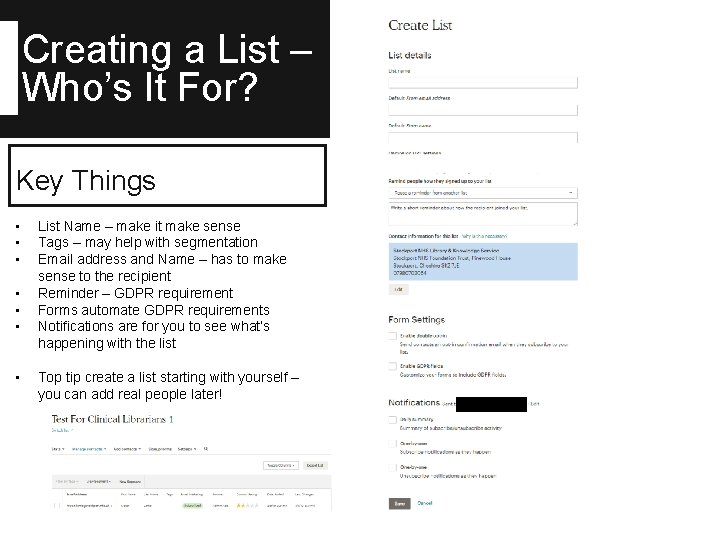
Creating a List – Who’s It For? Key Things • • List Name – make it make sense Tags – may help with segmentation Email address and Name – has to make sense to the recipient Reminder – GDPR requirement Forms automate GDPR requirements Notifications are for you to see what’s happening with the list Top tip create a list starting with yourself – you can add real people later!
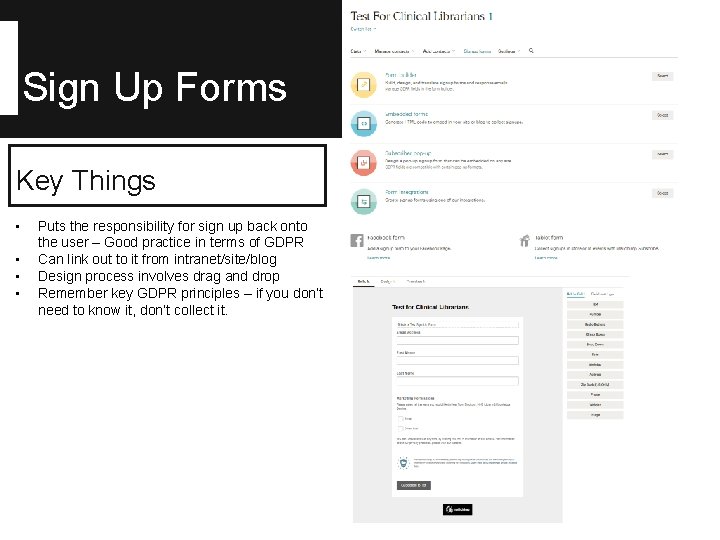
Sign Up Forms Key Things • • Puts the responsibility for sign up back onto the user – Good practice in terms of GDPR Can link out to it from intranet/site/blog Design process involves drag and drop Remember key GDPR principles – if you don’t need to know it, don’t collect it.
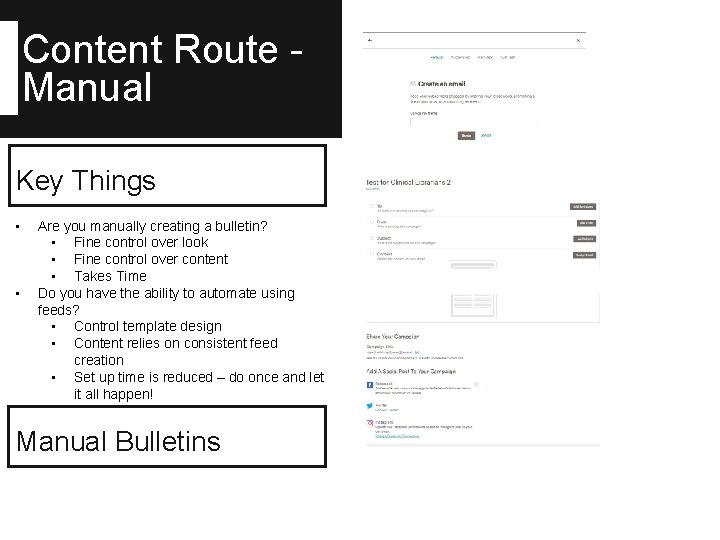
Content Route Manual Key Things • • Are you manually creating a bulletin? • Fine control over look • Fine control over content • Takes Time Do you have the ability to automate using feeds? • Control template design • Content relies on consistent feed creation • Set up time is reduced – do once and let it all happen! Manual Bulletins
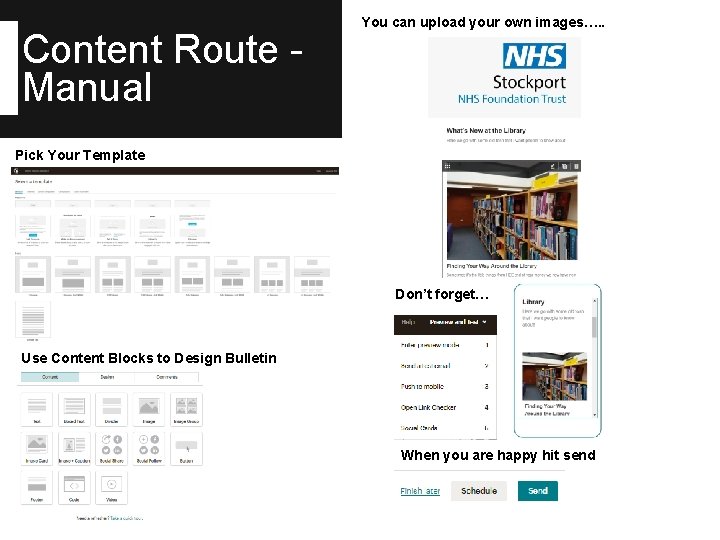
Content Route Manual You can upload your own images…. . Pick Your Template Don’t forget… Use Content Blocks to Design Bulletin When you are happy hit send
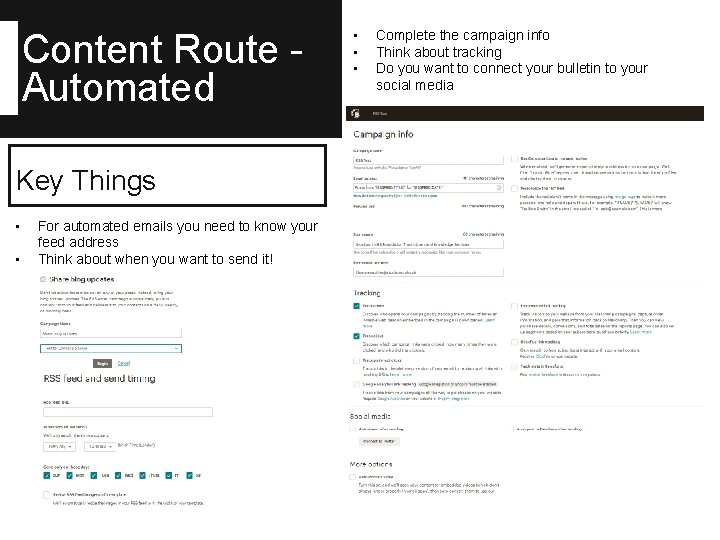
Content Route Automated Key Things • • For automated emails you need to know your feed address Think about when you want to send it! • • • Complete the campaign info Think about tracking Do you want to connect your bulletin to your social media
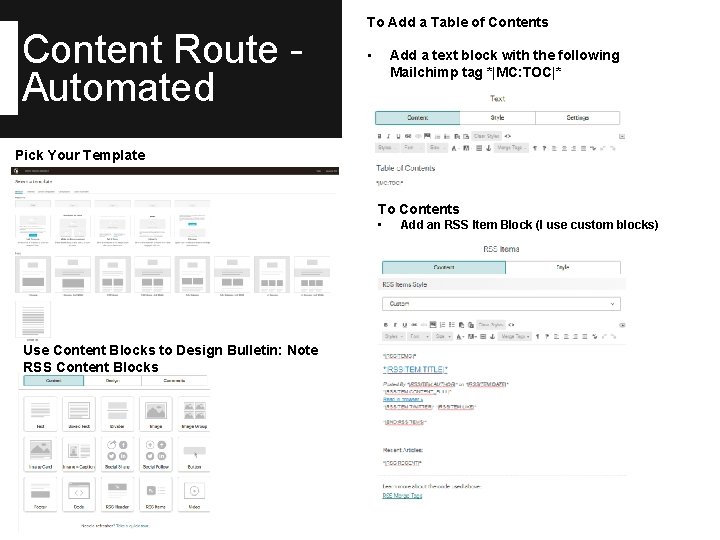
Content Route Automated To Add a Table of Contents • Add a text block with the following Mailchimp tag *|MC: TOC|* Pick Your Template To Contents • Table of Contents *|MC: TOC|* Use Content Blocks to Design Bulletin: Note RSS Content Blocks Add an RSS Item Block (I use custom blocks)
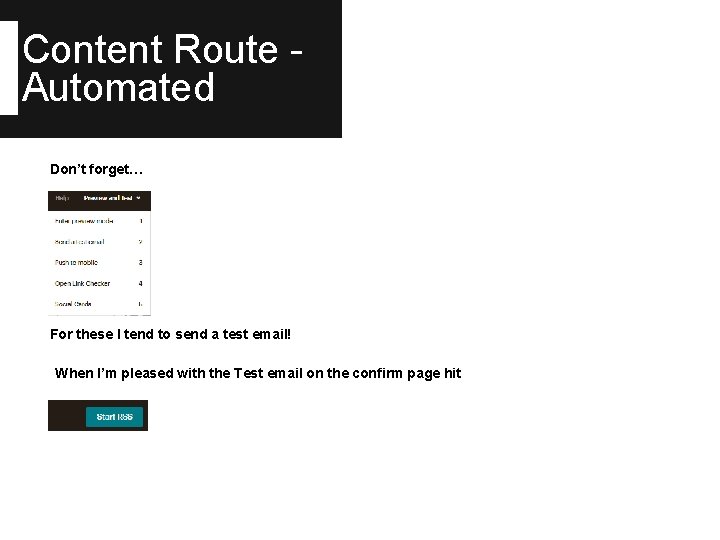
Content Route Automated Don’t forget… Table of Contents *|MC: TOC|* For these I tend to send a test email! When I’m pleased with the Test email on the confirm page hit
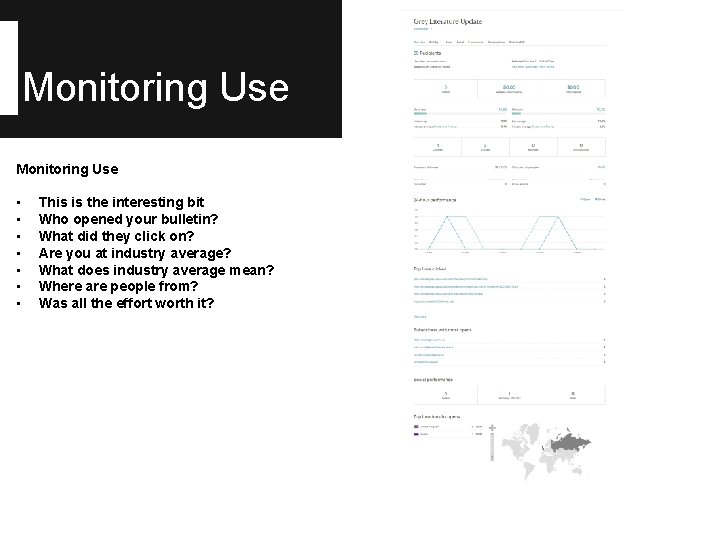
Monitoring Use • • This is the interesting bit Who opened your bulletin? What did they click on? Are you at industry average? What does industry average mean? Where are people from? Was all the effort worth it? Table of Contents *|MC: TOC|*

Social Media Security
Social Media Security Key Things 1. 2. 3. 4. 5. 6. Why are you using it? Who do you intend to be your audience? What do you know about the tool? Where are the settings? What could possibly go wrong? The art of the self edit! Or I’m going to lie about who I am! Golden Rules 7. 8. Would I say it to my mother? (In my case, almost certainly) Would I say it to my partner? (Yes, but I know it sometimes makes her cringe) 9. Is it about a train operator? (All is fair game with Northern Fail #commuterlife) 10. Have a stock phrase when you are hacked off that means nothing to anyone but you! 11. Hide your phone when you’ve had a few!
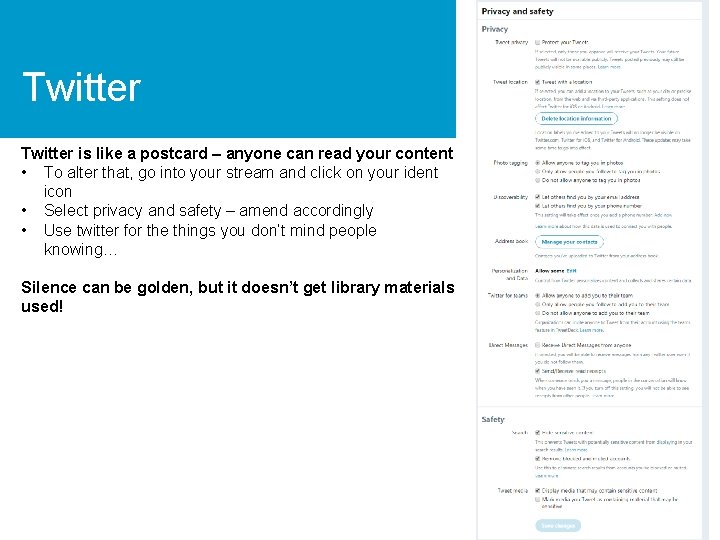
Twitter is like a postcard – anyone can read your content • To alter that, go into your stream and click on your ident icon • Select privacy and safety – amend accordingly • Use twitter for the things you don’t mind people knowing… Silence can be golden, but it doesn’t get library materials used!
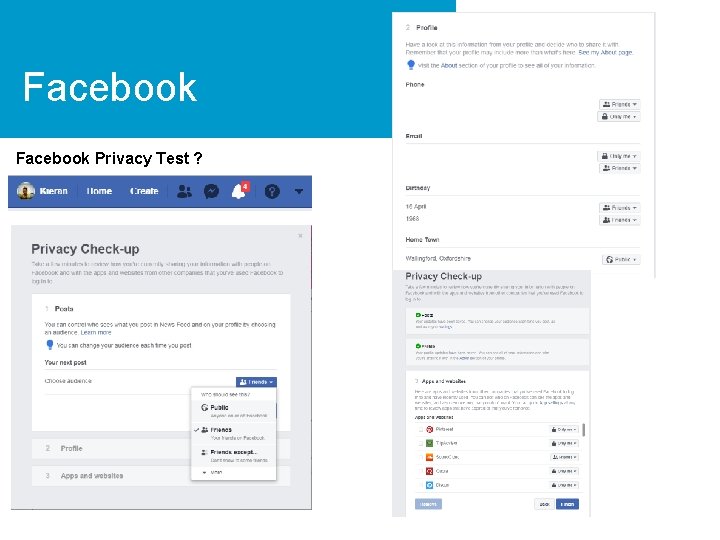
Facebook Privacy Test ?
Facebook Other things to think about 1. 2. 3. 4. Details in profile – family members only can see my phone number My current employer is not detailed I think about the pictures I share. I used to deal with Fo. I….

Questions & Comments
- Slides: 17