
IT Management Simplified Real time IT management solutions
- Slides: 22
IT Management, Simplified Real time IT management solutions for the new speed of business
Desktop Central In IT administrators' perspective
Agenda • About Manage. Engine • About Desktop Central • Product overview
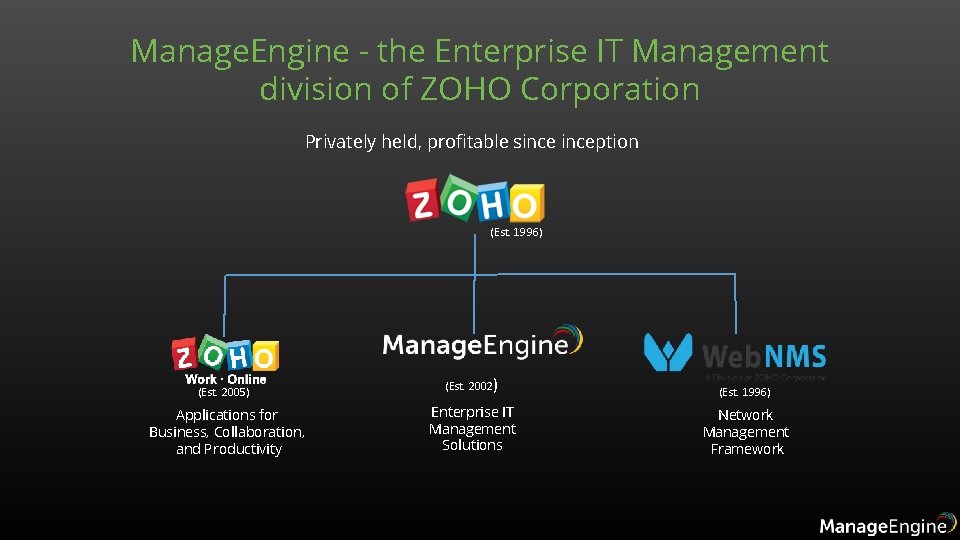
Manage. Engine - the Enterprise IT Management division of ZOHO Corporation Privately held, profitable sinception (Est. 1996) (Est. 2005) (Est. 2002) (Est. 1996) Applications for Business, Collaboration, and Productivity Enterprise IT Management Solutions Network Management Framework
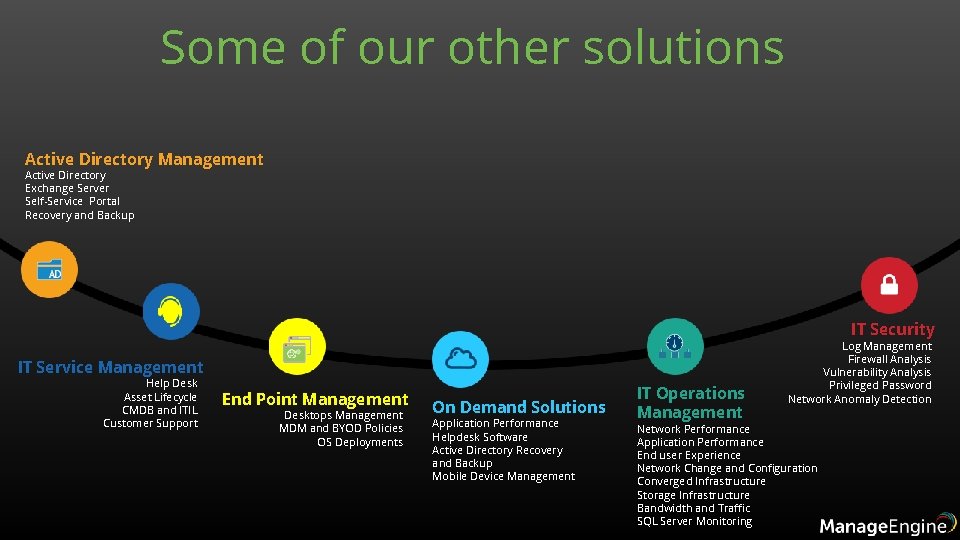
Some of our other solutions Active Directory Management Active Directory Exchange Server Self-Service Portal Recovery and Backup IT Security IT Service Management Help Desk Asset Lifecycle CMDB and ITIL Customer Support End Point Management Desktops Management MDM and BYOD Policies OS Deployments On Demand Solutions Application Performance Helpdesk Software Active Directory Recovery and Backup Mobile Device Management IT Operations Management Log Management Firewall Analysis Vulnerability Analysis Privileged Password Network Anomaly Detection Network Performance Application Performance End user Experience Network Change and Configuration Converged Infrastructure Storage Infrastructure Bandwidth and Traffic SQL Server Monitoring
2 Million Users 3 of every 5 Fortune 500 companies are Manage. Engine customers
Unified Endpoint Security and Management Product Overview
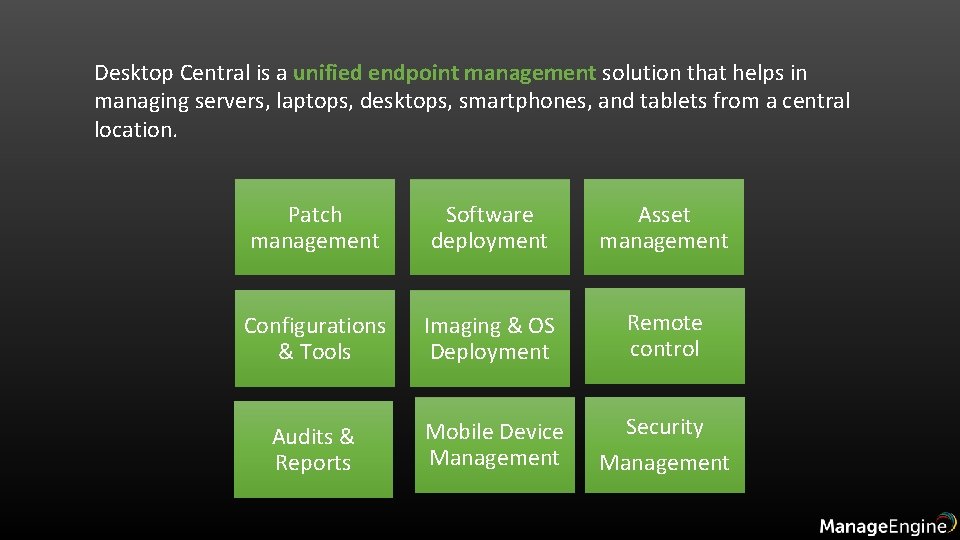
Desktop Central is a unified endpoint management solution that helps in managing servers, laptops, desktops, smartphones, and tablets from a central location. Patch management Software deployment Asset management Configurations & Tools Imaging & OS Deployment Remote control Audits & Reports Mobile Device Management Security Management
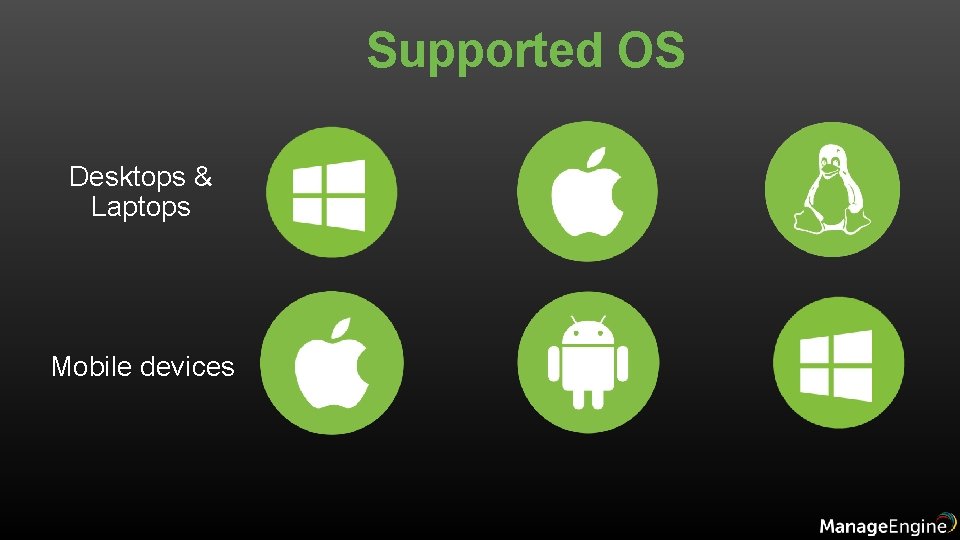
Supported OS Desktops & Laptops Mobile devices
Feature Highlights • Patch Management: Automate patching Windows, Mac, Linux & 3 rd party applications • Software Deployment: Remotely install/uninstall free & commercial software to users & computers • Remote Control: HIPAA compliant, advanced remote control with video recording, file transfer etc. • Imaging & OS Deployment: Customized Templates, Deploy drivers, Post-deployment configurations • Tools: System tools, announcement, chat & system manager • Configurations: 30+ configurations for Windows, Mac & Linux • Asset Management: Real-time hardware and software inventory • Security Management: Secure USB, Prohibit Software, Block Exe, Configure Firewall & Ports. • Reports: Out of the box pre-defined & custom reports which can be scheduled • Mobile Device Management: Manage i. OS, Android & Windows devices.
Patch Management • 850+ supported applications • Automate Windows, Mac, Linux and 250+ 3 rd party apps patch management • Enhanced patch deployment • Test & approve / decline patches • Definition updates, Rollups & Preview Rollups • System vulnerability report & health policy
Software Deployment • Over 1100 ready-to-use software templates • Install and uninstall software silently • Self-service portal • Approval based installation • Pre & Post-deployment activities
Remote Control • File transfer • Voice and video call support • Record sessions for auditing purposes • Shadow remote user • Multi monitor support • Integrated chat • Remote system management • Remotely troubleshoot mobile devices
Asset Management For Desktops: • Tracking of hardware and software inventory • 10, 000+ software catalogue • Block / auto-uninstall blacklisted software • Alert, audit, 20+ predefined reports • Software metering • License & warranty management • File Type Scan • Reports - Bit locker Encryption, Antivirus, Firewall For Mobiles: • Geo tracking • Device details • Network details • Installed apps • Installed certificates • Device and app restrictions
Imaging and OS Deployment • Modern imaging techniques • Customized deployment templates • Hardware Independent deployment • Advanced & unique deployment methods • Post-deployment configuration
Reports • User Reports • Computer Reports • GPO Reports • Power Management Reports • User logon Reports • Patch Reports • Inventory Reports • AD Reports • MDM Reports
Configurations • 40+ predefined configurations • 50+ templates • 100+ custom scripts • USB management, firewall, browser, Certificate distribution, Wi. Fi, etc • Exclusive for applications, systems & users • User-defined Templates • Linux Custom Script Configuration
Mobile Device Management • App Management • Profiles & Restrictions • Content Management • Security Management • Location Tracking
Integrations • Help desk software • • Service. Desk Plus Zendesk Jira Asset Explorer • Available on Amazon & Azure
General • Role Based Administration • Secure Gateway – to manage roaming users & work from home users • Failover Server • Available as mobile app – for i. OS and Android devices
Pricing • Desktop Central is available as : • Free edition • Professional Edition • Enterprise edition • UEM Edition Pricing details can be seen here: https: //store. manageengine. com/desktop-central/
Some of our clients