
IT in Dyslexia Friendly Schools We will cover


- Slides: 25
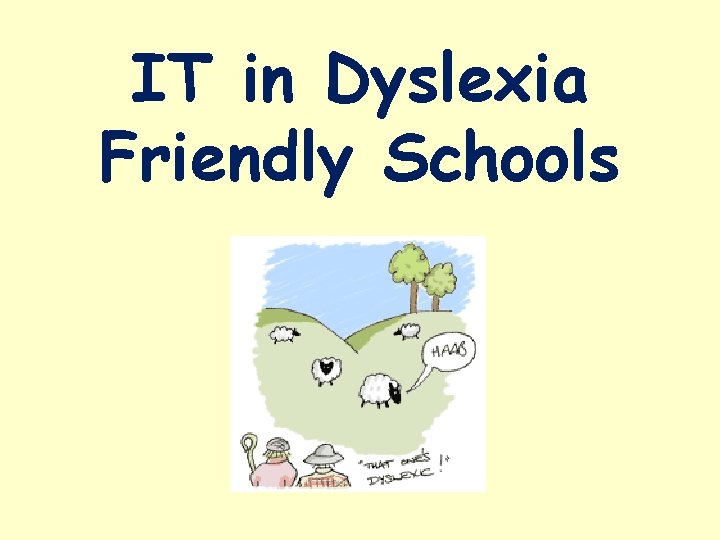
IT in Dyslexia Friendly Schools
We will cover: • What it is to be a Dyslexia Friendly School. • What this means every day in the classroom. • Specific programmes • Computers and Laptops • Apps
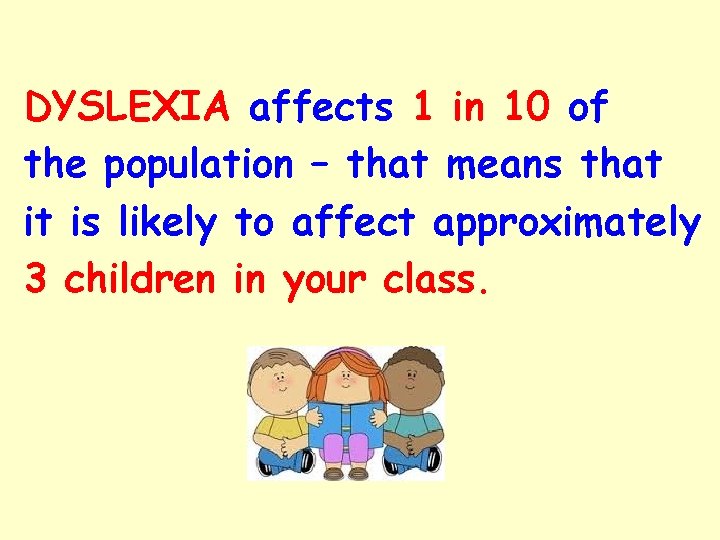
DYSLEXIA affects 1 in 10 of the population – that means that it is likely to affect approximately 3 children in your class.
A Dyslexia Friendly School… • Assesses and reviews the individual needs of each dyslexic pupil. • Ensures ALL staff are aware of these needs and strategies. • Ensures suitable equipment and support are in place. • Provides in-house training and support for staff. • Gives children the opportunity to acquire keyboard skills.
Most of all, a Dyslexia Friendly School… • Provides a positive learning environment, where children are prepared to take risks – not getting things right is part of the learning process. • Strengthens the strengths and weakens the weaknesses. • Makes reasonable adjustments. • Teaches in a multi-sensory way.
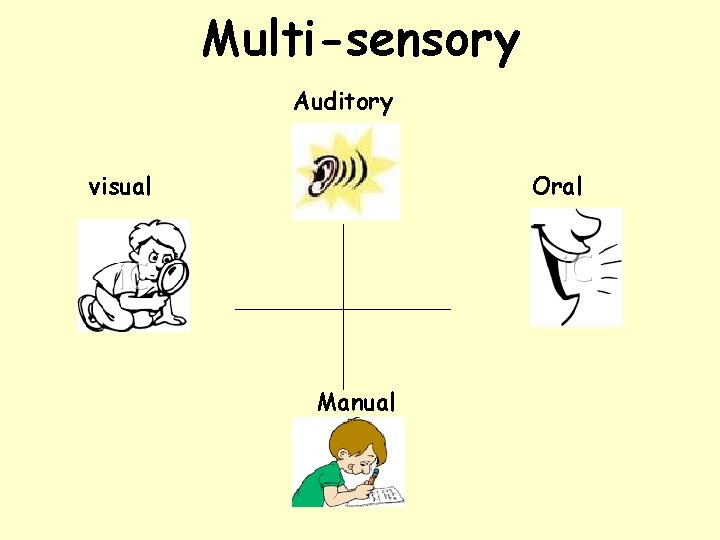
Multi-sensory Auditory visual Oral Manual
What this means every day in the classroom: • Overlearning: Revisit, revisit • Pre-teach subject specific vocabulary • Break instructions into manageable chunks • Encourage metacognition – thinking about thinking – • How might you remember…? • How did you do…?
IT in the classroom Interactive White Boards • Cream background • Easy to read font – style and size • Not too crowded
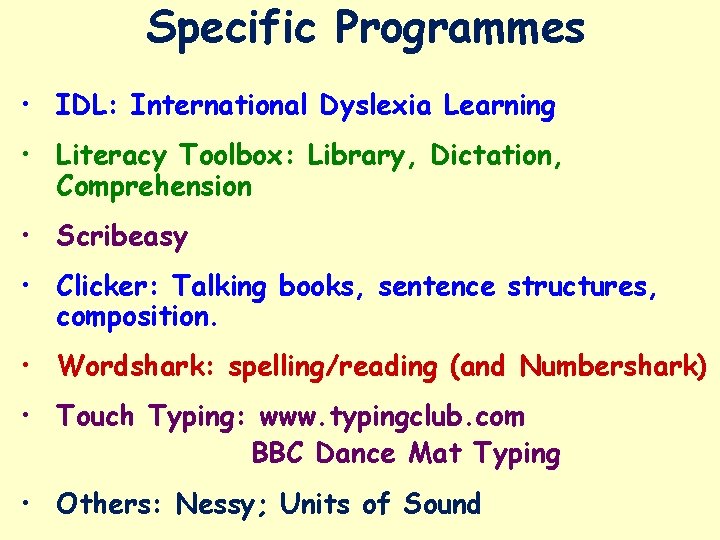
Specific Programmes • IDL: International Dyslexia Learning • Literacy Toolbox: Library, Dictation, Comprehension • Scribeasy • Clicker: Talking books, sentence structures, composition. • Wordshark: spelling/reading (and Numbershark) • Touch Typing: www. typingclub. com BBC Dance Mat Typing • Others: Nessy; Units of Sound
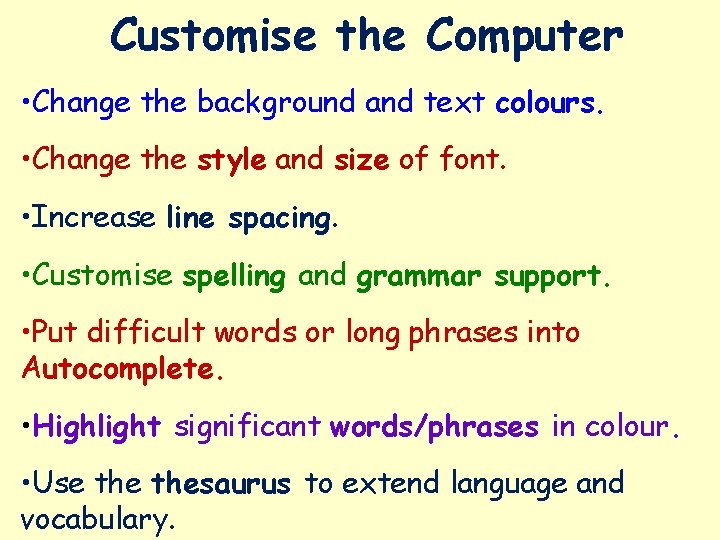
Customise the Computer • Change the background and text colours. • Change the style and size of font. • Increase line spacing. • Customise spelling and grammar support. • Put difficult words or long phrases into Autocomplete. • Highlight significant words/phrases in colour. • Use thesaurus to extend language and vocabulary.
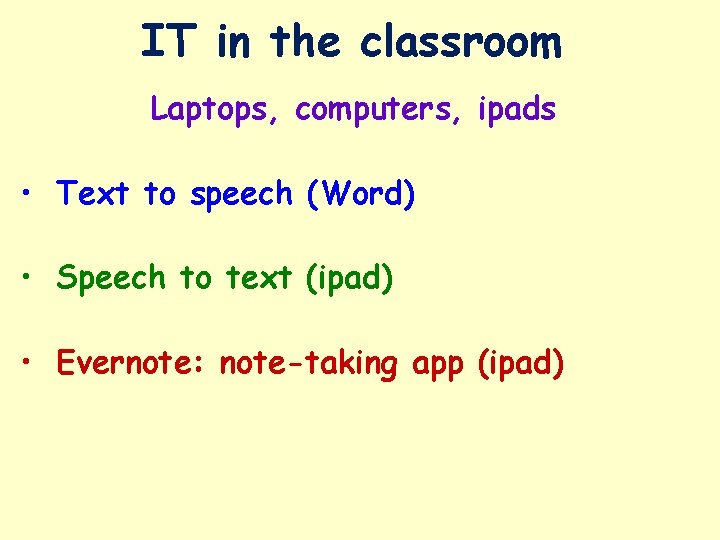
IT in the classroom Laptops, computers, ipads • Text to speech (Word) • Speech to text (ipad) • Evernote: note-taking app (ipad)
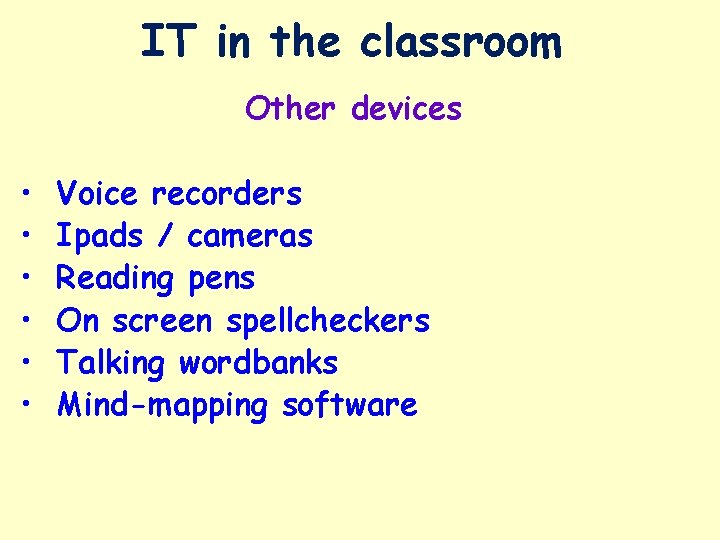
IT in the classroom Other devices • • • Voice recorders Ipads / cameras Reading pens On screen spellcheckers Talking wordbanks Mind-mapping software
APPS • BEWARE! • See ‘CALL Scotland’ guides
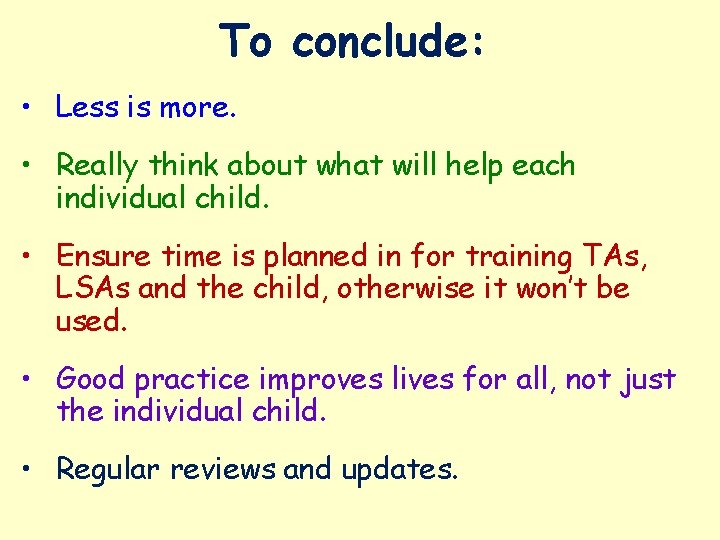
To conclude: • Less is more. • Really think about what will help each individual child. • Ensure time is planned in for training TAs, LSAs and the child, otherwise it won’t be used. • Good practice improves lives for all, not just the individual child. • Regular reviews and updates.
Additional Useful Information
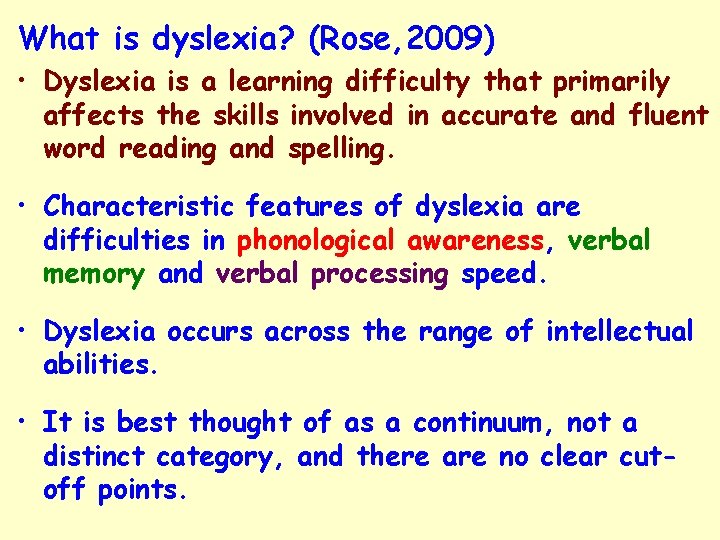
What is dyslexia? (Rose, 2009) • Dyslexia is a learning difficulty that primarily affects the skills involved in accurate and fluent word reading and spelling. • Characteristic features of dyslexia are difficulties in phonological awareness, verbal memory and verbal processing speed. • Dyslexia occurs across the range of intellectual abilities. • It is best thought of as a continuum, not a distinct category, and there are no clear cutoff points.
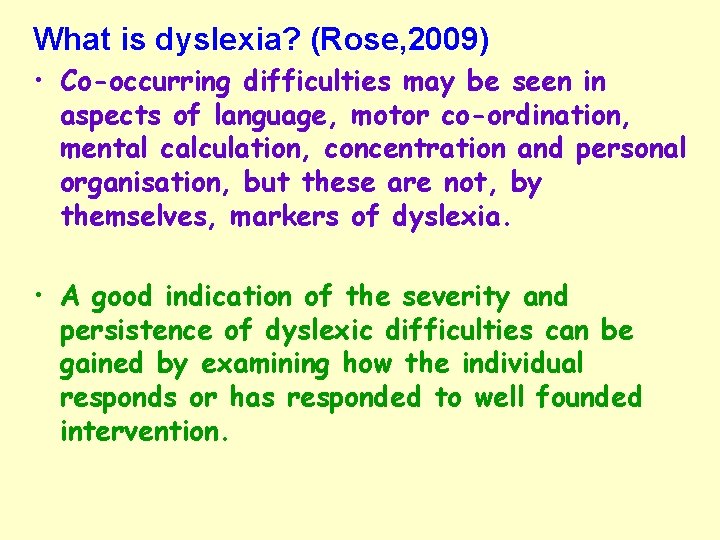
What is dyslexia? (Rose, 2009) • Co-occurring difficulties may be seen in aspects of language, motor co-ordination, mental calculation, concentration and personal organisation, but these are not, by themselves, markers of dyslexia. • A good indication of the severity and persistence of dyslexic difficulties can be gained by examining how the individual responds or has responded to well founded intervention.
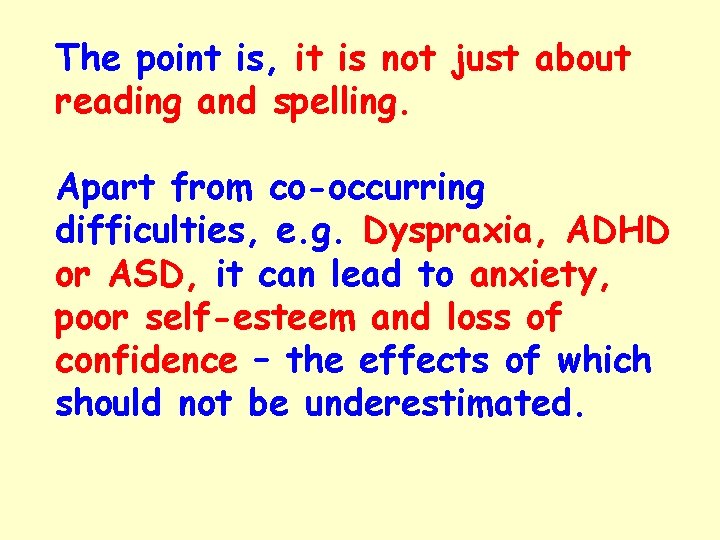
The point is, it is not just about reading and spelling. Apart from co-occurring difficulties, e. g. Dyspraxia, ADHD or ASD, it can lead to anxiety, poor self-esteem and loss of confidence – the effects of which should not be underestimated.
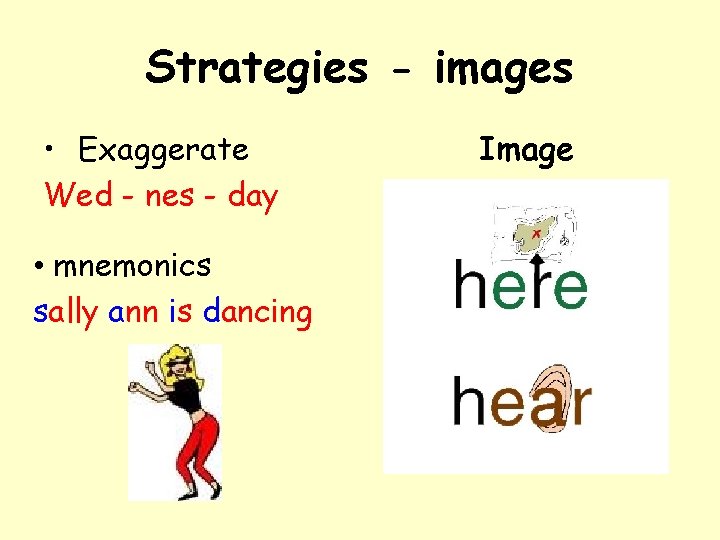
Strategies - images • Exaggerate Wed - nes - day • mnemonics sally ann is dancing Image
Strategies - overlearning Practice makes perfect
Strategies - chunking Don’t swallow it whole!
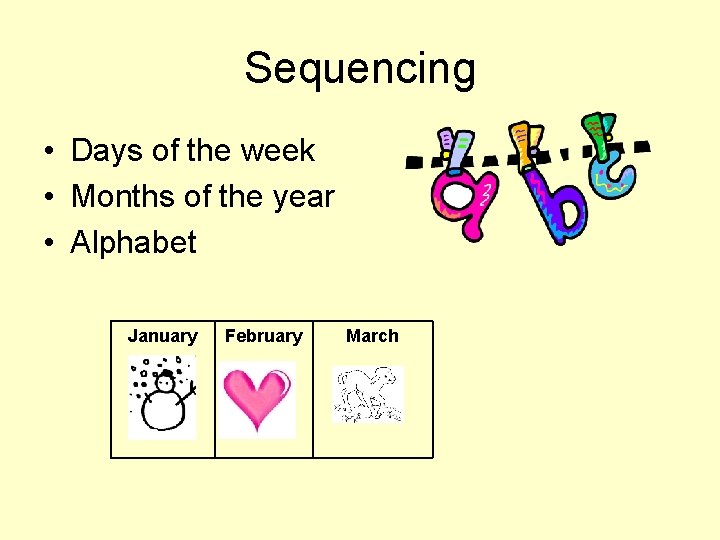
Sequencing • Days of the week • Months of the year • Alphabet January February March
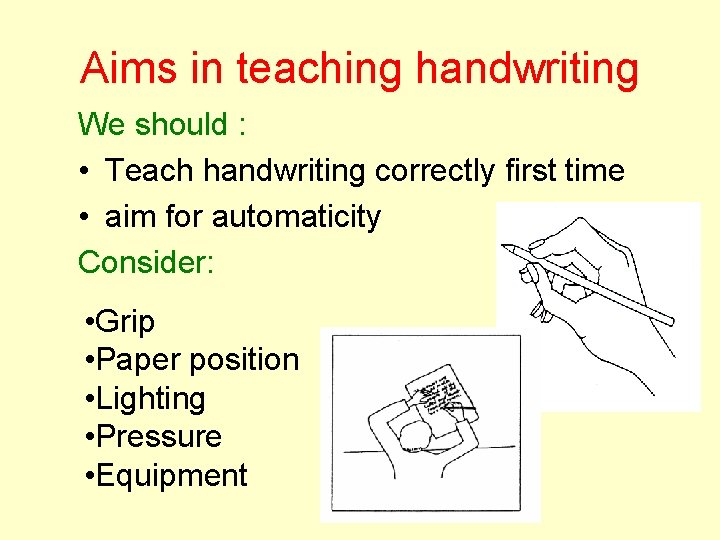
Aims in teaching handwriting We should : • Teach handwriting correctly first time • aim for automaticity Consider: • Grip • Paper position • Lighting • Pressure • Equipment
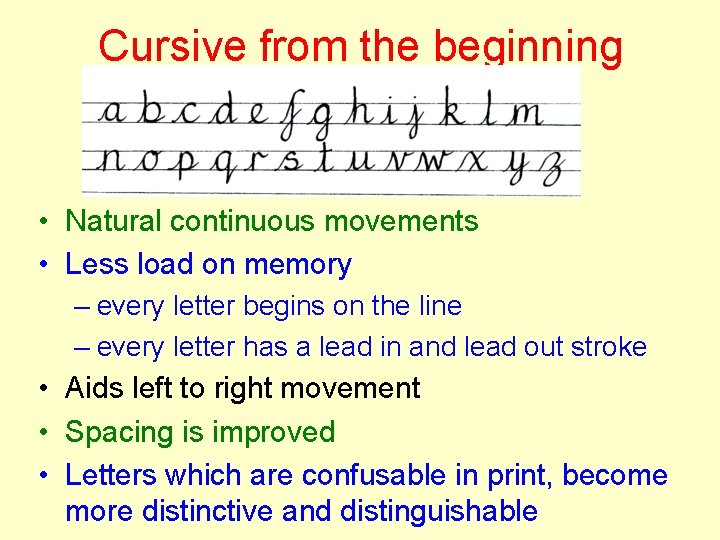
Cursive from the beginning • Natural continuous movements • Less load on memory – every letter begins on the line – every letter has a lead in and lead out stroke • Aids left to right movement • Spacing is improved • Letters which are confusable in print, become more distinctive and distinguishable
How can we help? Identify early!! Teach: • Letter names as well as sounds • Segmenting and blending phonemes • Onset/rime • Syllables • Correct letter formation