
IT for Higher Thinking Skills and Creativity The



- Slides: 22
IT for Higher Thinking Skills and Creativity
üThe old or traditional methods of teaching make use of audio-visual aids or devices, chalk and black board for illustrations, magazines and books for references, which are always provided by the teacher. The students are given specific projects to perform and assignments have definite objectives. Sometimes the old method is called spoon-feeding with the teacher giving guidelines all throughout the lessons being taught.
üNow in the new era of modern technology, students are encouraged to develop their own ideas and ways on how to gather information needed for their subjects in school. Their creativity is developed and intellectual independence is nurtured when they are given the leeway to produce projects and reports using the software of the computer.
ü In the traditional information absorption model of teaching, the teacher organizes and presents information to student-learners. ü The teachers uses teaching resources like chalkboard/ whiteboard, videotape, visual aids, charts, and the like during the presentation and discussion of the lesson. ü After the discussion, the teacher gives the students seat works and home works. This teaching approach has proven successful for achieving learning outcomes following the lower end of Bloom’s Taxonomy which is the cognitive (knowledge), affective (attitude), and psychomotor (skills).
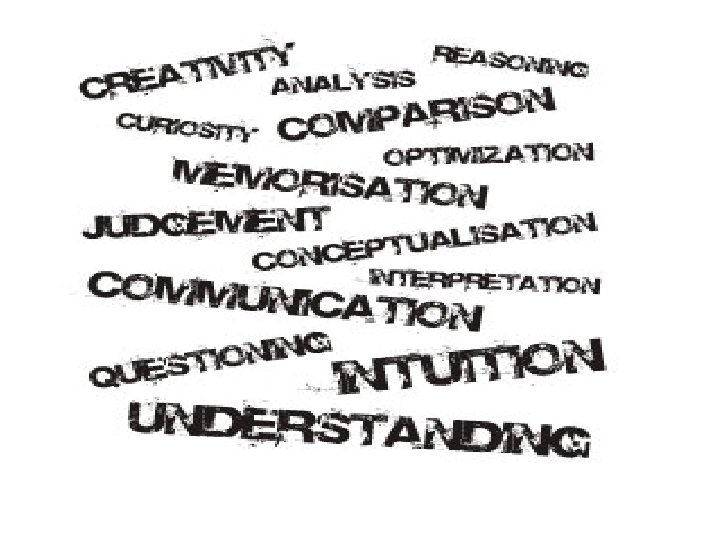
Thinking Skills Framework Complex Thinking Skills Sub-Skills Focusing Defining the problem, goal/objective -setting, brainstorming Information Gathering Selection, recording of data of information Remembering Associating, relating new data with old Analyzing Generating Organizing Imagining Designing Integration Evaluating Identifying idea constructs, patterns Deducing, inducting, elaborating Classifying, relating Visualizing, predicting Planning, formulating Summarizing, abstracting Setting criteria, testing idea, verifying outcomes, revising
The Upgraded Project Method • In a project method, students work on projects with depth complexity, duration, and relevance to the real world. There is already a revised project method wherein the students would make decisions about what to put on the project, how to organize information and how to package the outcomes for presentation while the teacher guides and facilitates the learning process.
Project Method • Teachers assign the students to work on projects with depth, complexity duration and relevance to the real word. • Project is utilized because students need to make the most of the decisions about what to put inside their project, how to organize their information and ideas and how to communicate their result effectively.
Upgraded Project Method • In here, there is a tighter link between the uses of projects for simply coming up with products to have the students undergo the process of higher thinking skills under the framework of the Constructivist Paradigm. • In this new project method, the students are advised to use computer application and high technology in doing their projects.
Constructivist Paradigm • It emphasize on how the students construct knowledge. The students, not the teacher are the one who make decisions about what to put into the project, how to organize information, how to package the outcomes for presentation and the like.
In doing projects, there are two things that are involved: • Process- refers to the steps, effort and experiences in project completion. • Product- is the result or the end point of the process.
Four Types of I-T Based Projects • • Resource-based project Simple creations Guided hypermedia Web design project
Resource-based project In these projects, the teacher steps out of the traditional role of being an content expert and information provider, and instead lets the students find their own facts and information. Only when necessary for the active learning process does the teacher step in to supply data or information.
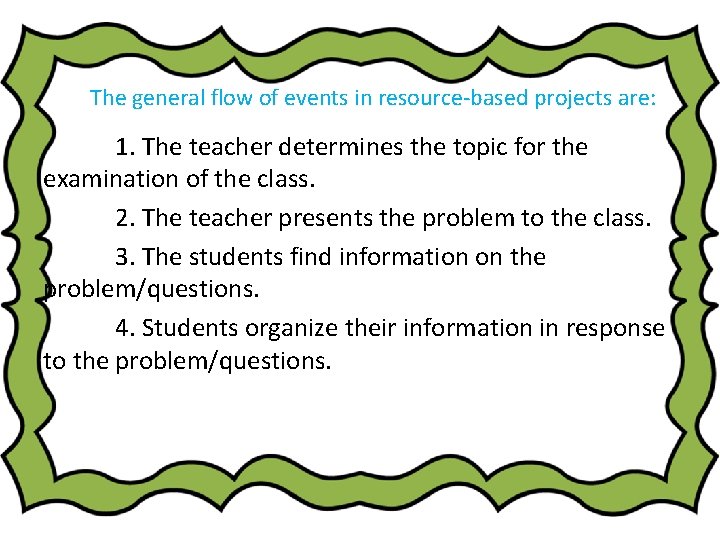
The general flow of events in resource-based projects are: 1. The teacher determines the topic for the examination of the class. 2. The teacher presents the problem to the class. 3. The students find information on the problem/questions. 4. Students organize their information in response to the problem/questions.
ü Relating to finding information, the central principle is to make the students go beyond the textbook and curriculum materials. Students are also encouraged to go to the library, particularly to the modern extension of the modern library, the internet.
ü The inquiry-based or discovery approach is given importance in resource-based projects. This requires that the students, individually or cooperatively with members of his group, relate gathered information to the ‘real world. ’
ü The process is given more importance than the project product. It doesn’t matter for example if each group comes up with a different answer to the problem. What matters are the varied sources of information, the line of thinking and the ability to agree in defense of their answers.
TRADITIONAL & RESOURCE-BASED LEARNING MODELS Resource-based learning model Teacher is expert and Teacher is a guide and information provider facilitator Textbook is key Sources are varied source of information (print, video, internet, etc. ) Food on facts Focus on learning information is inquiry/ packaged, in neat quest/discovery parcels The product is the be- Emphasis on process all and end-all of learning Assessment is quantitative and qualitative Traditional
Simple creations • Students can also be assigned to create their software materials to supplement the need for relevant and effective materials. Of course, there available software materials such Creative Writer (by Microsoft) on writing, Kid. Work Deluxe (by Davidson) on drawing and painting, and Media. Weave (by Humanities software) on multimedia. • In developing software, creativity as an outcome should not be equated with ingenuity or high intelligence. Creating is more consonant with planning, making, assembling, designing, or building. Creativity is said to combine three kind of skills/abilities: Analyzing – distinguishing similarities and differences, seeing the project as a problem to be solved. Synthesizing – making spontaneous connections among ideas, their generating interesting or new ideas. Promoting – selling of new ideas to allow the public to test the ideas themselves.
Five key tasks may be recommended to develop creativity: 1. Define the task. Clarify the goal of the completed project to the student. 2. Brainstorm. The students themselves will be allowed to generate their own ideas on the project. Rather than shoot down ideas, the teacher encourages idea exchange. 3. Judge the ideas. The students themselves make an appraisal for or against any idea. Only when students are completely off track should the teacher intervene. 4. Act. The students do their work with the teacher a facilitator. 5. Adopt flexibility. The students should be allowed to shift gears and not follow an action path rigidly.
Guided Hypermedia Project • The production of self-made multimedia projects can be approached in two different ways: 1. As an instructive tool, such as in the production by students of a power-point presentation of a selected topic. 2. As a constructivist tool, such as when students do a multimedia presentation (with text, graphs, photos, audio narration, interviews, video clips, etc. , to simulate a television news show.
Web design project • Students can be made to create and post webpages on a given topic. But creating webpages, even single page webpages, may be too sophisticated and time consuming for the average student. • It should be said, however, that posting of webpages in the Internet allows the students (now the webpage creator) a wider audience. They can also linked with other related sites in the Internet. But as of now, this creativity project may be to ambitious as a tool in the teachinglearning process.