
IT 300 Computer Graphics Lecture 0 Course Overview
- Slides: 32
IT 300: Computer Graphics Lecture 0: Course Overview
Lecturer Details Ø Dr. Walid Khedr, Ph. D. Ø Email: khedrw@yahoo. com Ø Web: www. staff. zu. edu. eg/wkhedr Ø Department of Information Technology
Course Info Course Name: Computer Graphics Course Number: IT 300 Course Group: http: //groups. yahoo. com/group/IT 300_Computer_Graphics Tools: Java (Net. Beans or Eclipse) and Java 3 D API http: //java. sun. com/javase/downloads/index. jsp (Net. Beans 7 or eclipse) https: //java 3 d. dev. java. net// (Java 3 D API) Office Hours: 10 am – 12 pm, Monday Prerequisite: JAVA BS 110: Mathematics BS 150: Discrete Mathematics Course Materials: Textbooks Lectures
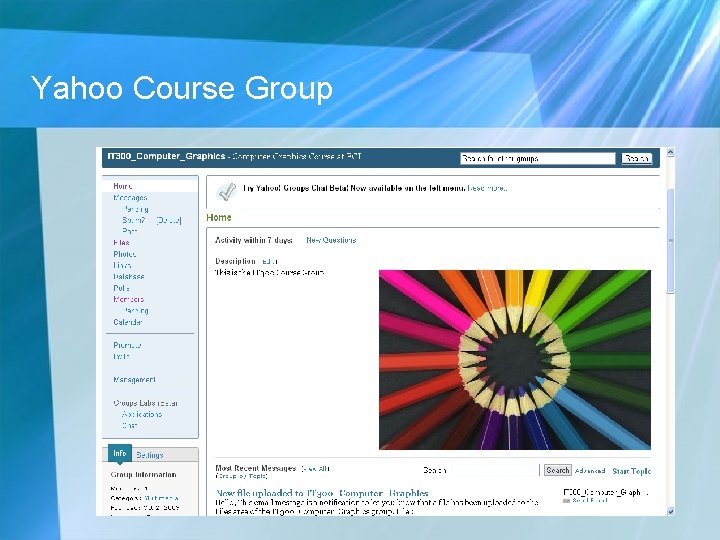
Yahoo Course Group
Grading Policy Your final grade will be calculated as follows: Term Work: Assignments / Homework / Quizzes / Midterm exam (20 points) Lab Exams + Term Project (20 points) Oral Exam, Attendance and Participation (20 points) How to participate? Ask questions Answer questions Final Exam (90 points)
Grading Rules Ø Final exam is cancelled if attendance < %75 Ø If final exam grade is less than %30, your final grade will be just your final exam grade.
Course Objective Ø This course provides an introduction the basic concepts of computer graphics. Ø While graphics has become widespread, few people understand the internal workings of applications like video games, Adobe Photoshop, etc.
Course Objective Ø Computer Graphics IT 300 is designed to provide students with an introduction to the fundamental algorithms of computer graphics through detailed coverage of the mathematics and implementation of 2 D and 3 D line, curve and surface drawing. Ø The goals of this course will be to: Ø Introduce JAVA 2 D/3 D API, a common graphics programming API Ø Discuss a number of important, low level implementation details hidden by APIs like JAVA 2 D/3 D Ø To understand the basic structures of 2 D and 3 D graphics systems Ø Identify computer graphics related fields. Ø To learn problem solving skills. Ø Through the course study you will learn a set of powerful mathematical and computational tools.
What you will NOT learn? Ø Software packages Ø CAD-CAM Ø Photoshop and other painting tools Ø Artistic skills Ø Game design Ø Graphics API Ø Although you will be exposed to JAVA 2 D/3 D
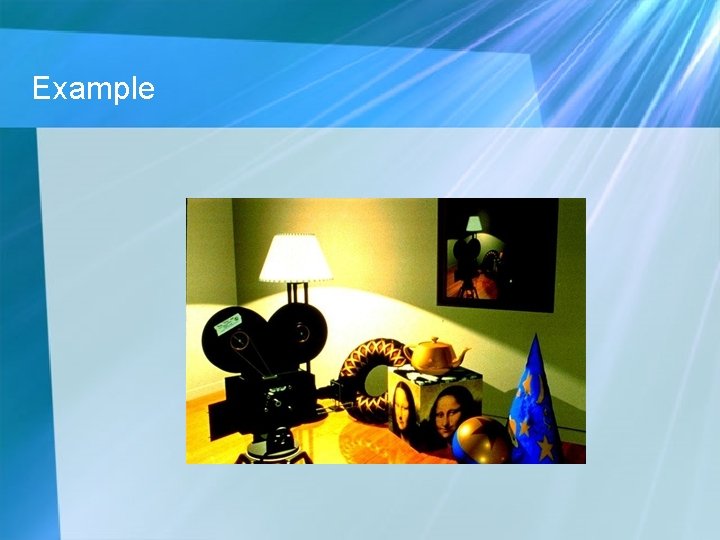
What is Computer Graphics Ø In general sense, computer graphics is the process of producing a picture or Image using computer. Ø This includes applications that start form drawing simple graphs or line drawings Ø And ends with programs that involve complex mathematics and physics in the production of highly accurate images. Ø Added to this is the capability to create a series of images that result in an animation. Ø The purpose of this Course is to explore some of the basic ideas of realistic image generation. Ø The goal then is the creation of an image by writing a program instead of taking a picture with a camera.
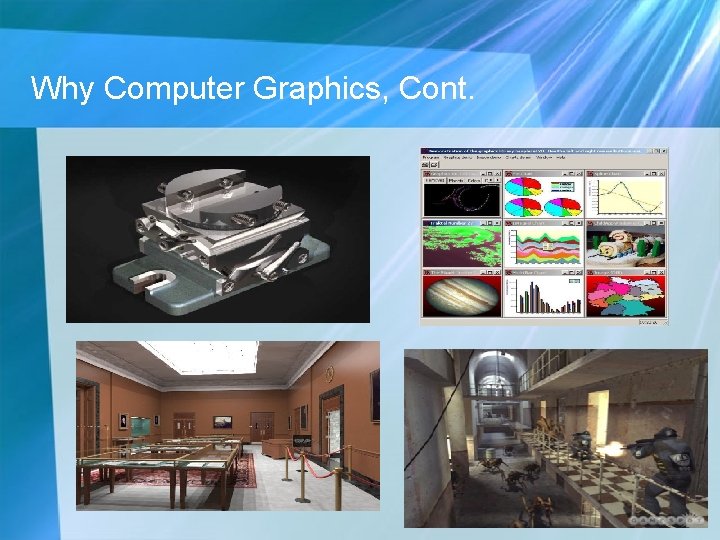
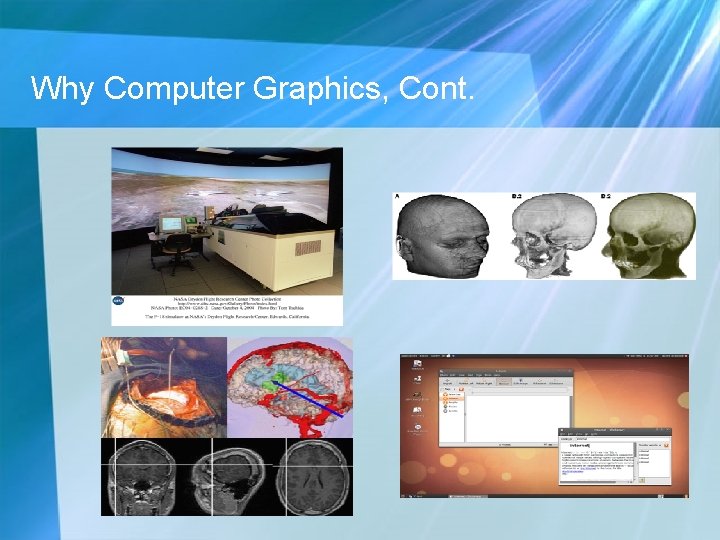
Why Computer Graphics Ø There is virtually no area in which graphical displays cannot be used to some advantage and so it is not surprising to find the use of computer graphics so widespread. Ø Today, we find computer graphics used routinely in such diverse areas as science, engineering, medicine, business, industry, government, art, entertainment, advertising, education, and training
Why Computer Graphics, Cont. Computer Aided Design (CAD) Presentation Graphs Architecture Games
Why Computer Graphics, Cont. Simulation Visualization Image Processing Graphical User Interface (GUI)
Main Topics 1. Introduction Ø Provides a brief overview on typical application fields and concepts of computer graphics 2. Basic principles of two-dimensional graphics Ø Introduces basic concepts that are required for the understanding of two-dimensional graphics 3. Drawing lines and curves Ø Illustrates the basic problems and solutions in the context of drawing lines and curves within raster graphics. 4. Areas, text and colors Ø Contains in addition to techniques for viewing, clipping and filling areas also basic models for colors and a short introduction to handling text in images. 5. Basic principles of three-dimensional graphics Ø Introduces basic concepts that are required for the understanding of three-dimensional graphics
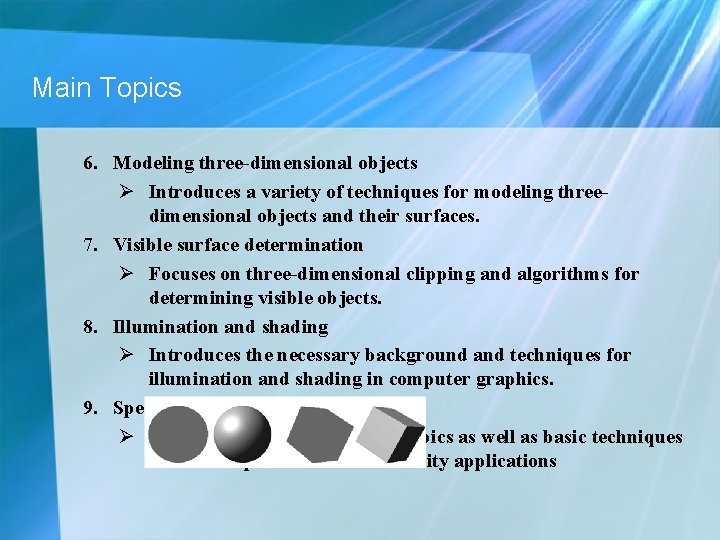
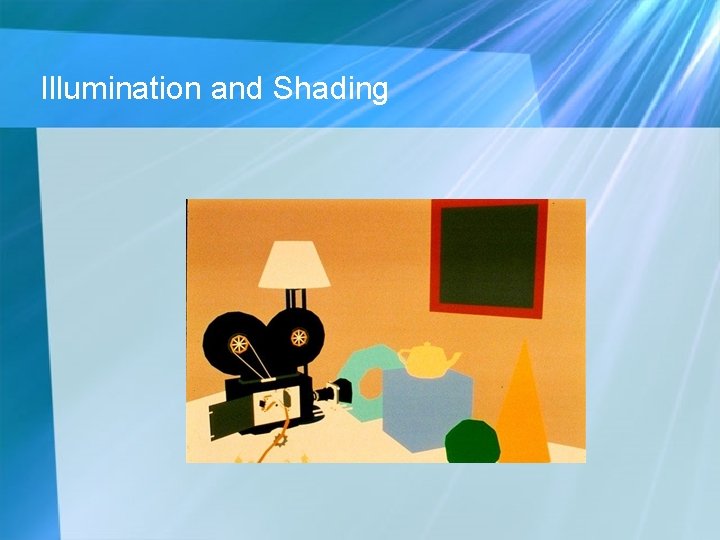
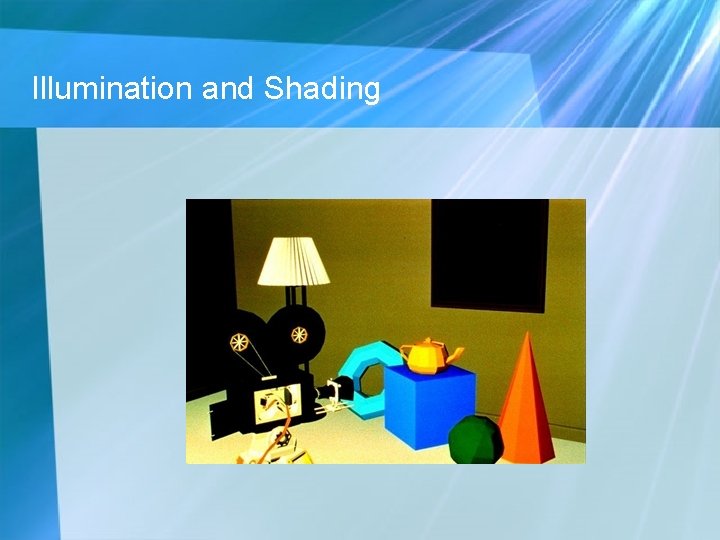
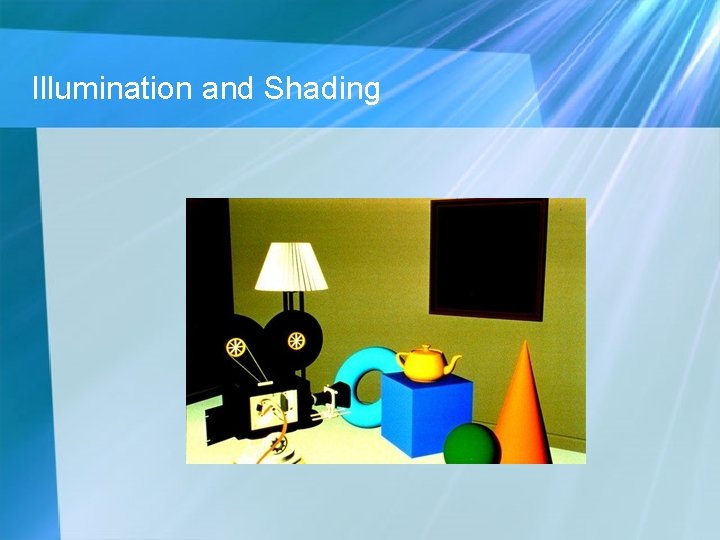
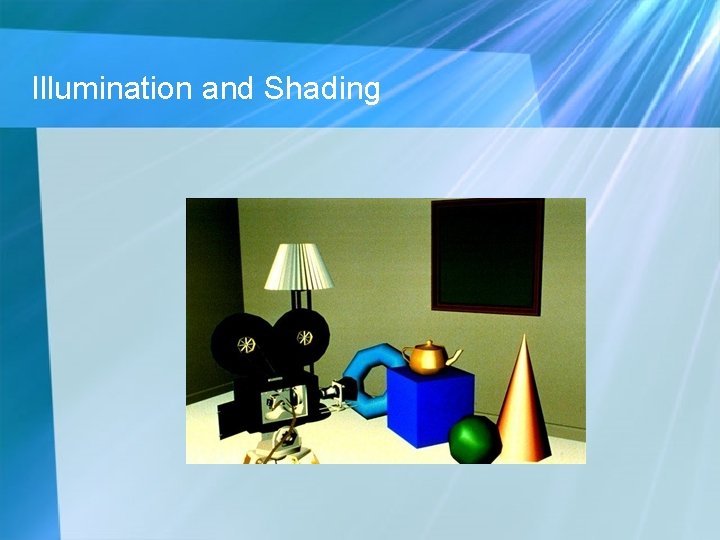
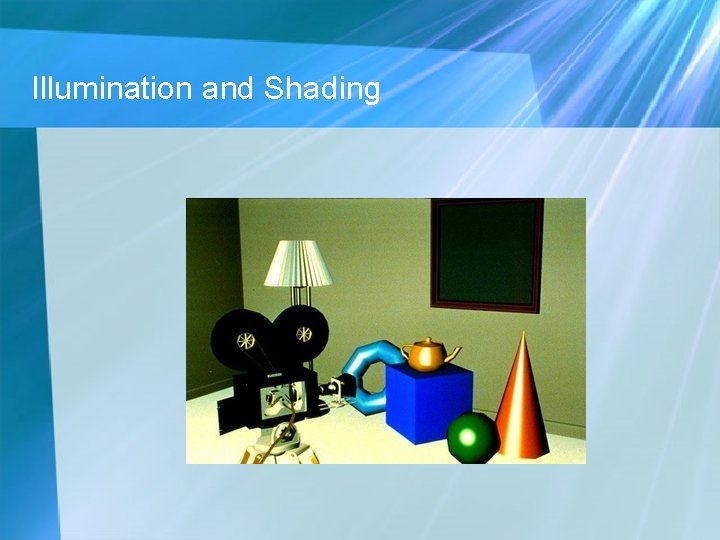
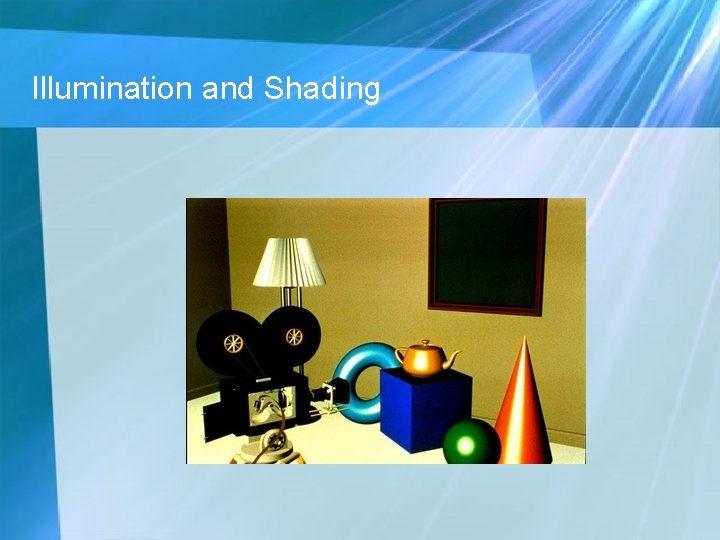
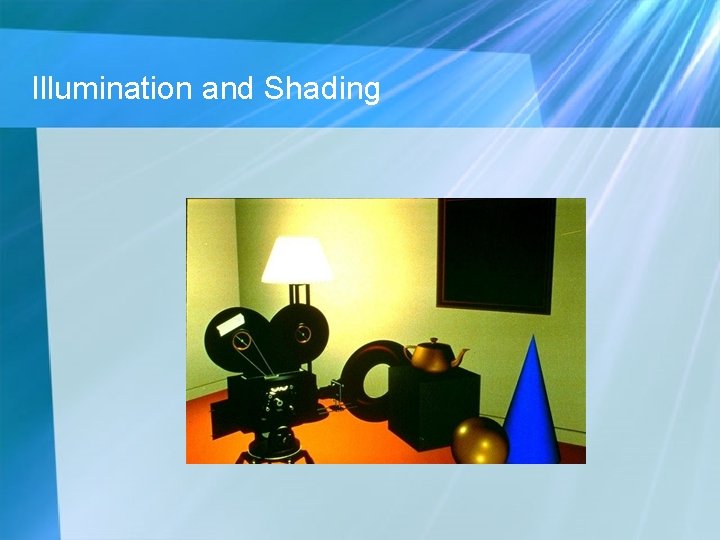
Main Topics 6. Modeling three-dimensional objects Ø Introduces a variety of techniques for modeling threedimensional objects and their surfaces. 7. Visible surface determination Ø Focuses on three-dimensional clipping and algorithms for determining visible objects. 8. Illumination and shading Ø Introduces the necessary background and techniques for illumination and shading in computer graphics. 9. Special effects and virtual reality Ø Presents a selection of special topics as well as basic techniques that are required for virtual reality applications
Example
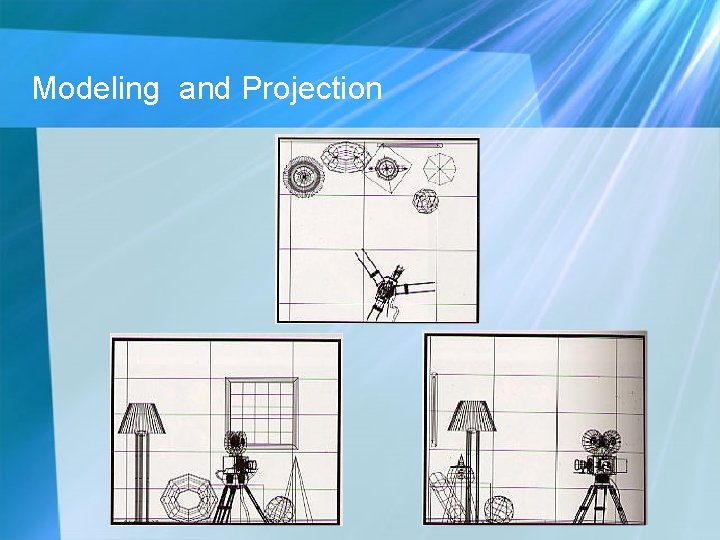
Modeling and Projection
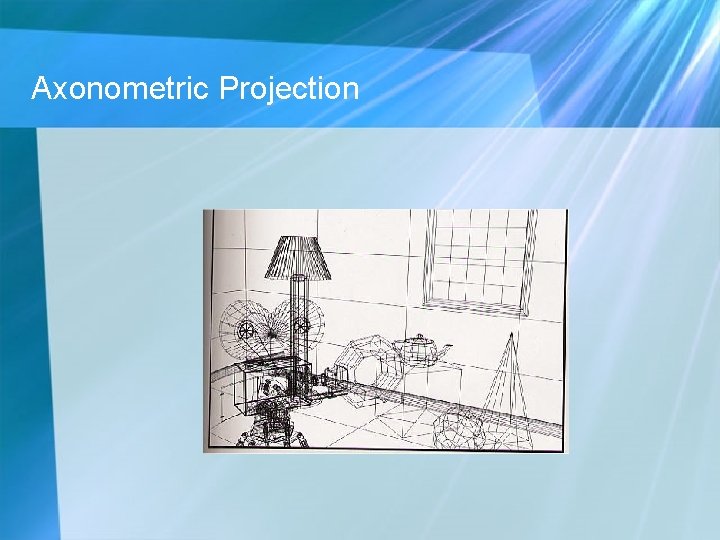
Axonometric Projection
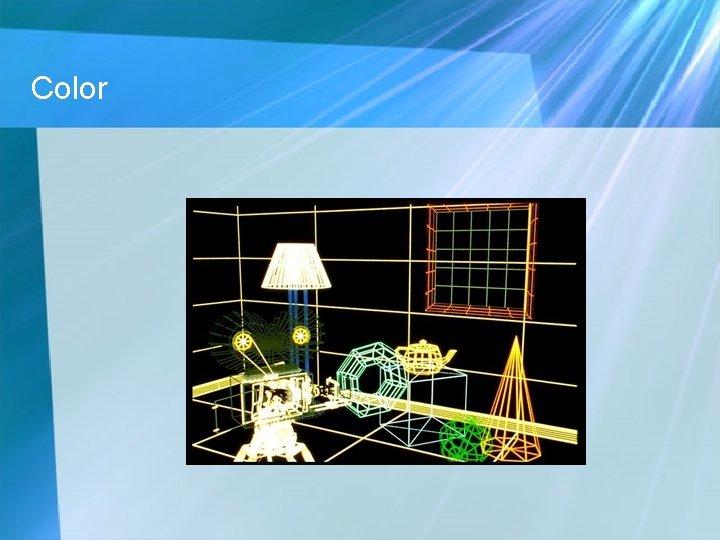
Color
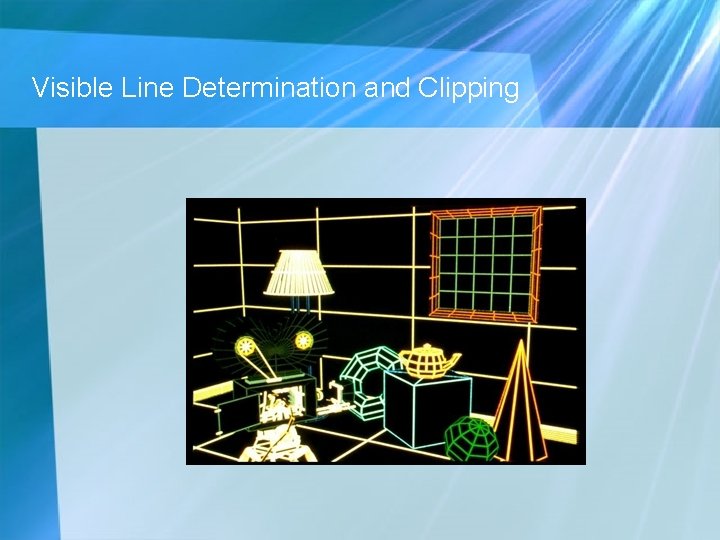
Visible Line Determination and Clipping
Illumination and Shading
Illumination and Shading
Illumination and Shading
Illumination and Shading
Illumination and Shading
Illumination and Shading
Illumination and Shading
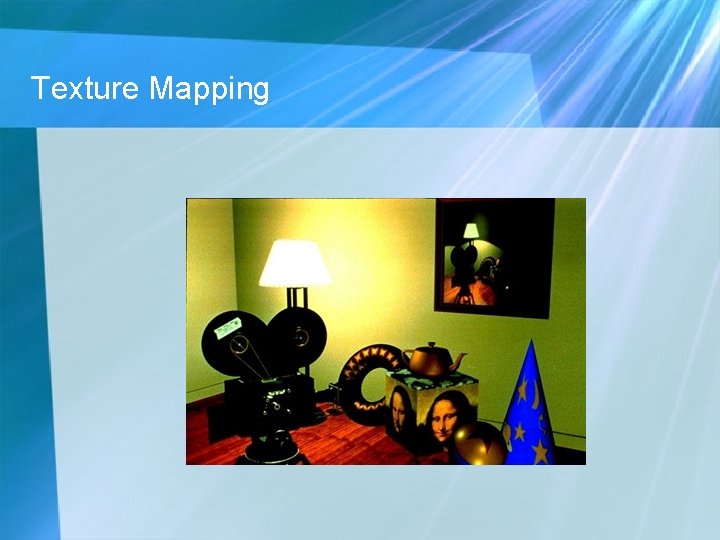
Texture Mapping
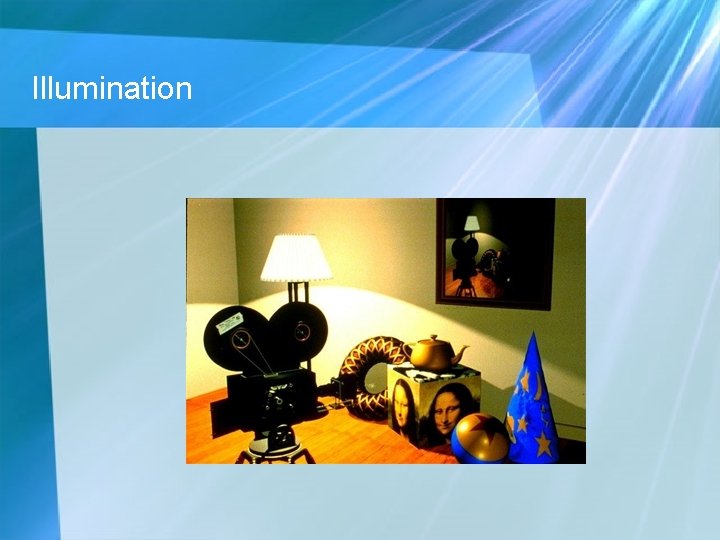
Illumination
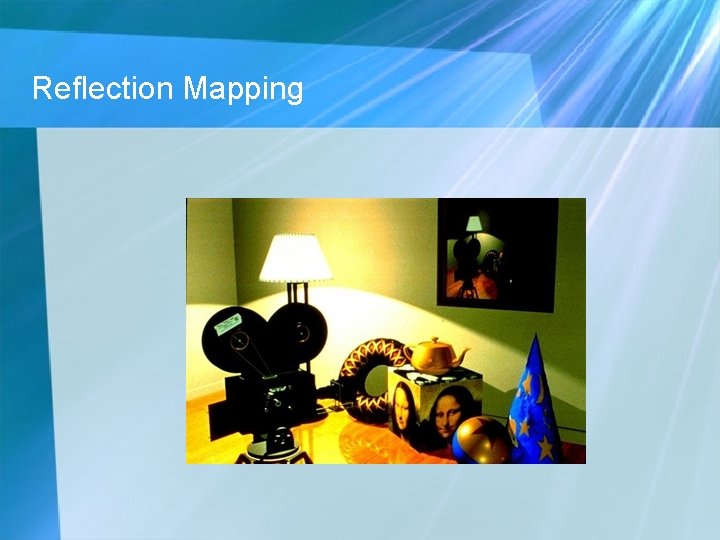
Reflection Mapping
Reading Ø JAVA Ø Linear Algebra Ø Chapter 1
Next Lecture Ø Introduction to Computer Graphics Ø Computer Graphics Background