
ISYS 350 Building Business Applications David Chao Business
ISYS 350 Building Business Applications David Chao

Business Applications • 1. Database-centric applications – Examples: • Login to a website • Join a website to become a member • Online shopping
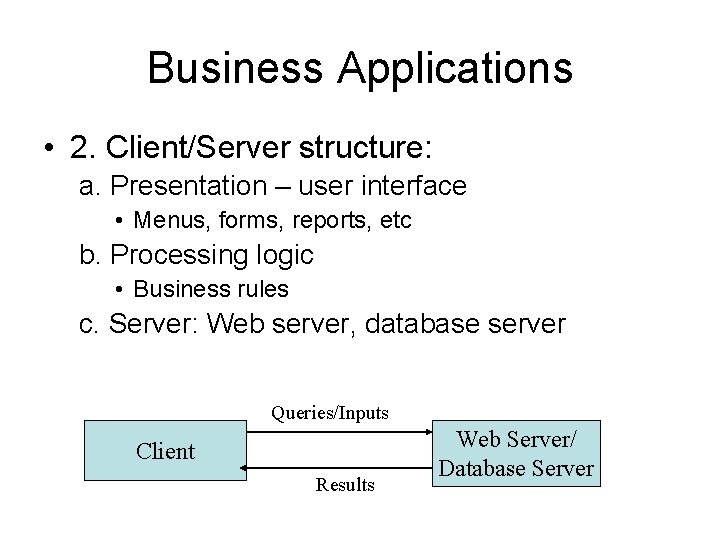
Business Applications • 2. Client/Server structure: a. Presentation – user interface • Menus, forms, reports, etc b. Processing logic • Business rules c. Server: Web server, database server Queries/Inputs Client Results Web Server/ Database Server
Business Applications • 3. Multiple platforms – Non web-based applications • Ex. Windows-based – Web-based applications • Web applications • Mobile applications • Cloud-based applications – Integrated applications
Business Applications • 4. Object-oriented, GUI, event-driven
Course Objective • This course provides an overall introduction to modern technologies and concepts employed in the development of business applications.
Major Topics • Programming: Python – Fundamental programming constructs • Decision structures, loops, class etc. – GUI and event driven programming • Web application development – Client-side technologies: HTML, Cascade Style Sheet, Java. Script – Server-side technologies: Python • Database programming: demo
Why use Python? • https: //www. edureka. co/blog/python-applications/ • https: //medium. com/@mindfiresolutions. usa/python-7 -importantreasons-why-you-should-use-python 5801 a 98 a 0 d 0 b#: ~: text=Python%20 is%20 a%20 general%20 purpose, care%20 of%20 common%20 programming%20 tasks.
Python Language • Python is a popular programming language. It was created by Guido van Rossum, and released in 1991. • It is used for: – Application development • Multiple platforms – web development (server-side) • Website, mobile application, Internet of Things(Io. T) – Data analytics, data science, machine learning
One major problem • Python’ GUI support is just started. • Web programming: – Use HTML GUI controls for input/output
Required Software • Visual Studio Community 2019 – Free download is available at: https: //www. visualstudio. com/downloads/ – Click the link to download Visual Studio Community
Visual Studio Workloads options: 1. Universal Windows Platform dev. 2. . Net desktop dev. 3. ASP. Net web dev. 4. Python development
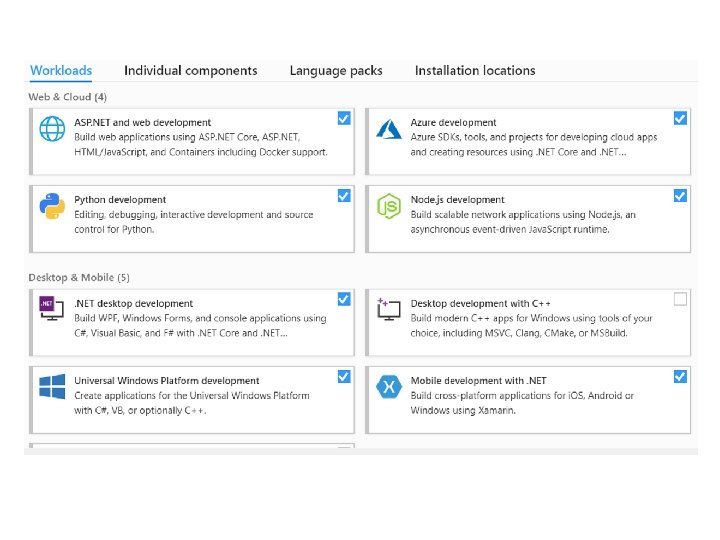
Do I need to install Python separately? No • With the python option selected, Visual Studio will download and install Python for you. So, you don’t need to download Python separately.
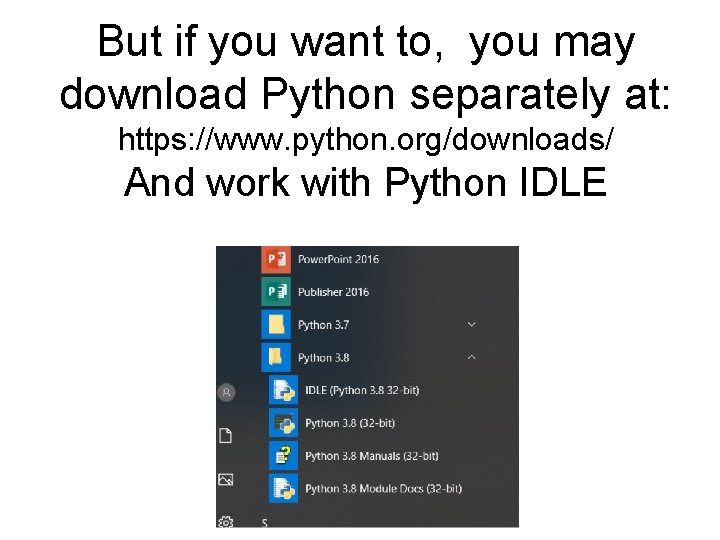
But if you want to, you may download Python separately at: https: //www. python. org/downloads/ And work with Python IDLE
Python IDLE Integrated Development and Learning Environment • Tutorial: https: //realpython. com/pythonidle/#: ~: text=To%20 execute%20 a%20 file %20 in, written%20 with%20 a%20 fresh%20 i nterpreter • A simple demo • Note: We don’t use this learning environment.
Using IDLE on Mac • http: //www. hashcollision. org/hkn/python/idl e_intro/index. html
- Slides: 17