
IST 346 Services Agenda Learn the various taxonomies


- Slides: 35
IST 346: Services
Agenda � Learn the various taxonomies and classifications of computing services. � Familiarize ourselves with popular services � Understand the IT management issues surrounding services � Requirements for a successful service � Design principles for services � Scalability issues � Open architectures � Monitoring and logging for adequate service
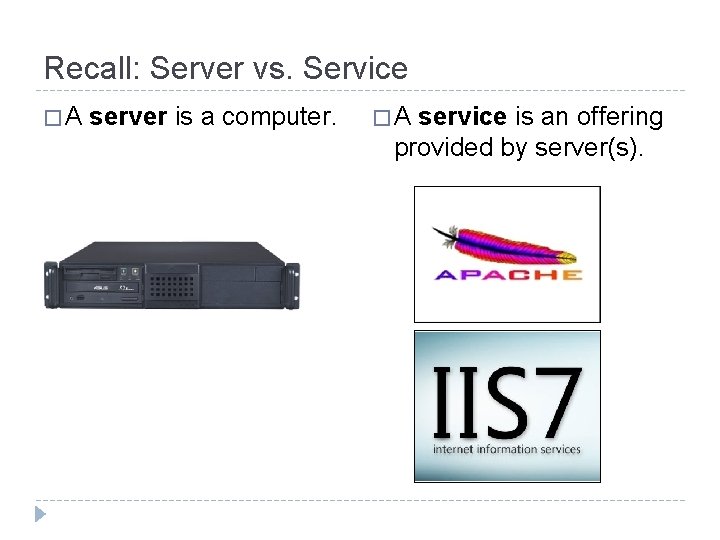
Recall: Server vs. Service �A server is a computer. �A service is an offering provided by server(s).
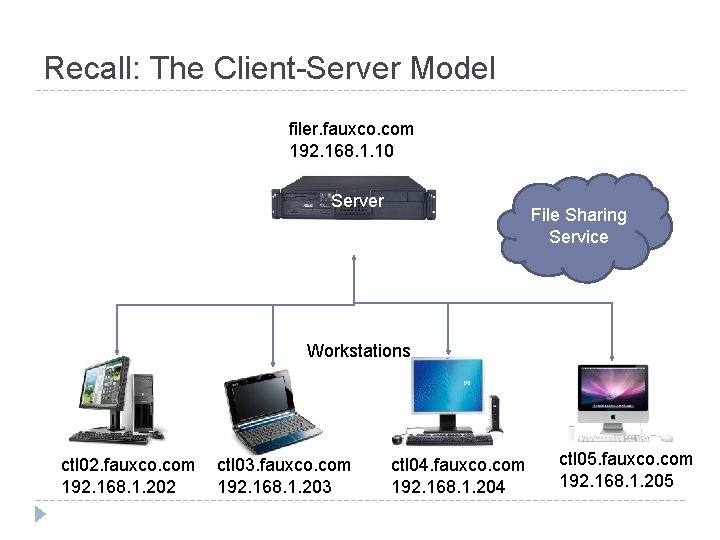
Recall: The Client-Server Model filer. fauxco. com 192. 168. 1. 10 Server File Sharing Service Workstations ctl 02. fauxco. com 192. 168. 1. 202 ctl 03. fauxco. com 192. 168. 1. 203 ctl 04. fauxco. com 192. 168. 1. 204 ctl 05. fauxco. com 192. 168. 1. 205
Services � Unify a set of workstations into a distributed computing environment, since they share common resources. � Typical environments have several services, and services often depend on other services. � Some services are simple, and have no interaction’s on the user’s part. (network time, or NTP for example) � It is best to think about any given service in terms of its components and interdependencies.
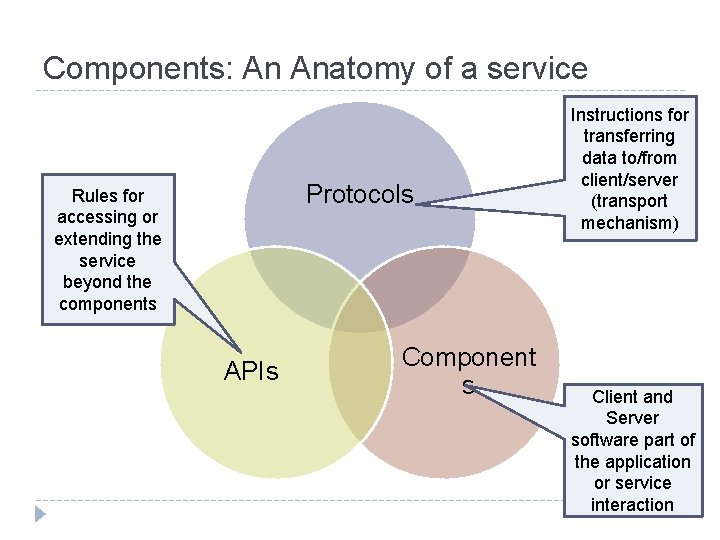
Components: An Anatomy of a service Protocols Rules for accessing or extending the service beyond the components APIs Component s Instructions for transferring data to/from client/server (transport mechanism) Client and Server software part of the application or service interaction
This Week’s Sponsor
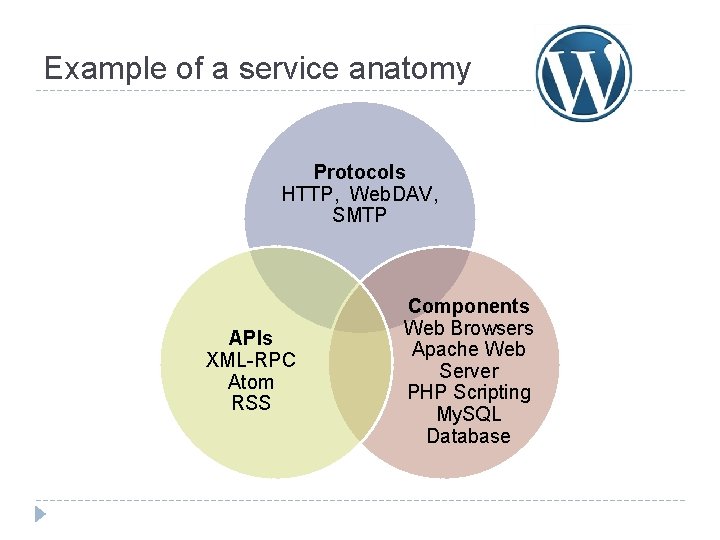
Example of a service anatomy Protocols HTTP, Web. DAV, SMTP APIs XML-RPC Atom RSS Components Web Browsers Apache Web Server PHP Scripting My. SQL Database
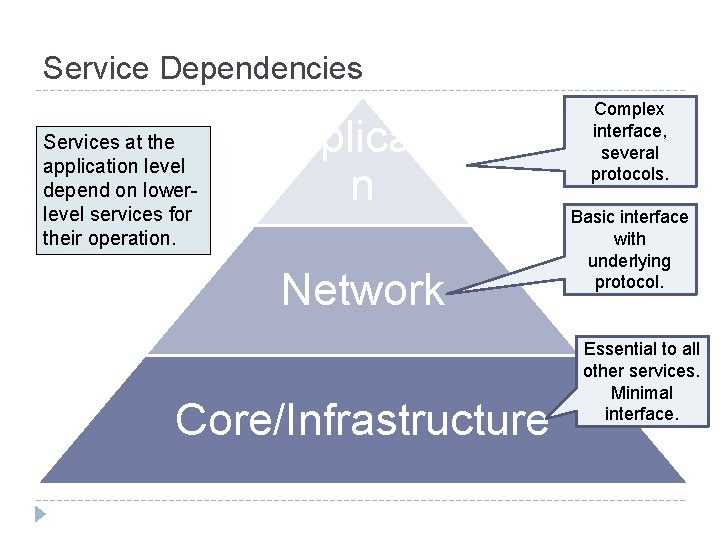
Service Dependencies Services at the application level depend on lowerlevel services for their operation. Applicatio n Network Core/Infrastructure Complex interface, several protocols. Basic interface with underlying protocol. Essential to all other services. Minimal interface.
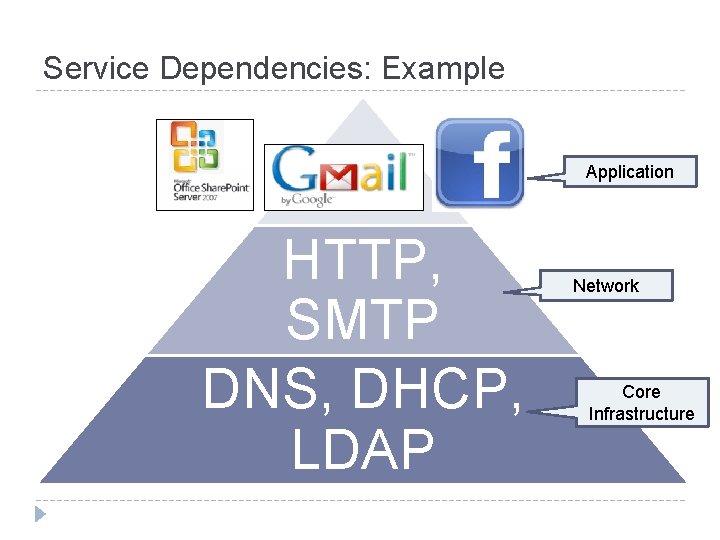
Service Dependencies: Example Application HTTP, SMTP DNS, DHCP, LDAP Network Core Infrastructure
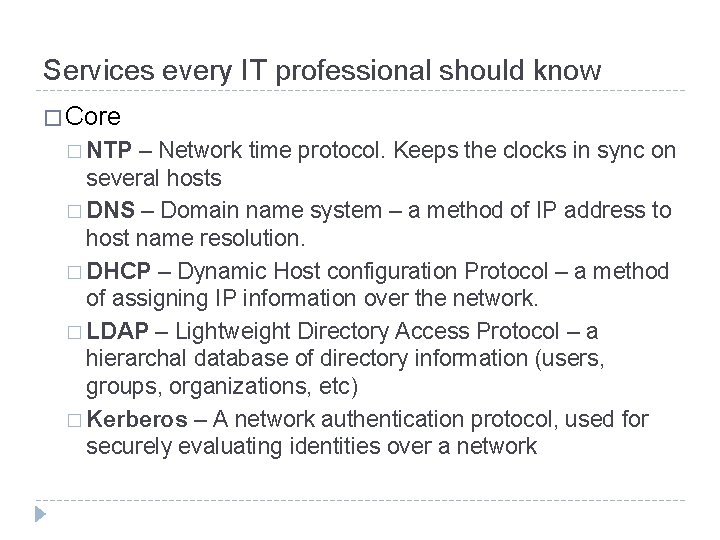
Services every IT professional should know � Core � NTP – Network time protocol. Keeps the clocks in sync on several hosts � DNS – Domain name system – a method of IP address to host name resolution. � DHCP – Dynamic Host configuration Protocol – a method of assigning IP information over the network. � LDAP – Lightweight Directory Access Protocol – a hierarchal database of directory information (users, groups, organizations, etc) � Kerberos – A network authentication protocol, used for securely evaluating identities over a network
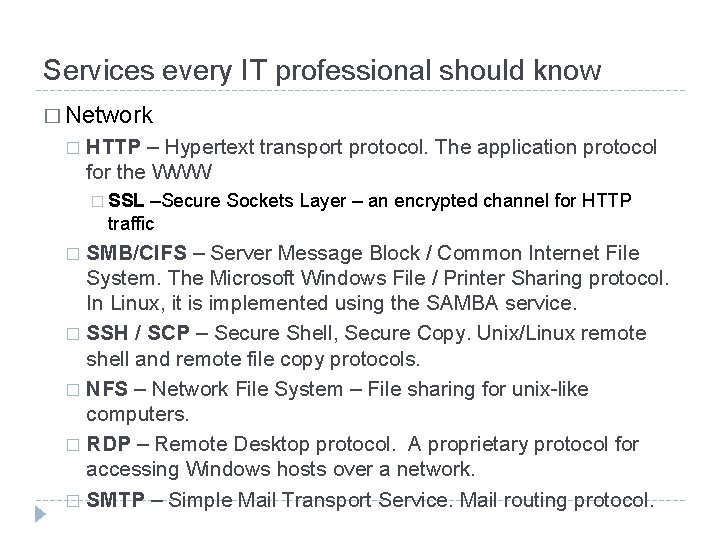
Services every IT professional should know � Network � HTTP – Hypertext transport protocol. The application protocol for the WWW � SSL –Secure Sockets Layer – an encrypted channel for HTTP traffic SMB/CIFS – Server Message Block / Common Internet File System. The Microsoft Windows File / Printer Sharing protocol. In Linux, it is implemented using the SAMBA service. � SSH / SCP – Secure Shell, Secure Copy. Unix/Linux remote shell and remote file copy protocols. � NFS – Network File System – File sharing for unix-like computers. � RDP – Remote Desktop protocol. A proprietary protocol for accessing Windows hosts over a network. � SMTP – Simple Mail Transport Service. Mail routing protocol. �
Services on the internet (Cloud Computing) � Cloud computing is an extension of the service model to the ubiquities of the internet. � Don’t want to deal with datacenters or servers? Try Infrastructure as a Service! � Don’t want to bother with the infrastructure and the components required by your service? Try Platform as a Service! � Heck, don’t want to bother with any of it? Then Software as a Service is for you!
Cloud computing 1 minute primer � Iaa. S Sales Pitch: “Let us handle your hardware (as virtual machines). You act as the SA and handle the rest” � Examples: Amazon EC 2, Go. Grid, Rack. Space � � Paa. S Sales Pitch: “We give you a setup so you can install or build your own app. No need to worry about the system administration. ” � Examples: Google App Engine, Force. com, Microsoft Azure /. Net � � LAMP (Linux, Apache, My. SQL, (Php/Perl/Python)) � Saa. S Sales Pitch: “We give you the app, all you need to do is your job!” � Examples: Salesforce. com, Windows Live, Google Apps, � � Quick. Base http: //quickbase. intuit. com/
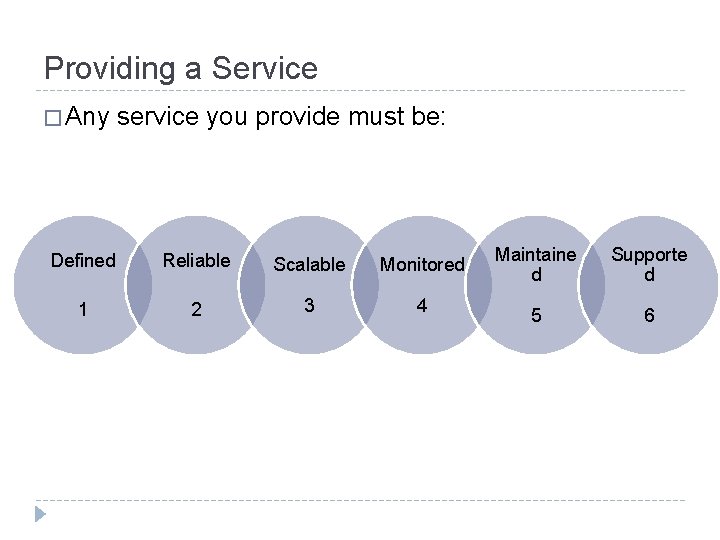
Providing a Service � Any service you provide must be: Defined Reliable Scalable Monitored 1 2 3 4 Maintaine d Supporte d 5 6
Defining your Service Customers are the reason for your service � How will they use it? � What features do they need? Want? � How critical is this service? � What are the required levels of availability and support? Formulate a SLA (Service Level Agreement) � This will define the service being offered � Clarify the expectations for support levels and response time Defined 1
Service Reliability Reliable 2 Keep it simple � Simple systems are more reliable and easier to maintain � Make the trade-off between features and reliability � Use reliable hardware, of course! Take advantage of vendor relationships � Have them provide recommendations (the should be the experts!) � Let multiple vendors compete for your business � Choose a vendor based on not only features but the stability of their company and product
More Reliability Use Open Architecture: � Open protocol standards and file formats � RFC’s from the IETF http: //www. rfc-editor. org � Pros Reliable 2 � Bigger selection of products and vendors to choose from � Decoupled client and server selection � Avoids being locked in to a specific platform or vendor � Con � Sometimes open standards don’t go far enough � Google-Worthy � Service-Oriented Architecture is changing the game a bit, as most services are gravitating towards interoperability (working with each other)
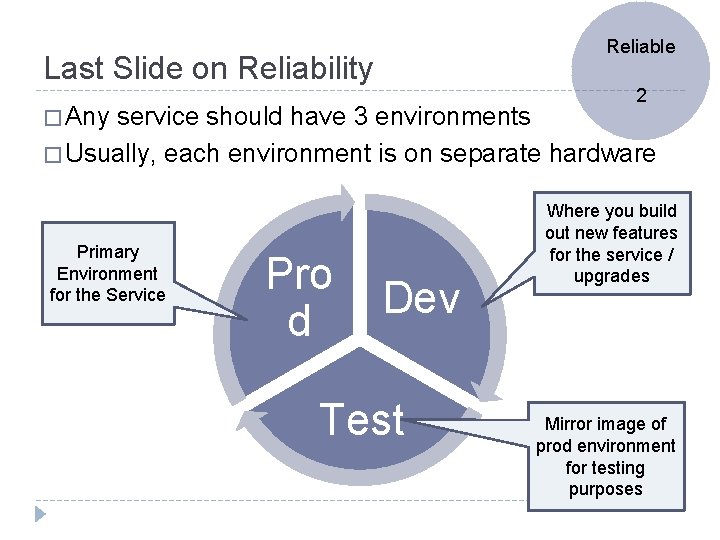
Reliable Last Slide on Reliability 2 � Any service should have 3 environments � Usually, each environment is on separate hardware Primary Environment for the Service Pro d Dev Test Where you build out new features for the service / upgrades Mirror image of prod environment for testing purposes
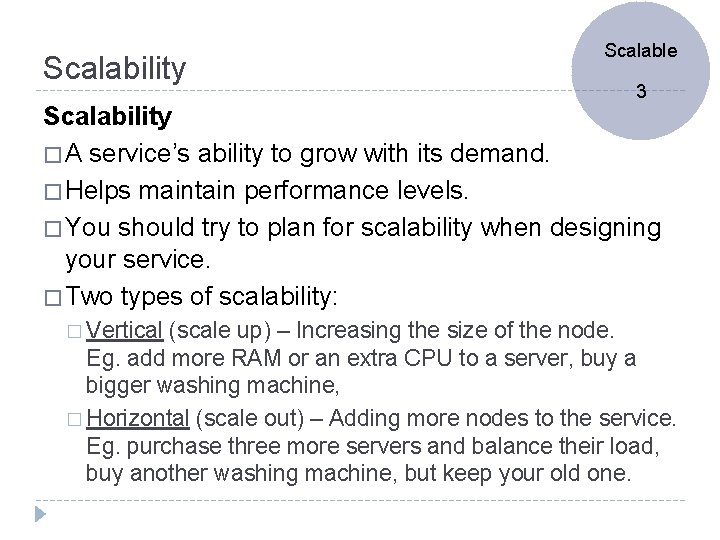
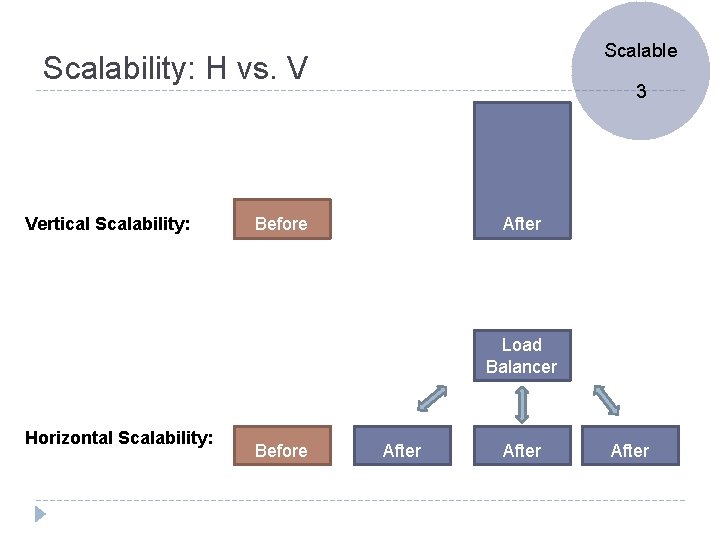
Scalability Scalable 3 Scalability � A service’s ability to grow with its demand. � Helps maintain performance levels. � You should try to plan for scalability when designing your service. � Two types of scalability: � Vertical (scale up) – Increasing the size of the node. Eg. add more RAM or an extra CPU to a server, buy a bigger washing machine, � Horizontal (scale out) – Adding more nodes to the service. Eg. purchase three more servers and balance their load, buy another washing machine, but keep your old one.
Scalable Scalability: H vs. V Vertical Scalability: 3 After Before Load Balancer Horizontal Scalability: Before After
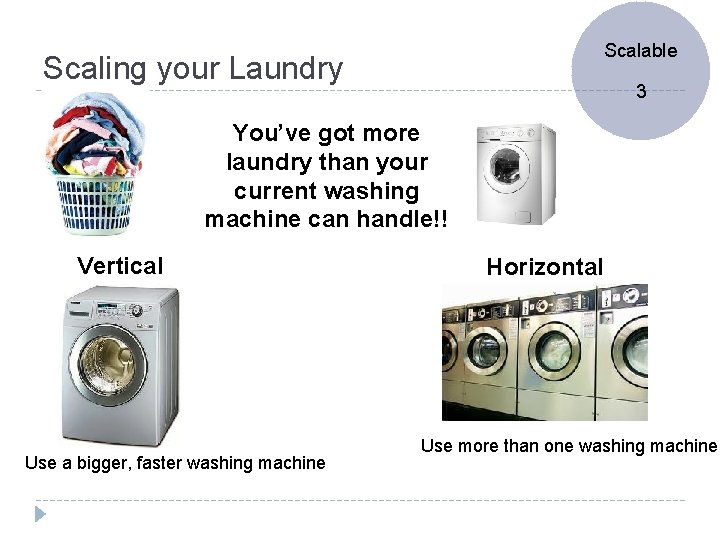
Scalable Scaling your Laundry 3 You’ve got more laundry than your current washing machine can handle!! Vertical Use a bigger, faster washing machine Horizontal Use more than one washing machine
Tangent: How do they scale their apps? � How they scale their apps? http: //bit. ly/9 Fnw. Rc � Approaches: � Application Partitioning � Data / HTML Caching � Indexing data � Data Partitioning � Denormalization � Monitor Closely and react accordingly.
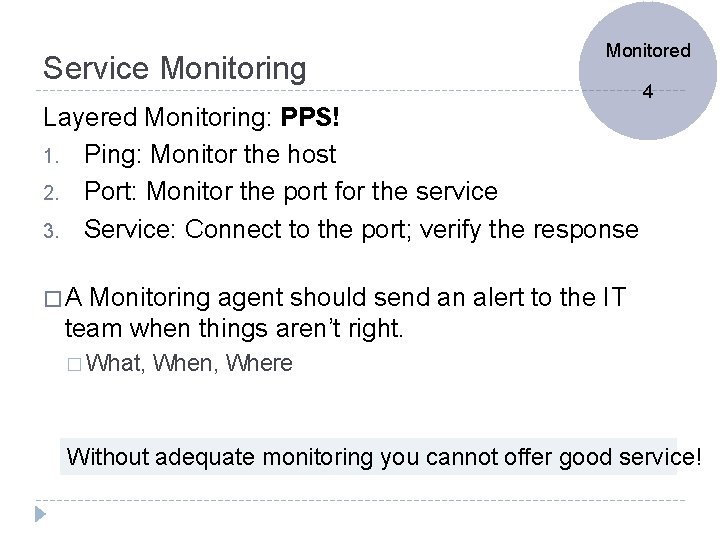
Service Monitoring Monitored 4 Layered Monitoring: PPS! 1. Ping: Monitor the host 2. Port: Monitor the port for the service 3. Service: Connect to the port; verify the response �A Monitoring agent should send an alert to the IT team when things aren’t right. � What, When, Where Without adequate monitoring you cannot offer good service!
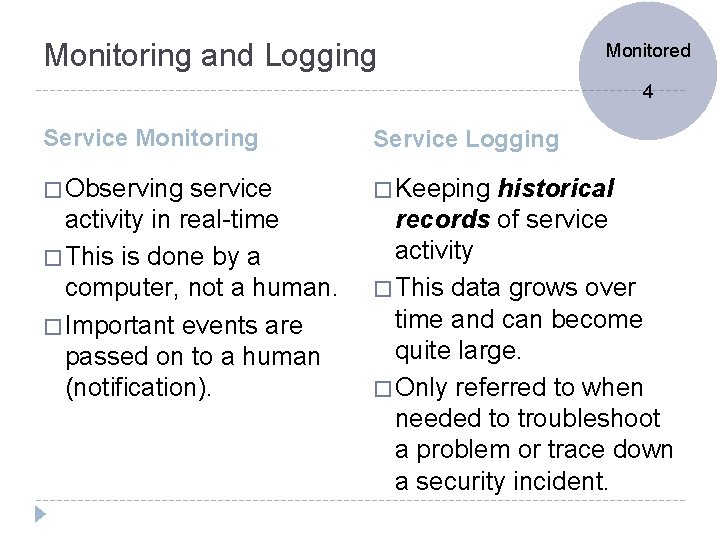
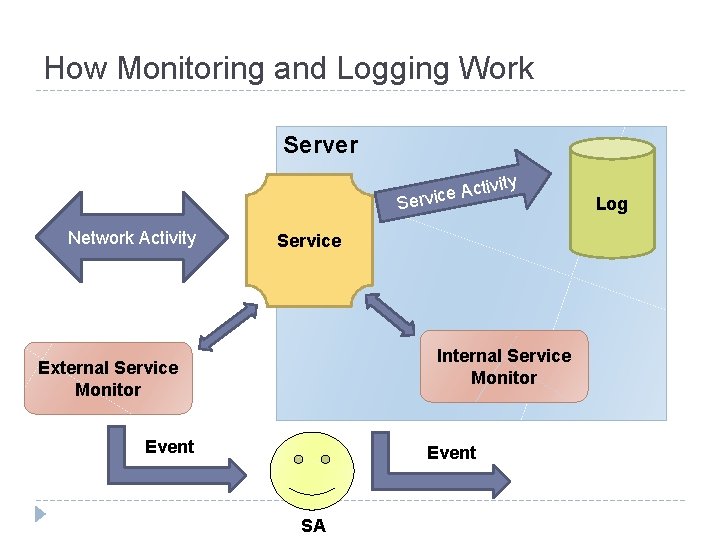
Monitoring and Logging Monitored 4 Service Monitoring Service Logging � Observing � Keeping service activity in real-time � This is done by a computer, not a human. � Important events are passed on to a human (notification). historical records of service activity � This data grows over time and can become quite large. � Only referred to when needed to troubleshoot a problem or trace down a security incident.
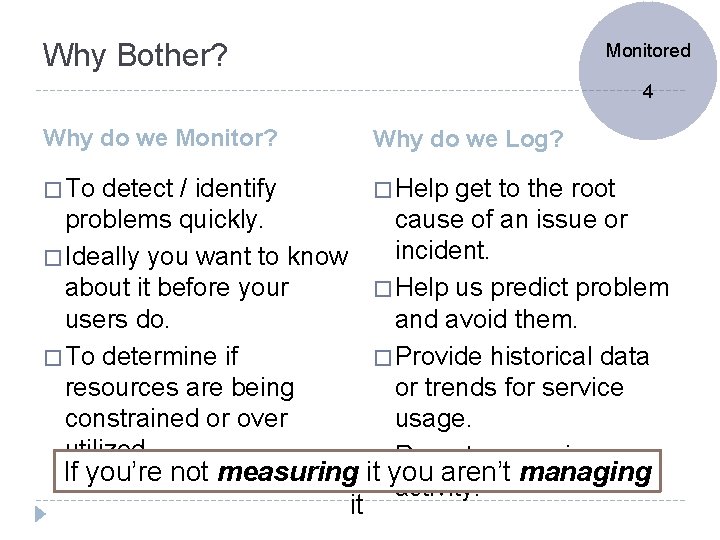
Why Bother? Monitored 4 Why do we Monitor? Why do we Log? � To � Help detect / identify problems quickly. � Ideally you want to know about it before your users do. � To determine if resources are being constrained or over utilized. get to the root cause of an issue or incident. � Help us predict problem and avoid them. � Provide historical data or trends for service usage. � Report on service If you’re not measuring it you aren’t managing activity. it
How Monitoring and Logging Work Server ctivity A e c i Serv Network Activity Service Internal Service Monitor External Service Monitor Event SA Log
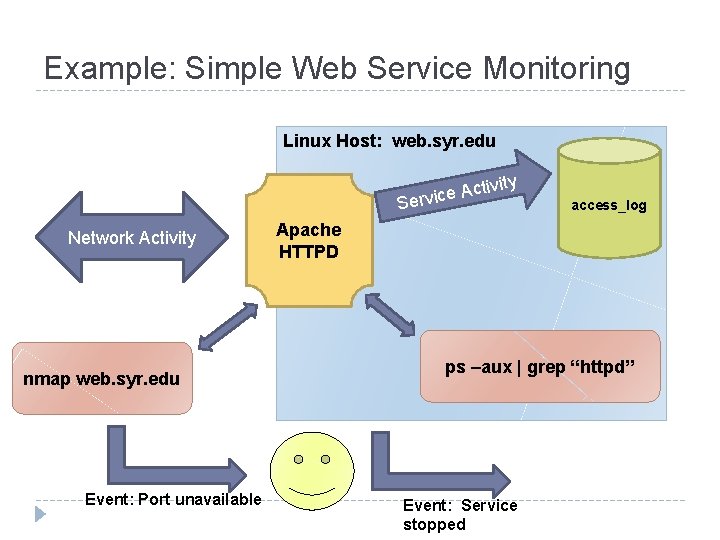
Example: Simple Web Service Monitoring Linux Host: web. syr. edu ctivity A e c i Serv Network Activity nmap web. syr. edu Event: Port unavailable access_log Apache HTTPD ps –aux | grep “httpd” Event: Service stopped
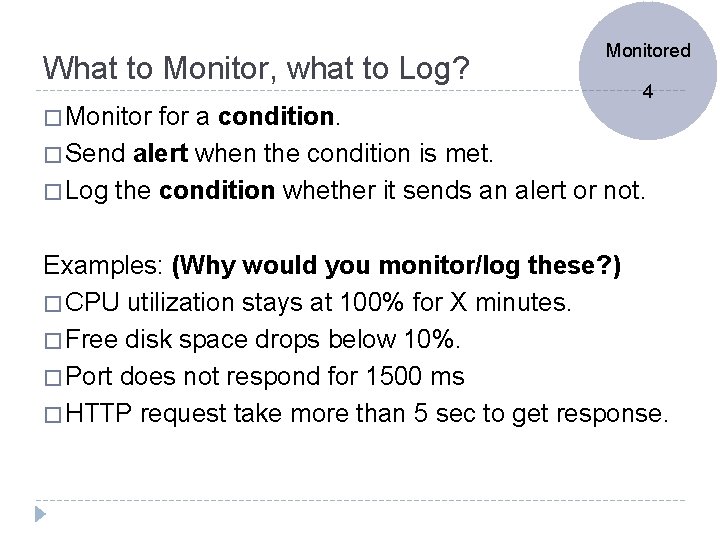
What to Monitor, what to Log? � Monitored 4 for a condition. � Send alert when the condition is met. � Log the condition whether it sends an alert or not. Examples: (Why would you monitor/log these? ) � CPU utilization stays at 100% for X minutes. � Free disk space drops below 10%. � Port does not respond for 1500 ms � HTTP request take more than 5 sec to get response.
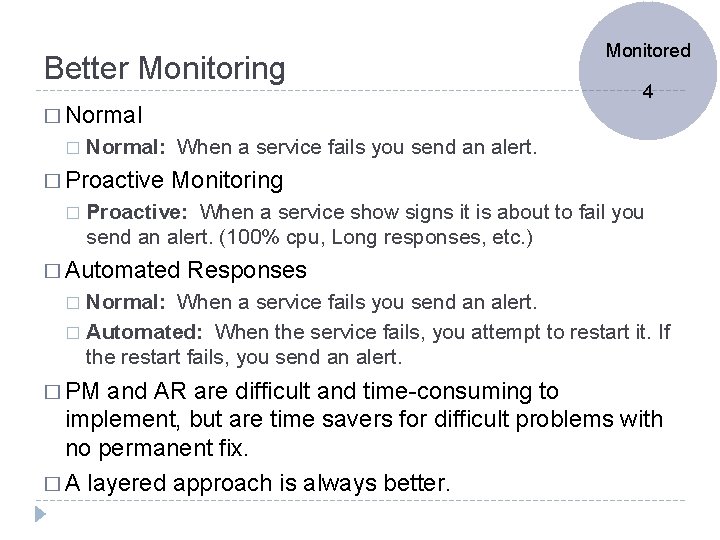
Better Monitoring � Normal � 4 Normal: When a service fails you send an alert. � Proactive � Monitored Monitoring Proactive: When a service show signs it is about to fail you send an alert. (100% cpu, Long responses, etc. ) � Automated Responses Normal: When a service fails you send an alert. � Automated: When the service fails, you attempt to restart it. If the restart fails, you send an alert. � � PM and AR are difficult and time-consuming to implement, but are time savers for difficult problems with no permanent fix. � A layered approach is always better.
Monitored Alerts! 4 � Types: � Email � TXT message � SMS Page � Automated dialer calls phone. � Pick the appropriate Alert for the appropriate Event and time. � Don’t � In send email when you’re not going to check it! a layered approach, you might send an email, and if the problem persists send a TXT, etc…
Logging � Log files get very large � since Monitored 4 they record all activity. � Log file rotation – service points to a different log file after a specified interval. � Lets you backup log files � Keeps the size of the files manageable. � Log files are text and they compress nicely. � How long do you keep logs? � Depends on service, depends on your policy � It’s not a decision the SA should make. � Like an insurance policy. Not very useful until the off chance that you need it. . . then you’re glad you have it!
Service Maintenance Maintaine d � Yes, there will come a time when you will need to deny service. (Make it unavailable. ) � Upgrades � Plan to hardware / OS / Service itself and advertise your service outages so your users can plan accordingly. � Make sure your outage complies with your TOS. 5
Supporting your service After your service is up and running working, but before roll it out you should: � Document Supporte d 6 how the service should be used and maintained by your IT staff � Train your IT staff how to support the new service � Train the users, if required � Build out self-help support for the service to reduce calls to the helpdesk. � Don’t forget to advertise the new service to your users. � Roll it out using “One – Some - Many” so you can get a handle of any unforeseen issues.
Questions?