
IST 256 Applications Programming for Information Systems Python
- Slides: 16
IST 256 : Applications Programming for Information Systems Python Variables and Expressions
Agenda • Connection Activity • Teaching: • Variables • Basic Types • Arithmetic Expressions • Practice Activity
What Is: A Connect Activity ? • The wi-fi signal icon represents a connect activity. • The purpose of a connect activity is to warm you up… getting the student to reconnect with the course material we’ve already covered. • We will do many different types of connect activities throughout the course. • Some are effort graded.
Connect Activity Homework Check: • Hand in your homework. Your completed Now You Code activity from the previous class. • This is effort graded. • Who would like to demonstrate their solution?
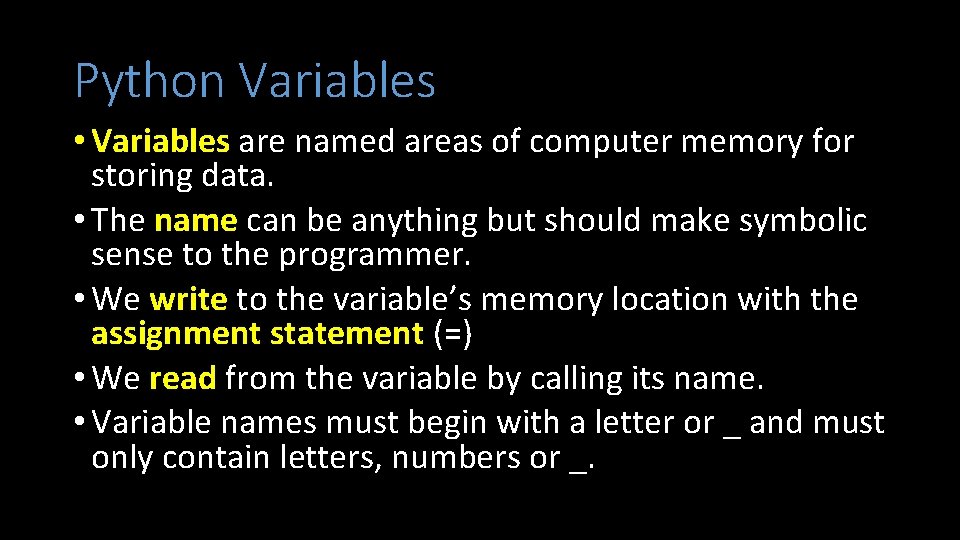
Python Variables • Variables are named areas of computer memory for storing data. • The name can be anything but should make symbolic sense to the programmer. • We write to the variable’s memory location with the assignment statement (=) • We read from the variable by calling its name. • Variable names must begin with a letter or _ and must only contain letters, numbers or _.
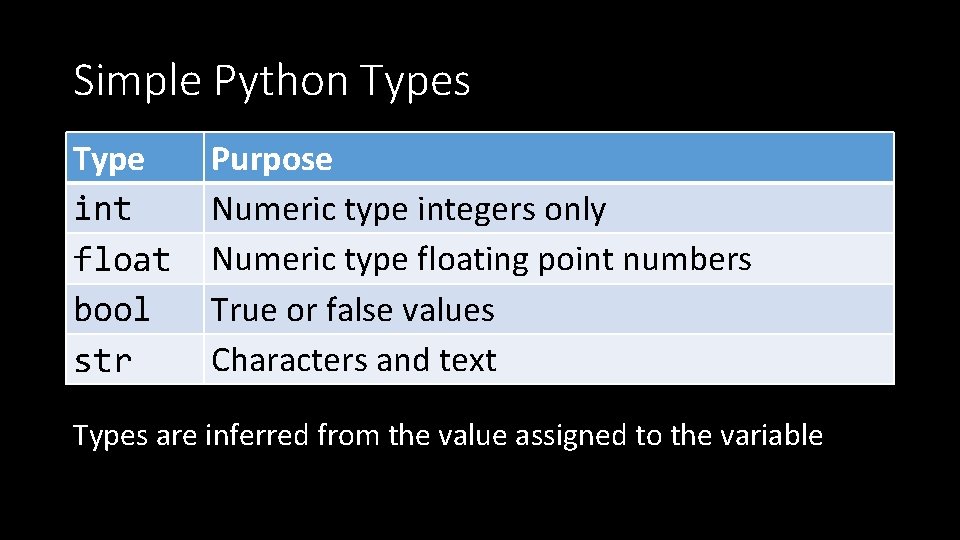
Simple Python Types Type int float bool str Purpose Numeric type integers only Numeric type floating point numbers True or false values Characters and text Types are inferred from the value assigned to the variable
What is: Check Yourself ? • The check box icon signifies a check yourself practice activity. • The check yourself activity serves as a diagnostic instrument for the student (that’s you). • It is a practice activity because of its intent to help you gauge your own understanding of key principles. • The professor (that’s me) does not grade check yourself activities, but does require participation.
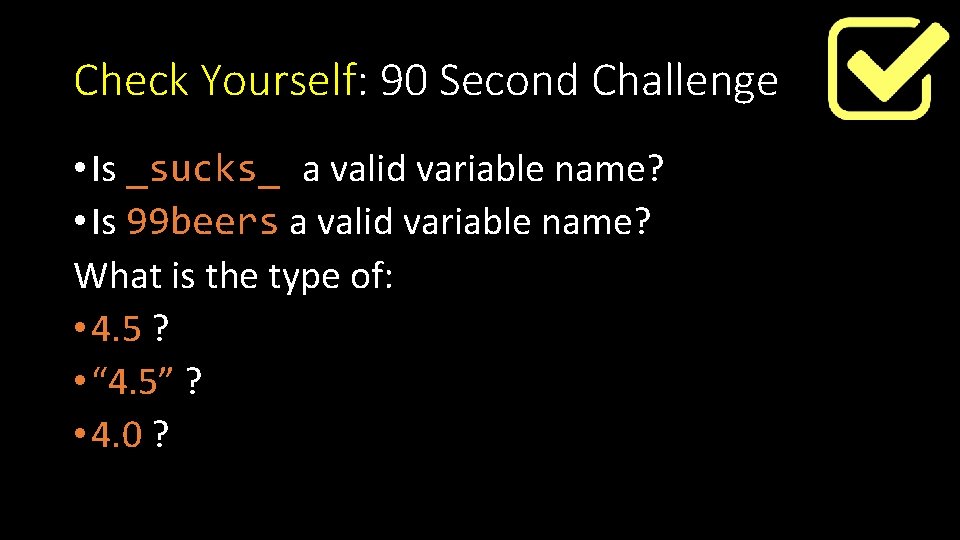
Check Yourself: 90 Second Challenge • Is _sucks_ a valid variable name? • Is 99 beers a valid variable name? What is the type of: • 4. 5 ? • “ 4. 5” ? • 4. 0 ?
Watch Me Code Understanding Variables and Types! - Switching types - Using type()
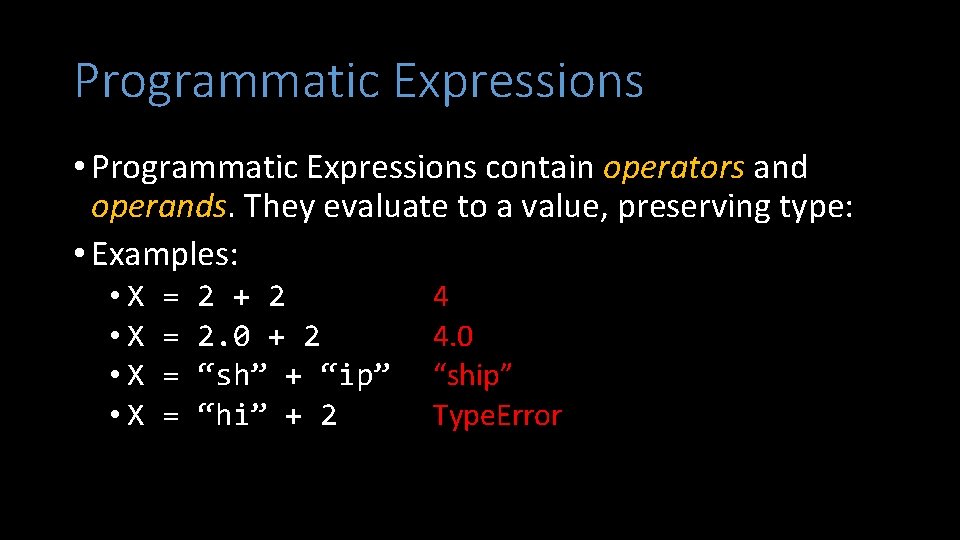
Programmatic Expressions • Programmatic Expressions contain operators and operands. They evaluate to a value, preserving type: • Examples: • X • X = = 2 + 2 2. 0 + 2 “sh” + “ip” “hi” + 2 4 4. 0 “ship” Type. Error
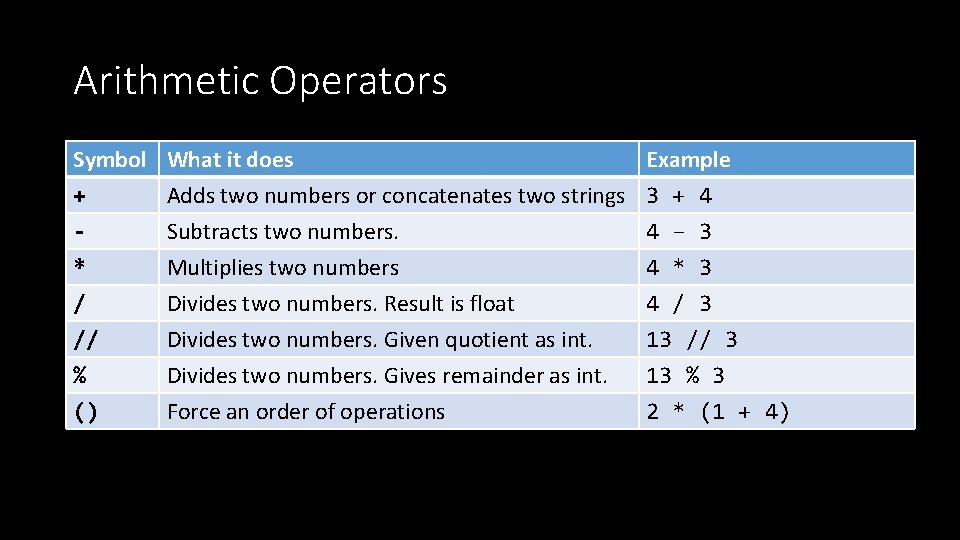
Arithmetic Operators Symbol What it does Example Adds two numbers or concatenates two strings 3 + 4 + Subtracts two numbers. 4 – 3 Multiplies two numbers * 4 * 3 / // % () Divides two numbers. Result is float Divides two numbers. Given quotient as int. Divides two numbers. Gives remainder as int. Force an order of operations 4 / 3 13 // 3 13 % 3 2 * (1 + 4)
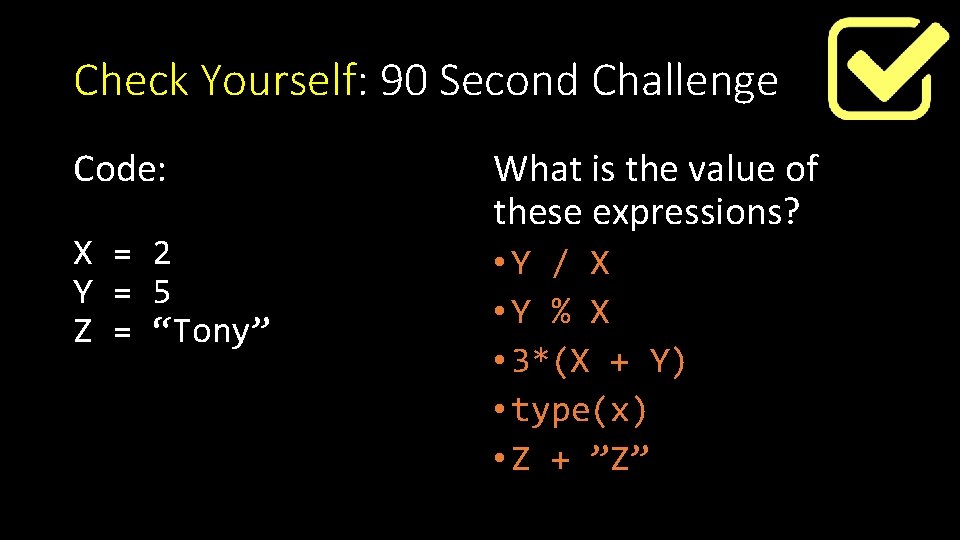
Check Yourself: 90 Second Challenge Code: X = 2 Y = 5 Z = “Tony” What is the value of these expressions? • Y / X • Y % X • 3*(X + Y) • type(x) • Z + ”Z”
Help me Code The Pay-Rate Calculator: • Write a program to prompt for hourly rate, and hours worked for the week as inputs • Then calculates the total pay as output. • Then prompts for tax rate as input, and outputs net pay.
Now You Code The Check-Splitter • Write a program to ask for the total amount of restaurant check and the number of people who ate there. The program should then output each person’s share of the check. Criteria: • Use Jupyter Notebook • Work with a partner one person codes, the other helps. • Both names should appear as a comment in the code or in markdown.
What is: A Conclusion Activity ? • The exit icon signifies a conclusion activity. • This activity helps the professor (that’s me) understand what his students learned today. • It helps student (that’s you) reflect upon your learning and communicate your issues to your instructor. • Some conclusion activities are effort graded.
Conclusion Activity Your “Ticket Out” • Take out a piece of paper. • Print your name at the top • Write down ONE THING on the paper you learned today. • My TA’s will collect your paper on the way out. • The activity will be effort graded.