
ISSM 101 BreakOut Session CINCO DE MAYO 2016
ISSM 101 Break-Out Session CINCO DE MAYO 2016 Anna Nye-Schaffroth, Leidos ISSM SD ISAC INFORMATION SYSTEM SECURITY SUBCOMMITTEE (IS 3) © Leidos. All rights reserved.
ISSM 101 Outline 2 DSS ODAA Documentation How to Obtain Accreditation How to Maintain Compliance Introduction to RMF by Alan Polley, Leidos Senior ISSO OBMS Demonstration Q&A Panel
DSS Office of the Designated Approving Authority (ODAA) Documentation
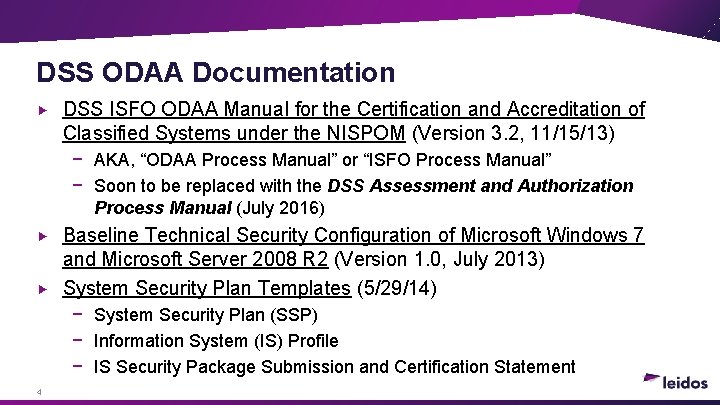
DSS ODAA Documentation DSS ISFO ODAA Manual for the Certification and Accreditation of Classified Systems under the NISPOM (Version 3. 2, 11/15/13) − AKA, “ODAA Process Manual” or “ISFO Process Manual” − Soon to be replaced with the DSS Assessment and Authorization Process Manual (July 2016) Baseline Technical Security Configuration of Microsoft Windows 7 and Microsoft Server 2008 R 2 (Version 1. 0, July 2013) System Security Plan Templates (5/29/14) − System Security Plan (SSP) − Information System (IS) Profile − IS Security Package Submission and Certification Statement 4
How to Obtain Accreditation
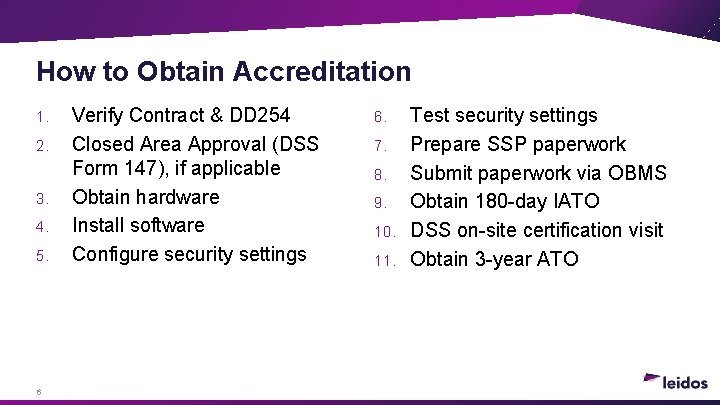
How to Obtain Accreditation 1. 2. 3. 4. 5. 6 Verify Contract & DD 254 Closed Area Approval (DSS Form 147), if applicable Obtain hardware Install software Configure security settings 6. 7. 8. 9. 10. 11. Test security settings Prepare SSP paperwork Submit paperwork via OBMS Obtain 180 -day IATO DSS on-site certification visit Obtain 3 -year ATO
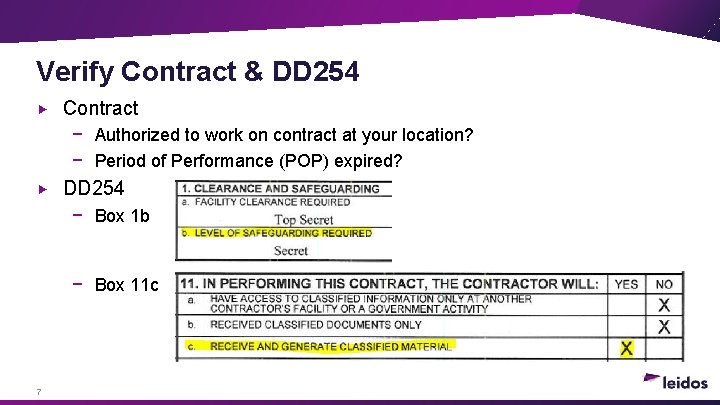
Verify Contract & DD 254 Contract − Authorized to work on contract at your location? − Period of Performance (POP) expired? DD 254 − Box 1 b − Box 11 c 7
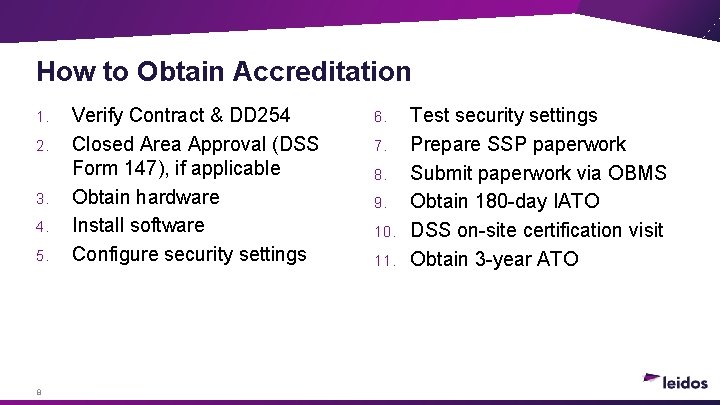
How to Obtain Accreditation 1. 2. 3. 4. 5. 8 Verify Contract & DD 254 Closed Area Approval (DSS Form 147), if applicable Obtain hardware Install software Configure security settings 6. 7. 8. 9. 10. 11. Test security settings Prepare SSP paperwork Submit paperwork via OBMS Obtain 180 -day IATO DSS on-site certification visit Obtain 3 -year ATO
How to Maintain Compliance
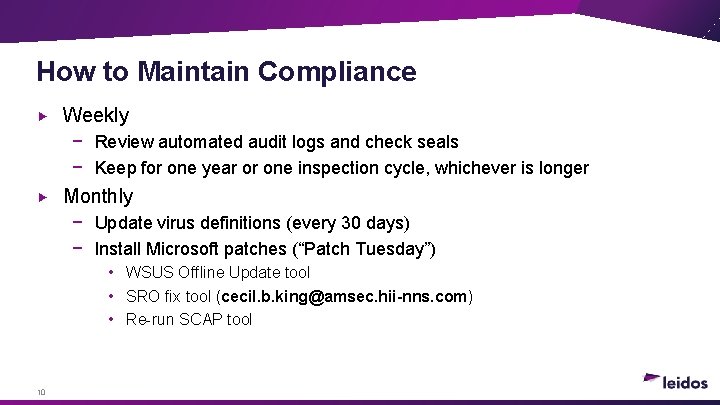
How to Maintain Compliance Weekly − Review automated audit logs and check seals − Keep for one year or one inspection cycle, whichever is longer Monthly − Update virus definitions (every 30 days) − Install Microsoft patches (“Patch Tuesday”) • WSUS Offline Update tool • SRO fix tool (cecil. b. king@amsec. hii-nns. com) • Re-run SCAP tool 10
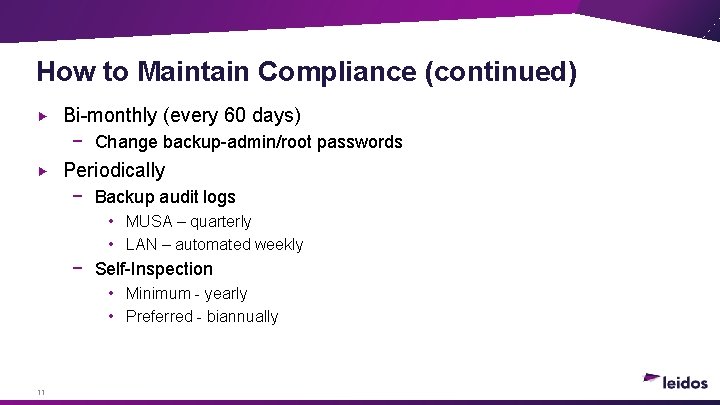
How to Maintain Compliance (continued) Bi-monthly (every 60 days) − Change backup-admin/root passwords Periodically − Backup audit logs • MUSA – quarterly • LAN – automated weekly − Self-Inspection • Minimum - yearly • Preferred - biannually 11
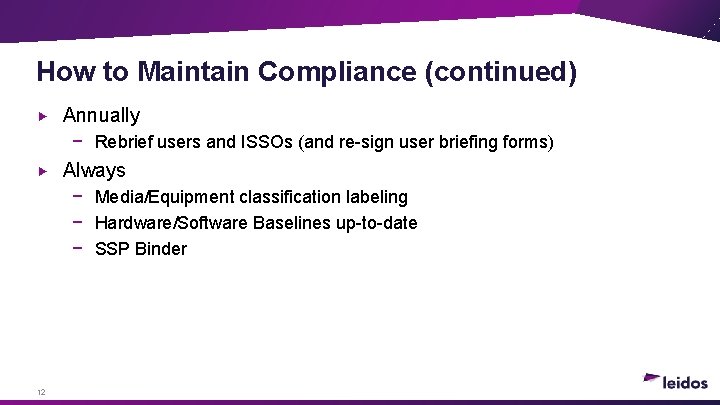
How to Maintain Compliance (continued) Annually − Rebrief users and ISSOs (and re-sign user briefing forms) Always − Media/Equipment classification labeling − Hardware/Software Baselines up-to-date − SSP Binder 12
Introduction to RMF ALAN POLLEY | CISSP LEIDOS SENIOR ISSO

What is RMF? 14
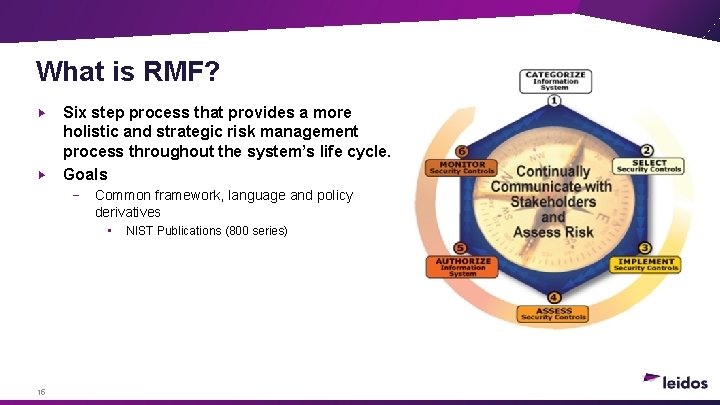
What is RMF? Six step process that provides a more holistic and strategic risk management process throughout the system’s life cycle. Goals − Common framework, language and policy derivatives • 15 NIST Publications (800 series)
What’s Changing? Terms − Regional Designated Accrediting Authority (RDAA) | Regional Authorizing Official (RAO) − − ISSP | Security Control Assessor (SCA) Program Manager (PM) | Information System Owner (ISO) Documentation − − MSSP | Information Assurance Standard Operating Procedures (IA SOP) SSP/Profile | System Security Plan (SSP) • • • Guidance − Joint SAP Implementation Guide (JSIG Rev 4 April ‘ 16) • − DSS uses for SAPs DSS Authorization and Assessment Process Manual (DAAPM) • 16 Risk Assessment Report (RAR) Security Controls Traceability Matrix (SCTM) Plan of Action and Milestones (POAM) Due July ‘ 16
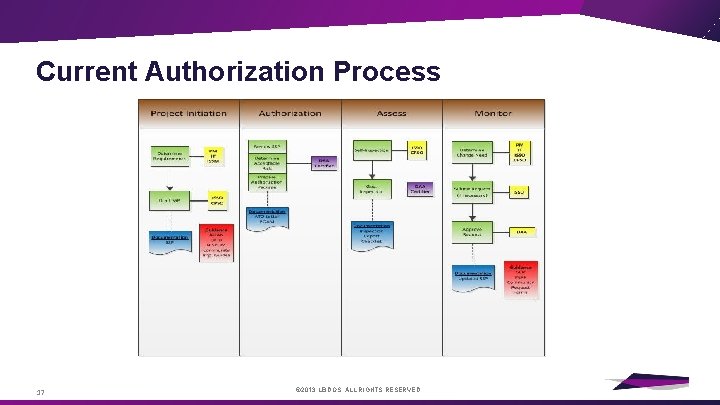
Current Authorization Process 17 © 2013 LEIDOS. ALL RIGHTS RESERVED.
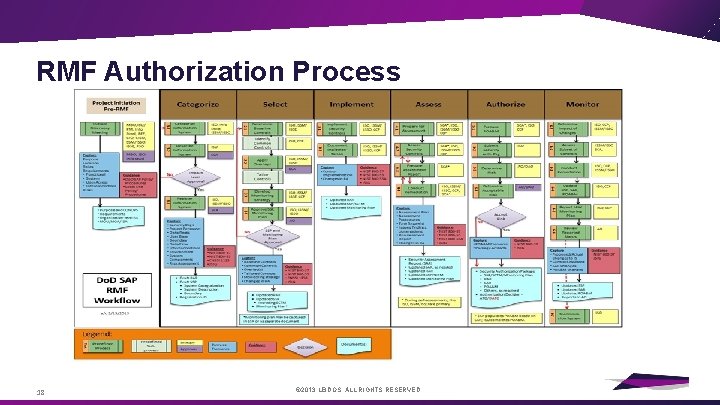
RMF Authorization Process 18 © 2013 LEIDOS. ALL RIGHTS RESERVED.
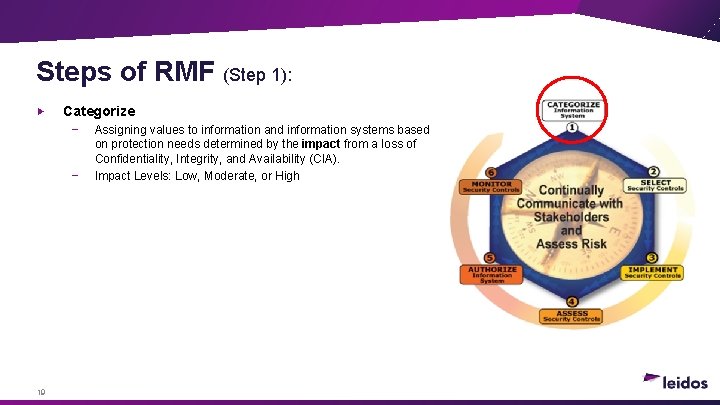
Steps of RMF (Step 1): Categorize − − 19 Assigning values to information and information systems based on protection needs determined by the impact from a loss of Confidentiality, Integrity, and Availability (CIA). Impact Levels: Low, Moderate, or High
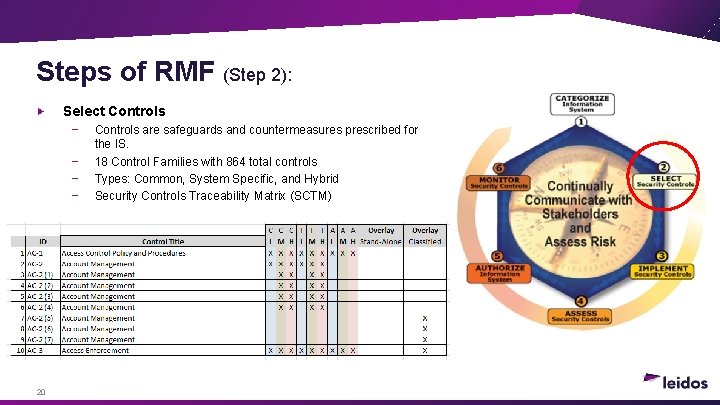
Steps of RMF (Step 2): Select Controls − − 20 Controls are safeguards and countermeasures prescribed for the IS. 18 Control Families with 864 total controls Types: Common, System Specific, and Hybrid Security Controls Traceability Matrix (SCTM)
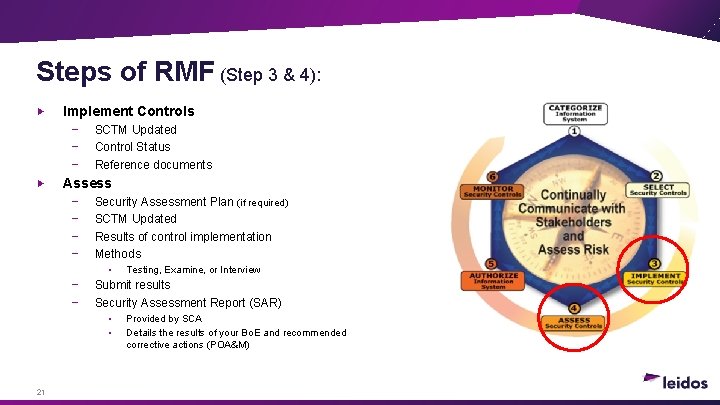
Steps of RMF (Step 3 & 4): Implement Controls − − − SCTM Updated Control Status Reference documents Assess − − Security Assessment Plan (if required) SCTM Updated Results of control implementation Methods • − − Submit results Security Assessment Report (SAR) • • 21 Testing, Examine, or Interview Provided by SCA Details the results of your Bo. E and recommended corrective actions (POA&M)
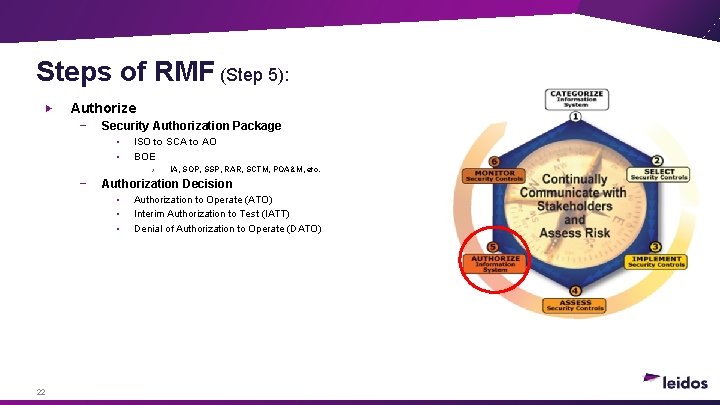
Steps of RMF (Step 5): Authorize − Security Authorization Package • • ISO to SCA to AO BOE › − Authorization Decision • • • 22 IA, SOP, SSP, RAR, SCTM, POA&M, etc. Authorization to Operate (ATO) Interim Authorization to Test (IATT) Denial of Authorization to Operate (DATO)
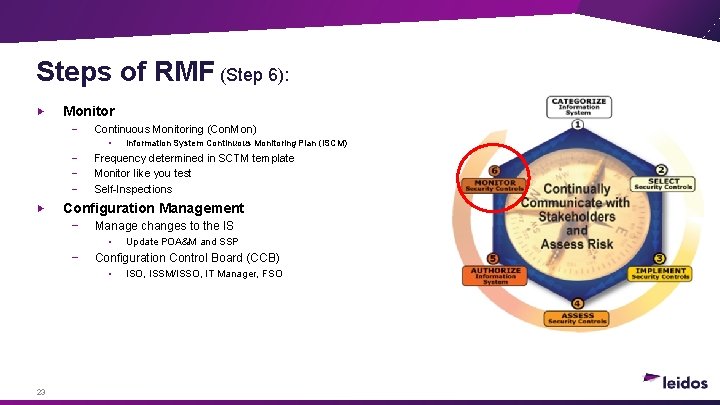
Steps of RMF (Step 6): Monitor − Continuous Monitoring (Con. Mon) • − − − Frequency determined in SCTM template Monitor like you test Self-Inspections Configuration Management − Manage changes to the IS • − Update POA&M and SSP Configuration Control Board (CCB) • 23 Information System Continuous Monitoring Plan (ISCM) ISO, ISSM/ISSO, IT Manager, FSO
Summary RMF is coming August 1 st Start now! − − Guidance − 24 Review RMF documentation • NIST 800 Publications http: //csrc. nist. gov/publications/Pubs. SPs. html#SP%20800 • Joint SAP Implementation Guide (JSIG) Rev 4 published in April Training (CDSE) New process manual (DAAPM) July ‘ 16
ODAA Business Management System (OBMS) Demonstration
OBMS Demonstration 26 “OBMS is a secure, web-based system, designed to automate and streamline the Certification and Accreditation (C&A) process for timeliness, accuracy, and efficiency. ” Demonstrate submittal of an SSP package for a Multi-User Standalone (MUSA) Information System (IS)
Q&A Panel 27 Tim Weaver, Western Regional Authorizing Official (RAO) Rick Disney, Information System Security Professional (ISSP) Anna Nye-Schaffroth, ISSM (Leidos) Alan Polley, Senior ISSO (Leidos)
- Slides: 27