
ISP Help Desk Working at a SmalltoMedium Business
ISP Help Desk Working at a Small-to-Medium Business or ISP – Chapter 2 1
Key Vocabulary § Insert the following terms on a piece of paper and look up the definition for each and then write a sentence for each one. Print & Submit. § Bottom Up Troubleshooting § Escalate § Top Down Troubleshooting § Service Level Agreement § Divide and Conquer Troubleshooting § Incident Management § DHCP § OSI Model § Encoding § TCP ITE PC v 4. 0 Chapter 1 § Link-Local-Address § 11 Terms, 20 minutes 50 points © 2007 Cisco Systems, Inc. All rights reserved. Cisco Public 2
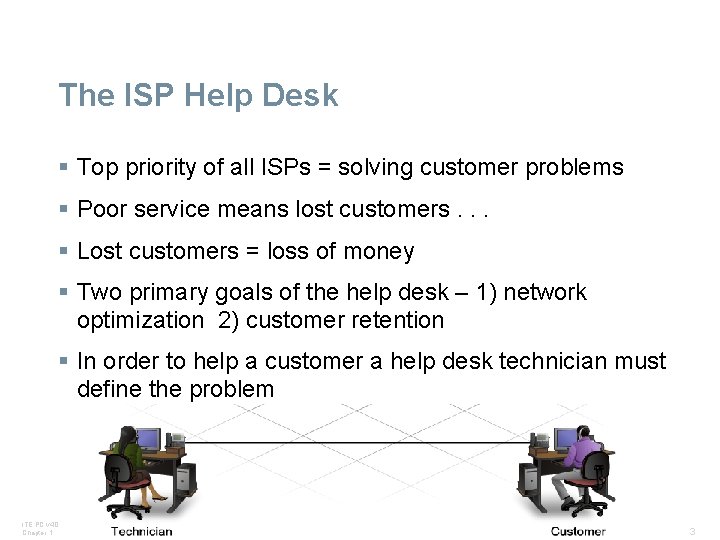
The ISP Help Desk § Top priority of all ISPs = solving customer problems § Poor service means lost customers. . . § Lost customers = loss of money § Two primary goals of the help desk – 1) network optimization 2) customer retention § In order to help a customer a help desk technician must define the problem ITE PC v 4. 0 Chapter 1 © 2007 Cisco Systems, Inc. All rights reserved. Cisco Public 3
Levels of ISP Customer Support § Level 1 – junior-level help desk technicians – offers immediate support for the customer • first point of customer contact – responsibilities • basic connectivity issues • document hardware, software, system problems • help with user issues • help customers complete basic online forms – many issues can be solved here • if unable to solve here then. . . ITE PC v 4. 0 Chapter 1 © 2007 Cisco Systems, Inc. All rights reserved. Cisco Public 4
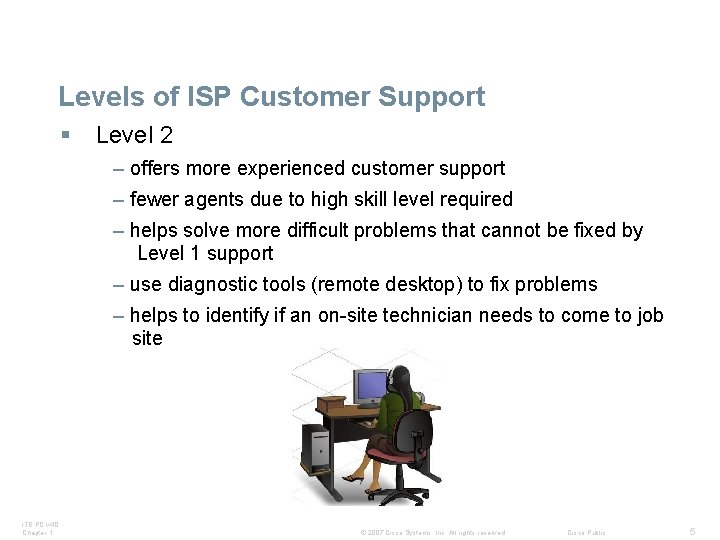
Levels of ISP Customer Support § Level 2 – offers more experienced customer support – fewer agents due to high skill level required – helps solve more difficult problems that cannot be fixed by Level 1 support – use diagnostic tools (remote desktop) to fix problems – helps to identify if an on-site technician needs to come to job site ITE PC v 4. 0 Chapter 1 © 2007 Cisco Systems, Inc. All rights reserved. Cisco Public 5
Summary of Level 1 and 2 ISP Support § talk to the customers on the telephone § use various web tools § use remote desktop sharing applications ITE PC v 4. 0 Chapter 1 © 2007 Cisco Systems, Inc. All rights reserved. Cisco Public 6
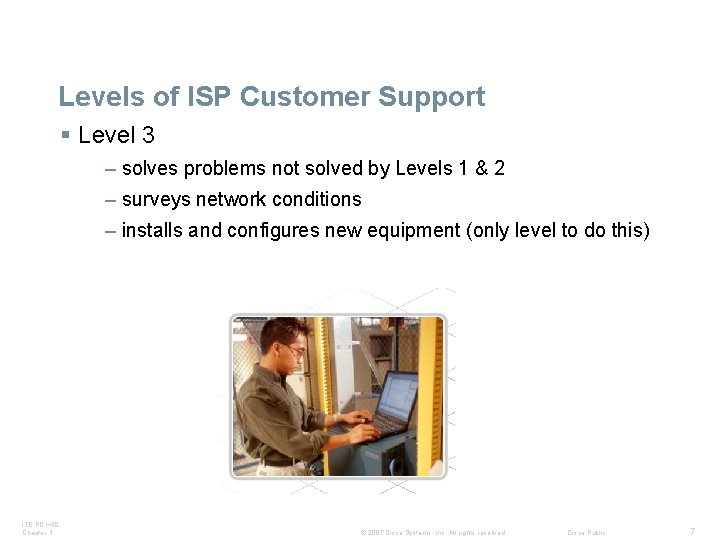
Levels of ISP Customer Support § Level 3 – solves problems not solved by Levels 1 & 2 – surveys network conditions – installs and configures new equipment (only level to do this) ITE PC v 4. 0 Chapter 1 © 2007 Cisco Systems, Inc. All rights reserved. Cisco Public 7
Activity § Complete the activity on page 2. 1. 2. 3 ITE PC v 4. 0 Chapter 1 © 2007 Cisco Systems, Inc. All rights reserved. Cisco Public 8
Dealing with the Customer § Help desk technicians are often the first point of contact for frustrated customers § Important to follow Incident Management Procedures – 1)open trouble ticket – 2)follow different problem solving strategies • bottom up-starts with the physical components of the network and works its way up the layers of the OSI model. • top down -This approach starts with the assumption that the problem is with the application and not the network infrastructure. • divide and conquer-technician makes an educated guess targeting the problem layer – must be followed every time a call comes in to ISP ITE PC v 4. 0 Chapter 1 © 2007 Cisco Systems, Inc. All rights reserved. Cisco Public 9
Bottom Up Question § A customer calls the help desk about setting up a new PC and cable modem and being unable to access the Internet. What three questions would the technician ask if the bottom-up troubleshooting approach is used? Is the NIC link light blinking? Is the network cable properly attached to the modem? Is the Category 5 cable properly connected to the network slot on the PC? ITE PC v 4. 0 Chapter 1 © 2007 Cisco Systems, Inc. All rights reserved. Cisco Public 10
Dealing with the Customer § Excellent interpersonal skills needed – greet customer pleasantly – open a trouble ticket • helps deal with any future problems • After trying unsuccessfully to fix a problem, the help desk technician sends the trouble ticket to the onsite support staff. This is called escalating a trouble ticket • documents how the problem was solved – LISTEN to the customer – maintain a professional demeanor throughout the conversation – log the call ITE PC v 4. 0 Chapter 1 © 2007 Cisco Systems, Inc. All rights reserved. Cisco Public 11
Activity § Complete the activity on 2. 1. 3. 4 ITE PC v 4. 0 Chapter 1 © 2007 Cisco Systems, Inc. All rights reserved. Cisco Public 12
Role Play § In groups of 3 write a script that highlights a conversation from a customer with a computer or network issue (you decide the issue and how complex you want it to be) and both level 1 and level 2 ISP technicians. Include suggestions, processes, test and other measures that might be recommended by the technician to fix the problem. After the script has been designed it should be presented to the class. Overall time frame should be 4 -6 minutes. ITE PC v 4. 0 Chapter 1 © 2007 Cisco Systems, Inc. All rights reserved. Cisco Public 13
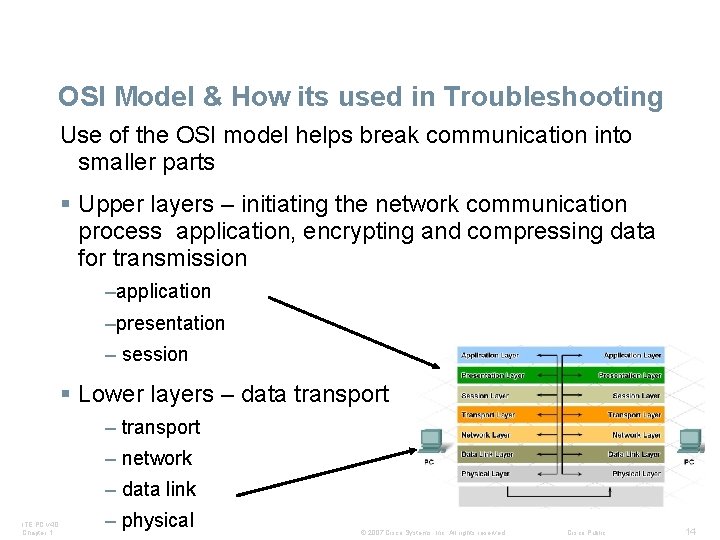
OSI Model & How its used in Troubleshooting Use of the OSI model helps break communication into smaller parts § Upper layers – initiating the network communication process application, encrypting and compressing data for transmission –application –presentation – session § Lower layers – data transport – network – data link ITE PC v 4. 0 Chapter 1 – physical © 2007 Cisco Systems, Inc. All rights reserved. Cisco Public 14
Encapsulation § Encapsulation is the process of getting data ready for transmission § From layer 4 down Segments, packet, frame bits § From layer 1 up Bits, frame, packet, segments ITE PC v 4. 0 Chapter 1 © 2007 Cisco Systems, Inc. All rights reserved. Cisco Public 15
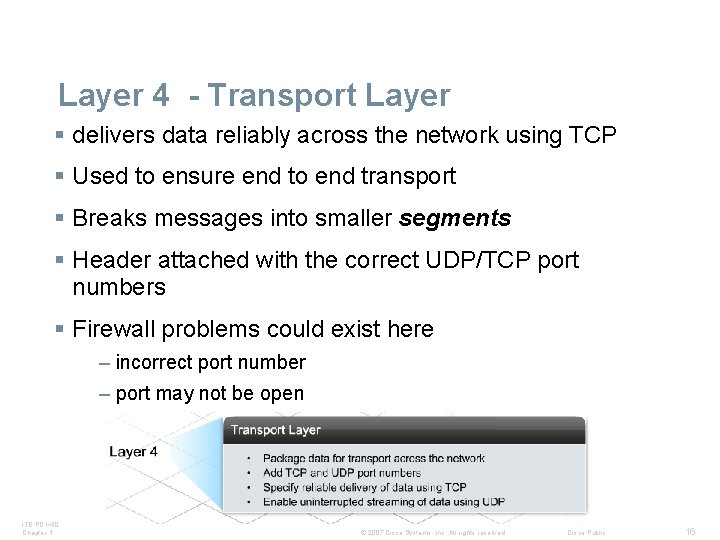
Layer 4 - Transport Layer § delivers data reliably across the network using TCP § Used to ensure end to end transport § Breaks messages into smaller segments § Header attached with the correct UDP/TCP port numbers § Firewall problems could exist here – incorrect port number – port may not be open ITE PC v 4. 0 Chapter 1 © 2007 Cisco Systems, Inc. All rights reserved. Cisco Public 16
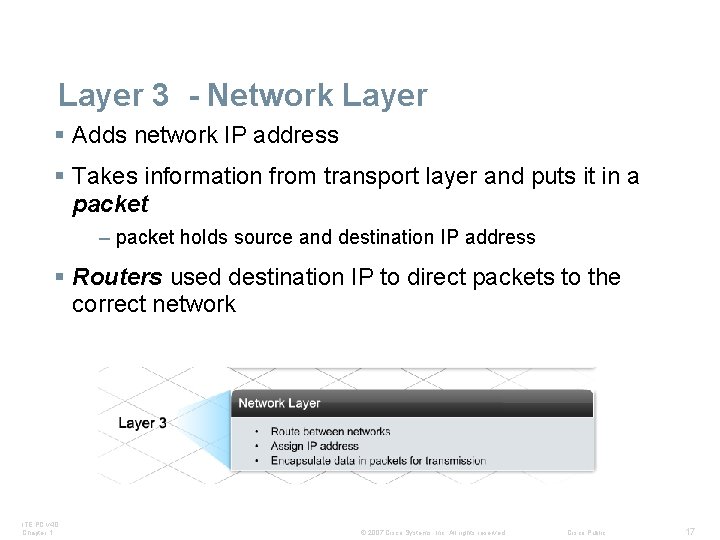
Layer 3 - Network Layer § Adds network IP address § Takes information from transport layer and puts it in a packet – packet holds source and destination IP address § Routers used destination IP to direct packets to the correct network ITE PC v 4. 0 Chapter 1 © 2007 Cisco Systems, Inc. All rights reserved. Cisco Public 17
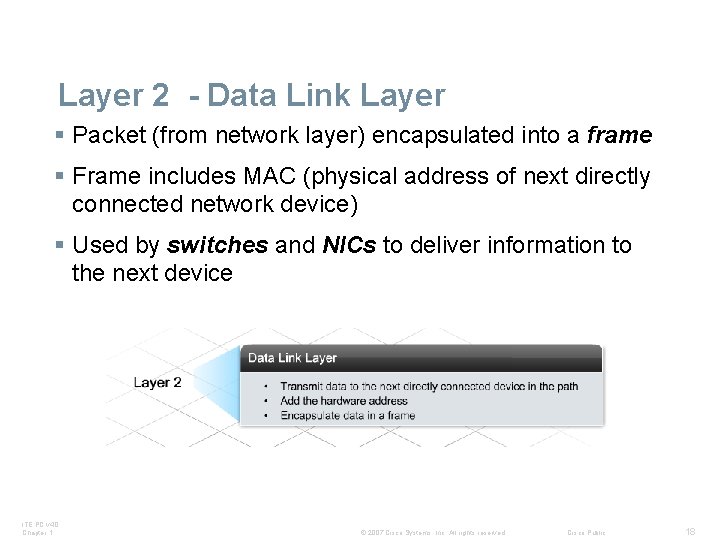
Layer 2 - Data Link Layer § Packet (from network layer) encapsulated into a frame § Frame includes MAC (physical address of next directly connected network device) § Used by switches and NICs to deliver information to the next device ITE PC v 4. 0 Chapter 1 © 2007 Cisco Systems, Inc. All rights reserved. Cisco Public 18
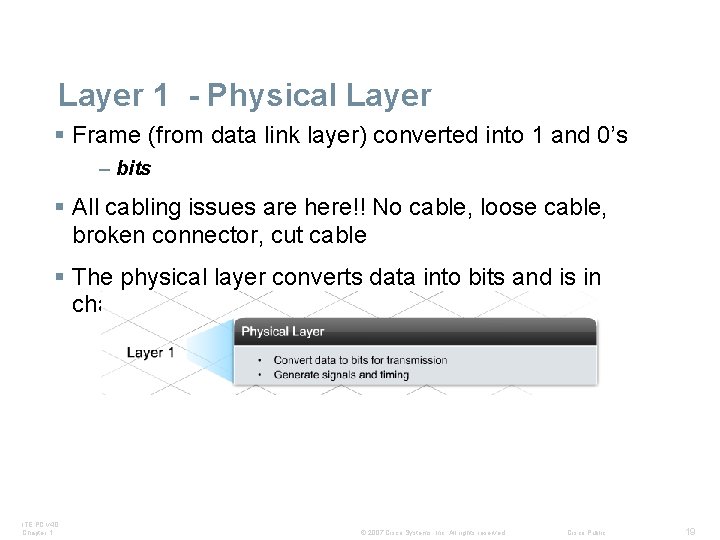
Layer 1 - Physical Layer § Frame (from data link layer) converted into 1 and 0’s – bits § All cabling issues are here!! No cable, loose cable, broken connector, cut cable § The physical layer converts data into bits and is in charge of signal generation ITE PC v 4. 0 Chapter 1 © 2007 Cisco Systems, Inc. All rights reserved. Cisco Public 19
Troubleshooting Procedures § Layer 3 Problems – check logical (IP address) – possible problems • Is the IP within the assigned network? • Is the correct subnet mask being used? • Is the correct default gateway set? • check DNS and/or DHCP settings § Utilities used to check Layer 3 issues – ipconfig – shows IP settings – ping – traceroute § Which address is used by the router to direct a packet between networks? Destination IP Address ITE PC v 4. 0 Chapter 1 © 2007 Cisco Systems, Inc. All rights reserved. Cisco Public 20

Activity § Complete the activity on 2. 2. 2. 4 ITE PC v 4. 0 Chapter 1 © 2007 Cisco Systems, Inc. All rights reserved. Cisco Public 21
Layer 3 question § A customer calls the ISP help desk after setting up a new PC with a cable modem but being unable to access the Internet. After the help desk technician has verified Layer 1 and Layer 2, what are three questions the help desk technician should ask the customer? Can you ping the default gateway What is your IP address What is your subnet mask ITE PC v 4. 0 Chapter 1 © 2007 Cisco Systems, Inc. All rights reserved. Cisco Public 22
Layer 3 Question § While troubleshooting a connectivity issue on a host, a network administrator issues the ping 127. 0. 0. 1 command. The pings are unsuccessful. What is most likely the problem? § The TCP/IP stack is not loaded properly. ITE PC v 4. 0 Chapter 1 © 2007 Cisco Systems, Inc. All rights reserved. Cisco Public 23
Troubleshooting Procedures § Layer 4 Problems – Possible firewall issue – this could block transmission – check to see if the TCP or UDP port is open § Layers 5 -7 Problems – check application configuration – check for correct user settings • Email, etc – Use utilities to help solve the issues • packet sniffer • telnet ITE PC v 4. 0 Chapter 1 © 2007 Cisco Systems, Inc. All rights reserved. Cisco Public 24
Situation § The DHCP server in a lab environment is down when multiple DHCP clients in the lab are booted for the first time. How will DHCP clients be affected by the absence of a DHCP server during boot? All clients with link-local addresses will communicate with each other in a peer-to-peer manner A link-local address will be automatically assigned to the hosts by the operating system. ITE PC v 4. 0 Chapter 1 © 2007 Cisco Systems, Inc. All rights reserved. Cisco Public 25

Activity § Complete the activity on 2. 2. 3. 5 ITE PC v 4. 0 Chapter 1 © 2007 Cisco Systems, Inc. All rights reserved. Cisco Public 26
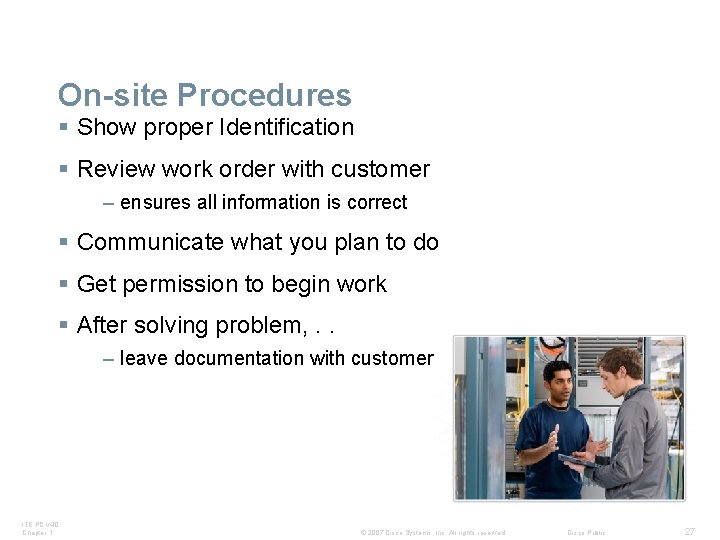
On-site Procedures § Show proper Identification § Review work order with customer – ensures all information is correct § Communicate what you plan to do § Get permission to begin work § After solving problem, . . – leave documentation with customer ITE PC v 4. 0 Chapter 1 © 2007 Cisco Systems, Inc. All rights reserved. Cisco Public 27
Summary § Help Desk user support exists at three levels. § Help desk operation relies on good customer communications skills, organization, and a layered approach to problem solving. § The OSI Model is the basis for effective troubleshooting. § Documentation is crucial in effective troubleshooting. ITE PC v 4. 0 Chapter 1 © 2007 Cisco Systems, Inc. All rights reserved. Cisco Public 28
Packet Tracer § Complete the packet tracer activity on 2. 3. 1. 4 ITE PC v 4. 0 Chapter 1 © 2007 Cisco Systems, Inc. All rights reserved. Cisco Public 29

ITE PC v 4. 0 Chapter 1 © 2007 Cisco Systems, Inc. All rights reserved. Cisco Public 30
- Slides: 30