
ISO Aperture and Shutter Speed For Beginners The
ISO, Aperture and Shutter Speed For Beginners
The photographer can control how much natural light reaches the sensor by adjusting the camera's • ISO • shutter speed and • aperture
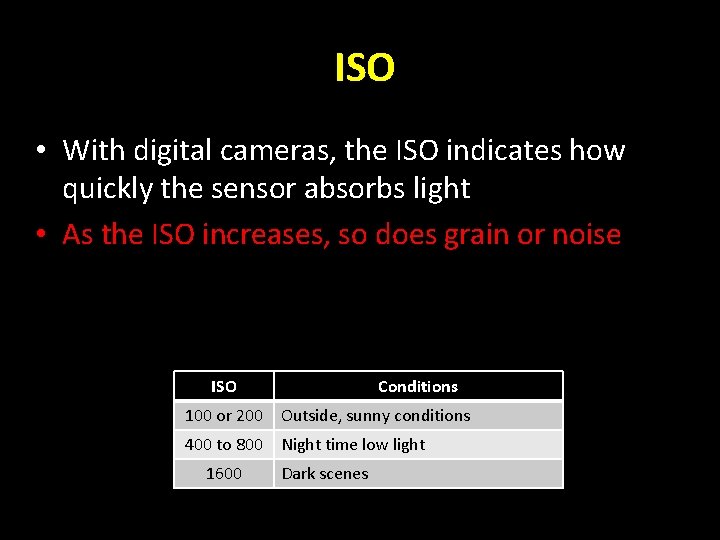
ISO • With digital cameras, the ISO indicates how quickly the sensor absorbs light • As the ISO increases, so does grain or noise ISO Conditions 100 or 200 Outside, sunny conditions 400 to 800 Night time low light 1600 Dark scenes
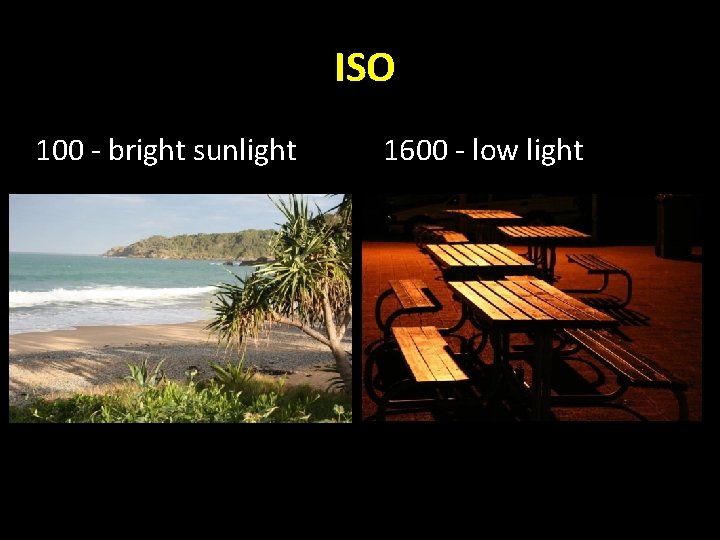
ISO 100 - bright sunlight 1600 - low light
Shutter Speed (Tv) • You can control the length of time the shutter remains open by setting the SHUTTER SPEED. Longer shutter speeds = more light (1/4 second or less) shorter shutter speeds = less light (1/250 second or more )
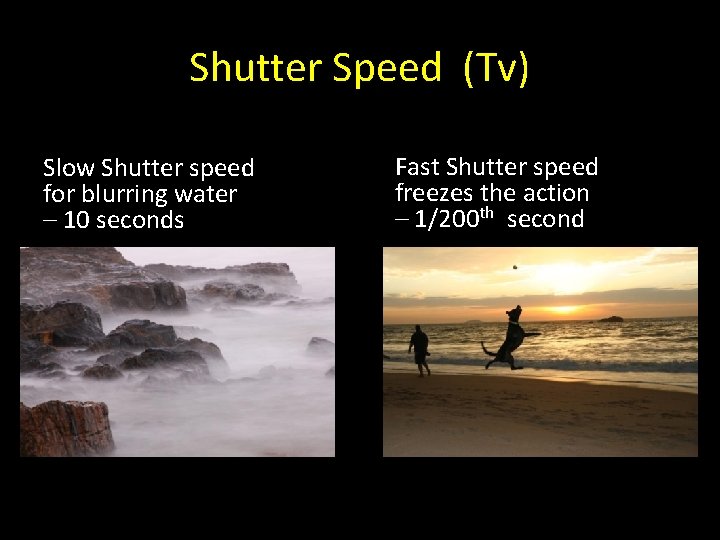
Shutter Speed (Tv) Slow Shutter speed for blurring water – 10 seconds Fast Shutter speed freezes the action – 1/200 th second
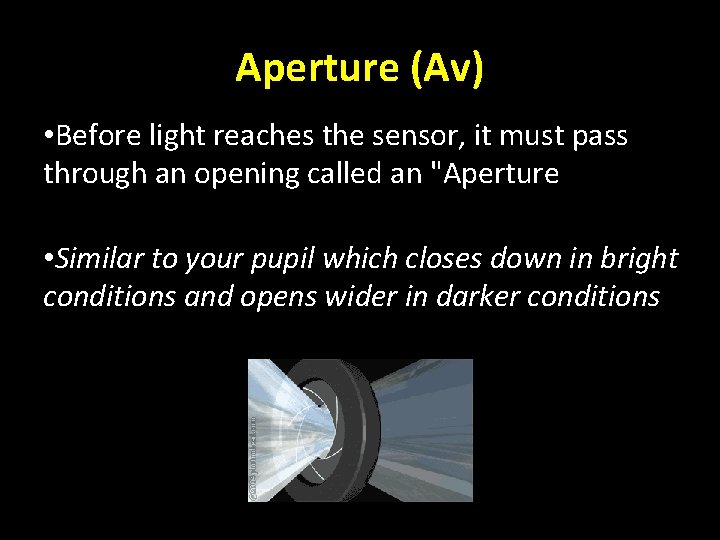
Aperture (Av) • Before light reaches the sensor, it must pass through an opening called an "Aperture • Similar to your pupil which closes down in bright conditions and opens wider in darker conditions
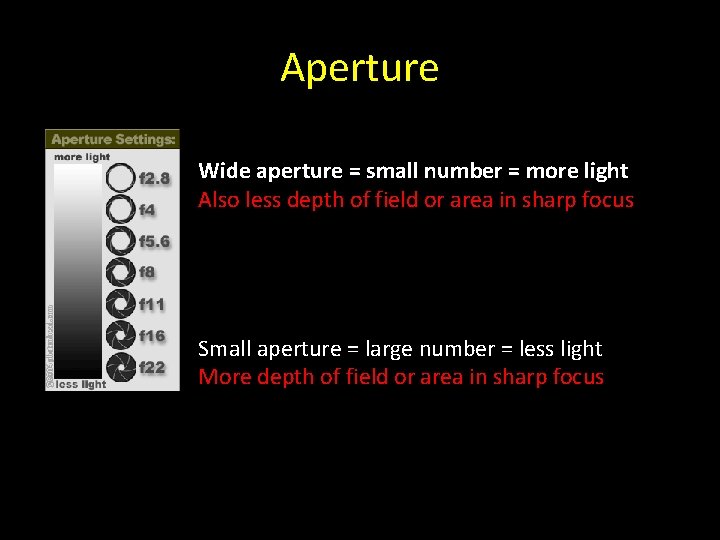
Aperture Wide aperture = small number = more light Also less depth of field or area in sharp focus Small aperture = large number = less light More depth of field or area in sharp focus
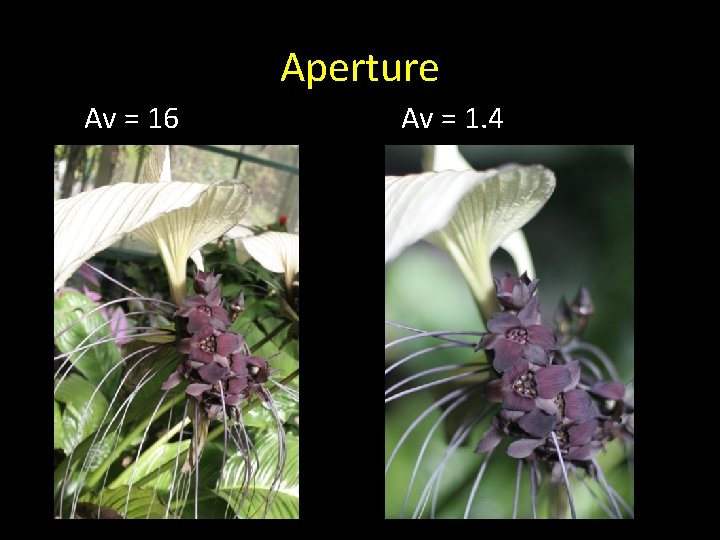
Aperture Av = 16 Av = 1. 4
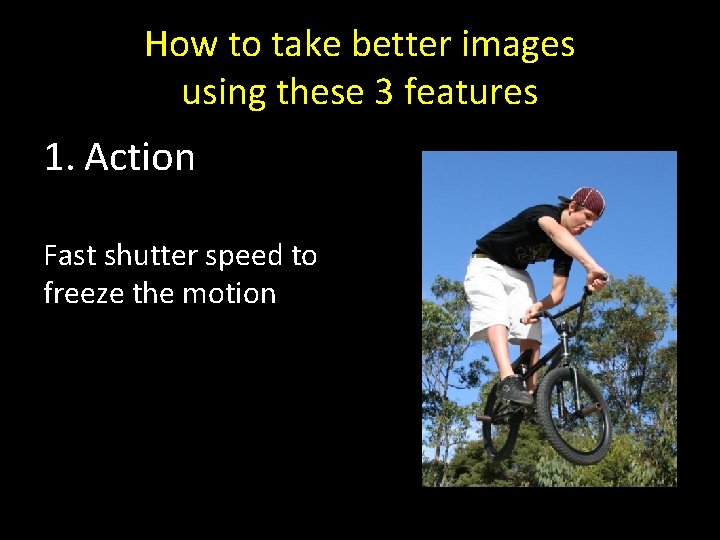
How to take better images using these 3 features 1. Action Fast shutter speed to freeze the motion
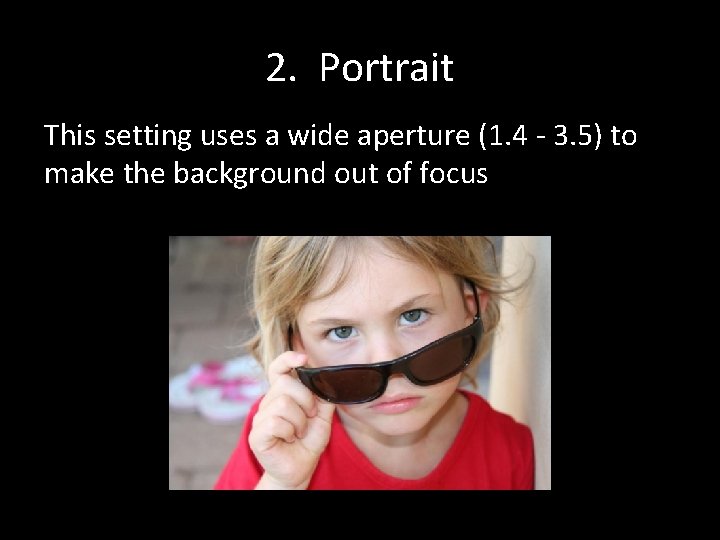
2. Portrait This setting uses a wide aperture (1. 4 - 3. 5) to make the background out of focus
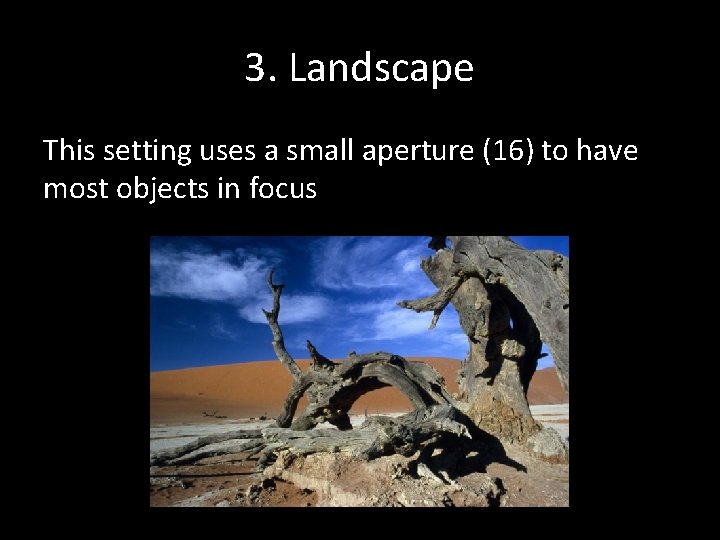
3. Landscape This setting uses a small aperture (16) to have most objects in focus
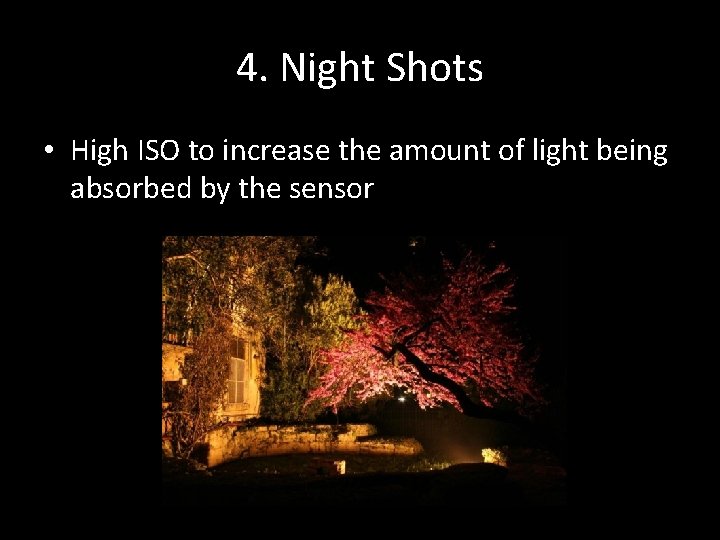
4. Night Shots • High ISO to increase the amount of light being absorbed by the sensor
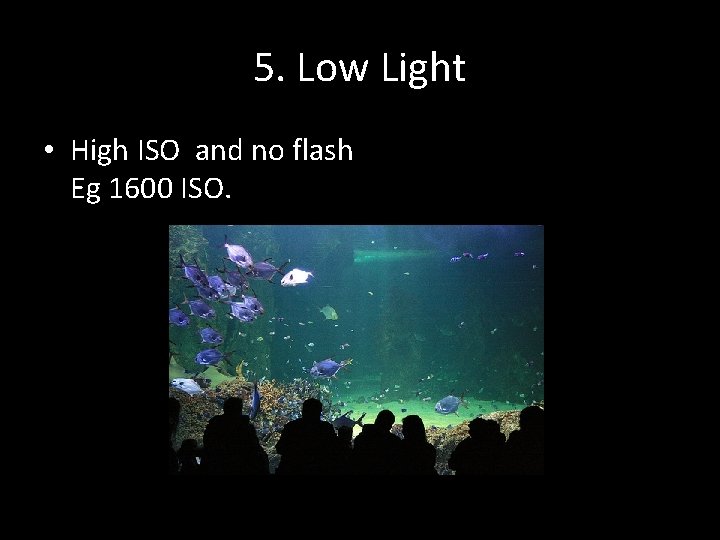
5. Low Light • High ISO and no flash Eg 1600 ISO.
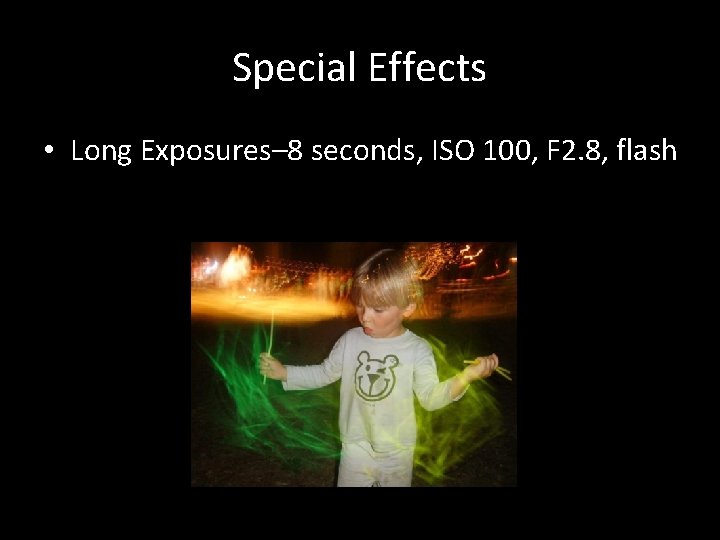
Special Effects • Long Exposures– 8 seconds, ISO 100, F 2. 8, flash
- Slides: 15