
Is it Accessible What Does that Mean Joy
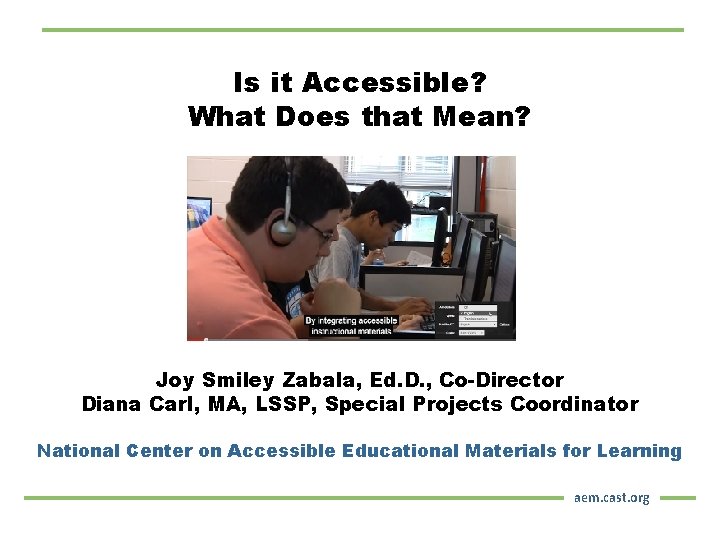
Is it Accessible? What Does that Mean? Joy Smiley Zabala, Ed. D. , Co-Director Diana Carl, MA, LSSP, Special Projects Coordinator National Center on Accessible Educational Materials for Learning aem. cast. org
Big Ideas of this Session Content will focus on the following main ideas: § Introducing the AEM Center § Reviewing AEM-related Legal Issues § Examining what accessibility means § Making AEM-related decisions § Leveraging AEM Center supportive tools and resources
About the AEM Center
AEM Center Goal To build the capacity of states, districts, postsecondary institutions, families, publishers, workforce development entities and other stakeholders to increase the availability and use of high-quality accessible materials (AEM) and technologies that support improved learning opportunities and outcomes for learners with disabilities.
AEM Center Services Three tiers of technical assistance to multiple stakeholders built on promising practices § Universal – High-quality, relevant and useful products and services readily available to all § Targeted – Focused assistance in response to specific requests from the field § Intensive – Ongoing collaborative work on best practices with 8 states (Alaska, Florida, Indiana, Iowa, Maryland, Minnesota, Ohio and Texas)
Why Provide Accessible Materials and Technologies?
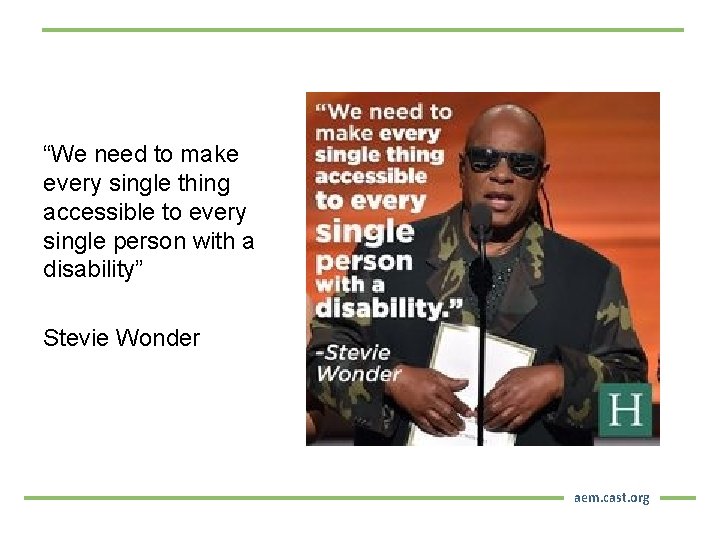
“We need to make every single thing accessible to every single person with a disability” Stevie Wonder aem. cast. org
IDEA Fed. Reg. Section 300. 172 Provisions require state and local education agencies to ensure that printed textbooks and related core instructional materials are provided to learners with print disabilities in specialized formats in a timely manner. Legal requirement is placed on state and local education agencies. IDEA cannot place requirements on publishers
Print Disability • Term appears in IDEA and specifies who has a print disability • Term is not specifically defined • In general usage, it refers to being unable to read or use standard print materials because of blindness or other disability • A print disability is related to FUNCTION rather than to a specific disability category.
What OSEP says about AEM in 2015 “Accessible educational materials” means print- and technology-based educational materials, including printed and electronic textbooks and related core materials that are required by SEAs and LEAs for use by all students… CFDA 84. 327 Z, Footnote #10
AEM and Civil Rights Two federal civil rights acts, Sections 504 and 508 of the Rehabilitation Act and Title II of the Americans with Disabilities Act (ADA) § prohibit discrimination on the basis of disability § speak to the obligation of public schools to provide accessible educational materials to learners with disabilities who need them. For more information view Frequently Asked Questions
Other Federal Legislation § Workforce Investment Opportunity Act (WIOA) Learn more about WIOA § Higher Education Opportunity Act of 2008 Learn more about HEOA
Materials are Materials Instructional ? Educational? Learning? ALL materials have to be ACCESSIBLE and so do the technologies that render them!
Examining What Accessibility Means
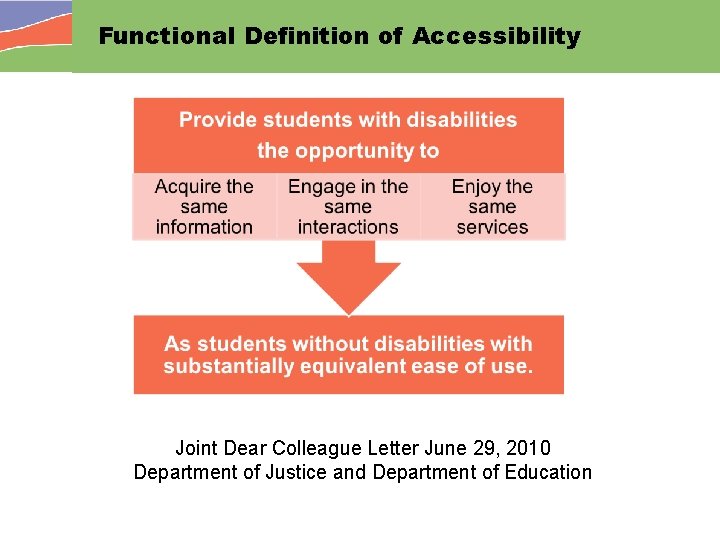
Functional Definition of Accessibility Joint Dear Colleague Letter June 29, 2010 Department of Justice and Department of Education
Is it Accessible? It Depends… § Accessibility is not one thing or set of things § Accessibility is a moving target § Accessible to whom? § Accessible where? § Accessible for what?
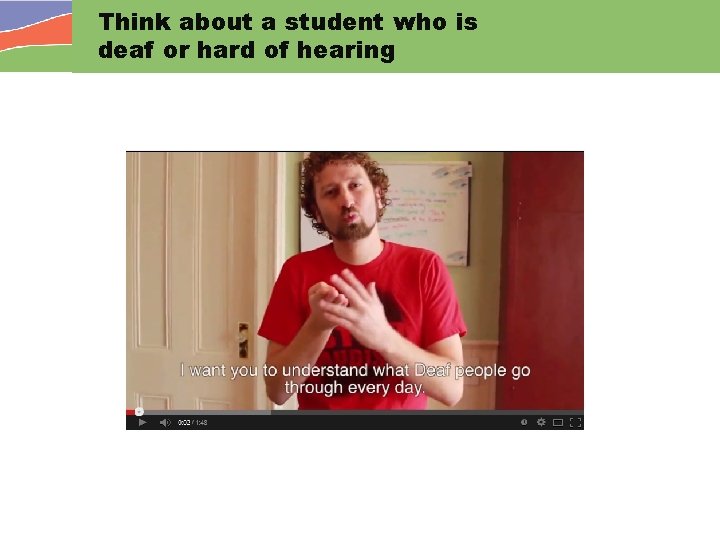
Think about a student who is deaf or hard of hearing
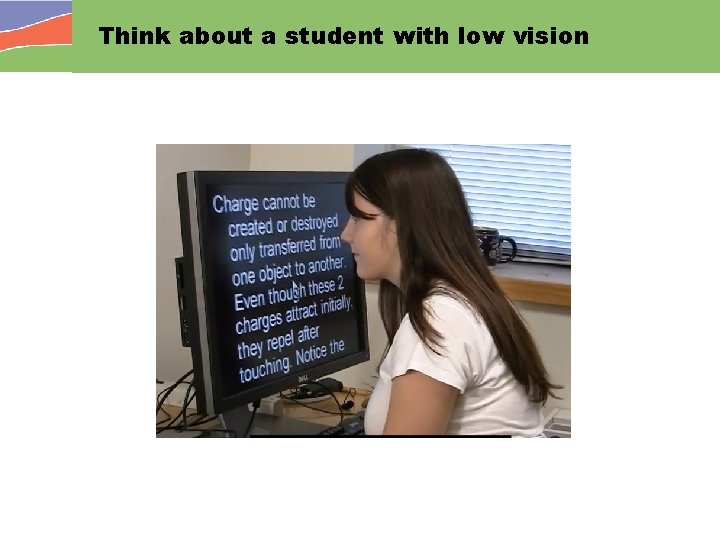
Think about a student with low vision
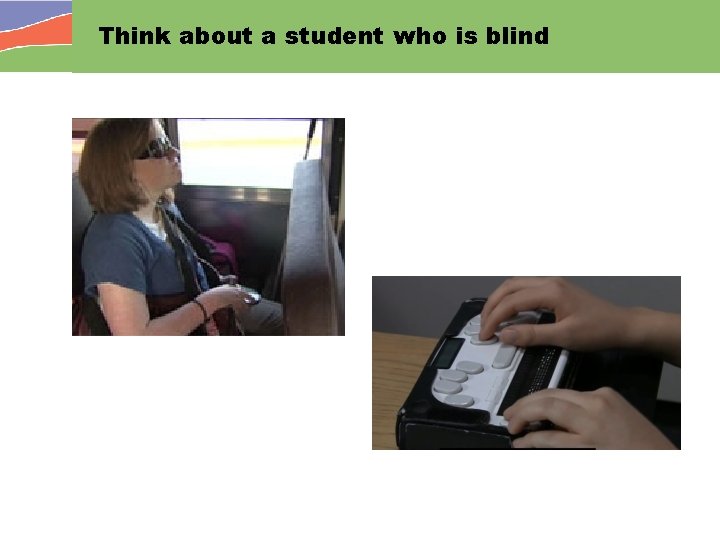
Think about a student who is blind
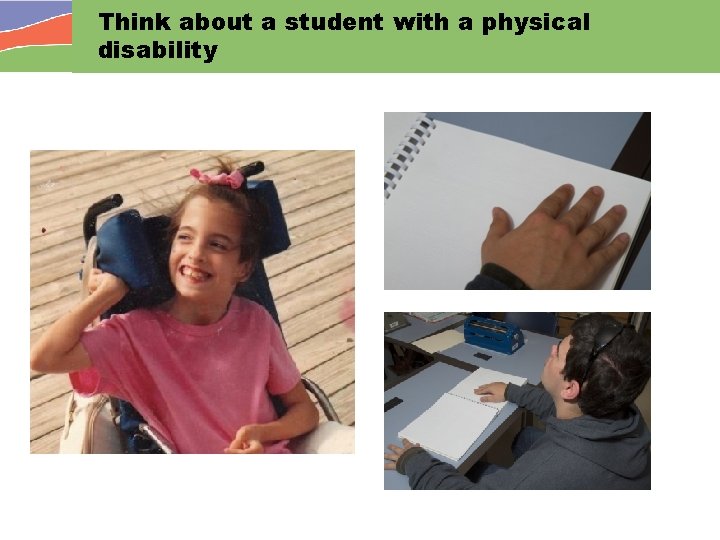
Think about a student with a physical disability
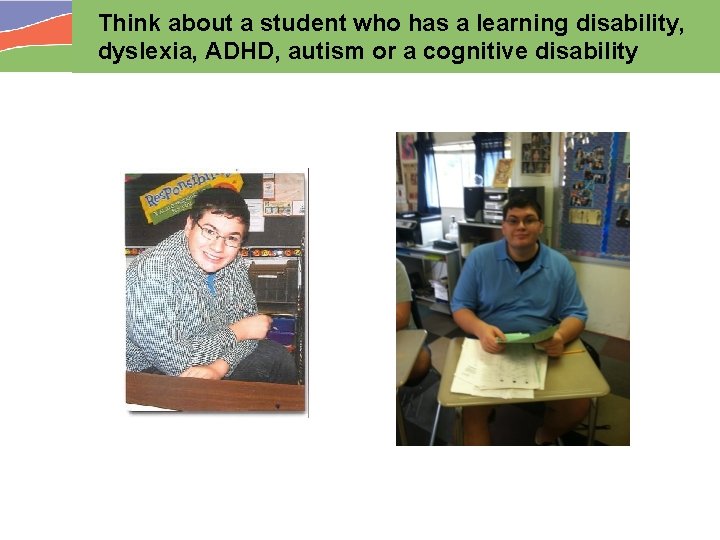
Think about a student who has a learning disability, dyslexia, ADHD, autism or a cognitive disability
Accessibility in the Context of Materials and Technologies
What are AEM? • Materials that are designed or enhanced in a way that makes them usable by the widest possible range of student variability regardless of format (print, digital, graphical, audio, video) • Content may be “designed to be used as print” (born print) and require retrofitting • Content may be “designed to be used digitally” (born digital) and difficult to retrofit if not accessible from the start
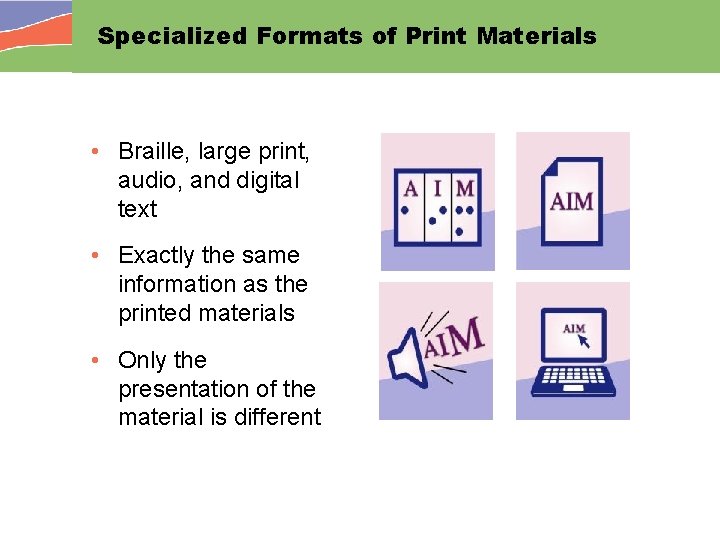
Specialized Formats of Print Materials • Braille, large print, audio, and digital text • Exactly the same information as the printed materials • Only the presentation of the material is different
Leveraging Resources: Introductory video for Accessible Print AIM Simply Said Video - Print
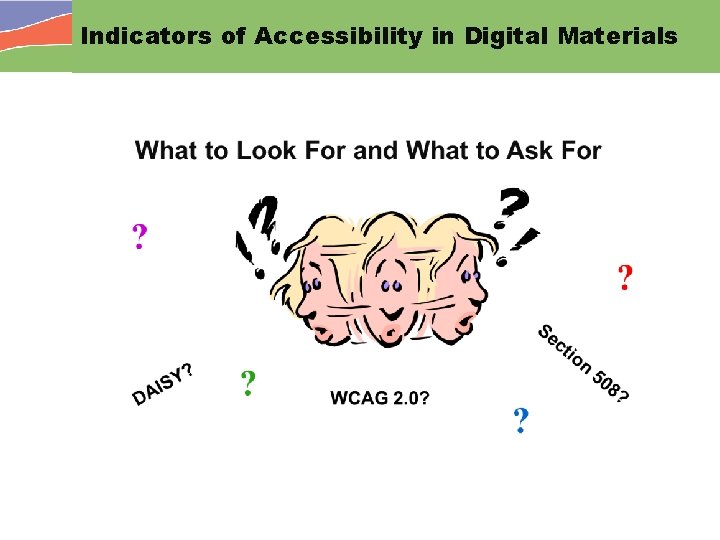
Indicators of Accessibility in Digital Materials
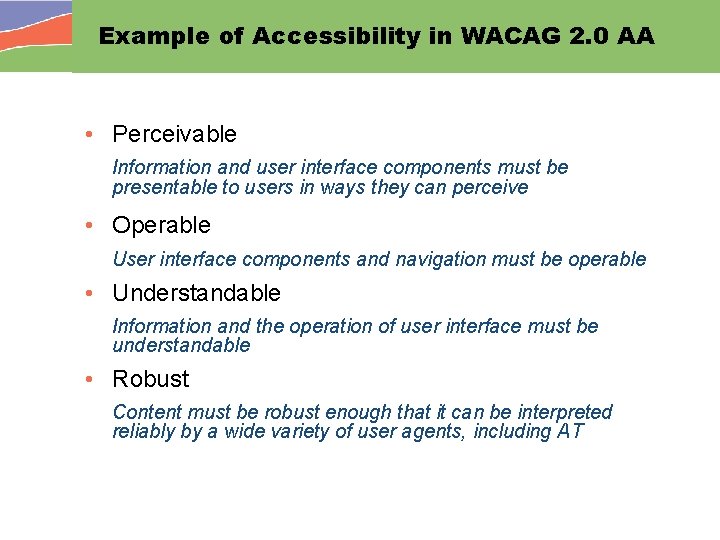
Example of Accessibility in WACAG 2. 0 AA • Perceivable Information and user interface components must be presentable to users in ways they can perceive • Operable User interface components and navigation must be operable • Understandable Information and the operation of user interface must be understandable • Robust Content must be robust enough that it can be interpreted reliably by a wide variety of user agents, including AT
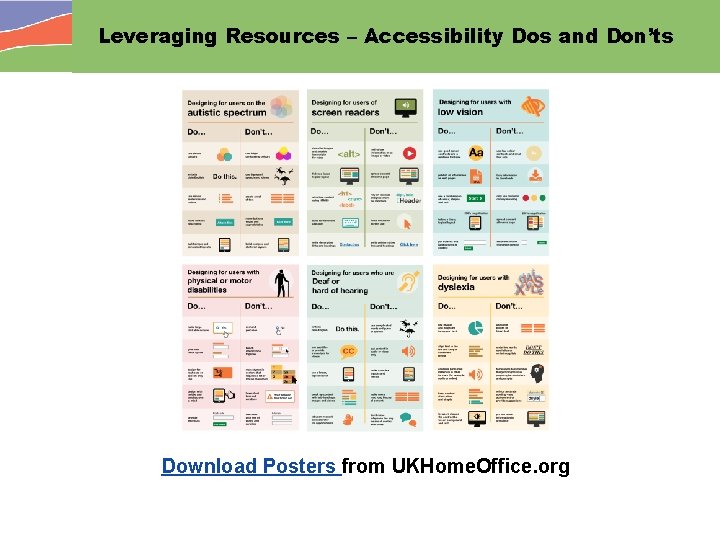
Leveraging Resources – Accessibility Dos and Don’ts Download Posters from UKHome. Office. org
Leveraging Resources – PALM Initiative Purchase Accessible Learning Materials
Lesson Learned… When thinking about accessible materials, it is important to understand that the content and the delivery technology are two sides of the AEM coin and both require careful consideration and selection. aem. cast. org
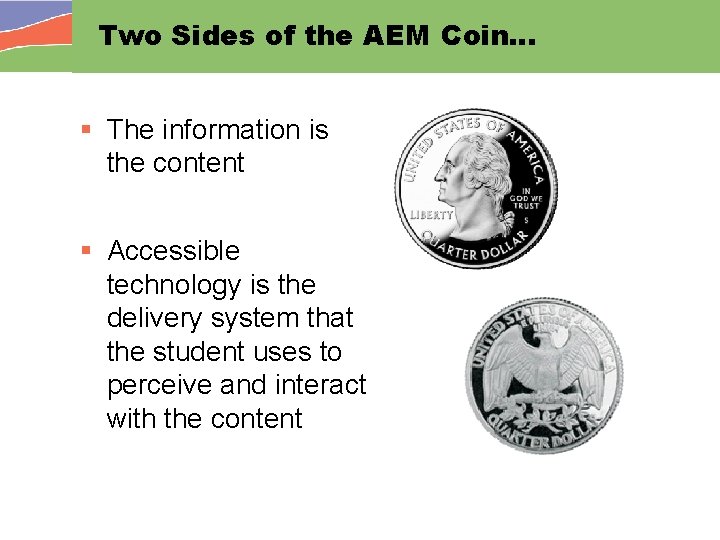
Two Sides of the AEM Coin… § The information is the content § Accessible technology is the delivery system that the student uses to perceive and interact with the content
Accessible Technologies § Any device, hardware, software or handheld equipment that provides access to life's activities § Can be used by people with a wide range of abilities and disabilities. § Directly usable without assistive technology or § Compatible and made usable with assistive technology Adapted from Accessible. Tech. org’s What is Accessible Electronic and Information Technology?
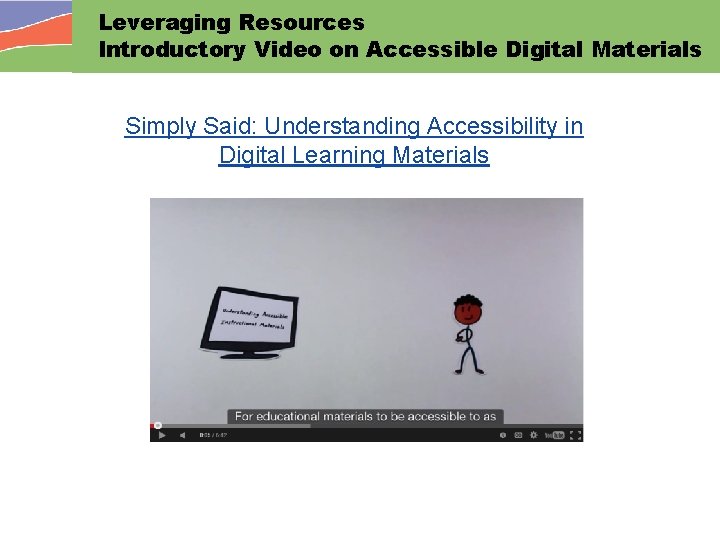
Leveraging Resources Introductory Video on Accessible Digital Materials Simply Said: Understanding Accessibility in Digital Learning Materials
Making Decisions About AEM
Who Needs AEM? § Learners with disabilities that prevent them from perceiving and using “typical” instructional materials, such as print or “locked” digital materials, effectively Students with sensory, physical, or learning-related disabilities § Learners without identified disabilities who cannot make effective use of “typical” instructional materials Struggling readers, students lacking English proficiency, etc. § Learners who simply prefer options for different tasks or for use in different environments.
Lesson Learned… The need or preferences for educational materials in accessible formats goes well beyond print and well beyond students with identified disabilities. aem. cast. org
When Might a Learner Need AEM? If any student is unable to read or use grade level instructional materials at a sufficient rate and with adequate comprehension to complete academic tasks with success, relative to same-age peers, or cannot do this independently, or cannot do this across environments and tasks, then the student MAY need AEM.
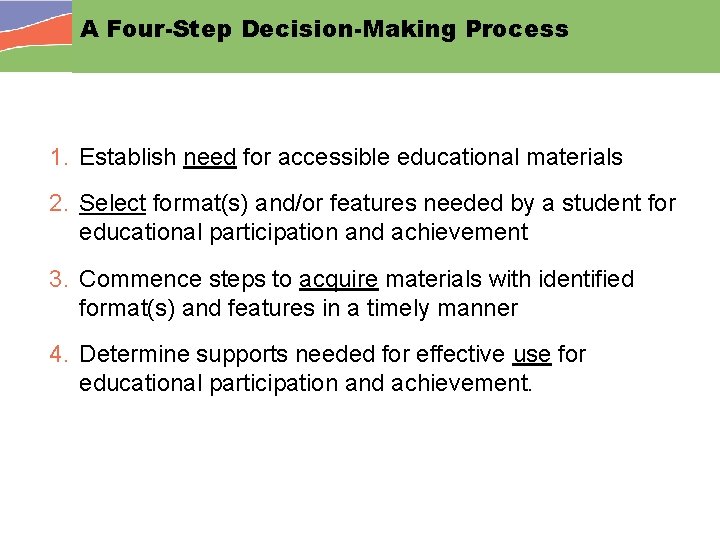
A Four-Step Decision-Making Process 1. Establish need for accessible educational materials 2. Select format(s) and/or features needed by a student for educational participation and achievement 3. Commence steps to acquire materials with identified format(s) and features in a timely manner 4. Determine supports needed for effective use for educational participation and achievement.
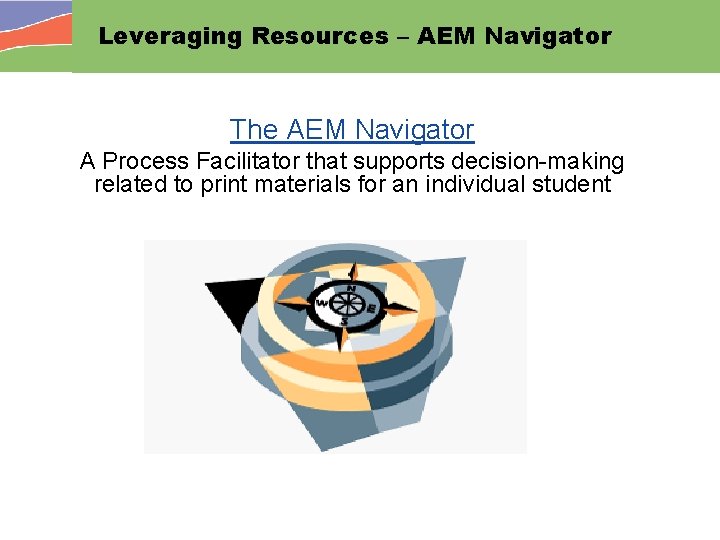
Leveraging Resources – AEM Navigator The AEM Navigator A Process Facilitator that supports decision-making related to print materials for an individual student
Getting Help When You Need It
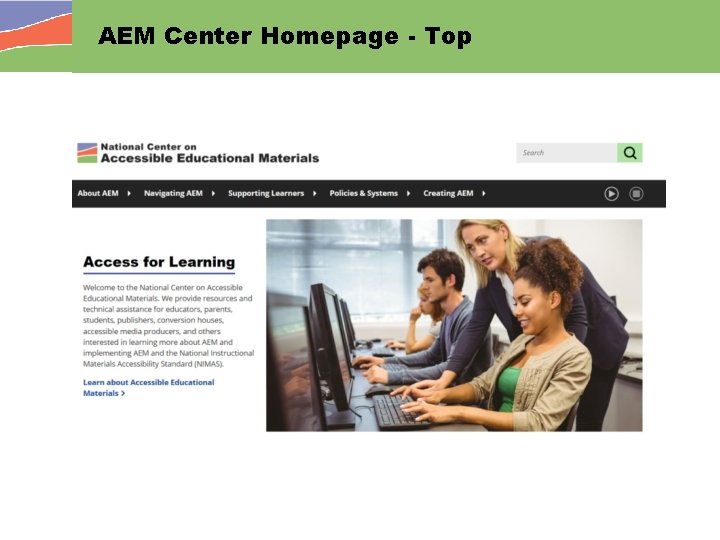
AEM Center Homepage - Top
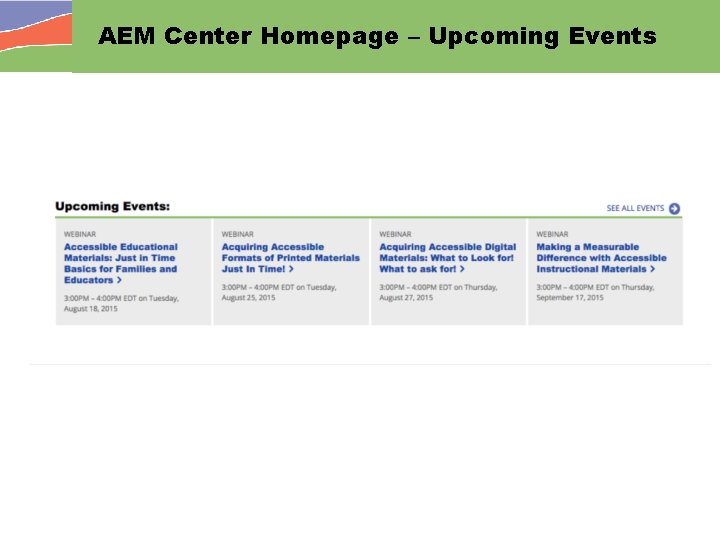
AEM Center Homepage – Upcoming Events
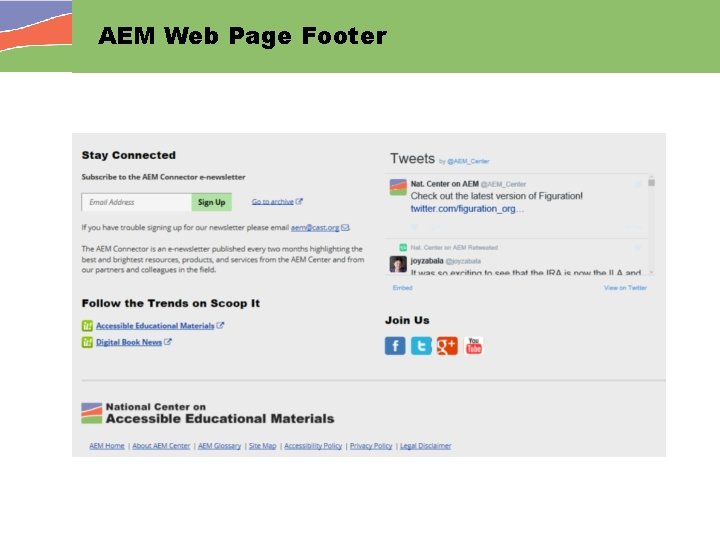
AEM Web Page Footer
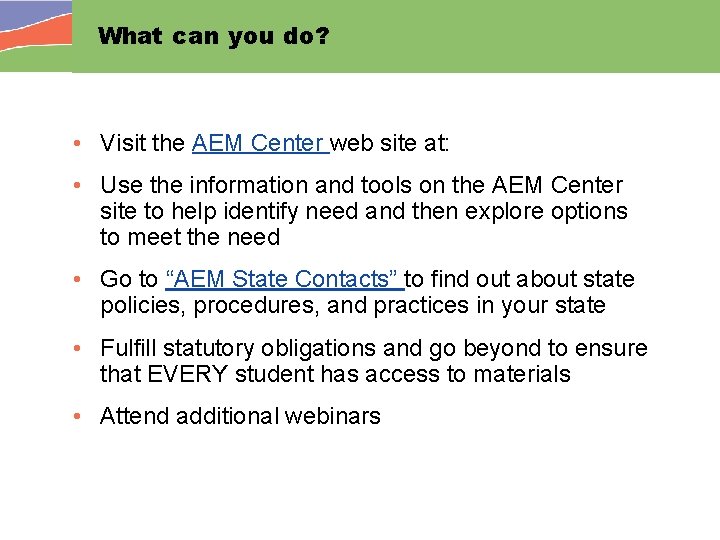
What can you do? • Visit the AEM Center web site at: • Use the information and tools on the AEM Center site to help identify need and then explore options to meet the need • Go to “AEM State Contacts” to find out about state policies, procedures, and practices in your state • Fulfill statutory obligations and go beyond to ensure that EVERY student has access to materials • Attend additional webinars
Join us for Next Steps: Acquisition Acquiring Accessible Print Materials in K-12 Wednesday, October 12, 2: 00 -3: 00 EDT Acquiring Accessible Digital Materials Thursday, October 27, 2: 00 -3: 00 EDT
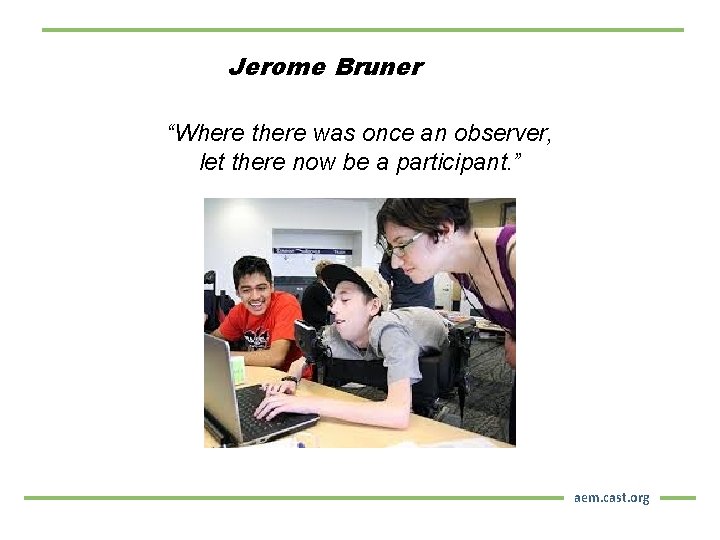
Jerome Bruner “Where there was once an observer, let there now be a participant. ” aem. cast. org
We’re always just a fingertip away! Joy Zabala jzabala@cast. org Diana Carl diana. carl@comcast. net AEM Team aem@cast. org aem. cast. org
2 -Minute Evaluation Thank you for joining us! Please take a few moments to complete a brief survey, which is intended to gather information about the quality, relevance, and usefulness of the webinar you just attended. Your responses are completely confidential and are important to our continuous improvement efforts. Take the Survey https: //www. surveymonkey. com/r/Is. It. Accessible. Sept 2016 aem. cast. org
- Slides: 48