
IS 2150 TEL 2810 Introduction to Security James
- Slides: 55
IS 2150 / TEL 2810 Introduction to Security James Joshi Assistant Professor, SIS Secure Design Principles OS Security Overview Lecture 1 September 2, 2008 1
Objectives n n n Understand the basic principles of secure system design Learn about the basics of access control Understand access control in Unix and Windows environment 2
Some questions n n n Should a system be secure by design or can system be made secure after it is built? In Unix can you control permissions associated with files when they are created? Can you specify that “user A, B and C can read, write and execute, respectively, ” your file - in Unix? , in Windows? 3
Design Principles 4
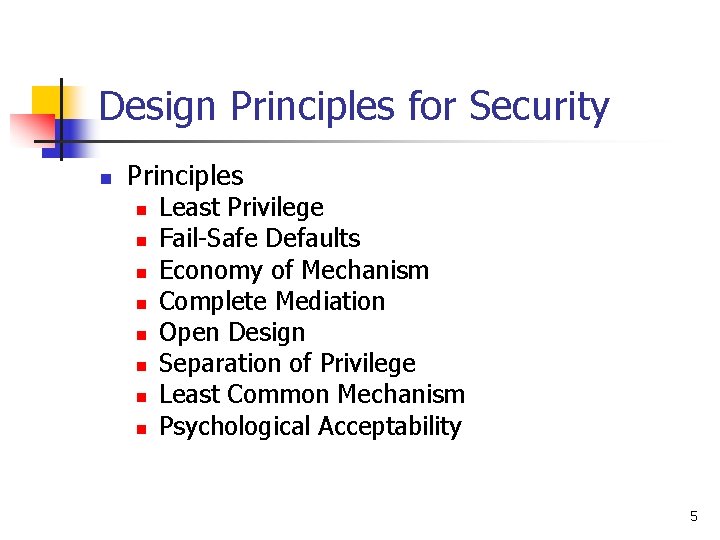
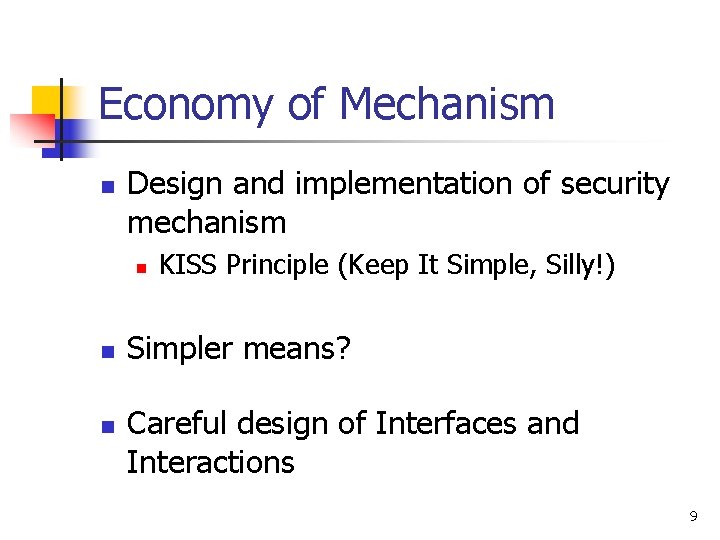
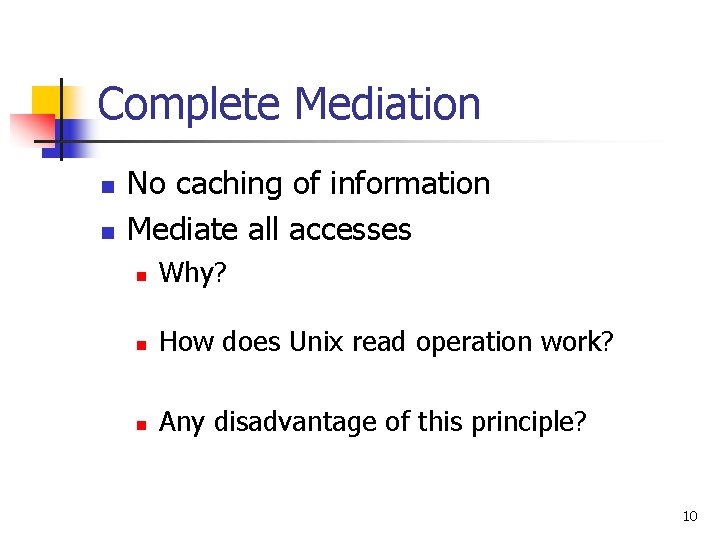
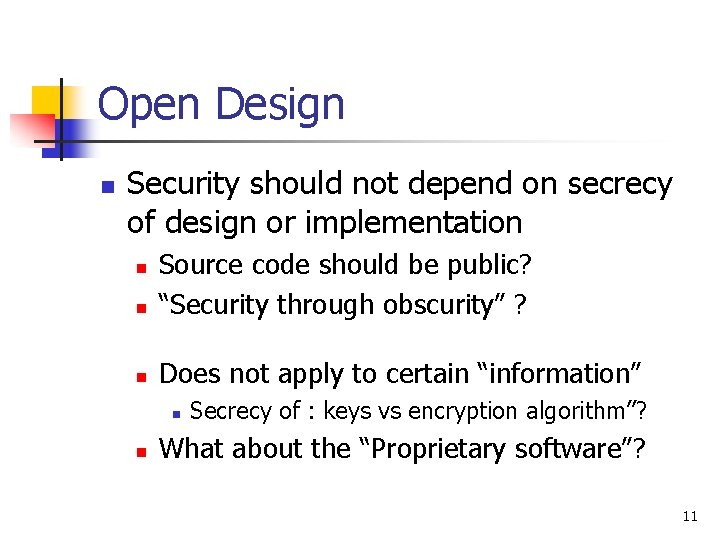
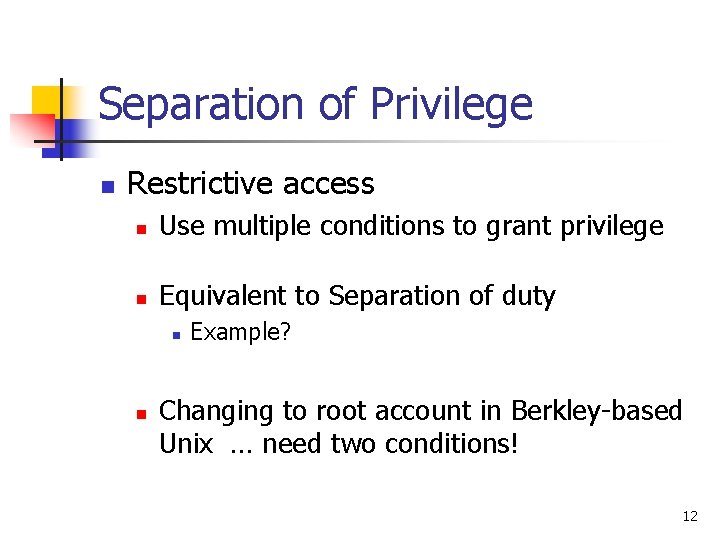
Design Principles for Security n Principles n n n n Least Privilege Fail-Safe Defaults Economy of Mechanism Complete Mediation Open Design Separation of Privilege Least Common Mechanism Psychological Acceptability 5
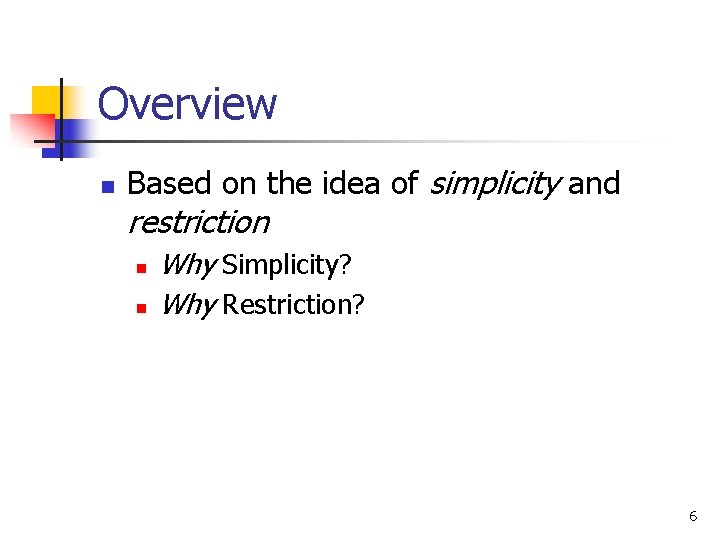
Overview n Based on the idea of simplicity and restriction n n Why Simplicity? Why Restriction? 6
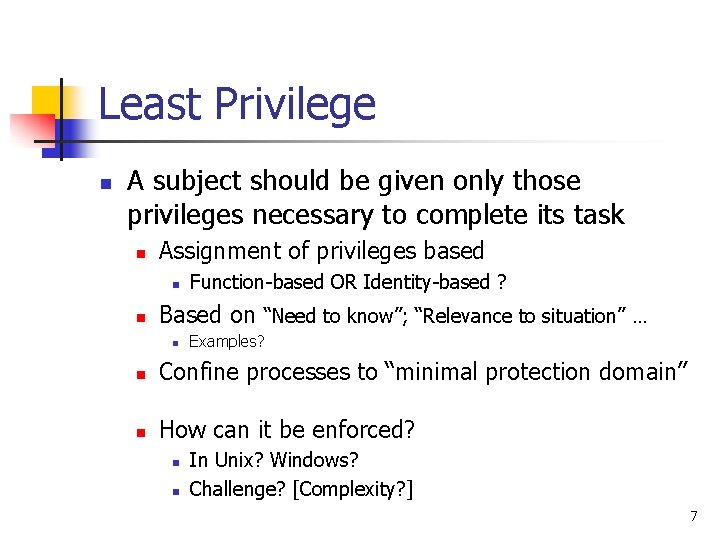
Least Privilege n A subject should be given only those privileges necessary to complete its task n Assignment of privileges based n n Function-based OR Identity-based ? Based on “Need to know”; “Relevance to situation” … n Examples? n Confine processes to “minimal protection domain” n How can it be enforced? n n In Unix? Windows? Challenge? [Complexity? ] 7
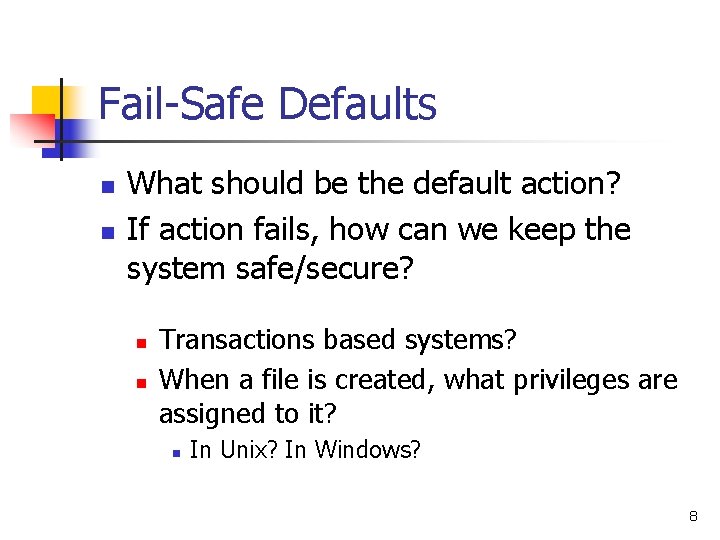
Fail-Safe Defaults n n What should be the default action? If action fails, how can we keep the system safe/secure? n n Transactions based systems? When a file is created, what privileges are assigned to it? n In Unix? In Windows? 8
Economy of Mechanism n Design and implementation of security mechanism n n n KISS Principle (Keep It Simple, Silly!) Simpler means? Careful design of Interfaces and Interactions 9
Complete Mediation n n No caching of information Mediate all accesses n Why? n How does Unix read operation work? n Any disadvantage of this principle? 10
Open Design n Security should not depend on secrecy of design or implementation n Source code should be public? “Security through obscurity” ? n Does not apply to certain “information” n n n Secrecy of : keys vs encryption algorithm”? What about the “Proprietary software”? 11
Separation of Privilege n Restrictive access n Use multiple conditions to grant privilege n Equivalent to Separation of duty n n Example? Changing to root account in Berkley-based Unix … need two conditions! 12
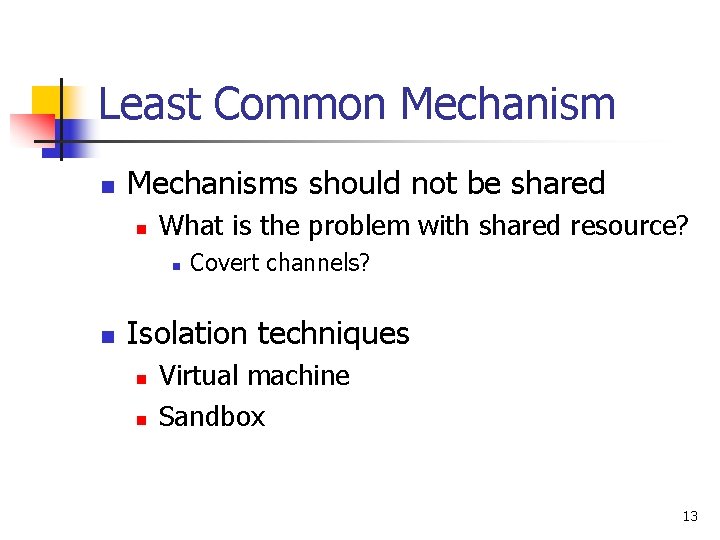
Least Common Mechanisms should not be shared n What is the problem with shared resource? n n Covert channels? Isolation techniques n n Virtual machine Sandbox 13
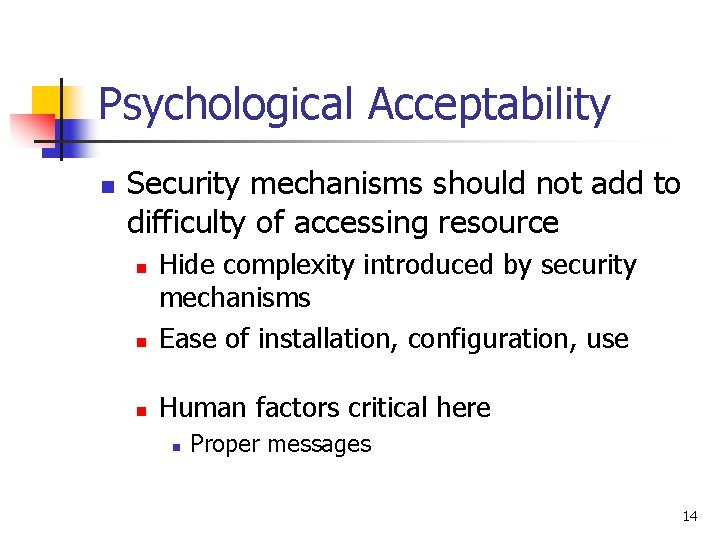
Psychological Acceptability n Security mechanisms should not add to difficulty of accessing resource n Hide complexity introduced by security mechanisms Ease of installation, configuration, use n Human factors critical here n n Proper messages 14
Access Control - Introduction 15
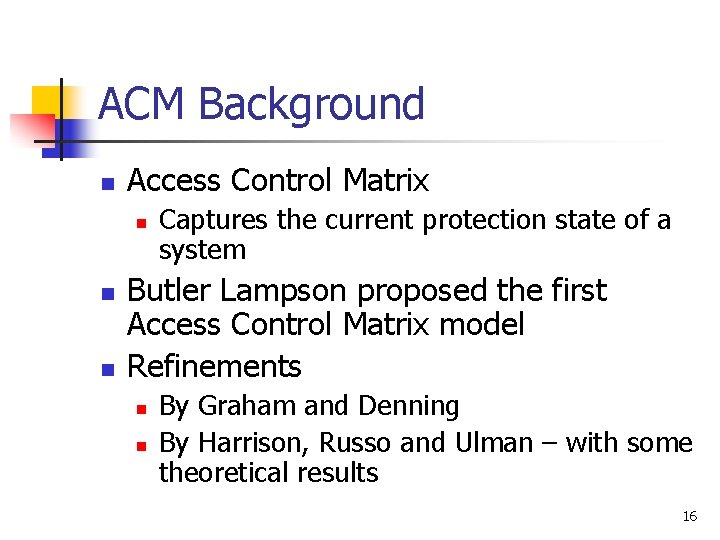
ACM Background n Access Control Matrix n n n Captures the current protection state of a system Butler Lampson proposed the first Access Control Matrix model Refinements n n By Graham and Denning By Harrison, Russo and Ulman – with some theoretical results 16
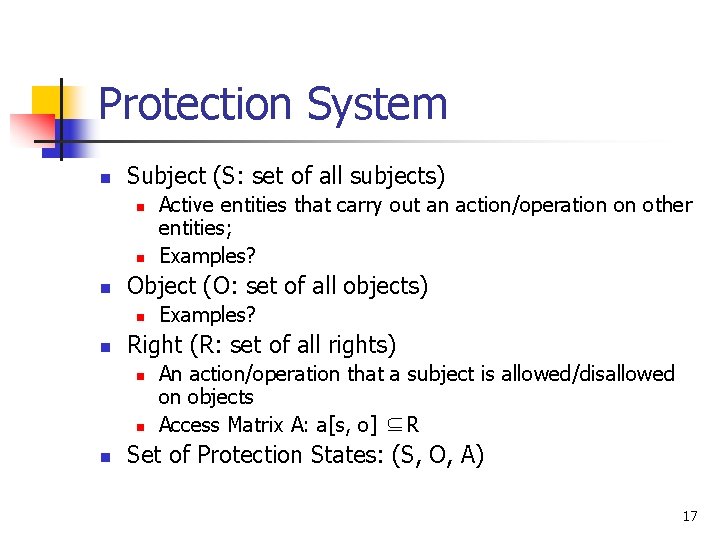
Protection System n Subject (S: set of all subjects) n n n Object (O: set of all objects) n n Examples? Right (R: set of all rights) n n n Active entities that carry out an action/operation on other entities; Examples? An action/operation that a subject is allowed/disallowed on objects Access Matrix A: a[s, o] ⊆R Set of Protection States: (S, O, A) 17
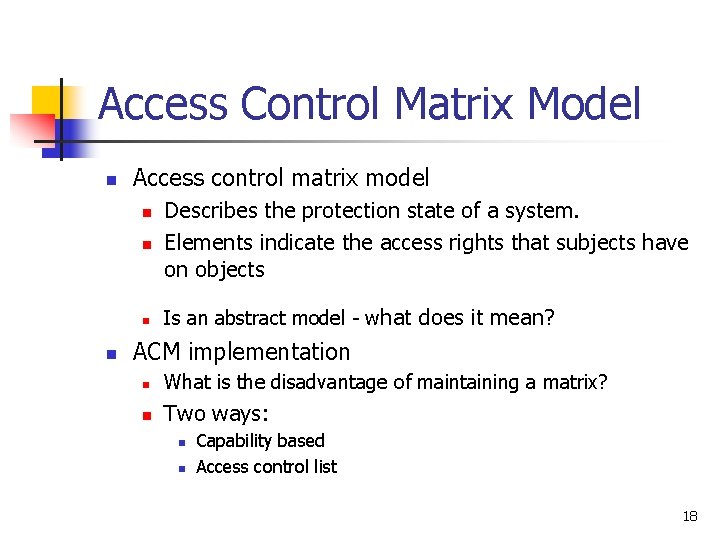
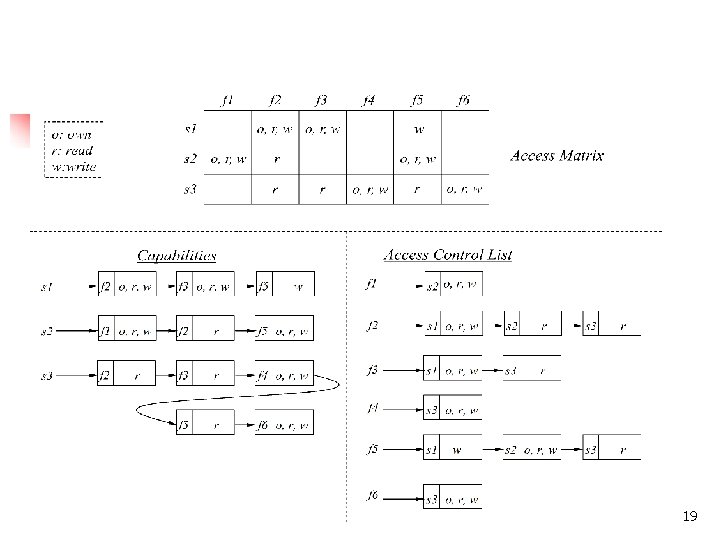
Access Control Matrix Model n Access control matrix model n n Describes the protection state of a system. Elements indicate the access rights that subjects have on objects Is an abstract model - what does it mean? ACM implementation n What is the disadvantage of maintaining a matrix? n Two ways: n n Capability based Access control list 18
Access Control Matrix 19
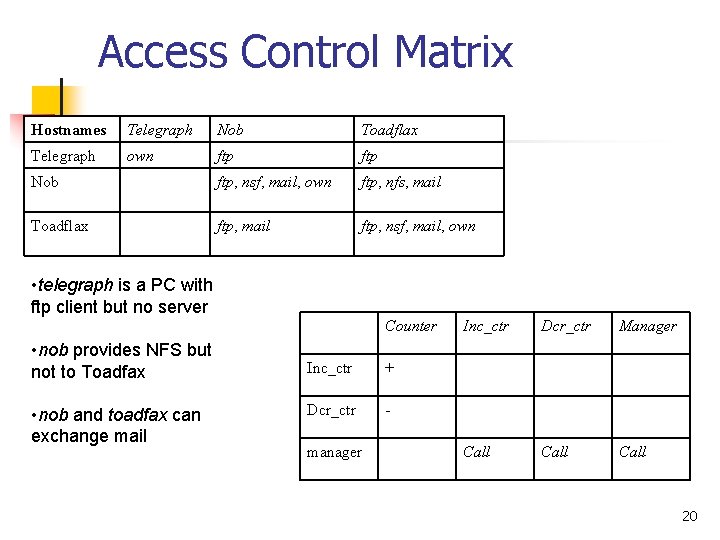
Access Control Matrix Hostnames Telegraph Nob Toadflax Telegraph own ftp Nob ftp, nsf, mail, own ftp, nfs, mail Toadflax ftp, mail ftp, nsf, mail, own • telegraph is a PC with ftp client but no server Counter • nob provides NFS but not to Toadfax • nob and toadfax can exchange mail Inc_ctr + Dcr_ctr - manager Inc_ctr Dcr_ctr Manager Call 20
Unix Security Overview 21
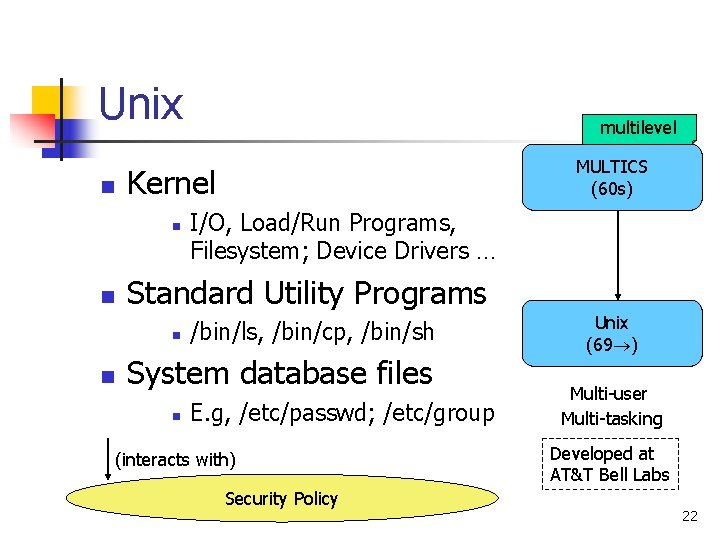
Unix n I/O, Load/Run Programs, Filesystem; Device Drivers … Standard Utility Programs n n MULTICS (60 s) Kernel n n multilevel /bin/ls, /bin/cp, /bin/sh System database files n E. g, /etc/passwd; /etc/group (interacts with) Security Policy Unix (69 ) Multi-user Multi-tasking Developed at AT&T Bell Labs 22
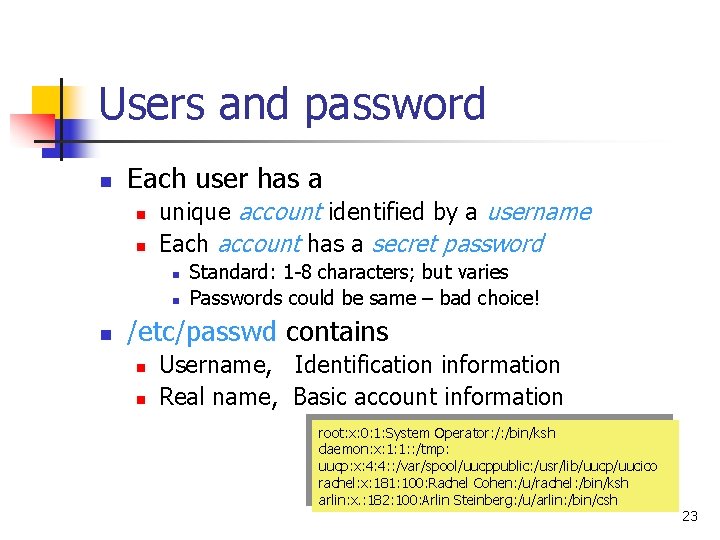
Users and password n Each user has a n n unique account identified by a username Each account has a secret password n n n Standard: 1 -8 characters; but varies Passwords could be same – bad choice! /etc/passwd contains n n Username, Identification information Real name, Basic account information root: x: 0: 1: System Operator: /: /bin/ksh daemon: x: 1: 1: : /tmp: uucp: x: 4: 4: : /var/spool/uucppublic: /usr/lib/uucp/uucico rachel: x: 181: 100: Rachel Cohen: /u/rachel: /bin/ksh arlin: x. : 182: 100: Arlin Steinberg: /u/arlin: /bin/csh 23
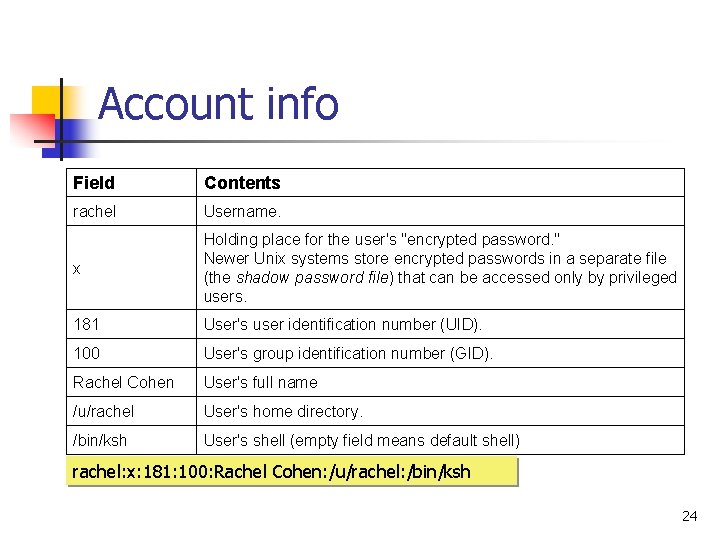
Account info Field Contents rachel Username. x Holding place for the user's "encrypted password. " Newer Unix systems store encrypted passwords in a separate file (the shadow password file) that can be accessed only by privileged users. 181 User's user identification number (UID). 100 User's group identification number (GID). Rachel Cohen User's full name /u/rachel User's home directory. /bin/ksh User's shell (empty field means default shell) rachel: x: 181: 100: Rachel Cohen: /u/rachel: /bin/ksh 24
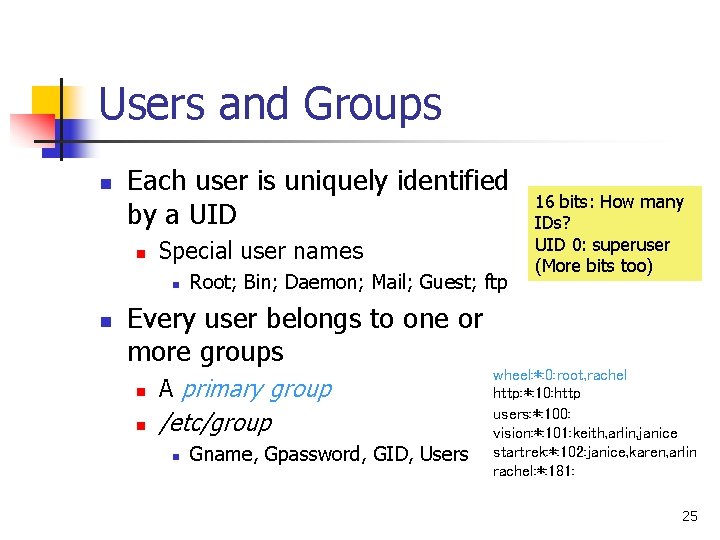
Users and Groups n Each user is uniquely identified by a UID n Special user names n n Root; Bin; Daemon; Mail; Guest; ftp Every user belongs to one or more groups n A primary group n /etc/group n Gname, Gpassword, GID, Users 16 bits: How many IDs? UID 0: superuser (More bits too) wheel: *: 0: root, rachel http: *: 10: http users: *: 100: vision: *: 101: keith, arlin, janice startrek: *: 102: janice, karen, arlin rachel: *: 181: 25
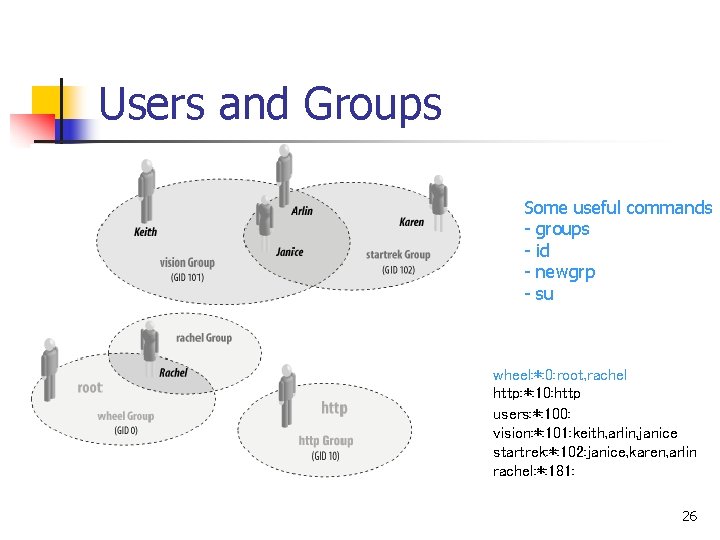
Users and Groups Some useful commands - groups - id - newgrp - su wheel: *: 0: root, rachel http: *: 10: http users: *: 100: vision: *: 101: keith, arlin, janice startrek: *: 102: janice, karen, arlin rachel: *: 181: 26
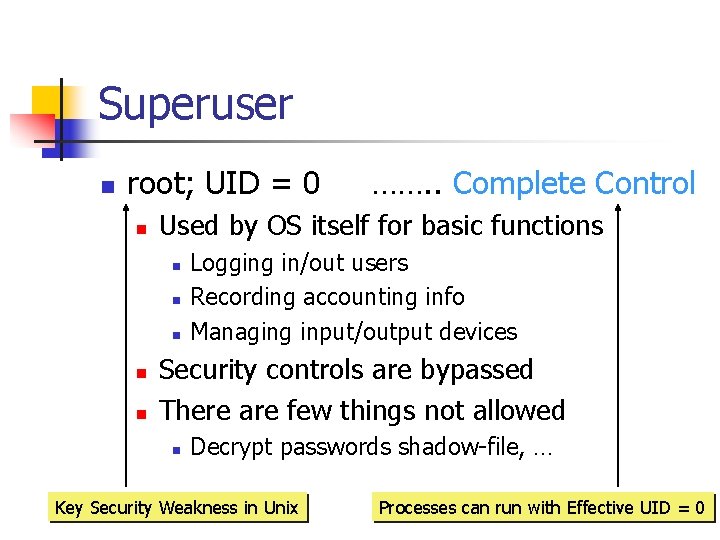
Superuser n root; UID = 0 n Used by OS itself for basic functions n n n ……. . Complete Control Logging in/out users Recording accounting info Managing input/output devices Security controls are bypassed There are few things not allowed n Decrypt passwords shadow-file, … Key Security Weakness in Unix Processes can run with Effective UID =270
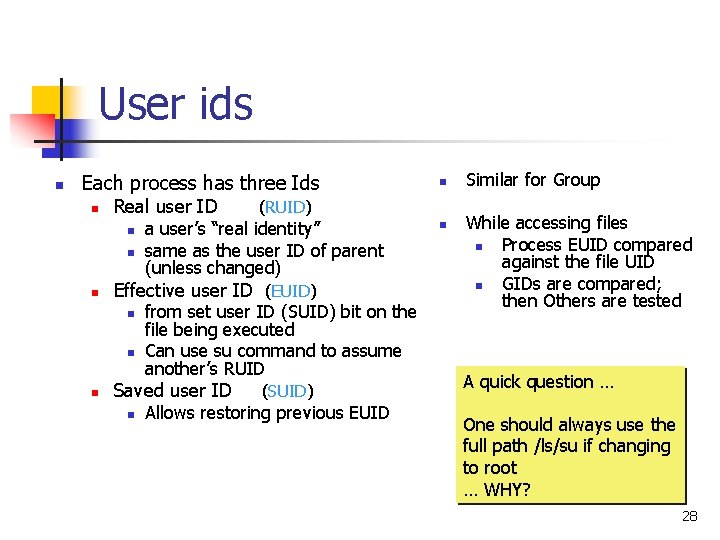
User ids n Each process has three Ids n Real user ID n n n (RUID) a user’s “real identity” same as the user ID of parent (unless changed) Effective user ID (EUID) n from set user ID (SUID) bit on the file being executed Can use su command to assume another’s RUID Saved user ID n n (SUID) Allows restoring previous EUID n Similar for Group While accessing files n Process EUID compared against the file UID n GIDs are compared; then Others are tested A quick question … One should always use the full path /ls/su if changing to root … WHY? 28
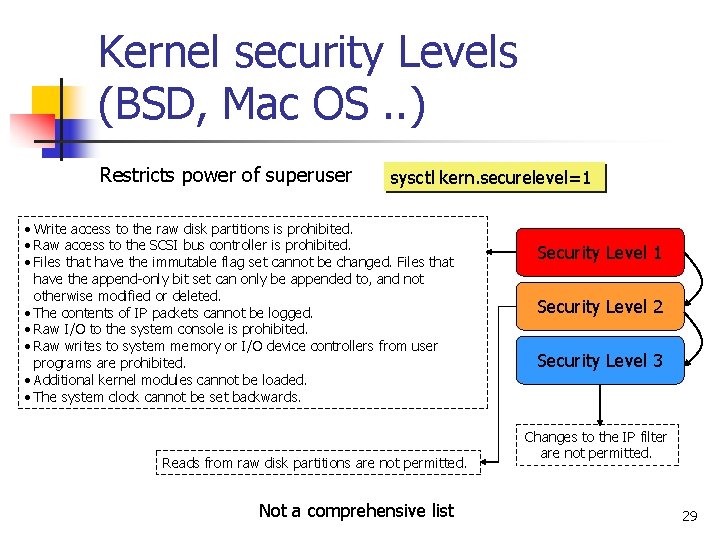
Kernel security Levels (BSD, Mac OS. . ) Restricts power of superuser sysctl kern. securelevel=1 • Write access to the raw disk partitions is prohibited. • Raw access to the SCSI bus controller is prohibited. • Files that have the immutable flag set cannot be changed. Files that have the append-only bit set can only be appended to, and not otherwise modified or deleted. • The contents of IP packets cannot be logged. • Raw I/O to the system console is prohibited. • Raw writes to system memory or I/O device controllers from user programs are prohibited. • Additional kernel modules cannot be loaded. • The system clock cannot be set backwards. Reads from raw disk partitions are not permitted. Not a comprehensive list Security Level 1 Security Level 2 Security Level 3 Changes to the IP filter are not permitted. 29
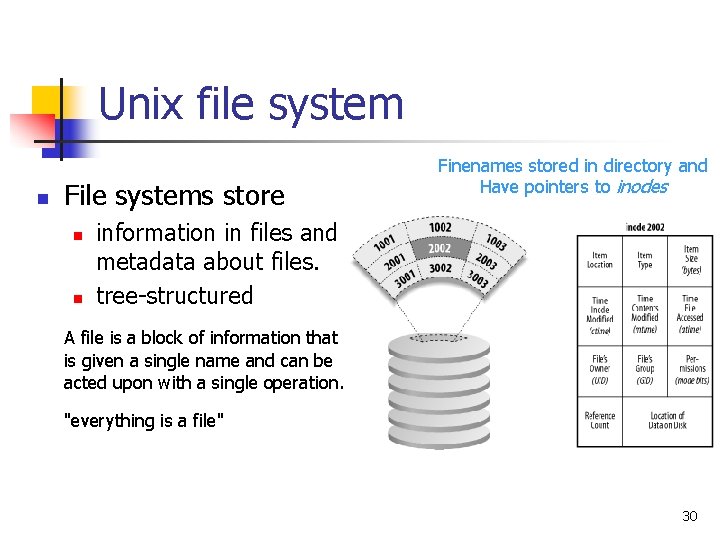
Unix file system n File systems store n n Finenames stored in directory and Have pointers to inodes information in files and metadata about files. tree-structured A file is a block of information that is given a single name and can be acted upon with a single operation. "everything is a file" 30
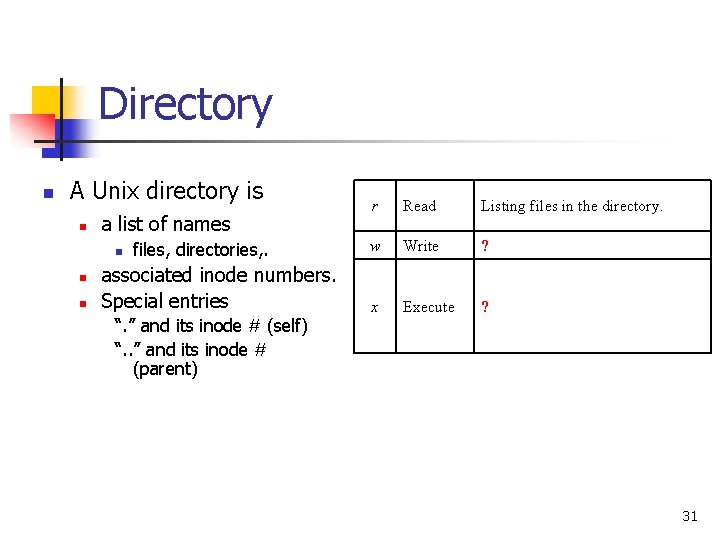
Directory n A Unix directory is n a list of names n n n files, directories, . associated inode numbers. Special entries “. ” and its inode # (self) “. . ” and its inode # (parent) r Read Listing files in the directory. w Write ? x Execute ? 31
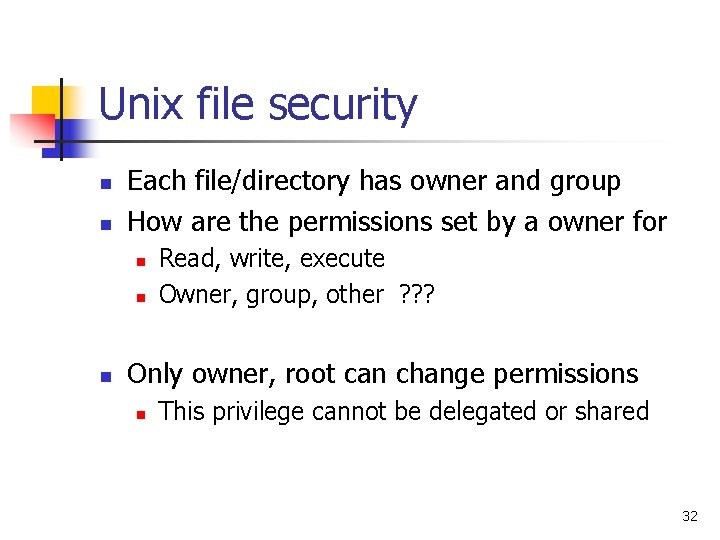
Unix file security n n Each file/directory has owner and group How are the permissions set by a owner for n n n Read, write, execute Owner, group, other ? ? ? Only owner, root can change permissions n This privilege cannot be delegated or shared 32
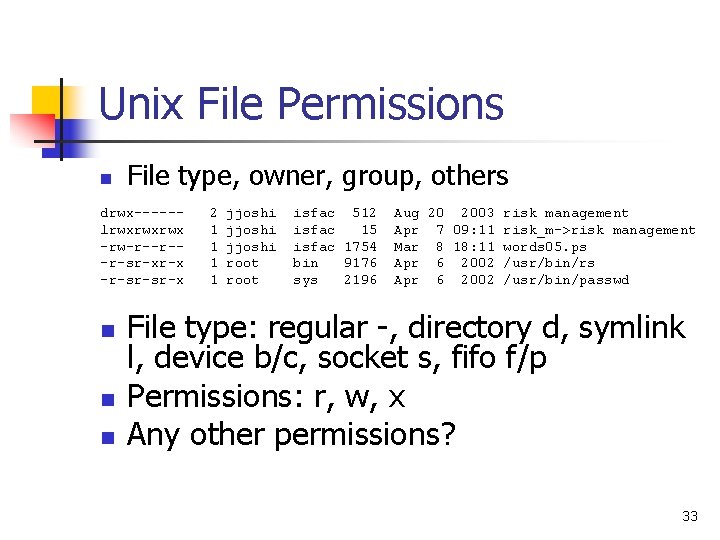
Unix File Permissions n File type, owner, group, others drwx-----lrwxrwxrwx -rw-r--r--r-sr-xr-x -r-sr-sr-x n n n 2 1 1 jjoshi root isfac 512 isfac 15 isfac 1754 bin 9176 sys 2196 Aug 20 2003 risk management Apr 7 09: 11 risk_m->risk management Mar 8 18: 11 words 05. ps Apr 6 2002 /usr/bin/rs Apr 6 2002 /usr/bin/passwd File type: regular -, directory d, symlink l, device b/c, socket s, fifo f/p Permissions: r, w, x Any other permissions? 33
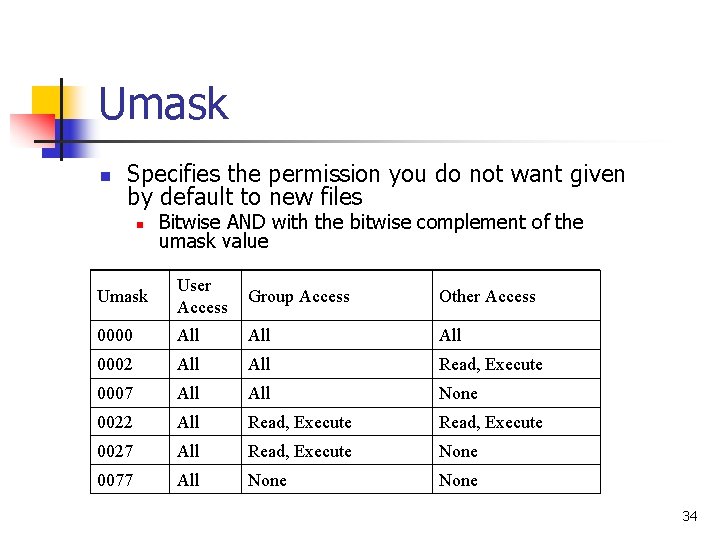
Umask n Specifies the permission you do not want given by default to new files n Bitwise AND with the bitwise complement of the umask value Umask User Access Group Access Other Access 0000 All All 0002 All Read, Execute 0007 All None 0022 All Read, Execute 0027 All Read, Execute None 0077 All None 34
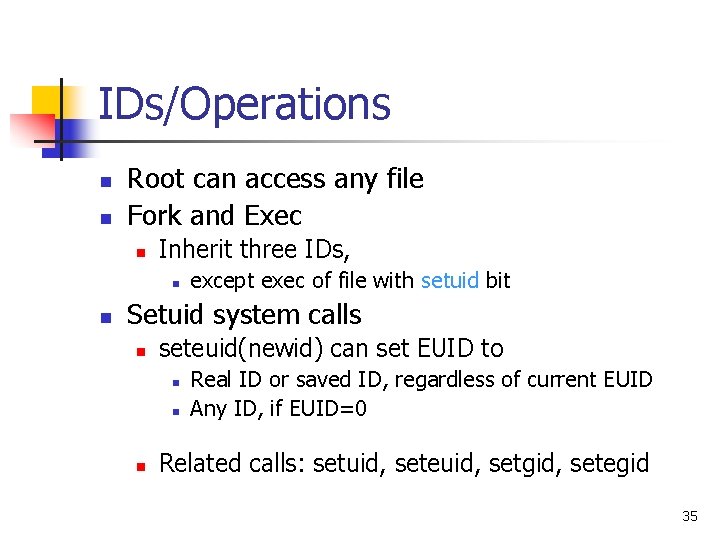
IDs/Operations n n Root can access any file Fork and Exec n Inherit three IDs, n n except exec of file with setuid bit Setuid system calls n seteuid(newid) can set EUID to n n n Real ID or saved ID, regardless of current EUID Any ID, if EUID=0 Related calls: setuid, seteuid, setgid, setegid 35
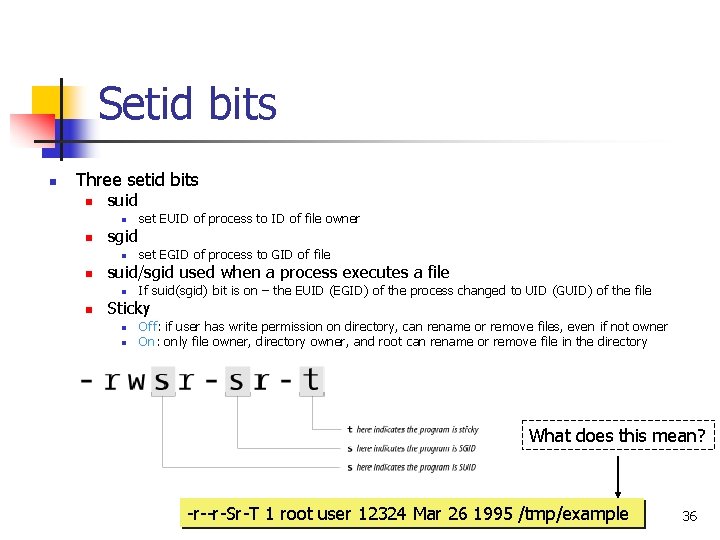
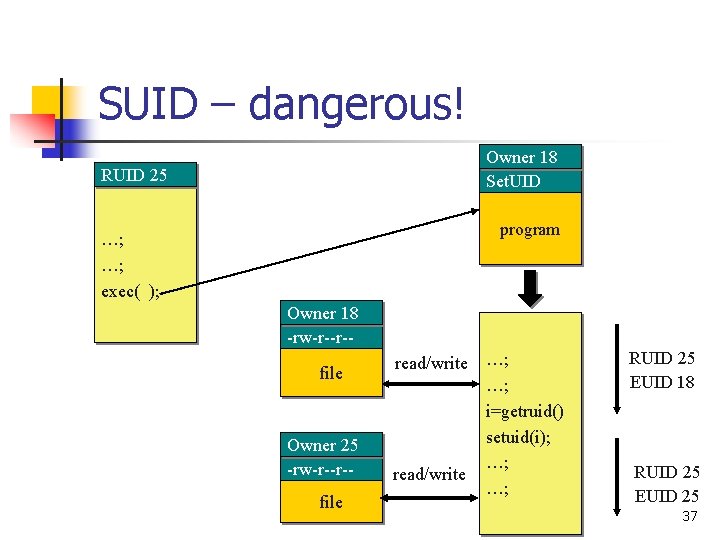
Setid bits n Three setid bits n suid n n sgid n n set EGID of process to GID of file suid/sgid used when a process executes a file n n set EUID of process to ID of file owner If suid(sgid) bit is on – the EUID (EGID) of the process changed to UID (GUID) of the file Sticky n n Off: if user has write permission on directory, can rename or remove files, even if not owner On: only file owner, directory owner, and root can rename or remove file in the directory What does this mean? -r--r-Sr-T 1 root user 12324 Mar 26 1995 /tmp/example 36
SUID – dangerous! Owner 18 Set. UID RUID 25 program …; …; exec( ); Owner 18 -rw-r--r-file Owner 25 -rw-r--r-file read/write …; …; i=getruid() setuid(i); …; …; RUID 25 EUID 18 RUID 25 EUID 25 37
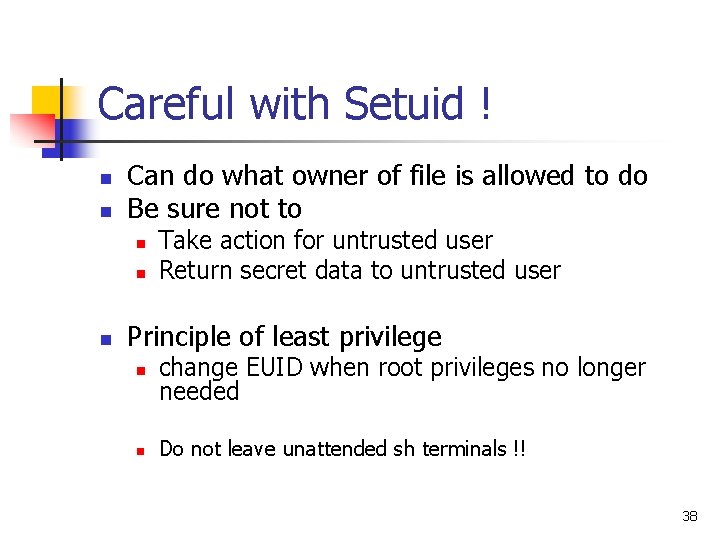
Careful with Setuid ! n n Can do what owner of file is allowed to do Be sure not to n n n Take action for untrusted user Return secret data to untrusted user Principle of least privilege n n change EUID when root privileges no longer needed Do not leave unattended sh terminals !! 38
Windows NT n Windows 9 x, Me n n n Never meant for security FAT file system – no file level security PWL password scheme – not secure n n Can be simply deleted Windows NT n n Username mapped to Security ID (SID) SID is unique within a domain n SID + password stored in a database handled by the Security Accounts Manager (SAM) subsystem 39
Windows NT n Some basic functionality similar to Unix n Specify access for groups and users n n Some additional concepts n n n Read, modify, change owner, delete Tokens Security attributes Generally n More flexibility than Unix n n Can define new permissions Can give some but not all administrator privileges 40
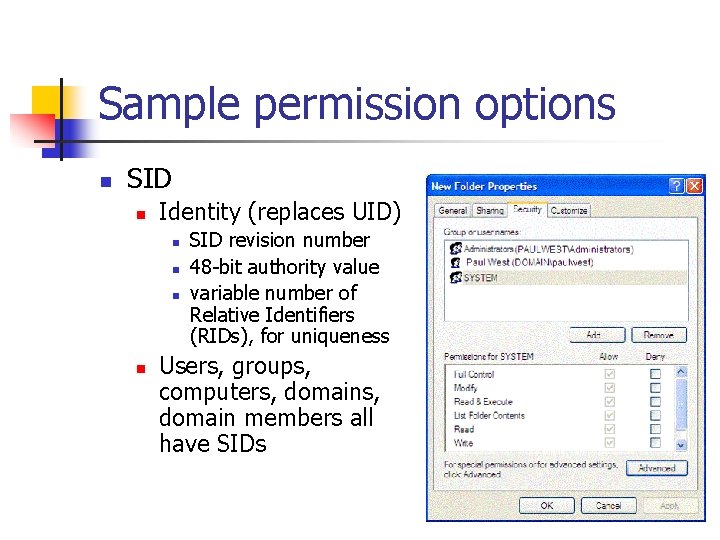
Sample permission options n SID n Identity (replaces UID) n n SID revision number 48 -bit authority value variable number of Relative Identifiers (RIDs), for uniqueness Users, groups, computers, domain members all have SIDs 41
Permission Inheritance n Static permission inheritance (Win NT) n Initially, subfolders inherit permissions of folder Folder, subfolder changed independently n Replace Permissions on Subdirectories n command n Eliminates any differences in permissions 42
Permission Inheritance n Dynamic permission inheritance (Win 2000) n n n Child inherits parent permission, remains linked Parent changes are inherited, except explicit settings Inherited and explicitly-set permissions may conflict n Resolution rules n n Positive permissions are additive Negative permission (deny access) takes priority 43
Tokens n Security context n n Security Reference Monitor n n privileges, accounts, and groups associated with the process or thread uses tokens to identify the security context of a process or thread Impersonation token n n Each thread can have two tokens – primary & impersonation thread uses temporarily to adopt a different security context, usually of another user 44
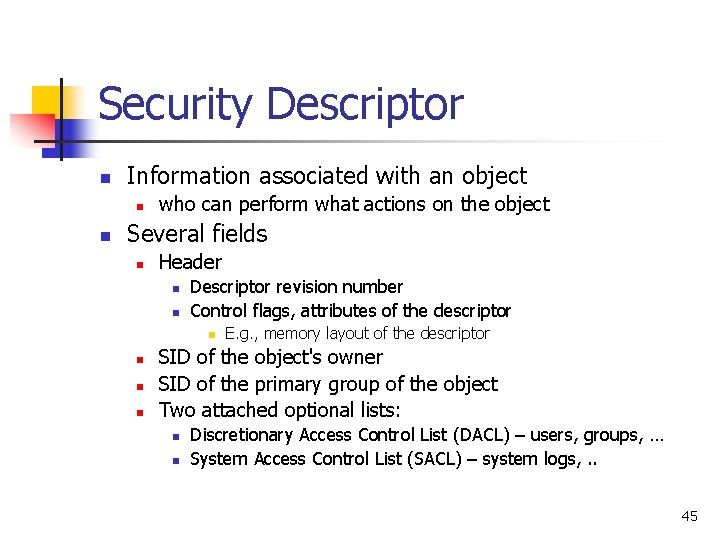
Security Descriptor n Information associated with an object n n who can perform what actions on the object Several fields n Header n n Descriptor revision number Control flags, attributes of the descriptor n n E. g. , memory layout of the descriptor SID of the object's owner SID of the primary group of the object Two attached optional lists: n n Discretionary Access Control List (DACL) – users, groups, … System Access Control List (SACL) – system logs, . . 45
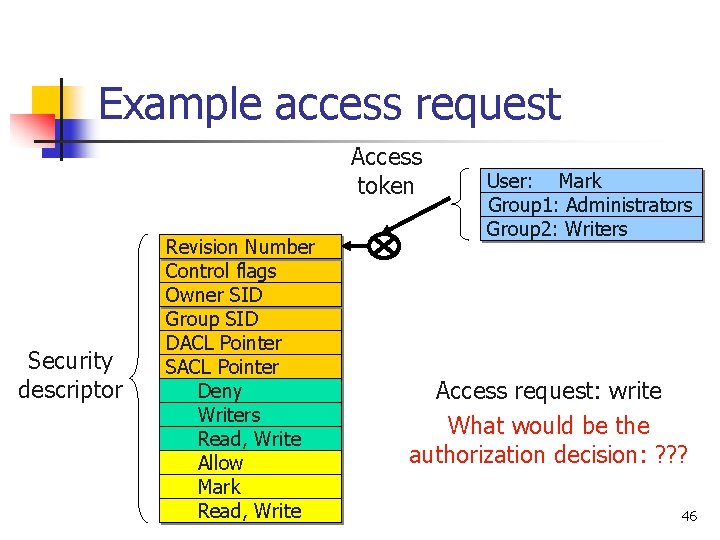
Example access request Access token Security descriptor Revision Number Control flags Owner SID Group SID DACL Pointer SACL Pointer Deny Writers Read, Write Allow Mark Read, Write User: Mark Group 1: Administrators Group 2: Writers Access request: write What would be the authorization decision: ? ? ? 46
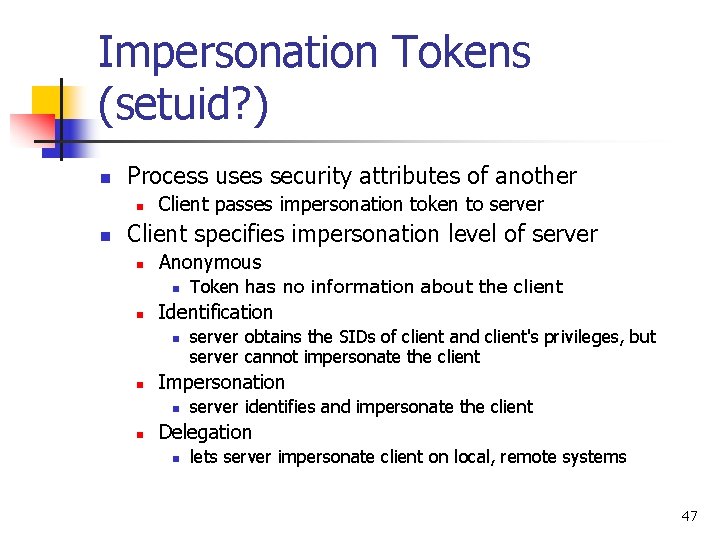
Impersonation Tokens (setuid? ) n Process uses security attributes of another n n Client passes impersonation token to server Client specifies impersonation level of server n Anonymous n n Identification n n server obtains the SIDs of client and client's privileges, but server cannot impersonate the client Impersonation n n Token has no information about the client server identifies and impersonate the client Delegation n lets server impersonate client on local, remote systems 47
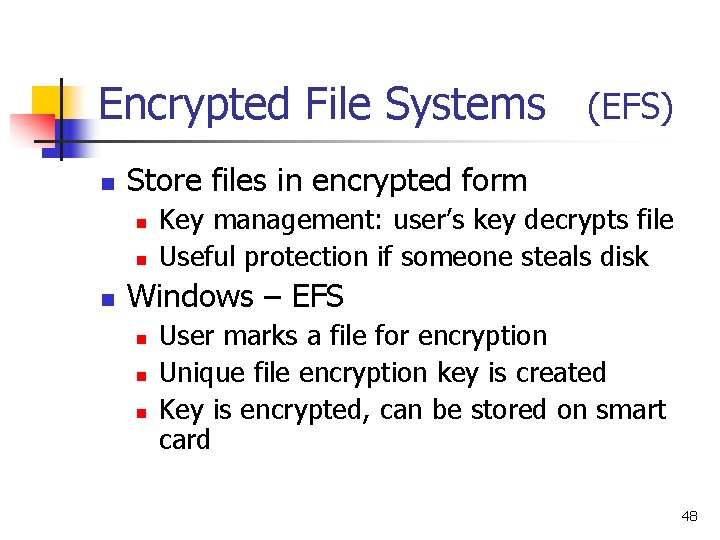
Encrypted File Systems (EFS) n Store files in encrypted form n n n Key management: user’s key decrypts file Useful protection if someone steals disk Windows – EFS n n n User marks a file for encryption Unique file encryption key is created Key is encrypted, can be stored on smart card 48
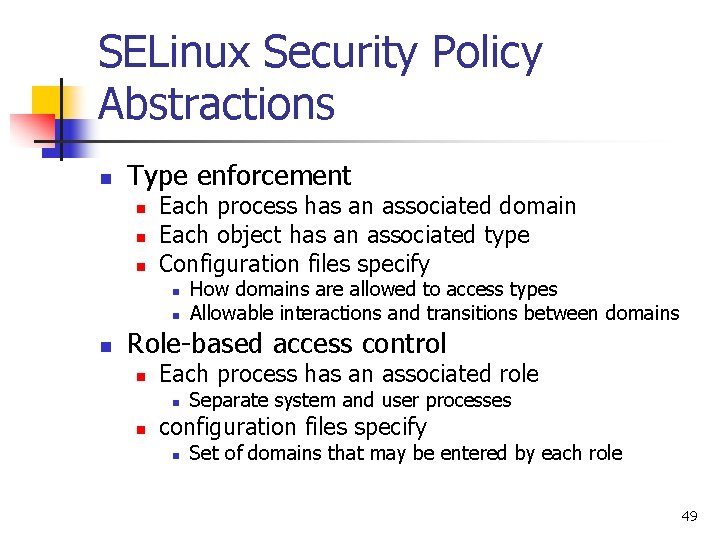
SELinux Security Policy Abstractions n Type enforcement n n n Each process has an associated domain Each object has an associated type Configuration files specify n n n How domains are allowed to access types Allowable interactions and transitions between domains Role-based access control n Each process has an associated role n n Separate system and user processes configuration files specify n Set of domains that may be entered by each role 49
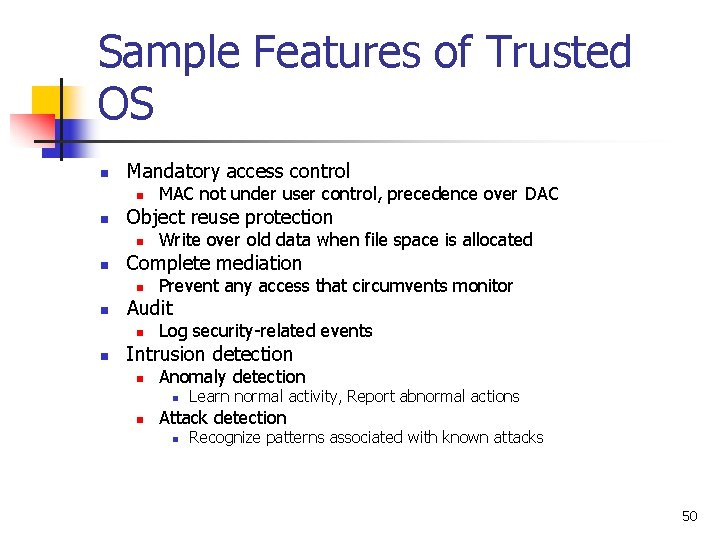
Sample Features of Trusted OS n Mandatory access control n n Object reuse protection n n Prevent any access that circumvents monitor Audit n n Write over old data when file space is allocated Complete mediation n n MAC not under user control, precedence over DAC Log security-related events Intrusion detection n Anomaly detection n n Learn normal activity, Report abnormal actions Attack detection n Recognize patterns associated with known attacks 50
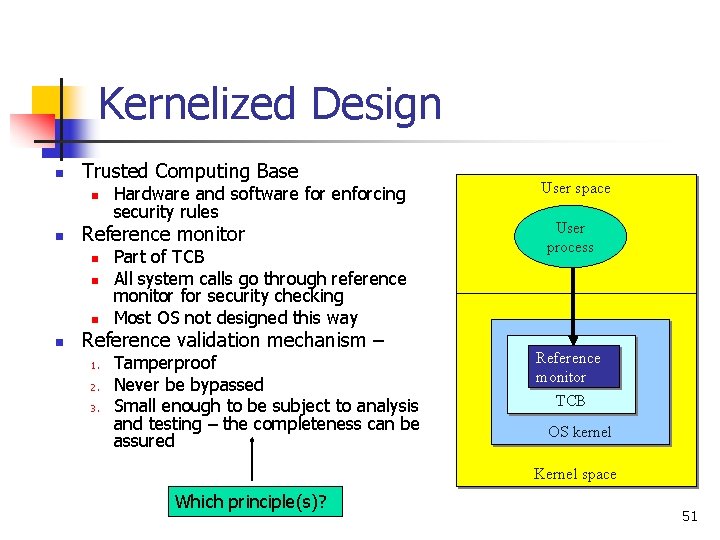
Kernelized Design n Trusted Computing Base n n Reference monitor n n Hardware and software for enforcing security rules Part of TCB All system calls go through reference monitor for security checking Most OS not designed this way Reference validation mechanism – 1. 2. 3. Tamperproof Never be bypassed Small enough to be subject to analysis and testing – the completeness can be assured User space User process Reference monitor TCB OS kernel Kernel space Which principle(s)? 51
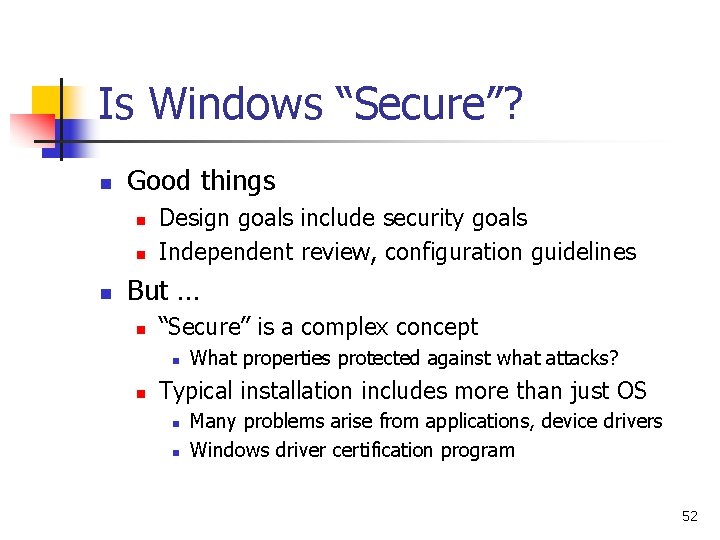
Is Windows “Secure”? n Good things n n n Design goals include security goals Independent review, configuration guidelines But … n “Secure” is a complex concept n n What properties protected against what attacks? Typical installation includes more than just OS n n Many problems arise from applications, device drivers Windows driver certification program 52
Window 2000 n n n Newer features than NT NTFS file system redesigned for performance Active directory n n Kerberos for authentication IPSec/L 2 TP 53
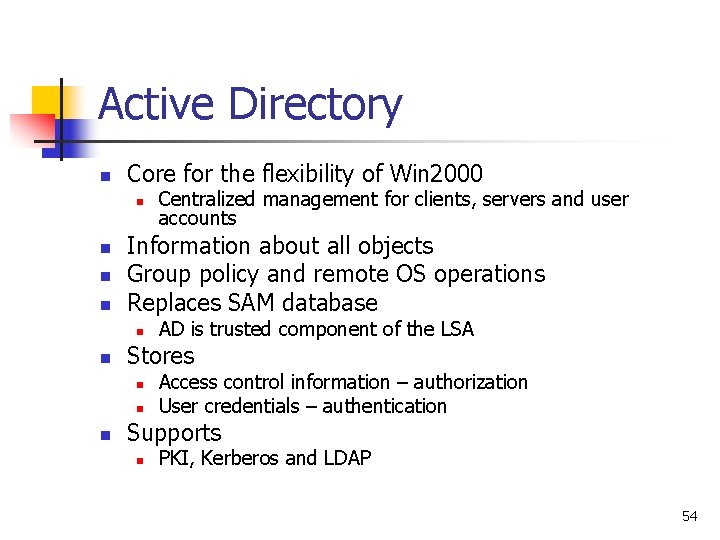
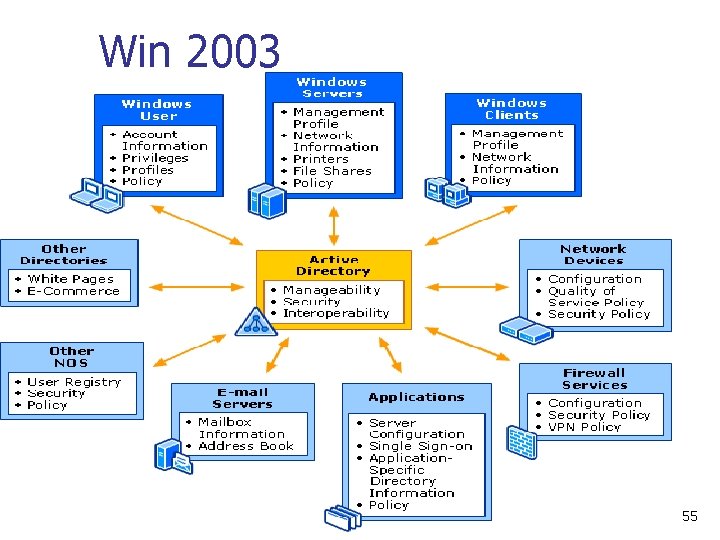
Active Directory n Core for the flexibility of Win 2000 n n Information about all objects Group policy and remote OS operations Replaces SAM database n n AD is trusted component of the LSA Stores n n n Centralized management for clients, servers and user accounts Access control information – authorization User credentials – authentication Supports n PKI, Kerberos and LDAP 54
Win 2003 55