
IR Classroom Instruction Department of English Language Arts





- Slides: 40
IR+ Classroom Instruction Department of English Language Arts Scaled Leadership Presentation January 2016
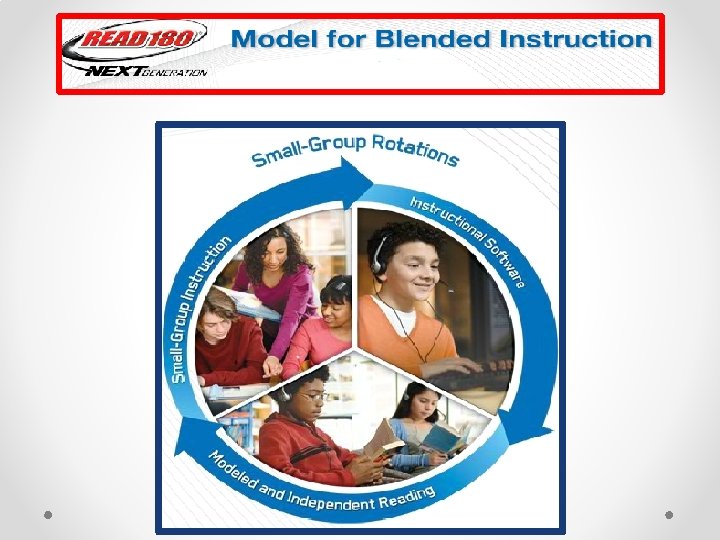
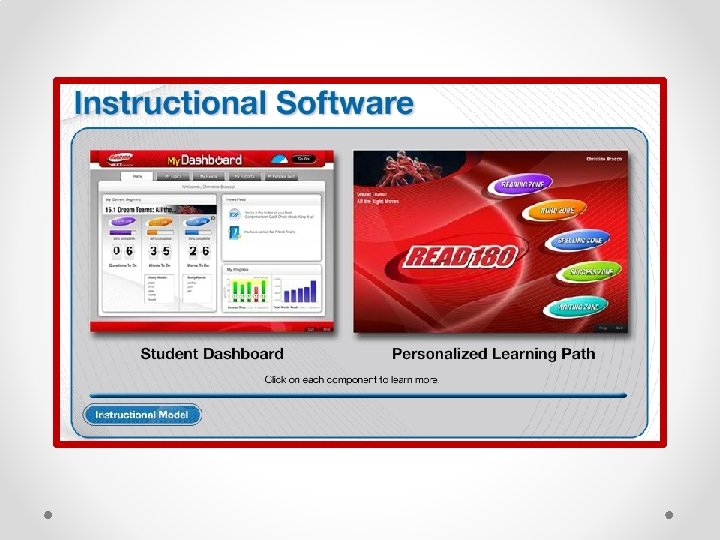
Objectives • Importance of Reading: Understand the importance of reading instruction in the lives of our struggling readers • Classroom Instruction: Learn the instructional model for implementing System 44 and READ 180 with fidelity • Walkthrough Tools: Review the administrator classroom walkthrough resources • Monitoring: Examine program data reports to guide instruction
The Importance of Reading Instruction Video http: //oat. dadeschools. net/
CLASSROOM INSTRUCTION
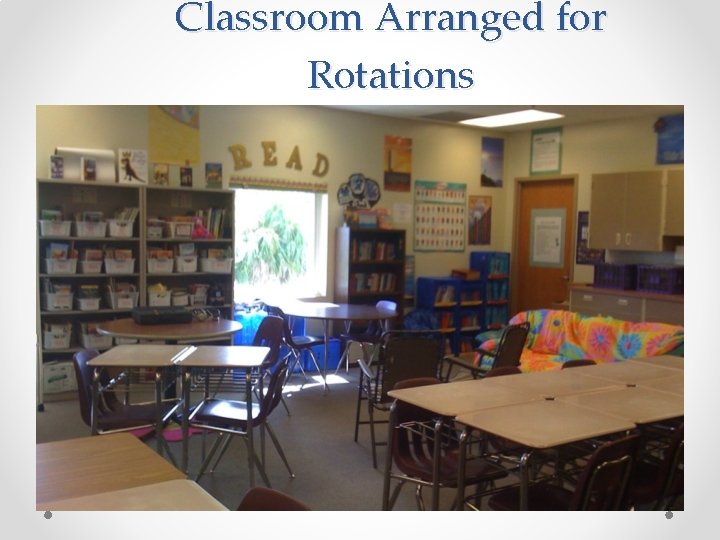
Classroom Arranged for Rotations
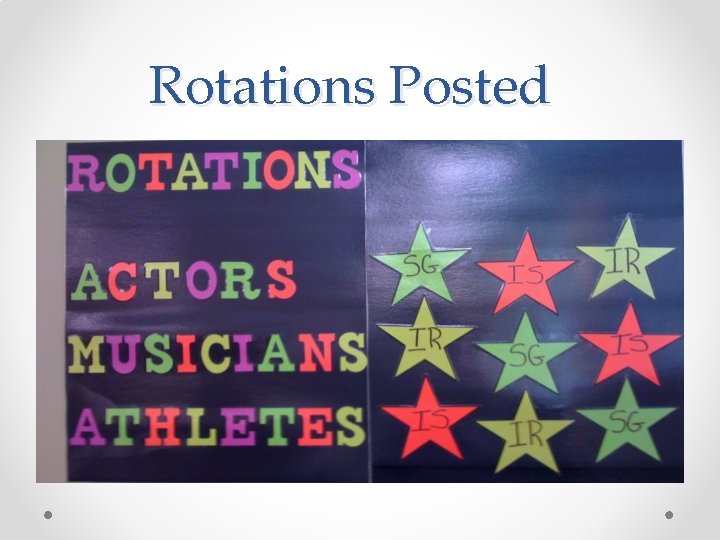
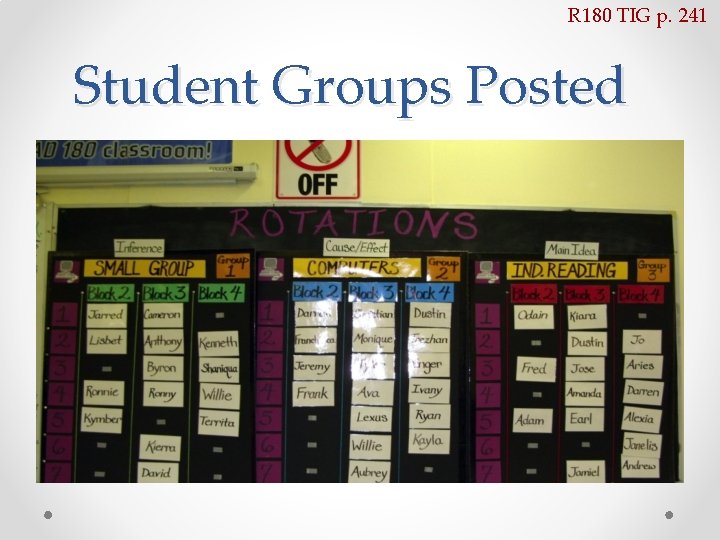
Rotations Posted
R 180 TIG p. 241 Student Groups Posted
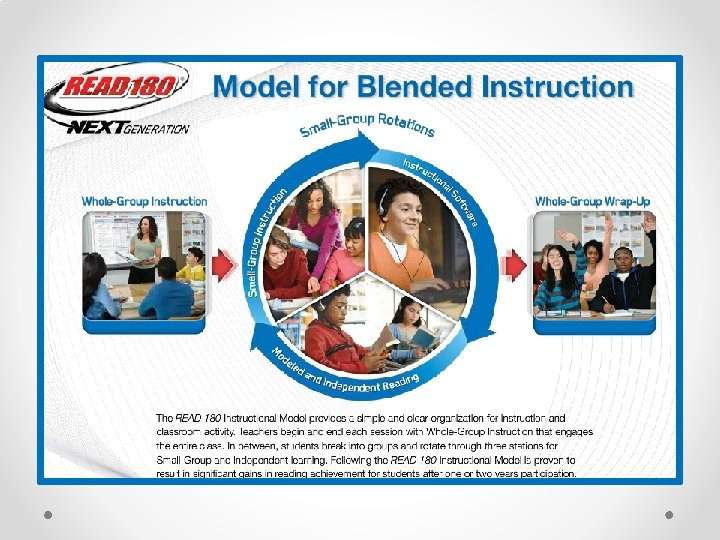
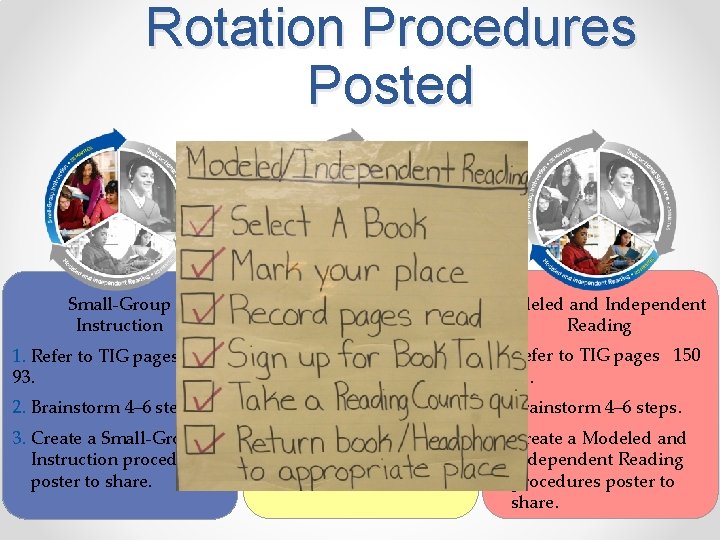
Rotation Procedures Posted Small-Group Instructional Software Modeled and Independent Reading 1. Refer to TIG pages 90– 93. 1. Refer to TIG pages 150 – 151. 2. Brainstorm 4– 6 steps. 1. Refer to TIG pages 124 – 125. 2. Brainstorm 4– 6 steps. 3. Create a Small-Group Instruction procedures poster to share. 3. Create an Instructional Software procedures poster to share. 3. Create a Modeled and Independent Reading procedures poster to share. 2. Brainstorm 4– 6 steps.
Small-Group Tips • Organize your student seating so that they feel like they are in a small group learning environment or they can easily be moved into a small-group arrangement • Seat yourself so that you are facing student computers and can easily monitor what students are doing • Situate the small-group area as far away from Independent Reading as possible so that your conversations do not disrupt student readers
Does it “Feel” Like a Small-Group?
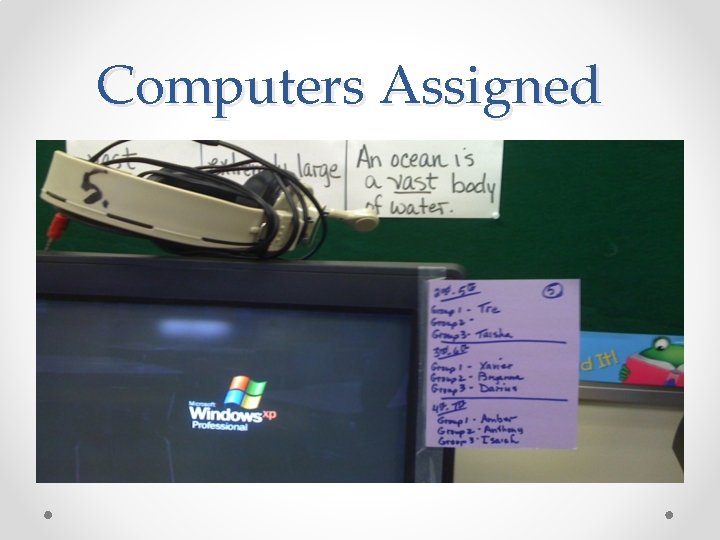
Software Tips • Ensure that all computers are facing out toward the Small-Group area • Number each computer (or laptop space) and assign students to each space • Provide storage space for headphones/microphones, computer mice • Post a “Plan B” for technology and create a system for students to alert you to technology issues
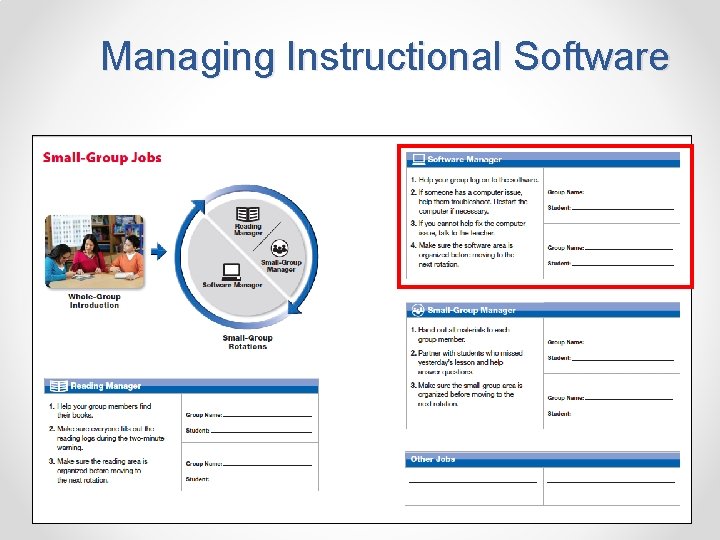
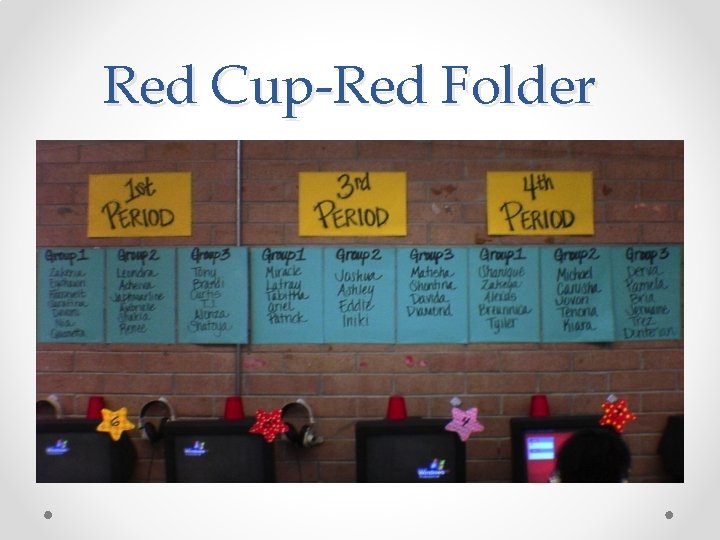
Managing Instructional Software • Red Cup/Green Cup Management Strategy • Plan B Assignments 18
Red Cup-Red Folder
Computers Assigned
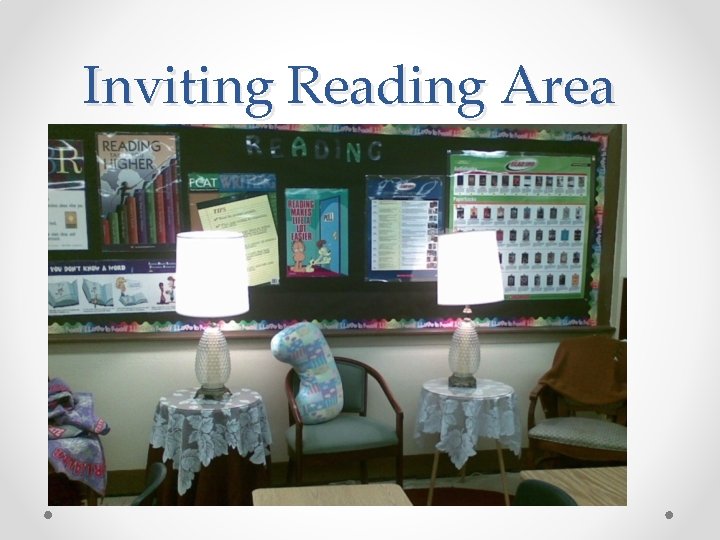
Reading Tips • Provide inviting and comfortable seating for students (e. g couches, beanbag chairs, large pillows) • Provide noise-blocking headphones or earplugs to prevent distraction • If possible, have an extra computer available in this area for students to take Reading Counts! quizzes or read their e. Reads or e. Books • Provide organized system for blank copies of reading logs, graphic organizers, and/or Quick. Writes • Provide organized system for CD Players for use with audiobooks
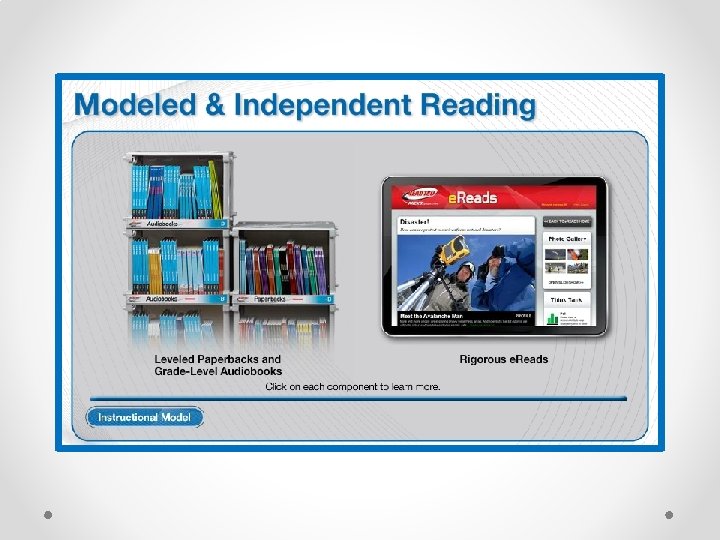
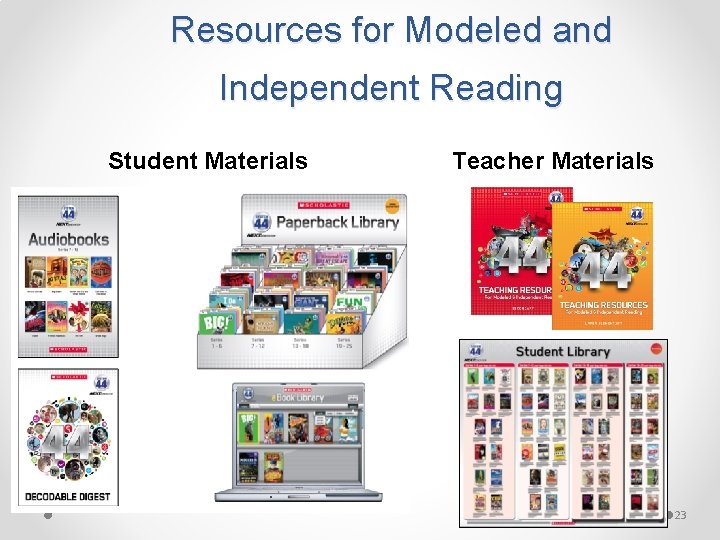
Resources for Modeled and Independent Reading Student Materials Teacher Materials 23
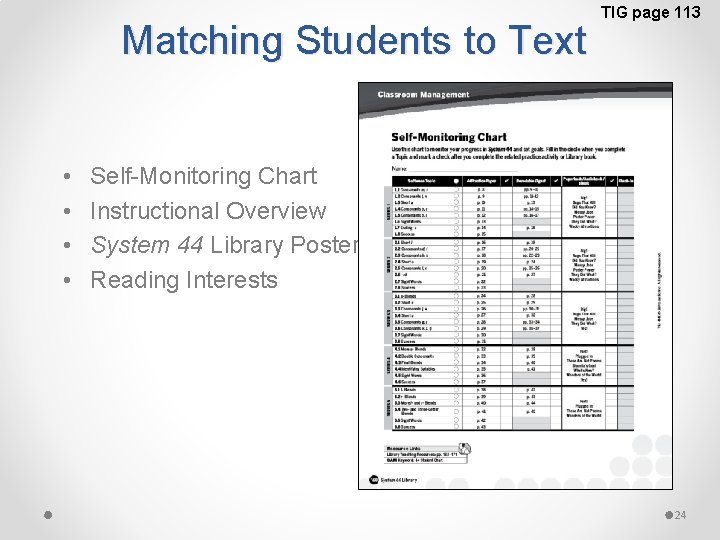
Matching Students to Text • • TIG page 113 Self-Monitoring Chart Instructional Overview System 44 Library Poster Reading Interests 24
Inviting Reading Area
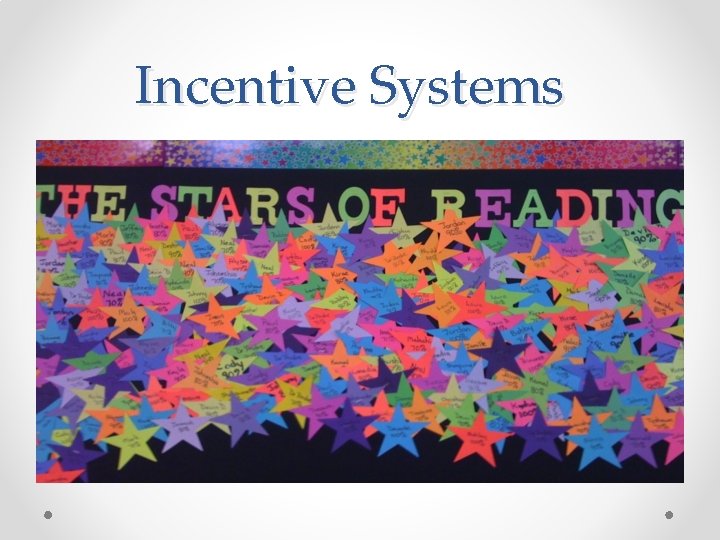
Incentive Systems
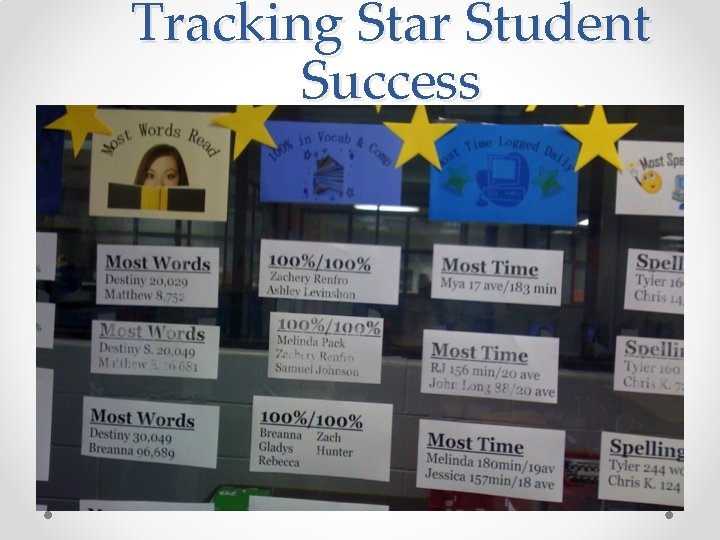
Tracking Star Student Success
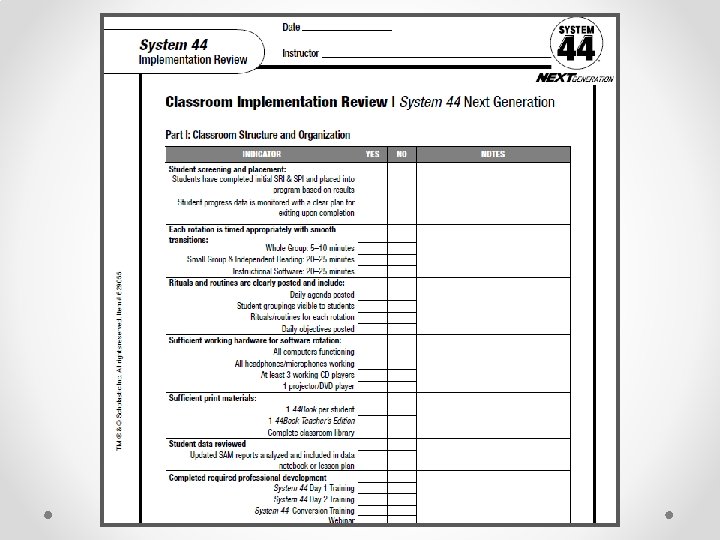
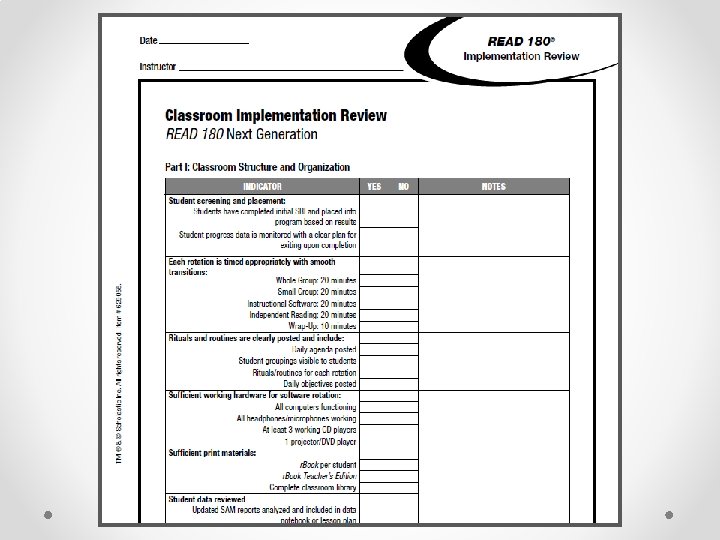
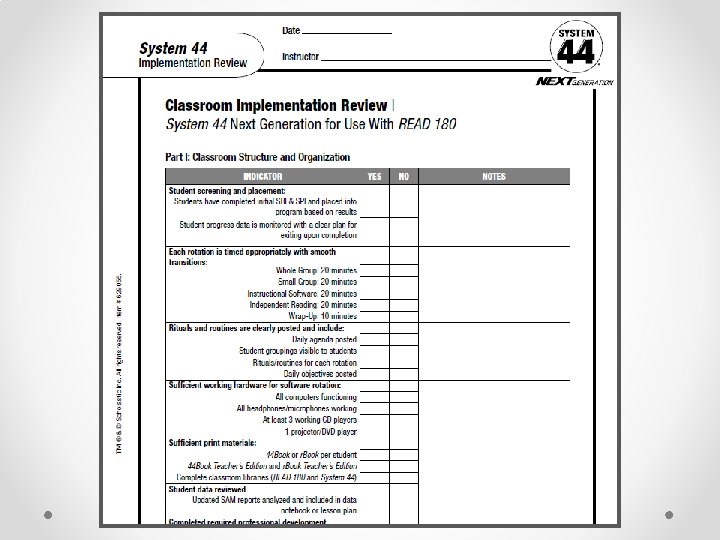
WALK-THROUGH TOOLS
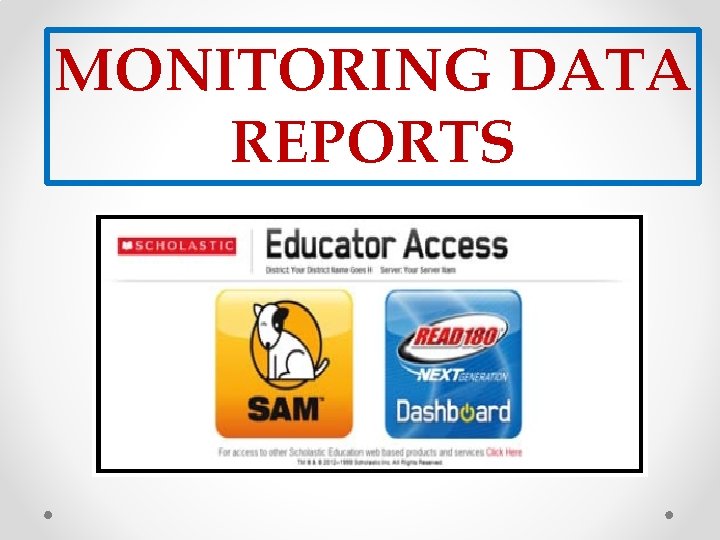
MONITORING DATA REPORTS
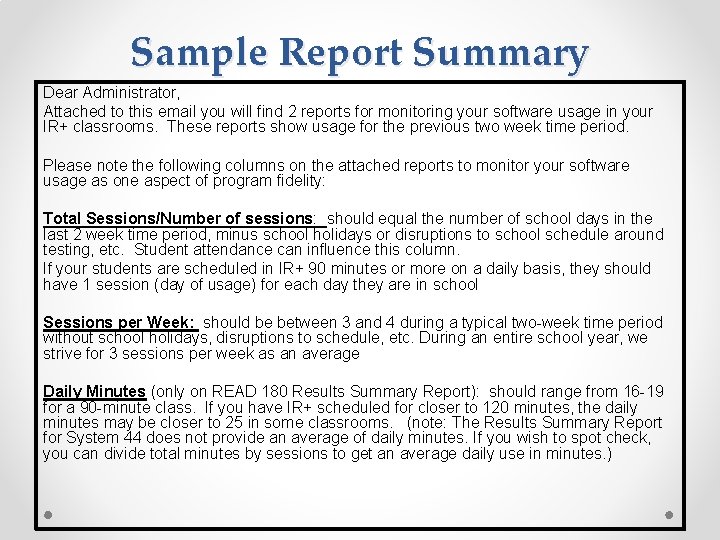
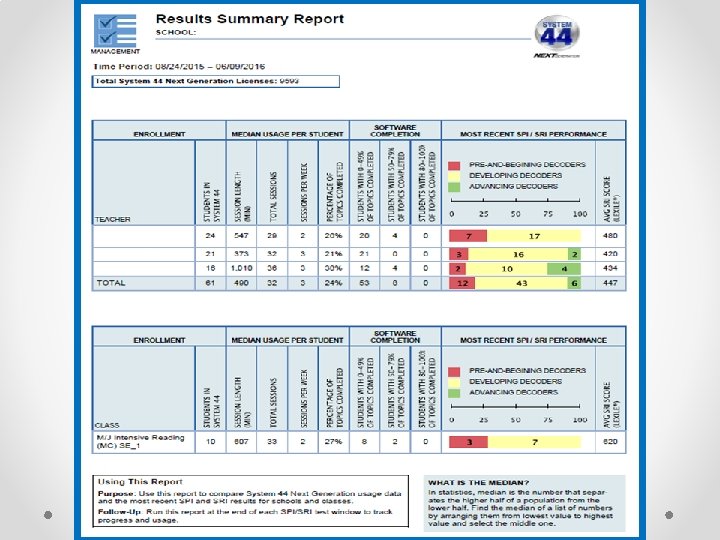
Sample Report Summary Dear Administrator, Attached to this email you will find 2 reports for monitoring your software usage in your IR+ classrooms. These reports show usage for the previous two week time period. Please note the following columns on the attached reports to monitor your software usage as one aspect of program fidelity: Total Sessions/Number of sessions: should equal the number of school days in the last 2 week time period, minus school holidays or disruptions to school schedule around testing, etc. Student attendance can influence this column. If your students are scheduled in IR+ 90 minutes or more on a daily basis, they should have 1 session (day of usage) for each day they are in school Sessions per Week: should be between 3 and 4 during a typical two-week time period without school holidays, disruptions to schedule, etc. During an entire school year, we strive for 3 sessions per week as an average Daily Minutes (only on READ 180 Results Summary Report): should range from 16 -19 for a 90 -minute class. If you have IR+ scheduled for closer to 120 minutes, the daily minutes may be closer to 25 in some classrooms. (note: The Results Summary Report for System 44 does not provide an average of daily minutes. If you wish to spot check, you can divide total minutes by sessions to get an average daily use in minutes. )
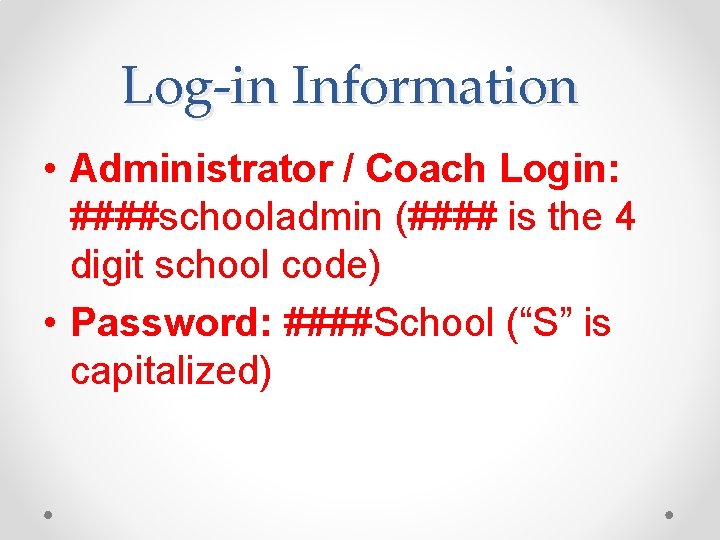
Log-in Information • Administrator / Coach Login: ####schooladmin (#### is the 4 digit school code) • Password: ####School (“S” is capitalized)
Office of Academics and Transformation Dr. Sharon Scruggs-Williams District Instructional Supervisor SScruggs-Williams@dadeschools. net Ms. Rosa Ochoa District Instructional Supervisor ROchoa@dadeschools. net Ms. Laurie Kaplan District Instructional Supervisor Lkaplan 1@dadeschools. net Department of English Language Arts 305. 995. 3122