
IR 101 Beginning SQL in IR Kelly Wahl
IR 101: Beginning SQL in IR Kelly Wahl Director of Statistical Analysis and Assessment Coordinator UCLA
Learning Outcomes • • • Know what SQL is Read a basic SQL SELECT statement Find online opportunities to learn the language Recognize examples of SQL syntax and identify what they do Consider how the results from a SELECT statement can be formatted to meet your needs
What is SQL? • Structured Query Language (SQL) • Often pronounced “sequel” – because the original acronym was SEQUEL (Structured English QUEry Language) • Developed by IBM in the early 70’s • Changed its name because another company had already trademarked SEQUEL
How And When Do We Use SQL? • Its name gives away its purpose: It is a programming language used for managing data and querying databases. SQL has been “structured” to be clear, to sequence commands, to allow options to be pursued, and to block (i. e. , to treat groups of statements as one). • Relational Database Management Systems (RDBMS) can use it. • Oracle Database, SQL Server, and My. SQL are examples of database software that use this language for data access and management.
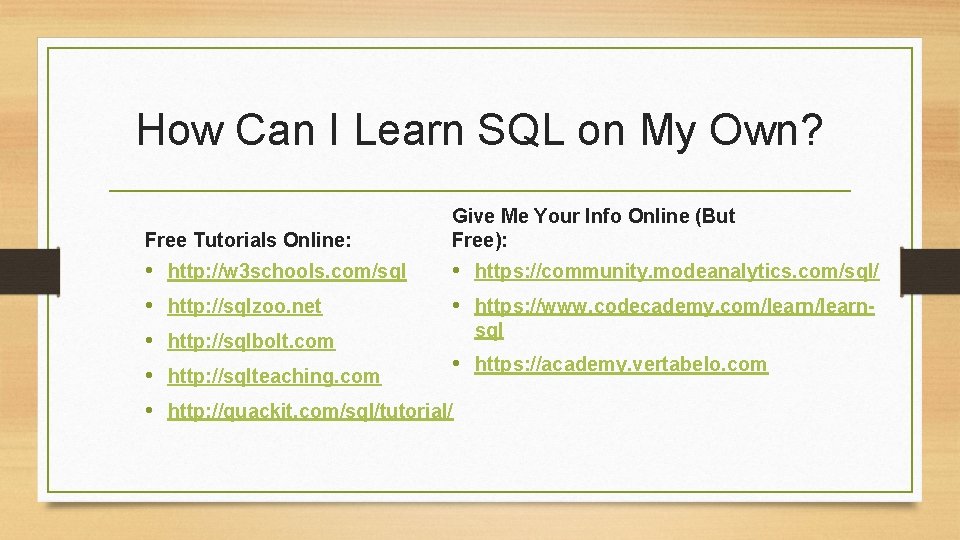
How Can I Learn SQL on My Own? Free Tutorials Online: • • • http: //w 3 schools. com/sql http: //sqlzoo. net http: //sqlbolt. com http: //sqlteaching. com Give Me Your Info Online (But Free): • https: //community. modeanalytics. com/sql/ • https: //www. codecademy. com/learnsql • https: //academy. vertabelo. com http: //quackit. com/sql/tutorial/
Properties of Relational Databases • Relational databases are for storing and retrieving related information. • They can be explained with diagrams showing the way the data are “modeled. ” • Records are stored as rows in tables that have columns for each variable being stored per case.
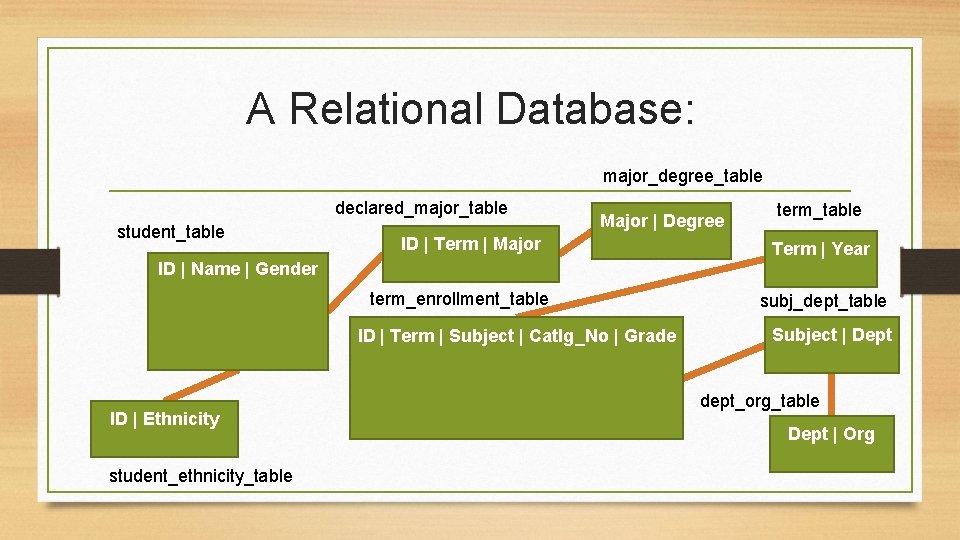
A Relational Database: major_degree_table declared_major_table student_table Major | Degree ID | Term | Major ID | Name | Gender term_enrollment_table ID | Term | Subject | Catlg_No | Grade ID | Ethnicity student_ethnicity_table term_table Term | Year subj_dept_table Subject | Dept dept_org_table Dept | Org
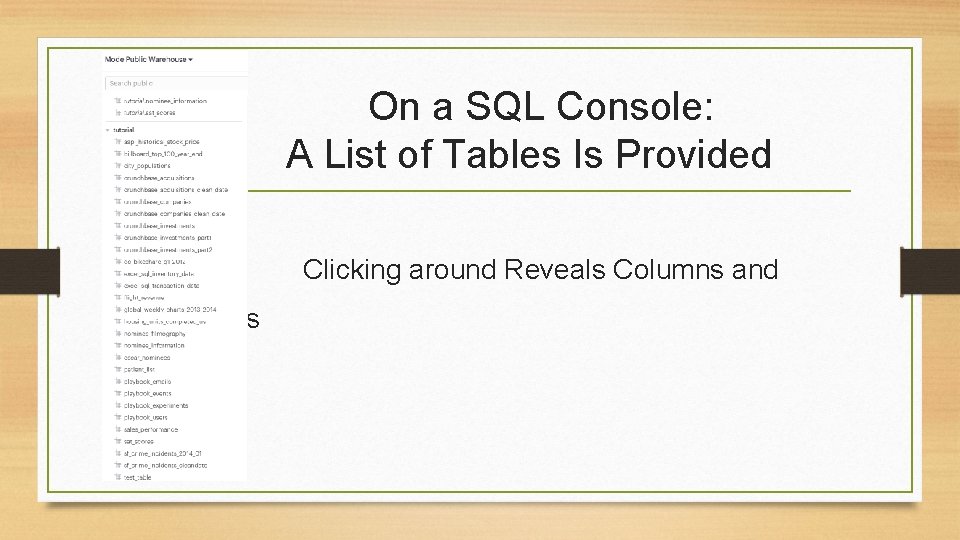
On a SQL Console: A List of Tables Is Provided • Clicking around Reveals Columns and Properties

Co s • • Results
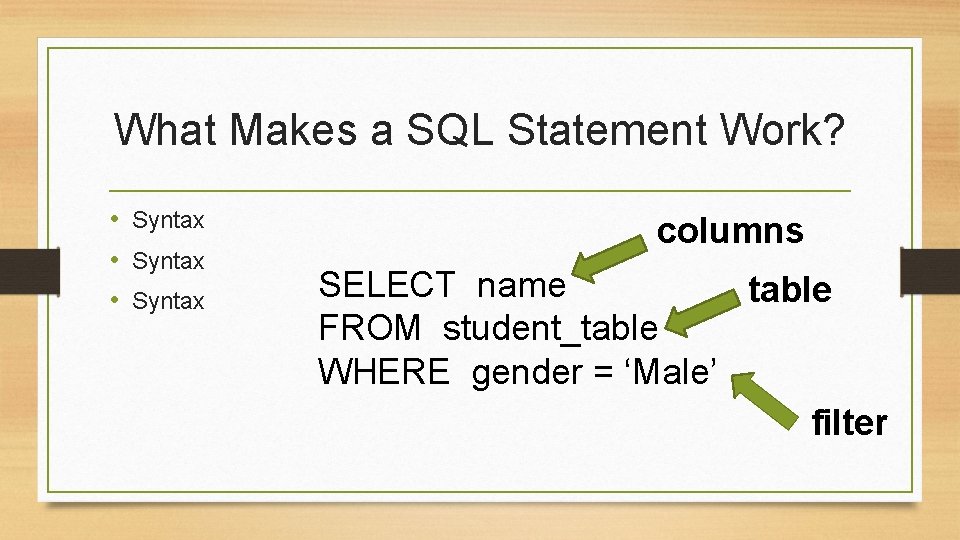
What Makes a SQL Statement Work? • Syntax columns SELECT name table FROM student_table WHERE gender = ‘Male’ filter
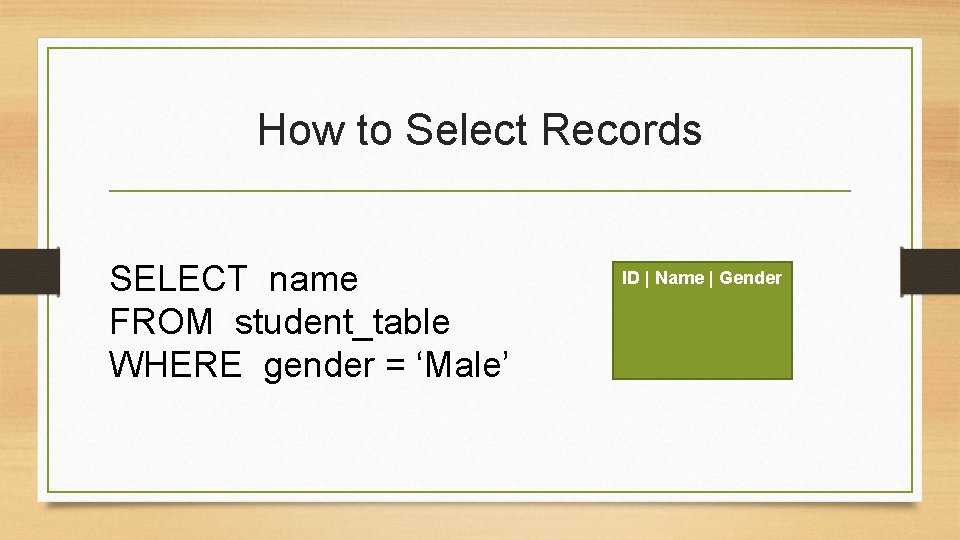
How to Select Records SELECT name FROM student_table WHERE gender = ‘Male’ ID | Name | Gender
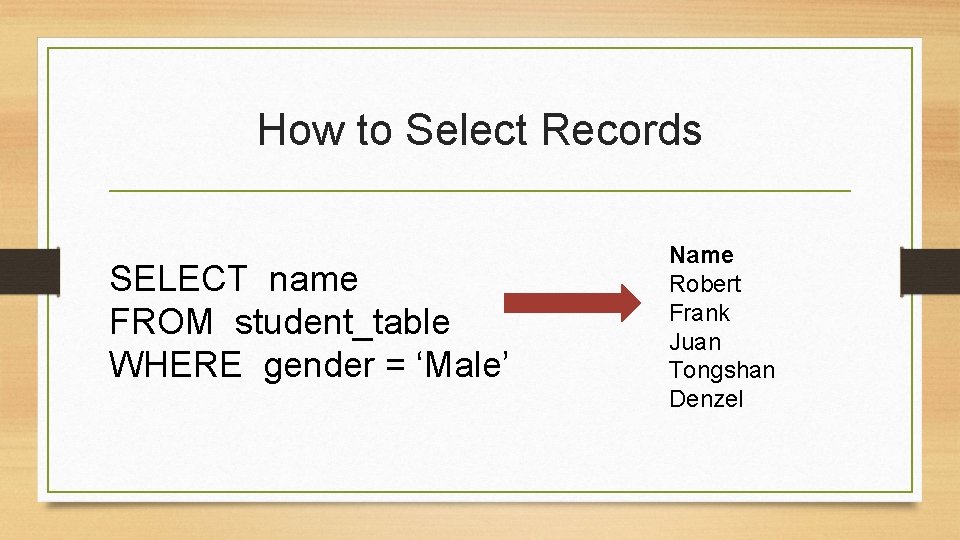
How to Select Records SELECT name FROM student_table WHERE gender = ‘Male’ Name Robert Frank Juan Tongshan Denzel
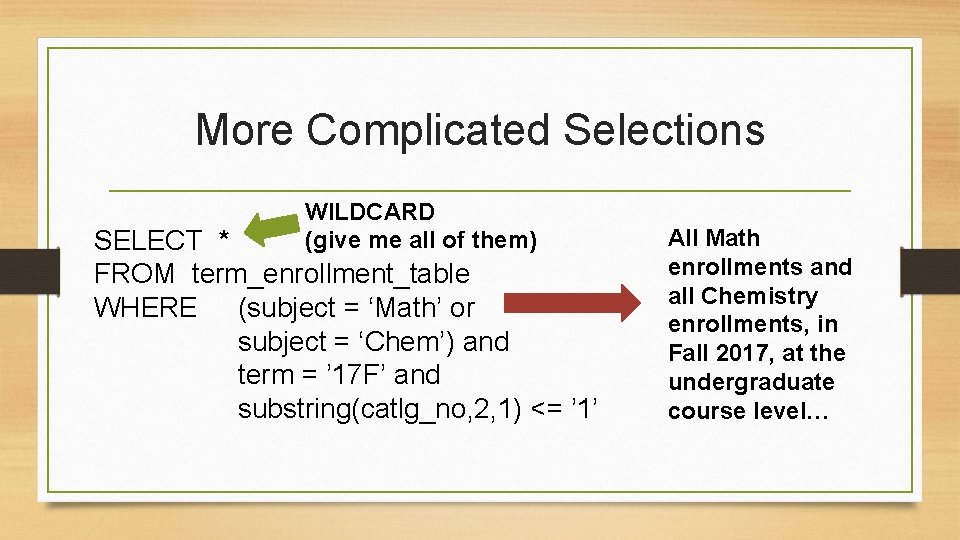
More Complicated Selections WILDCARD (give me all of them) SELECT * FROM term_enrollment_table WHERE (subject = ‘Math’ or subject = ‘Chem’) and term = ’ 17 F’ and substring(catlg_no, 2, 1) <= ’ 1’ All Math enrollments and all Chemistry enrollments, in Fall 2017, at the undergraduate course level…
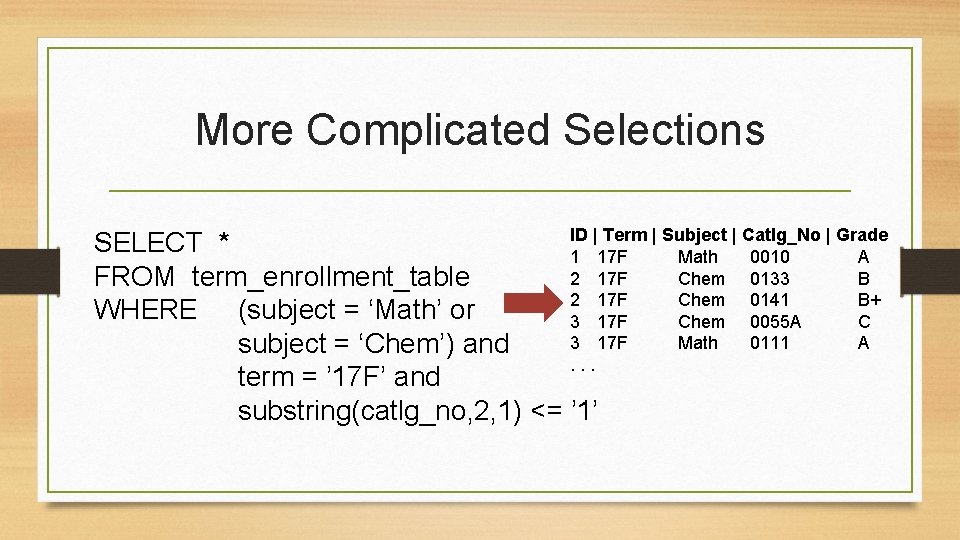
More Complicated Selections ID | Term | Subject | Catlg_No | Grade SELECT * 1 17 F Math 0010 A 2 17 F Chem 0133 B FROM term_enrollment_table 2 17 F Chem 0141 B+ WHERE (subject = ‘Math’ or 3 17 F Chem 0055 A C 3 17 F Math 0111 A subject = ‘Chem’) and. . . term = ’ 17 F’ and substring(catlg_no, 2, 1) <= ’ 1’
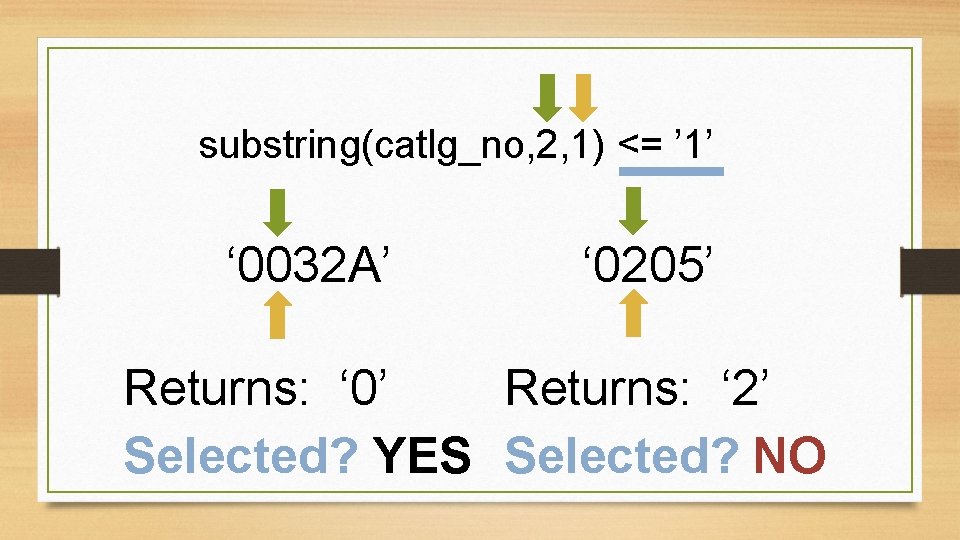
substring(catlg_no, 2, 1) <= ’ 1’ ‘ 0032 A’ ‘ 0205’ Returns: ‘ 0’ Returns: ‘ 2’ Selected? YES Selected? NO
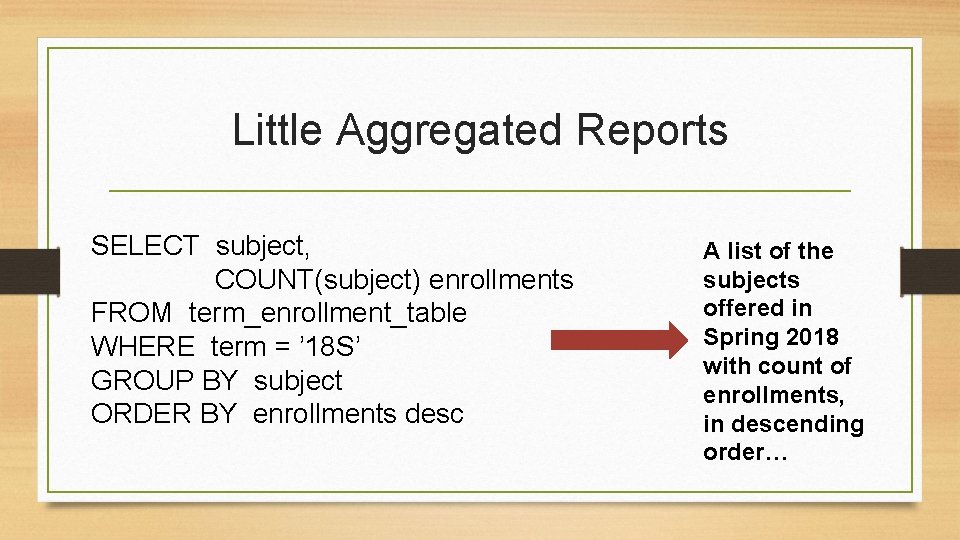
Little Aggregated Reports SELECT subject, COUNT(subject) enrollments FROM term_enrollment_table WHERE term = ’ 18 S’ GROUP BY subject ORDER BY enrollments desc A list of the subjects offered in Spring 2018 with count of enrollments, in descending order…
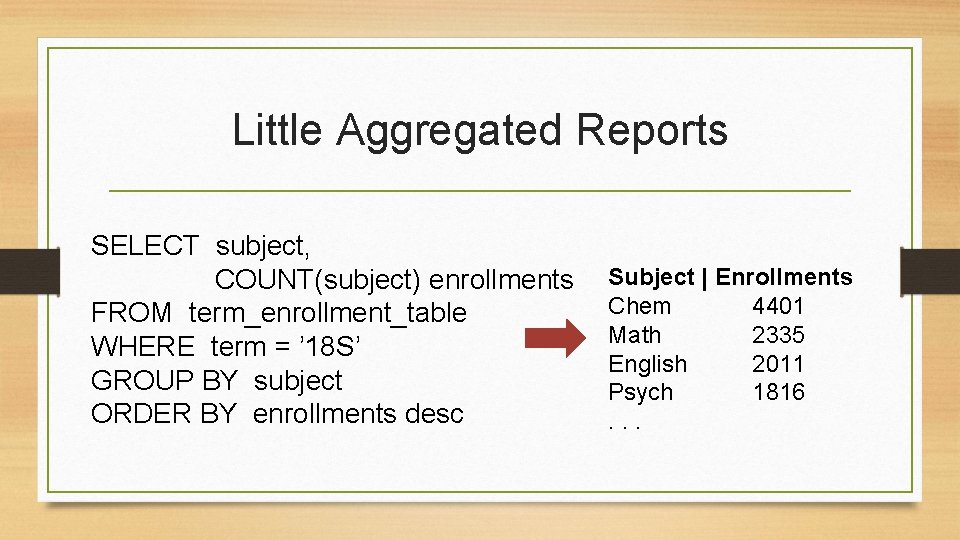
Little Aggregated Reports SELECT subject, COUNT(subject) enrollments FROM term_enrollment_table WHERE term = ’ 18 S’ GROUP BY subject ORDER BY enrollments desc Subject | Enrollments Chem 4401 Math 2335 English 2011 Psych 1816. . .
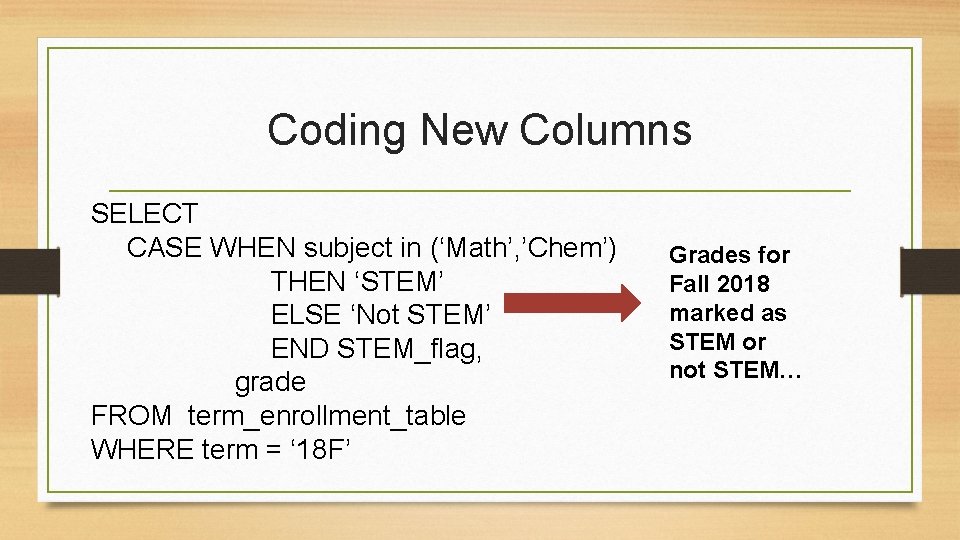
Coding New Columns SELECT CASE WHEN subject in (‘Math’, ’Chem’) THEN ‘STEM’ ELSE ‘Not STEM’ END STEM_flag, grade FROM term_enrollment_table WHERE term = ‘ 18 F’ Grades for Fall 2018 marked as STEM or not STEM…
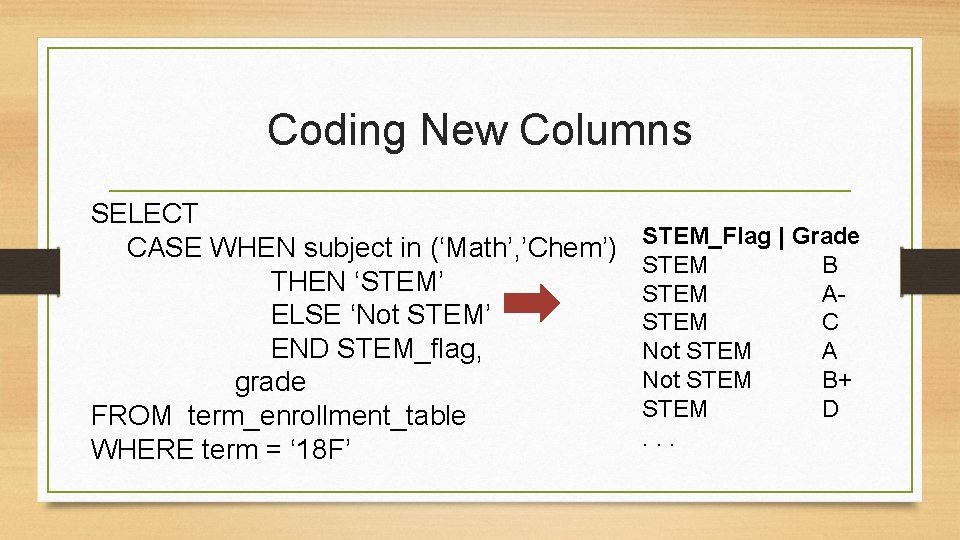
Coding New Columns SELECT CASE WHEN subject in (‘Math’, ’Chem’) THEN ‘STEM’ ELSE ‘Not STEM’ END STEM_flag, grade FROM term_enrollment_table WHERE term = ‘ 18 F’ STEM_Flag | Grade STEM B STEM ASTEM C Not STEM A Not STEM B+ STEM D. . .
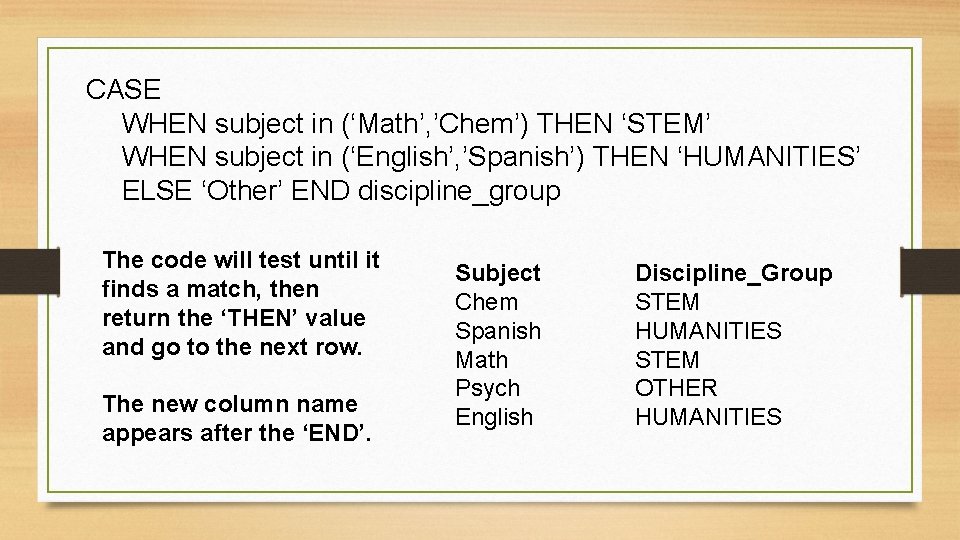
CASE WHEN subject in (‘Math’, ’Chem’) THEN ‘STEM’ WHEN subject in (‘English’, ’Spanish’) THEN ‘HUMANITIES’ ELSE ‘Other’ END discipline_group The code will test until it finds a match, then return the ‘THEN’ value and go to the next row. The new column name appears after the ‘END’. Subject Chem Spanish Math Psych English Discipline_Group STEM HUMANITIES STEM OTHER HUMANITIES
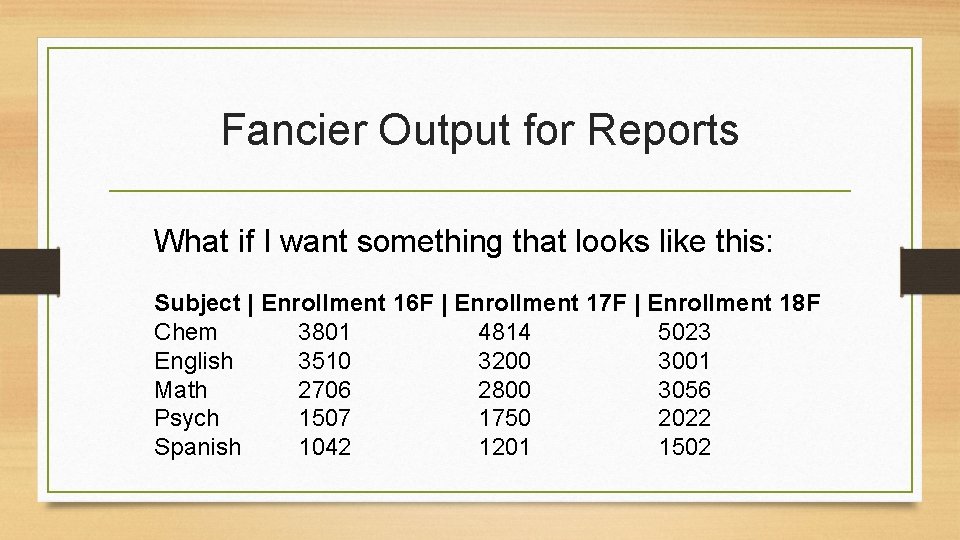
Fancier Output for Reports What if I want something that looks like this: Subject | Enrollment 16 F | Enrollment 17 F | Enrollment 18 F Chem 3801 4814 5023 English 3510 3200 3001 Math 2706 2800 3056 Psych 1507 1750 2022 Spanish 1042 1201 1502
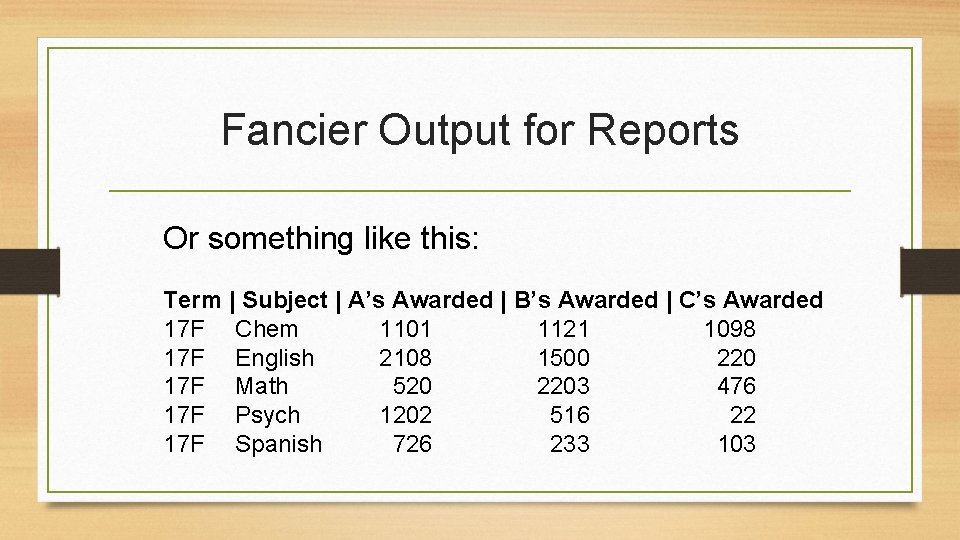
Fancier Output for Reports Or something like this: Term | Subject | A’s Awarded | B’s Awarded | C’s Awarded 17 F Chem 1101 1121 1098 17 F English 2108 1500 220 17 F Math 520 2203 476 17 F Psych 1202 516 22 17 F Spanish 726 233 103
Fancier Output for Reports I’d have to create a new column …and aggregate at the same time. A CASE statement, plus a GROUP BY… ? ? ?
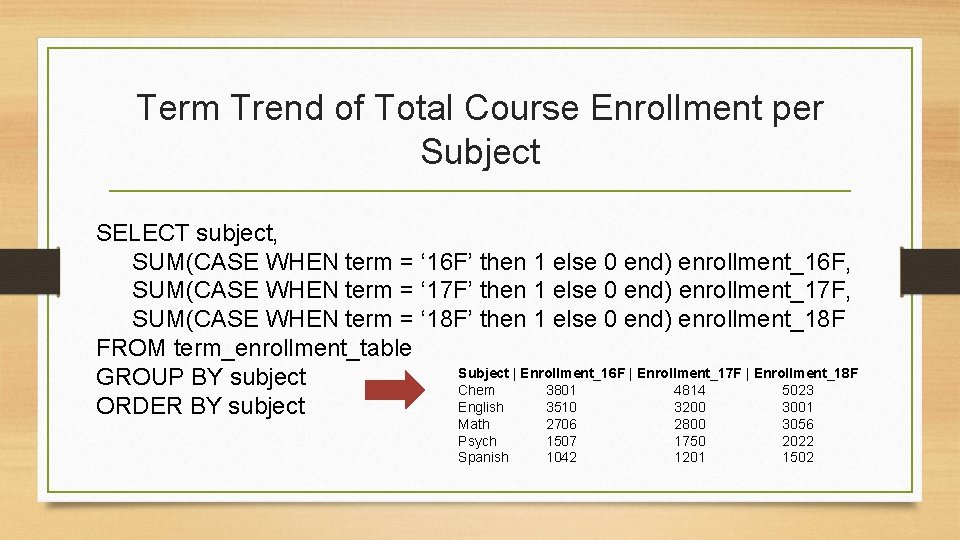
Term Trend of Total Course Enrollment per Subject SELECT subject, SUM(CASE WHEN term = ‘ 16 F’ then 1 else 0 end) enrollment_16 F, SUM(CASE WHEN term = ‘ 17 F’ then 1 else 0 end) enrollment_17 F, SUM(CASE WHEN term = ‘ 18 F’ then 1 else 0 end) enrollment_18 F FROM term_enrollment_table Subject | Enrollment_16 F | Enrollment_17 F | Enrollment_18 F GROUP BY subject Chem 3801 4814 5023 English 3510 3200 3001 ORDER BY subject Math Psych Spanish 2706 1507 1042 2800 1750 1201 3056 2022 1502
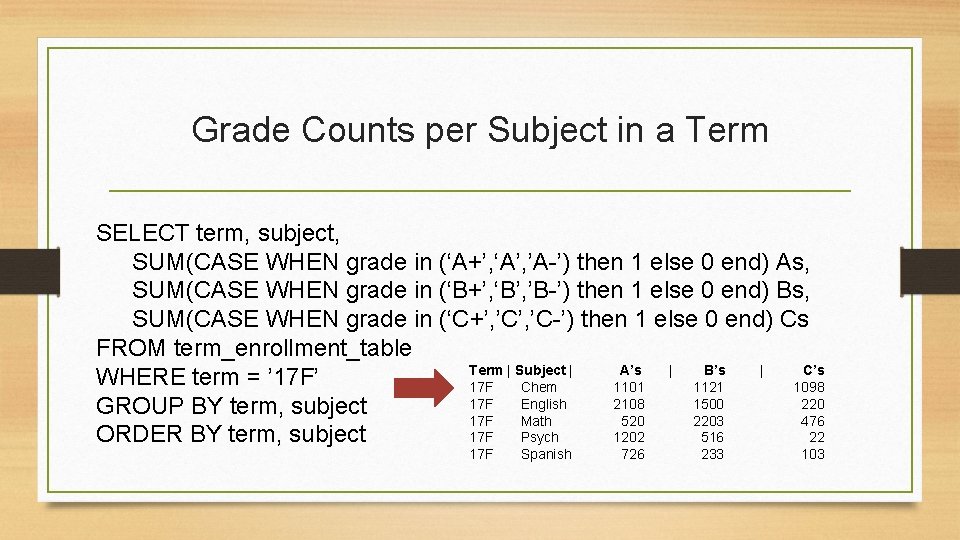
Grade Counts per Subject in a Term SELECT term, subject, SUM(CASE WHEN grade in (‘A+’, ‘A’, ’A-’) then 1 else 0 end) As, SUM(CASE WHEN grade in (‘B+’, ‘B’, ’B-’) then 1 else 0 end) Bs, SUM(CASE WHEN grade in (‘C+’, ’C-’) then 1 else 0 end) Cs FROM term_enrollment_table Term | Subject | A’s | B’s | C’s WHERE term = ’ 17 F Chem 1101 1121 1098 17 F English 2108 1500 220 GROUP BY term, subject 17 F Math 520 2203 476 17 F Psych 1202 516 22 ORDER BY term, subject 17 F Spanish 726 233 103
Learning Outcomes • • • Know what SQL is Read a basic SQL SELECT statement Find online opportunities to learn the language Recognize examples of SQL syntax and identify what they do Consider how the results from a SELECT statement can be formatted to meet your needs
Things You Need to Do with Data ?
Happy SQLing! Kelly Wahl UCLA kwahl@college. ucla. edu
- Slides: 29