
Investigating an alert with multiple entities Prioritizing userbased

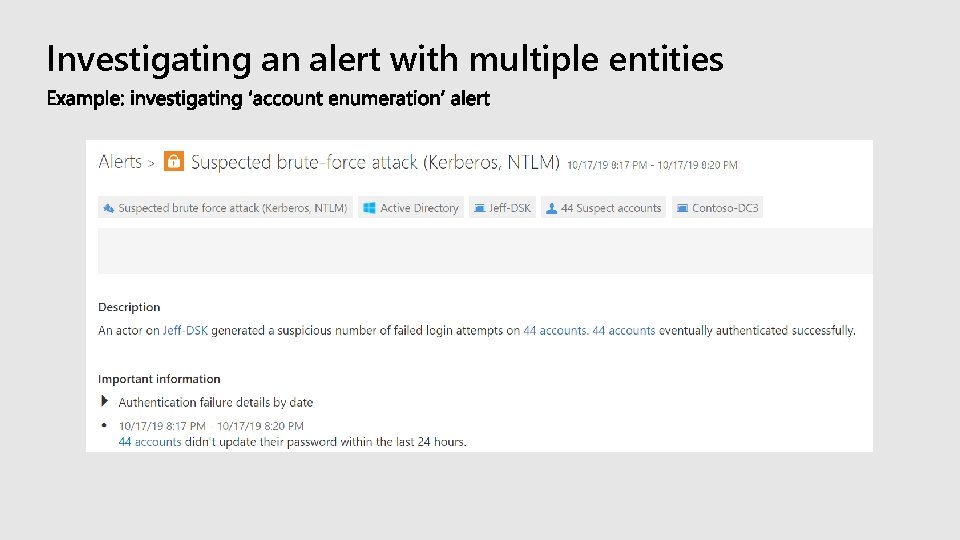
Investigating an alert with multiple entities
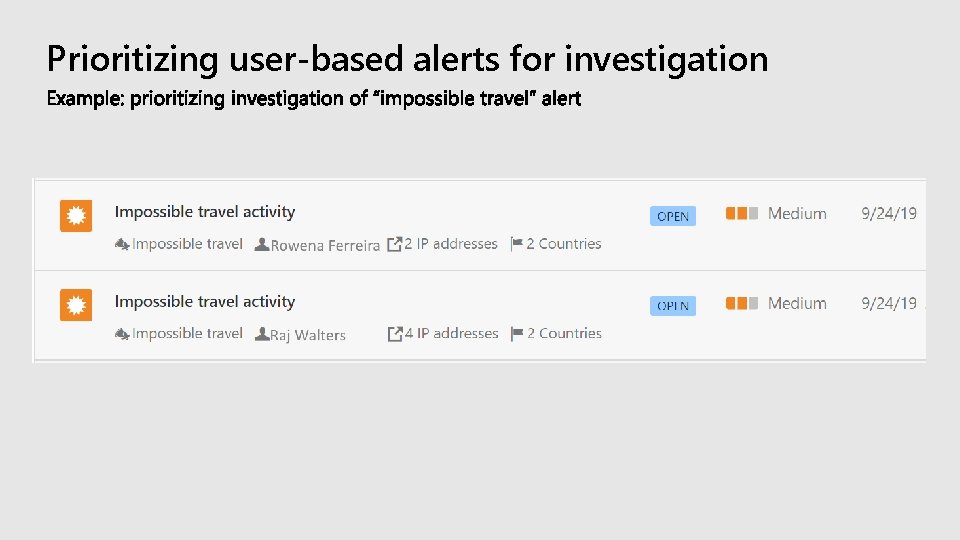
Prioritizing user-based alerts for investigation
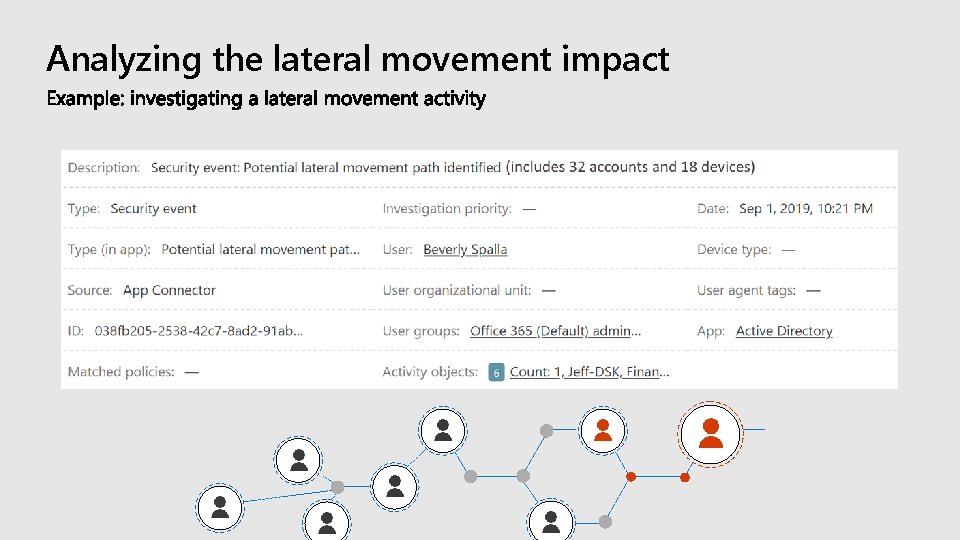
Analyzing the lateral movement impact
Helping Security Analysts Prioritize User Investigation
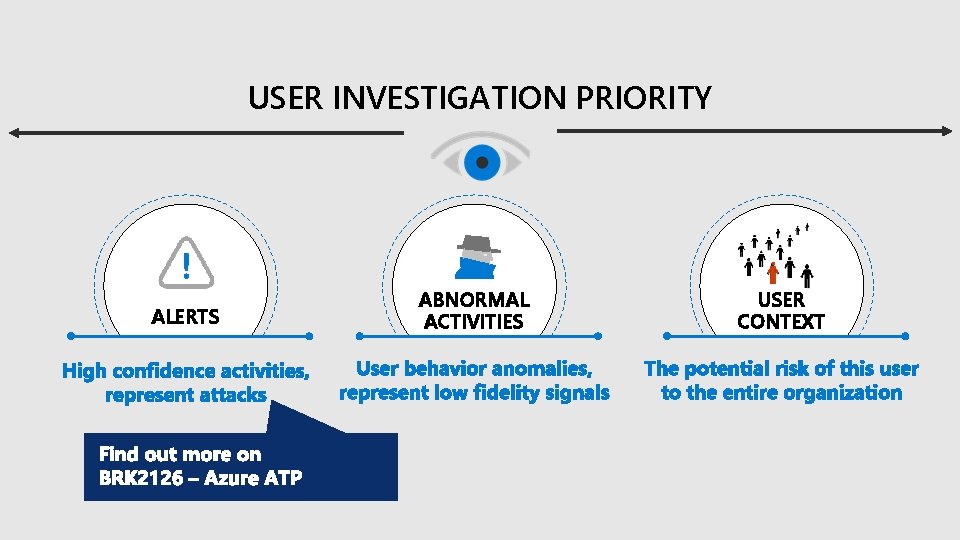
USER INVESTIGATION PRIORITY ALERTS ABNORMAL ACTIVITIES USER CONTEXT
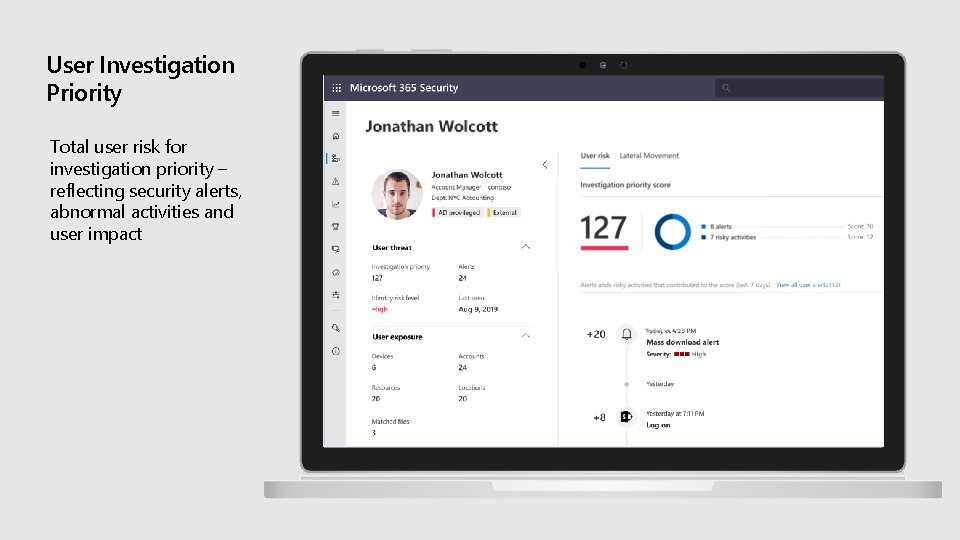
User Investigation Priority Total user risk for investigation priority – reflecting security alerts, abnormal activities and user impact
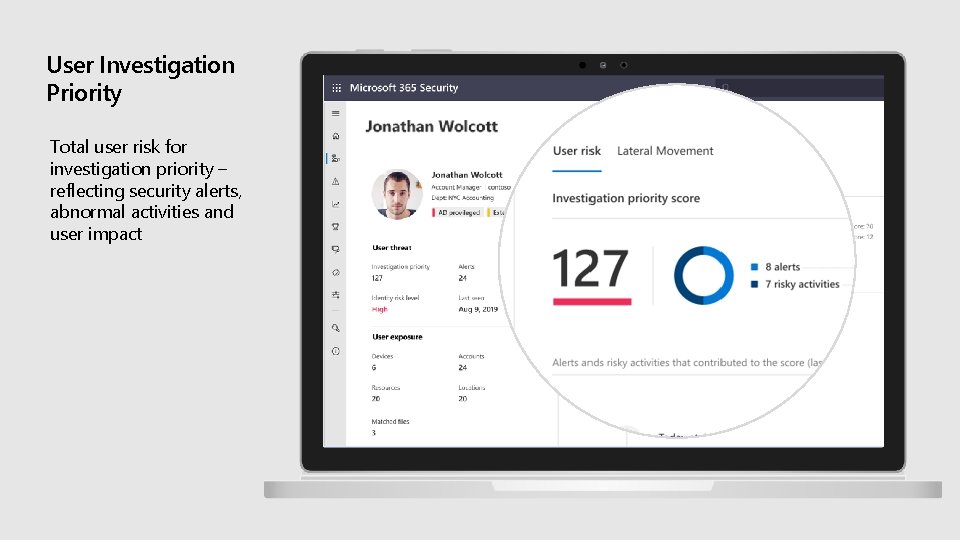
User Investigation Priority Total user risk for investigation priority – reflecting security alerts, abnormal activities and user impact
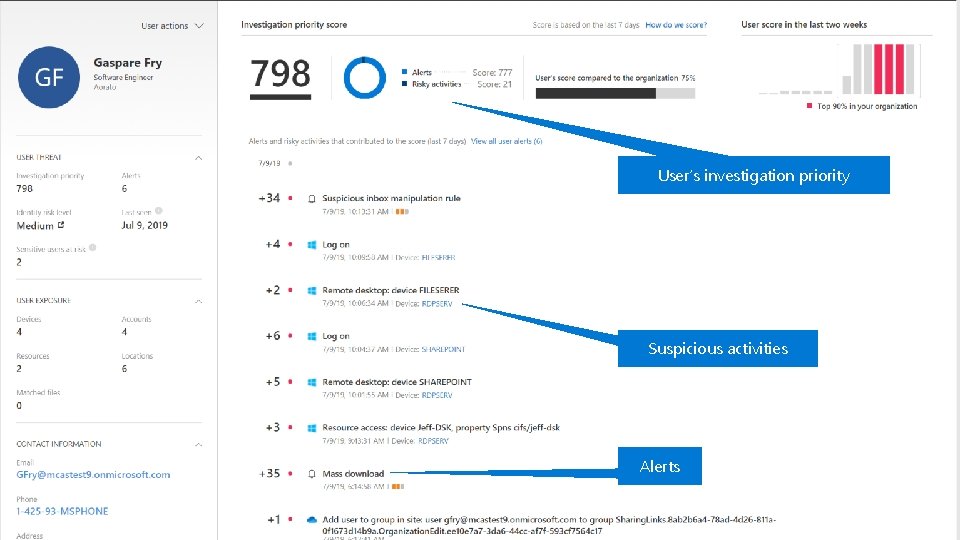
User’s investigation priority Suspicious activities Alerts
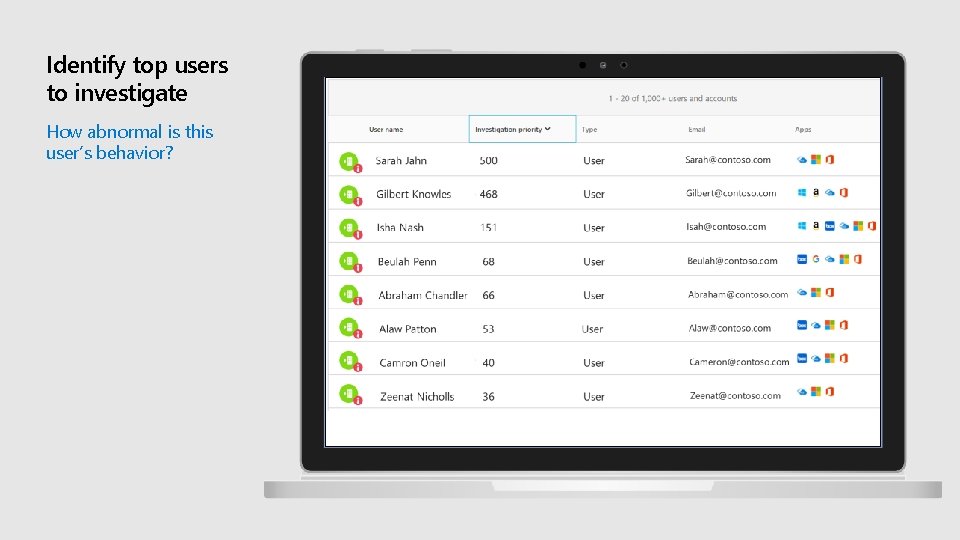
Identify top users to investigate How abnormal is this user’s behavior?
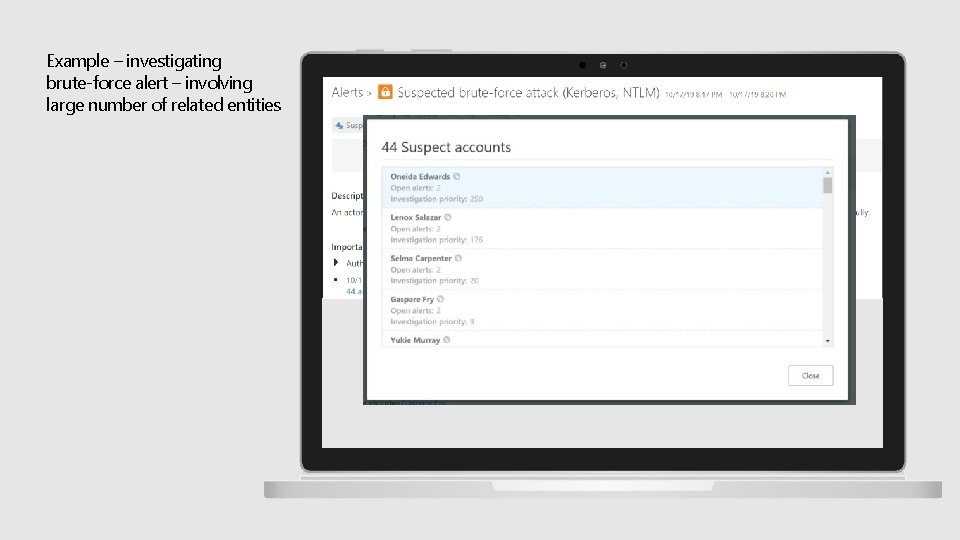
Example – investigating brute-force alert – involving large number of related entities
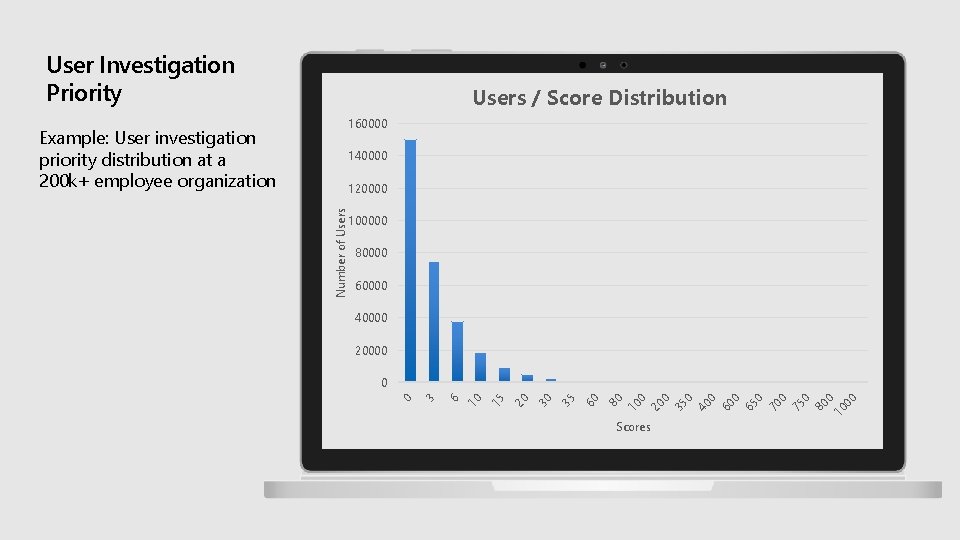
User Investigation Priority Users / Score Distribution 160000 Example: User investigation priority distribution at a 200 k+ employee organization 140000 100000 80000 60000 40000 20000 Scores 0 40 0 65 0 70 0 75 0 80 0 10 00 0 35 20 0 10 80 60 35 30 20 15 10 6 3 0 0 Number of Users 120000
Analyzing user behavior and identifying suspicious activities
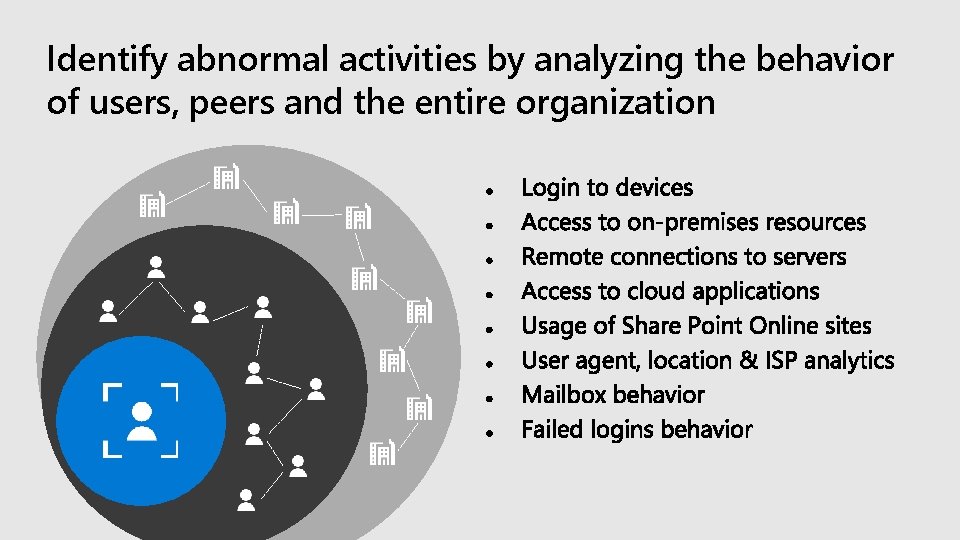
Identify abnormal activities by analyzing the behavior of users, peers and the entire organization
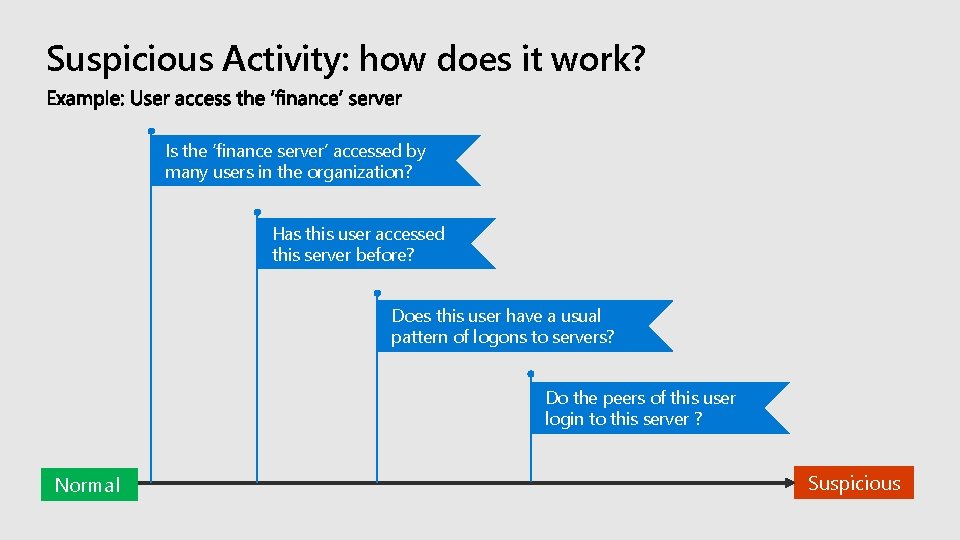
Suspicious Activity: how does it work? Is the ‘finance server’ accessed by many users in the organization? Has this user accessed this server before? Does this user have a usual pattern of logons to servers? Do the peers of this user login to this server ? Normal Suspicious

User Impact
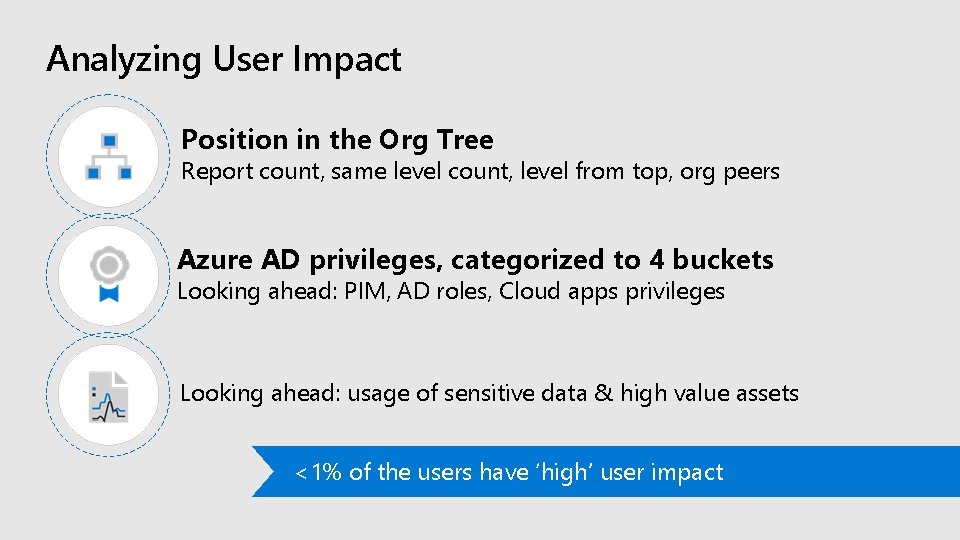
Analyzing User Impact Position in the Org Tree Report count, same level count, level from top, org peers Azure AD privileges, categorized to 4 buckets Looking ahead: PIM, AD roles, Cloud apps privileges Looking ahead: usage of sensitive data & high value assets <1% of the users have ‘high’ user impact
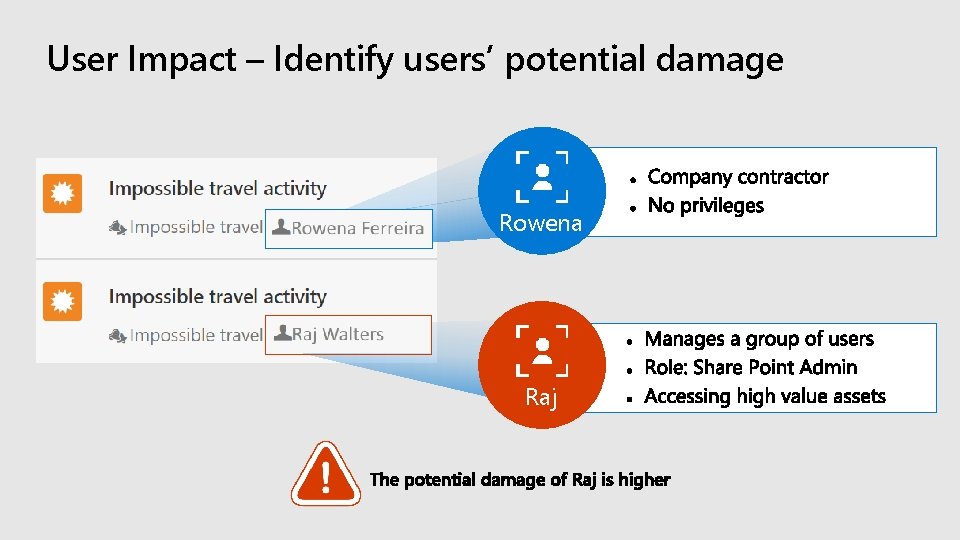
User Impact – Identify users’ potential damage Rowena Raj

DEMOS
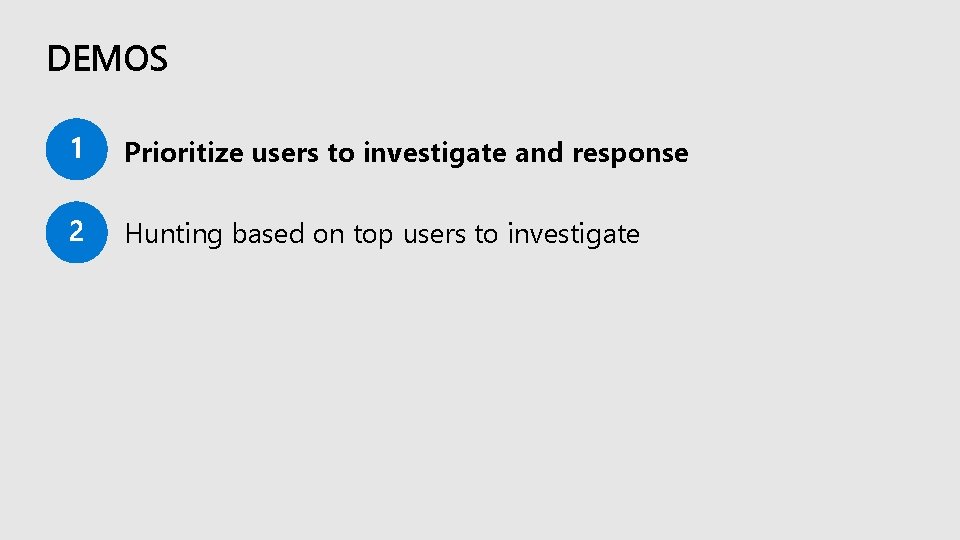
DEMOS Prioritize users to investigate and response Hunting based on top users to investigate
DEMOS Prioritize users to investigate and response Hunting based on top users to investigate
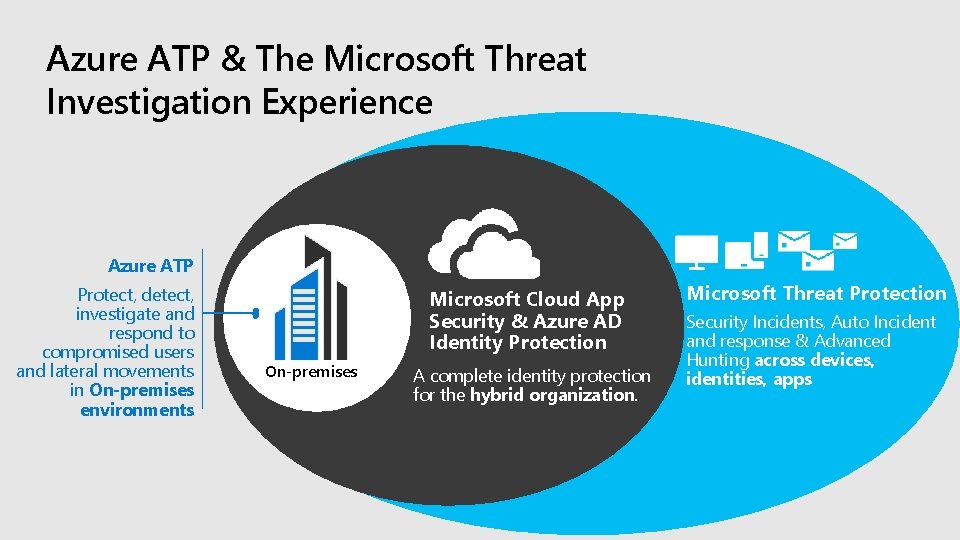
Azure ATP & The Microsoft Threat Investigation Experience Azure ATP Protect, detect, investigate and respond to compromised users and lateral movements in On-premises environments Microsoft Cloud App Security & Azure AD Identity Protection On-premises A complete identity protection for the hybrid organization. Microsoft Threat Protection Security Incidents, Auto Incident and response & Advanced Hunting across devices, identities, apps
Learn more about Microsoft Threat Protection aka. ms/mtp

Take action and learn more
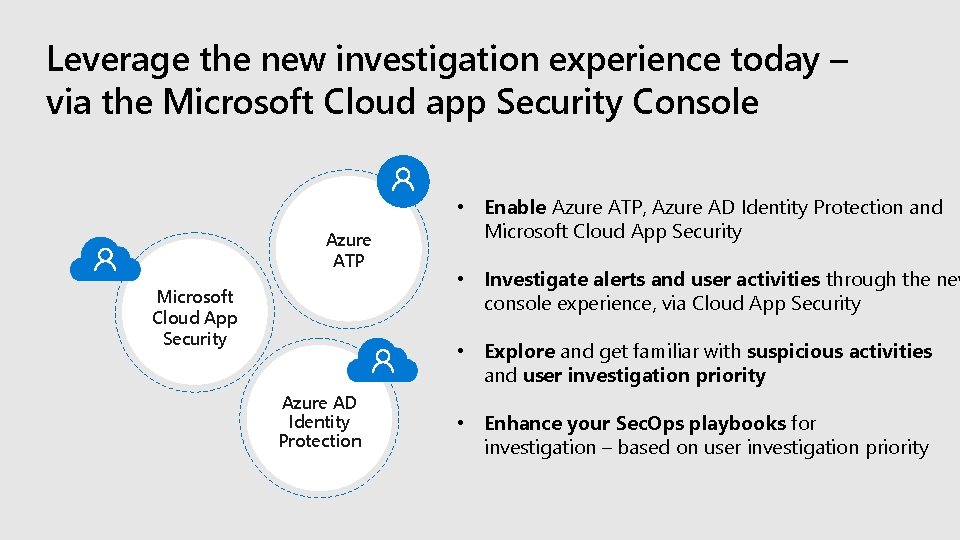
Leverage the new investigation experience today – via the Microsoft Cloud app Security Console Azure ATP Microsoft Cloud App Security • Enable Azure ATP, Azure AD Identity Protection and Microsoft Cloud App Security • Investigate alerts and user activities through the new console experience, via Cloud App Security • Explore and get familiar with suspicious activities and user investigation priority Azure AD Identity Protection • Enhance your Sec. Ops playbooks for investigation – based on user investigation priority
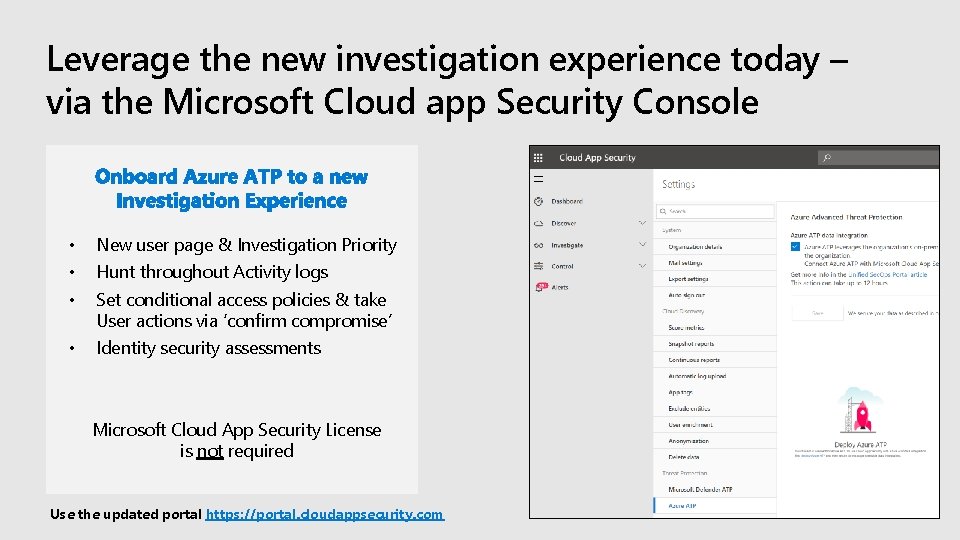
Leverage the new investigation experience today – via the Microsoft Cloud app Security Console • • • New user page & Investigation Priority • Identity security assessments Hunt throughout Activity logs Set conditional access policies & take User actions via ‘confirm compromise’ Microsoft Cloud App Security License is not required Use the updated portal https: //portal. cloudappsecurity. com
Find this session in Microsoft Tech Community
Please evaluate this session Your feedback is important to us! https: //aka. ms/ignite. mobileapp https: //myignite. techcommunity. microsoft. com/evaluations

Thank You!
- Slides: 32