
Intrusion Detection System Snort Barnyard 60 564 Security
Intrusion Detection System (Snort & Barnyard) 60 -564: Security and Privacy on the Internet Instructor: Dr. A. K. Aggarwal Presented By: Vic Ho & Kashif Saeed Date: March 20, 2006
Table of Contents 1. 2. 3. Introduction System Architecture & Data Flow Software Component 3. 1. Packet Excalibur 3. 2. Snort 3. 3. Barnyard 3. 4. My. SQL Server 4. 5. Acknowledgement Reference
1. Introduction l Intrusion: a series of unauthorized actions that attempt to compromise the confidentiality, integrity or availability of the resources [1]. l Intrusion Detection System: is used to detect this kind of actions in order to warn the administrator so that further prevention can be done.
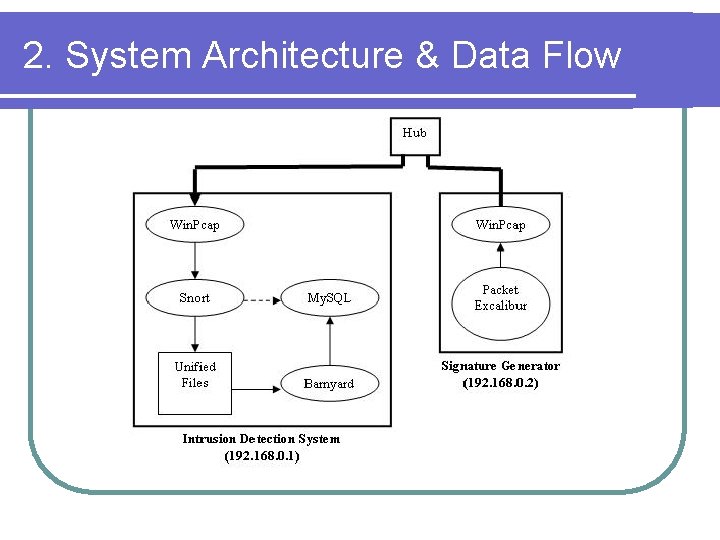
2. System Architecture & Data Flow
3. Software Component 3. 1. Packet Excalibur 3. 2. Snort 3. 3. Barnyard 3. 4. My. SQL Server
3. 1. Packet Excalibur l. A multi-platform graphical and scriptable network packet engine which has extensible text based protocol descriptions [2]. l Used to built and customize packets in order to match the signatures.
3. 1. Packet Excalibur Packet Generation: 1. Configure Data Link Type 2. Configure Ethernet Layer 3. Configure IP Layer 4. Configure TCP Layer 5. Configure Data
![3. 1. Packet Excalibur 1. Configure Data Link Type l Select 1: ethernet [iso]](http://slidetodoc.com/presentation_image_h/ba23293924e9ea57b63bceae28eecb0d/image-8.jpg "3. 1. Packet Excalibur 1. Configure Data Link Type l Select 1: ethernet [iso]")
3. 1. Packet Excalibur 1. Configure Data Link Type l Select 1: ethernet [iso]
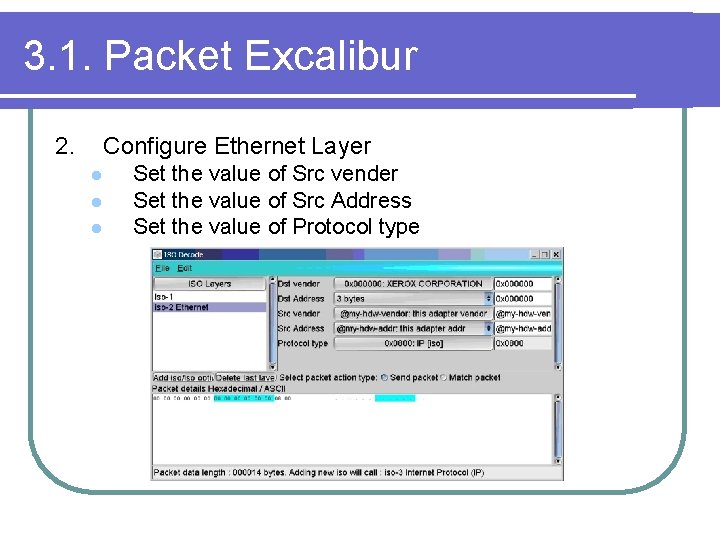
3. 1. Packet Excalibur 2. Configure Ethernet Layer l l l Set the value of Src vender Set the value of Src Address Set the value of Protocol type
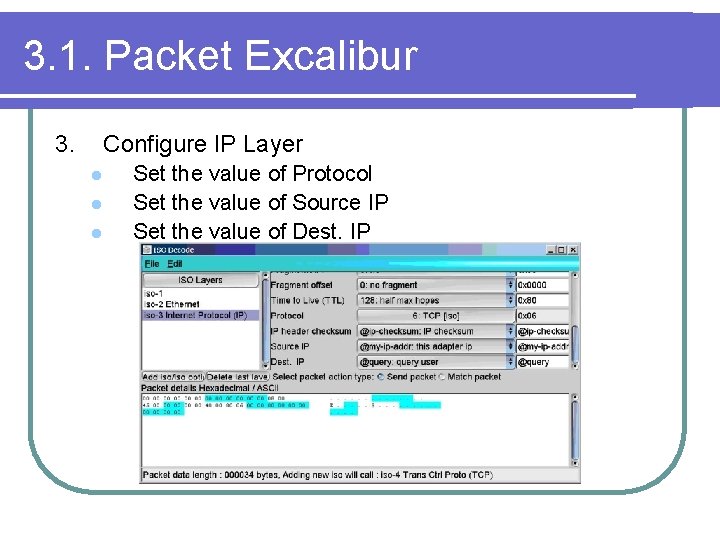
3. 1. Packet Excalibur 3. Configure IP Layer l l l Set the value of Protocol Set the value of Source IP Set the value of Dest. IP
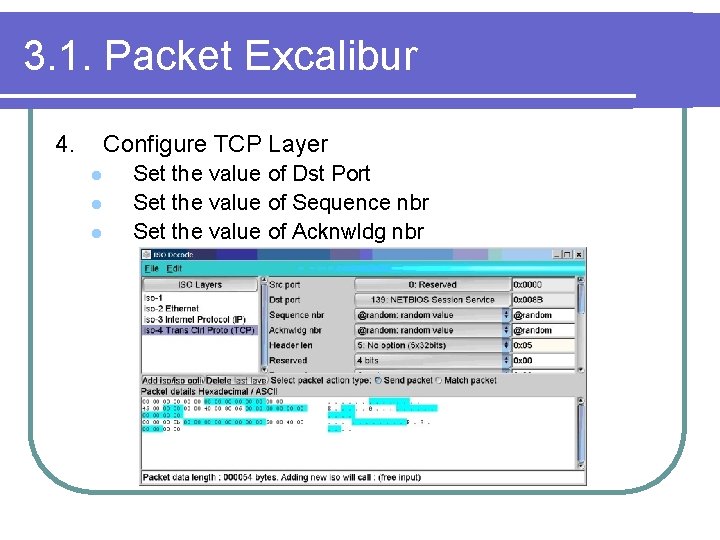
3. 1. Packet Excalibur 4. Configure TCP Layer l l l Set the value of Dst Port Set the value of Sequence nbr Set the value of Acknwldg nbr
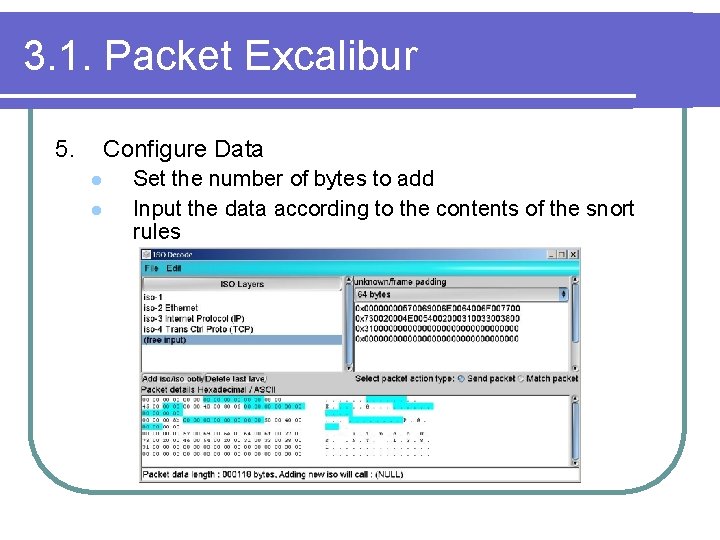
3. 1. Packet Excalibur 5. Configure Data l l Set the number of bytes to add Input the data according to the contents of the snort rules
3. 2. SNORT Snort is Open Source, covered under the GPL l l l Developed by Martin Roesch Rules-based detection engine Plug-in system allows endless flexibility Rules are readily editable and freely available Performs Real-time traffic analysis, logging, and alerting Sourcefire offers commercial version of Snort (Sourcefire Intrusion Sensor)
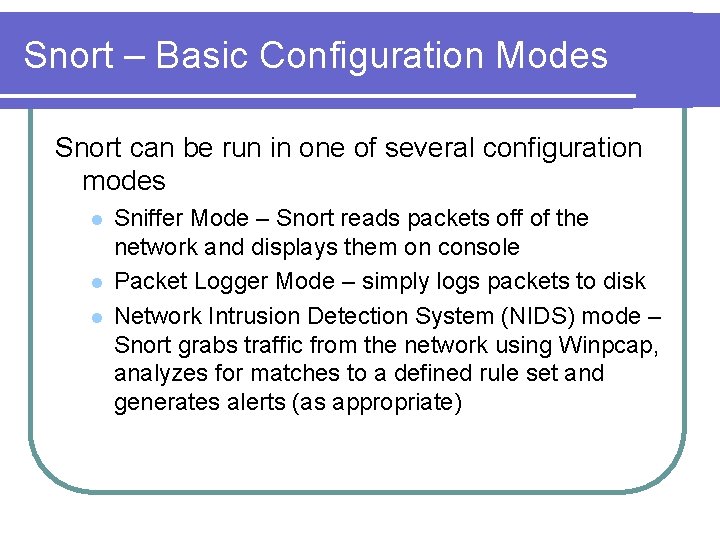
Snort – Basic Configuration Modes Snort can be run in one of several configuration modes l l l Sniffer Mode – Snort reads packets off of the network and displays them on console Packet Logger Mode – simply logs packets to disk Network Intrusion Detection System (NIDS) mode – Snort grabs traffic from the network using Winpcap, analyzes for matches to a defined rule set and generates alerts (as appropriate)
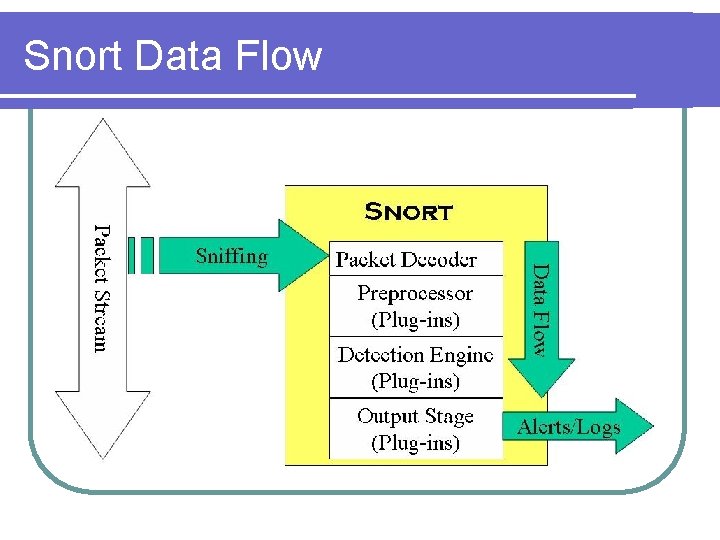
Snort Data Flow
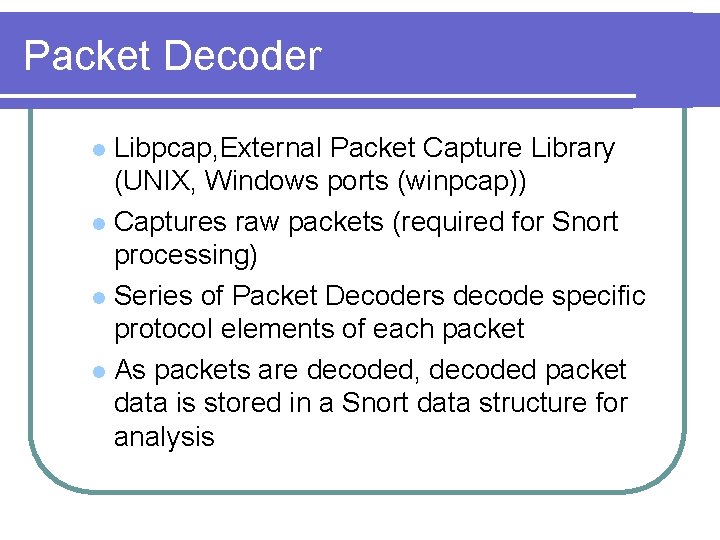
Packet Decoder Libpcap, External Packet Capture Library (UNIX, Windows ports (winpcap)) l Captures raw packets (required for Snort processing) l Series of Packet Decoders decode specific protocol elements of each packet l As packets are decoded, decoded packet data is stored in a Snort data structure for analysis l
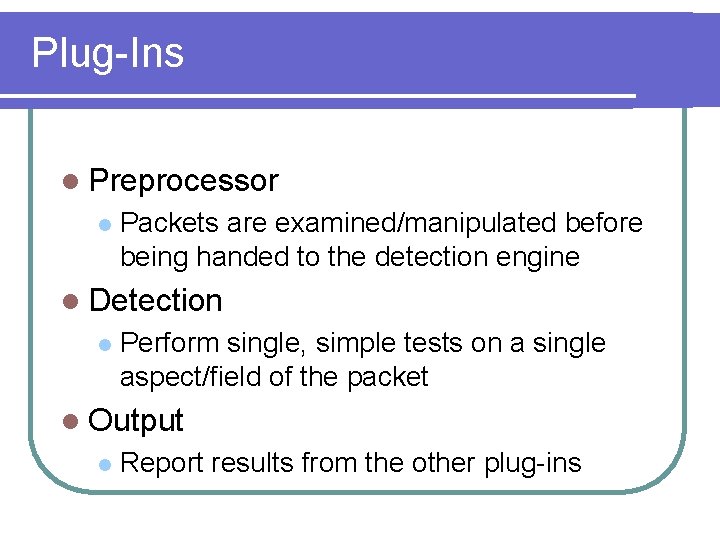
Plug-Ins l Preprocessor l Packets are examined/manipulated before being handed to the detection engine l Detection l Perform single, simple tests on a single aspect/field of the packet l Output l Report results from the other plug-ins
Preprocessors l Examine suspicious packets l Manipulate packets to prepare for detection engine l Packets are passed through every Preprocessor for thorough packet inspection process
Detection Engine l Performs several functions Rule Parsing – rules are loaded into internal data structures, and guide packet inspection l Signature Detection – attack signatures are constructed by parsing Snort rules l l Other possibilities Snort + Netfilter (or Divert Sockets) = Gateway IDS (or “packet scrubber”) l Snort + NMAP = Target-based IDS l
Output plug-in Database (My. SQL, Postgre. SQL, Oracle, unix. ODBC, etc) l XML l Unified (Snort specific) format l ASCII, syslog, Win. Popup (SMB) l Etc l
Running Snort l l l l To run snort go to your snort bin directory. In our case it was C: Snortbin. Once there you can run snort by combining appropriate options with snort USAGE: snort [-options] <filter options> e. g. Running in SNIFFER MODE Snort –v -i<interface> or Snort –vd Running in PACKET LOGGER MODE Snort –dev –l C: snortlog -i<interface> (C: snortlog is the log directory location in our experiment)
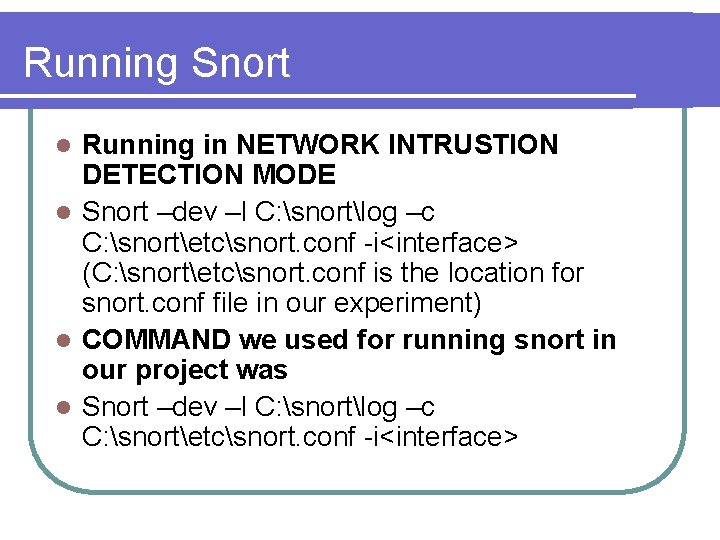
Running Snort Running in NETWORK INTRUSTION DETECTION MODE l Snort –dev –l C: snortlog –c C: snortetcsnort. conf -i<interface> (C: snortetcsnort. conf is the location for snort. conf file in our experiment) l COMMAND we used for running snort in our project was l Snort –dev –l C: snortlog –c C: snortetcsnort. conf -i<interface> l
3. 3. Barnyard l An add-on tool for Snort l Barnyard allows logging/alerting operations to be offloaded from Snort l Uses data generated by the Snort Unified output plug-in (Barnyard is a Unified Log Reader)
Barnyard allows logging/alerting operations to be offloaded from Snort l Improves the performance of Snort l l l Unified output logging is comparatively fast Offloads performance-intensive logging operations from Snort (e. g. database logging) This frees Snort to focus on packet inspection Critical for large volume, high bandwidth environments (e. g. 1000 Mbps)
Snort Configuration l Unified: Snort unified binary format alerting and logging l The unified output plug-in provides new format for logging and generating alerts from Snort, the "unified" format l Reduces the overhead for logging and alerting to slow storage mechanisms. E. g Databases.
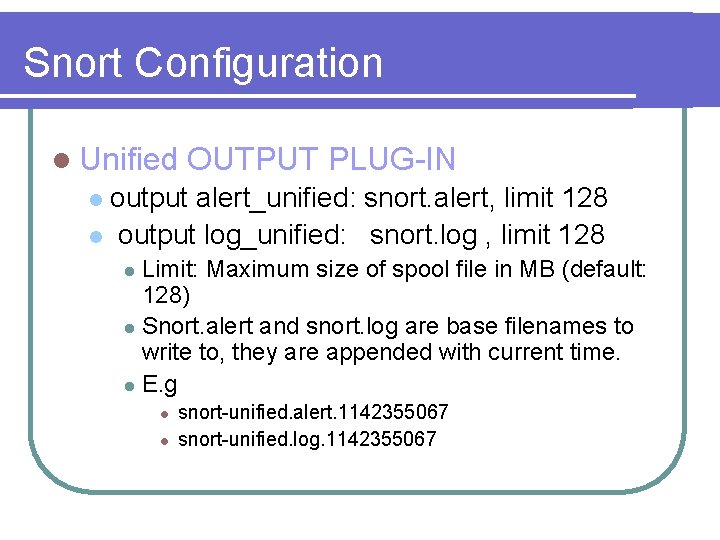
Snort Configuration l Unified OUTPUT PLUG-IN output alert_unified: snort. alert, limit 128 l output log_unified: snort. log , limit 128 l Limit: Maximum size of spool file in MB (default: 128) l Snort. alert and snort. log are base filenames to write to, they are appended with current time. l E. g l l l snort-unified. alert. 1142355067 snort-unified. log. 1142355067
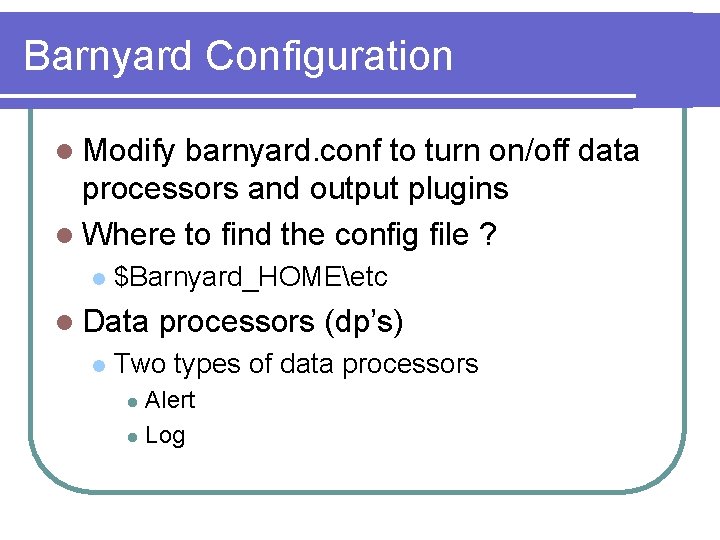
Barnyard Configuration l Modify barnyard. conf to turn on/off data processors and output plugins l Where to find the config file ? l $Barnyard_HOMEetc l Data l processors (dp’s) Two types of data processors Alert l Log l
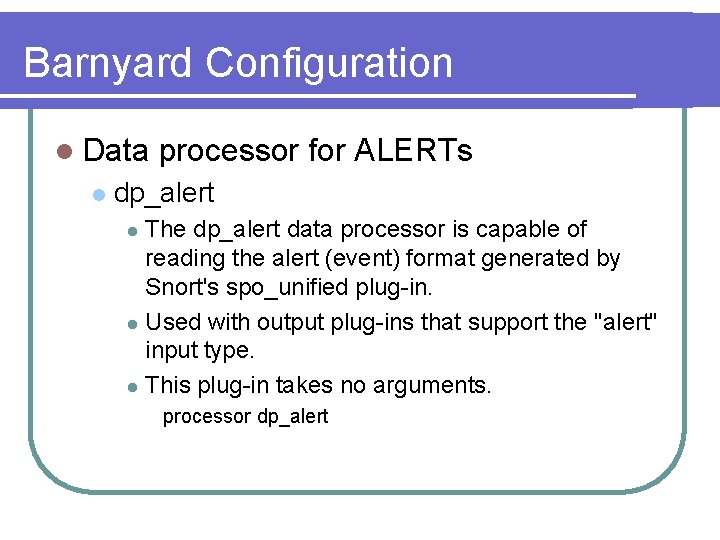
Barnyard Configuration l Data l processor for ALERTs dp_alert The dp_alert data processor is capable of reading the alert (event) format generated by Snort's spo_unified plug-in. l Used with output plug-ins that support the "alert" input type. l This plug-in takes no arguments. l processor dp_alert
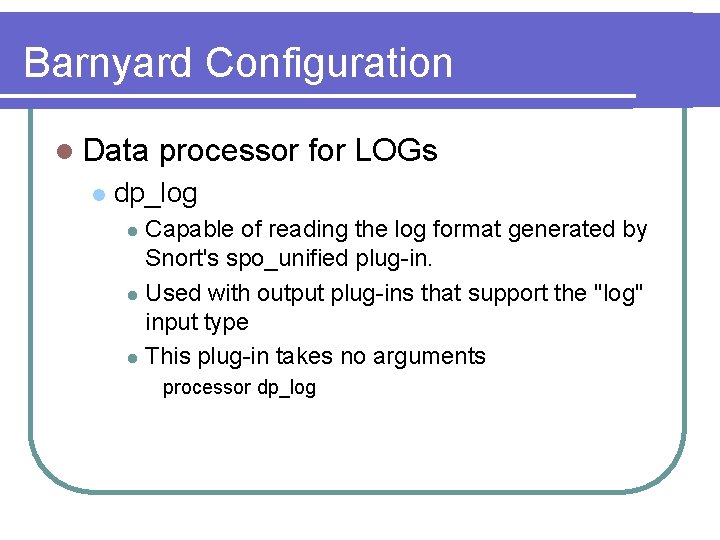
Barnyard Configuration l Data l processor for LOGs dp_log Capable of reading the log format generated by Snort's spo_unified plug-in. l Used with output plug-ins that support the "log" input type l This plug-in takes no arguments l processor dp_log
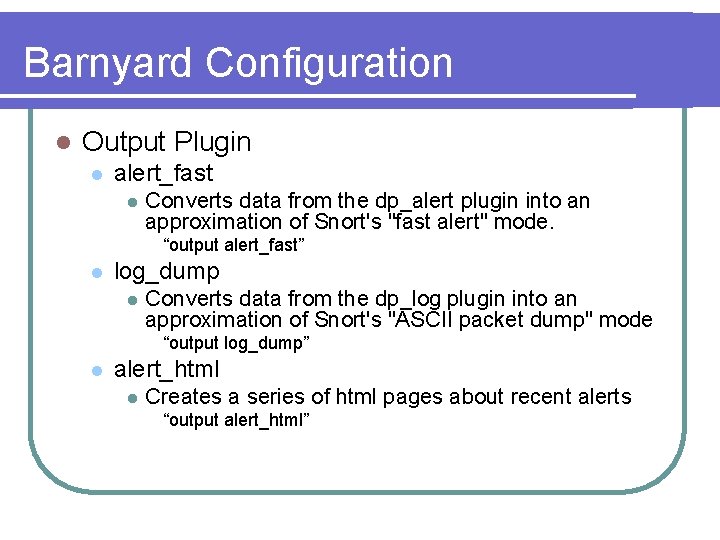
Barnyard Configuration l Output Plugin l alert_fast l Converts data from the dp_alert plugin into an approximation of Snort's "fast alert" mode. “output alert_fast” l log_dump l Converts data from the dp_log plugin into an approximation of Snort's "ASCII packet dump" mode “output log_dump” l alert_html l Creates a series of html pages about recent alerts “output alert_html”
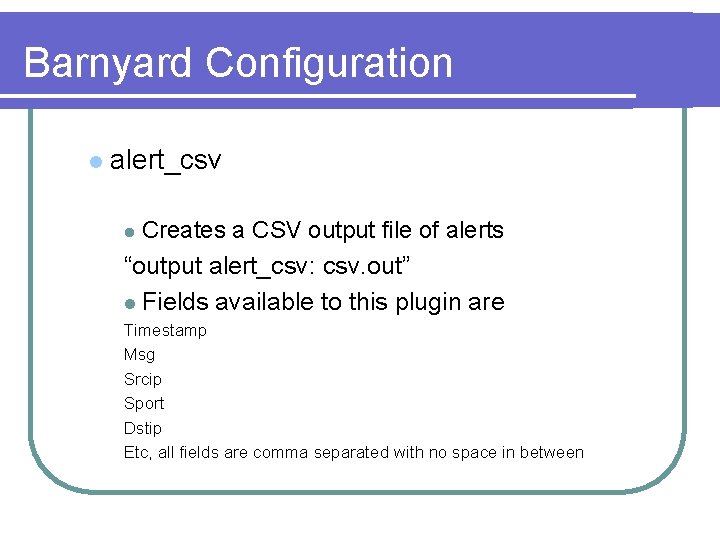
Barnyard Configuration l alert_csv Creates a CSV output file of alerts “output alert_csv: csv. out” l l Fields available to this plugin are Timestamp Msg Srcip Sport Dstip Etc, all fields are comma separated with no space in between
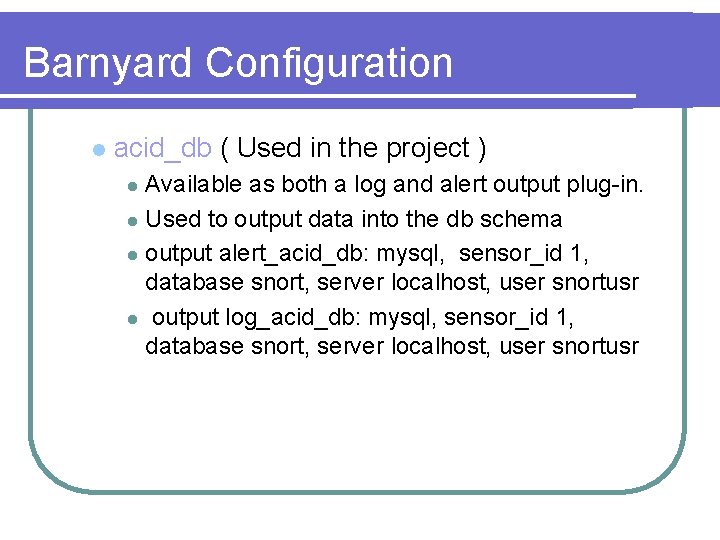
Barnyard Configuration l acid_db ( Used in the project ) Available as both a log and alert output plug-in. l Used to output data into the db schema l output alert_acid_db: mysql, sensor_id 1, database snort, server localhost, user snortusr l output log_acid_db: mysql, sensor_id 1, database snort, server localhost, user snortusr l
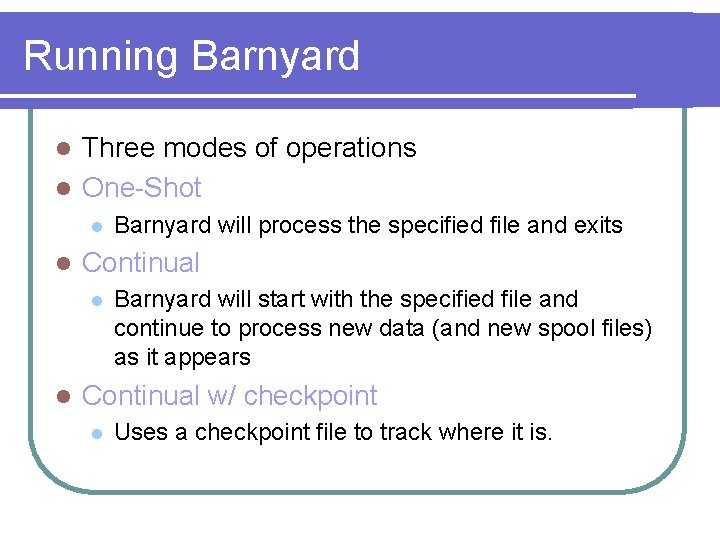
Running Barnyard Three modes of operations l One-Shot l l l Continual l l Barnyard will process the specified file and exits Barnyard will start with the specified file and continue to process new data (and new spool files) as it appears Continual w/ checkpoint l Uses a checkpoint file to track where it is.
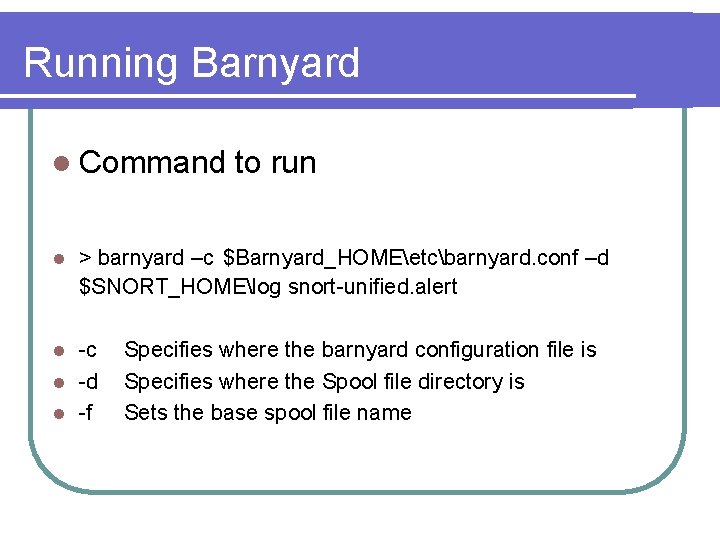
Running Barnyard l Command l > barnyard –c $Barnyard_HOMEetcbarnyard. conf –d $SNORT_HOMElog snort-unified. alert -c l -d l -f l to run Specifies where the barnyard configuration file is Specifies where the Spool file directory is Sets the base spool file name
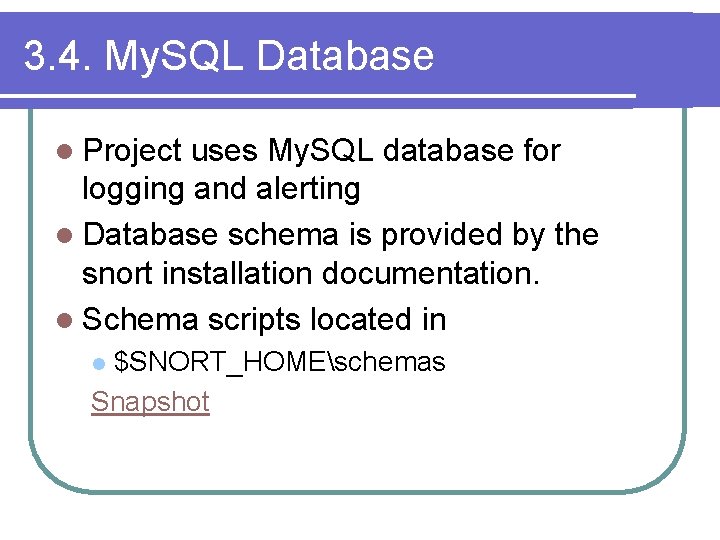
3. 4. My. SQL Database l Project uses My. SQL database for logging and alerting l Database schema is provided by the snort installation documentation. l Schema scripts located in $SNORT_HOMEschemas Snapshot l
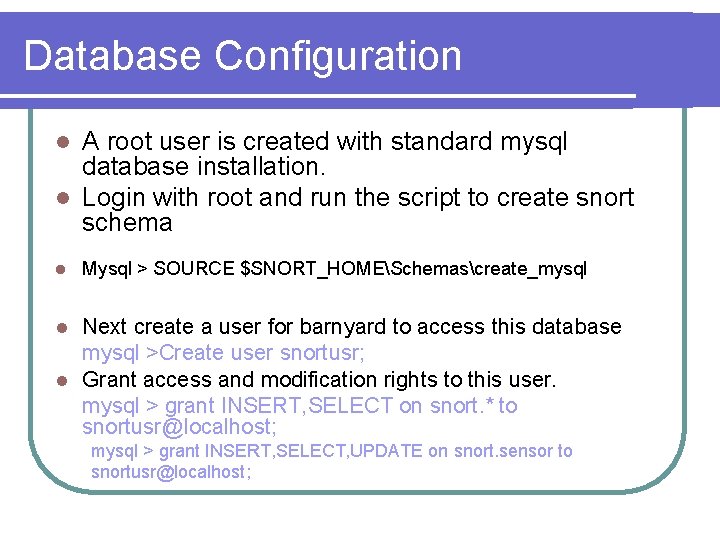
Database Configuration A root user is created with standard mysql database installation. l Login with root and run the script to create snort schema l l Mysql > SOURCE $SNORT_HOMESchemascreate_mysql Next create a user for barnyard to access this database mysql >Create user snortusr; l Grant access and modification rights to this user. mysql > grant INSERT, SELECT on snort. * to snortusr@localhost; l mysql > grant INSERT, SELECT, UPDATE on snort. sensor to snortusr@localhost;
4. Acknowledgement We would like to thank group 3 (Tarik El Amsy & Lihua Duan) who helped in better understanding of snort rules in respect to packet generation.
![5. Reference [1] “Intrusion Detection. ” Wikipedia, the free encyclopedia. 7 Mar. 2006 <http:](http://slidetodoc.com/presentation_image_h/ba23293924e9ea57b63bceae28eecb0d/image-38.jpg "5. Reference [1] “Intrusion Detection. ” Wikipedia, the free encyclopedia. 7 Mar. 2006 <http:")
5. Reference [1] “Intrusion Detection. ” Wikipedia, the free encyclopedia. 7 Mar. 2006 <http: //en. wikipedia. org/wiki/Intrusion_Detection>. [2] “Packet Excalibur. ” Security Bugware. 7 Mar. 2006 <http: //www. securitybugware. org/excalibur/>. [3] “Win. IDS Installation Guide. ” Win. Snort. com. 7 Mar. 2006 <http: //www. winsnort. com/modules. php? op=modload&name=Sections&fi le=index&req=viewarticle&artid=5&page=1>. [4] “Win. Pcap: The Windows Packet Capture Library. ” Winpcap. org. <http: //www. winpcap. org/>. [5] My. SQL. < http: //www. mysql. com/>. [6] Snort. org. <http: //www. snort. org/>.
- Slides: 38