
Introductory Java Programming Variables Strings App Design Flat
Introductory Java Programming Variables & Strings App Design Flat Rock Community Schools
Variables �Variables are items that can constantly be manipulated in the programming language
Strings �Strings are lines that hold actual text �These lines can not be manipulated For example: String text = “If you’re playing pool online right now you’re missing a lot”; In this line, the computer is thinking that anything inside the “” is letters and therefore can not be manipulated. It will simply keep that sentence together as one long sentence in whatever you use it for (a greeting, perhaps, for your app? ).
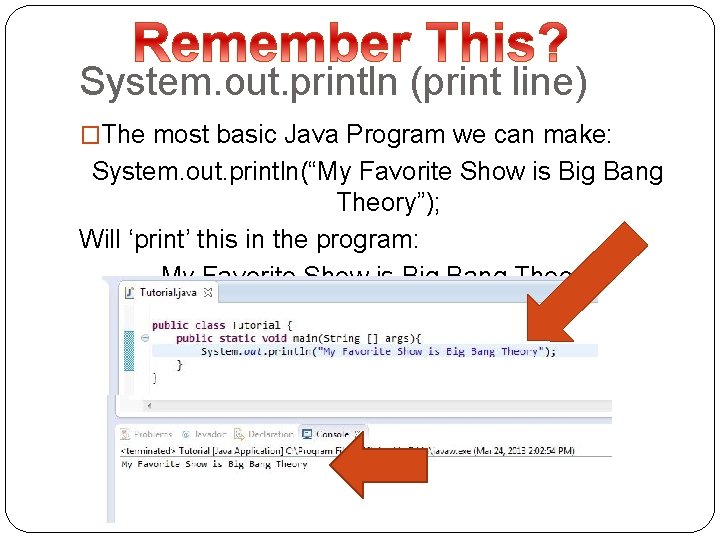
System. out. println (print line) �The most basic Java Program we can make: System. out. println(“My Favorite Show is Big Bang Theory”); Will ‘print’ this in the program: My Favorite Show is Big Bang Theory
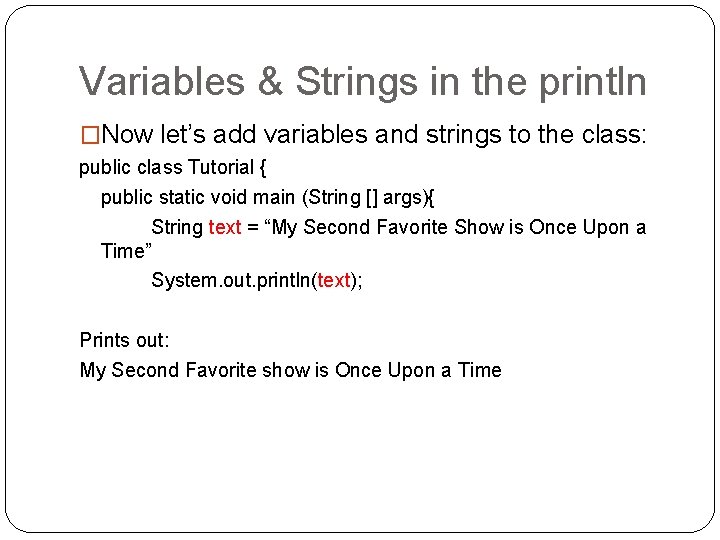
Variables & Strings in the println �Now let’s add variables and strings to the class: public class Tutorial { public static void main (String [] args){ String text = “My Second Favorite Show is Once Upon a Time” System. out. println(text); Prints out: My Second Favorite show is Once Upon a Time
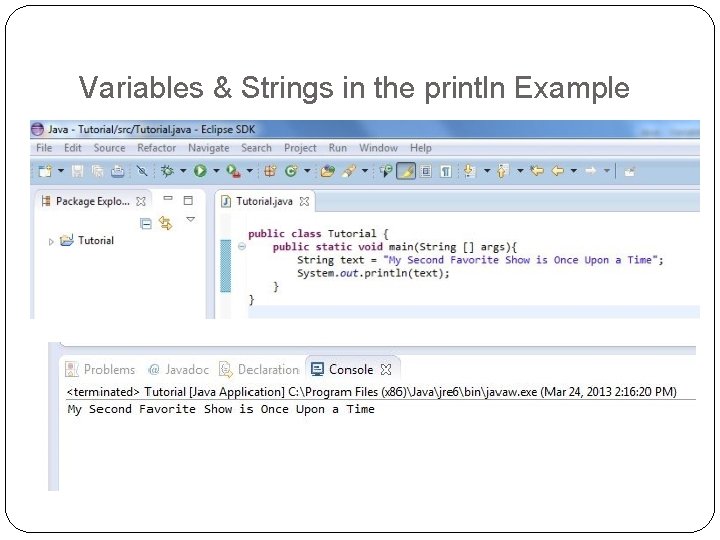
Variables & Strings in the println Example
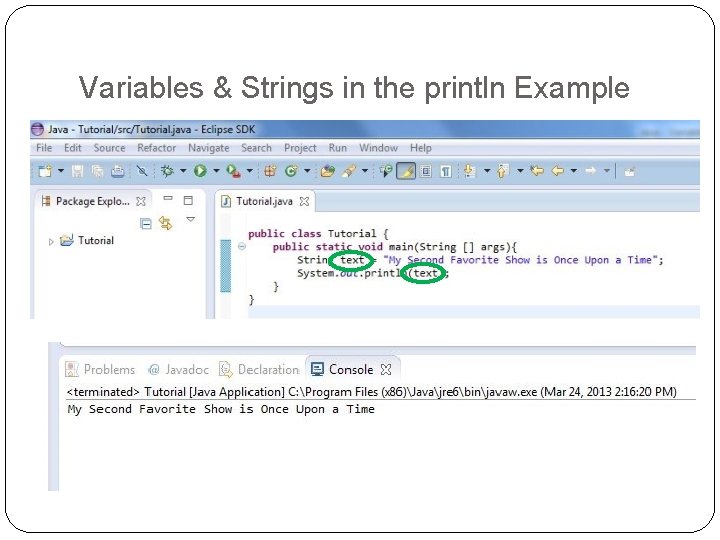
Variables & Strings in the println Example
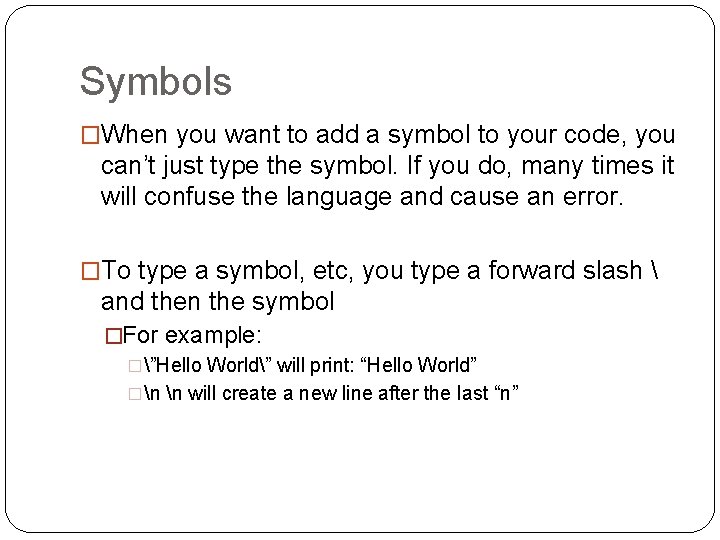
Symbols �When you want to add a symbol to your code, you can’t just type the symbol. If you do, many times it will confuse the language and cause an error. �To type a symbol, etc, you type a forward slash and then the symbol �For example: �”Hello World” will print: “Hello World” �n n will create a new line after the last “n”
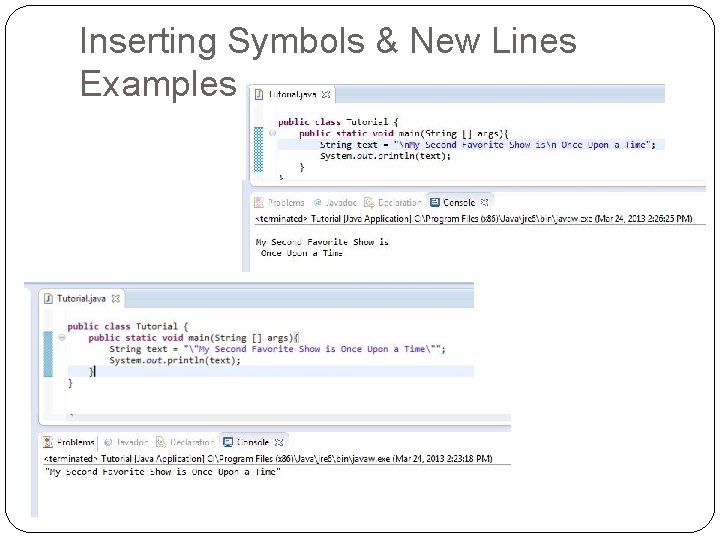
Inserting Symbols & New Lines Examples
- Slides: 9