
Introduction to XML Extensible Markup Language What is
Introduction to XML Extensible Markup Language
What is XML • XML stands for e. Xtensible Markup Language. • A markup language is used to provide information about a document. • Tags are added to the document to provide the extra information. • HTML tags tell a browser how to display the document. • XML tags give a reader some idea what some of the data means.
What is XML Used For? • XML documents are used to transfer data from one place to another often over the Internet. • HTML is used for displaying data.
Advantages of XML • XML is text (Unicode) based. – Takes up less space. – Can be transmitted efficiently.
With XML You Invent Your Own Tags • XML language has no predefined tags. • The tags used in HTML are predefined. HTML documents can only use tags defined in the HTML standard (like <p>, <h 1>, etc. ). • XML allows the author to define his/her own tags and his/her own document structure.
XML is Used to Create New Internet Languages • A lot of new Internet languages are created with XML. Here are some examples: • XHTML • WSDL for describing available web services • WAP and WML as markup languages for handheld devices • RSS languages for news feeds • RDF and OWL for describing resources and ontology • SMIL for describing multimedia for the web
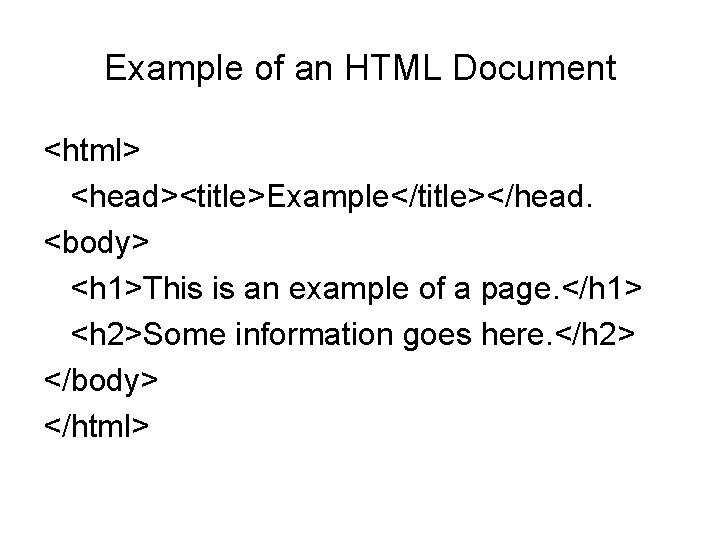
Example of an HTML Document <html> <head><title>Example</title></head. <body> <h 1>This is an example of a page. </h 1> <h 2>Some information goes here. </h 2> </body> </html>
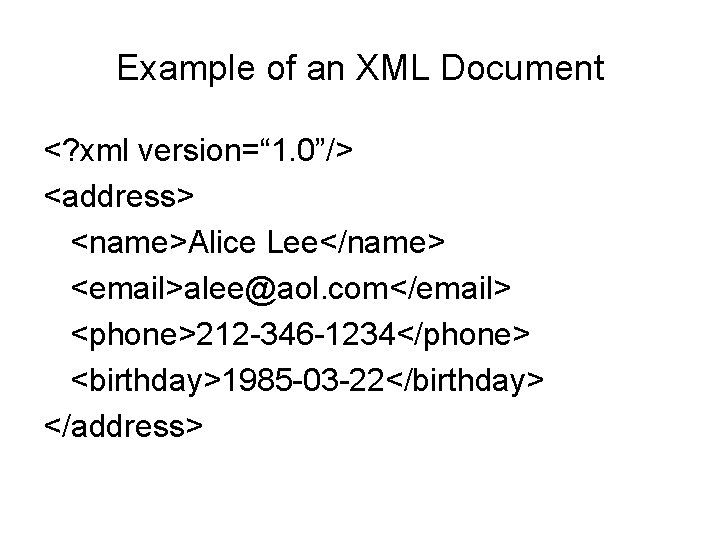
Example of an XML Document <? xml version=“ 1. 0”/> <address> <name>Alice Lee</name> <email>alee@aol. com</email> <phone>212 -346 -1234</phone> <birthday>1985 -03 -22</birthday> </address>
Difference Between HTML and XML • HTML tags have a fixed meaning and browsers know what it is. • XML tags are different for different applications, and users know what they mean. • HTML tags are used for display. • XML tags are used to describe documents and data.
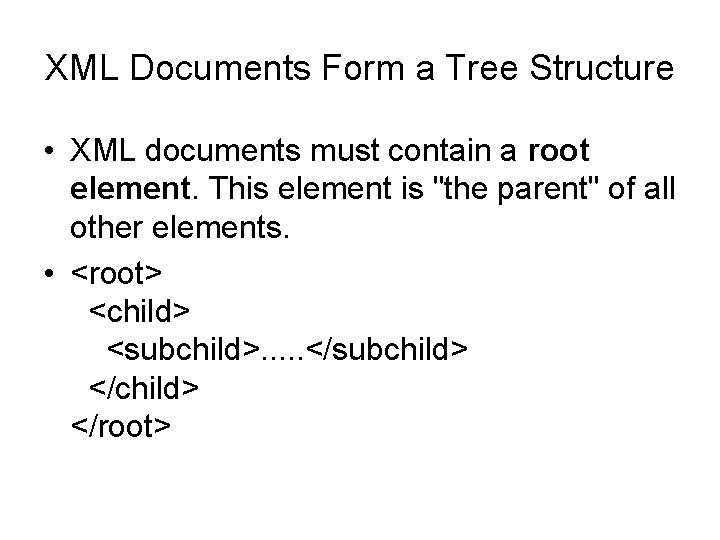
XML Documents Form a Tree Structure • XML documents must contain a root element. This element is "the parent" of all other elements. • <root> <child> <subchild>. . . </subchild> </root>
XML is not… • A replacement for HTML (but HTML can be generated from XML) • A presentation format (but XML can be converted into one) • A programming language (but it can be used with almost any language) • A network transfer protocol (but XML may be transferred over a network) • A database (but XML may be stored into a database) 11
XML Rules • Tags are enclosed in angle brackets. • Tags come in pairs with start-tags and end -tags. • Tags must be properly nested. – <name><email>…</name></email> is not allowed. – <name><email>…</email><name> is. • Tags that do not have end-tags must be terminated by a ‘/’. – is an html example.
More XML Rules • Tags are case sensitive. – <address> is not the same as <Address> • XML in any combination of cases is not allowed as part of a tag. • Tags may not contain ‘<‘ or ‘&’. • Tags follow Java naming conventions, except that a single colon and other characters are allowed. They must begin with a letter and may not contain white space. • Documents must have a single root tag that begins the document. • XML Attribute Values Must be Quoted
XML by Example … and what about this XML document: <data> ch 37 fhgks 73 j 5 mv 9 d 63 h 5 mgfkds 8 d 984 lgnsmcns 983 </data> • Impossible to understand for human users • Not expressive (no semantics along with the data) • Unstructured, read and write only with special programs
Well-Formed Documents • An XML document is said to be well-formed if it follows all the rules. • An XML parser is used to check that all the rules have been obeyed. • Recent browsers such as Internet Explorer 5 and Netscape 7 come with XML parsers. • Parsers are also available for free download over the Internet. One is Xerces, from the Apache open-source project. • Java 1. 4 also supports an open-source parser.
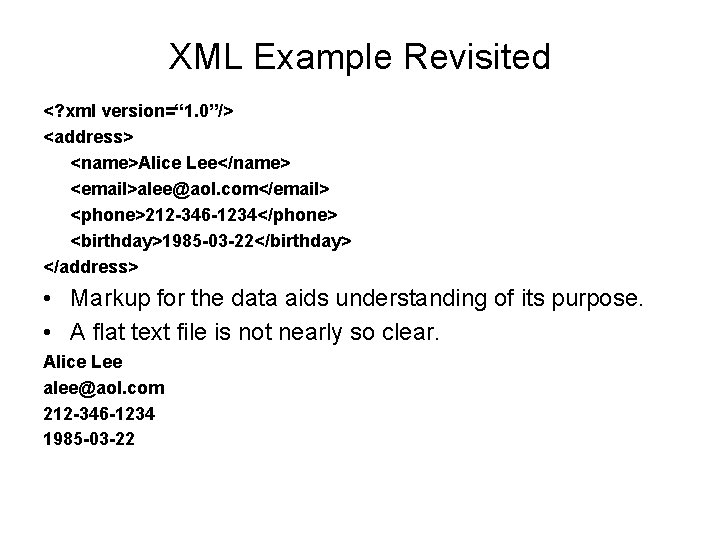
XML Example Revisited <? xml version=“ 1. 0”/> <address> <name>Alice Lee</name> <email>alee@aol. com</email> <phone>212 -346 -1234</phone> <birthday>1985 -03 -22</birthday> </address> • Markup for the data aids understanding of its purpose. • A flat text file is not nearly so clear. Alice Lee alee@aol. com 212 -346 -1234 1985 -03 -22
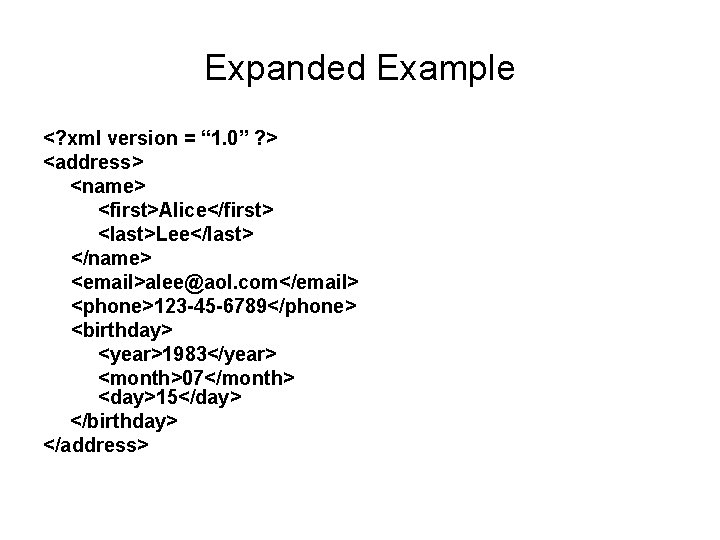
Expanded Example <? xml version = “ 1. 0” ? > <address> <name> <first>Alice</first> <last>Lee</last> </name> <email>alee@aol. com</email> <phone>123 -45 -6789</phone> <birthday> <year>1983</year> <month>07</month> <day>15</day> </birthday> </address>
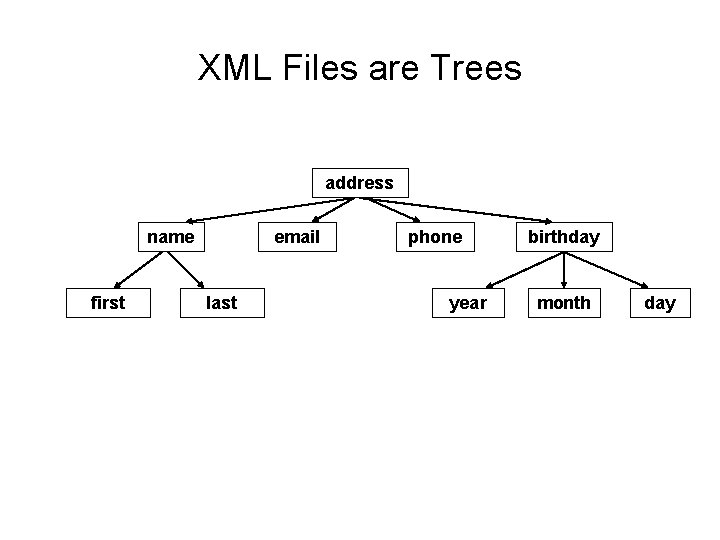
XML Files are Trees address name first email last phone year birthday month day
XML Trees • An XML document has a single root node. • The tree is a general ordered tree. – A parent node may have any number of children. – Child nodes are ordered, and may have siblings. • Preorder traversals are usually used for getting information out of the tree.
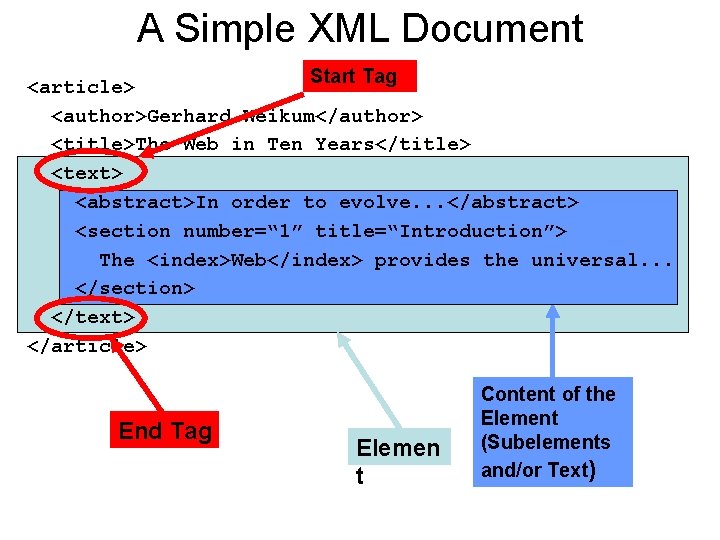
A Simple XML Document Start Tag <article> <author>Gerhard Weikum</author> <title>The Web in Ten Years</title> <text> <abstract>In order to evolve. . . </abstract> <section number=“ 1” title=“Introduction”> The <index>Web</index> provides the universal. . . </section> </text> </article> End Tag Elemen t Content of the Element (Subelements and/or Text)
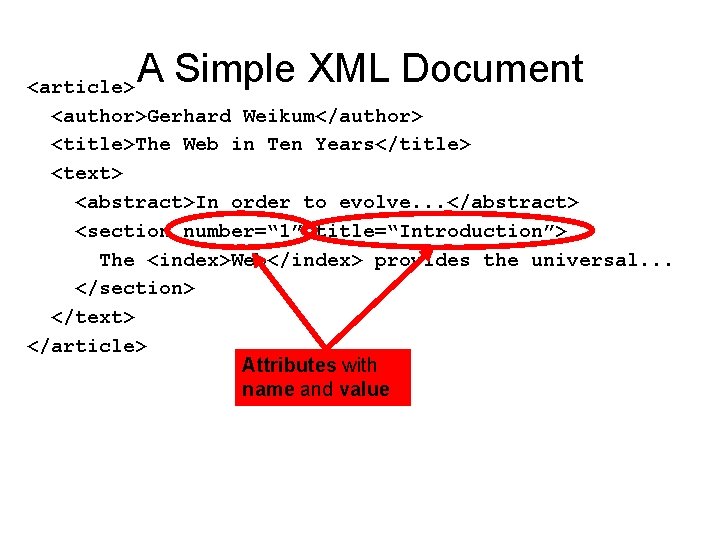
A Simple XML Document <article> <author>Gerhard Weikum</author> <title>The Web in Ten Years</title> <text> <abstract>In order to evolve. . . </abstract> <section number=“ 1” title=“Introduction”> The <index>Web</index> provides the universal. . . </section> </text> </article> Attributes with name and value
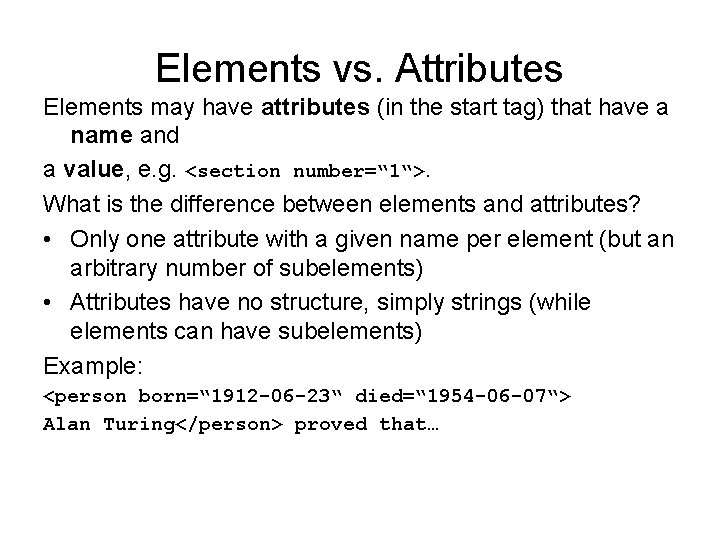
Elements vs. Attributes Elements may have attributes (in the start tag) that have a name and a value, e. g. <section number=“ 1“>. What is the difference between elements and attributes? • Only one attribute with a given name per element (but an arbitrary number of subelements) • Attributes have no structure, simply strings (while elements can have subelements) Example: <person born=“ 1912 -06 -23“ died=“ 1954 -06 -07“> Alan Turing</person> proved that…
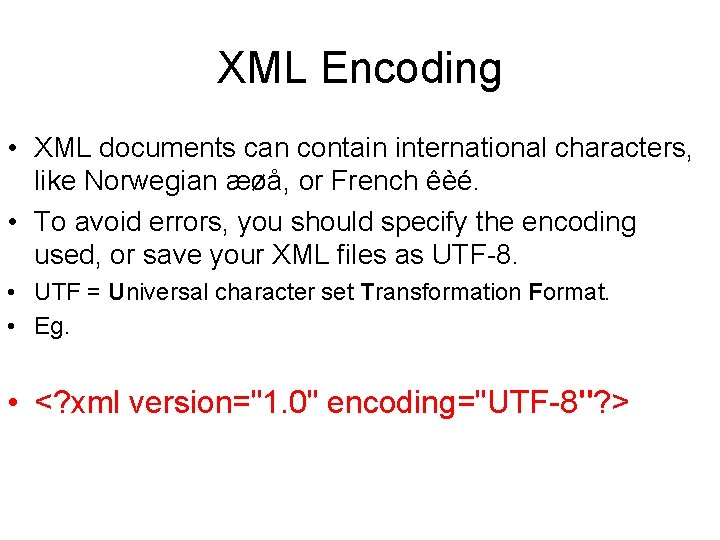
XML Encoding • XML documents can contain international characters, like Norwegian æøå, or French êèé. • To avoid errors, you should specify the encoding used, or save your XML files as UTF-8. • UTF = Universal character set Transformation Format. • Eg. • <? xml version="1. 0" encoding="UTF-8"? >
Displaying your XML Files with CSS? • It is possible to use CSS to format an XML document.
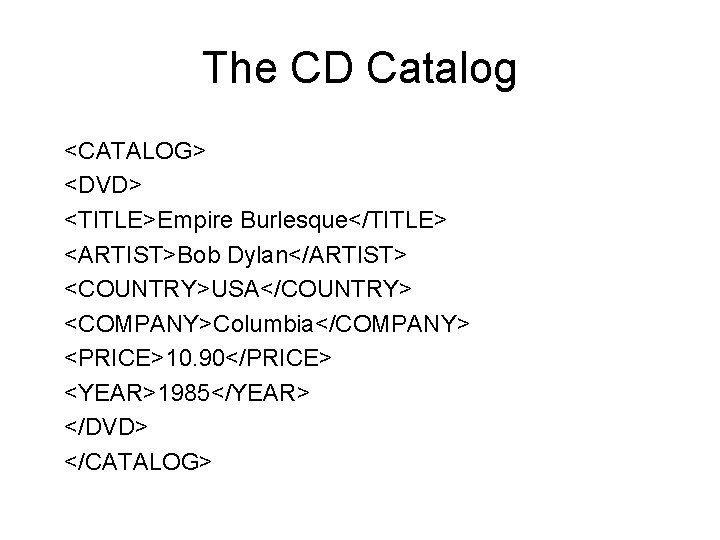
The CD Catalog <CATALOG> <DVD> <TITLE>Empire Burlesque</TITLE> <ARTIST>Bob Dylan</ARTIST> <COUNTRY>USA</COUNTRY> <COMPANY>Columbia</COMPANY> <PRICE>10. 90</PRICE> <YEAR>1985</YEAR> </DVD> </CATALOG>
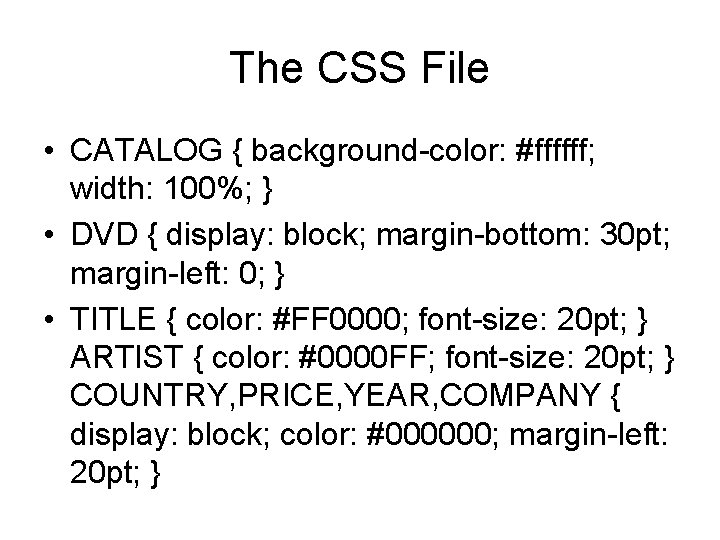
The CSS File • CATALOG { background-color: #ffffff; width: 100%; } • DVD { display: block; margin-bottom: 30 pt; margin-left: 0; } • TITLE { color: #FF 0000; font-size: 20 pt; } ARTIST { color: #0000 FF; font-size: 20 pt; } COUNTRY, PRICE, YEAR, COMPANY { display: block; color: #000000; margin-left: 20 pt; }
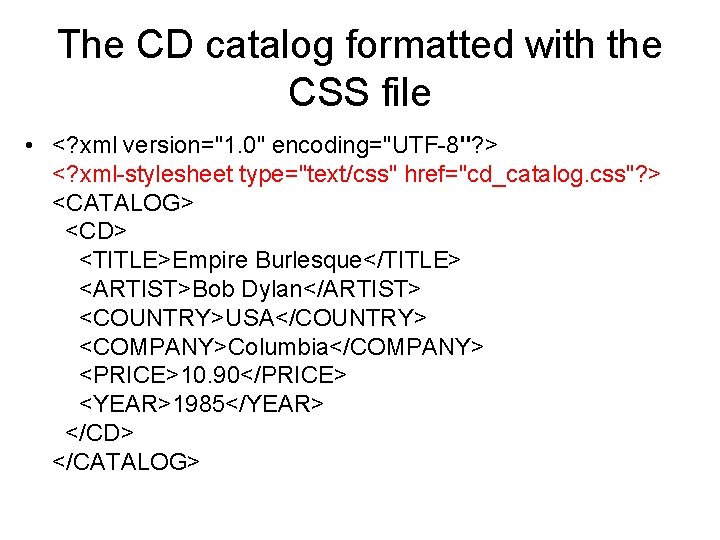
The CD catalog formatted with the CSS file • <? xml version="1. 0" encoding="UTF-8"? > <? xml-stylesheet type="text/css" href="cd_catalog. css"? > <CATALOG> <CD> <TITLE>Empire Burlesque</TITLE> <ARTIST>Bob Dylan</ARTIST> <COUNTRY>USA</COUNTRY> <COMPANY>Columbia</COMPANY> <PRICE>10. 90</PRICE> <YEAR>1985</YEAR> </CD> </CATALOG>
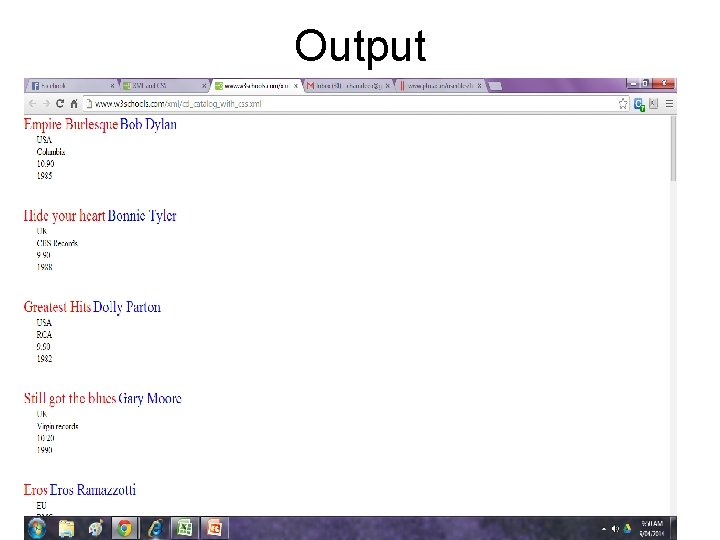
Output
XML DTD • An XML document with correct syntax is called "Well Formed". • An XML document validated against a DTD is "Well Formed" and "Valid".
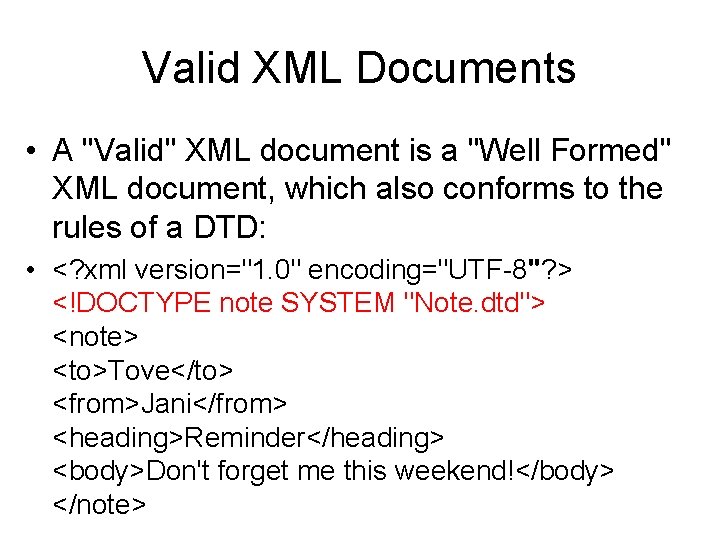
Valid XML Documents • A "Valid" XML document is a "Well Formed" XML document, which also conforms to the rules of a DTD: • <? xml version="1. 0" encoding="UTF-8"? > <!DOCTYPE note SYSTEM "Note. dtd"> <note> <to>Tove</to> <from>Jani</from> <heading>Reminder</heading> <body>Don't forget me this weekend!</body> </note>
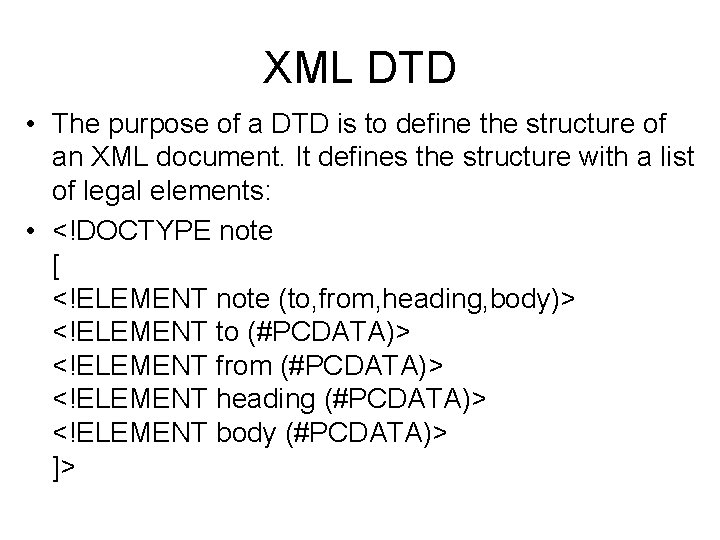
XML DTD • The purpose of a DTD is to define the structure of an XML document. It defines the structure with a list of legal elements: • <!DOCTYPE note [ <!ELEMENT note (to, from, heading, body)> <!ELEMENT to (#PCDATA)> <!ELEMENT from (#PCDATA)> <!ELEMENT heading (#PCDATA)> <!ELEMENT body (#PCDATA)> ]>
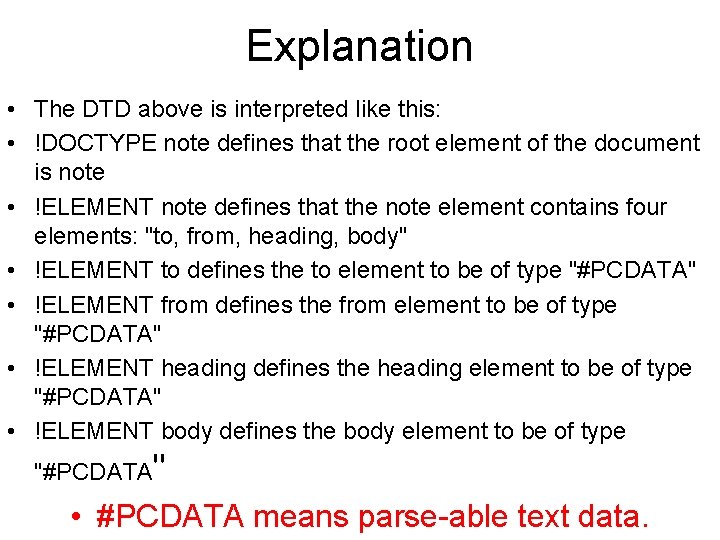
Explanation • The DTD above is interpreted like this: • !DOCTYPE note defines that the root element of the document is note • !ELEMENT note defines that the note element contains four elements: "to, from, heading, body" • !ELEMENT to defines the to element to be of type "#PCDATA" • !ELEMENT from defines the from element to be of type "#PCDATA" • !ELEMENT heading defines the heading element to be of type "#PCDATA" • !ELEMENT body defines the body element to be of type "#PCDATA" • #PCDATA means parse-able text data.
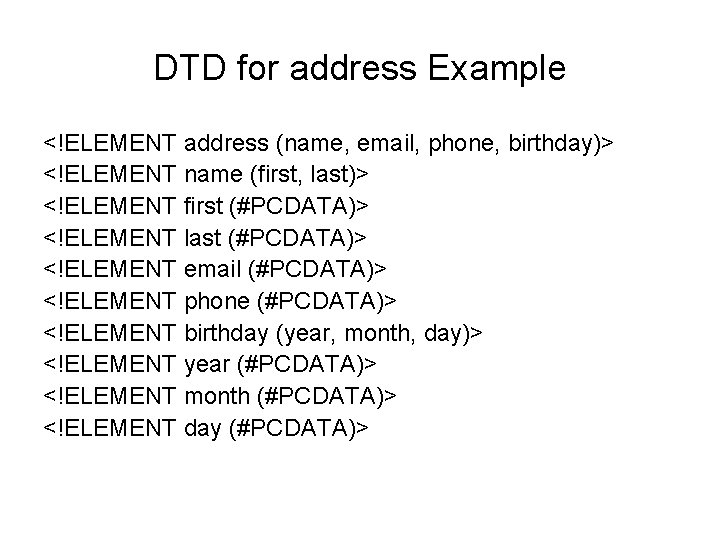
DTD for address Example <!ELEMENT address (name, email, phone, birthday)> <!ELEMENT name (first, last)> <!ELEMENT first (#PCDATA)> <!ELEMENT last (#PCDATA)> <!ELEMENT email (#PCDATA)> <!ELEMENT phone (#PCDATA)> <!ELEMENT birthday (year, month, day)> <!ELEMENT year (#PCDATA)> <!ELEMENT month (#PCDATA)> <!ELEMENT day (#PCDATA)>
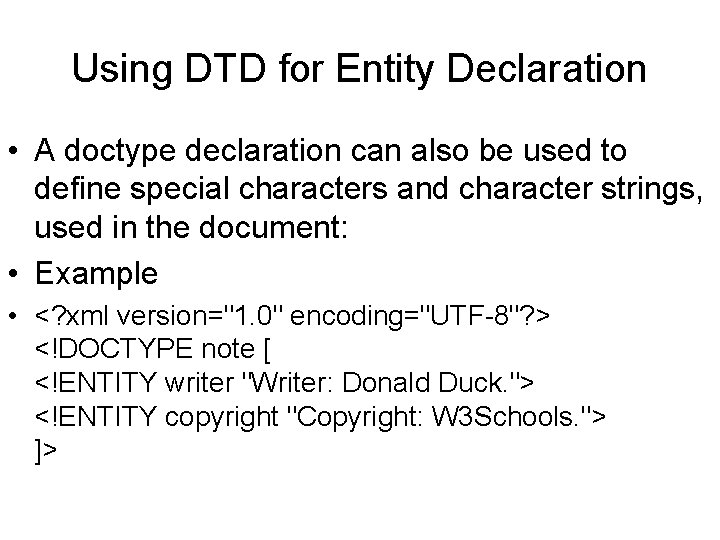
Using DTD for Entity Declaration • A doctype declaration can also be used to define special characters and character strings, used in the document: • Example • <? xml version="1. 0" encoding="UTF-8"? > <!DOCTYPE note [ <!ENTITY writer "Writer: Donald Duck. "> <!ENTITY copyright "Copyright: W 3 Schools. "> ]>
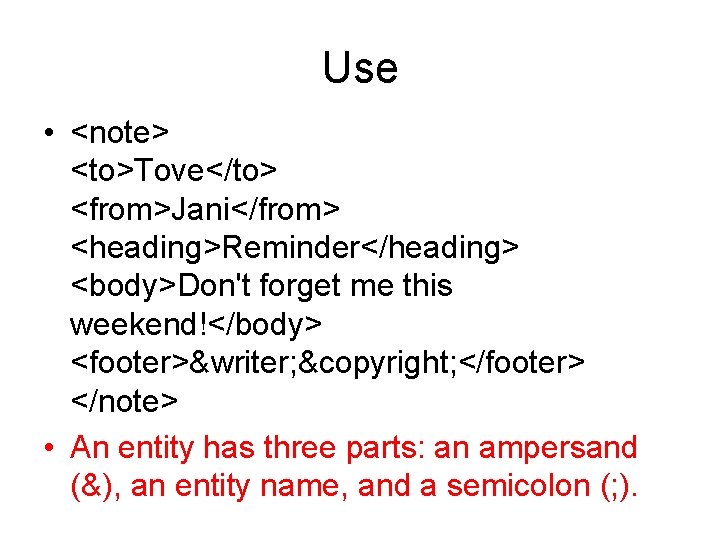
Use • <note> <to>Tove</to> <from>Jani</from> <heading>Reminder</heading> <body>Don't forget me this weekend!</body> <footer>&writer; ©right; </footer> </note> • An entity has three parts: an ampersand (&), an entity name, and a semicolon (; ).
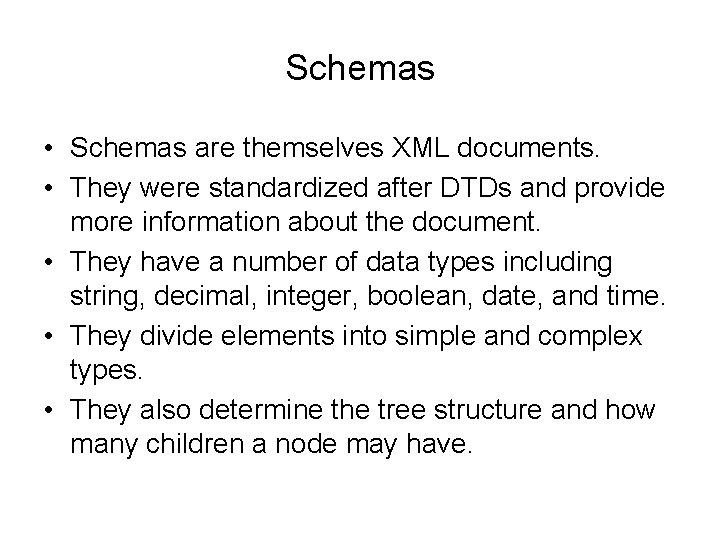
Schemas • Schemas are themselves XML documents. • They were standardized after DTDs and provide more information about the document. • They have a number of data types including string, decimal, integer, boolean, date, and time. • They divide elements into simple and complex types. • They also determine the tree structure and how many children a node may have.
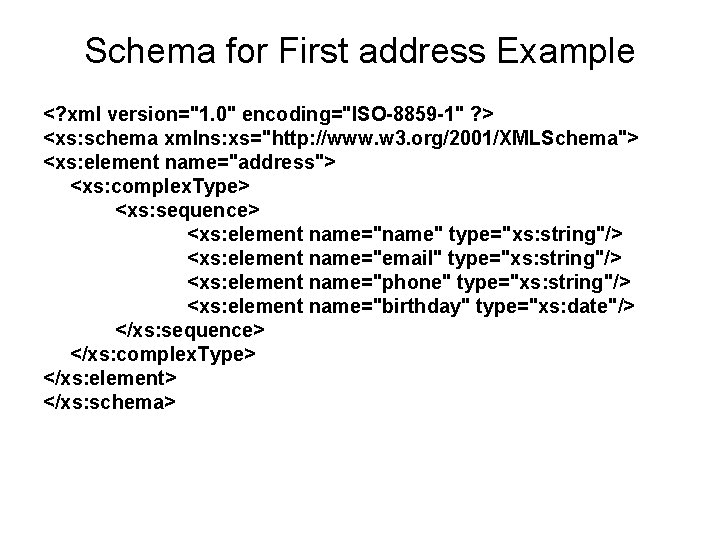
Schema for First address Example <? xml version="1. 0" encoding="ISO-8859 -1" ? > <xs: schema xmlns: xs="http: //www. w 3. org/2001/XMLSchema"> <xs: element name="address"> <xs: complex. Type> <xs: sequence> <xs: element name="name" type="xs: string"/> <xs: element name="email" type="xs: string"/> <xs: element name="phone" type="xs: string"/> <xs: element name="birthday" type="xs: date"/> </xs: sequence> </xs: complex. Type> </xs: element> </xs: schema>
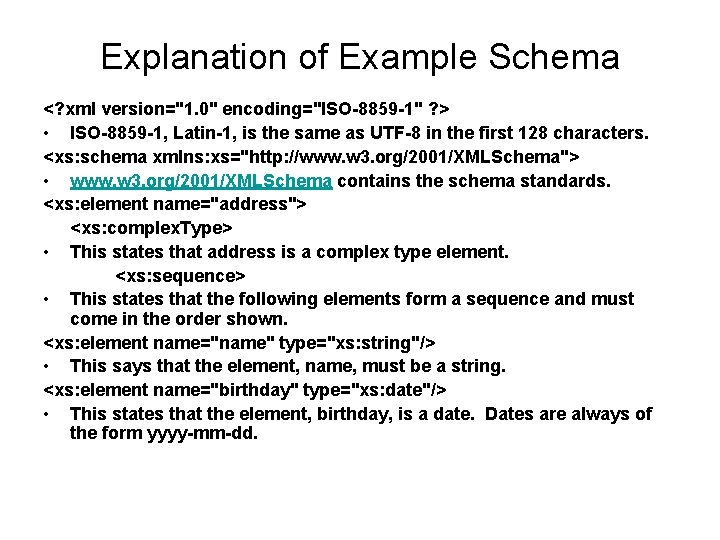
Explanation of Example Schema <? xml version="1. 0" encoding="ISO-8859 -1" ? > • ISO-8859 -1, Latin-1, is the same as UTF-8 in the first 128 characters. <xs: schema xmlns: xs="http: //www. w 3. org/2001/XMLSchema"> • www. w 3. org/2001/XMLSchema contains the schema standards. <xs: element name="address"> <xs: complex. Type> • This states that address is a complex type element. <xs: sequence> • This states that the following elements form a sequence and must come in the order shown. <xs: element name="name" type="xs: string"/> • This says that the element, name, must be a string. <xs: element name="birthday" type="xs: date"/> • This states that the element, birthday, is a date. Dates are always of the form yyyy-mm-dd.
XSLT Extensible Stylesheet Language Transformations • XSLT is used to transform one xml document into another, often an html document. • The Transform classes are now part of Java 1. 4. • A program is used that takes as input one xml document and produces as output another. • If the resulting document is in html, it can be viewed by a web browser. • This is a good way to display xml data.
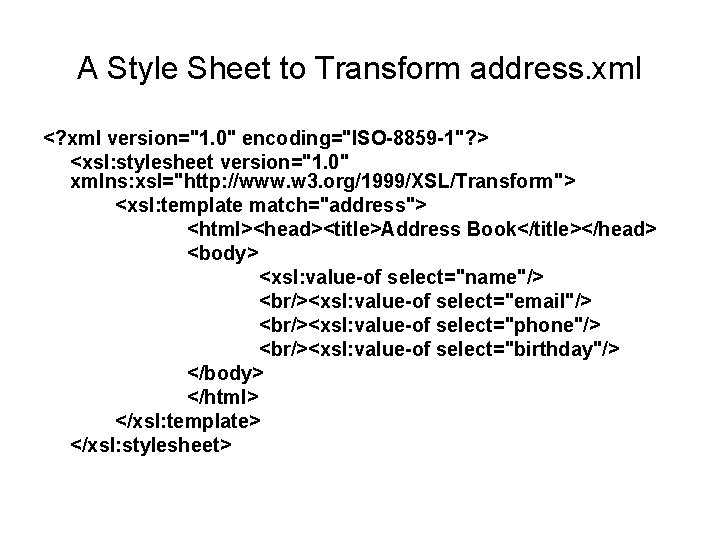
A Style Sheet to Transform address. xml <? xml version="1. 0" encoding="ISO-8859 -1"? > <xsl: stylesheet version="1. 0" xmlns: xsl="http: //www. w 3. org/1999/XSL/Transform"> <xsl: template match="address"> <html><head><title>Address Book</title></head> <body> <xsl: value-of select="name"/> <br/><xsl: value-of select="email"/> <br/><xsl: value-of select="phone"/> <br/><xsl: value-of select="birthday"/> </body> </html> </xsl: template> </xsl: stylesheet>
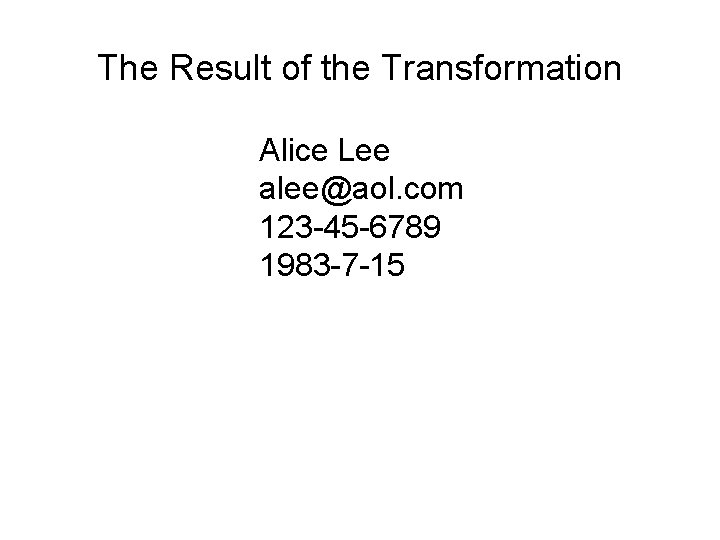
The Result of the Transformation Alice Lee alee@aol. com 123 -45 -6789 1983 -7 -15
Parsers • There are two principal models for parsers. • SAX – Simple API for XML – Uses a call-back method – Similar to javax listeners • DOM – Document Object Model – Creates a parse tree – Requires a tree traversal
References • Elliotte Rusty Harold, Processing XML with Java, Addison Wesley, 2002. • Elliotte Rusty Harold and Scott Means, XML Programming, O’Reilly & Associates, Inc. , 2002. • W 3 Schools Online Web Tutorials, http: //www. w 3 schools. com.
- Slides: 43