
Introduction to X 86 assembly by Istvan Haller
Introduction to X 86 assembly by Istvan Haller
Assembly syntax: AT&T vs Intel MOV Reg 1, Reg 2 ● What is going on here? ● Which is source, which is destination?
Identifying syntax ● Intel: MOV dest, src ● AT&T: MOV src, dest ● How to find out by yourself? – Search for constants, read-only elements (arguments on the stack), match them as source ● Ida. Pro, Windows uses Intel syntax ● objdump and Unix systems prefer AT&T
Numerical representation ● ● Binary (0, 1): 10011100 – Prefix: 0 b 10011100 ← Unix (both Intel and AT&T) – Suffix: 10011100 b ← Traditional Intel syntax Hexadecimal (0 … F): “ 0 x” vs “h” – Prefix: 0 x. ABCD 1234 ← Easy to notice – Suffix: ABCD 1234 h ← Is it a number or a literal?
Which syntax to use? ● Don’t get stuck on any syntax, adapt ● Quickly identify syntax from existing code ● Every assembler has unique syntactic sugaring ● Practice makes perfect ● These lectures assume traditional Intel syntax – Ida. Pro (BAMA) + NASM (Mini-project)
Traditional Registers in X 86 ● General Purpose Registers – ● ● AX, BX, CX, DX Pseudo General Purpose Registers – Stack: SP (stack pointer), BP (base pointer) – Strings: SI (source index), DI (destination index) Special Purpose Registers – IP (instruction pointer) and EFLAGS
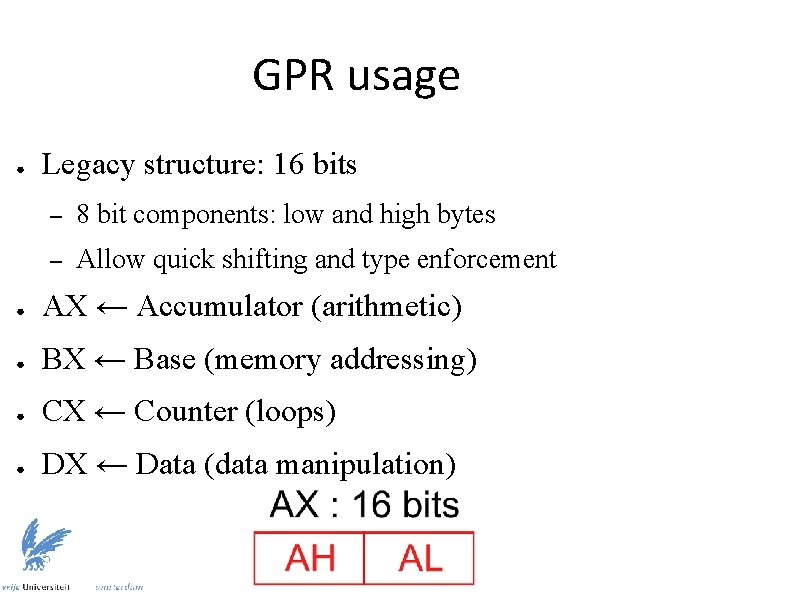
GPR usage ● Legacy structure: 16 bits – 8 bit components: low and high bytes – Allow quick shifting and type enforcement ● AX ← Accumulator (arithmetic) ● BX ← Base (memory addressing) ● CX ← Counter (loops) ● DX ← Data (data manipulation)
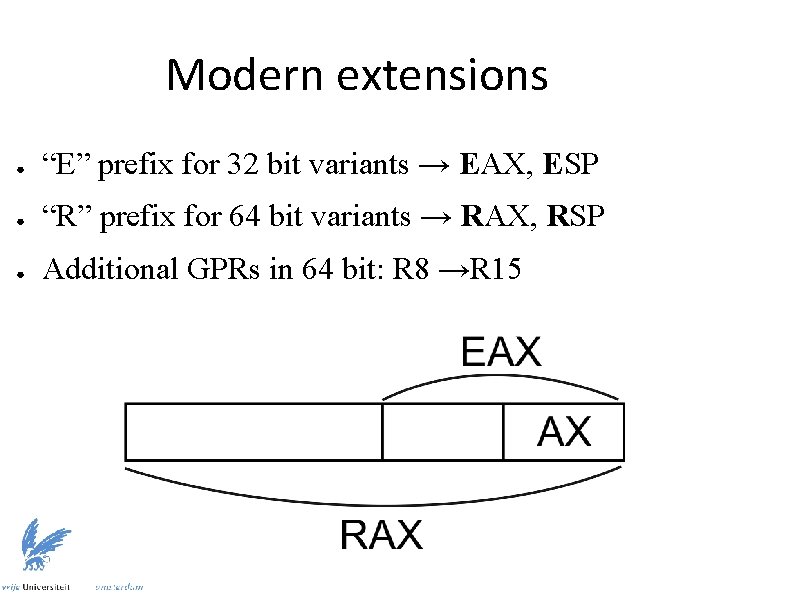
Modern extensions ● “E” prefix for 32 bit variants → EAX, ESP ● “R” prefix for 64 bit variants → RAX, RSP ● Additional GPRs in 64 bit: R 8 →R 15
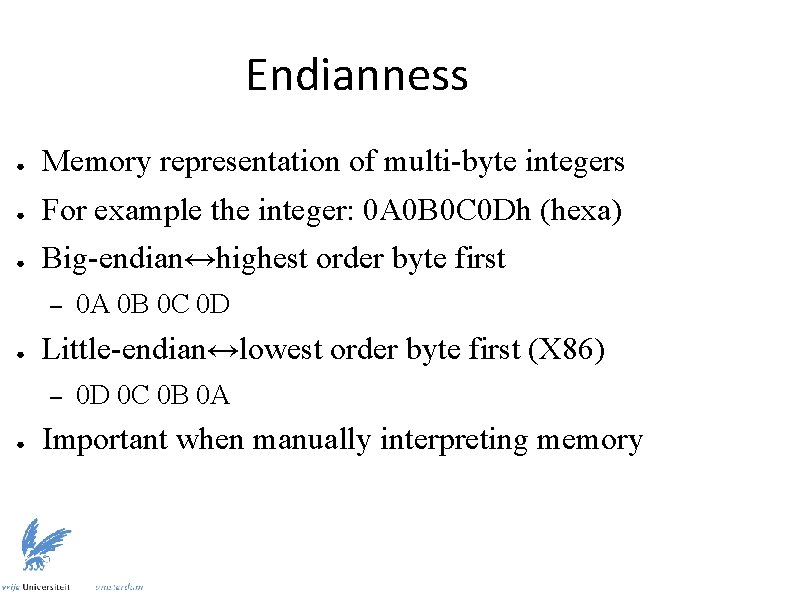
Endianness ● Memory representation of multi-byte integers ● For example the integer: 0 A 0 B 0 C 0 Dh (hexa) ● Big-endian↔highest order byte first – ● Little-endian↔lowest order byte first (X 86) – ● 0 A 0 B 0 C 0 D 0 D 0 C 0 B 0 A Important when manually interpreting memory
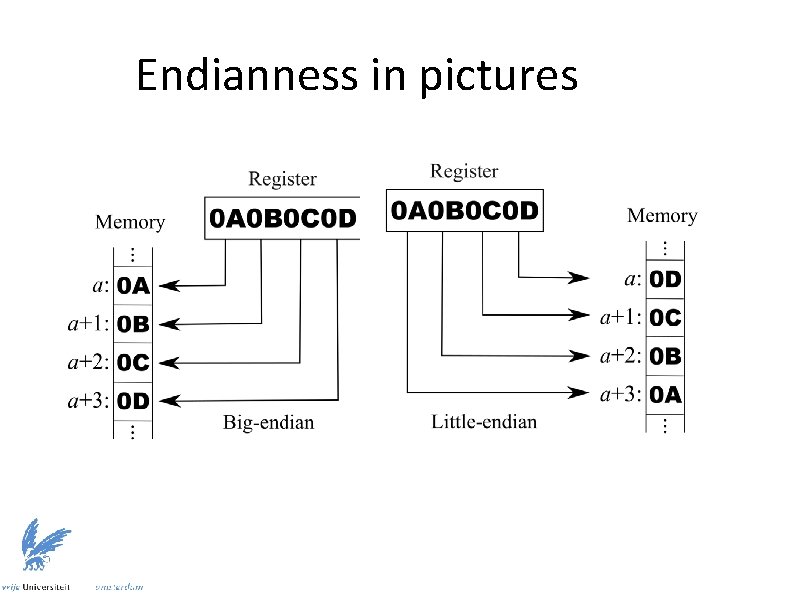
Endianness in pictures
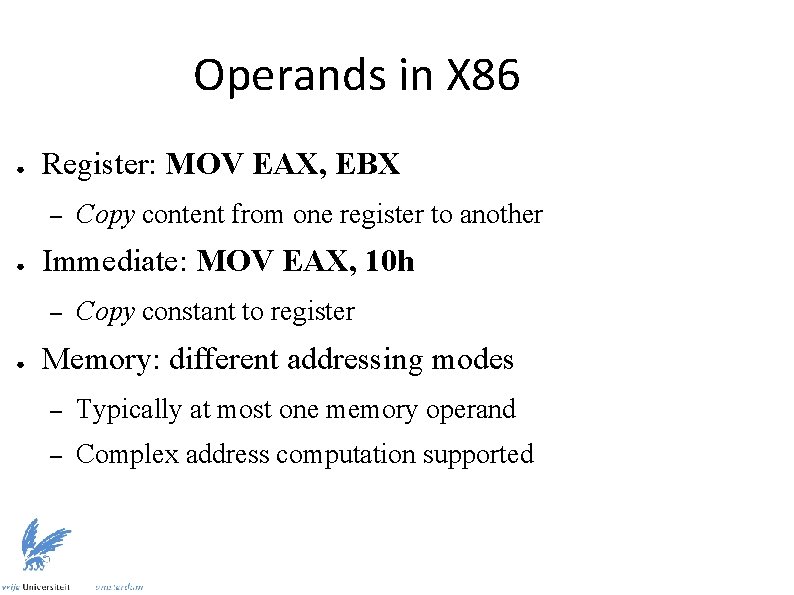
Operands in X 86 ● Register: MOV EAX, EBX – ● Immediate: MOV EAX, 10 h – ● Copy content from one register to another Copy constant to register Memory: different addressing modes – Typically at most one memory operand – Complex address computation supported
![Addressing modes ● Direct: MOV EAX, [10 h] – ● Indirect: MOV EAX, [EBX]](http://slidetodoc.com/presentation_image_h/ee80295516c78afef2a33468d0a2baae/image-12.jpg "Addressing modes ● Direct: MOV EAX, [10 h] – ● Indirect: MOV EAX, [EBX]")
Addressing modes ● Direct: MOV EAX, [10 h] – ● Indirect: MOV EAX, [EBX] – ● Copy value pointed to by register BX Indexed: MOV AL, [EBX + ECX * 4 + 10 h] – ● Copy value located at address 10 h Copy value from array (BX[4 * CX + 0 x 10]) Pointers can be associated to type – MOV AL, byte ptr [BX]
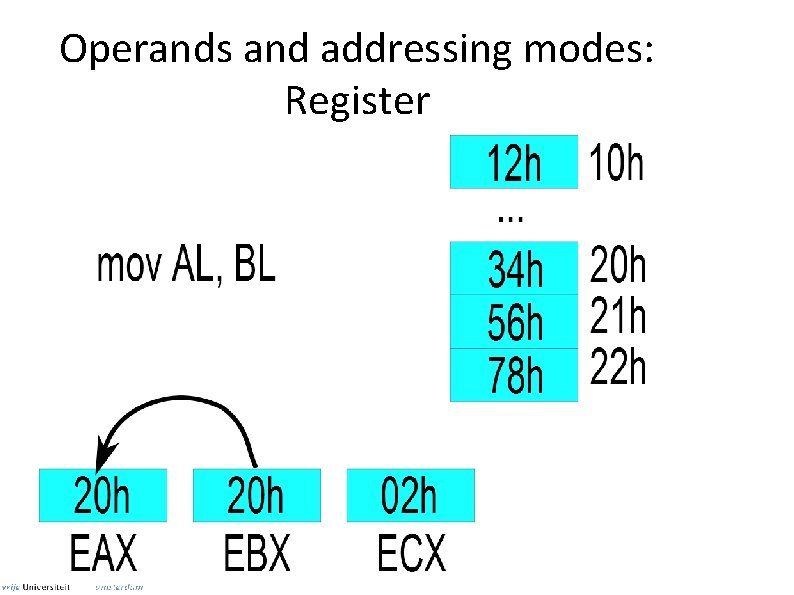
Operands and addressing modes: Register
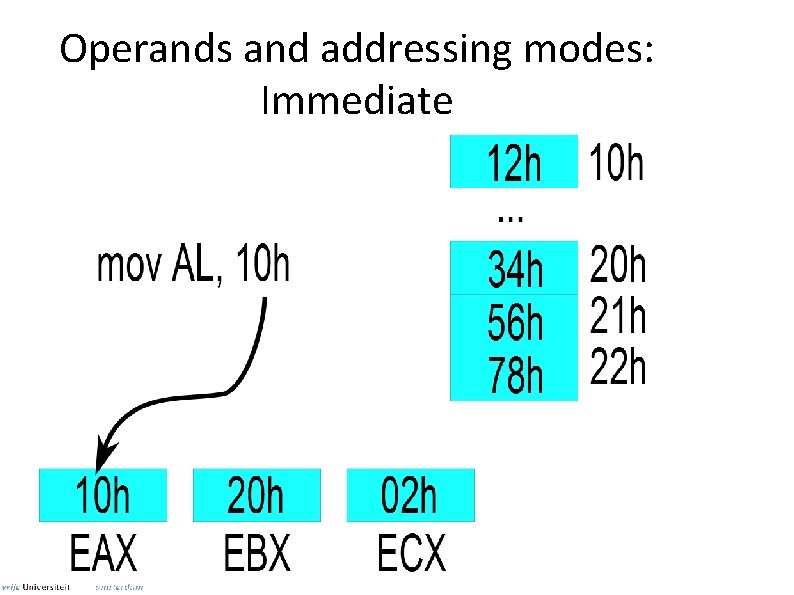
Operands and addressing modes: Immediate
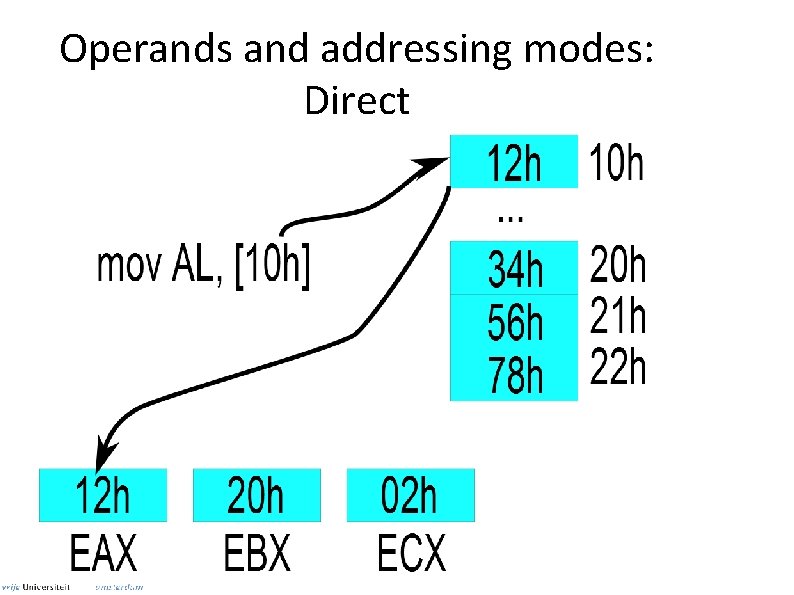
Operands and addressing modes: Direct
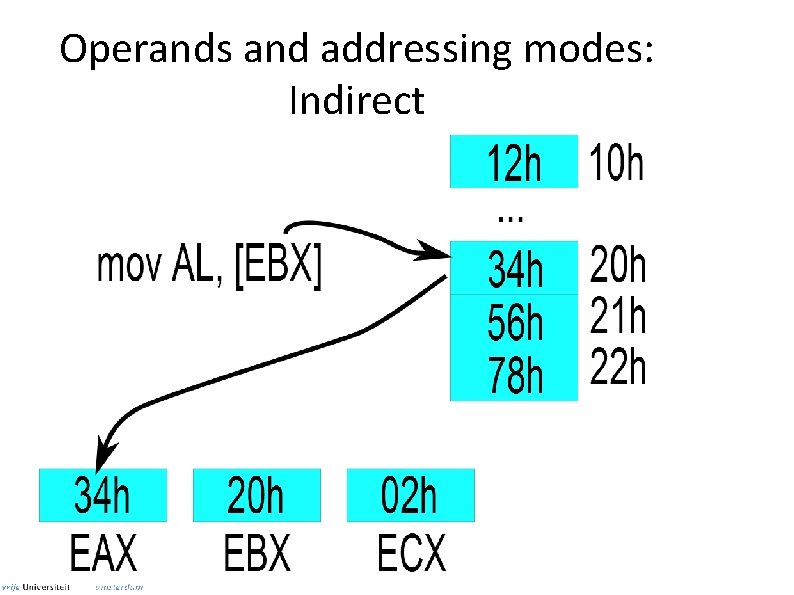
Operands and addressing modes: Indirect
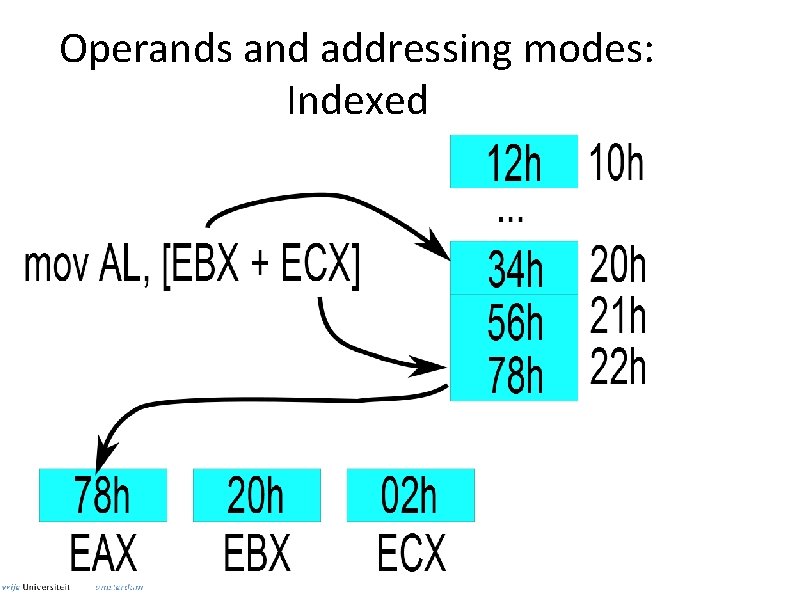
Operands and addressing modes: Indexed
Data movement in assembly ● Basic instruction: MOV (from src to dst) ● Alternatives – – XCHG: Exchange values between src and dst PUSH: Store src to stack POP: Retrieve top of stack to dst LEA: Same as MOV but does not dereference ● ● Used to computer addresses LEA EAX, [EBX + 10 h] ↔ MOV EAX, EBX + 10 h
Stack management ● PUSH, POP manipulate top of stack – Operate on architecture words (4 bytes for 32 bit) ● Stack Pointer can be freely manipulated ● Stack can also be accessed by MOV ● The stack grows “downwards” – Example: 0 xc 0000000 → 0
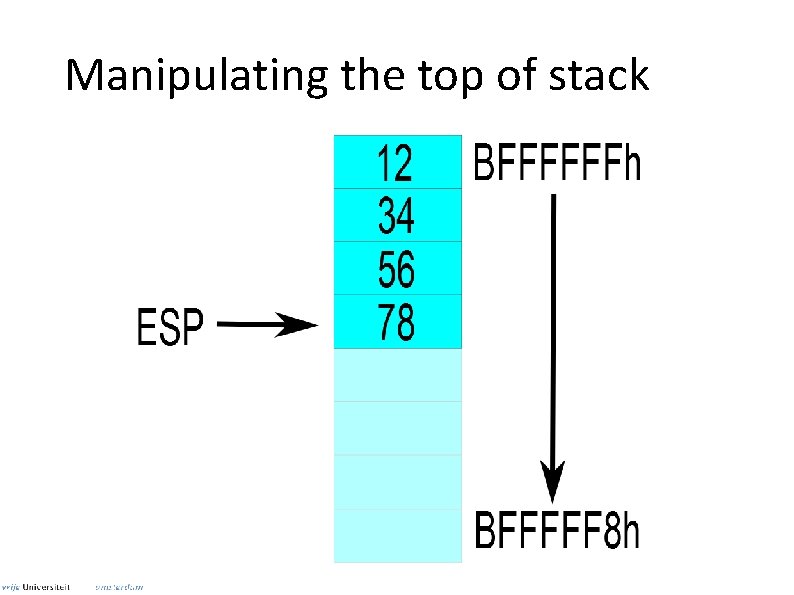
Manipulating the top of stack
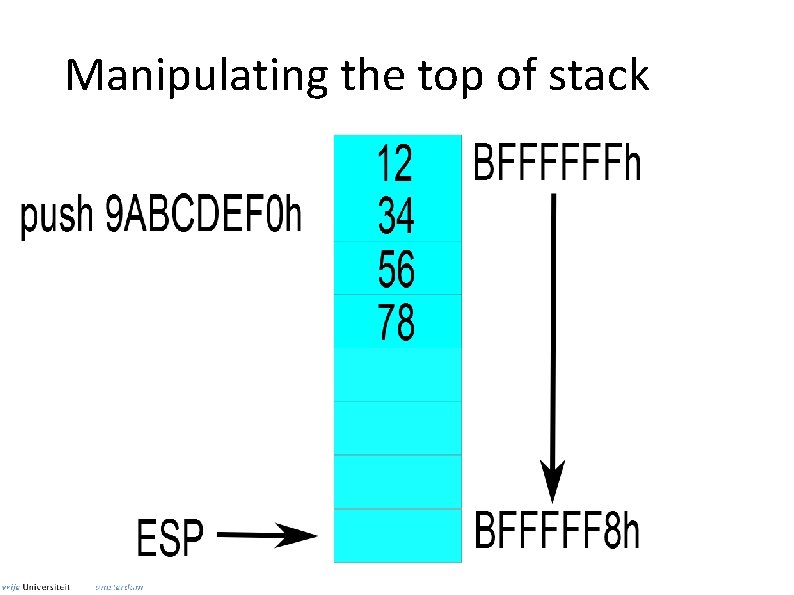
Manipulating the top of stack
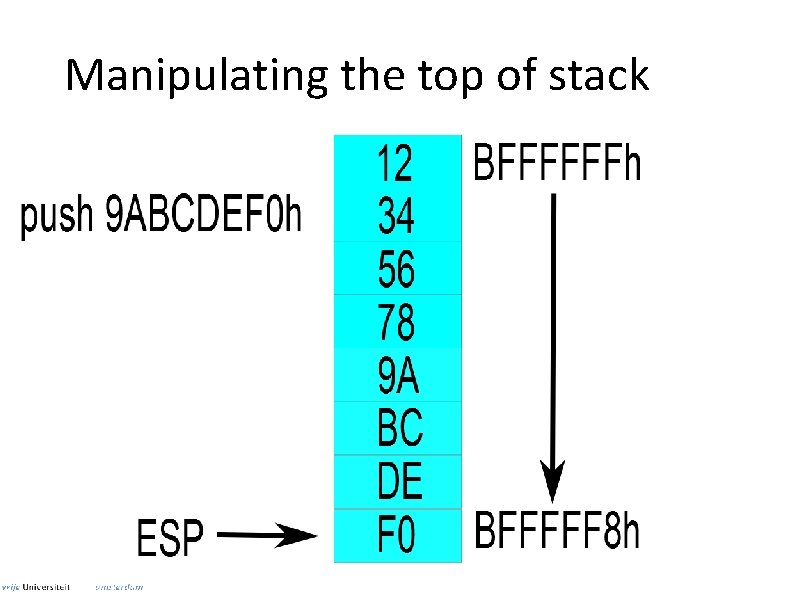
Manipulating the top of stack
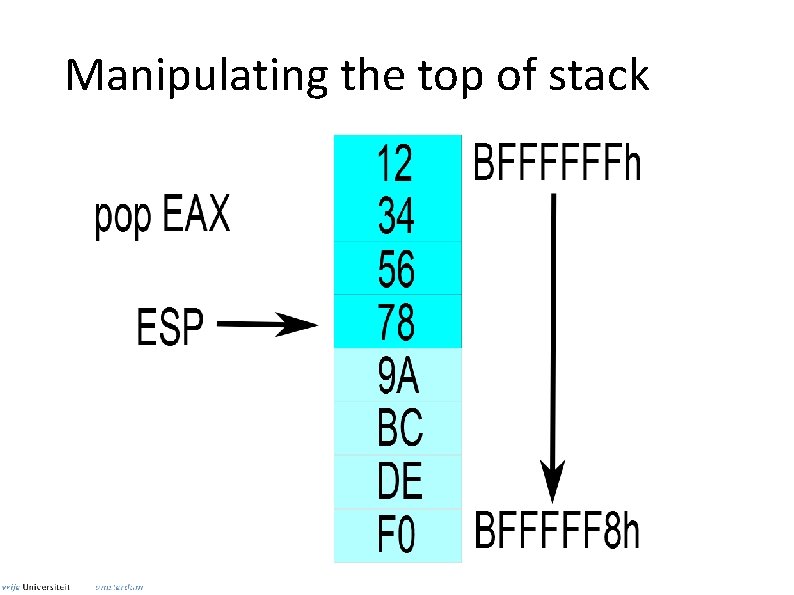
Manipulating the top of stack
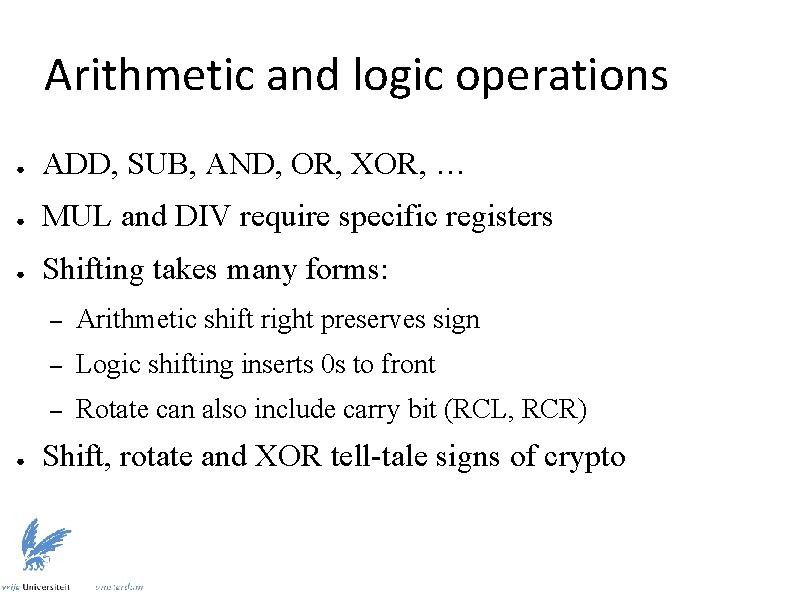
Arithmetic and logic operations ● ADD, SUB, AND, OR, XOR, … ● MUL and DIV require specific registers ● Shifting takes many forms: ● – Arithmetic shift right preserves sign – Logic shifting inserts 0 s to front – Rotate can also include carry bit (RCL, RCR) Shift, rotate and XOR tell-tale signs of crypto
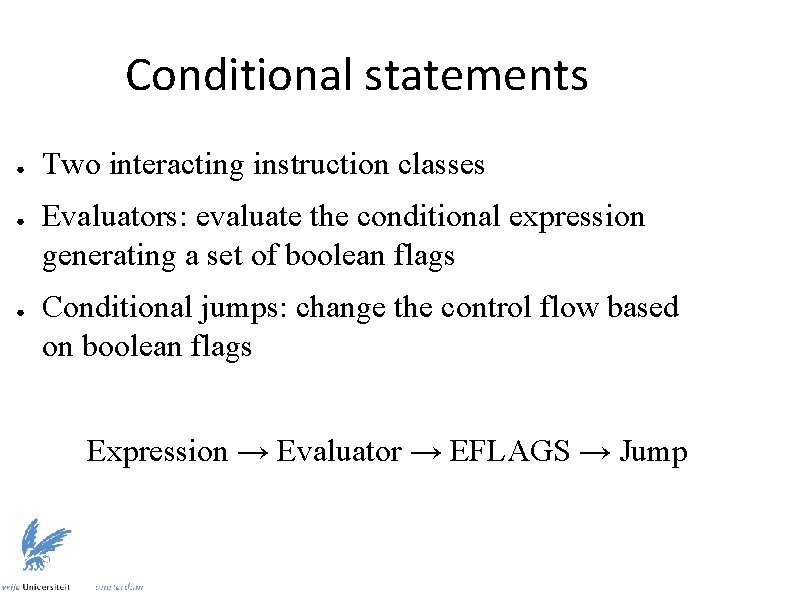
Conditional statements ● ● ● Two interacting instruction classes Evaluators: evaluate the conditional expression generating a set of boolean flags Conditional jumps: change the control flow based on boolean flags Expression → Evaluator → EFLAGS → Jump
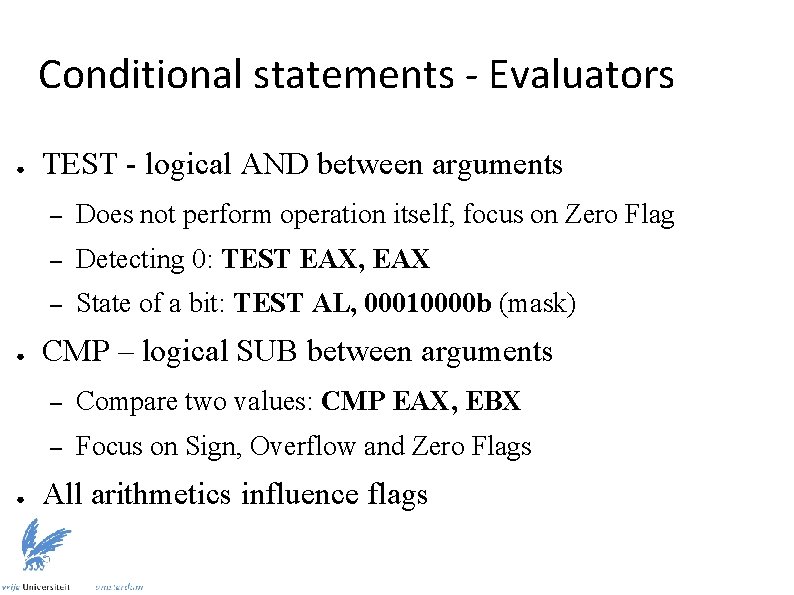
Conditional statements - Evaluators ● ● ● TEST - logical AND between arguments – Does not perform operation itself, focus on Zero Flag – Detecting 0: TEST EAX, EAX – State of a bit: TEST AL, 00010000 b (mask) CMP – logical SUB between arguments – Compare two values: CMP EAX, EBX – Focus on Sign, Overflow and Zero Flags All arithmetics influence flags
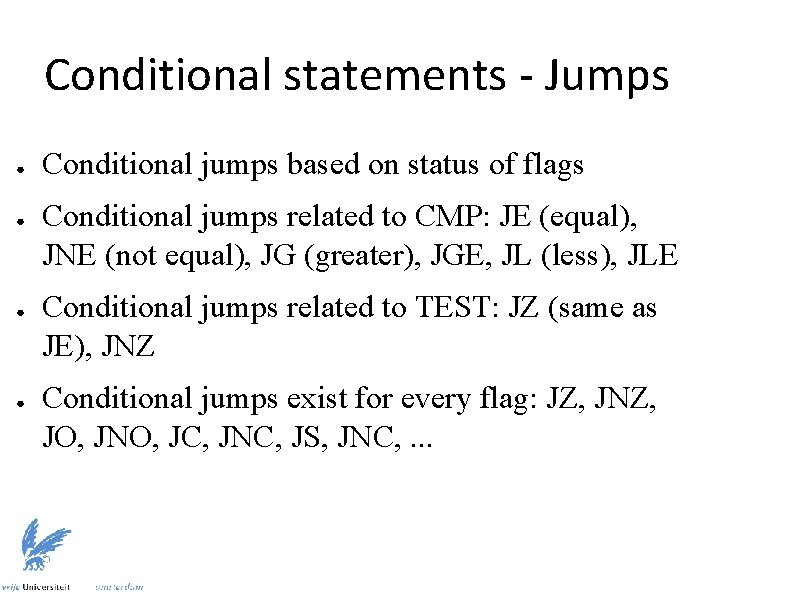
Conditional statements - Jumps ● ● Conditional jumps based on status of flags Conditional jumps related to CMP: JE (equal), JNE (not equal), JG (greater), JGE, JL (less), JLE Conditional jumps related to TEST: JZ (same as JE), JNZ Conditional jumps exist for every flag: JZ, JNZ, JO, JNO, JC, JNC, JS, JNC, . . .
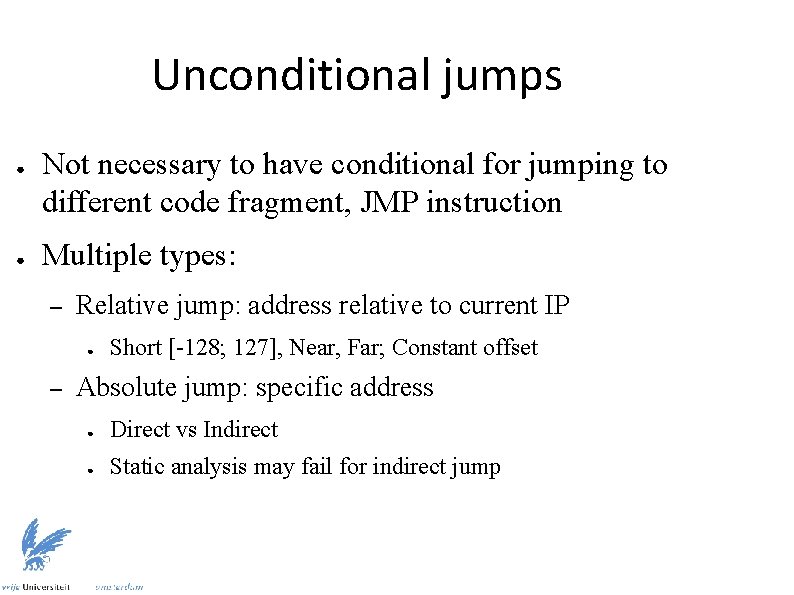
Unconditional jumps ● ● Not necessary to have conditional for jumping to different code fragment, JMP instruction Multiple types: – Relative jump: address relative to current IP ● – Short [-128; 127], Near, Far; Constant offset Absolute jump: specific address ● Direct vs Indirect ● Static analysis may fail for indirect jump
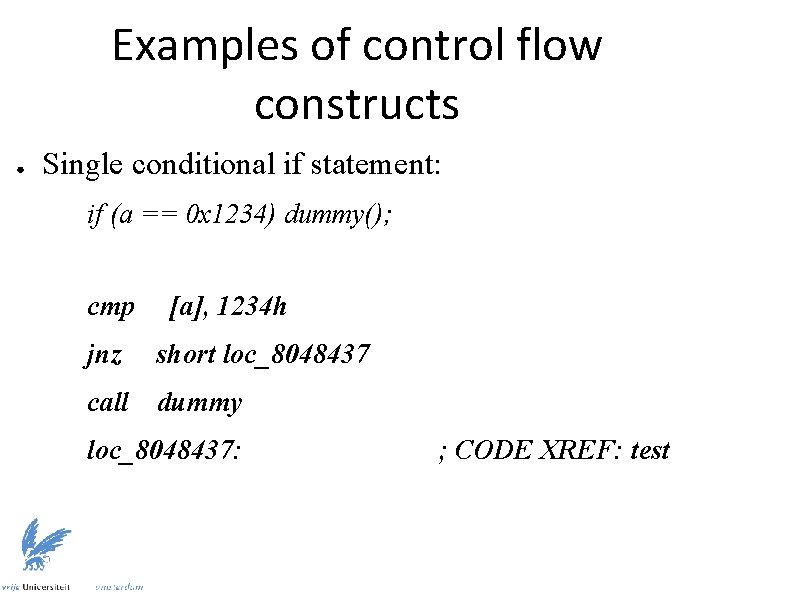
Examples of control flow constructs ● Single conditional if statement: if (a == 0 x 1234) dummy(); cmp [a], 1234 h jnz short loc_8048437 call dummy loc_8048437: ; CODE XREF: test
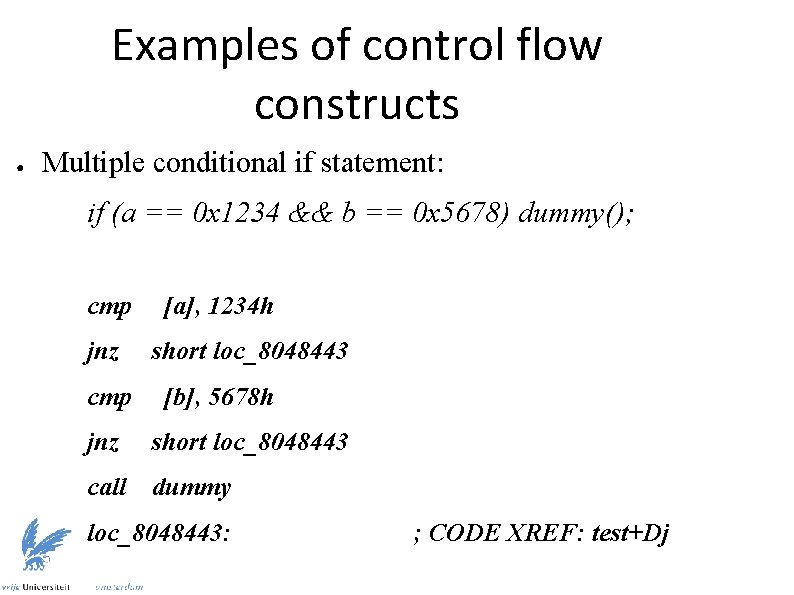
Examples of control flow constructs ● Multiple conditional if statement: if (a == 0 x 1234 && b == 0 x 5678) dummy(); cmp jnz cmp [a], 1234 h short loc_8048443 [b], 5678 h jnz short loc_8048443 call dummy loc_8048443: ; CODE XREF: test+Dj
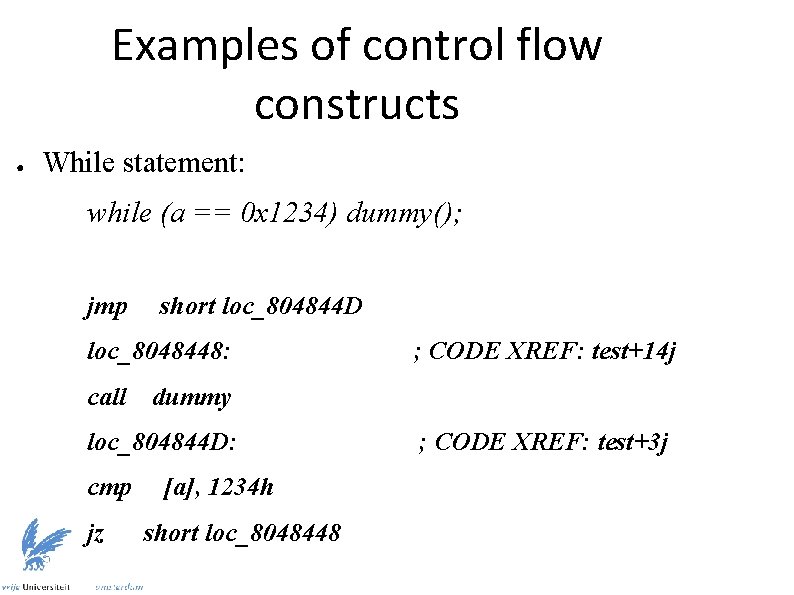
Examples of control flow constructs ● While statement: while (a == 0 x 1234) dummy(); jmp short loc_804844 D loc_8048448: call dummy loc_804844 D: cmp jz ; CODE XREF: test+14 j [a], 1234 h short loc_8048448 ; CODE XREF: test+3 j
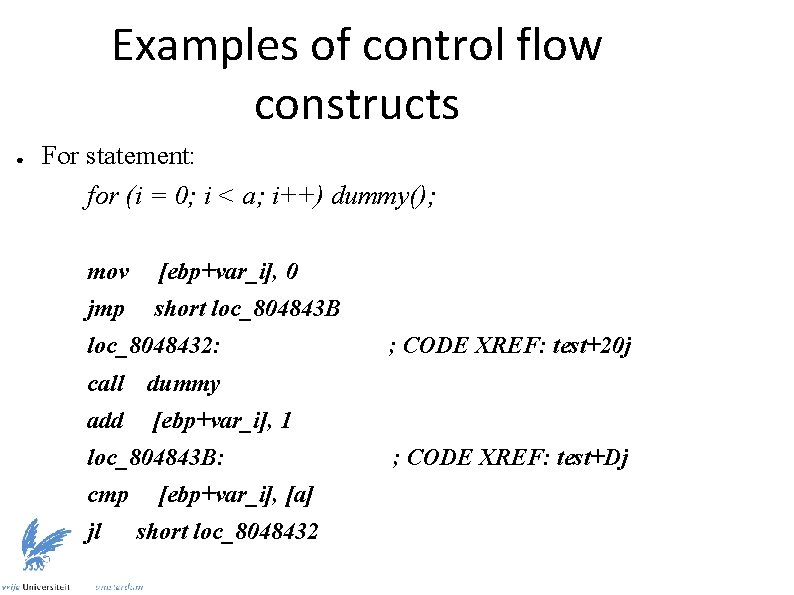
Examples of control flow constructs ● For statement: for (i = 0; i < a; i++) dummy(); mov [ebp+var_i], 0 jmp short loc_804843 B loc_8048432: call dummy add [ebp+var_i], 1 loc_804843 B: cmp jl [ebp+var_i], [a] short loc_8048432 ; CODE XREF: test+20 j ; CODE XREF: test+Dj
![Examples of control flow constructs ● For statement after optimizing compiler: mov eax, [a]](http://slidetodoc.com/presentation_image_h/ee80295516c78afef2a33468d0a2baae/image-33.jpg "Examples of control flow constructs ● For statement after optimizing compiler: mov eax, [a]")
Examples of control flow constructs ● For statement after optimizing compiler: mov eax, [a] test eax, eax jle short loc_8048460 xor ebx, ebx loc_8048450: call dummy add ebx, 1 cmp [a], ebx jg ; Check if a <= 0, skip loop if yes ; CODE XREF: test+1 Ej short loc_8048450 loc_8048460: ; CODE XREF: test+8 j
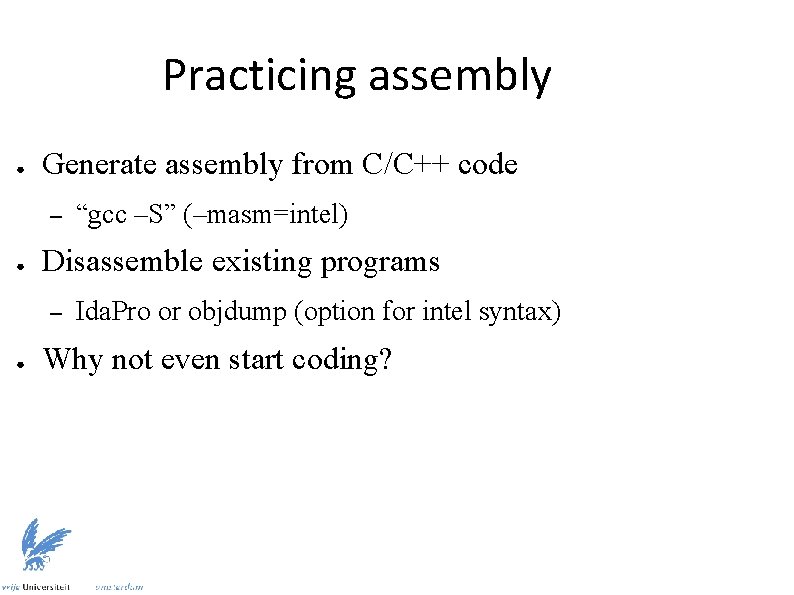
Practicing assembly ● Generate assembly from C/C++ code – ● Disassemble existing programs – ● “gcc –S” (–masm=intel) Ida. Pro or objdump (option for intel syntax) Why not even start coding?
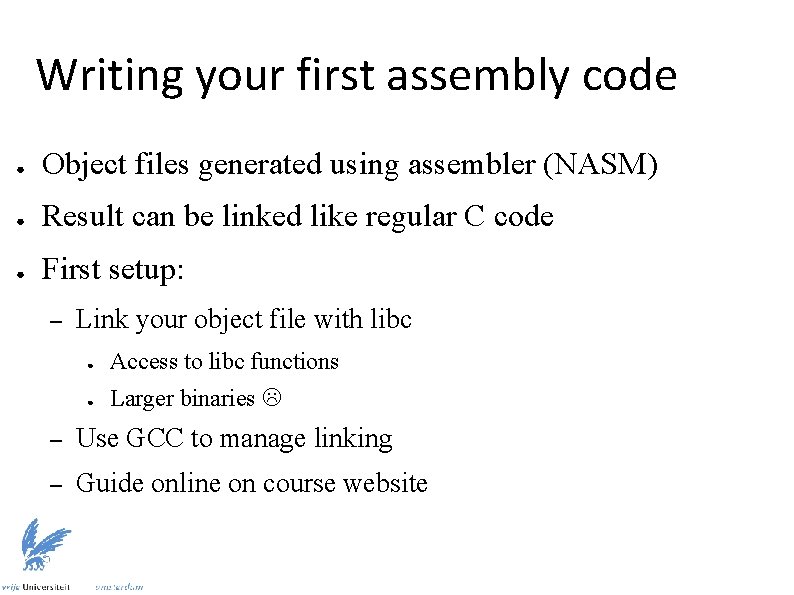
Writing your first assembly code ● Object files generated using assembler (NASM) ● Result can be linked like regular C code ● First setup: – Link your object file with libc ● Access to libc functions ● Larger binaries – Use GCC to manage linking – Guide online on course website
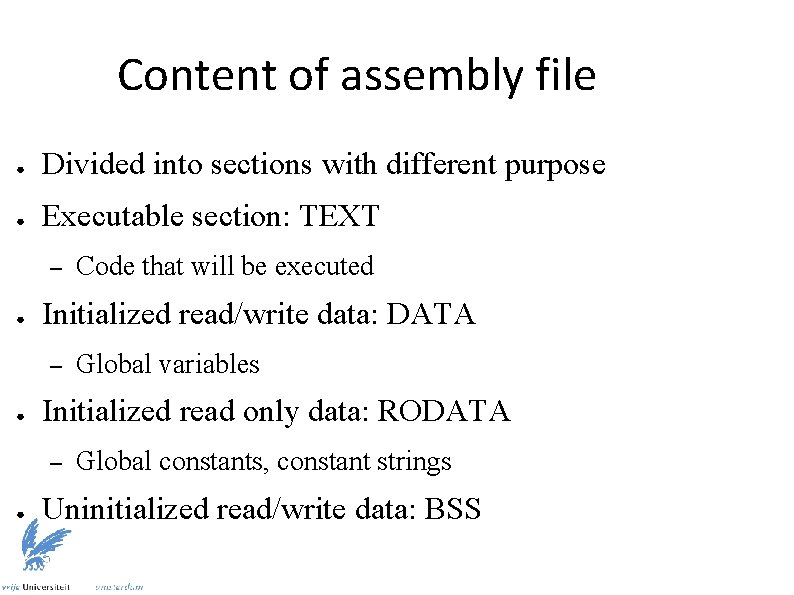
Content of assembly file ● Divided into sections with different purpose ● Executable section: TEXT – ● Initialized read/write data: DATA – ● Global variables Initialized read only data: RODATA – ● Code that will be executed Global constants, constant strings Uninitialized read/write data: BSS
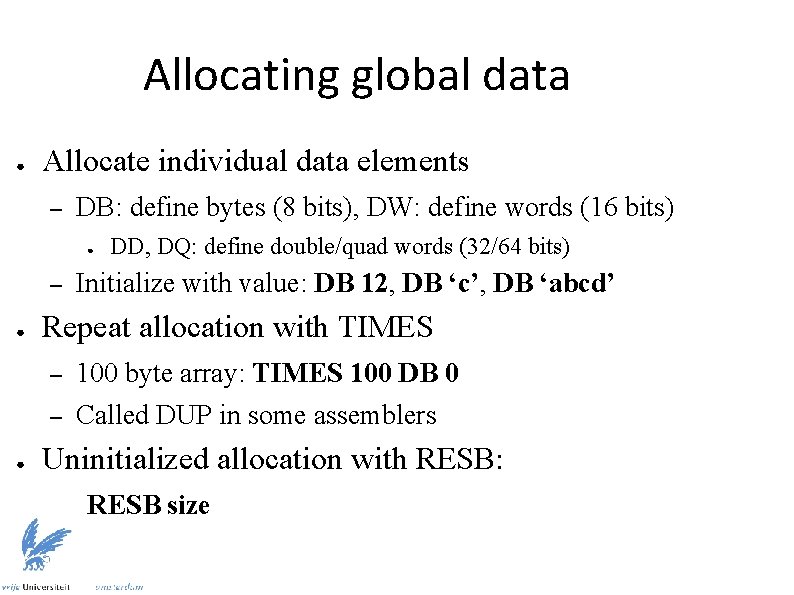
Allocating global data ● Allocate individual data elements – DB: define bytes (8 bits), DW: define words (16 bits) ● – ● Initialize with value: DB 12, DB ‘c’, DB ‘abcd’ Repeat allocation with TIMES – – ● DD, DQ: define double/quad words (32/64 bits) 100 byte array: TIMES 100 DB 0 Called DUP in some assemblers Uninitialized allocation with RESB: RESB size
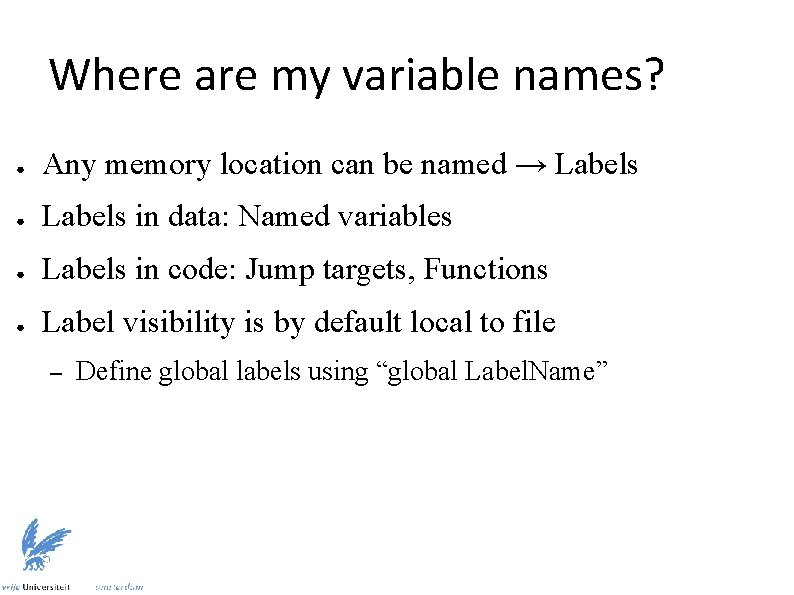
Where are my variable names? ● Any memory location can be named → Labels ● Labels in data: Named variables ● Labels in code: Jump targets, Functions ● Label visibility is by default local to file – Define global labels using “global Label. Name”
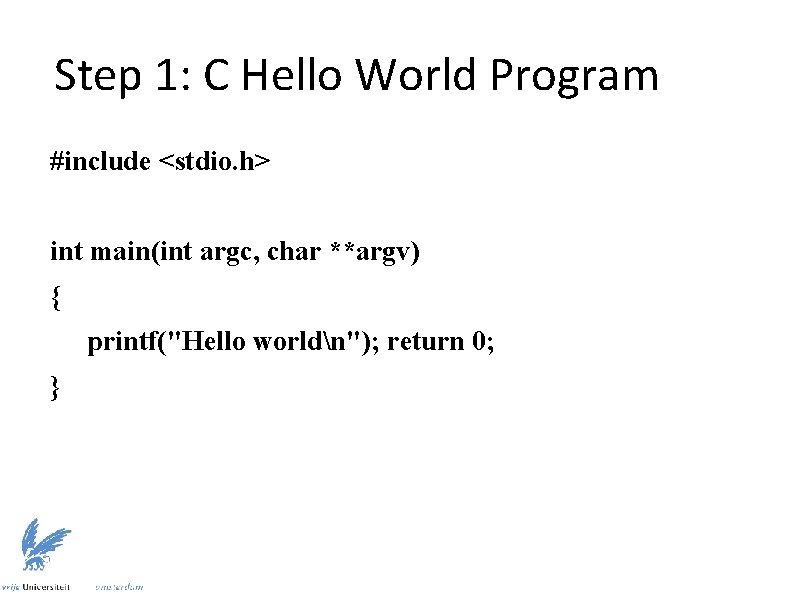
Step 1: C Hello World Program #include <stdio. h> int main(int argc, char **argv) { printf("Hello worldn"); return 0; }
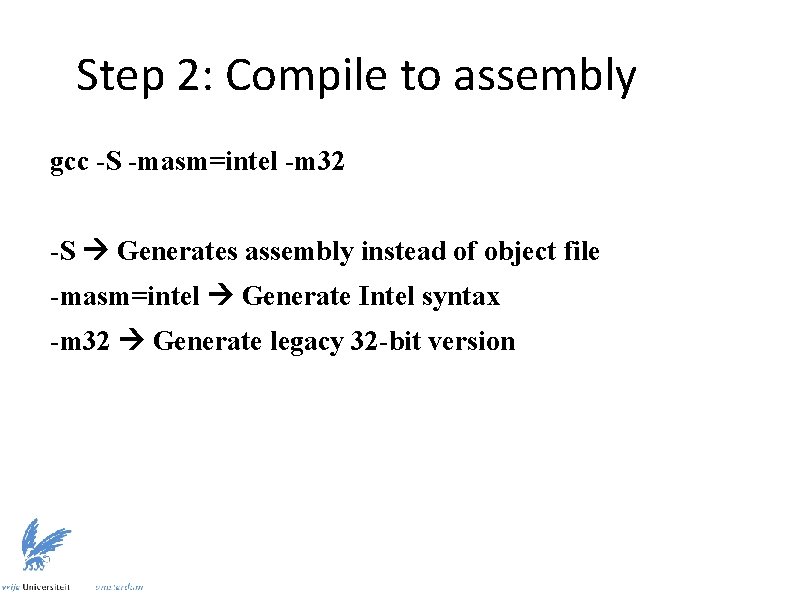
Step 2: Compile to assembly gcc -S -masm=intel -m 32 -S Generates assembly instead of object file -masm=intel Generate Intel syntax -m 32 Generate legacy 32 -bit version
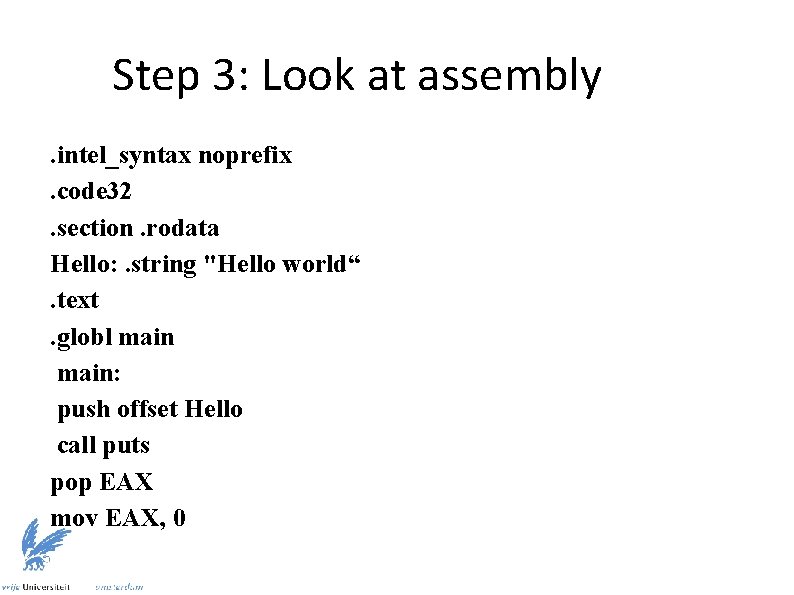
Step 3: Look at assembly. intel_syntax noprefix. code 32. section. rodata Hello: . string "Hello world“. text. globl main: push offset Hello call puts pop EAX mov EAX, 0
![Step 4: Transform to NASM format [BITS 32] extern puts SECTION. rodata Hello: db](http://slidetodoc.com/presentation_image_h/ee80295516c78afef2a33468d0a2baae/image-42.jpg "Step 4: Transform to NASM format [BITS 32] extern puts SECTION. rodata Hello: db")
Step 4: Transform to NASM format [BITS 32] extern puts SECTION. rodata Hello: db 'Hello world', 0 SECTION. text global main: push Hello call puts pop EAX mov EAX, 0
- Slides: 42