
INTRODUCTION TO WEB DEVELOPMENT AND HTML Lecture 03
INTRODUCTION TO WEB DEVELOPMENT AND HTML Lecture 03 - Spring 2011
XHTML Attributes Core Attributes, International Attributes and UI Events
XHTML Attributes Lives in the opening tag <a href=“…. . ”> All attributes consists of a name and a value href = “http: //csit. udc. edu/~rpalomino”
Attributes There are three attribute groups: Core attributes: The class, id and title attributes Internationalization attributes: The dir, lang and xml: lang attributes UI events: attributes associated with events such as onclick, onmousedown, onmouseup, etc. The core attributes and international attributes are known as the universal attributes.

Core Attributes Four core attributes: id class title style
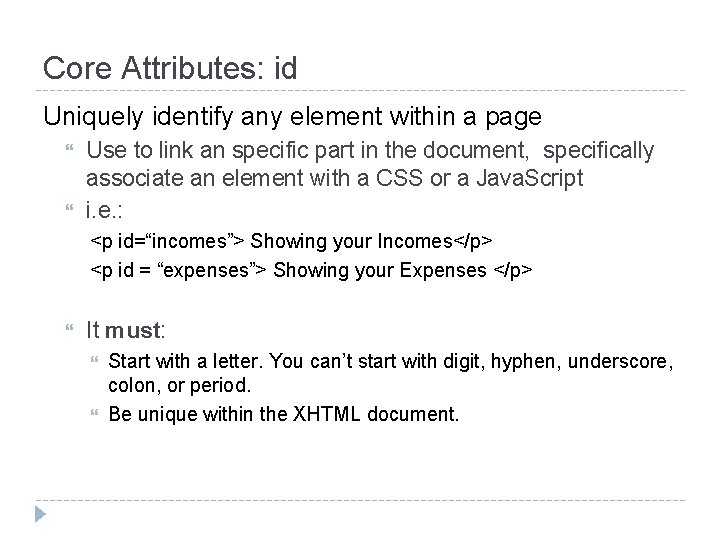
Core Attributes: id Uniquely identify any element within a page Use to link an specific part in the document, specifically associate an element with a CSS or a Java. Script i. e. : <p id=“incomes”> Showing your Incomes</p> <p id = “expenses”> Showing your Expenses </p> It must: Start with a letter. You can’t start with digit, hyphen, underscore, colon, or period. Be unique within the XHTML document.
Core Attributes: class Specify that the element belongs to a class of element Commonly used with CSS class = “class. Name” The value can be space-separated list of class names: class = “class. Name 1 class. Name 2 class. Name 3”
Core Attributes: title Gives a suggested title for the element. title = “string” The behavior of title depends upon the element that carries it. It is often displayed as a tooltip, or while the element is loading.
Core Attributes: style (deprecated) Allows you to specify CSS rules within the element. <p style=“font-family: arial; color: #FF 0000; ”> Some. Text</p>
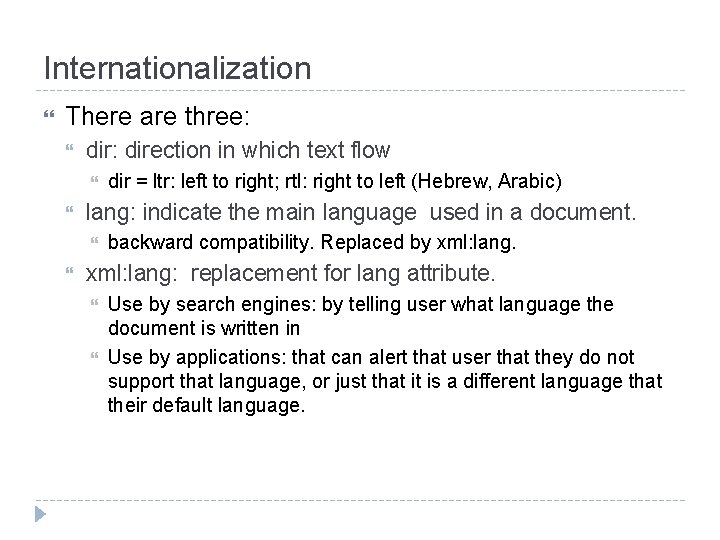
Internationalization There are three: direction in which text flow lang: indicate the main language used in a document. dir = ltr: left to right; rtl: right to left (Hebrew, Arabic) backward compatibility. Replaced by xml: lang: replacement for lang attribute. Use by search engines: by telling user what language the document is written in Use by applications: that can alert that user that they do not support that language, or just that it is a different language that their default language.
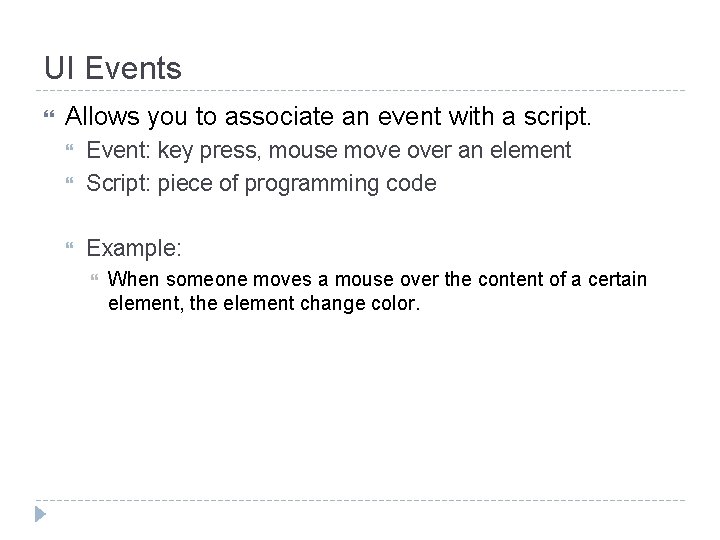
UI Events Allows you to associate an event with a script. Event: key press, mouse move over an element Script: piece of programming code Example: When someone moves a mouse over the content of a certain element, the element change color.
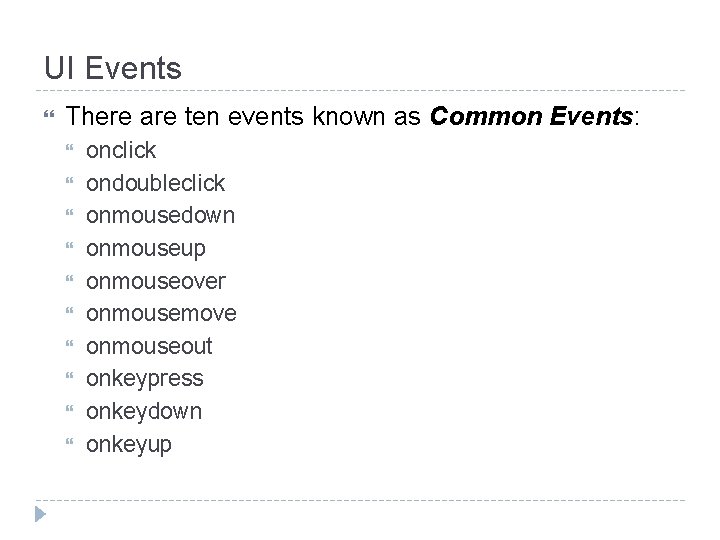
UI Events There are ten events known as Common Events: onclick ondoubleclick onmousedown onmouseup onmouseover onmousemove onmouseout onkeypress onkeydown onkeyup
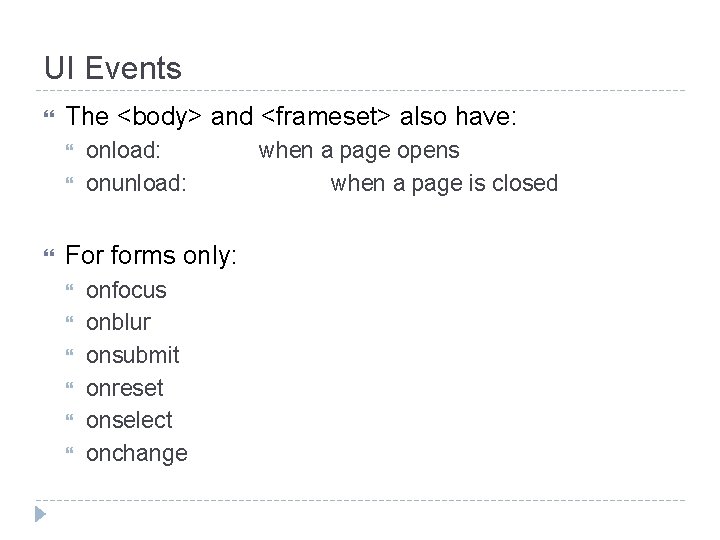
UI Events The <body> and <frameset> also have: onload: onunload: For forms only: onfocus onblur onsubmit onreset onselect onchange when a page opens when a page is closed
XHTML Elements
XHTML Elements White Space and Flow: The browser treats multiple spaces and several carriage returns as if they were only one single space <p> This is a text with too many white spaces and carriage returns</p>
Headings It offers six level of headings: <h 1> <h 2> <h 3> <h 4> <h 5> <h 6>
Align attribute (deprecated) It indicates whether the heading appears to the left, center or right of the browser window (or other containing element if nested). <h 2 align=“center”> My Center Heading </h 2> It is deprecated because now this is done by CSS
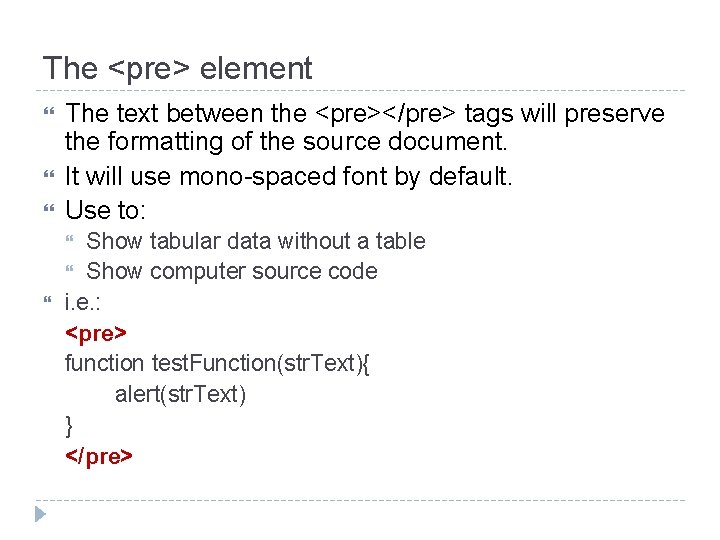
The <pre> element The text between the <pre></pre> tags will preserve the formatting of the source document. It will use mono-spaced font by default. Use to: Show tabular data without a table Show computer source code i. e. : <pre> function test. Function(str. Text){ alert(str. Text) } </pre>
XHTML Elements Presentational Elements
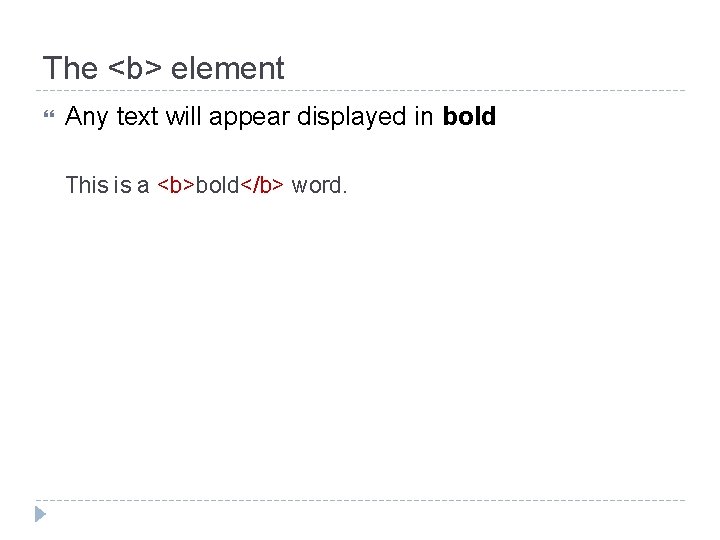
The <b> element Any text will appear displayed in bold This is a <b>bold</b> word.
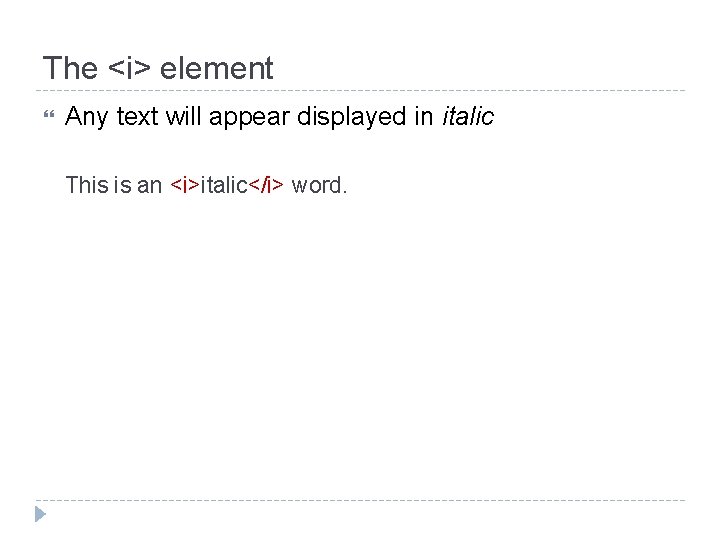
The <i> element Any text will appear displayed in italic This is an <i>italic</i> word.
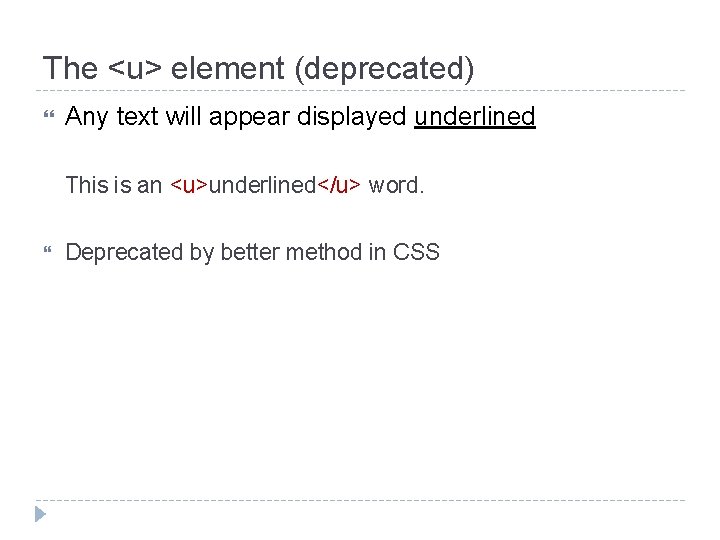
The <u> element (deprecated) Any text will appear displayed underlined This is an <u>underlined</u> word. Deprecated by better method in CSS
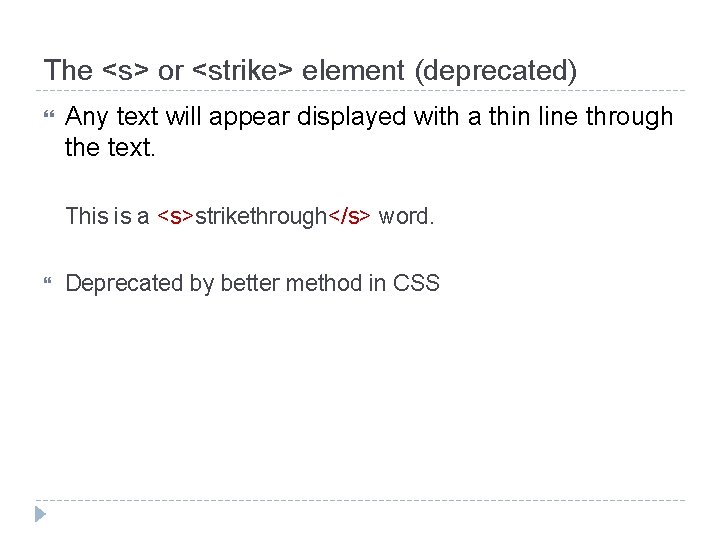
The <s> or <strike> element (deprecated) Any text will appear displayed with a thin line through the text. This is a <s>strikethrough</s> word. Deprecated by better method in CSS
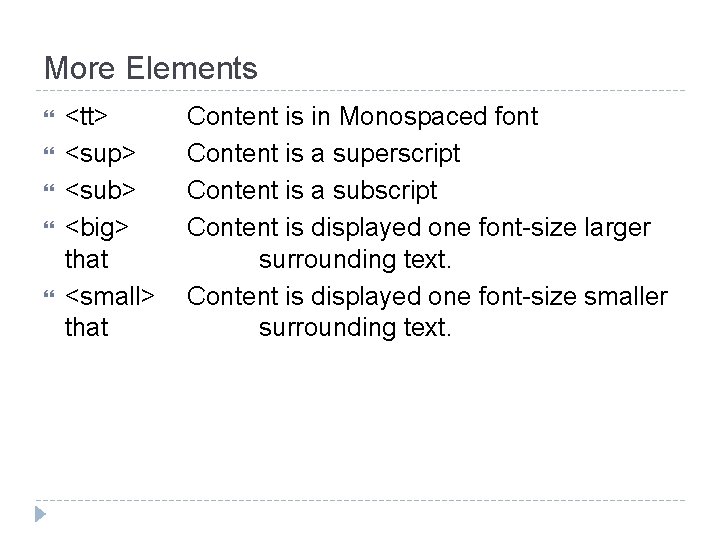
More Elements <tt> <sup> <sub> <big> that <small> that Content is in Monospaced font Content is a superscript Content is a subscript Content is displayed one font-size larger surrounding text. Content is displayed one font-size smaller surrounding text.
XHTML Elements Phrase Elements
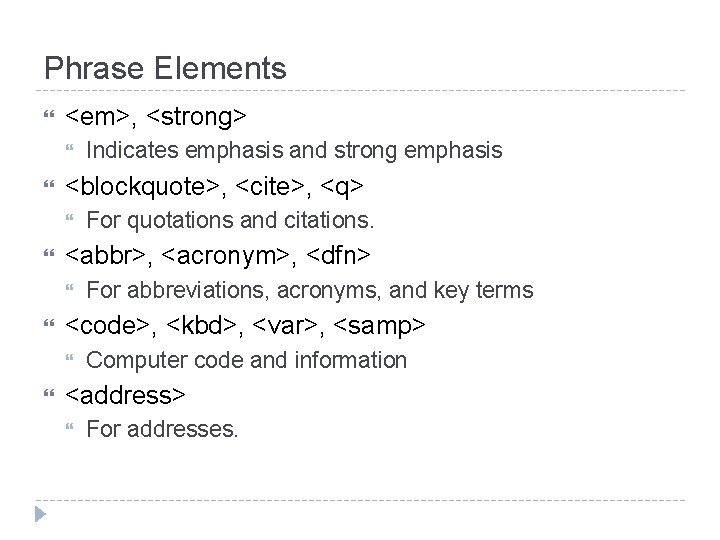
Phrase Elements <em>, <strong> <blockquote>, <cite>, <q> For abbreviations, acronyms, and key terms <code>, <kbd>, <var>, <samp> For quotations and citations. <abbr>, <acronym>, <dfn> Indicates emphasis and strong emphasis Computer code and information <address> For addresses.
Phrase Elements Why should I use phrase elements, if they visually offer the same as the presentation elements? For some reasons such as: Applications such as screen readers detect text marked with emphasis and strong emphasis to make different intonation while reading to visual impairment users. Programs can read a document and pull the key terms to index your document, so a user can find important terms within it.
XHTML Elements Lists
Lists There are three types of lists: Unordered lists Ordered lists Definition lists
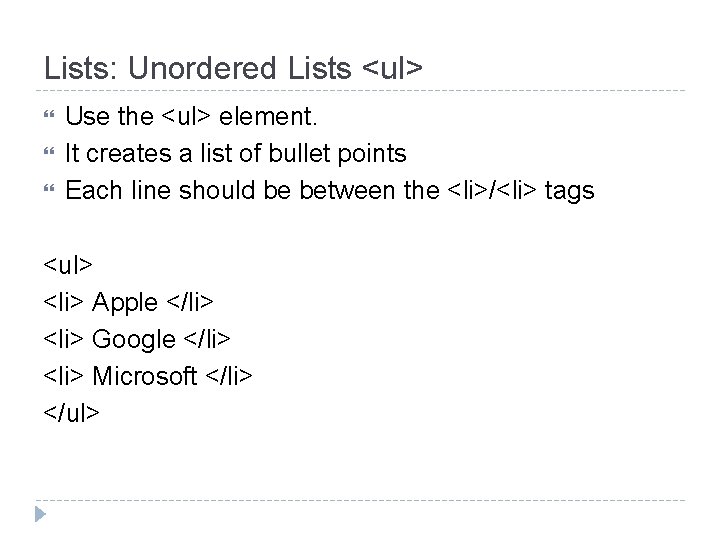
Lists: Unordered Lists <ul> Use the <ul> element. It creates a list of bullet points Each line should be between the <li>/<li> tags <ul> <li> Apple </li> <li> Google </li> <li> Microsoft </li> </ul>
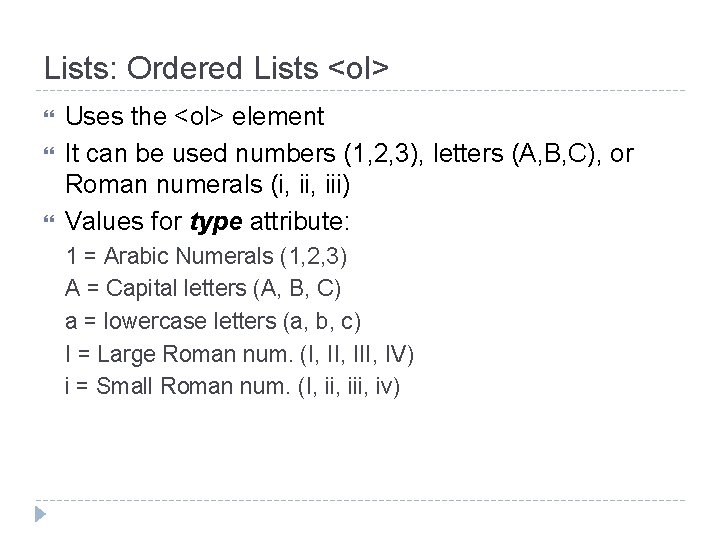
Lists: Ordered Lists <ol> Uses the <ol> element It can be used numbers (1, 2, 3), letters (A, B, C), or Roman numerals (i, iii) Values for type attribute: 1 = Arabic Numerals (1, 2, 3) A = Capital letters (A, B, C) a = lowercase letters (a, b, c) I = Large Roman num. (I, III, IV) i = Small Roman num. (I, iii, iv)
Lists: Ordered Lists <ol> start attribute: (deprecated) Changes the starting number in ordered lists
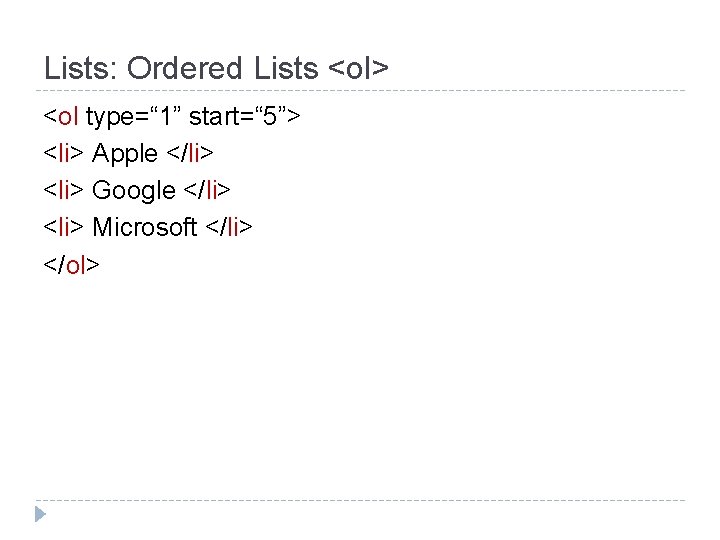
Lists: Ordered Lists <ol> <ol type=“ 1” start=“ 5”> <li> Apple </li> <li> Google </li> <li> Microsoft </li> </ol>
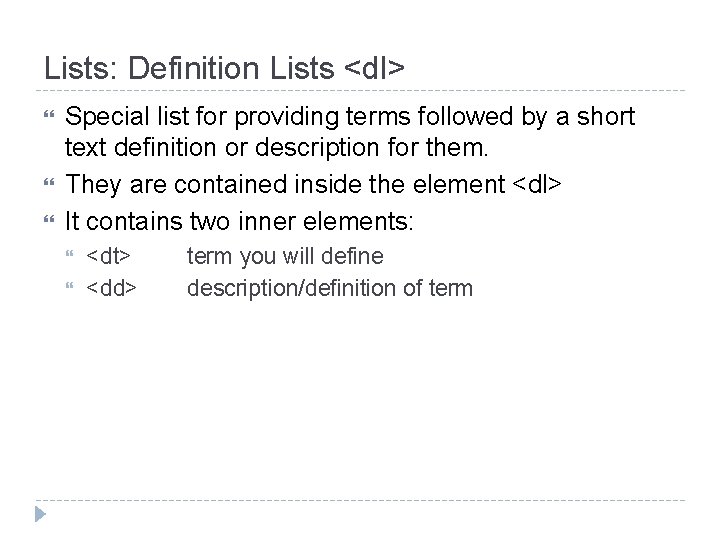
Lists: Definition Lists <dl> Special list for providing terms followed by a short text definition or description for them. They are contained inside the element <dl> It contains two inner elements: <dt> <dd> term you will define description/definition of term
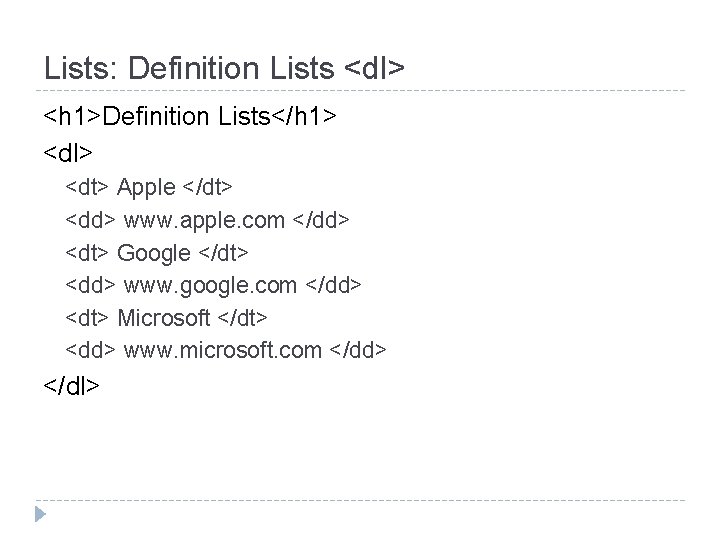
Lists: Definition Lists <dl> <h 1>Definition Lists</h 1> <dl> <dt> Apple </dt> <dd> www. apple. com </dd> <dt> Google </dt> <dd> www. google. com </dd> <dt> Microsoft </dt> <dd> www. microsoft. com </dd> </dl>
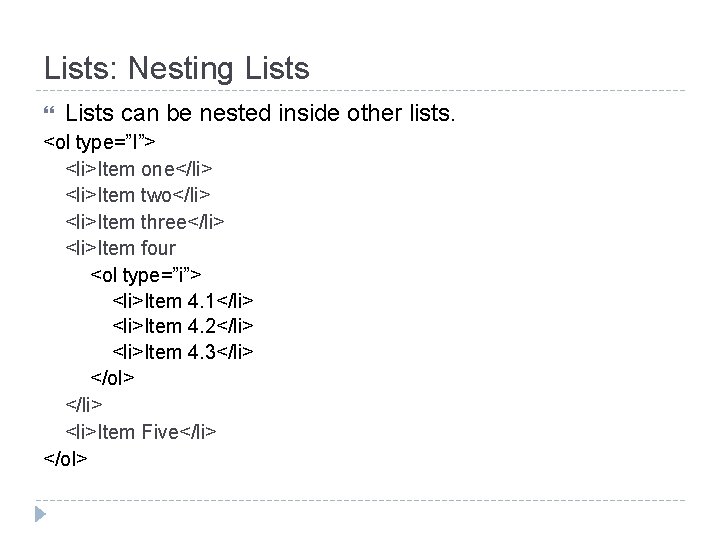
Lists: Nesting Lists can be nested inside other lists. <ol type=”I”> <li>Item one</li> <li>Item two</li> <li>Item three</li> <li>Item four <ol type=”i”> <li>Item 4. 1</li> <li>Item 4. 2</li> <li>Item 4. 3</li> </ol> </li> <li>Item Five</li> </ol>
XHTML Elements Editing Text, Special characters, Comments
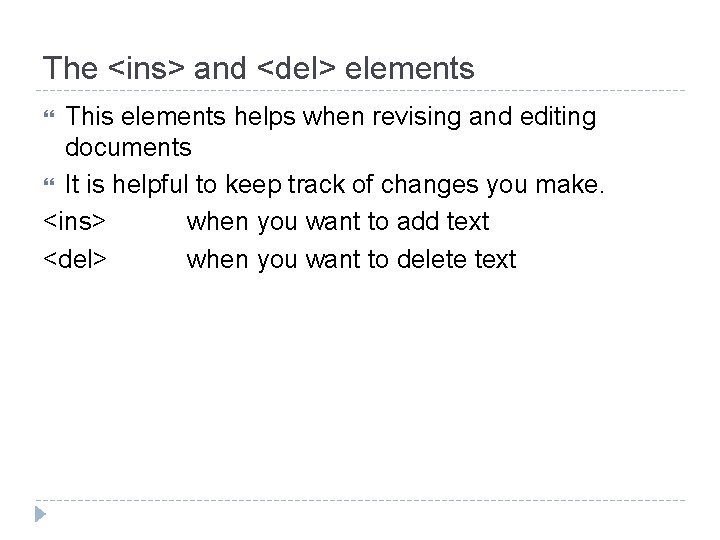
The <ins> and <del> elements This elements helps when revising and editing documents It is helpful to keep track of changes you make. <ins> when you want to add text <del> when you want to delete text
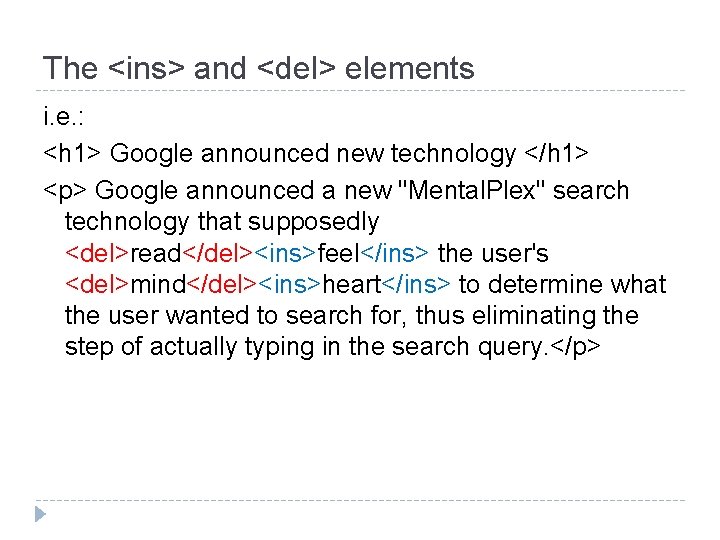
The <ins> and <del> elements i. e. : <h 1> Google announced new technology </h 1> <p> Google announced a new "Mental. Plex" search technology that supposedly <del>read</del><ins>feel</ins> the user's <del>mind</del><ins>heart</ins> to determine what the user wanted to search for, thus eliminating the step of actually typing in the search query. </p>
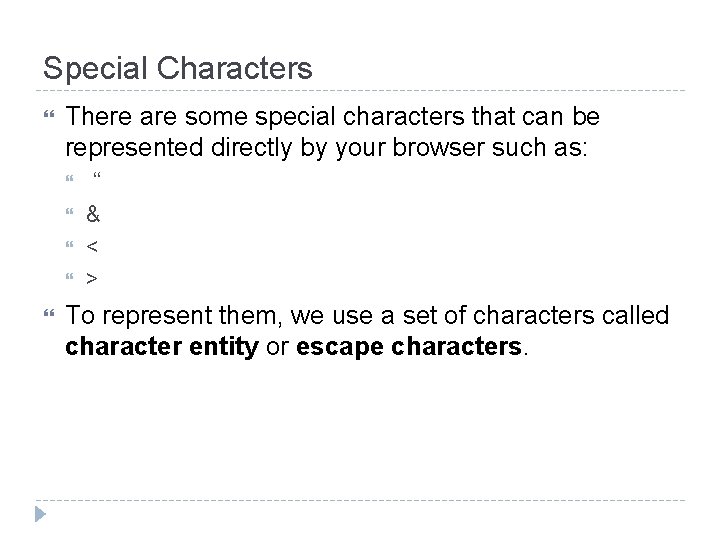
Special Characters There are some special characters that can be represented directly by your browser such as: “ & < > To represent them, we use a set of characters called character entity or escape characters.
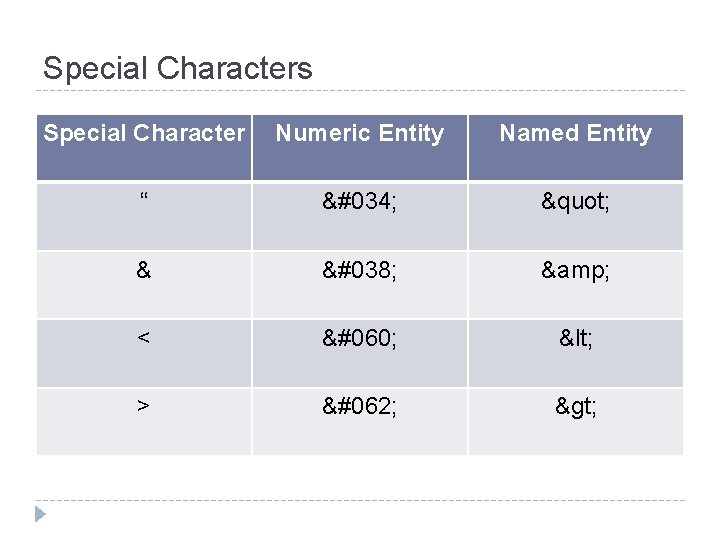
Special Characters Special Character Numeric Entity Named Entity “ " " & & & < < < > > >
Comments It is a good practice to comment your code because this will help other people to understand or have a better idea of what you are trying to do. It can even help you! Use the following sintax: < ! - - my comment goes here… - - >
XHTML Elements Block and Inline Elements. Grouping elements.
Block and Inline Elements Block-level elements: Block-level elements appear on the screen as if they have a carriage return or line break before and after them. <p>, <h 1>, <h 2>, <h 3>, <h 4>, <h 5>, <h 6>, <ul>, <ol>, <dl>, <pre>, <hr /> Inline elements: On the other hand, inline elements can appear within sentences and do not have to appear on a new line of their own. <b>, <i>, <u>, <em>, <strong>, <sup>, <sub>, <big>, <small>, <li>
Grouping with <div> and <span> They allow you to group several elements to create new sections or subsections within your page. On their own, they don’t affect the appearance of a page. They are commonly combined with CSS to apply style only to certain sections of a page
The <div> element Allows to group block-level elements <div class=”footnotes”> <h 2>Footnotes</h 2> <p><b>1</b> Facebook is the biggest social network nowadays</p> <p><b>2</b> Google is the pioneer in HTML 5</p> </div>
The <span> element Allows to group inline elements only. <div class=”footnotes”> <h 2>Footnotes</h 2> <p><span class=“social-network”><b>1</b> Facebook is the biggest social network nowadays</span></p> <p><b>2</b> Google is the pioneer in HTML 5</p> </div>
Questions? Before the exercise
Exercise 3. 1 Go to: csit. udc. edu/~rpalomino Click on class link Look under folder exercises: wp-exe-03_01. pdf
For next class Quiz
- Slides: 50