
Introduction to Wearable Computers Prof Thad Starner Georgia

Introduction to Wearable Computers Prof. Thad Starner Georgia Tech Dr. Bradley Rhodes Ricoh Innovations
Science Is Beginning to Look Like Science Fiction o Science fiction writers are paying attention and provide good scenarios/motivation based on current research o Fast Times at Fairmont High (recent Vinge) o Historical Crisis (Kingsbury) in Far Futures anthology (Benford) o The Diamond Age, Snowcrash (Stephenson) o Islands in the Net (Stirling)
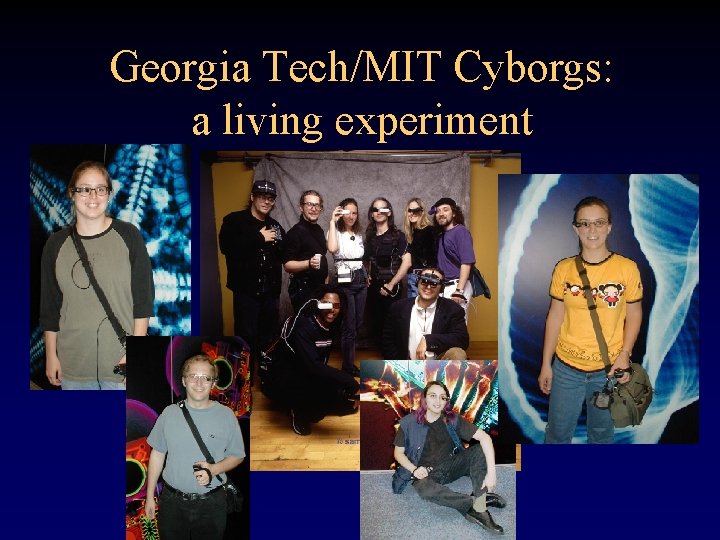
Georgia Tech/MIT Cyborgs: a living experiment
Outline • • The Toys Comparisons to past and current technology Applications: current state of industry The Vision Man-machine symbiosis Augmented reality Perception Challenges
The Toys
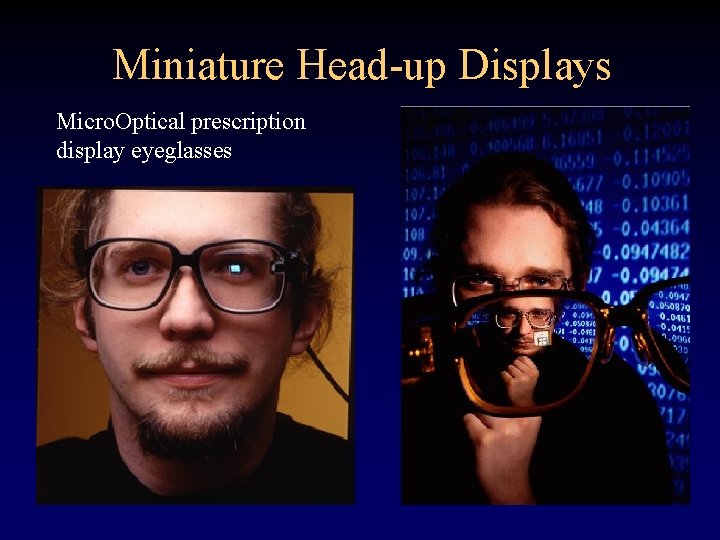
Miniature Head-up Displays Micro. Optical prescription display eyeglasses
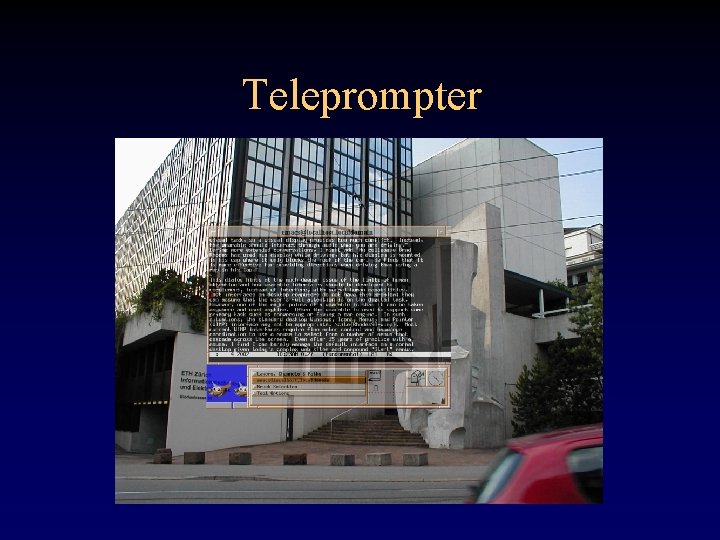
Teleprompter
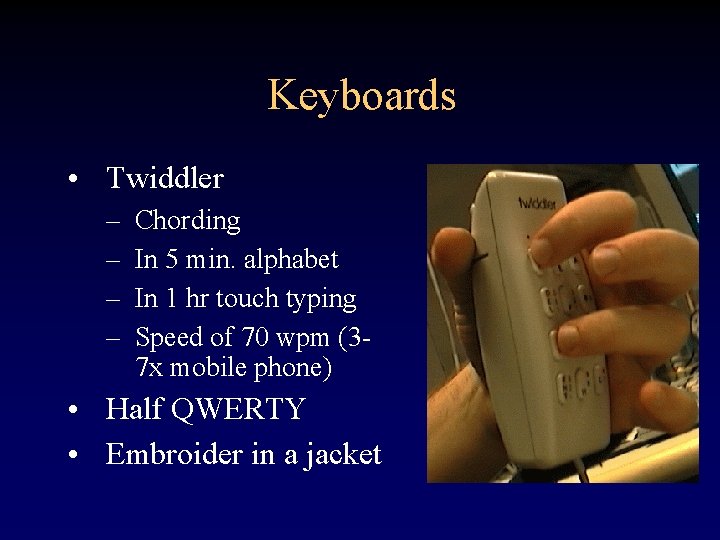
Keyboards • Twiddler – – Chording In 5 min. alphabet In 1 hr touch typing Speed of 70 wpm (37 x mobile phone) • Half QWERTY • Embroider in a jacket
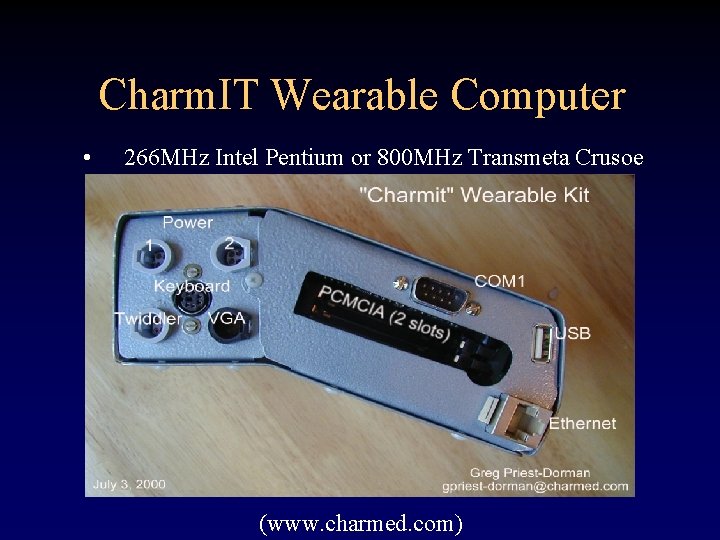
Charm. IT Wearable Computer • 266 MHz Intel Pentium or 800 MHz Transmeta Crusoe (www. charmed. com)
Questions About Hardware…? • • How can I see with that thing in front of my eye? Eye strain? Isn’t it socially interruptive? Why do they cost so much? Isn’t that bad on your hands? Why do you tuck the display into your shirt pocket? …
Why Wear? • Computing in the wild – Hands, eyes, ears or brain is busy – Secondary and support tasks • Always on / continuous use – Constant recording (medical, environmental) – Monitoring & alert (military, medical, phone) • Instant and integrated use – Integrated with real-world task – Time-critical – Minor, secondary tasks
Wearable Computer (simple definition) • Pocket or clothing based computing • Peripherals distributed around the sensors and actuators of the body, connected wirelessly • Runs entire day
![Wearable Computer (formal definitions) • Rhodes [Rhodes 97] – – – • Portable while](http://slidetodoc.com/presentation_image_h2/01fbb200dd8ba56eb989d84f4d20a4ee/image-13.jpg "Wearable Computer (formal definitions) • Rhodes [Rhodes 97] – – – • Portable while")
Wearable Computer (formal definitions) • Rhodes [Rhodes 97] – – – • Portable while operational Enable hands-free or hands-limited use Capable of getting user’s attention Always “on” Sense the user’s context in order to serve him better Starner [Starner 99] – – Persists and provides constant access Senses and models context Augments and mediates Interacts seamlessly
Comparison To Other Technology
Human-computer evolution • Mainframe -> mini -> PC -> wearable • Initially lose on features – Less CPU capacity – Lower bus speed – Less disk storage • Gain on interface – Personalization – Interactivity (Starner Ph. D 1999)
Why not a PDA? • Too much cognitive load – Augment, not replace task – Two hands, both eyes • • Socially awkward Low functionality – – Input speed Data storage “Hot sync” effect Applications
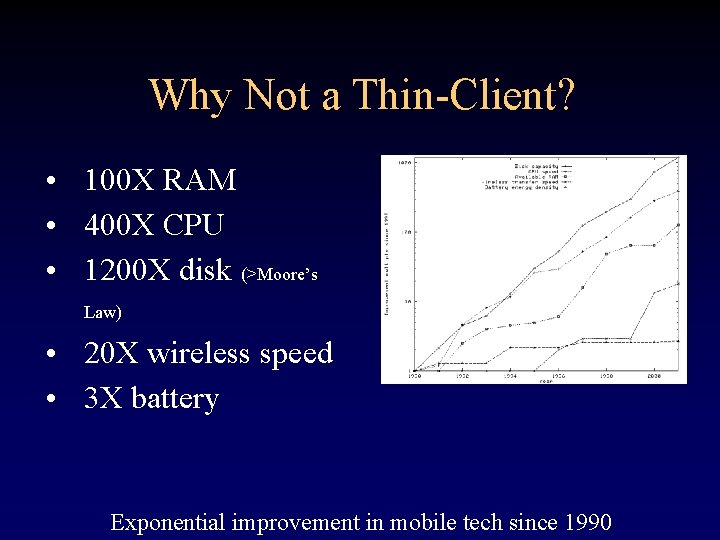
Why Not a Thin-Client? • 100 X RAM • 400 X CPU • 1200 X disk (>Moore’s Law) • 20 X wireless speed • 3 X battery Exponential improvement in mobile tech since 1990
Current “General Purpose” Commercial Systems • • Charm. IT & Charm. IT Pro (R&D) Hitachi WIA/POMA Via series Xybernaut MA series • • Mentis? Past systems: Reddy Systems, Park Engineering, …
Applications: Current State of the Industry
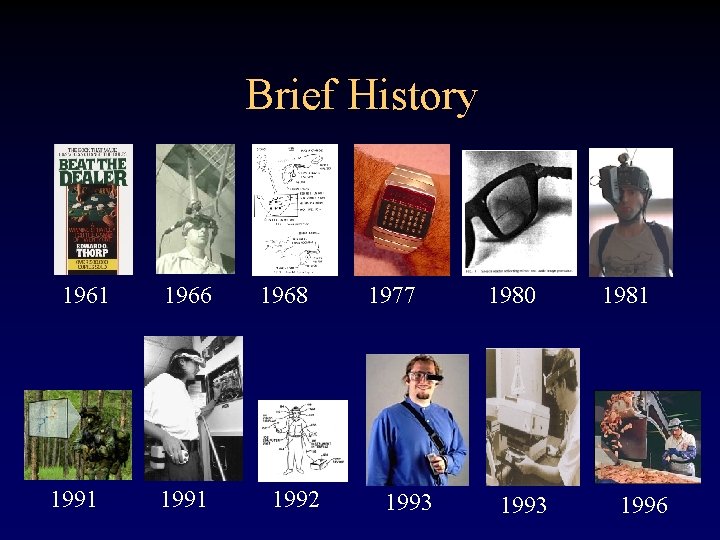
Brief History 1961 1991 1966 1991 1968 1992 1977 1993 1980 1993 1981 1996
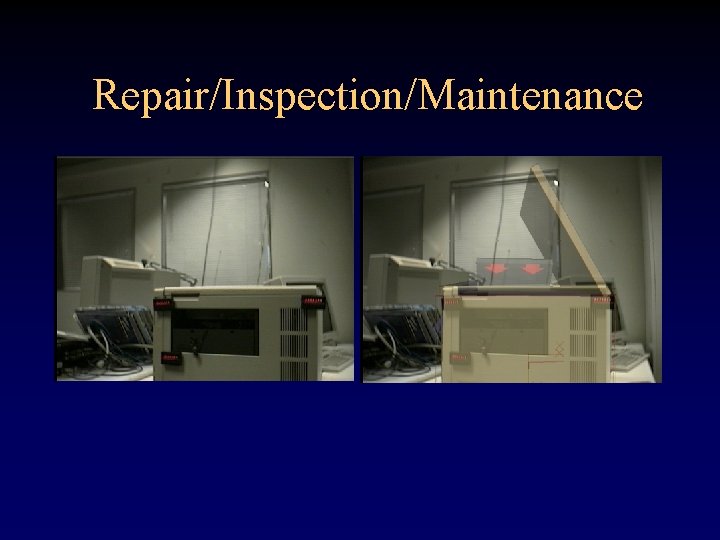
Application Areas • • Warehouse picking Inspection Maintenance Repair “Line-busting” Security Military (Land Warrior/Pacific Consultants)
Controlled Studies • CMU Vu. Man 3 (Siewiorek/Smailagic) – – • Military inspection task 2: 1 savings in personnel 40% faster Custom design (many design generations) Georgia Tech Task Guidance (Ockerman) – Small airplane inspection by pilots – Basic manual emulation– no feedback – Wearable interface hindered expert! • • Similar to checklist? Providing context helped

Vocollect Series
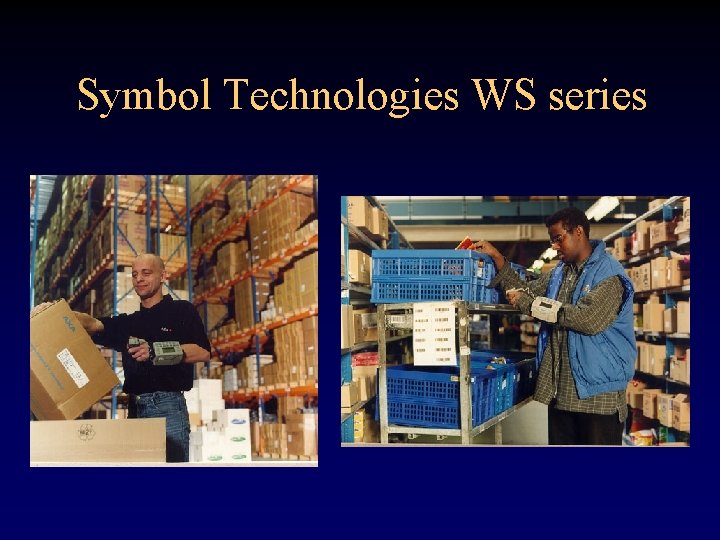
Symbol Technologies WS series
Symbol’s Success • $5 million development costs – – People sweat Body armor Plastic wears Wearer buy-in through demonstration • > 100, 000 units; $3500 -$5000 list • Unique differentiator • New markets
Charm. Badge • One of the simplest wearable computers • Exchange business card information between attendees at conferences • Allows attendees to sort conference contacts by length of conversation • Similarly, product information can be remembered and sorted based on interaction time (www. charmed. com)
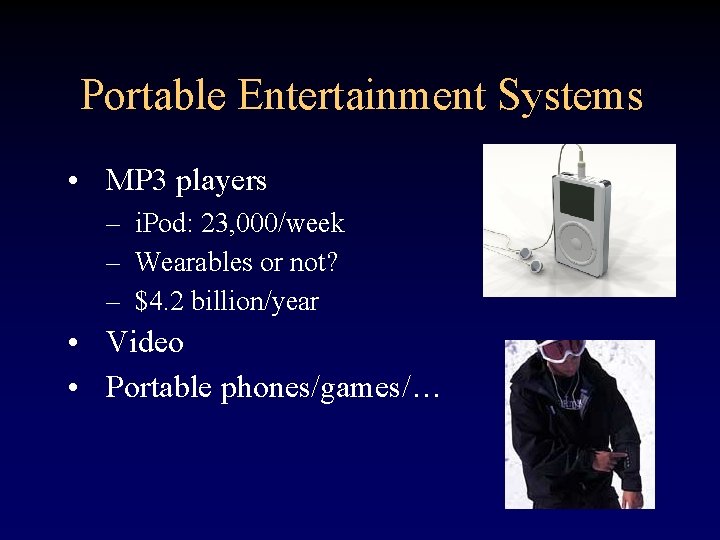
Portable Entertainment Systems • MP 3 players – i. Pod: 23, 000/week – Wearables or not? – $4. 2 billion/year • Video • Portable phones/games/…
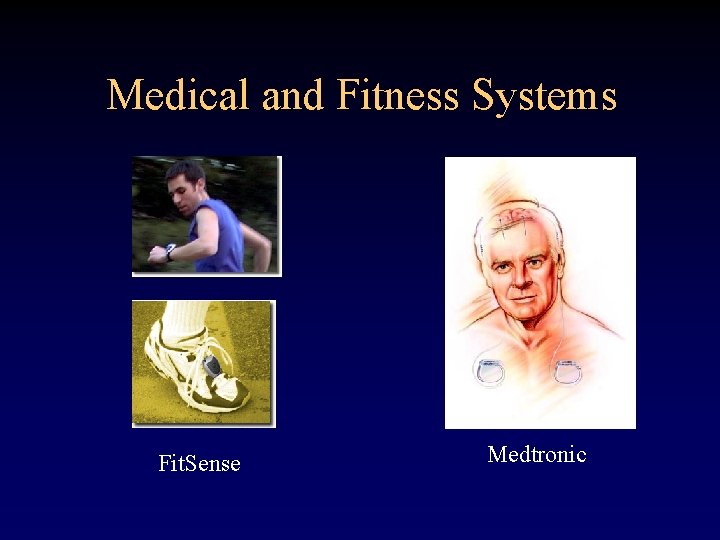
Medical and Fitness Systems Fit. Sense Medtronic
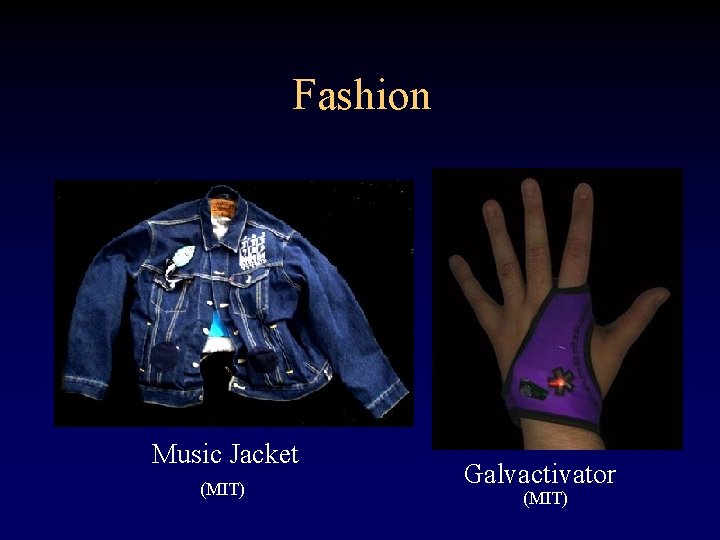
Fashion Music Jacket (MIT) Galvactivator (MIT)

The Visions
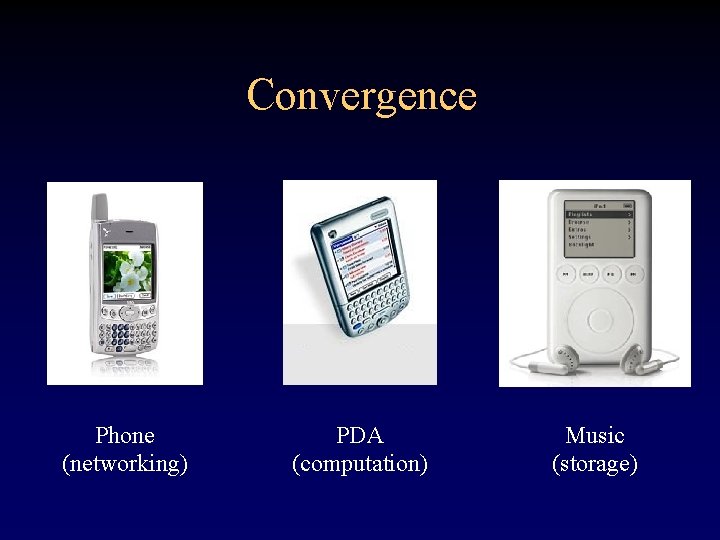
Convergence Phone (networking) PDA (computation) Music (storage)
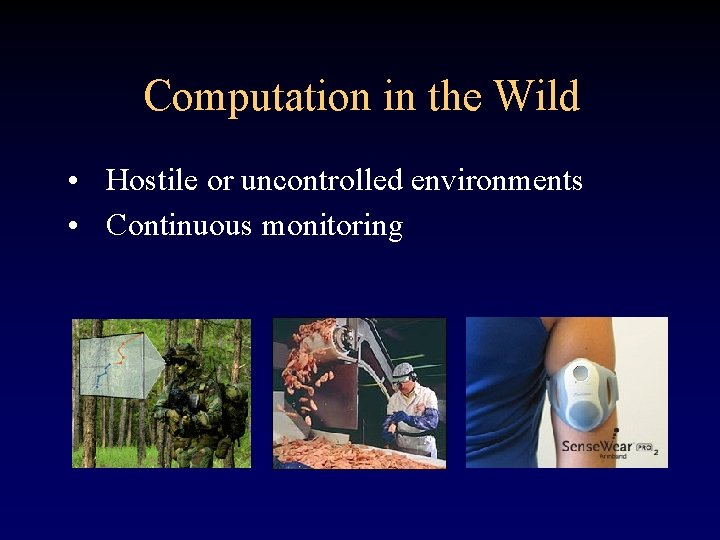
Computation in the Wild • Hostile or uncontrolled environments • Continuous monitoring
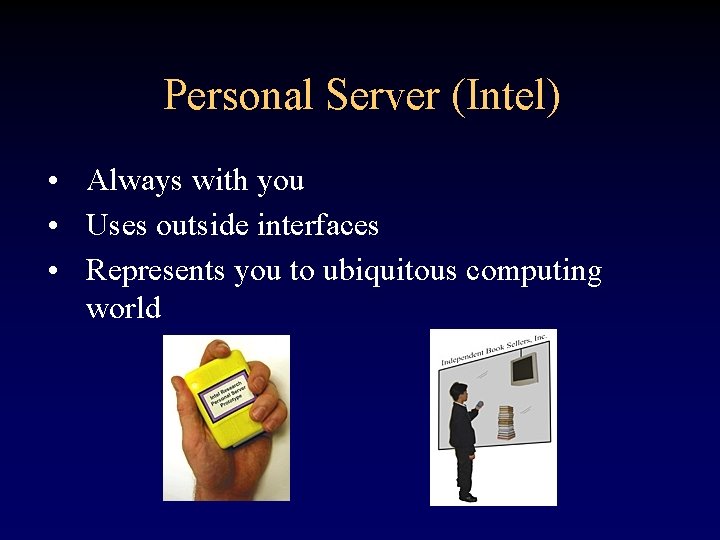
Personal Server (Intel) • Always with you • Uses outside interfaces • Represents you to ubiquitous computing world
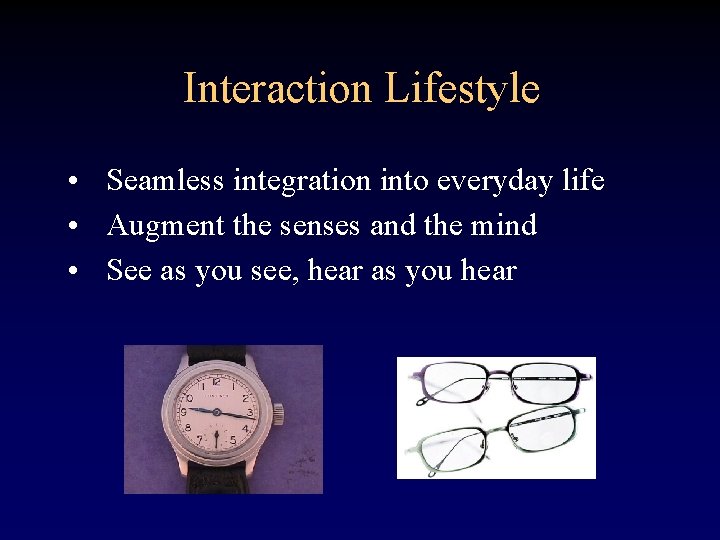
Interaction Lifestyle • Seamless integration into everyday life • Augment the senses and the mind • See as you see, hear as you hear
Man-Machine Symbiosis
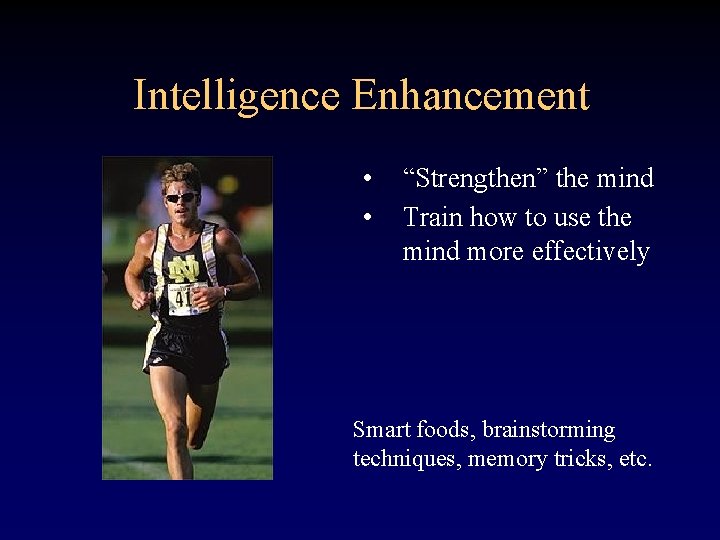
Intelligence Enhancement • • “Strengthen” the mind Train how to use the mind more effectively Smart foods, brainstorming techniques, memory tricks, etc.
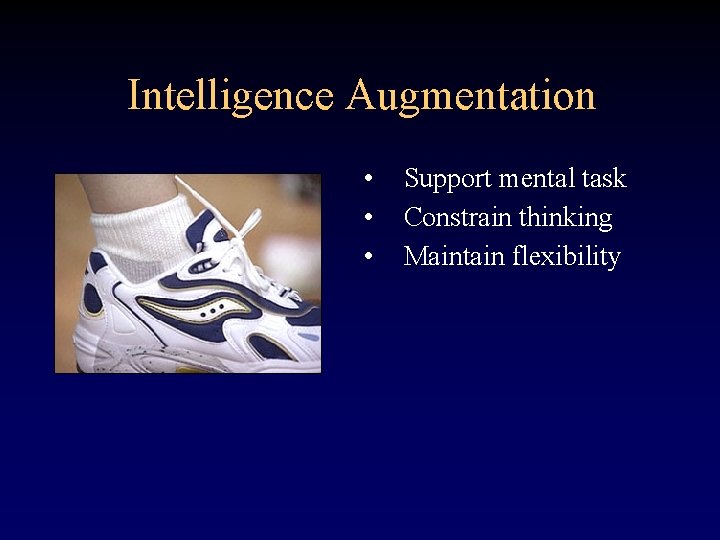
Intelligence Augmentation • • • Support mental task Constrain thinking Maintain flexibility
Not a New Concept • Douglas Engelbart (1962) – Intelligence augmentation • JCR Licklider (1960) – Man-computer symbiosis
Intelligence Augmentation • Human Intelligence (normal thinking) • Artifacts (autonomous systems) • Combination (intelligence augmentation)
Man-Computer Symbiosis JCR Licklider, 1960 “Man-computer symbiosis… will involve very close coupling between the human and the electronic members of the partnership. ” “[A person could] in general interact with [a computer] very much as he would with another engineer, except that the ‘other engineer’ would be a precise draftsman, a lightning calculator, a mnemonic wizard, and many other valuable partners all in one. ” “[In his self-study] Much more time went into finding or obtaining information rather than digesting it”
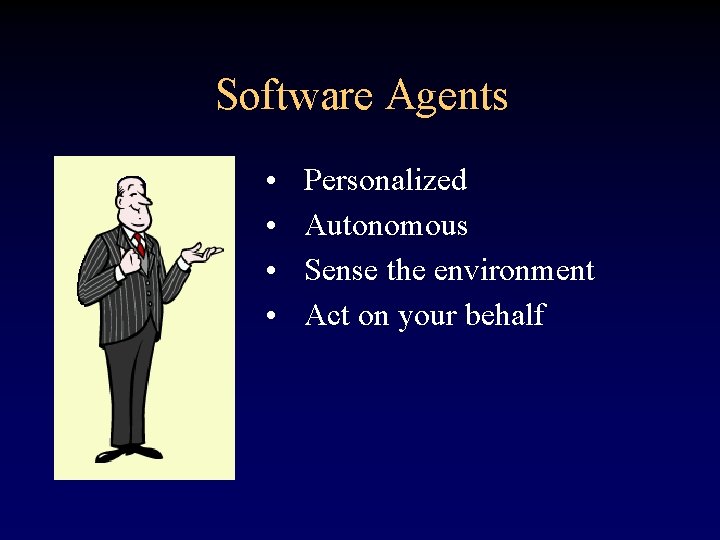
Software Agents • • Personalized Autonomous Sense the environment Act on your behalf
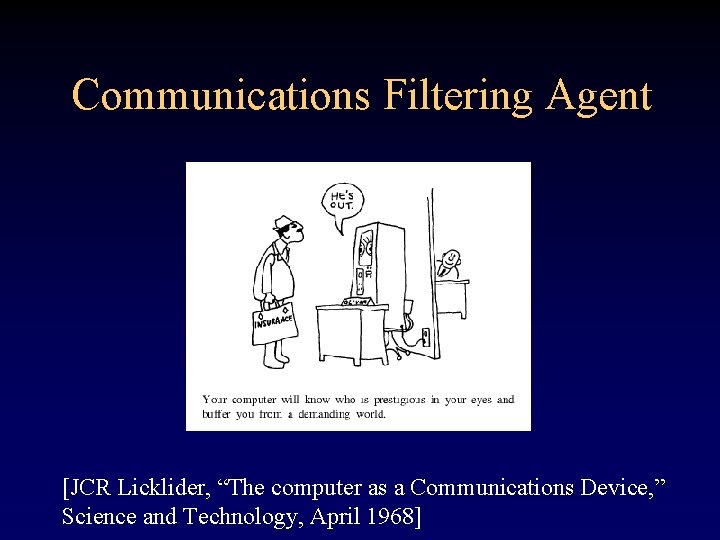
Communications Filtering Agent [JCR Licklider, “The computer as a Communications Device, ” Science and Technology, April 1968]
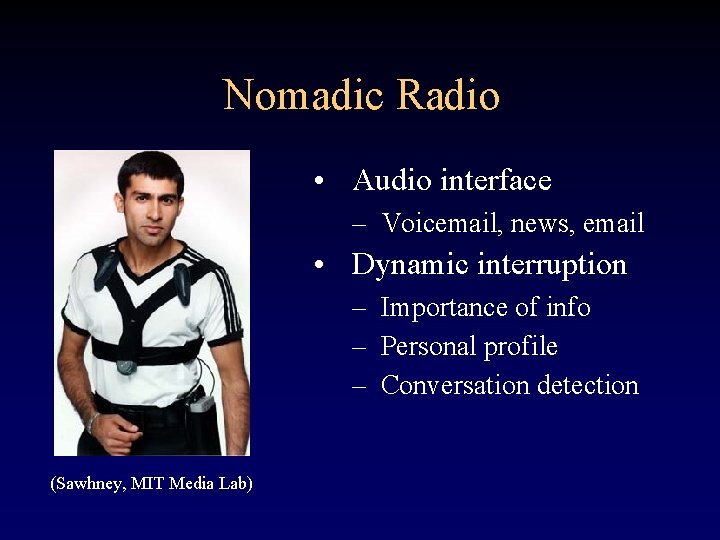
Nomadic Radio • Audio interface – Voicemail, news, email • Dynamic interruption – Importance of info – Personal profile – Conversation detection (Sawhney, MIT Media Lab)
Software Agents • Effective – Well defined task – Necessary information available to agent • Break down – Open-ended task – Require “mind reading”
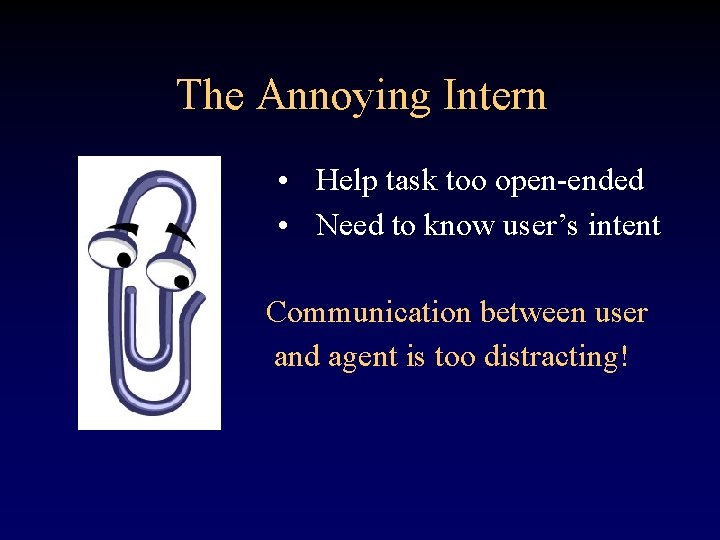
The Annoying Intern • Help task too open-ended • Need to know user’s intent Communication between user and agent is too distracting!
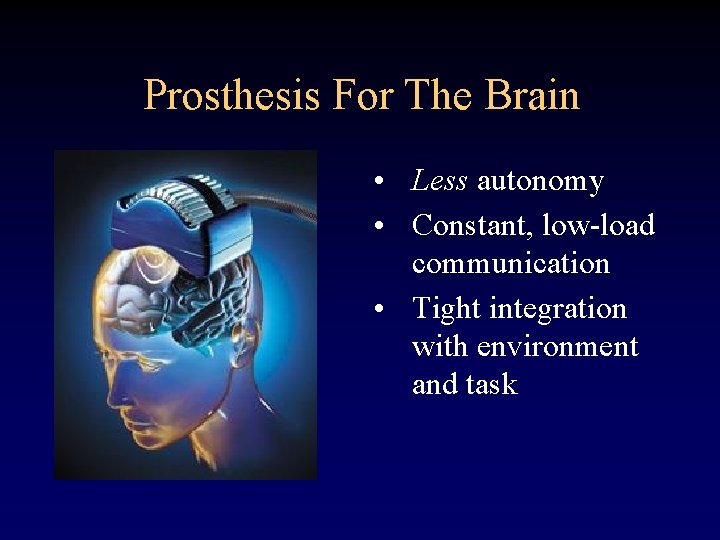
Prosthesis For The Brain • Less autonomy • Constant, low-load communication • Tight integration with environment and task
Just-in-time Information Retrieval • Automatically provide information • Based on local environment • Do it without driving people nuts
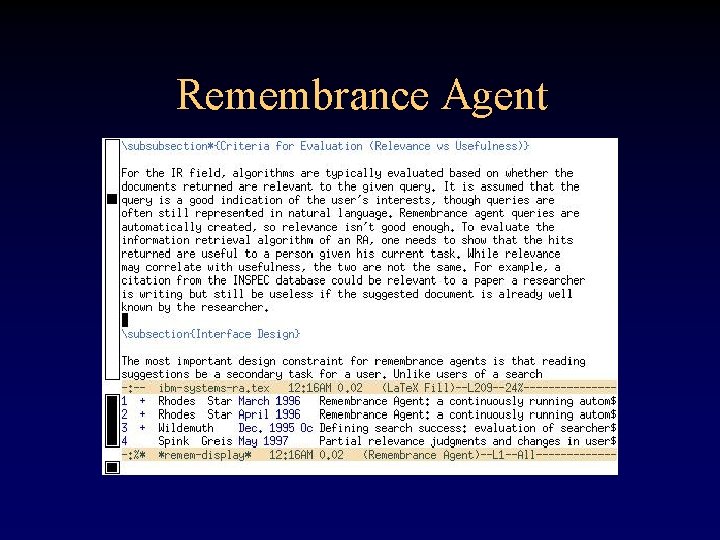
Remembrance Agent
JITIR Interfaces • Progressive disclosure (Ramping interface) – Low-cost false positives – Lots of opportunities to bail out – Allow control over when information is viewed • Follow proximity compatibility principle – Use local environment as part of interface • Two-second rule (Miller, 1968)
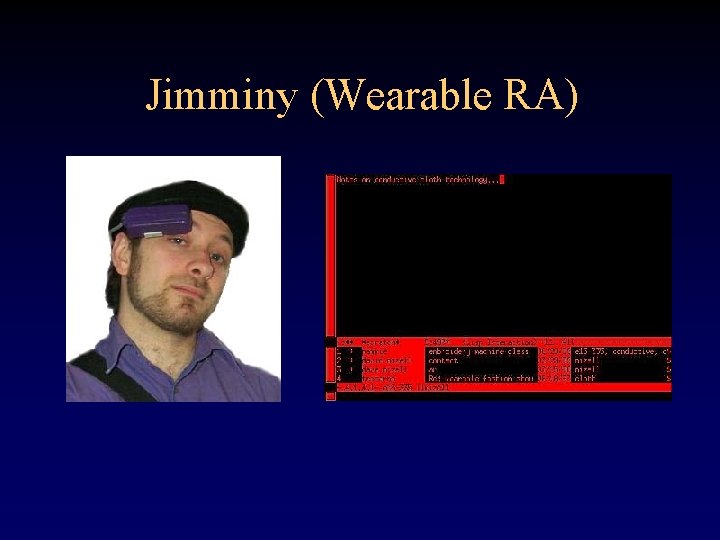
Jimminy (Wearable RA)
Jimminy • Environment automatically sensed – – Location People in area “Subject” Notes being taken • Output too dense for conversational speeds • Physical context not good marker for “useful information”
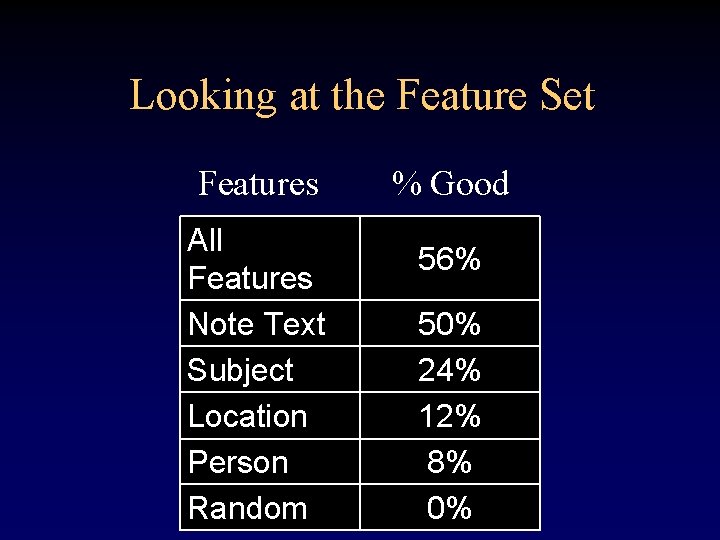
Looking at the Feature Set Features All Features Note Text Subject Location Person Random % Good 56% 50% 24% 12% 8% 0%
Augmented Reality
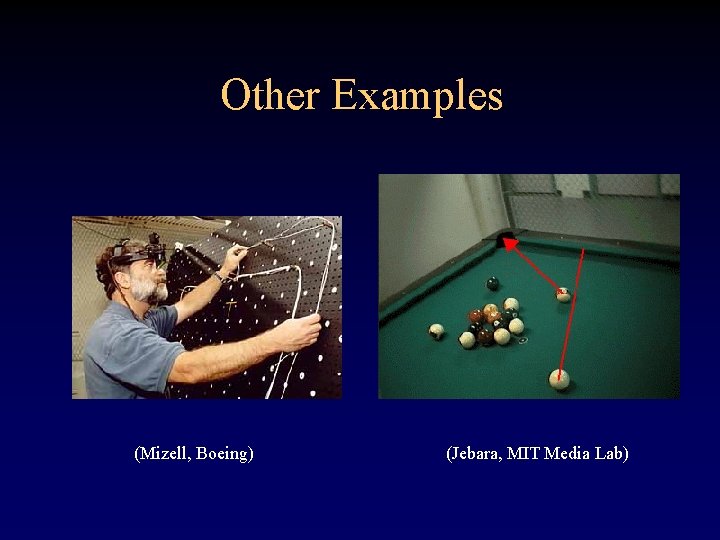
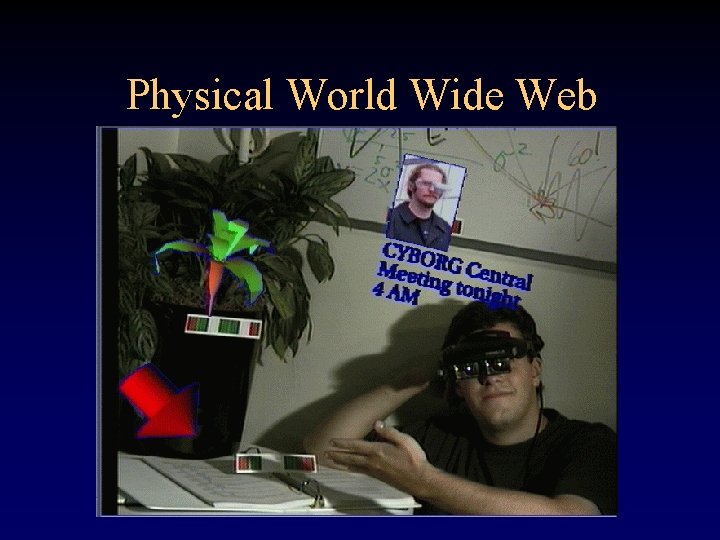
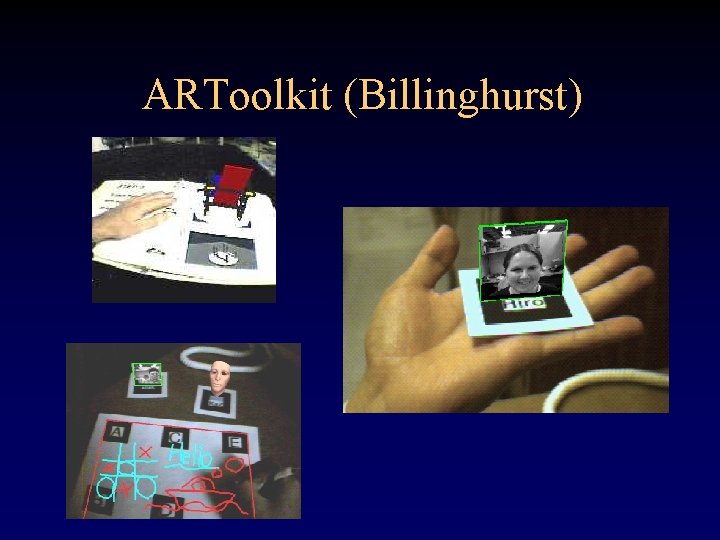
What Is Augmented Reality? The overlay of graphics (or sounds) on top of the real world such that they seem to be a part of the physical space. • Uses real world (context) as part of message • Information where needed most
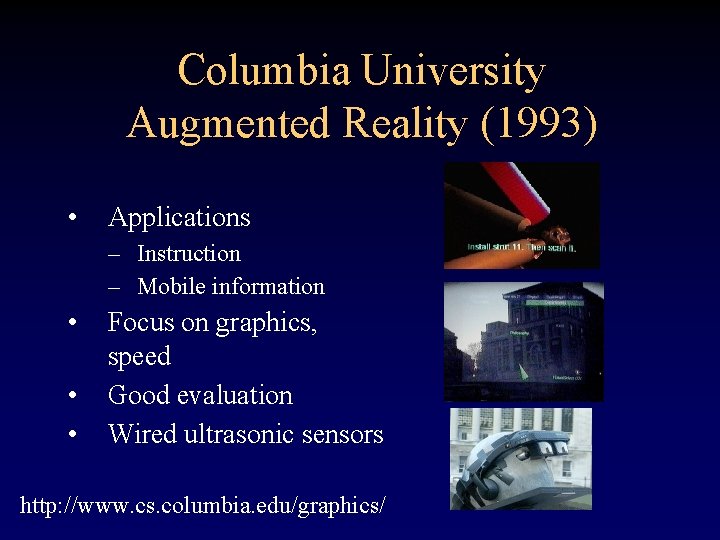
Columbia University Augmented Reality (1993) • Applications – Instruction – Mobile information • • • Focus on graphics, speed Good evaluation Wired ultrasonic sensors http: //www. cs. columbia. edu/graphics/
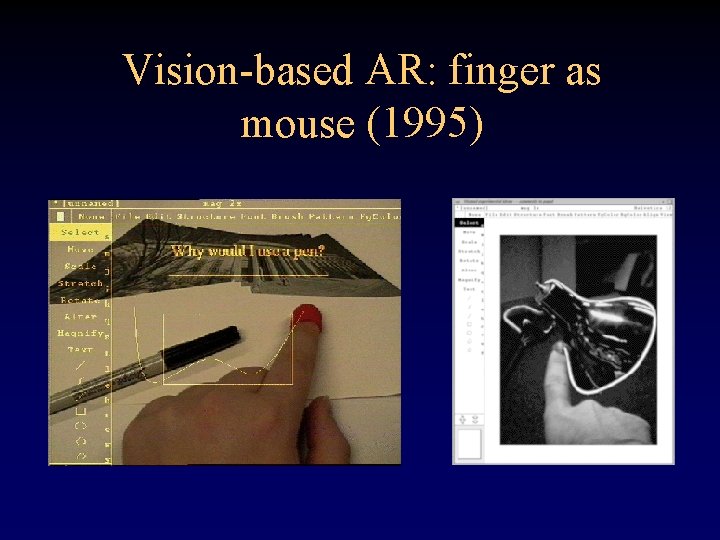
Vision-based AR: finger as mouse (1995)
Repair/Inspection/Maintenance
Other Examples (Mizell, Boeing) (Jebara, MIT Media Lab)
Physical World Wide Web
ARToolkit (Billinghurst)
Perception
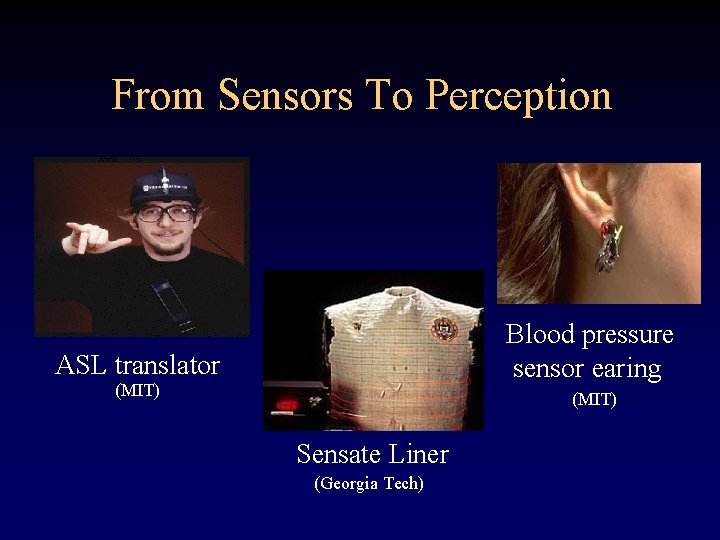
From Sensors To Perception Blood pressure sensor earing ASL translator (MIT) Sensate Liner (Georgia Tech)
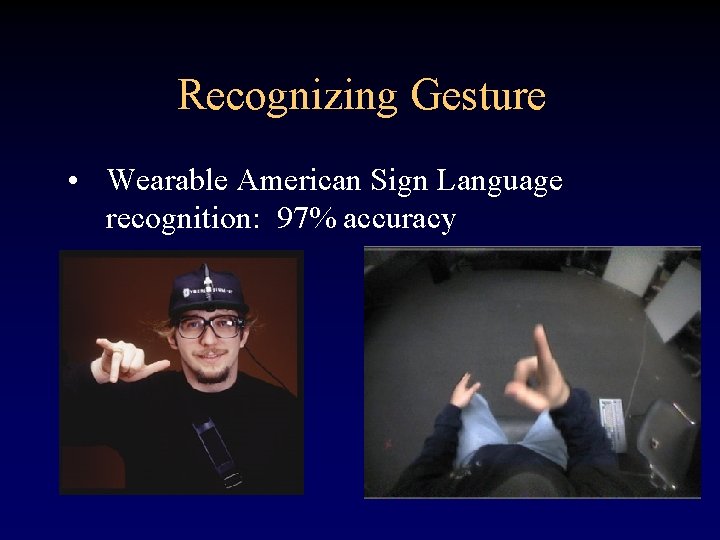
Recognizing Gesture • Wearable American Sign Language recognition: 97% accuracy
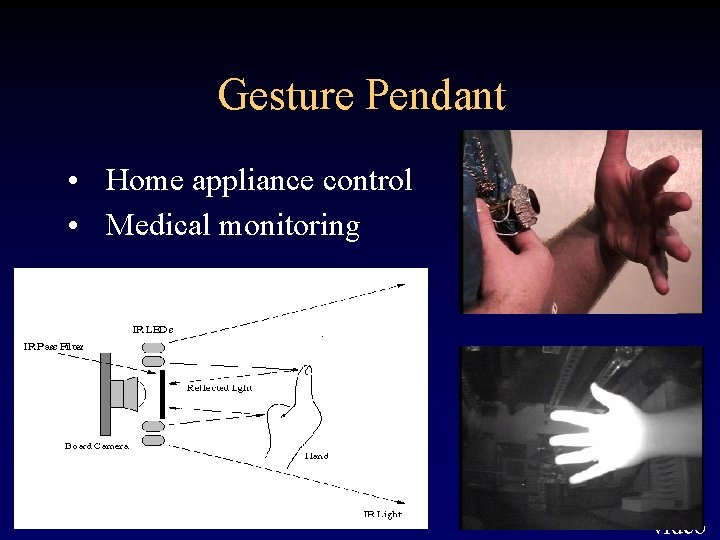
Gesture Pendant • Home appliance control • Medical monitoring video
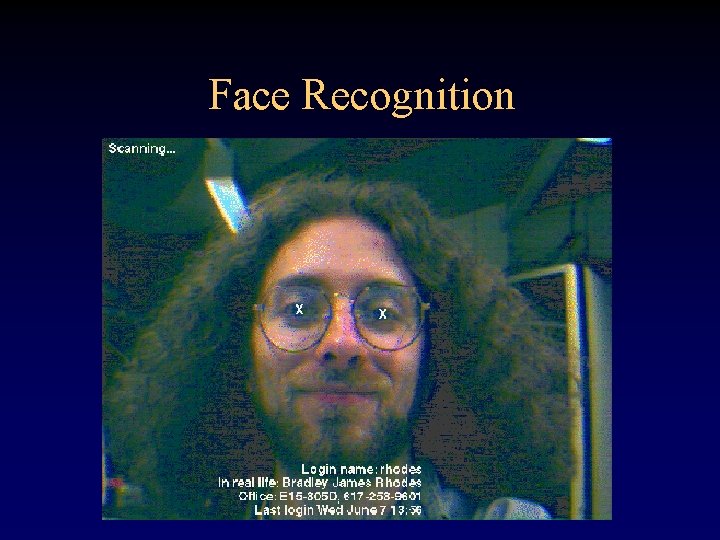
Face Recognition
Location • • • GPS Ultrasound, RF, IR Beacons Fiducials & Barcodes Machine Vision Accelerometers & Dead Reckoning
Activity • Accelerometers – running, sitting, shaking hands • Bio Sensors – interested, confused, asleep, wounded • Microphones – in a conversation, talking about a topic • Location Sensors – activity appropriate for that location
Privacy Issues • Big vs. Little Brother • Controlling your bits • Lifelog vs. Environmental sensing – noise canceling microphone – fish-eye video • Legislation

Challenges
Human/Machine Interface Bottleneck (HCI) • Automate when possible • Progressive disclosure – Easy to use – Easy to ignore • Use context – Disambiguate instruction for the computer – Explain output for user
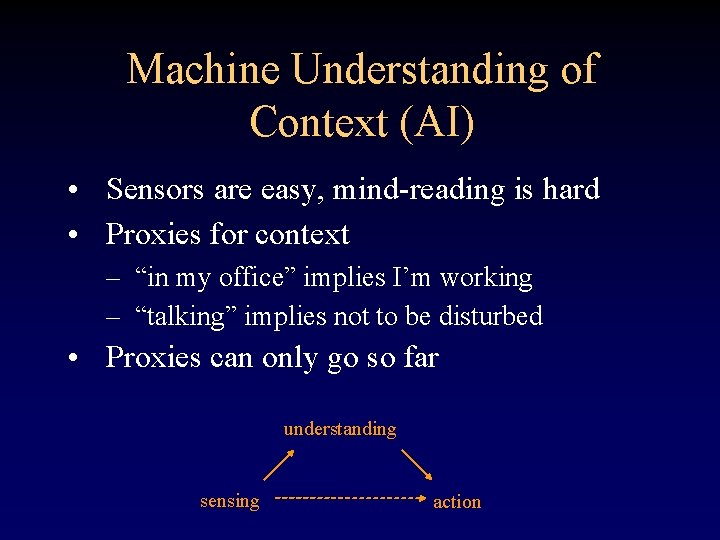
Machine Understanding of Context (AI) • Sensors are easy, mind-reading is hard • Proxies for context – “in my office” implies I’m working – “talking” implies not to be disturbed • Proxies can only go so far understanding sensing action
Integration With The Task (Activity Theory) • The details matter • Need to combine – – – Cognitive Ergonomic Social Practical Environmental • Can we be integrated and still general?
Wearable Trade-offs • • Power and heat (mips/watt) On and off-body networking (bits/joule) Privacy vs using environment’s resources Capability vs. load – User Interface (cognitive load) – Machine understanding of context (application scope) – Ergonomics/human factors (weight, heat, etc. )
Resources • Charmed Technologies (www. charmed. com) – Inexpensive wearables for prototyping • • IEEE Wearable Information Systems Technical Committee (computer. org) www. cc. gatech. edu/~thad www. bradleyrhodes. com Research mailing list: wearables@cc. gatech. edu
- Slides: 74