
Introduction to Triggers By Adrienne Watt Triggers 2
Introduction to Triggers By Adrienne Watt
Triggers 2 Triggers are special stored procedures that respond when an UPDATE, INSERT, or DELETE statement occurs. Triggers are a part of the transaction. Any error in the transaction or in the trigger will roll back the entire transaction. Triggers are used to protect data modifications by enforcing business rules so that rogue changes don’t occur. Triggers can check data before and after a transaction has been made. Because triggers are fired after all the filters such as rules and defaults have been used, they give the final approval of a data modification.
![Trigger - Syntax 3 CREATE TRIGGER [owner. ]trigger_name ON [owner. ]table_name FOR {INSERT, UPDATE,](http://slidetodoc.com/presentation_image_h2/fd72edb87015db0bae0b506b04095c03/image-3.jpg "Trigger - Syntax 3 CREATE TRIGGER [owner. ]trigger_name ON [owner. ]table_name FOR {INSERT, UPDATE,")
Trigger - Syntax 3 CREATE TRIGGER [owner. ]trigger_name ON [owner. ]table_name FOR {INSERT, UPDATE, DELETE} AS sql_statements CREATE TRIGGER Track. Employee. Updates ON employee FOR update AS Print 'New row with updated information: ' select * from inserted go
Dropping Triggers 4 In the future, when rules change, you may decide to delete some triggers. Triggers are removed from the database with the DROP TRIGGER statement. The syntax for the DROP TRIGGER statement is: DROP TRIGGER {trigger_name}
Insert Triggers 5 Insert triggers are used to ensure that the data being inserted into a table is valid. When an INSERT transaction is detected by the database, the insert trigger is executed. Once the insert trigger is run, inserted data is held in the logical inserted table. A copy of the new row stays in the inserted table until the trigger decides how to implement the new data insert. The following slide shows an example of an insert trigger:
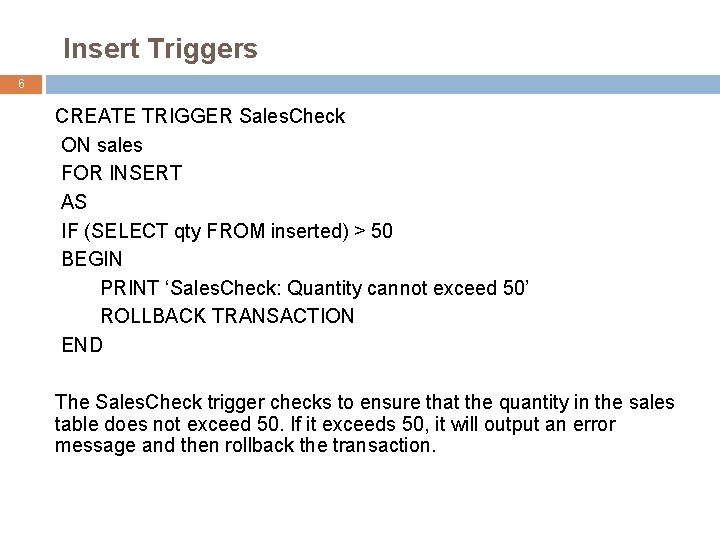
Insert Triggers 6 CREATE TRIGGER Sales. Check ON sales FOR INSERT AS IF (SELECT qty FROM inserted) > 50 BEGIN PRINT ‘Sales. Check: Quantity cannot exceed 50’ ROLLBACK TRANSACTION END The Sales. Check trigger checks to ensure that the quantity in the sales table does not exceed 50. If it exceeds 50, it will output an error message and then rollback the transaction.

Delete Triggers 7 Delete triggers are executed when a DELETE statement is issued against rows in a table. When you attempt to delete rows from a table that is protected by a delete trigger, the deleted rows are moved from the target table to the logical deleted table. Since no data is being updated, the inserted table is not used. Delete triggers can prevent the deletion of crucial data, such as foreign keys.
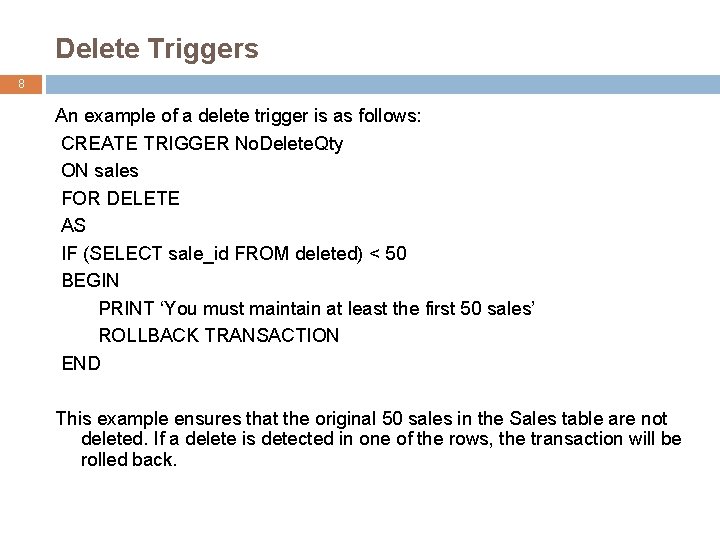
Delete Triggers 8 An example of a delete trigger is as follows: CREATE TRIGGER No. Delete. Qty ON sales FOR DELETE AS IF (SELECT sale_id FROM deleted) < 50 BEGIN PRINT ‘You must maintain at least the first 50 sales’ ROLLBACK TRANSACTION END This example ensures that the original 50 sales in the Sales table are not deleted. If a delete is detected in one of the rows, the transaction will be rolled back.
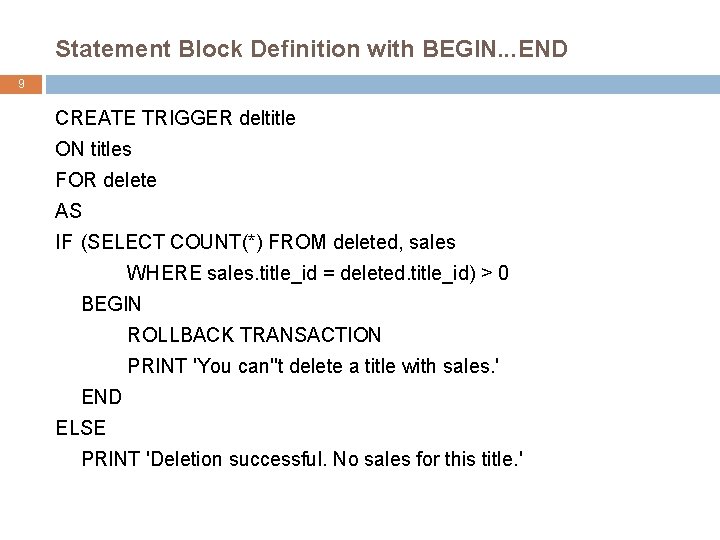
Statement Block Definition with BEGIN. . . END 9 CREATE TRIGGER deltitle ON titles FOR delete AS IF (SELECT COUNT(*) FROM deleted, sales WHERE sales. title_id = deleted. title_id) > 0 BEGIN ROLLBACK TRANSACTION PRINT 'You can''t delete a title with sales. ' END ELSE PRINT 'Deletion successful. No sales for this title. '
Update Triggers 10 When an update trigger is executed, the original data is moved to the logical deleted table. The new rows are then moved to the inserted table and the trigger table. Once the data has been successfully moved, the trigger will check to see if the data can be verified. Unlike the insert and delete triggers, an update trigger can occur at both the table level and the column level.
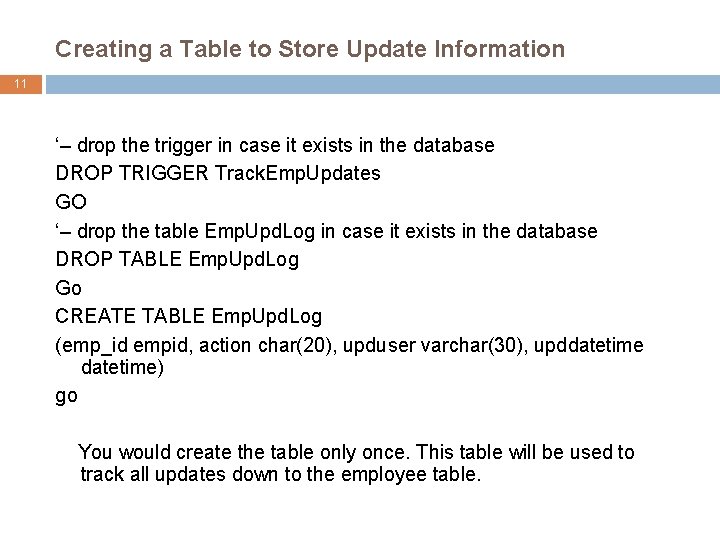
Creating a Table to Store Update Information 11 ‘– drop the trigger in case it exists in the database DROP TRIGGER Track. Emp. Updates GO ‘– drop the table Emp. Upd. Log in case it exists in the database DROP TABLE Emp. Upd. Log Go CREATE TABLE Emp. Upd. Log (emp_id empid, action char(20), upduser varchar(30), upddatetime) go You would create the table only once. This table will be used to track all updates down to the employee table.
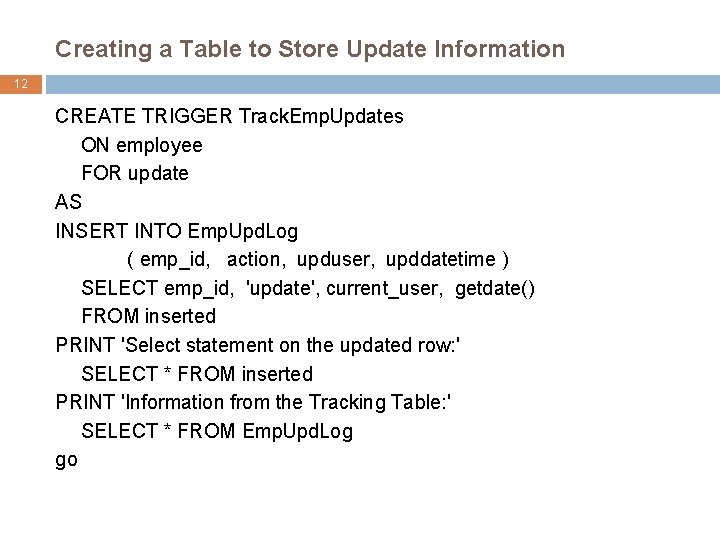
Creating a Table to Store Update Information 12 CREATE TRIGGER Track. Emp. Updates ON employee FOR update AS INSERT INTO Emp. Upd. Log ( emp_id, action, upduser, upddatetime ) SELECT emp_id, 'update', current_user, getdate() FROM inserted PRINT 'Select statement on the updated row: ' SELECT * FROM inserted PRINT 'Information from the Tracking Table: ' SELECT * FROM Emp. Upd. Log go
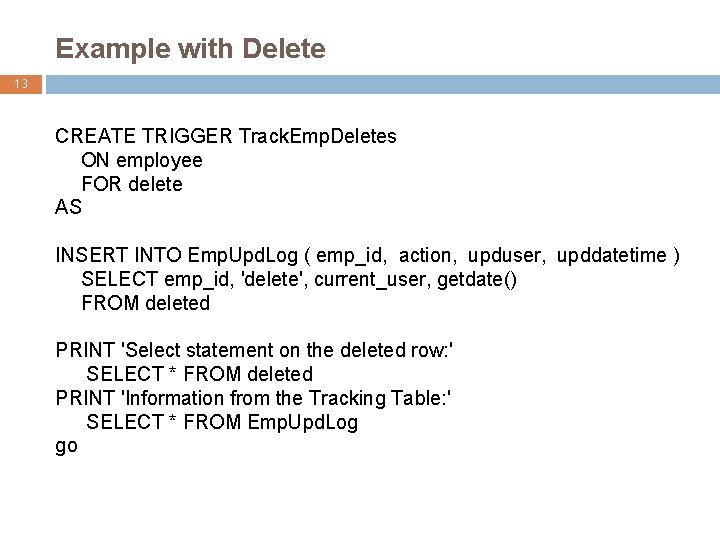
Example with Delete 13 CREATE TRIGGER Track. Emp. Deletes ON employee FOR delete AS INSERT INTO Emp. Upd. Log ( emp_id, action, upduser, upddatetime ) SELECT emp_id, 'delete', current_user, getdate() FROM deleted PRINT 'Select statement on the deleted row: ' SELECT * FROM deleted PRINT 'Information from the Tracking Table: ' SELECT * FROM Emp. Upd. Log go
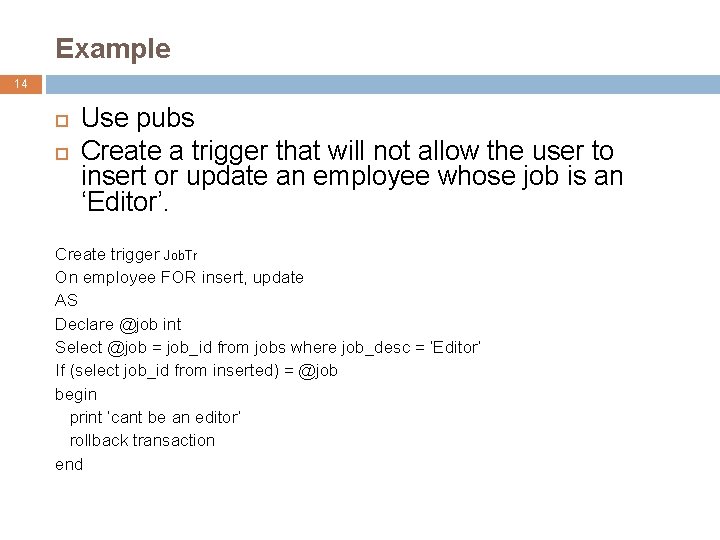
Example 14 Use pubs Create a trigger that will not allow the user to insert or update an employee whose job is an ‘Editor’. Create trigger Job. Tr On employee FOR insert, update AS Declare @job int Select @job = job_id from jobs where job_desc = ‘Editor’ If (select job_id from inserted) = @job begin print ‘cant be an editor’ rollback transaction end
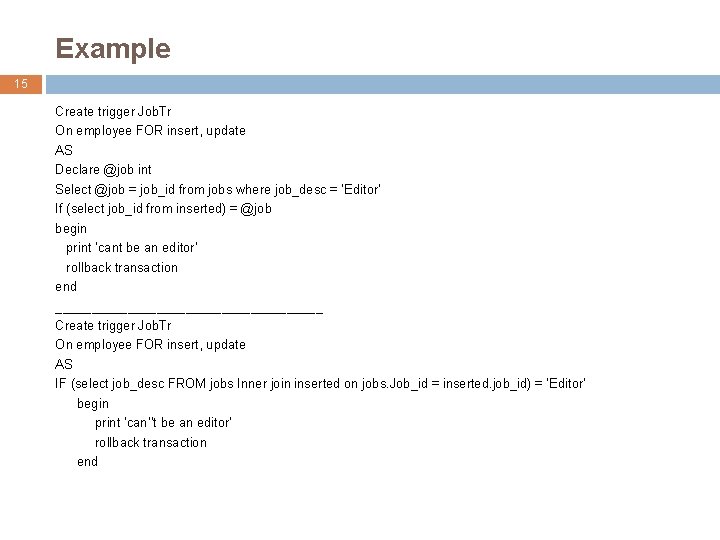
Example 15 Create trigger Job. Tr On employee FOR insert, update AS Declare @job int Select @job = job_id from jobs where job_desc = ‘Editor’ If (select job_id from inserted) = @job begin print ‘cant be an editor’ rollback transaction end ___________________ Create trigger Job. Tr On employee FOR insert, update AS IF (select job_desc FROM jobs Inner join inserted on jobs. Job_id = inserted. job_id) = ‘Editor’ begin print ‘can’’t be an editor’ rollback transaction end
- Slides: 15