
Introduction to the Windows XP Architecture CHAPTER 3
- Slides: 33
Introduction to the Windows XP Architecture CHAPTER 3 CA 210 Week of Feb 4 WIN 133
Today… Examining the structure of the Windows 2000/XP OS Processes and Threads The programmer’s perspective on how XP works How programs work in XP Week of Feb 4 WIN 133 2
Questions: What does “Architecture” mean? What does it mean in computers? Week of Feb 4 WIN 133
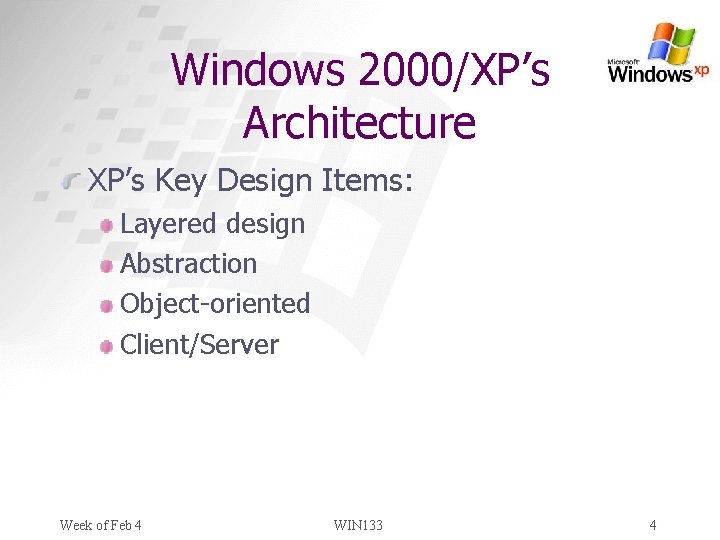
Windows 2000/XP’s Architecture XP’s Key Design Items: Layered design Abstraction Object-oriented Client/Server Week of Feb 4 WIN 133 4
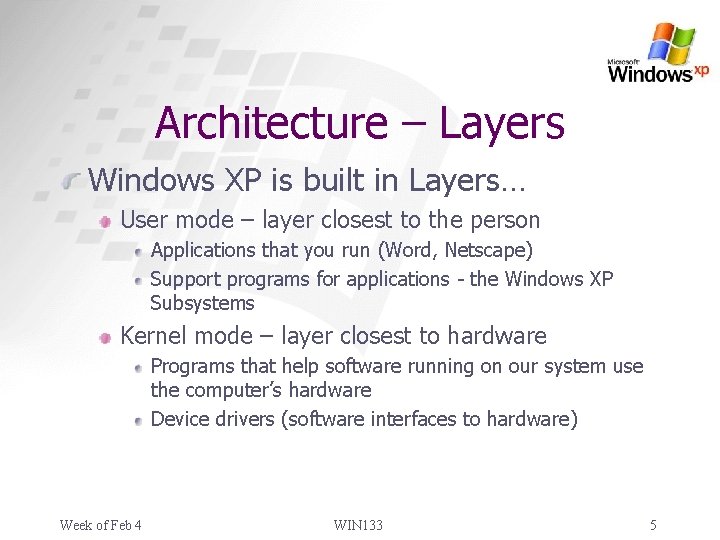
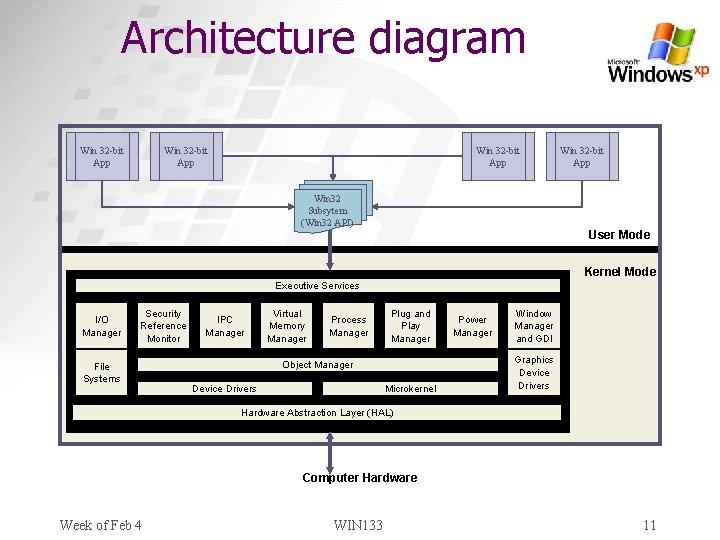
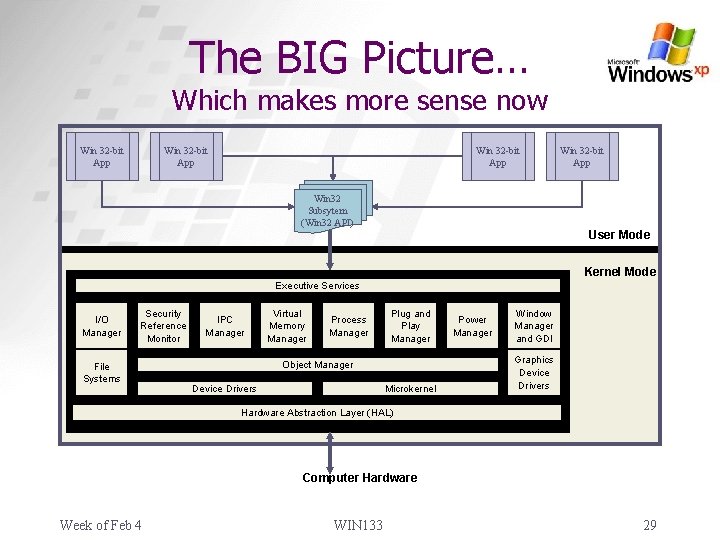
Architecture – Layers Windows XP is built in Layers… User mode – layer closest to the person Applications that you run (Word, Netscape) Support programs for applications - the Windows XP Subsystems Kernel mode – layer closest to hardware Programs that help software running on our system use the computer’s hardware Device drivers (software interfaces to hardware) Week of Feb 4 WIN 133 5
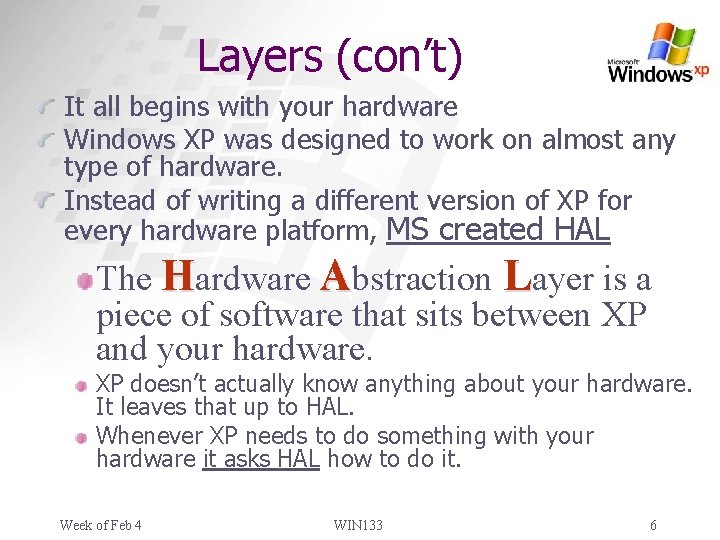
Layers (con’t) It all begins with your hardware Windows XP was designed to work on almost any type of hardware. Instead of writing a different version of XP for every hardware platform, MS created HAL The Hardware Abstraction Layer is a piece of software that sits between XP and your hardware. XP doesn’t actually know anything about your hardware. It leaves that up to HAL. Whenever XP needs to do something with your hardware it asks HAL how to do it. Week of Feb 4 WIN 133 6
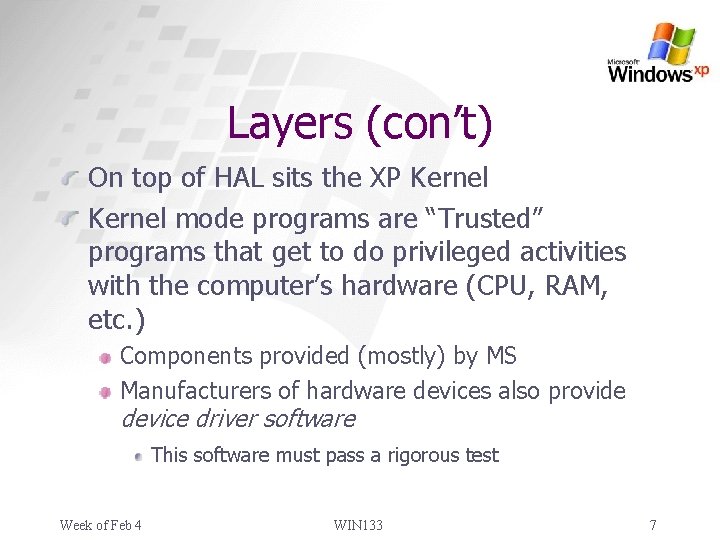
Layers (con’t) On top of HAL sits the XP Kernel mode programs are “Trusted” programs that get to do privileged activities with the computer’s hardware (CPU, RAM, etc. ) Components provided (mostly) by MS Manufacturers of hardware devices also provide device driver software This software must pass a rigorous test Week of Feb 4 WIN 133 7
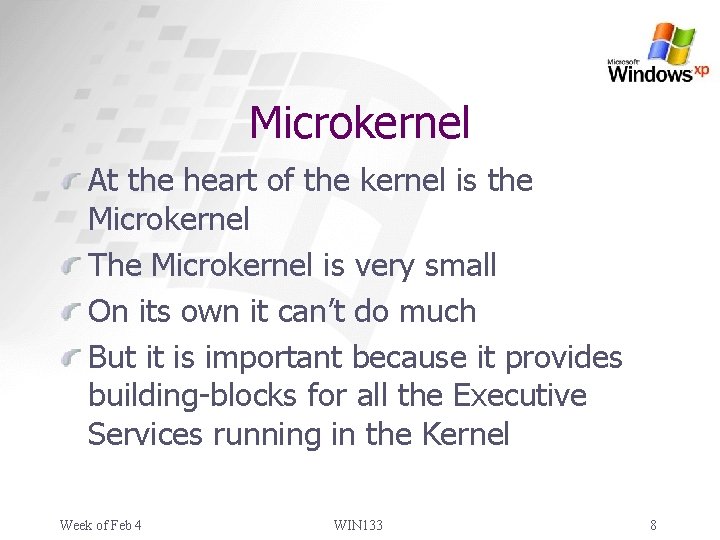
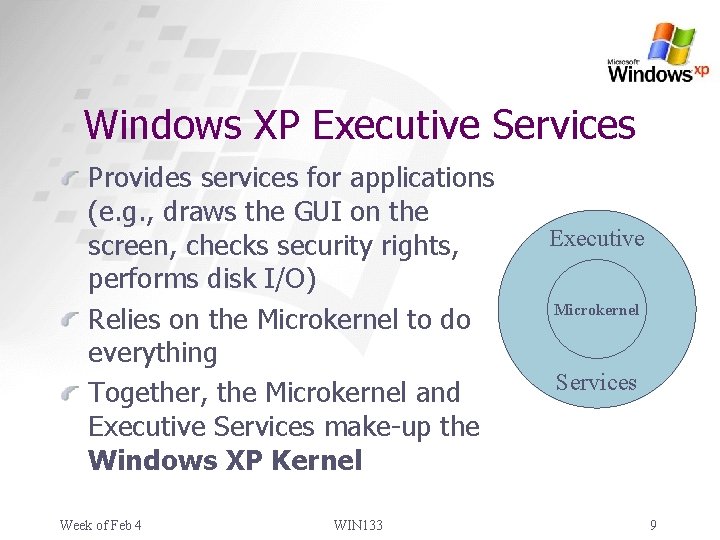
Microkernel At the heart of the kernel is the Microkernel The Microkernel is very small On its own it can’t do much But it is important because it provides building-blocks for all the Executive Services running in the Kernel Week of Feb 4 WIN 133 8
Windows XP Executive Services Provides services for applications (e. g. , draws the GUI on the screen, checks security rights, performs disk I/O) Relies on the Microkernel to do everything Together, the Microkernel and Executive Services make-up the Windows XP Kernel Week of Feb 4 WIN 133 Executive Microkernel Services 9
Layers (con’t) User mode Environment subsystem components are provided by Microsoft. These subsystems… Allow users to run their applications Provide important services to all applications, including client, server, and security services Applications Browser, e-mail client, word processor, etc. Week of Feb 4 WIN 133 10
Architecture diagram Win 32 -bit App Win 32 Subsytem (Win 32 API) User Mode Kernel Mode Executive Services I/O Manager Security Reference Monitor File Systems IPC Manager Virtual Memory Manager Process Manager Plug and Play Manager Object Manager Device Drivers Microkernel Power Manager Window Manager and GDI Graphics Device Drivers Hardware Abstraction Layer (HAL) Computer Hardware Week of Feb 4 WIN 133 11
Architecture – implications Windows XP’s architecture is the key to its: Reliability Scalability (Professional, Server, Advanced Server, Datacenter Server) Security Portable (runs on Intel AND other platforms) Windows Me, 9 x, and 3. x do not have this type of architecture Week of Feb 4 WIN 133 12
So how does it all work? Let’s start by defining some terms… Program Process Thread Week of Feb 4 WIN 133 13
Definitions (program) Program Also known as an application It is… The software stored on disk or other media Here we mean the program “Microsoft Word” (i. e. , the one you could buy) Week of Feb 4 WIN 133 14
Definitions (process) Process A program that has been loaded from long -term storage (e. g. , hard drive) into memory by the OS and is being run It includes… System resources it needs to run (e. g. , RAM, etc. ) One or more threads Week of Feb 4 WIN 133 15
Definitions (thread) Thread A component (or part) of a process Or, a single unit of executable code The C programs you are writing in IPC are an example of a single threaded program Larger programs tend to use multiple threads. Week of Feb 4 WIN 133 16
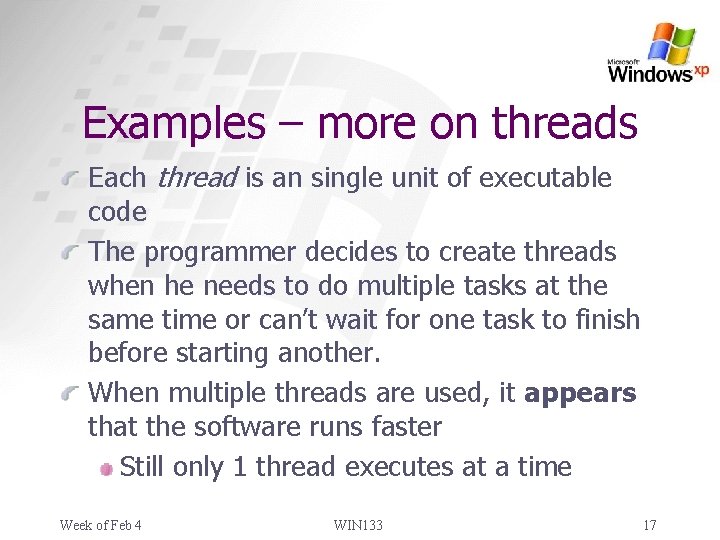
Examples – more on threads Each thread is an single unit of executable code The programmer decides to create threads when he needs to do multiple tasks at the same time or can’t wait for one task to finish before starting another. When multiple threads are used, it appears that the software runs faster Still only 1 thread executes at a time Week of Feb 4 WIN 133 17
Examples – more on threads Thread examples (again…) Text editing, spell check, printing Each thread can be executed independently of each other Week of Feb 4 WIN 133 18
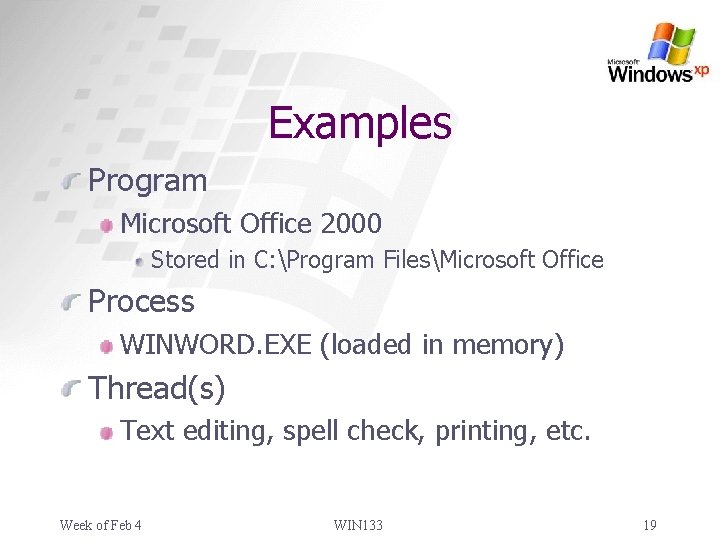
Examples Program Microsoft Office 2000 Stored in C: Program FilesMicrosoft Office Process WINWORD. EXE (loaded in memory) Thread(s) Text editing, spell check, printing, etc. Week of Feb 4 WIN 133 19
so it’s built in layers and there are lots of threads, but how does the OS actually make my programs work? Answer: APIs and Libraries Week of Feb 4 WIN 133
Definitions Let’s define some more terms: API (Application Programming Interface) Library DLL (Dynamic Link Library) Week of Feb 4 WIN 133 21
API Application Programming Interface A set of pre-made programming functionality and tools for building software applications. APIs make it easier to develop programs by providing all the building blocks a programmer needs to create complex programs. Week of Feb 4 WIN 133 22
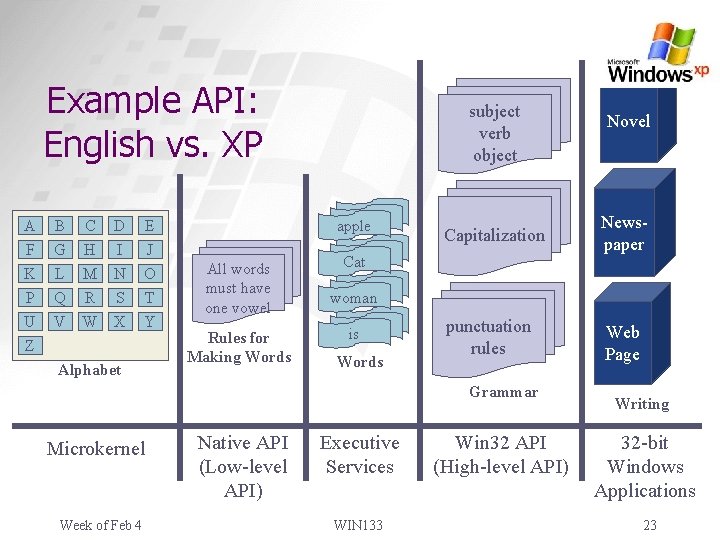
Example API: English vs. XP A F K P B G L Q C H M R D I N S E J O T U Z V W X Y Alphabet All words must have one vowel Rules for Making Words subject verb object apple Cat Cat woman is is is Words Capitalization Newspaper punctuation rules Web Page Grammar Microkernel Week of Feb 4 Native API (Low-level API) Executive Services WIN 133 Novel Win 32 API (High-level API) Writing 32 -bit Windows Applications 23
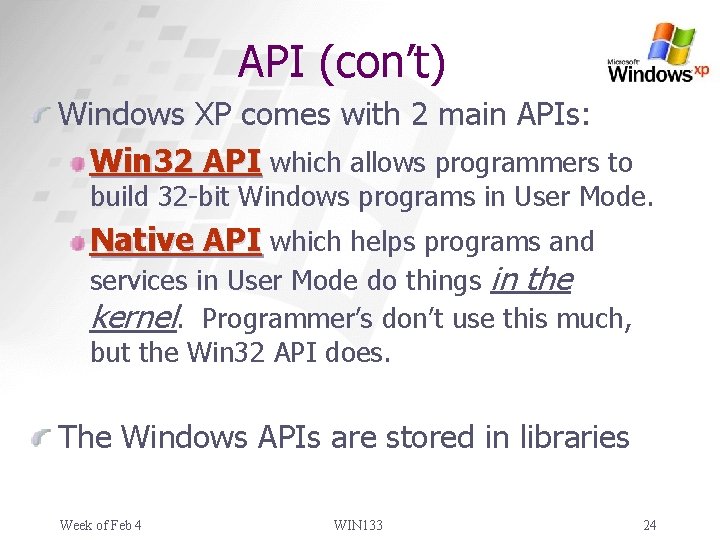
API (con’t) Windows XP comes with 2 main APIs: Win 32 API which allows programmers to build 32 -bit Windows programs in User Mode. Native API which helps programs and services in User Mode do things in the kernel. Programmer’s don’t use this much, but the Win 32 API does. The Windows APIs are stored in libraries Week of Feb 4 WIN 133 24
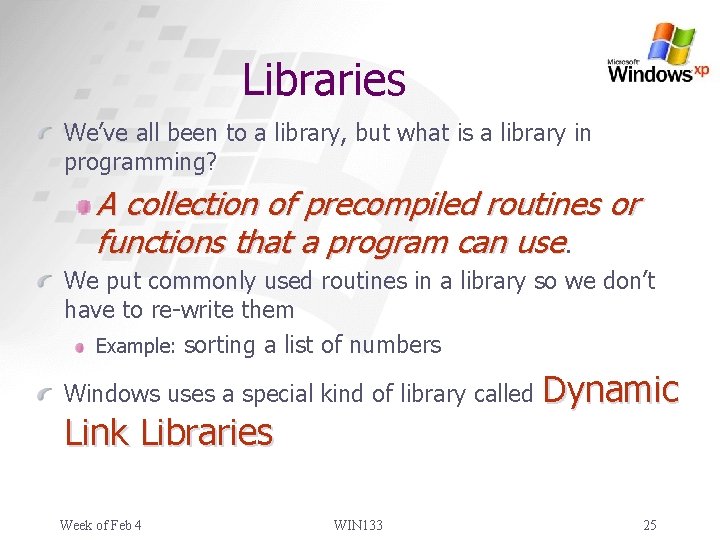
Libraries We’ve all been to a library, but what is a library in programming? A collection of precompiled routines or functions that a program can use. We put commonly used routines in a library so we don’t have to re-write them Example: sorting a list of numbers Windows uses a special kind of library called Link Libraries Week of Feb 4 WIN 133 Dynamic 25
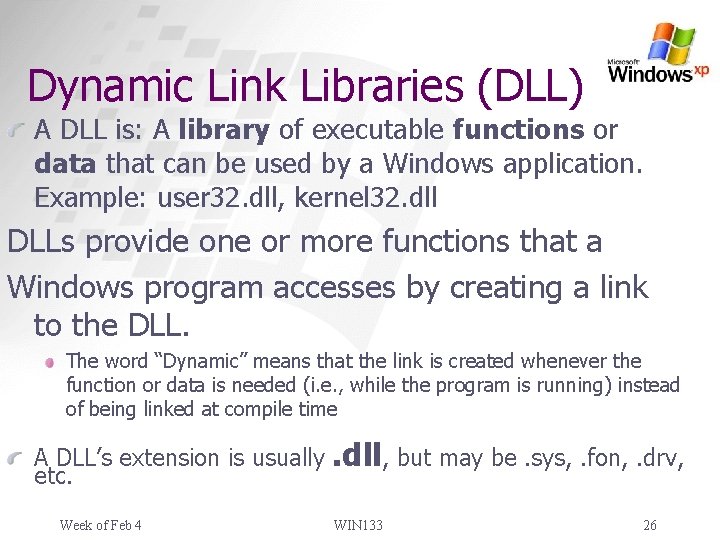
Dynamic Link Libraries (DLL) A DLL is: A library of executable functions or data that can be used by a Windows application. Example: user 32. dll, kernel 32. dll DLLs provide one or more functions that a Windows program accesses by creating a link to the DLL. The word “Dynamic” means that the link is created whenever the function or data is needed (i. e. , while the program is running) instead of being linked at compile time A DLL’s extension is usually etc. Week of Feb 4 . dll, but may be. sys, . fon, . drv, WIN 133 26
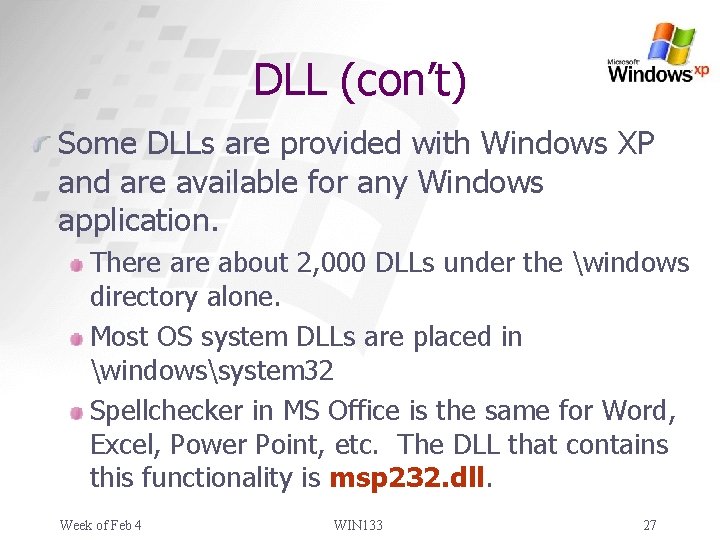
DLL (con’t) Some DLLs are provided with Windows XP and are available for any Windows application. There about 2, 000 DLLs under the windows directory alone. Most OS system DLLs are placed in windowssystem 32 Spellchecker in MS Office is the same for Word, Excel, Power Point, etc. The DLL that contains this functionality is msp 232. dll. Week of Feb 4 WIN 133 27
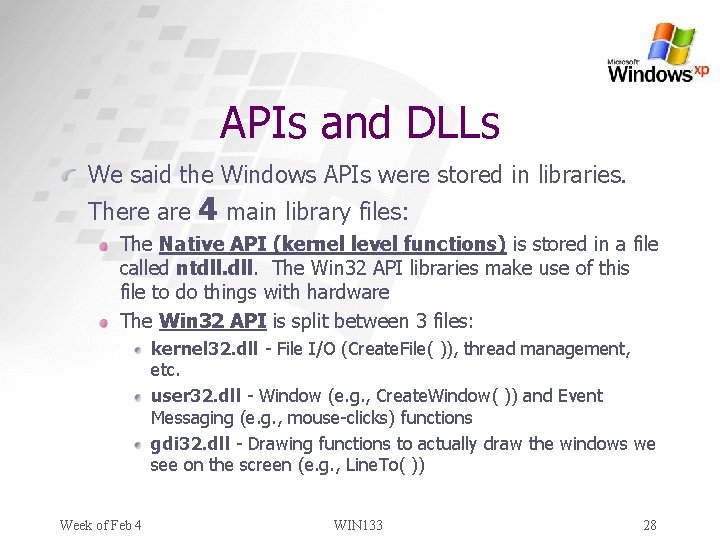
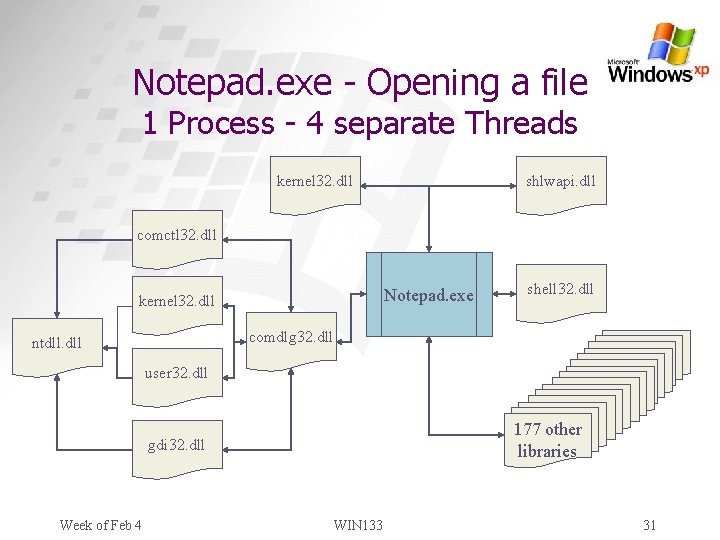
APIs and DLLs We said the Windows APIs were stored in libraries. There are 4 main library files: The Native API (kernel level functions) is stored in a file called ntdll. The Win 32 API libraries make use of this file to do things with hardware The Win 32 API is split between 3 files: kernel 32. dll - File I/O (Create. File( )), thread management, etc. user 32. dll - Window (e. g. , Create. Window( )) and Event Messaging (e. g. , mouse-clicks) functions gdi 32. dll - Drawing functions to actually draw the windows we see on the screen (e. g. , Line. To( )) Week of Feb 4 WIN 133 28
The BIG Picture… Which makes more sense now Win 32 -bit App Win 32 Subsytem (Win 32 API) User Mode Kernel Mode Executive Services I/O Manager Security Reference Monitor File Systems IPC Manager Virtual Memory Manager Process Manager Plug and Play Manager Object Manager Device Drivers Microkernel Power Manager Window Manager and GDI Graphics Device Drivers Hardware Abstraction Layer (HAL) Computer Hardware Week of Feb 4 WIN 133 29
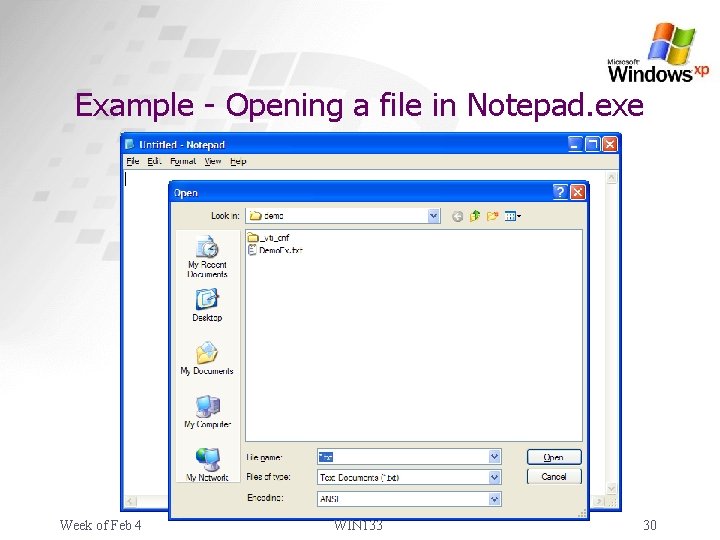
Example - Opening a file in Notepad. exe Week of Feb 4 WIN 133 30
Notepad. exe - Opening a file 1 Process - 4 separate Threads kernel 32. dll shlwapi. dll comctl 32. dll Notepad. exe kernel 32. dll shell 32. dll comdlg 32. dll ntdll. dll user 32. dll 177 other libraries gdi 32. dll Week of Feb 4 WIN 133 31
Summary XP’s architecture is the key to its stability, security, and scalability The OS is built in layers, with each layer providing services to the one above it The 2 most important layers are Kernel Mode and User Mode Few programs are allowed to access hardware directly--which provides stability Programmers/Programs access low-level functionality via APIs stored in DLL files Week of Feb 4 WIN 133 32
What now? As a user: Pay attention to DLL files on your computer. Don’t delete them unless you know what they are. Many are shared for reasons we discussed earlier Watch which DLLs get installed to your system and where they go. As a developer: As you go on as a programmer you’ll hear a lot more about APIs and maybe even write some of your own. If you go on to become a Windows developer, you’ll want to consider learning the Win 32 API Week of Feb 4 WIN 133 33