
Introduction to The Open Science Framework Marta Topor

- Slides: 14
Introduction to The Open Science Framework Marta Topor, University of Surrey Slides prepared using resources by Hannah Hobson (University of Greenwich) and Courtney Soderberg (Centre for Open Science)
Who should use the OSF? - researchers working on independent projects - researchers working on collaborative projects - research groups or labs to share resources
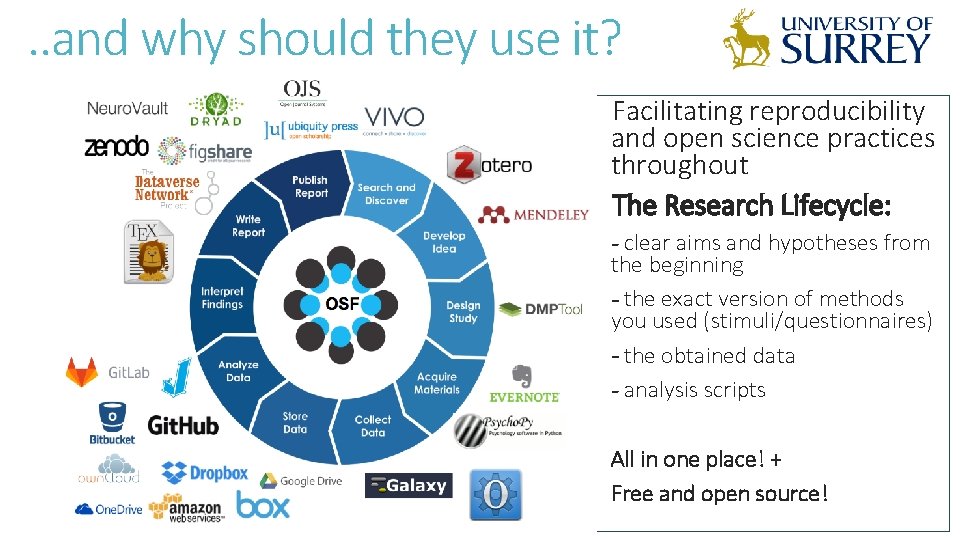
. . and why should they use it? Facilitating reproducibility and open science practices throughout The Research Lifecycle: - clear aims and hypotheses from the beginning - the exact version of methods you used (stimuli/questionnaires) - the obtained data - analysis scripts All in one place! + Free and open source!
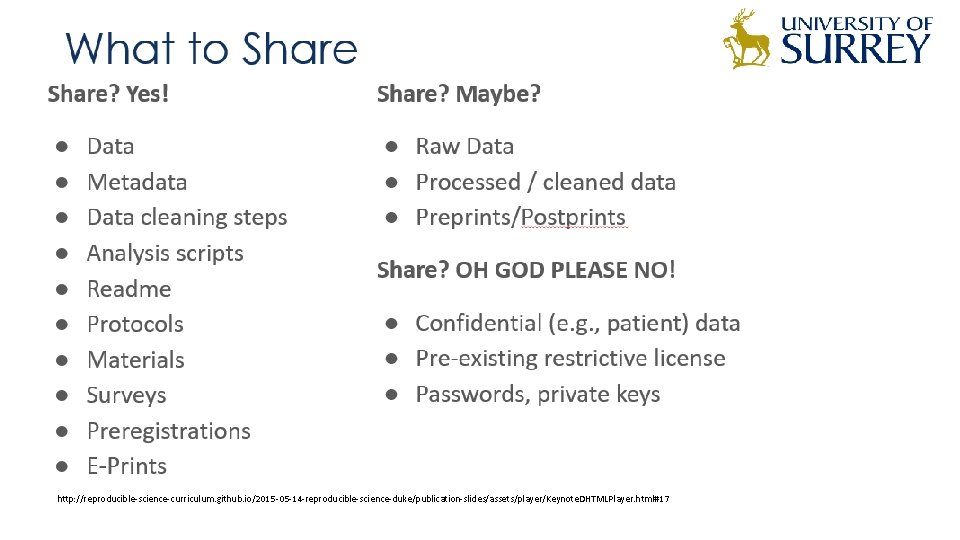
http: //reproducible-science-curriculum. github. io/2015 -05 -14 -reproducible-science-duke/publication-slides/assets/player/Keynote. DHTMLPlayer. html#17
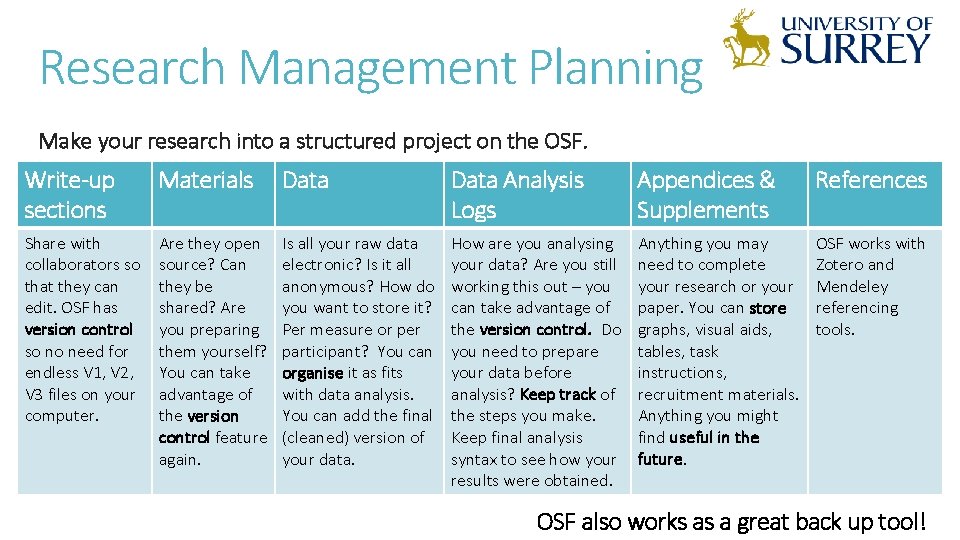
Research Management Planning Make your research into a structured project on the OSF. Write-up sections Materials Data Analysis Logs Appendices & Supplements References Share with collaborators so that they can edit. OSF has version control so no need for endless V 1, V 2, V 3 files on your computer. Are they open source? Can they be shared? Are you preparing them yourself? You can take advantage of the version control feature again. Is all your raw data electronic? Is it all anonymous? How do you want to store it? Per measure or per participant? You can organise it as fits with data analysis. You can add the final (cleaned) version of your data. How are you analysing your data? Are you still working this out – you can take advantage of the version control. Do you need to prepare your data before analysis? Keep track of the steps you make. Keep final analysis syntax to see how your results were obtained. Anything you may need to complete your research or your paper. You can store graphs, visual aids, tables, task instructions, recruitment materials. Anything you might find useful in the future. OSF works with Zotero and Mendeley referencing tools. OSF also works as a great back up tool!
Today we will: - create an OSF account - create a new project with components and add contributors - copy someone else’s project - explore the pre-registration process
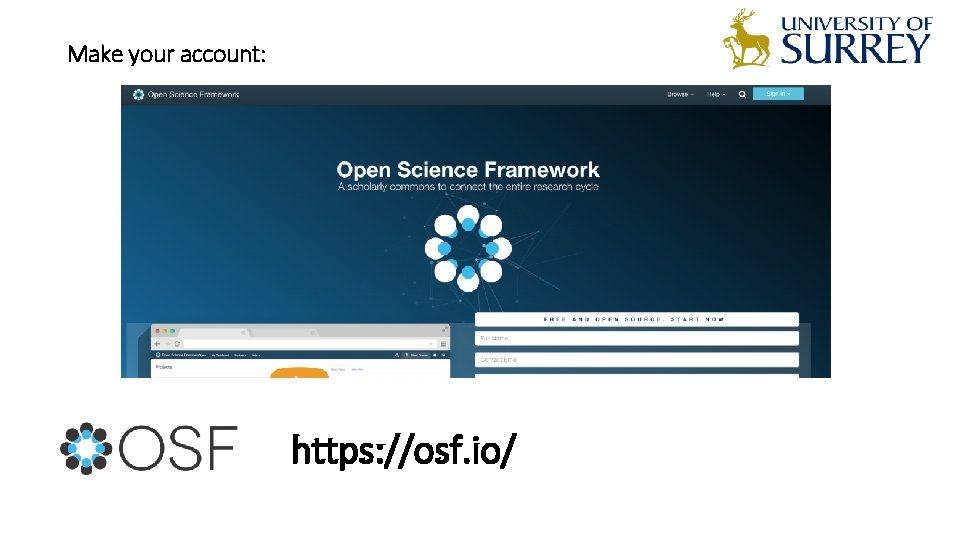
Make your account: https: //osf. io/
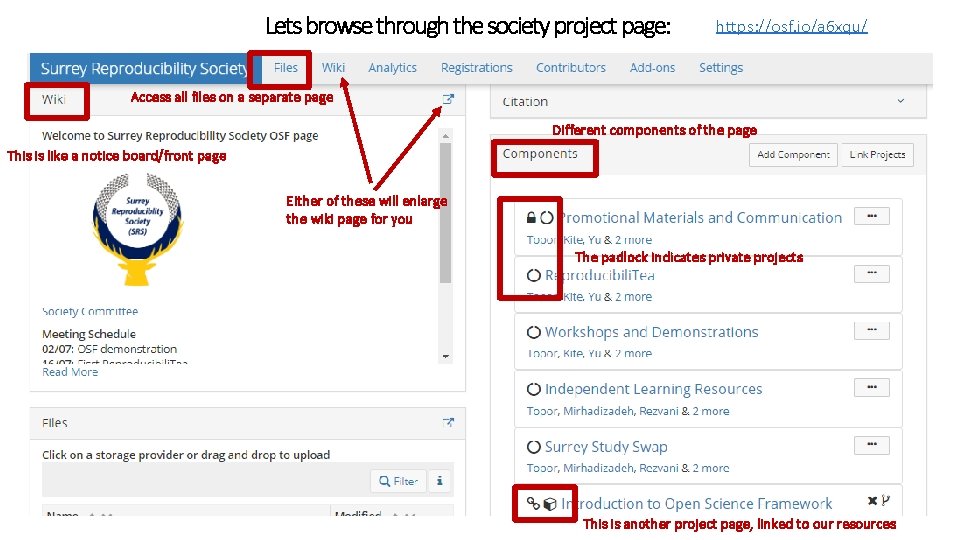
Lets browse through the society project page: https: //osf. io/a 6 xqu/ Access all files on a separate page Different components of the page This is like a notice board/front page Either of these will enlarge the wiki page for you The padlock indicates private projects This is another project page, linked to our resources
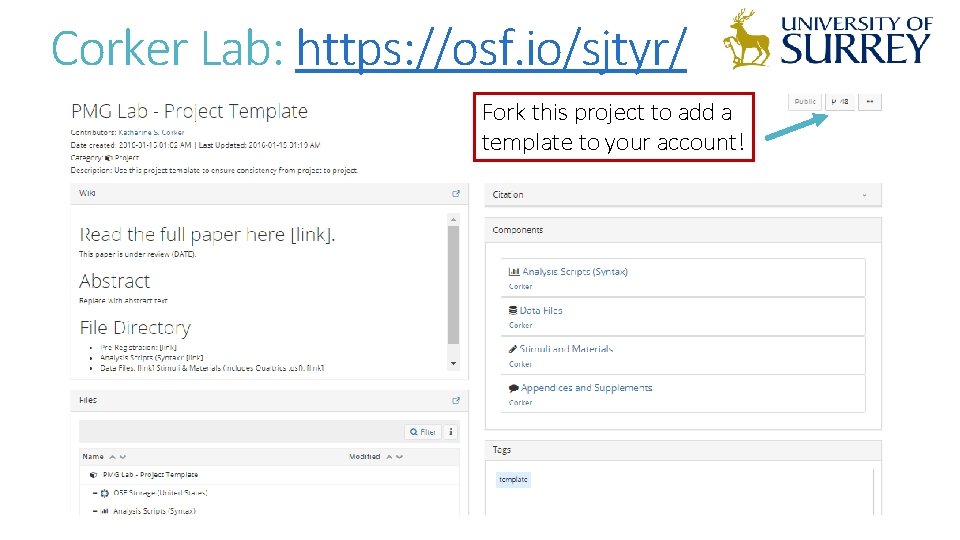
Corker Lab: https: //osf. io/sjtyr/ Fork this project to add a template to your account!
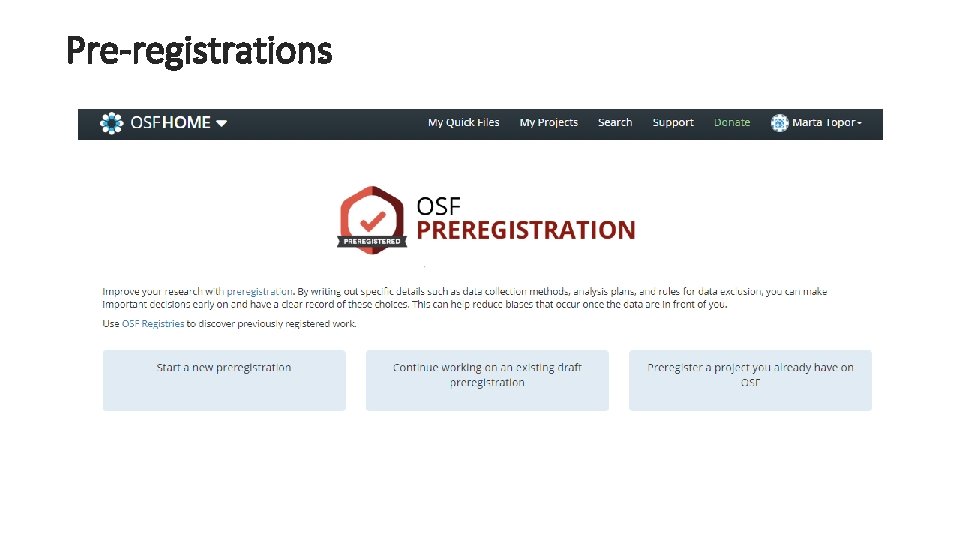
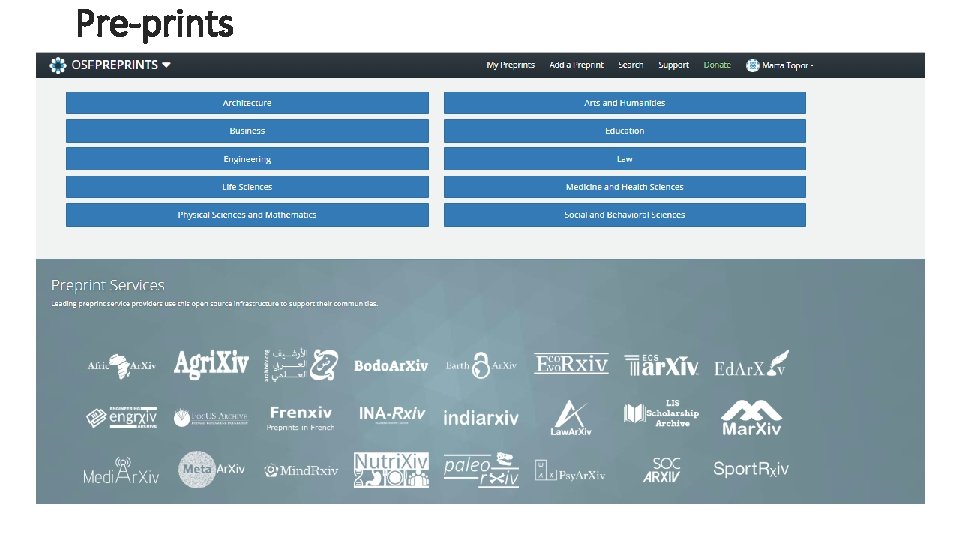
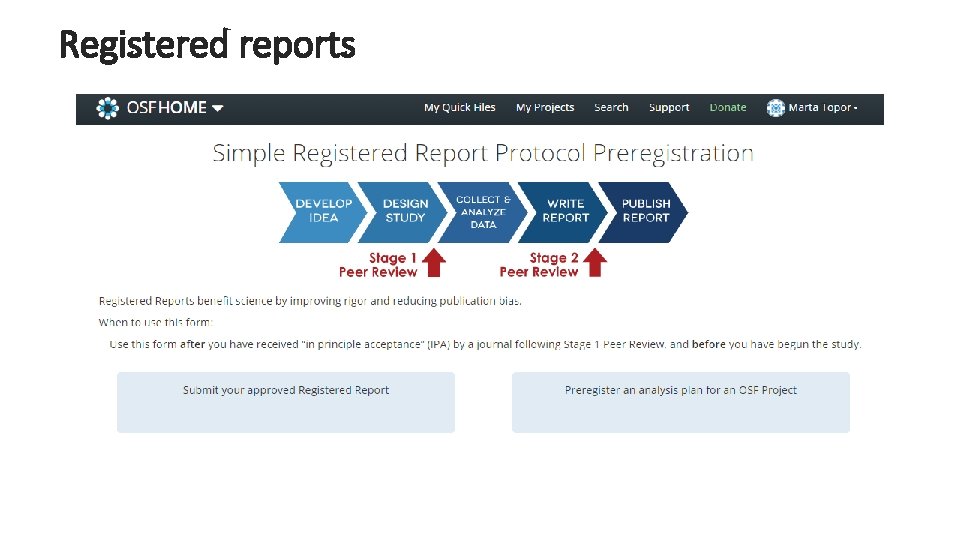
Publishing through the OSF - Pre-registrations - Pre-prints - Registered reports
Pre-registrations
Pre-prints
Registered reports
Practice using the OSF Head over to Hannah Hobson’s workshop on the OSF: https: //osf. io/9 a 2 bt/ Complete the tasks and the treasure hunt to get some experience in using the OSF.