
Introduction to the Omega Server CSE 1105 Overview
![GDB Commands - cont. c (or continue) – continue the program c [ n]](https://slidetodoc.com/presentation_image_h/8092f1ae8c6180e44ef48d8786fe5d0d/image-21.jpg "GDB Commands - cont. c (or continue) – continue the program c [ n]")
- Slides: 33
Introduction to the Omega Server CSE 1105
Overview n n Intro to Omega Basic Unix Command n n n Files Directories Printing C and C++ compilers GNU Debugger
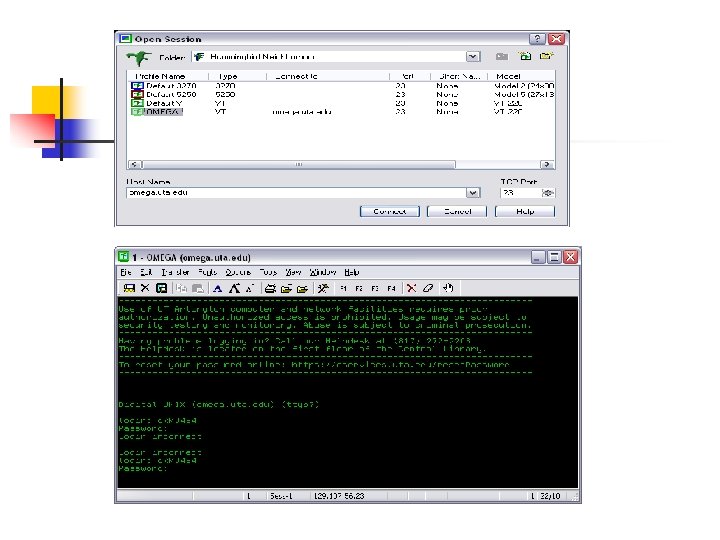
Omega Server n n Unix-based Server Provides C, C++, Lisp, Prolog, Cobol, and Fortran Language Compilers Pine Mail Server Users connect via telnet, ssh, hummingbird or other remote log ins
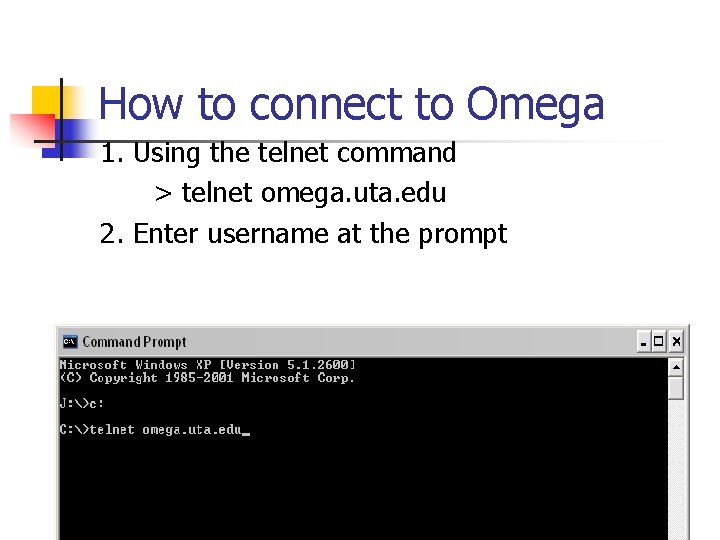
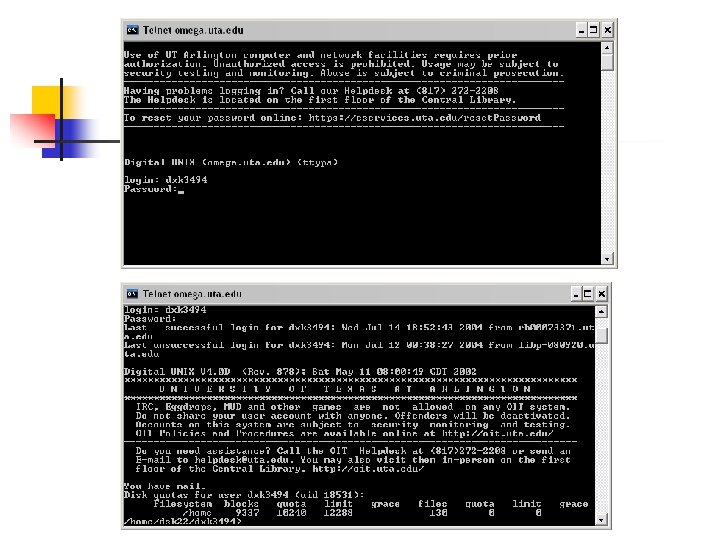
How to connect to Omega 1. Using the telnet command > telnet omega. uta. edu 2. Enter username at the prompt
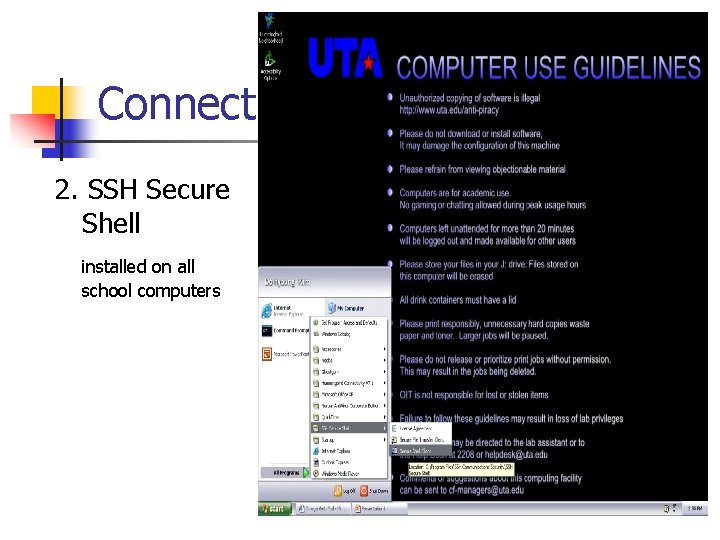
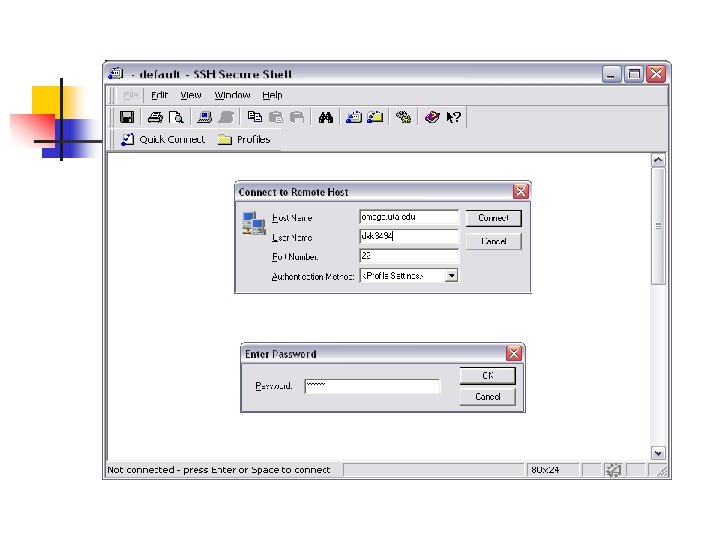
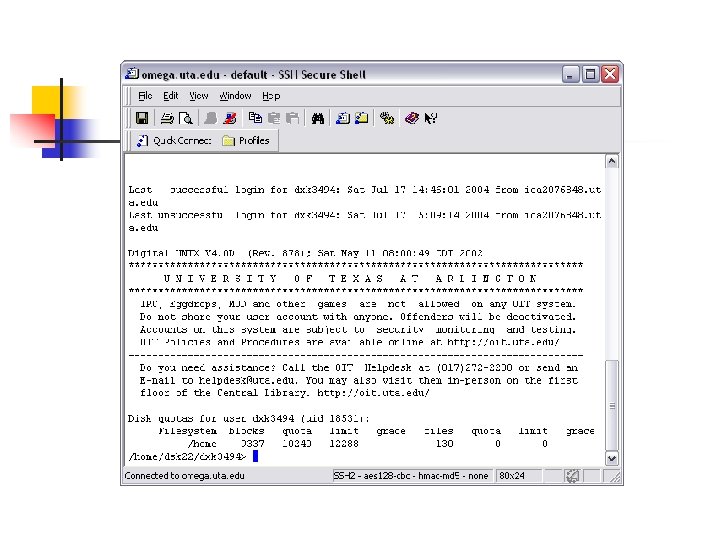
Connect 2. SSH Secure Shell installed on all school computers
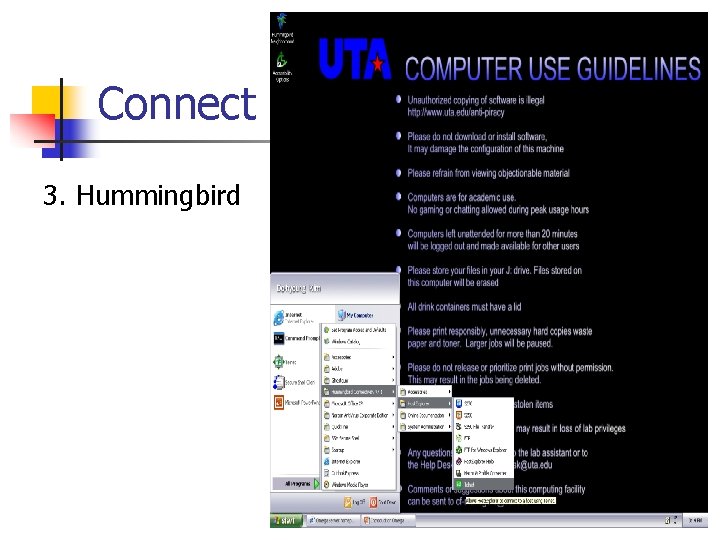
Connect 3. Hummingbird
Writing programs n Edit a file using an existing Unix editor n n n vi editor pico editor Edit a text file and upload it to omega n n n telnet ftp e-mail content or attachment
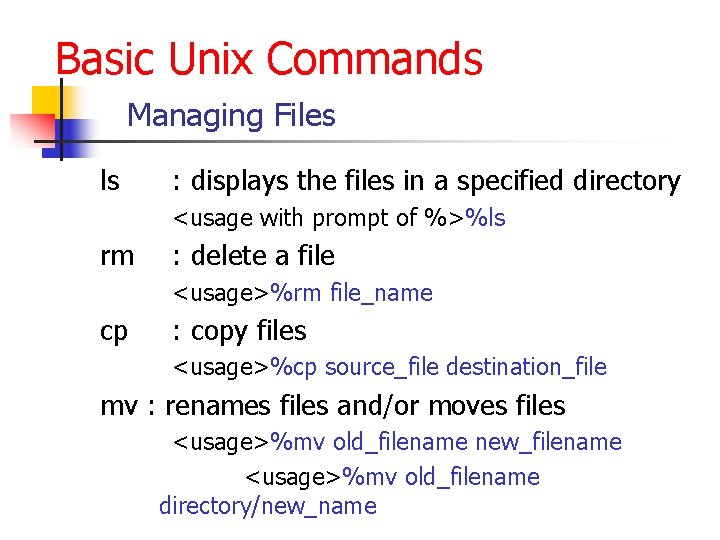
Basic Unix Commands Managing Files ls : displays the files in a specified directory <usage with prompt of %>%ls rm : delete a file <usage>%rm file_name cp : copy files <usage>%cp source_file destination_file mv : renames files and/or moves files <usage>%mv old_filename new_filename <usage>%mv old_filename directory/new_name
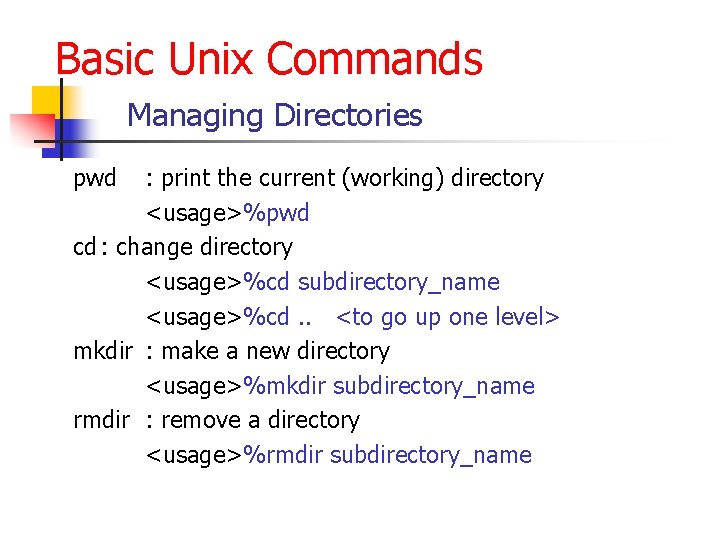
Basic Unix Commands Managing Directories pwd : print the current (working) directory <usage>%pwd cd : change directory <usage>%cd subdirectory_name <usage>%cd. . <to go up one level> mkdir : make a new directory <usage>%mkdir subdirectory_name rmdir : remove a directory <usage>%rmdir subdirectory_name
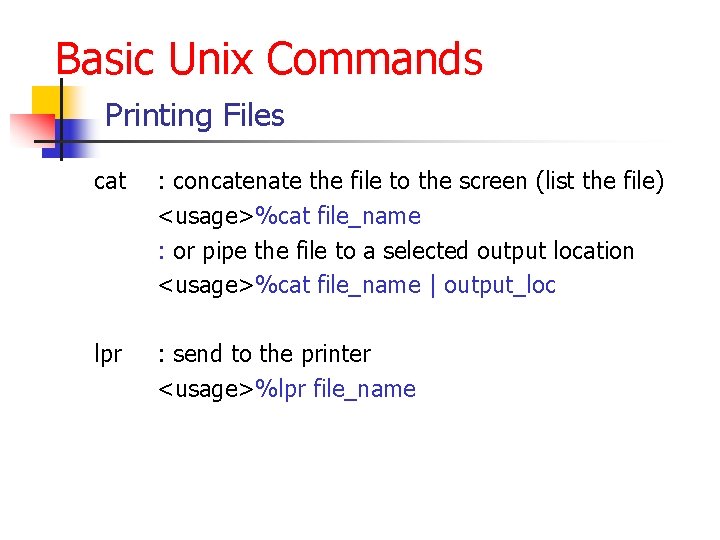
Basic Unix Commands Printing Files cat : concatenate the file to the screen (list the file) <usage>%cat file_name : or pipe the file to a selected output location <usage>%cat file_name | output_loc lpr : send to the printer <usage>%lpr file_name
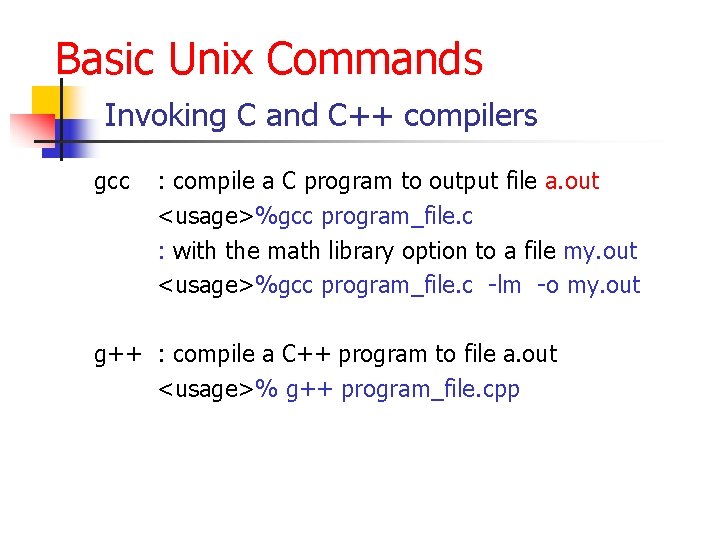
Basic Unix Commands Invoking C and C++ compilers gcc : compile a C program to output file a. out <usage>%gcc program_file. c : with the math library option to a file my. out <usage>%gcc program_file. c -lm -o my. out g++ : compile a C++ program to file a. out <usage>% g++ program_file. cpp
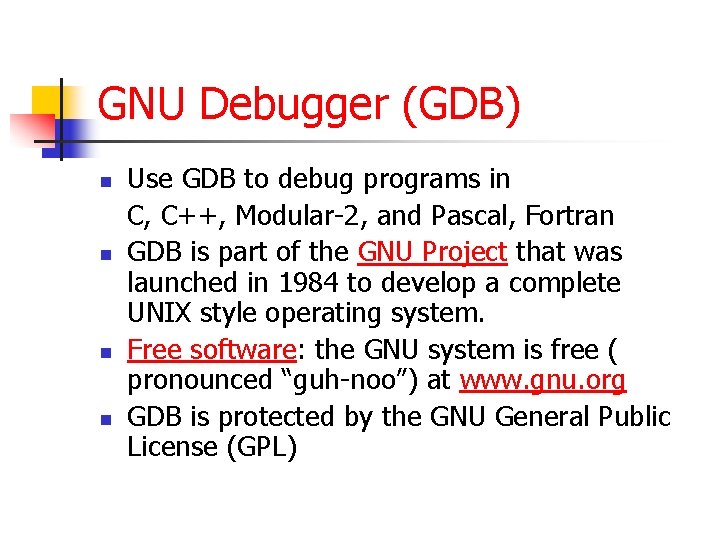
GNU Debugger (GDB) n n Use GDB to debug programs in C, C++, Modular-2, and Pascal, Fortran GDB is part of the GNU Project that was launched in 1984 to develop a complete UNIX style operating system. Free software: the GNU system is free ( pronounced “guh-noo”) at www. gnu. org GDB is protected by the GNU General Public License (GPL)
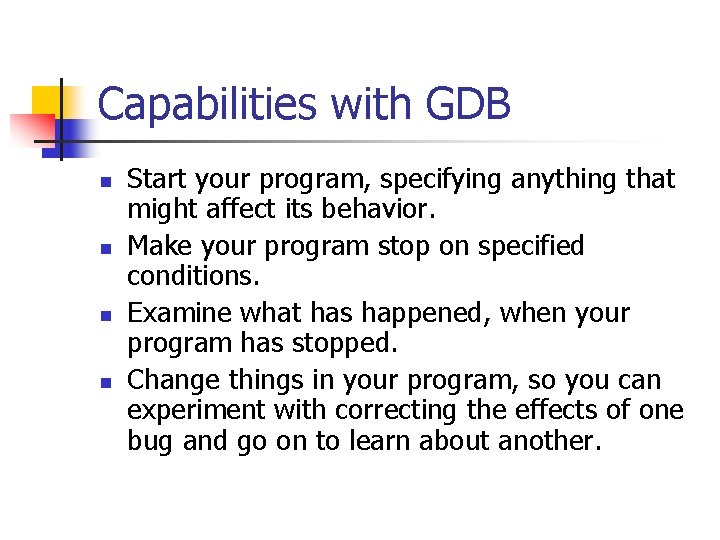
Capabilities with GDB n n Start your program, specifying anything that might affect its behavior. Make your program stop on specified conditions. Examine what has happened, when your program has stopped. Change things in your program, so you can experiment with correcting the effects of one bug and go on to learn about another.
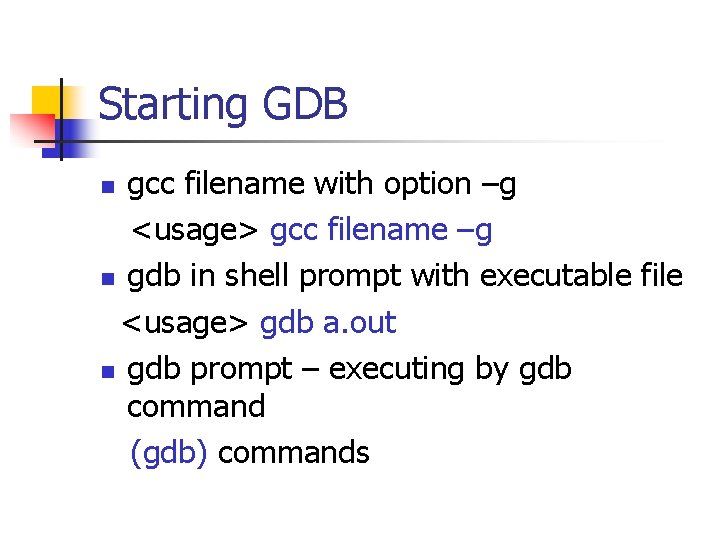
Starting GDB gcc filename with option –g <usage> gcc filename –g n gdb in shell prompt with executable file <usage> gdb a. out n gdb prompt – executing by gdb command (gdb) commands n
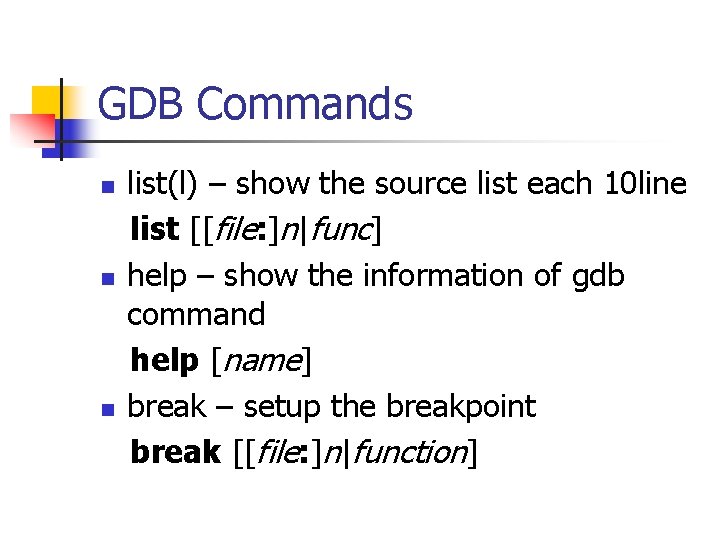
GDB Commands n n n list(l) – show the source list each 10 line list [[file: ]n|func] help – show the information of gdb command help [name] break – setup the breakpoint break [[file: ]n|function]
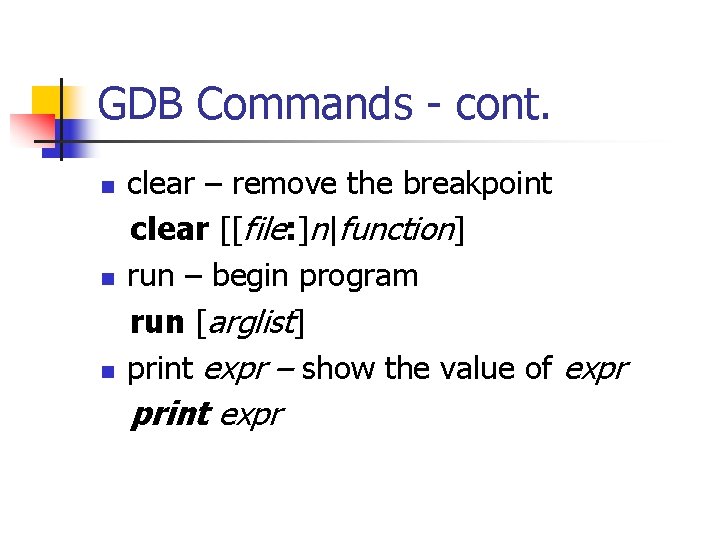
GDB Commands - cont. n n n clear – remove the breakpoint clear [[file: ]n|function] run – begin program run [arglist] print expr – show the value of expr print expr
GDB Commands - cont. c (or continue) – continue the program c [ n] n next – execute n lines and display the line if the next line is the function, it executes the whole function. next [n] n
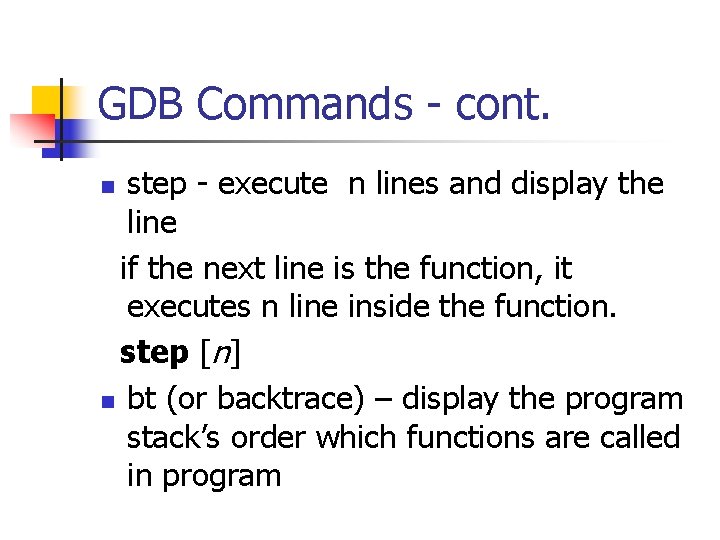
GDB Commands - cont. step - execute n lines and display the line if the next line is the function, it executes n line inside the function. step [n] n bt (or backtrace) – display the program stack’s order which functions are called in program n
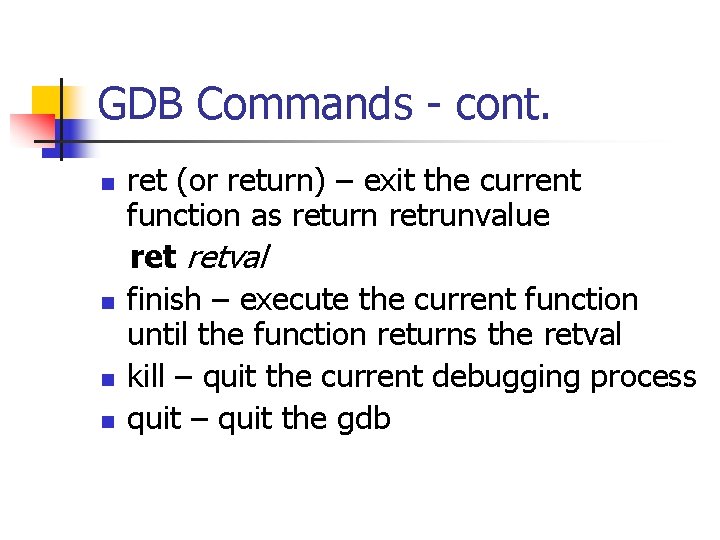
GDB Commands - cont. n n ret (or return) – exit the current function as return retrunvalue retval finish – execute the current function until the function returns the retval kill – quit the current debugging process quit – quit the gdb
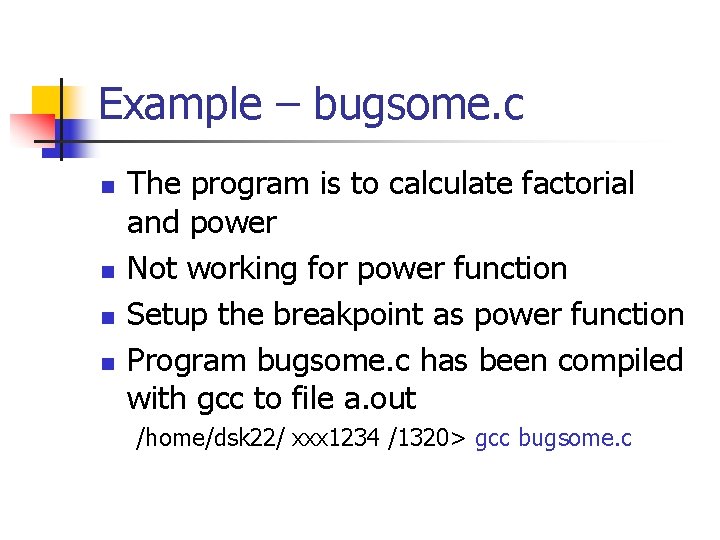
Example – bugsome. c n n The program is to calculate factorial and power Not working for power function Setup the breakpoint as power function Program bugsome. c has been compiled with gcc to file a. out /home/dsk 22/ xxx 1234 /1320> gcc bugsome. c
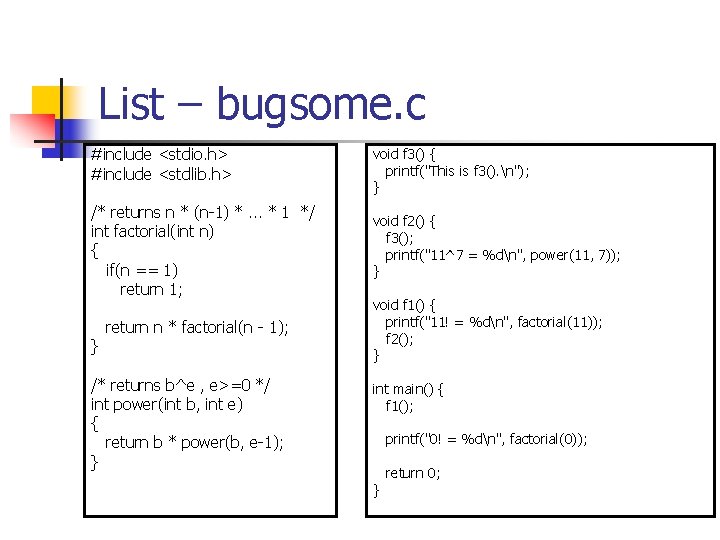
List – bugsome. c #include <stdio. h> #include <stdlib. h> void f 3() { printf("This is f 3(). n"); } /* returns n * (n-1) *. . . * 1 */ int factorial(int n) { if(n == 1) return 1; void f 2() { f 3(); printf("11^7 = %dn", power(11, 7)); } } return n * factorial(n - 1); /* returns b^e , e>=0 */ int power(int b, int e) { return b * power(b, e-1); } void f 1() { printf("11! = %dn", factorial(11)); f 2(); } int main() { f 1(); printf("0! = %dn", factorial(0)); } return 0;
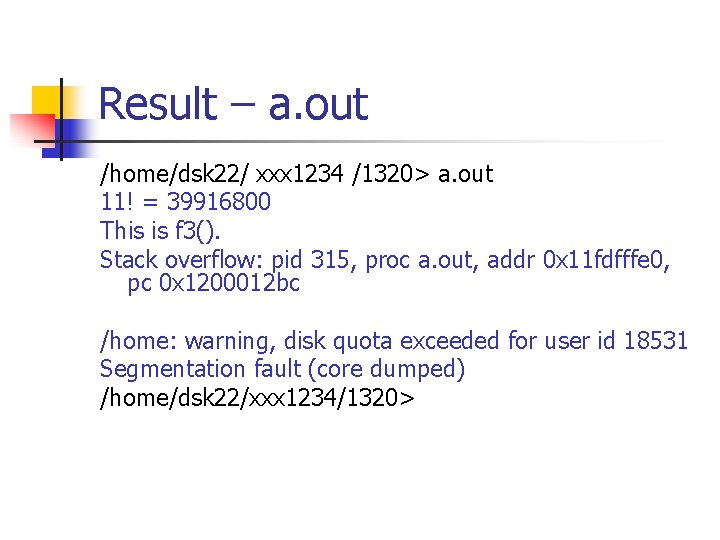
Result – a. out /home/dsk 22/ xxx 1234 /1320> a. out 11! = 39916800 This is f 3(). Stack overflow: pid 315, proc a. out, addr 0 x 11 fdfffe 0, pc 0 x 1200012 bc /home: warning, disk quota exceeded for user id 18531 Segmentation fault (core dumped) /home/dsk 22/xxx 1234/1320>
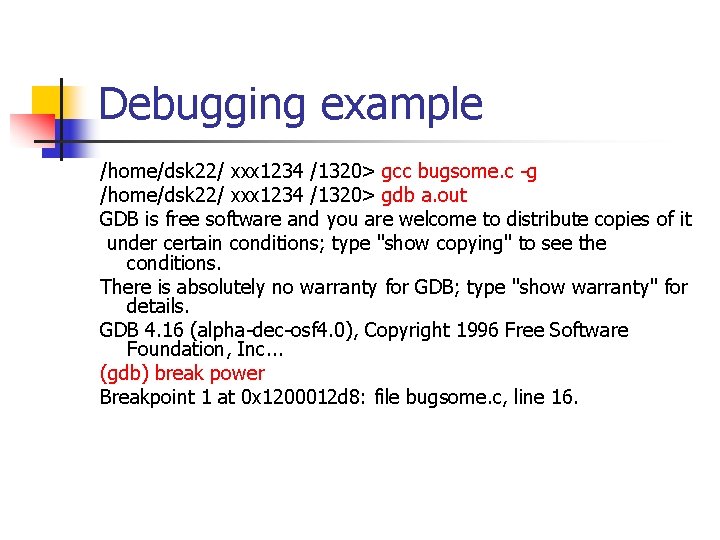
Debugging example /home/dsk 22/ xxx 1234 /1320> gcc bugsome. c -g /home/dsk 22/ xxx 1234 /1320> gdb a. out GDB is free software and you are welcome to distribute copies of it under certain conditions; type "show copying" to see the conditions. There is absolutely no warranty for GDB; type "show warranty" for details. GDB 4. 16 (alpha-dec-osf 4. 0), Copyright 1996 Free Software Foundation, Inc. . . (gdb) break power Breakpoint 1 at 0 x 1200012 d 8: file bugsome. c, line 16.
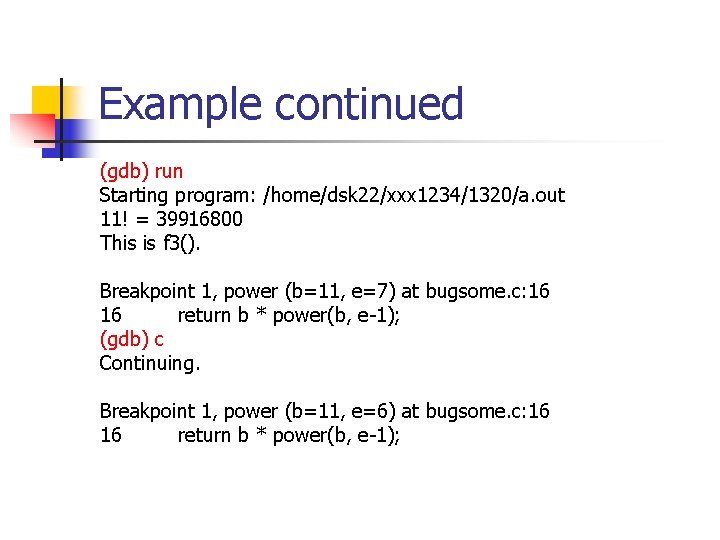
Example continued (gdb) run Starting program: /home/dsk 22/xxx 1234/1320/a. out 11! = 39916800 This is f 3(). Breakpoint 1, power (b=11, e=7) at bugsome. c: 16 16 return b * power(b, e-1); (gdb) c Continuing. Breakpoint 1, power (b=11, e=6) at bugsome. c: 16 16 return b * power(b, e-1);
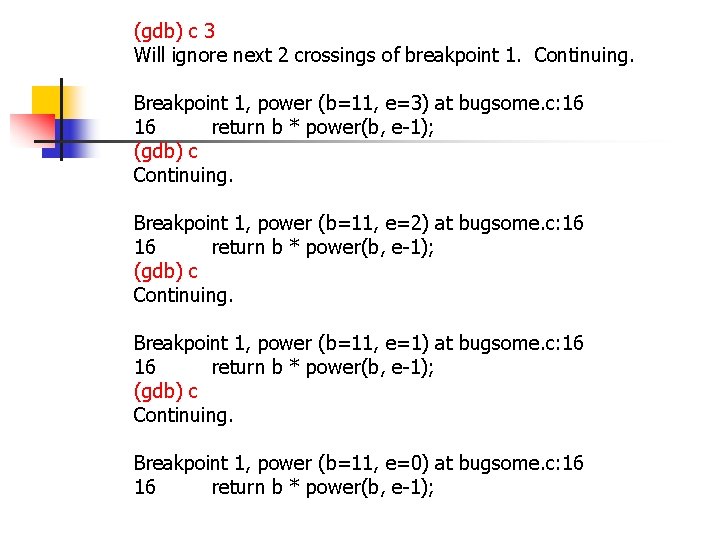
(gdb) c 3 Will ignore next 2 crossings of breakpoint 1. Continuing. Breakpoint 1, power (b=11, e=3) at bugsome. c: 16 16 return b * power(b, e-1); (gdb) c Continuing. Breakpoint 1, power (b=11, e=2) at bugsome. c: 16 16 return b * power(b, e-1); (gdb) c Continuing. Breakpoint 1, power (b=11, e=1) at bugsome. c: 16 16 return b * power(b, e-1); (gdb) c Continuing. Breakpoint 1, power (b=11, e=0) at bugsome. c: 16 16 return b * power(b, e-1);
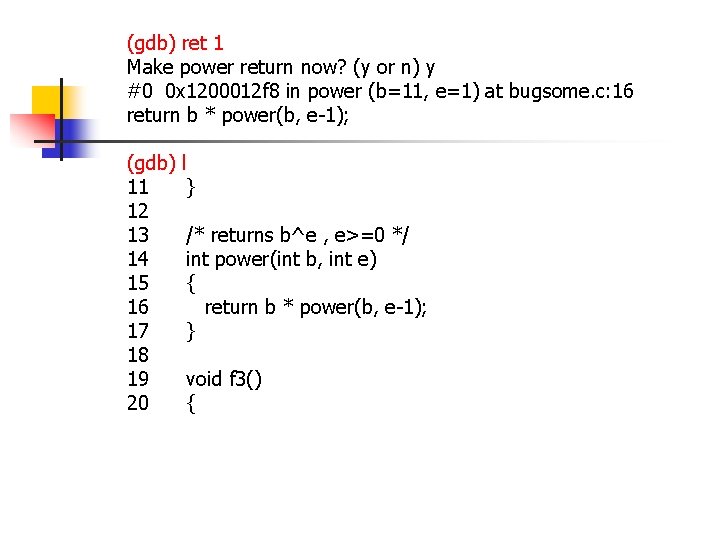
(gdb) ret 1 Make power return now? (y or n) y #0 0 x 1200012 f 8 in power (b=11, e=1) at bugsome. c: 16 return b * power(b, e-1); (gdb) 11 12 13 14 15 16 17 18 19 20 l } /* returns b^e , e>=0 */ int power(int b, int e) { return b * power(b, e-1); } void f 3() {
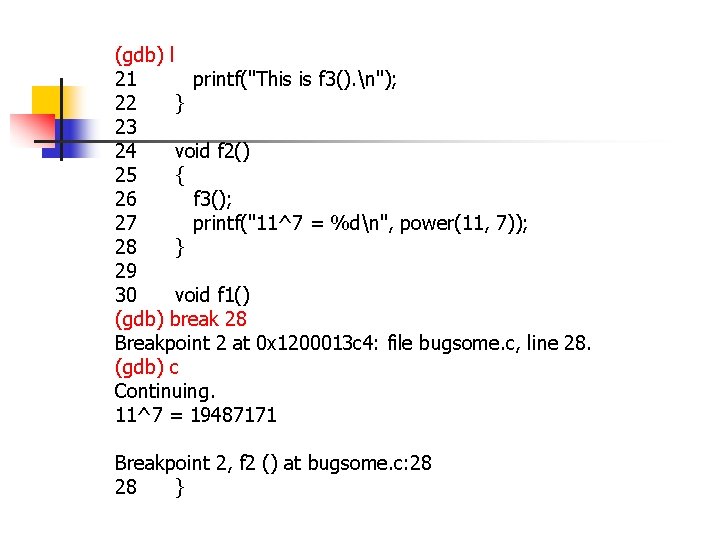
(gdb) l 21 printf("This is f 3(). n"); 22 } 23 24 void f 2() 25 { 26 f 3(); 27 printf("11^7 = %dn", power(11, 7)); 28 } 29 30 void f 1() (gdb) break 28 Breakpoint 2 at 0 x 1200013 c 4: file bugsome. c, line 28. (gdb) c Continuing. 11^7 = 19487171 Breakpoint 2, f 2 () at bugsome. c: 28 28 }
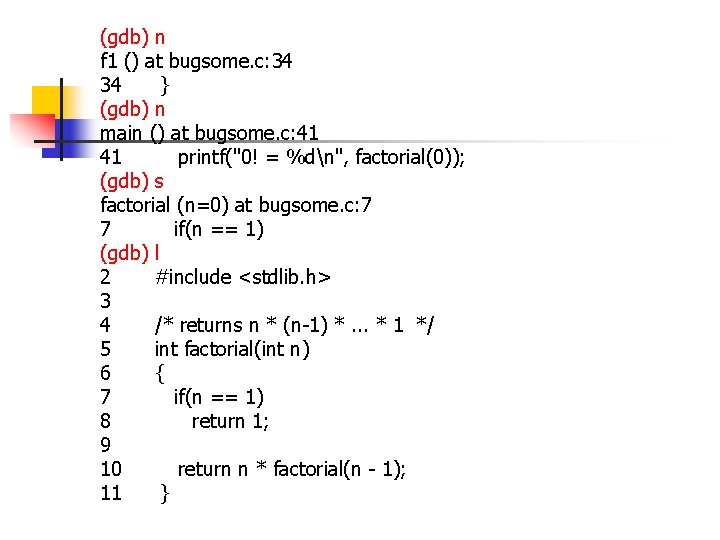
(gdb) n f 1 () at bugsome. c: 34 34 } (gdb) n main () at bugsome. c: 41 41 printf("0! = %dn", factorial(0)); (gdb) s factorial (n=0) at bugsome. c: 7 7 if(n == 1) (gdb) l 2 #include <stdlib. h> 3 4 /* returns n * (n-1) *. . . * 1 */ 5 int factorial(int n) 6 { 7 if(n == 1) 8 return 1; 9 10 return n * factorial(n - 1); 11 }
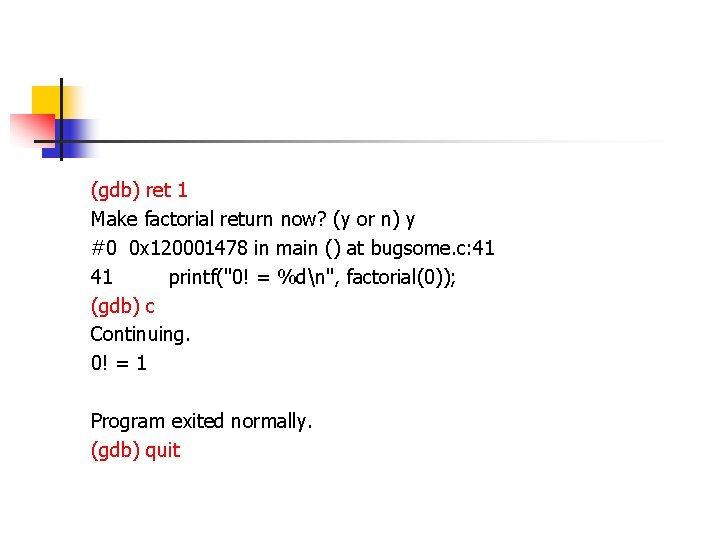
(gdb) ret 1 Make factorial return now? (y or n) y #0 0 x 120001478 in main () at bugsome. c: 41 41 printf("0! = %dn", factorial(0)); (gdb) c Continuing. 0! = 1 Program exited normally. (gdb) quit