
Introduction to The New PA Delivery Model Introduction
- Slides: 43
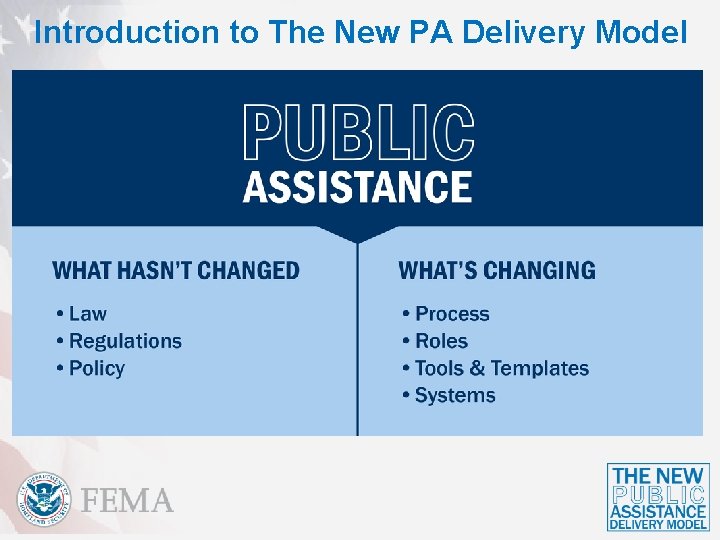
Introduction to The New PA Delivery Model
Introduction to The New PA Delivery Model
Introduction to The New PA Delivery Model Historically…
Introduction to The New PA Delivery Model Historically…
Introduction to The New PA Delivery Model
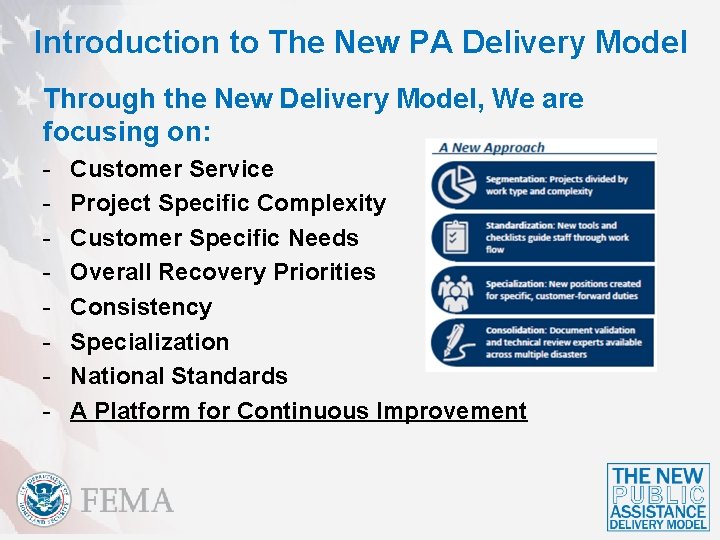
Introduction to The New PA Delivery Model Through the New Delivery Model, We are focusing on: - Customer Service Project Specific Complexity Customer Specific Needs Overall Recovery Priorities Consistency Specialization National Standards A Platform for Continuous Improvement
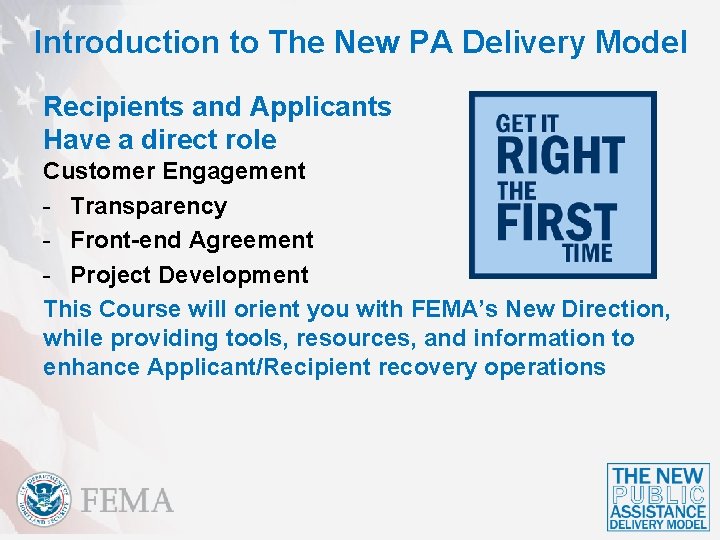
Introduction to The New PA Delivery Model Recipients and Applicants Have a direct role Customer Engagement - Transparency - Front-end Agreement - Project Development This Course will orient you with FEMA’s New Direction, while providing tools, resources, and information to enhance Applicant/Recipient recovery operations
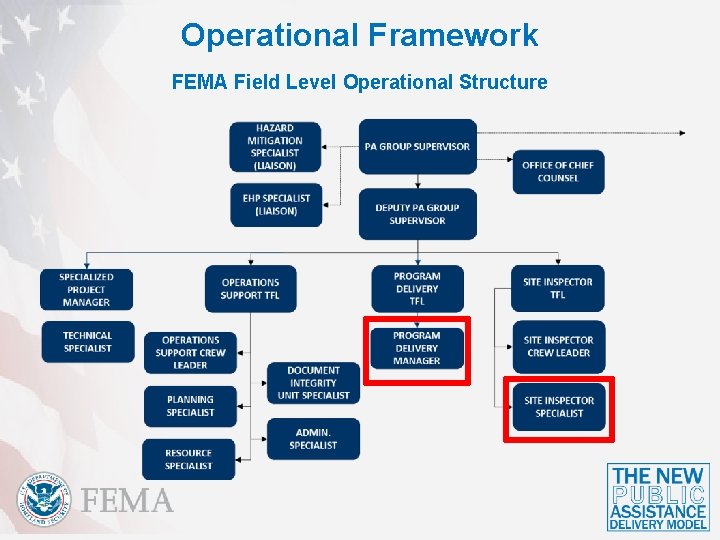
Operational Framework FEMA Field Level Operational Structure
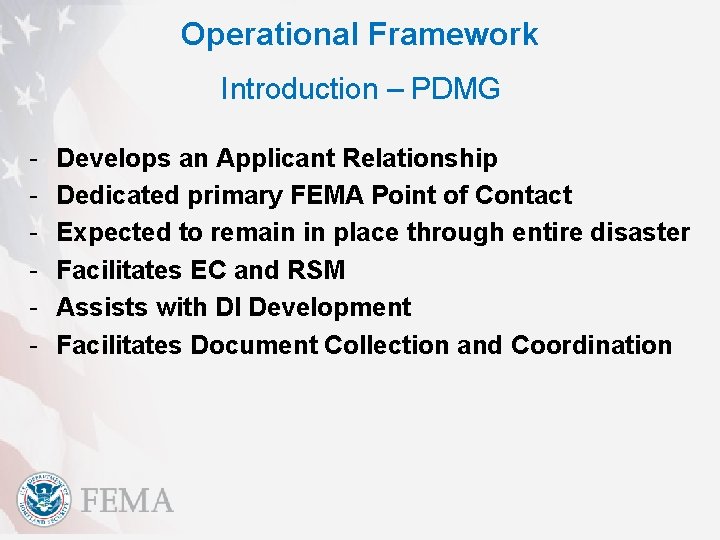
Operational Framework Introduction – PDMG - Develops an Applicant Relationship Dedicated primary FEMA Point of Contact Expected to remain in place through entire disaster Facilitates EC and RSM Assists with DI Development Facilitates Document Collection and Coordination
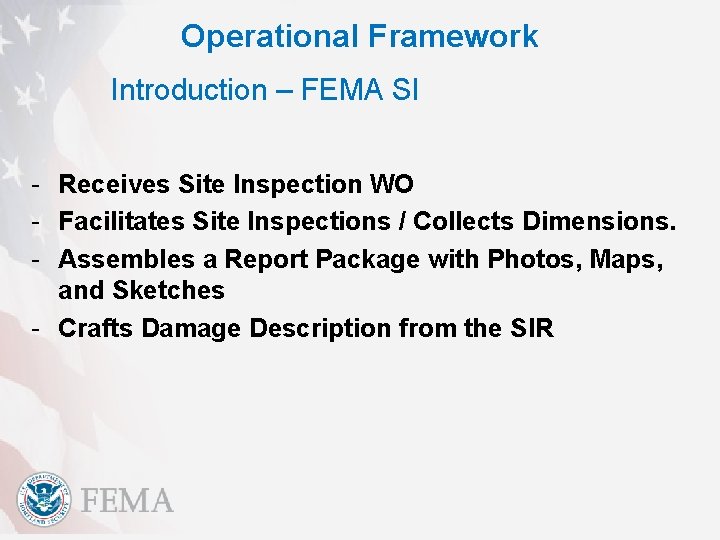
Operational Framework Introduction – FEMA SI - Receives Site Inspection WO - Facilitates Site Inspections / Collects Dimensions. - Assembles a Report Package with Photos, Maps, and Sketches - Crafts Damage Description from the SIR
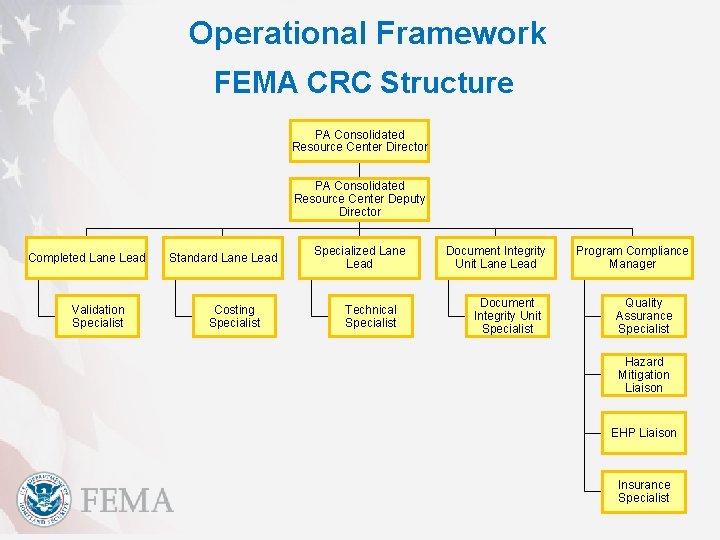
Operational Framework FEMA CRC Structure PA Consolidated Resource Center Director PA Consolidated Resource Center Deputy Director Completed Lane Lead Validation Specialist Standard Lane Lead Costing Specialist Specialized Lane Lead Technical Specialist Document Integrity Unit Lane Lead Document Integrity Unit Specialist Program Compliance Manager Quality Assurance Specialist Hazard Mitigation Liaison EHP Liaison Insurance Specialist
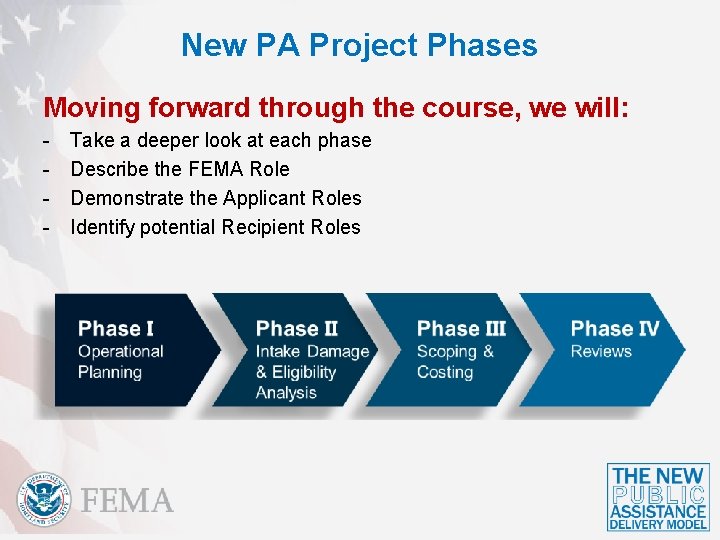
New PA Project Phases Moving forward through the course, we will: - Take a deeper look at each phase Describe the FEMA Role Demonstrate the Applicant Roles Identify potential Recipient Roles
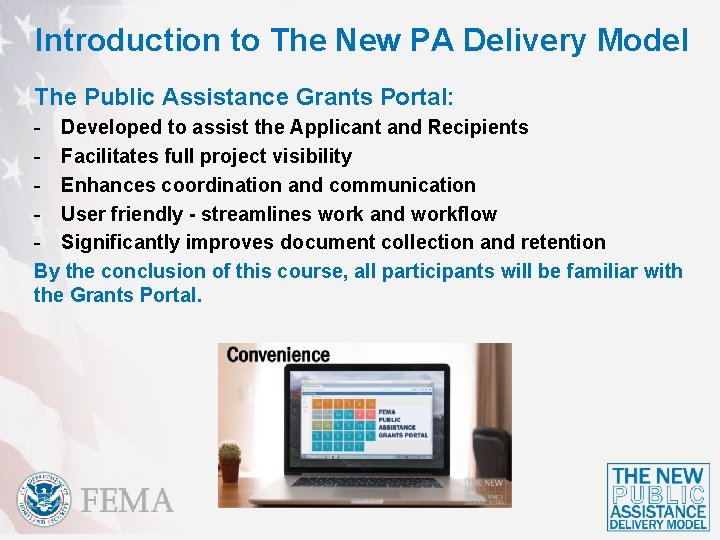
Introduction to The New PA Delivery Model The Public Assistance Grants Portal: - Developed to assist the Applicant and Recipients - Facilitates full project visibility - Enhances coordination and communication - User friendly - streamlines work and workflow - Significantly improves document collection and retention By the conclusion of this course, all participants will be familiar with the Grants Portal.
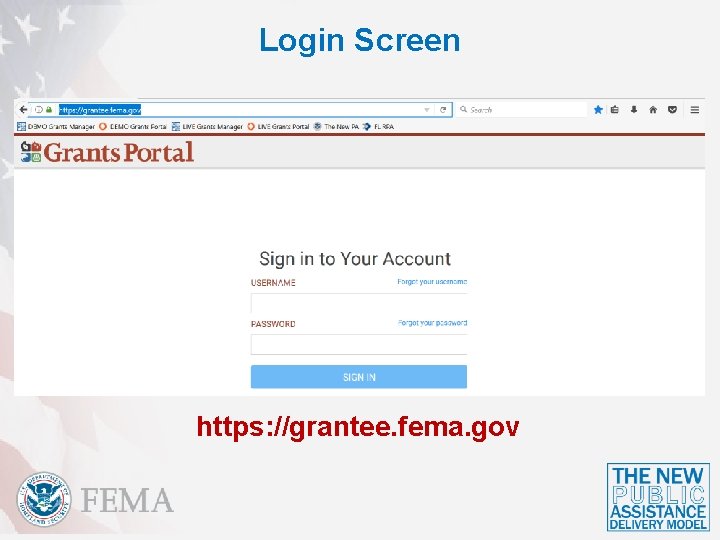
Login Screen https: //grantee. fema. gov
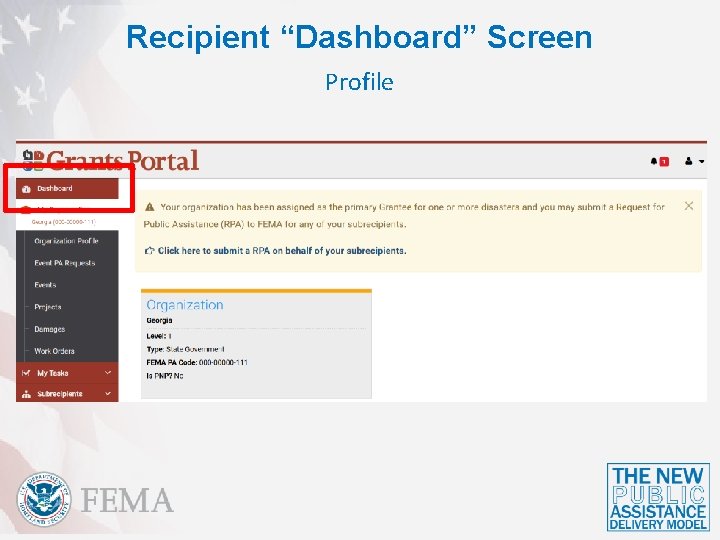
Recipient “Dashboard” Screen Profile
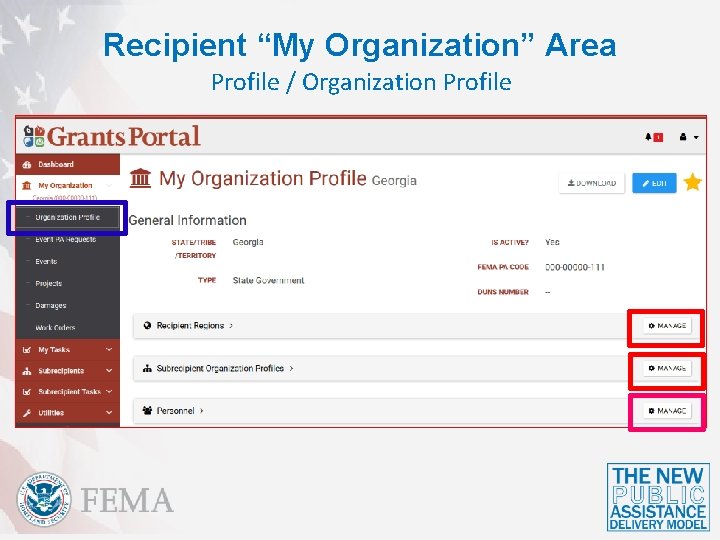
Recipient “My Organization” Area Profile / Organization Profile
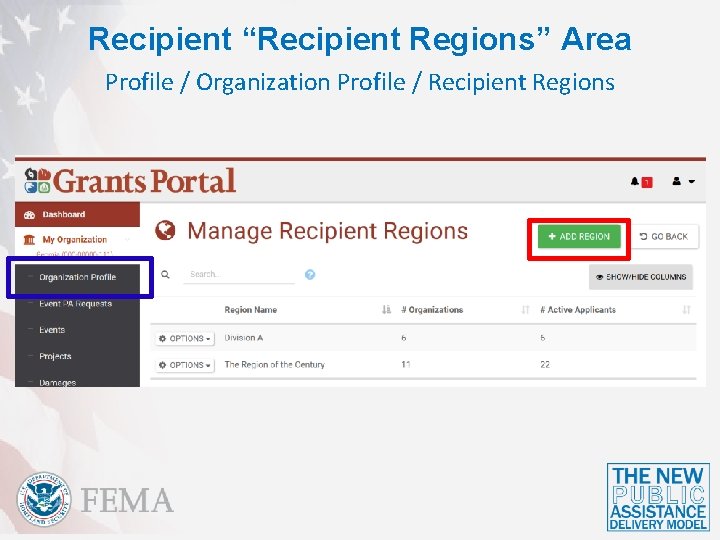
Recipient “Recipient Regions” Area Profile / Organization Profile / Recipient Regions
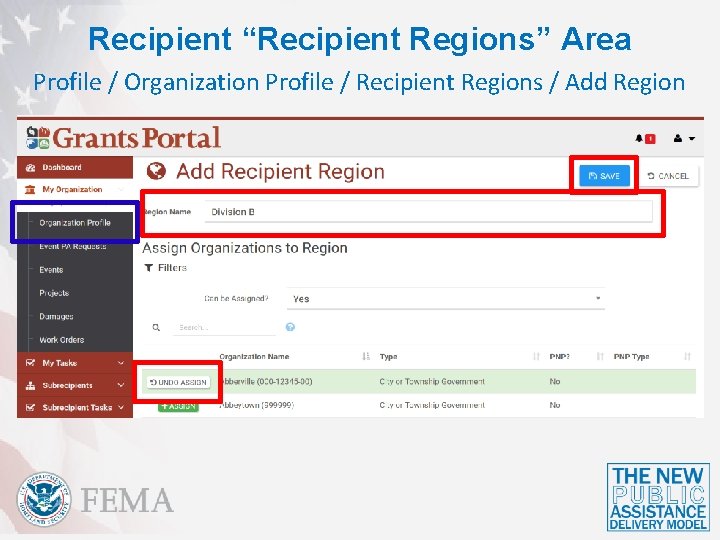
Recipient “Recipient Regions” Area Profile / Organization Profile / Recipient Regions / Add Region
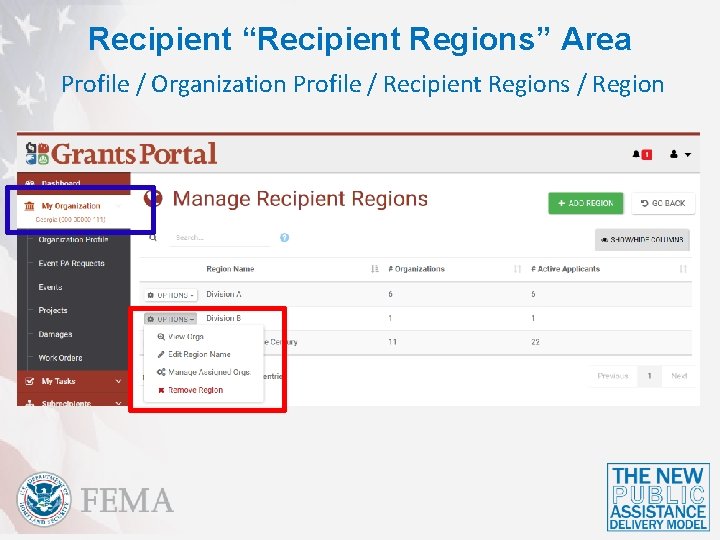
Recipient “Recipient Regions” Area Profile / Organization Profile / Recipient Regions / Region
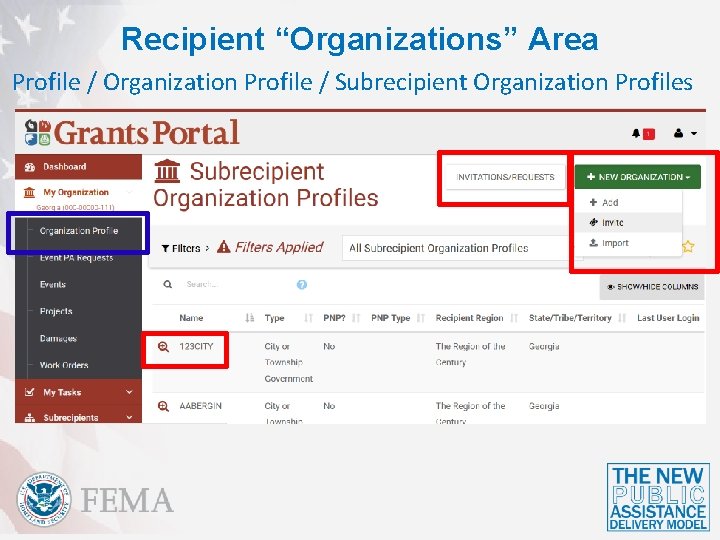
Recipient “Organizations” Area Profile / Organization Profile / Subrecipient Organization Profiles
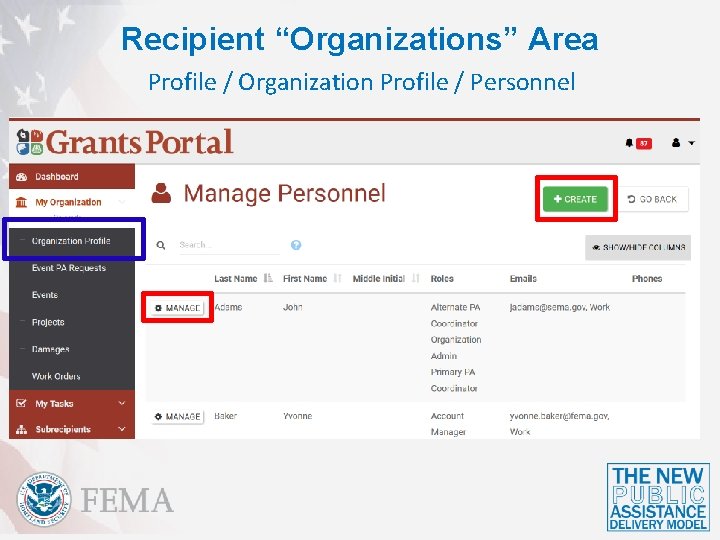
Recipient “Organizations” Area Profile / Organization Profile / Personnel
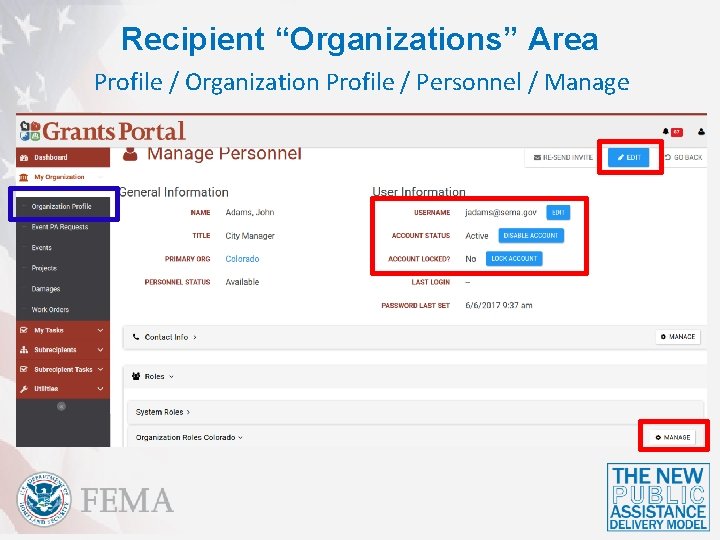
Recipient “Organizations” Area Profile / Organization Profile / Personnel / Manage
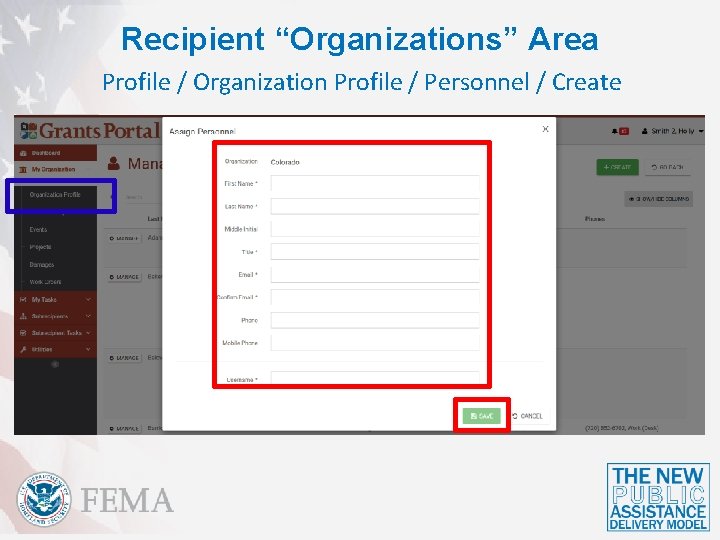
Recipient “Organizations” Area Profile / Organization Profile / Personnel / Create
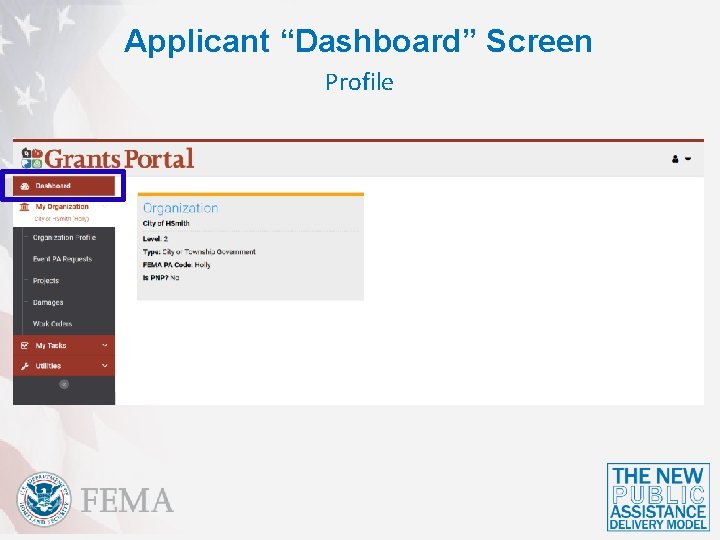
Applicant “Dashboard” Screen Profile
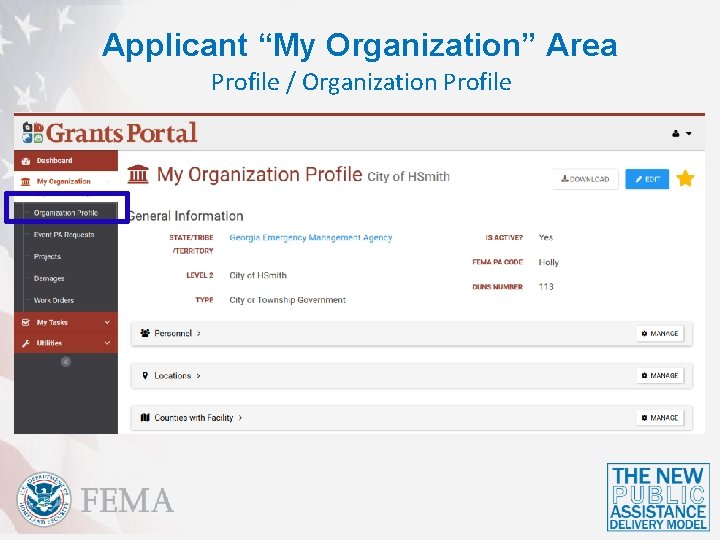
Applicant “My Organization” Area Profile / Organization Profile
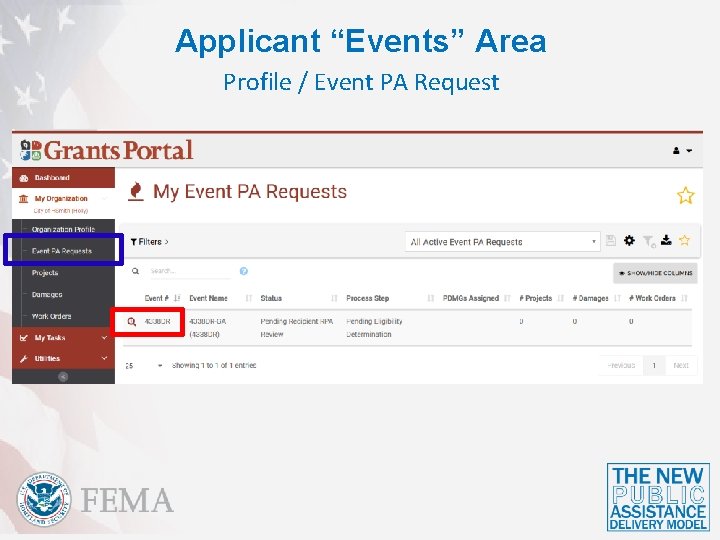
Applicant “Events” Area Profile / Event PA Request
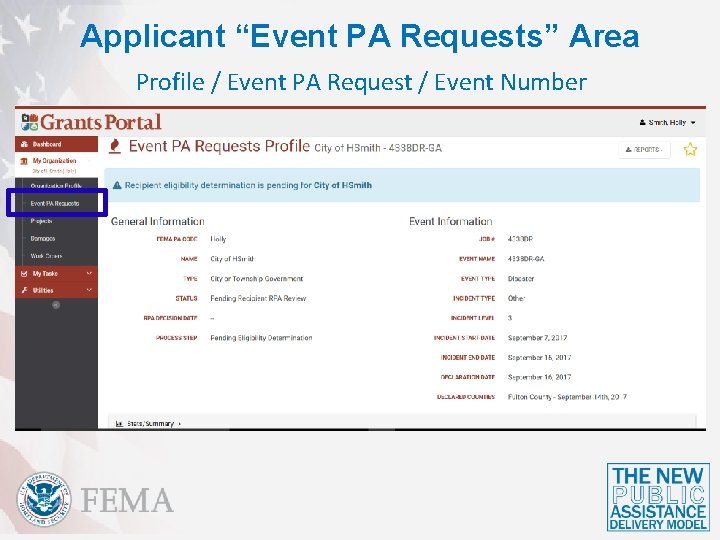
Applicant “Event PA Requests” Area Profile / Event PA Request / Event Number
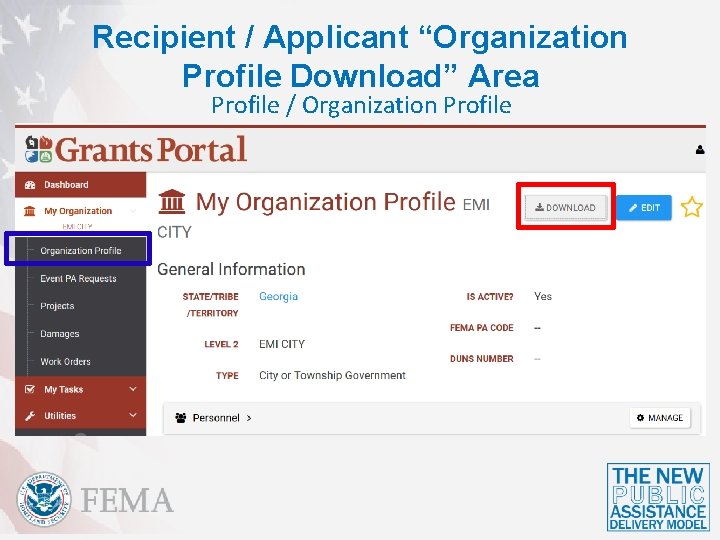
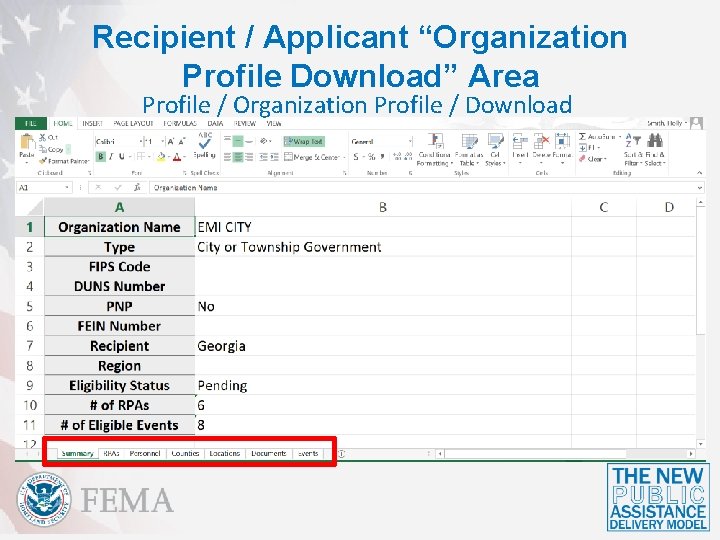
Recipient / Applicant “Organization Profile Download” Area Profile / Organization Profile
Recipient / Applicant “Organization Profile Download” Area Profile / Organization Profile / Download
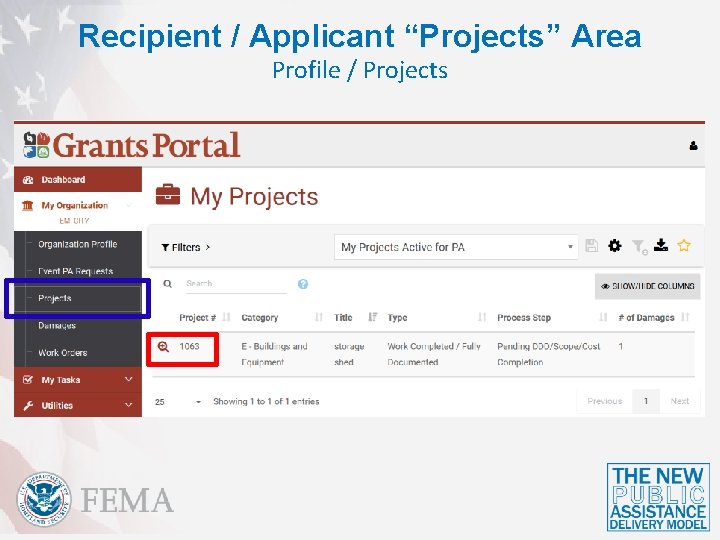
Recipient / Applicant “Projects” Area Profile / Projects
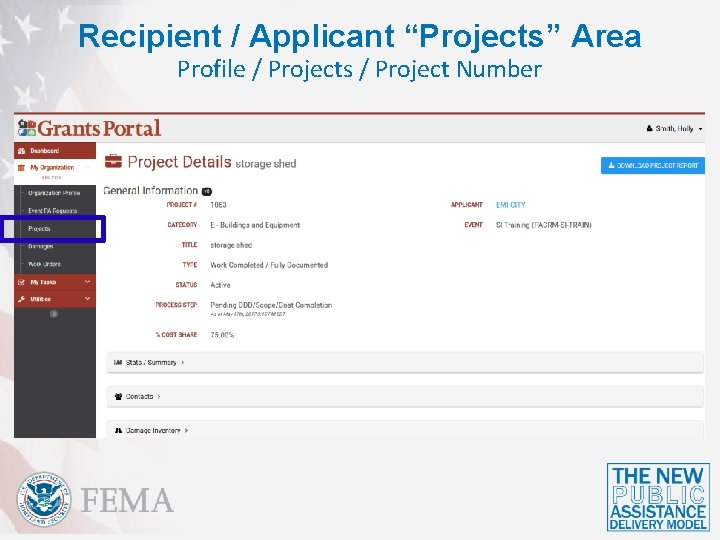
Recipient / Applicant “Projects” Area Profile / Projects / Project Number
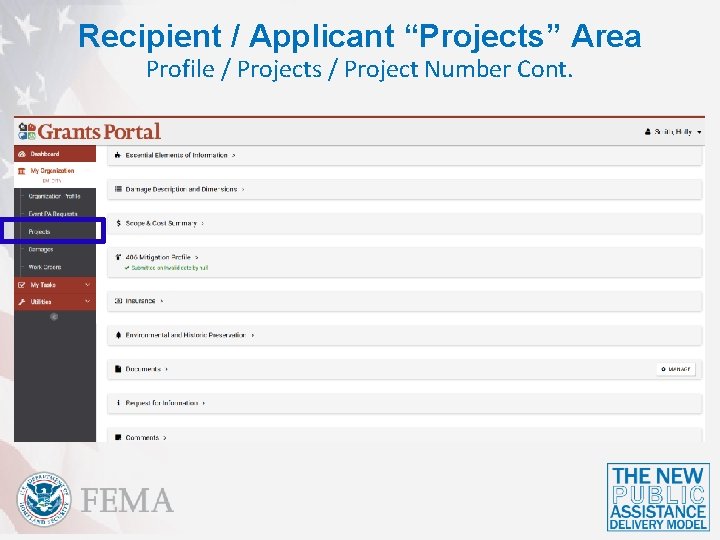
Recipient / Applicant “Projects” Area Profile / Projects / Project Number Cont.
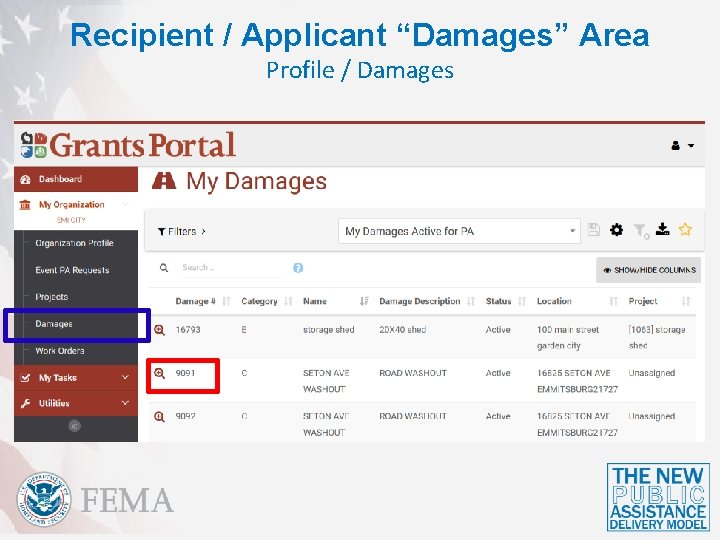
Recipient / Applicant “Damages” Area Profile / Damages
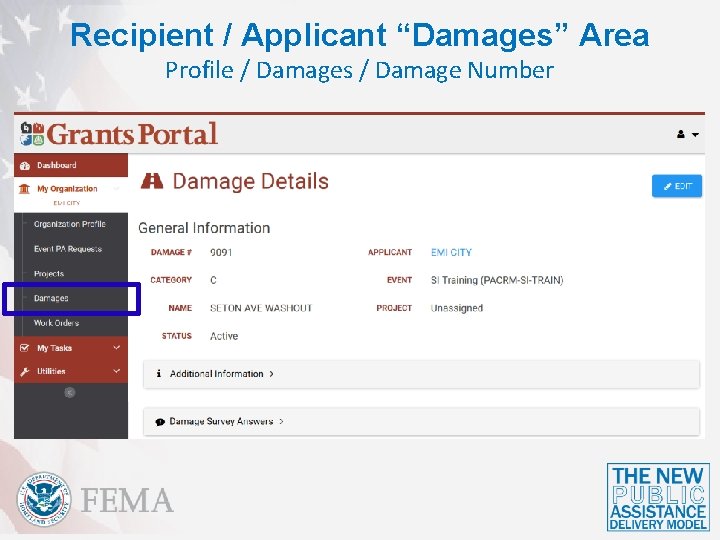
Recipient / Applicant “Damages” Area Profile / Damages / Damage Number
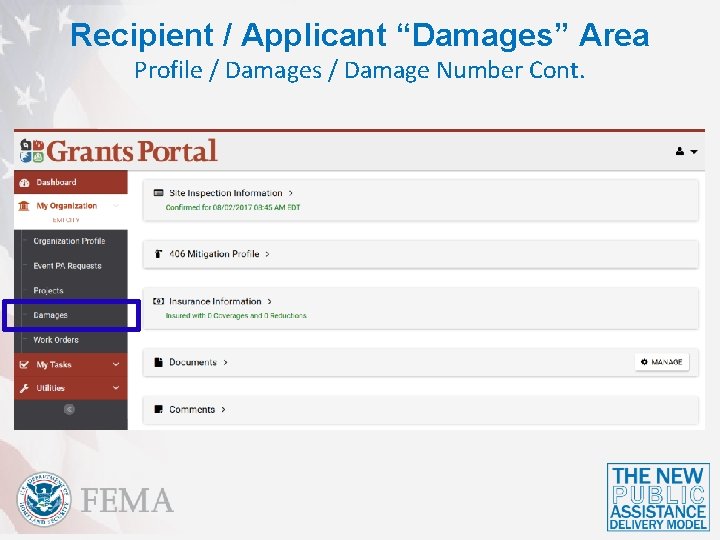
Recipient / Applicant “Damages” Area Profile / Damages / Damage Number Cont.
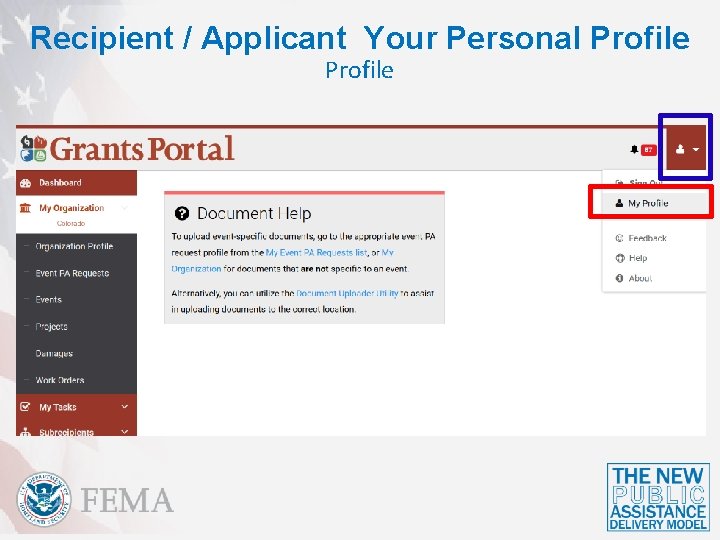
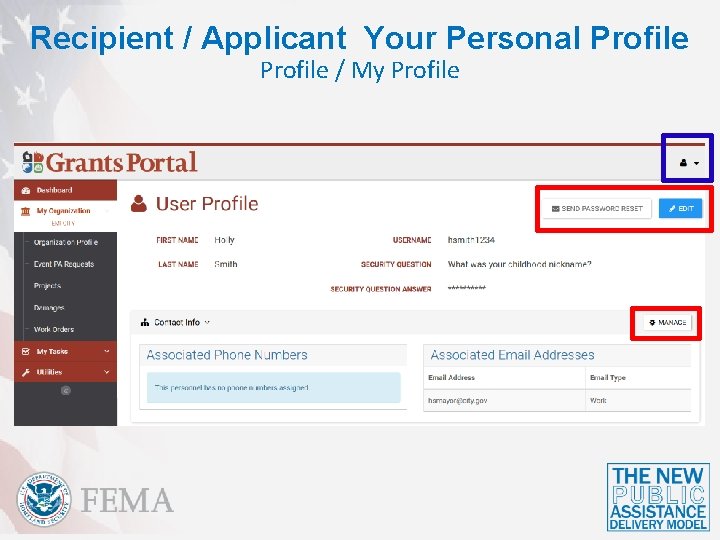
Recipient / Applicant Your Personal Profile
Recipient / Applicant Your Personal Profile / My Profile
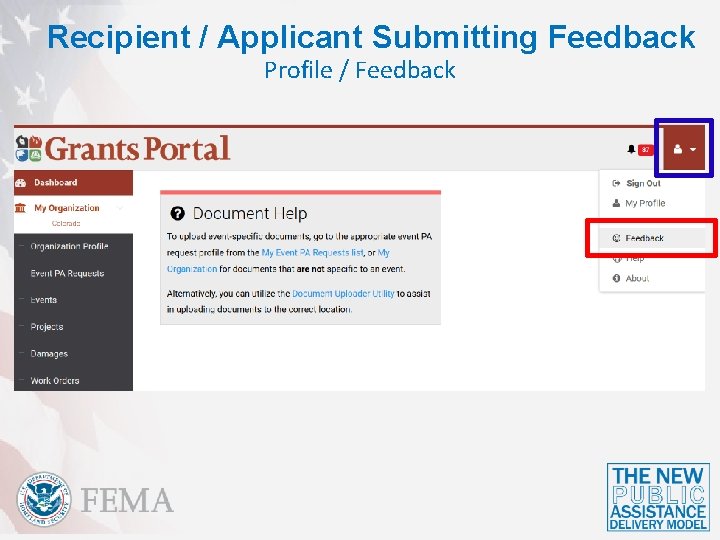
Recipient / Applicant Submitting Feedback Profile / Feedback
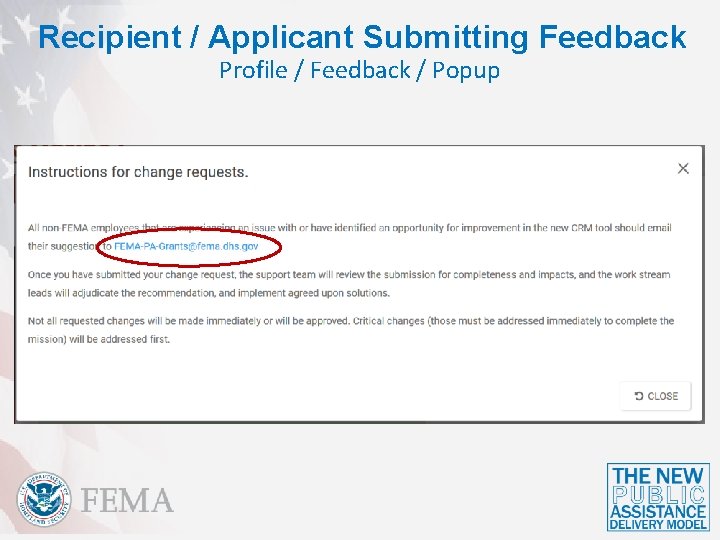
Recipient / Applicant Submitting Feedback Profile / Feedback / Popup
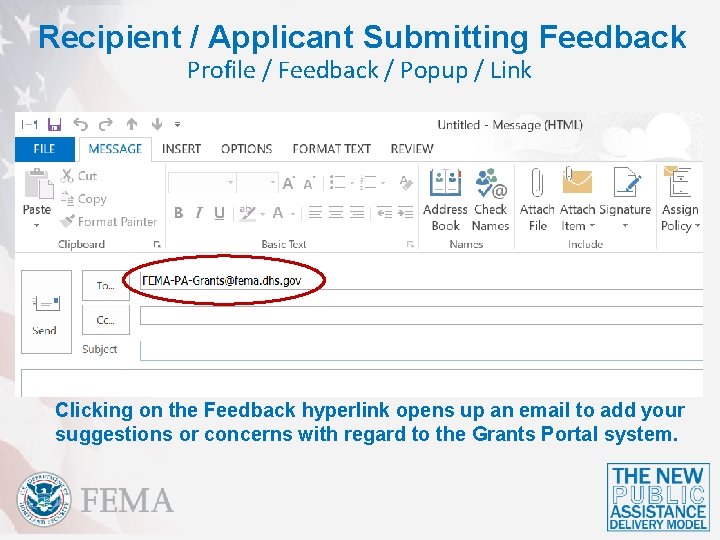
Recipient / Applicant Submitting Feedback Profile / Feedback / Popup / Link Clicking on the Feedback hyperlink opens up an email to add your suggestions or concerns with regard to the Grants Portal system.
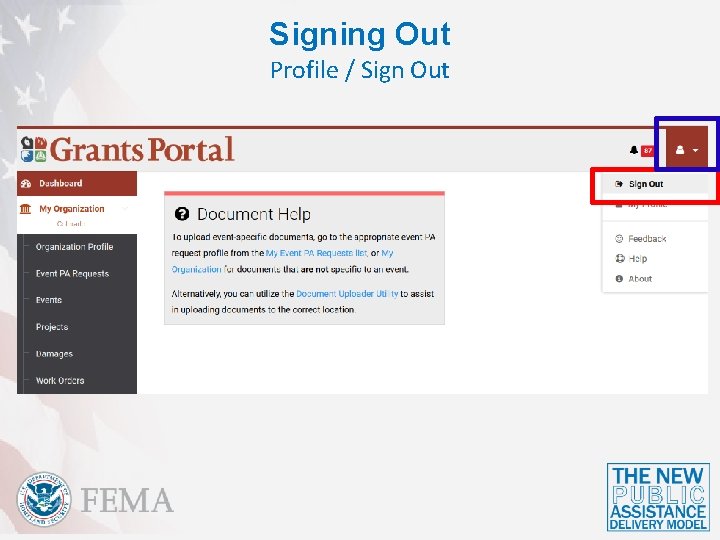
Signing Out Profile / Sign Out
Questions
Conclusion of Unit 2 Course Evaluation and Comment