
Introduction to the new mainframe zOS basics Chapter
Introduction to the new mainframe: z/OS basics Chapter 17 Security on z/OS © Copyright IBM Corp. , 2005. All rights reserved.
Introduction to the new mainframe Objectives In this chapter you will learn to: • • • Explain security and integrity concepts Explain RACF and its interface with the operating system Authorize a program Discuss integrity concepts Explain the importance of change control Explain the concept of risk assessment © Copyright IBM Corp. , 2005. All rights reserved.

Introduction to the new mainframe Key terms authorized libraries authorized program facility (APF) encryption SAF SVC PASSWORD firewall hacker page protection bit Resource Access Control Facility (RACF) security policy separation of duties system integrity user ID © Copyright IBM Corp. , 2005. All rights reserved.
Introduction to the new mainframe Introduction • An installation’s data and programs are among its most valuable assets and must be protected • At one time data was secure because no one knew how to access it • As more people become computer literate and able to use simple tools unprotected data is becoming more accessible • Data security is now more important than ever including the prevention of inadvertent destruction © Copyright IBM Corp. , 2005. All rights reserved.

Introduction to the new mainframe Why security? • Any system security must allow authorized users the access they need and prevent unauthorized access. • Many companies’ critical data is now on computer and is easily stolen if not protected • z/OS Security Server provides a framework of services to protect data © Copyright IBM Corp. , 2005. All rights reserved.

Introduction to the new mainframe RACF • RACF (part of Security Server) and the other available packages are add-on products which provide the basic security framework on a z/OS mainframe • Identify and authenticate users • Authorize users to access protected resources • Log and report attempted unauthorized access • Control means of access to resources © Copyright IBM Corp. , 2005. All rights reserved.

Introduction to the new mainframe Fig 19 -1 RACF functions overview © Copyright IBM Corp. , 2005. All rights reserved.
Introduction to the new mainframe Identification and verification of users • RACF uses a userid and system encrypted password to perform its user identification and verification • The userid identified the person to the system • The password verifies the user’s identity • Passwords should not be trivial and exits can be used to enforce policies. © Copyright IBM Corp. , 2005. All rights reserved.
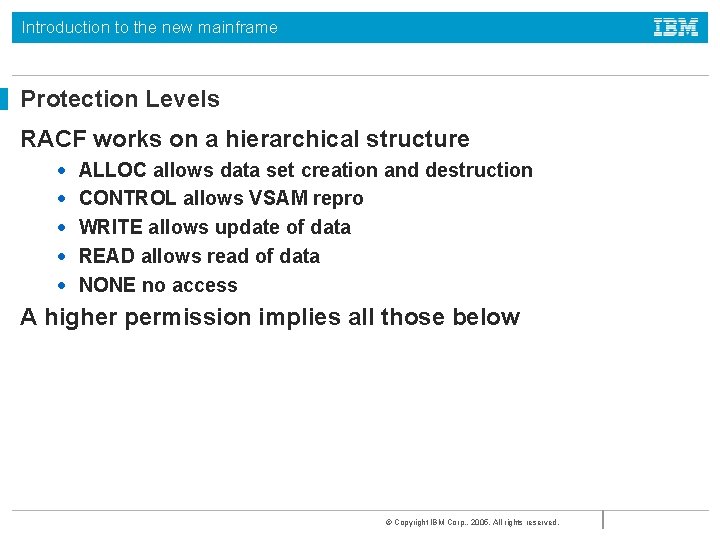
Introduction to the new mainframe Protection Levels RACF works on a hierarchical structure • • • ALLOC allows data set creation and destruction CONTROL allows VSAM repro WRITE allows update of data READ allows read of data NONE no access A higher permission implies all those below © Copyright IBM Corp. , 2005. All rights reserved.
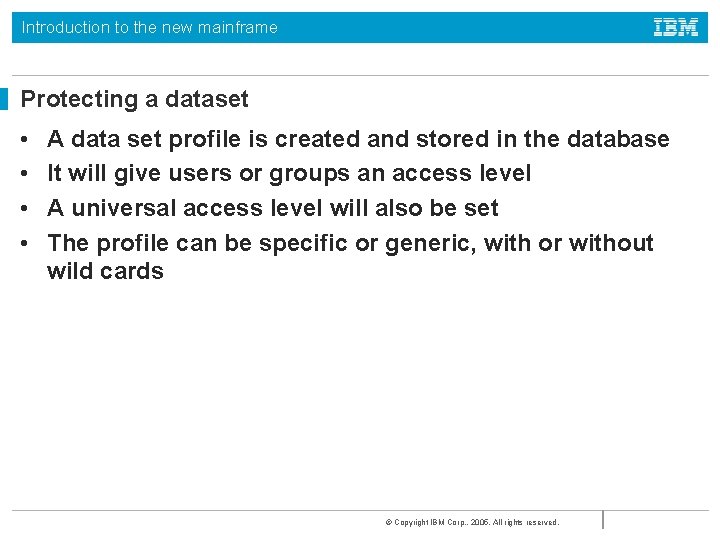
Introduction to the new mainframe Protecting a dataset • • A data set profile is created and stored in the database It will give users or groups an access level A universal access level will also be set The profile can be specific or generic, with or without wild cards © Copyright IBM Corp. , 2005. All rights reserved.
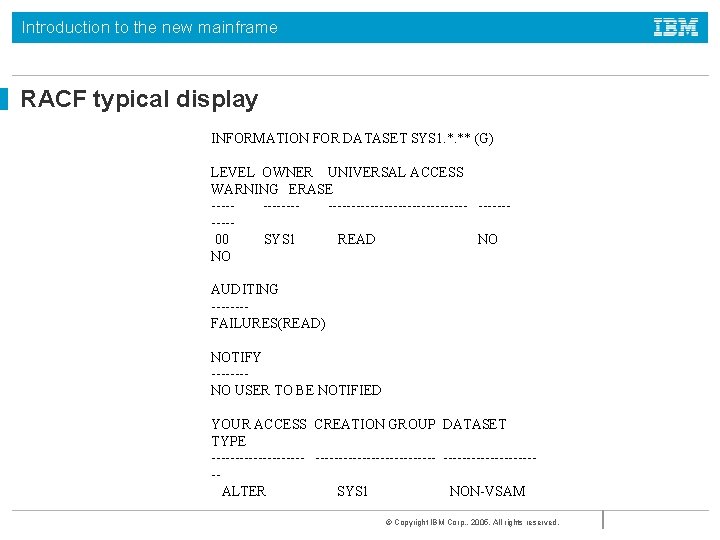
Introduction to the new mainframe RACF typical display INFORMATION FOR DATASET SYS 1. *. ** (G) LEVEL OWNER UNIVERSAL ACCESS WARNING ERASE ----------------- ----- 00 SYS 1 READ NO AUDITING ---- FAILURES(READ) NOTIFY ---- NO USER TO BE NOTIFIED YOUR ACCESS CREATION GROUP DATASET TYPE -------------------------- ALTER SYS 1 NON-VSAM © Copyright IBM Corp. , 2005. All rights reserved.
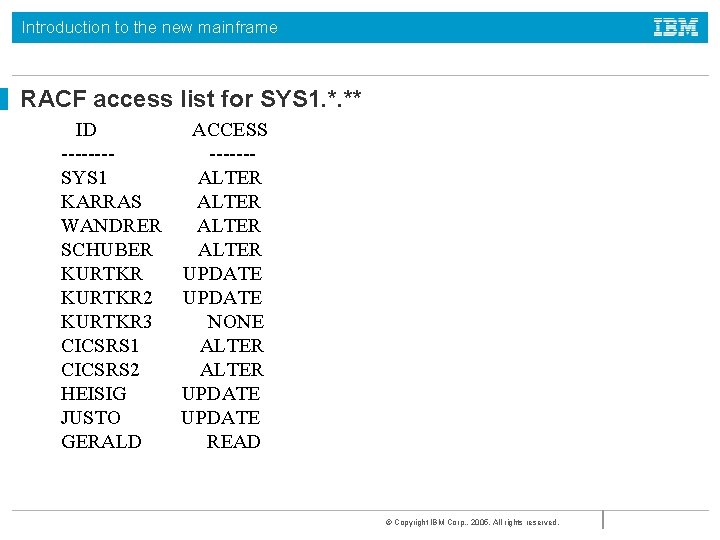
Introduction to the new mainframe RACF access list for SYS 1. *. ** ID ACCESS ---- ------SYS 1 ALTER KARRAS ALTER WANDRER ALTER SCHUBER ALTER KURTKR UPDATE KURTKR 2 UPDATE KURTKR 3 NONE CICSRS 1 ALTER CICSRS 2 ALTER HEISIG UPDATE JUSTO UPDATE GERALD READ © Copyright IBM Corp. , 2005. All rights reserved.
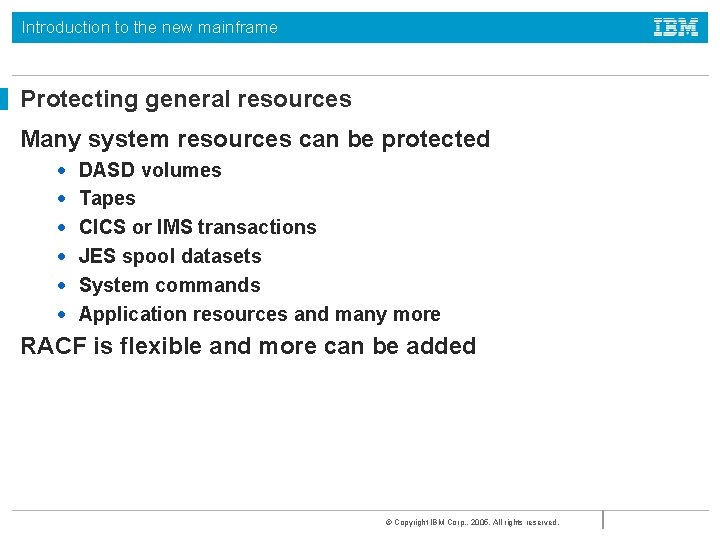
Introduction to the new mainframe Protecting general resources Many system resources can be protected • • • DASD volumes Tapes CICS or IMS transactions JES spool datasets System commands Application resources and many more RACF is flexible and more can be added © Copyright IBM Corp. , 2005. All rights reserved.

Introduction to the new mainframe Fig 19 -2 Operating system and RACF © Copyright IBM Corp. , 2005. All rights reserved.
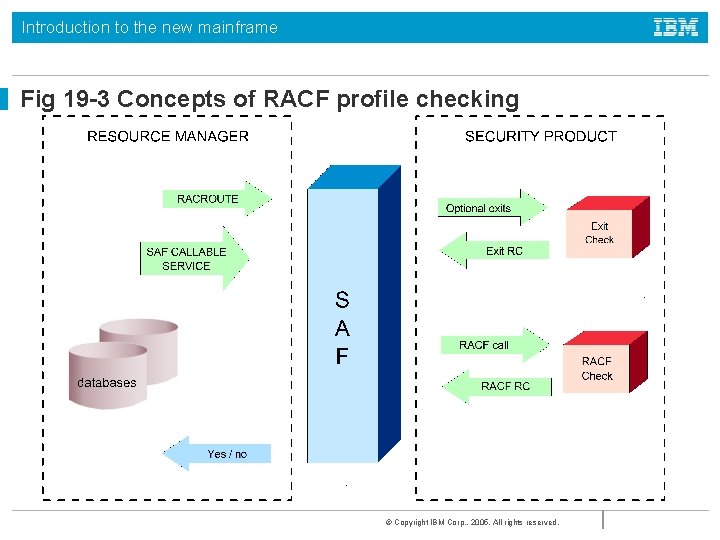
Introduction to the new mainframe Fig 19 -3 Concepts of RACF profile checking © Copyright IBM Corp. , 2005. All rights reserved.
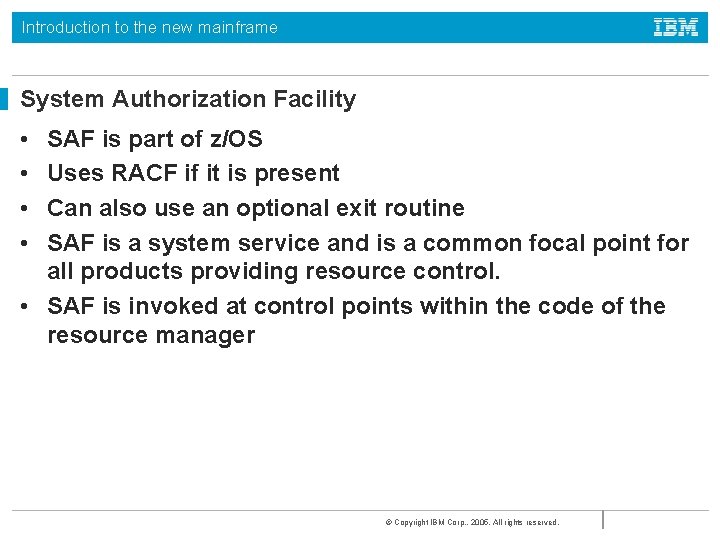
Introduction to the new mainframe System Authorization Facility • • SAF is part of z/OS Uses RACF if it is present Can also use an optional exit routine SAF is a system service and is a common focal point for all products providing resource control. • SAF is invoked at control points within the code of the resource manager © Copyright IBM Corp. , 2005. All rights reserved.
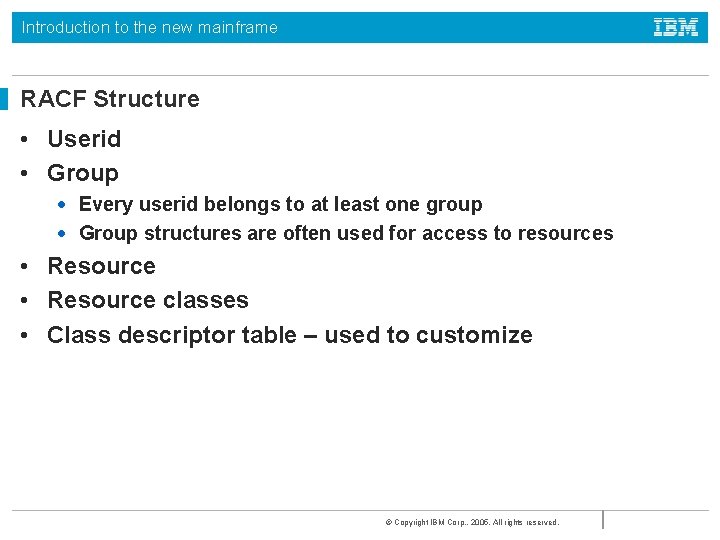
Introduction to the new mainframe RACF Structure • Userid • Group • Every userid belongs to at least one group • Group structures are often used for access to resources • Resource classes • Class descriptor table – used to customize © Copyright IBM Corp. , 2005. All rights reserved.

Introduction to the new mainframe Fig 19 -4 RACF structure overview © Copyright IBM Corp. , 2005. All rights reserved.
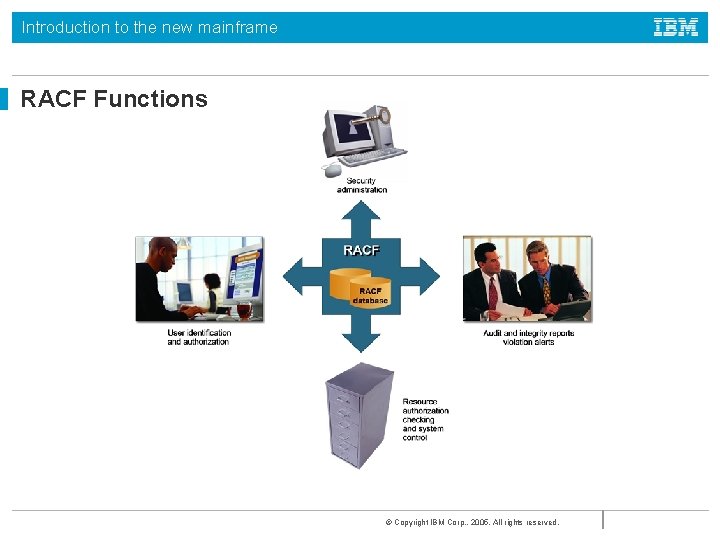
Introduction to the new mainframe RACF Functions © Copyright IBM Corp. , 2005. All rights reserved.

Introduction to the new mainframe User Identification • • RACF identifies you when you logon Userid and password are required Each RACF userid has a unique password Password is one way encrypted so no one else can get your password not even the administrator • Userid is revoked after a preset number of invalid password attempts © Copyright IBM Corp. , 2005. All rights reserved.
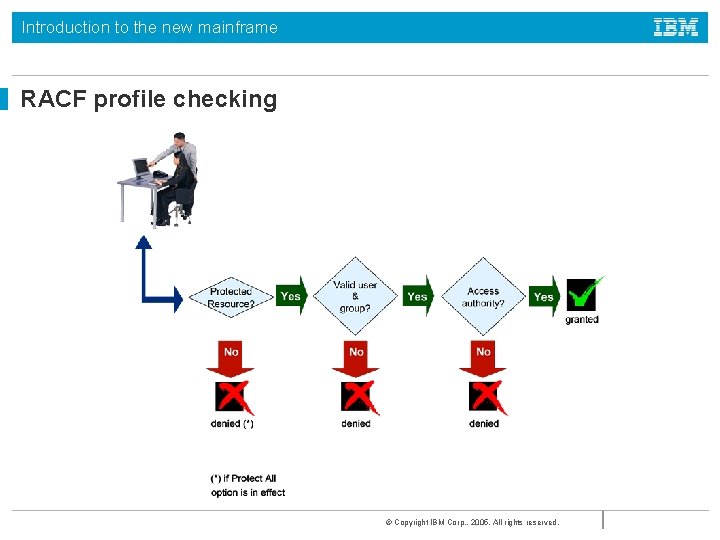
Introduction to the new mainframe RACF profile checking © Copyright IBM Corp. , 2005. All rights reserved.

Introduction to the new mainframe Logging and reporting RACF maintains statistical information RACF writes a security log when it detects: • Unauthorized attempts to enter the system • Access to resources • This depends on the settings for the resource • For example AUDIT(ALL(UPDATE) will record all updates to a resource • Issuing of commands © Copyright IBM Corp. , 2005. All rights reserved.
Introduction to the new mainframe Security Administration Interpret the security policy to: • • Determine which RACF functions to use Identify the level of RACF protection Identify which data to protect Identify administrative structures and users © Copyright IBM Corp. , 2005. All rights reserved.
Introduction to the new mainframe RACF sysplex data sharing and RRSF • If many systems share a RACF database there can be contention problems • RACF will propagate commands throughout a sysplex • RACF can use a coupling facility in a parallel sysplex to improve performance • RRSF can be used to keep distributed RACF databases in line © Copyright IBM Corp. , 2005. All rights reserved.

Introduction to the new mainframe Authorized programs • Authorized tasks running authorized programs are allowed to access sensitive system functions • Unauthorized programs may only use standard functions to avoid integrity problems © Copyright IBM Corp. , 2005. All rights reserved.

Introduction to the new mainframe Fig 19 -7 Authorized Program Facility © Copyright IBM Corp. , 2005. All rights reserved.
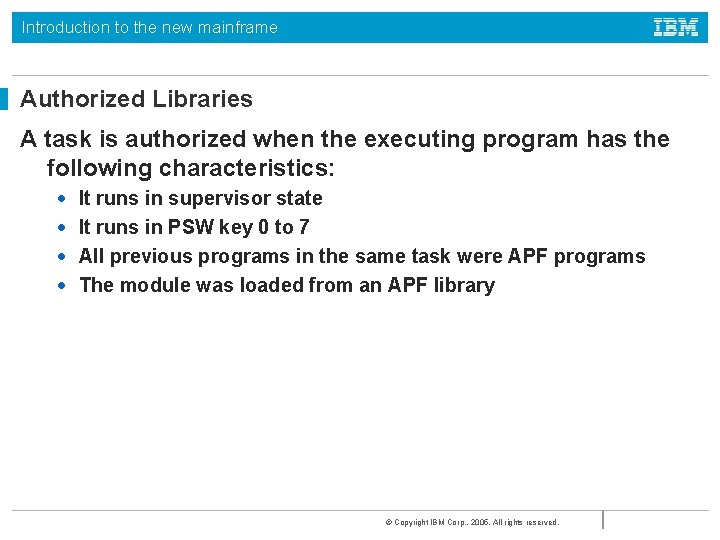
Introduction to the new mainframe Authorized Libraries A task is authorized when the executing program has the following characteristics: • • It runs in supervisor state It runs in PSW key 0 to 7 All previous programs in the same task were APF programs The module was loaded from an APF library © Copyright IBM Corp. , 2005. All rights reserved.
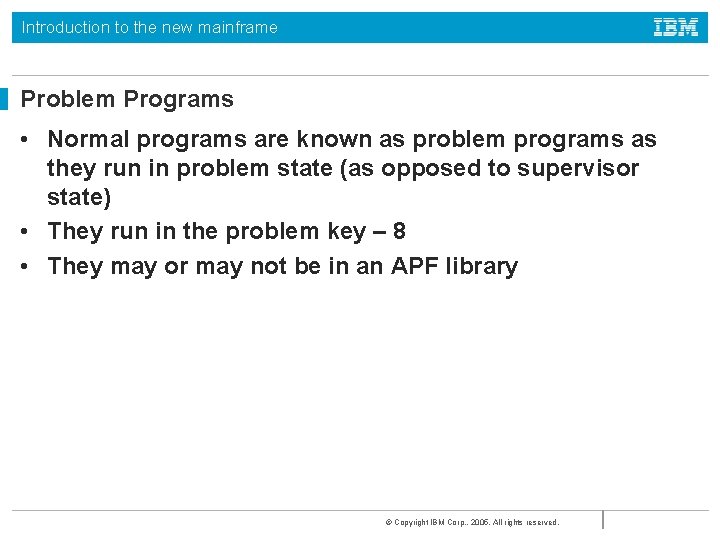
Introduction to the new mainframe Problem Programs • Normal programs are known as problem programs as they run in problem state (as opposed to supervisor state) • They run in the problem key – 8 • They may or may not be in an APF library © Copyright IBM Corp. , 2005. All rights reserved.
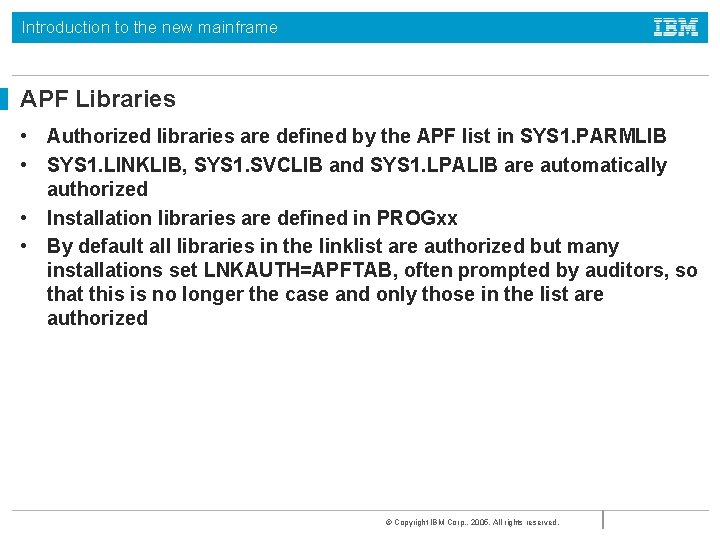
Introduction to the new mainframe APF Libraries • Authorized libraries are defined by the APF list in SYS 1. PARMLIB • SYS 1. LINKLIB, SYS 1. SVCLIB and SYS 1. LPALIB are automatically authorized • Installation libraries are defined in PROGxx • By default all libraries in the linklist are authorized but many installations set LNKAUTH=APFTAB, often prompted by auditors, so that this is no longer the case and only those in the list are authorized © Copyright IBM Corp. , 2005. All rights reserved.
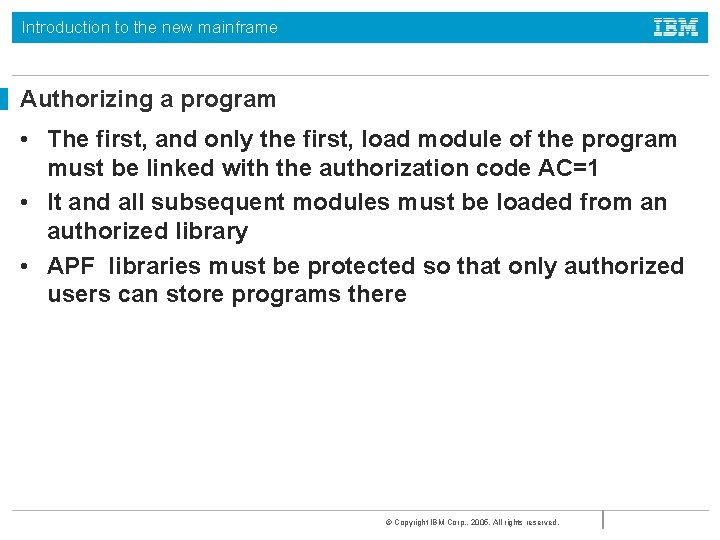
Introduction to the new mainframe Authorizing a program • The first, and only the first, load module of the program must be linked with the authorization code AC=1 • It and all subsequent modules must be loaded from an authorized library • APF libraries must be protected so that only authorized users can store programs there © Copyright IBM Corp. , 2005. All rights reserved.
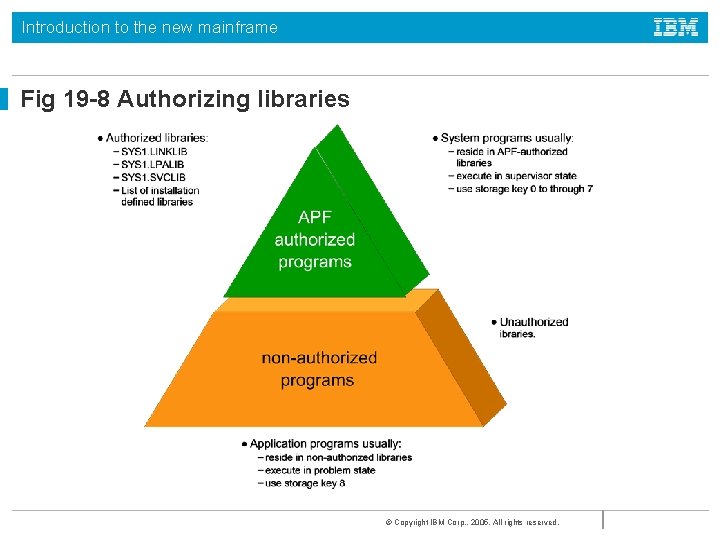
Introduction to the new mainframe Fig 19 -8 Authorizing libraries © Copyright IBM Corp. , 2005. All rights reserved.

Introduction to the new mainframe Authorizing libraries • The APF list is built during IPL using those libraries listed in the PROGxx parmlib member • If a dynamic list is specified then it may be updated by operator command © Copyright IBM Corp. , 2005. All rights reserved.
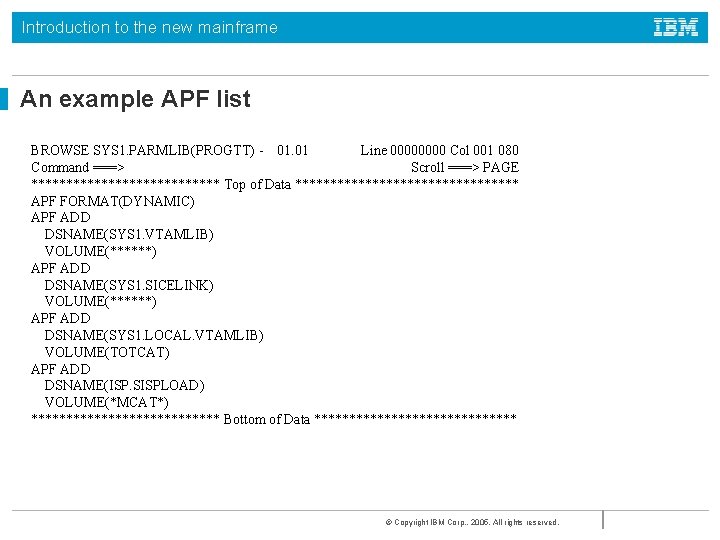
Introduction to the new mainframe An example APF list BROWSE SYS 1. PARMLIB(PROGTT) - 01. 01 Line 0000 Col 001 080 Command ===> Scroll ===> PAGE ************** Top of Data **************** APF FORMAT(DYNAMIC) APF ADD DSNAME(SYS 1. VTAMLIB) VOLUME(******) APF ADD DSNAME(SYS 1. SICELINK) VOLUME(******) APF ADD DSNAME(SYS 1. LOCAL. VTAMLIB) VOLUME(TOTCAT) APF ADD DSNAME(ISP. SISPLOAD) VOLUME(*MCAT*) ************** Bottom of Data *************** © Copyright IBM Corp. , 2005. All rights reserved.

Introduction to the new mainframe Dynamic APF • Update a PROGxx member and then activate it with operator command SET PROG=xx • Use the SETPROG APF command • DISPLAY PROG, APF command will display the current list © Copyright IBM Corp. , 2005. All rights reserved.

Introduction to the new mainframe D PROG, APF CSV 450 I 12. 46. 27 PROG, APF DISPLAY 027 FORMAT=DYNAMIC ENTRY VOLUME DSNAME 1 Z 04 RE 1 SYS 1. LINKLIB 2 Z 04 RE 1 SYS 1. SVCLIB 3 Z 04 RE 1 ANF. SANFLOAD 4 Z 04 RE 2 AOP. SAOPLOAD 5 Z 04 RE 1 AOP. SAOPLOAD 6 Z 04 RE 1 ARTURO. BFSLMOD 7 Z 04 RE 1 ASMA. V 1 R 2 M 0. SASMMOD 1 8 TOTDBZ ASN. V 7 R 1 M 0. SASNALNK 9 TOTDBZ ASN. V 7 R 1 M 0. SASNLLNK 10 TOTDBZ ASN. V 8 R 1 M 0. SASNLOAD 11 TOTPT 1 ASNA. V 5 R 1 M 0. SASNALNK 12 TOTPT 1 ASNL. V 5 R 1 M 0. SASNLLNK …… © Copyright IBM Corp. , 2005. All rights reserved.

Introduction to the new mainframe Operator Console Security Consoles are assigned authority levels in CONSOLxx parmlib member Commands are grouped: • • • INFO informational commands SYS system control commands IO I/O commands CONS console control commands MASTER master console commands Each console may have one or more levels © Copyright IBM Corp. , 2005. All rights reserved.
Introduction to the new mainframe Consoles • • At least one console must have master authority In a sysplex consoles are shared It is possible to require logon to consoles using RACF All extended MCS consoles should require a logon © Copyright IBM Corp. , 2005. All rights reserved.
Introduction to the new mainframe Security Roles • • Systems programmer sets up RACF Systems administrator implements the policies Security Manager sets the policies Separation of duties is required to prevent uncontrolled access © Copyright IBM Corp. , 2005. All rights reserved.
Introduction to the new mainframe Summary • • • z/OS Security Server RACF SAF Authorized Programs APF list Console security © Copyright IBM Corp. , 2005. All rights reserved.

Introduction to the new mainframe © Copyright IBM Corp. , 2005. All rights reserved.
- Slides: 40