
Introduction to the Microsoft Security Development Lifecycle SDL
- Slides: 30
Introduction to the Microsoft® Security Development Lifecycle (SDL) Secure software made easier
Agenda • • Applications under attack Origins of the Microsoft SDL What is Microsoft doing about the threat? Measurable improvements at Microsoft
Applications under attack…
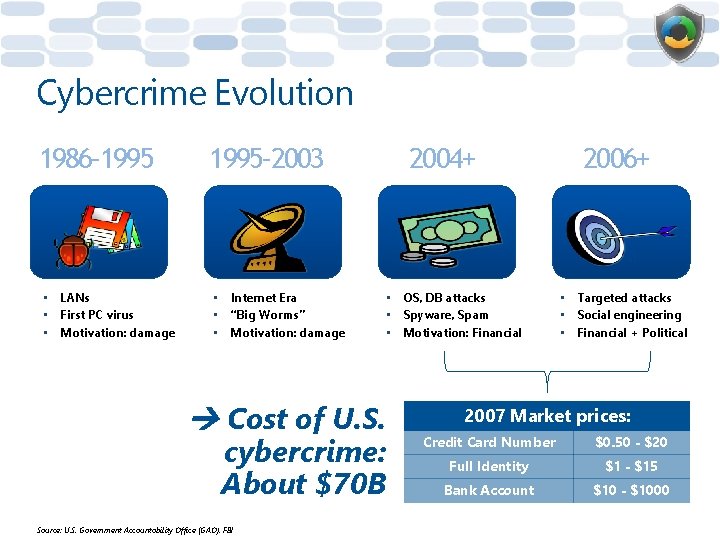
Cybercrime Evolution 1986– 1995– 2003 • LANs • First PC virus • Motivation: damage • Internet Era • “Big Worms” • Motivation: damage 2004+ • OS, DB attacks • Spyware, Spam • Motivation: Financial Cost of U. S. cybercrime: About $70 B Source: U. S. Government Accountability Office (GAO), FBI 2006+ • Targeted attacks • Social engineering • Financial + Political 2007 Market prices: Credit Card Number $0. 50 - $20 Full Identity $1 - $15 Bank Account $10 - $1000
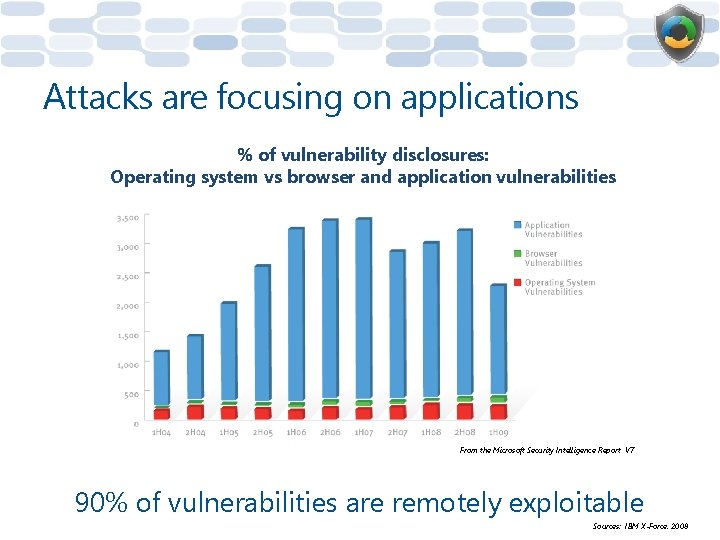
Attacks are focusing on applications % of vulnerability disclosures: Operating system vs browser and application vulnerabilities From the Microsoft Security Intelligence Report V 7 90% of vulnerabilities are remotely exploitable Sources: IBM X-Force, 2008
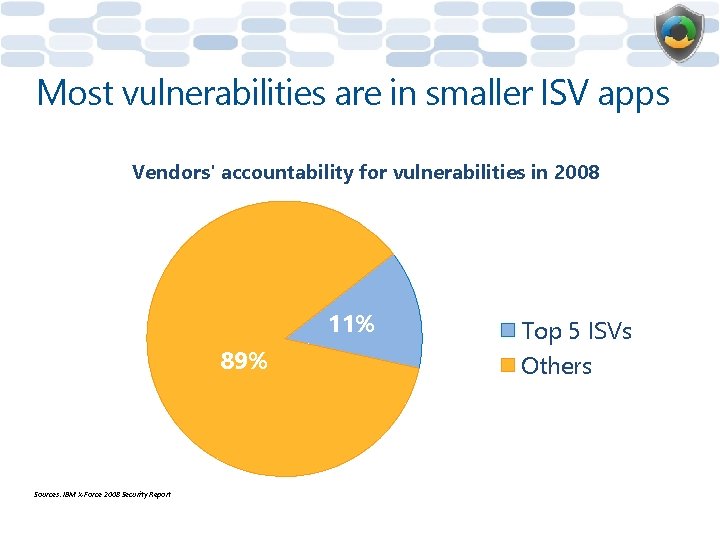
Most vulnerabilities are in smaller ISV apps Vendors' accountability for vulnerabilities in 2008 11% 89% Sources: IBM X-Force 2008 Security Report Top 5 ISVs Others
Origins of the Microsoft SDL…
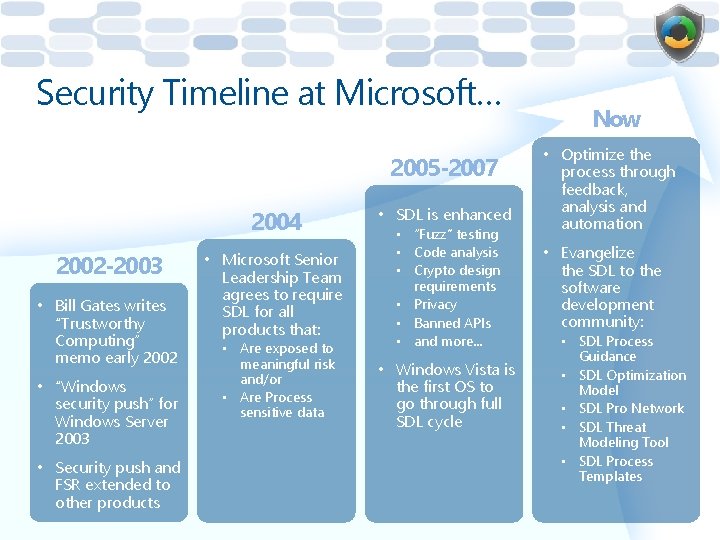
Security Timeline at Microsoft… 2005 -2007 2004 2002 -2003 • Bill Gates writes “Trustworthy Computing” memo early 2002 • “Windows security push” for Windows Server 2003 • Security push and FSR extended to other products • Microsoft Senior Leadership Team agrees to require SDL for all products that: • Are exposed to meaningful risk and/or • Are Process sensitive data • SDL is enhanced • “Fuzz” testing • Code analysis • Crypto design requirements • Privacy • Banned APIs • and more… • Windows Vista is the first OS to go through full SDL cycle Now • Optimize the process through feedback, analysis and automation • Evangelize the SDL to the software development community: • SDL Process Guidance • SDL Optimization Model • SDL Pro Network • SDL Threat Modeling Tool • SDL Process Templates
Which apps are required to follow SDL? • Any release commonly used or deployed within an enterprise, business, or organization • Any release that accepts and/or processes data from an unauthenticated source • Any release that regularly stores, processes, or communicates PII (as defined in Microsoft Privacy Guidelines for Developing Software Products and Services) or other sensitive customer information • Any functionality that parses any file type that is not protected, (i. e. not limited to system administrators) • Any release that contains Active. X and/or COM controls • All Microsoft, MSN and Live. com online services that are used by external customers and hosted in the MSN environment • Any release that regularly touches or listens on the Internet or other networks
What is Microsoft doing about the threat?
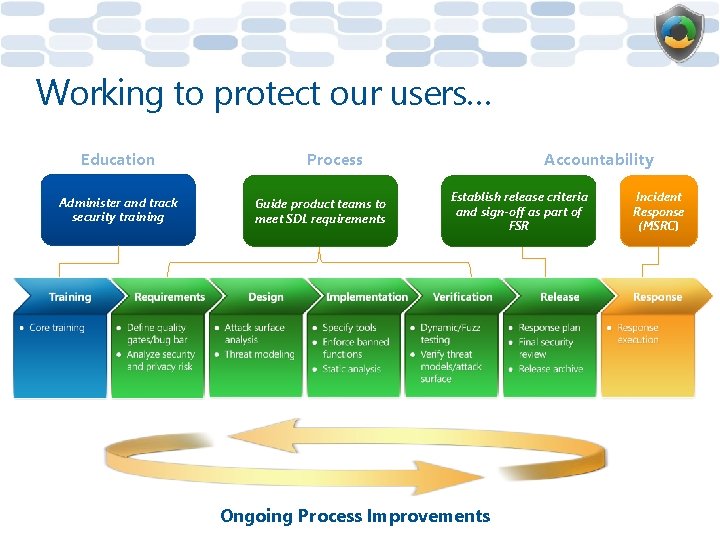
Working to protect our users… Education Administer and track security training Process Guide product teams to meet SDL requirements Accountability Establish release criteria and sign-off as part of FSR Ongoing Process Improvements Incident Response (MSRC)
Pre-SDL Requirements: Security Training Requirements Design Implementation Verification Release Response Assess organizational knowledge on security and privacy – establish training program as necessary • Establish training criteria – Content covering secure design, development, test and privacy • Establish minimum training frequency – Employees must attend n classes per year • Establish minimum acceptable group training thresholds – Organizational training targets (e. g. 80% of all technical personnel trained prior to product RTM)
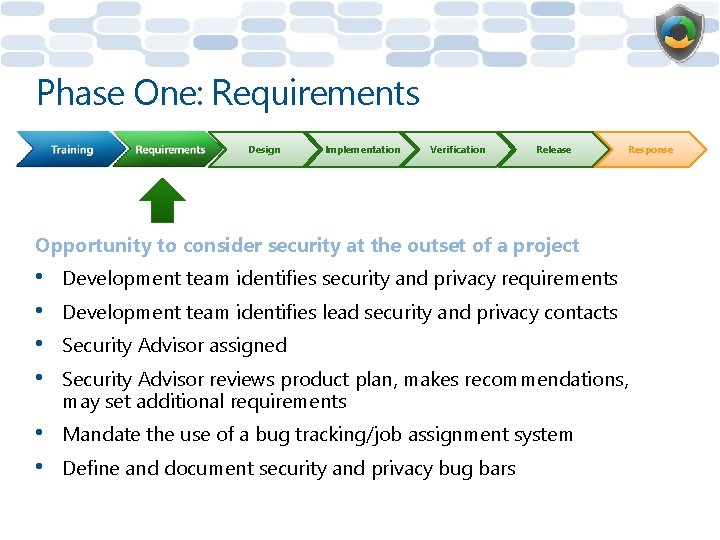
Phase One: Requirements Design Implementation Verification Release Opportunity to consider security at the outset of a project • • Development team identifies security and privacy requirements • • Mandate the use of a bug tracking/job assignment system Development team identifies lead security and privacy contacts Security Advisor assigned Security Advisor reviews product plan, makes recommendations, may set additional requirements Define and document security and privacy bug bars Response
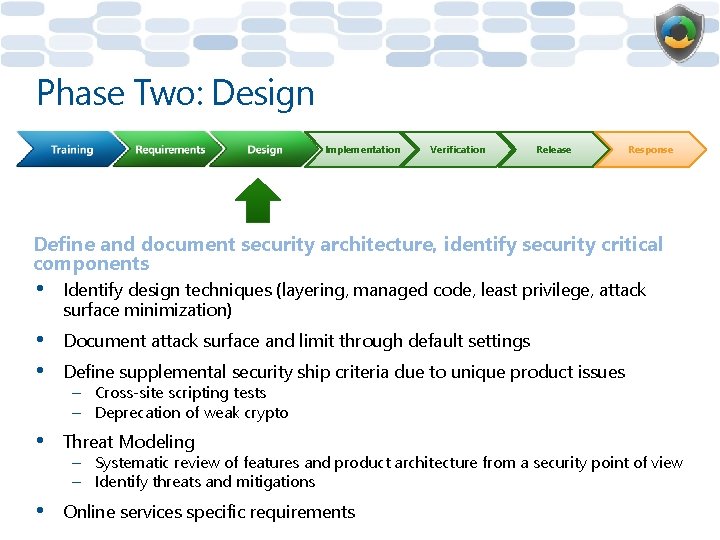
Phase Two: Design Implementation Verification Release Response Define and document security architecture, identify security critical components • Identify design techniques (layering, managed code, least privilege, attack surface minimization) • • Document attack surface and limit through default settings • Threat Modeling • Online services specific requirements Define supplemental security ship criteria due to unique product issues – Cross-site scripting tests – Deprecation of weak crypto – Systematic review of features and product architecture from a security point of view – Identify threats and mitigations
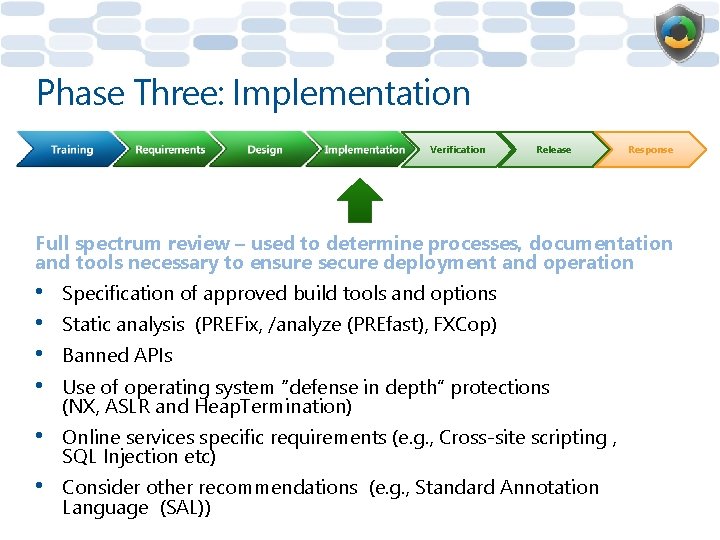
Phase Three: Implementation Verification Release Response Full spectrum review – used to determine processes, documentation and tools necessary to ensure secure deployment and operation • • Specification of approved build tools and options • Online services specific requirements (e. g. , Cross-site scripting , SQL Injection etc) • Consider other recommendations (e. g. , Standard Annotation Language (SAL)) Static analysis (PREFix, /analyze (PREfast), FXCop) Banned APIs Use of operating system “defense in depth” protections (NX, ASLR and Heap. Termination)
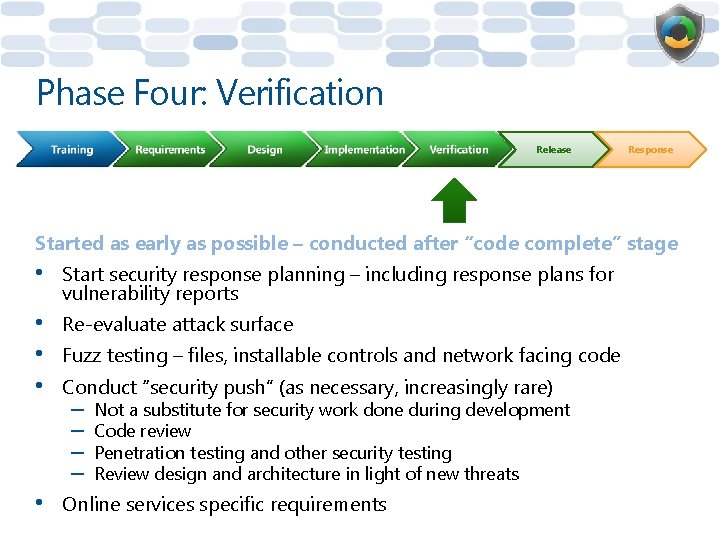
Phase Four: Verification Release Response Started as early as possible – conducted after “code complete” stage • Start security response planning – including response plans for vulnerability reports • • • Re-evaluate attack surface • Online services specific requirements Fuzz testing – files, installable controls and network facing code Conduct “security push” (as necessary, increasingly rare) – – Not a substitute for security work done during development Code review Penetration testing and other security testing Review design and architecture in light of new threats
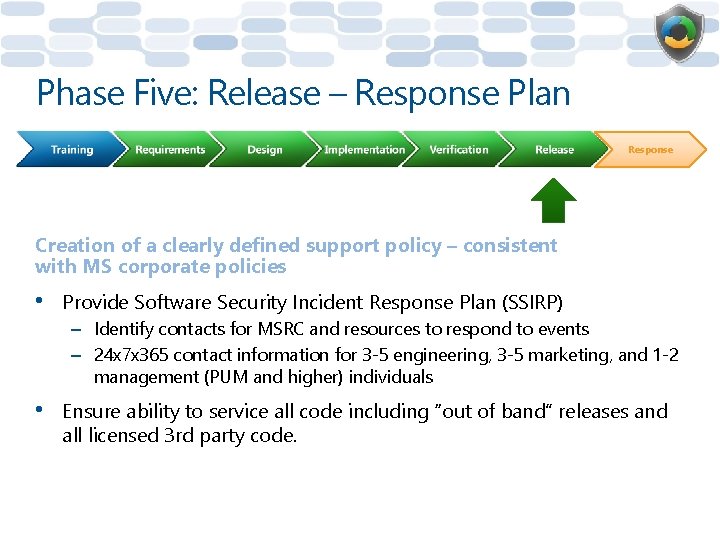
Phase Five: Release – Response Plan Response Creation of a clearly defined support policy – consistent with MS corporate policies • Provide Software Security Incident Response Plan (SSIRP) – Identify contacts for MSRC and resources to respond to events – 24 x 7 x 365 contact information for 3 -5 engineering, 3 -5 marketing, and 1 -2 management (PUM and higher) individuals • Ensure ability to service all code including “out of band” releases and all licensed 3 rd party code.
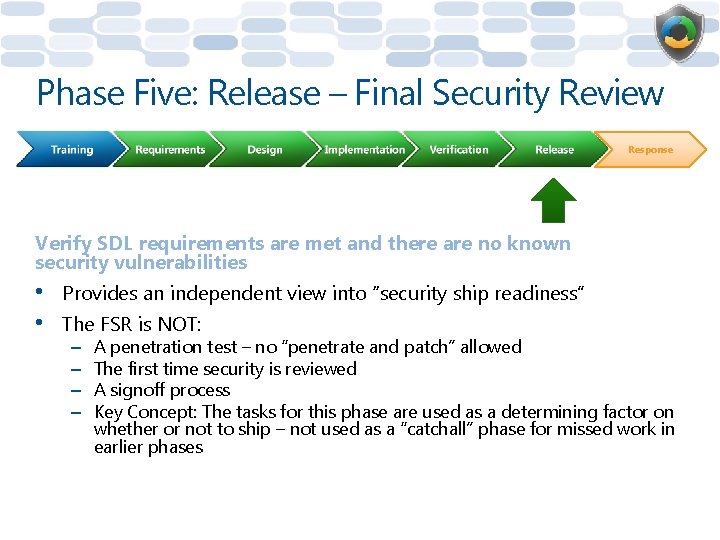
Phase Five: Release – Final Security Review Response Verify SDL requirements are met and there are no known security vulnerabilities • • Provides an independent view into “security ship readiness” The FSR is NOT: – – A penetration test – no “penetrate and patch” allowed The first time security is reviewed A signoff process Key Concept: The tasks for this phase are used as a determining factor on whether or not to ship – not used as a “catchall” phase for missed work in earlier phases
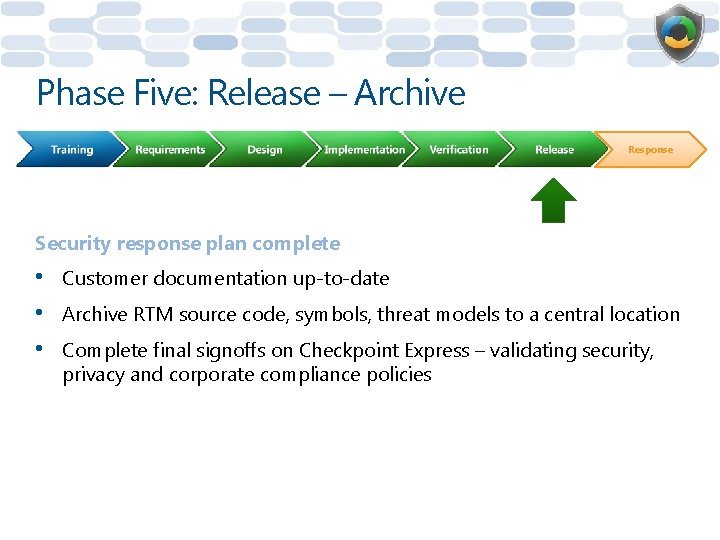
Phase Five: Release – Archive Response Security response plan complete • • • Customer documentation up-to-date Archive RTM source code, symbols, threat models to a central location Complete final signoffs on Checkpoint Express – validating security, privacy and corporate compliance policies
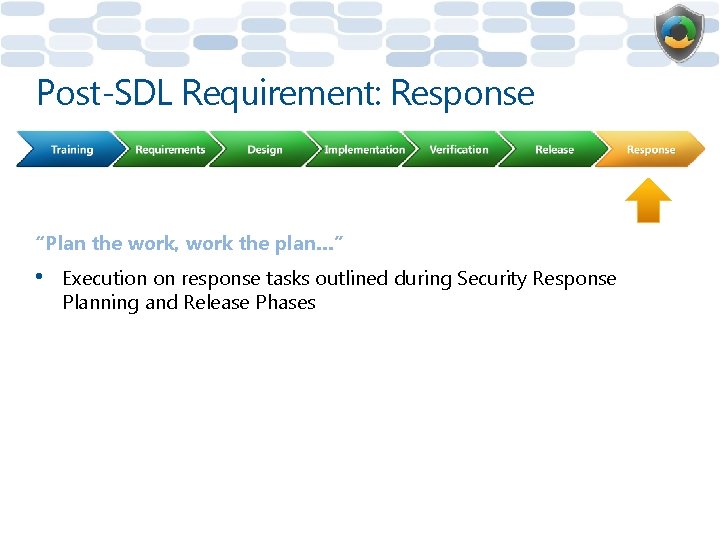
Post-SDL Requirement: Response “Plan the work, work the plan…” • Execution on response tasks outlined during Security Response Planning and Release Phases
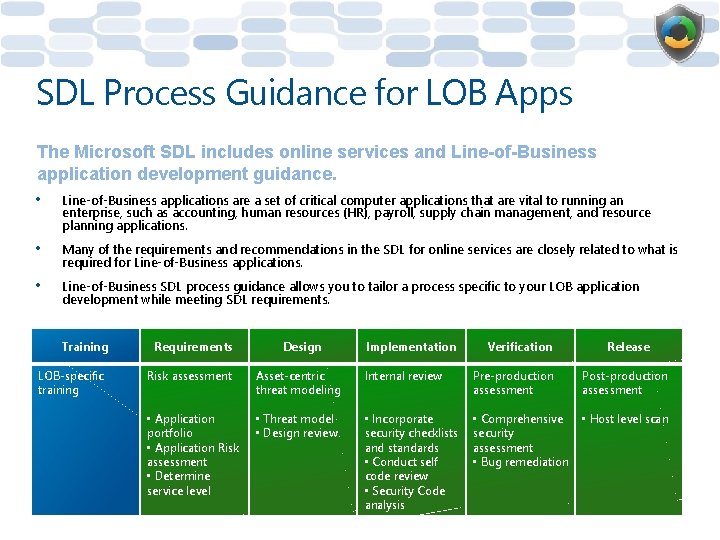
SDL Process Guidance for LOB Apps The Microsoft SDL includes online services and Line-of-Business application development guidance. • Line-of-Business applications are a set of critical computer applications that are vital to running an enterprise, such as accounting, human resources (HR), payroll, supply chain management, and resource planning applications. • Many of the requirements and recommendations in the SDL for online services are closely related to what is required for Line-of-Business applications. • Line-of-Business SDL process guidance allows you to tailor a process specific to your LOB application development while meeting SDL requirements. Training LOB-specific training Requirements Design Implementation Verification Release Risk assessment Asset-centric threat modeling Internal review Pre-production assessment Post-production assessment • Application portfolio • Application Risk assessment • Determine service level • Threat model • Design review • Incorporate security checklists and standards • Conduct self code review • Security Code analysis • Comprehensive security assessment • Bug remediation • Host level scan
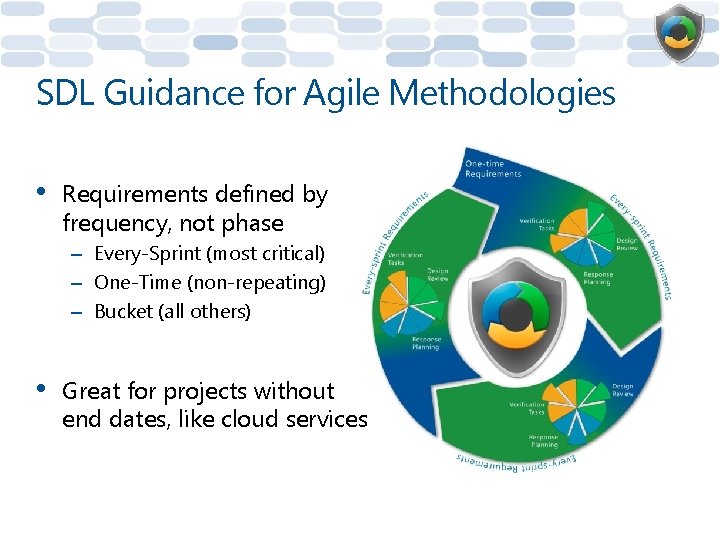
SDL Guidance for Agile Methodologies • Requirements defined by frequency, not phase – Every-Sprint (most critical) – One-Time (non-repeating) – Bucket (all others) • Great for projects without end dates, like cloud services
Secure Software Development Requires Process Improvement • Key Concepts – – – – Simply “looking for bugs” doesn’t make software secure Must reduce the chance vulnerabilities enter into design and code Requires executive commitment Requires ongoing process improvement Requires education & training Requires tools and automation Requires incentives and consequences
Measurable Improvements At Microsoft
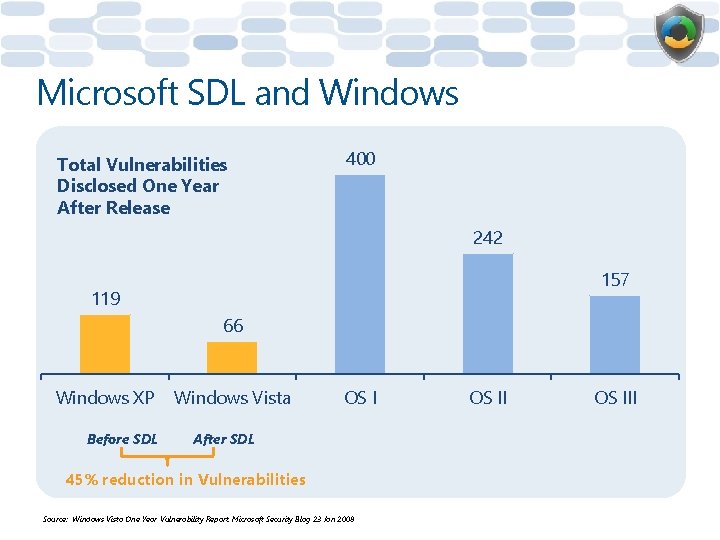
Microsoft SDL and Windows Total Vulnerabilities Disclosed One Year After Release 400 242 157 119 66 Windows XP Before SDL Windows Vista OS I After SDL 45% reduction in Vulnerabilities Source: Windows Vista One Year Vulnerability Report, Microsoft Security Blog 23 Jan 2008 OS III
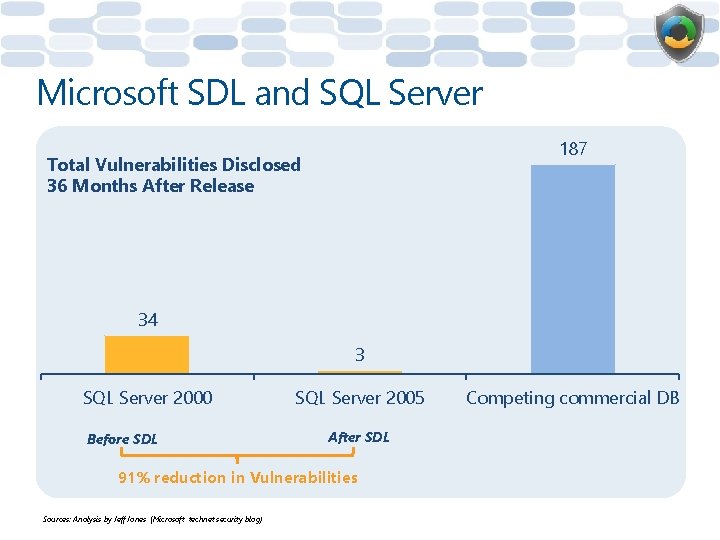
Microsoft SDL and SQL Server 187 Total Vulnerabilities Disclosed 36 Months After Release 34 3 SQL Server 2000 Before SDL SQL Server 2005 After SDL 91% reduction in Vulnerabilities Sources: Analysis by Jeff Jones (Microsoft technet security blog) Competing commercial DB
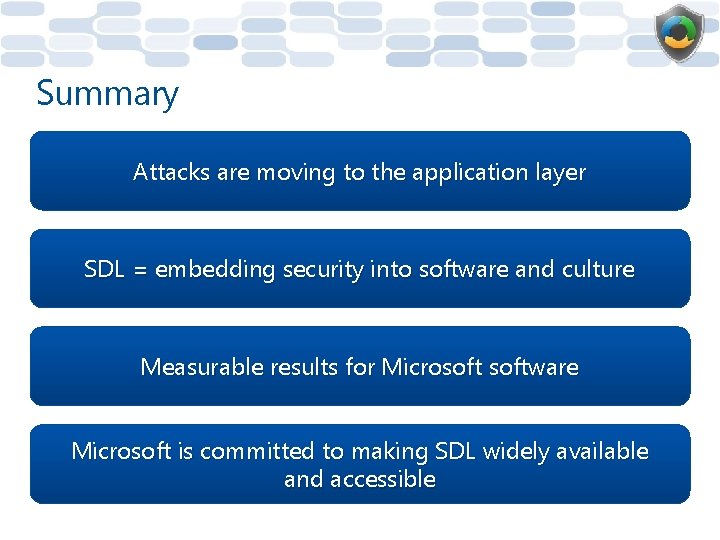
Summary Attacks are moving to the application layer SDL = embedding security into software and culture Measurable results for Microsoftware Microsoft is committed to making SDL widely available and accessible
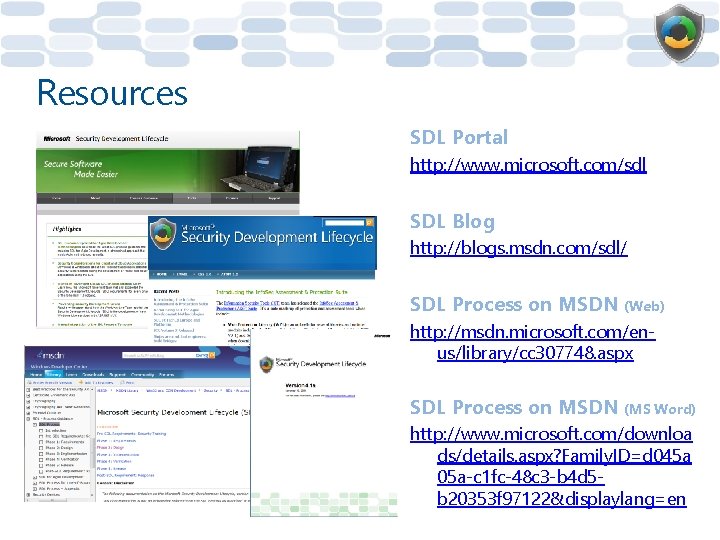
Resources SDL Portal http: //www. microsoft. com/sdl SDL Blog http: //blogs. msdn. com/sdl/ SDL Process on MSDN (Web) http: //msdn. microsoft. com/enus/library/cc 307748. aspx SDL Process on MSDN (MS Word) http: //www. microsoft. com/downloa ds/details. aspx? Family. ID=d 045 a 05 a-c 1 fc-48 c 3 -b 4 d 5 b 20353 f 97122&displaylang=en
Questions?
© 2008 Microsoft Corporation. All rights reserved. Microsoft, Windows Vista and other product names are or may be registered trademarks and/or trademarks in the U. S. and/or other countries. The information herein is for informational purposes only and represents the current view of Microsoft Corporation as of the date of this presentation. Because Microsoft must respond to changing market conditions, it should not be interpreted to be a commitment on the part of Microsoft, and Microsoft cannot guarantee the accuracy of any information provided after the date of this presentation. MICROSOFT MAKES NO WARRANTIES, EXPRESS, IMPLIED OR STATUTORY, AS TO THE INFORMATION IN THIS PRESENTATION.