
Introduction to the Command Line Talking Directly to
- Slides: 20
Introduction to the Command Line Talking Directly to your Computer! Sara Hartse | sara. hartse@gmail. com
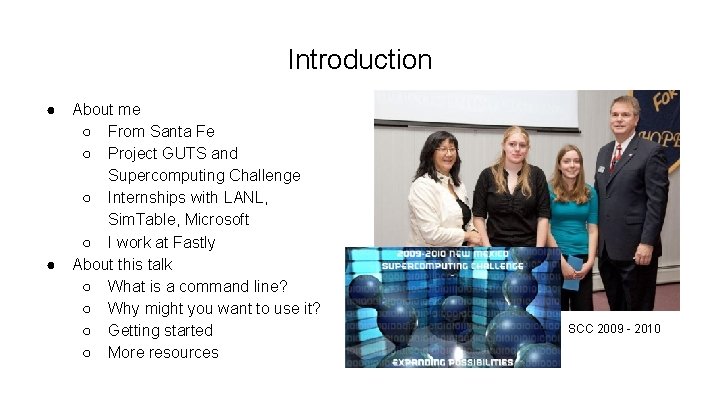
Introduction ● ● About me ○ From Santa Fe ○ Project GUTS and Supercomputing Challenge ○ Internships with LANL, Sim. Table, Microsoft ○ I work at Fastly About this talk ○ What is a command line? ○ Why might you want to use it? ○ Getting started ○ More resources SCC 2009 - 2010
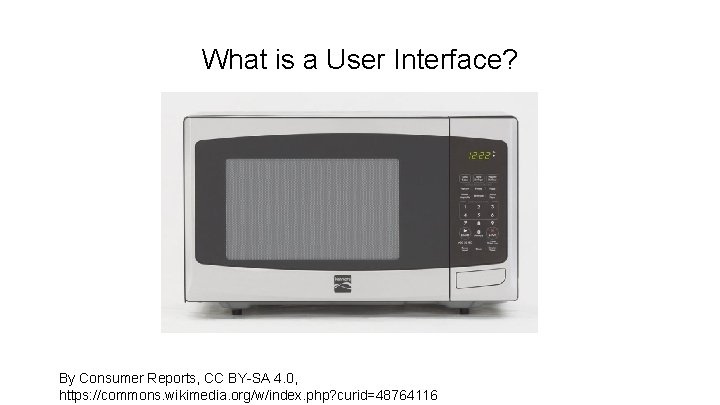
What is a User Interface? By Consumer Reports, CC BY-SA 4. 0, https: //commons. wikimedia. org/w/index. php? curid=48764116
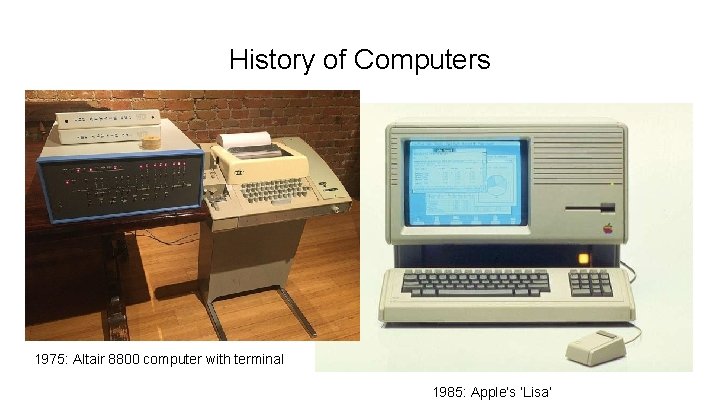
History of Computers 1975: Altair 8800 computer with terminal 1985: Apple’s ‘Lisa’
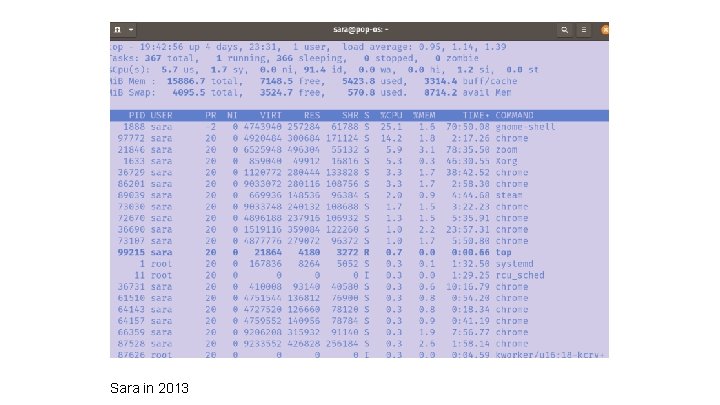
Sara in 2013
Why Use the Command Line? ● Find information that might be hidden by default ● Automate tasks that would be annoying to do with pointing and clicking ● Have a finer control on what software you install ● Run many different types of programs ○ Some software, like git is used primary in the command line ● Learn more about how computers think about themselves ○ Filesystems! Operating Systems! Processes! Networks!
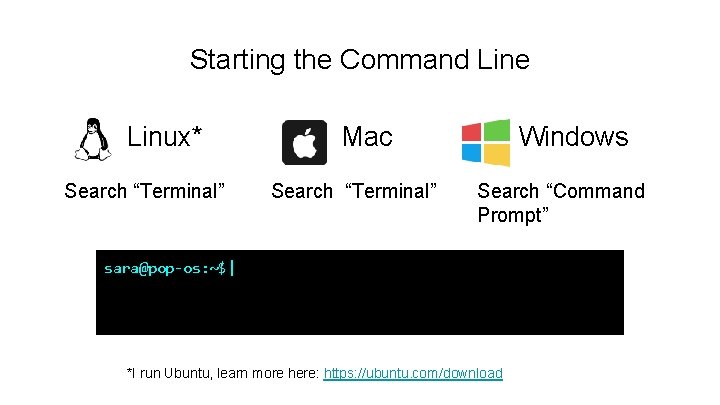
Starting the Command Line Linux* Search “Terminal” Mac Search “Terminal” Windows Search “Command Prompt” sara@pop-os: ~$| *I run Ubuntu, learn more here: https: //ubuntu. com/download
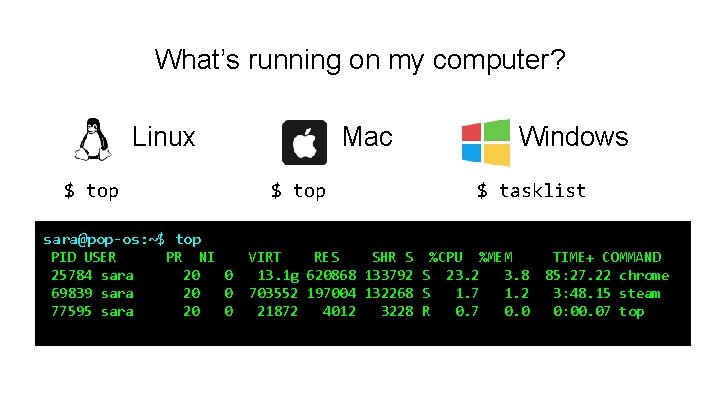
What’s running on my computer? Linux $ top Mac $ top Windows $ tasklist sara@pop-os: ~$ top PID USER 25784 sara 69839 sara 77595 sara PR NI 20 0 VIRT RES SHR S %CPU %MEM 13. 1 g 620868 133792 S 23. 2 3. 8 703552 197004 132268 S 1. 7 1. 2 21872 4012 3228 R 0. 7 0. 0 TIME+ COMMAND 85: 27. 22 chrome 3: 48. 15 steam 0: 00. 07 top
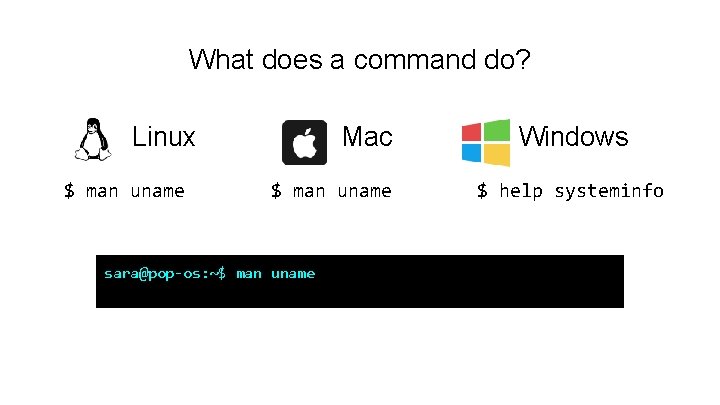
What does a command do? Linux $ man uname Mac $ man uname sara@pop-os: ~$ man uname Windows $ help systeminfo
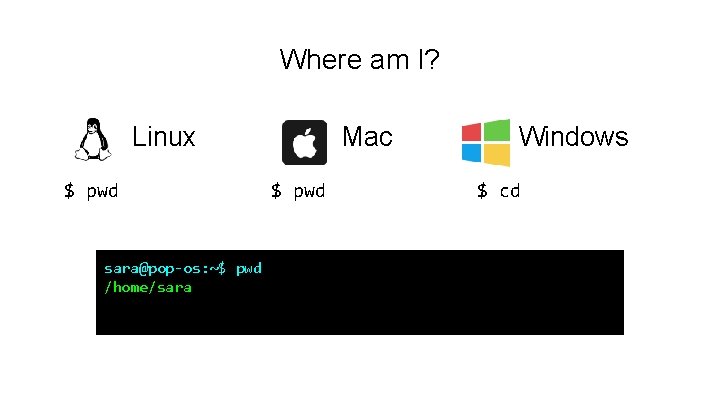
Where am I? Linux $ pwd sara@pop-os: ~$ pwd /home/sara Mac $ pwd Windows $ cd
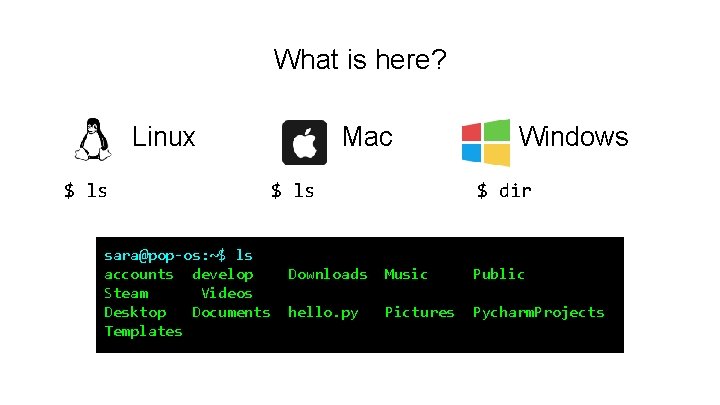
What is here? Linux $ ls sara@pop-os: ~$ ls accounts develop Steam Videos Desktop Documents Templates Mac $ ls Windows $ dir Downloads Music Public hello. py Pictures Pycharm. Projects
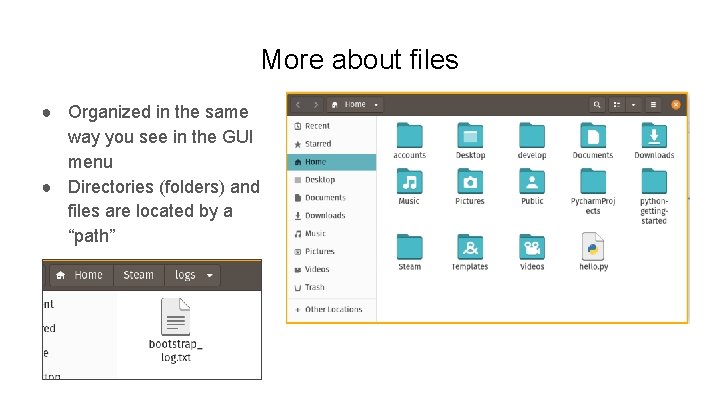
More about files ● Organized in the same way you see in the GUI menu ● Directories (folders) and files are located by a “path”
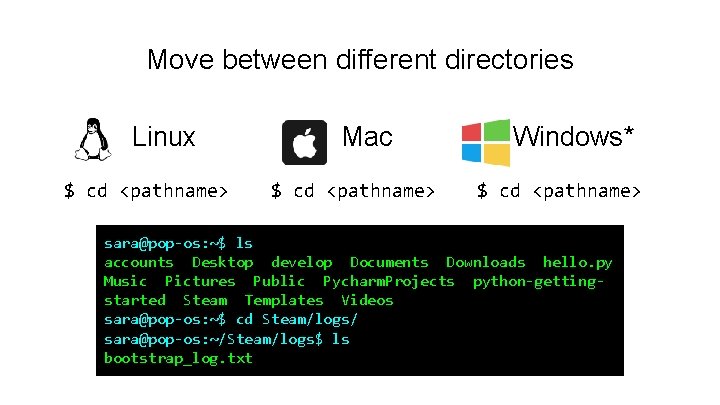
Move between different directories Linux $ cd <pathname> Mac $ cd <pathname> Windows* $ cd <pathname> sara@pop-os: ~$ ls accounts Desktop develop Documents Downloads hello. py Music Pictures Public Pycharm. Projects python-gettingstarted Steam Templates Videos sara@pop-os: ~$ cd Steam/logs/ sara@pop-os: ~/Steam/logs$ ls bootstrap_log. txt
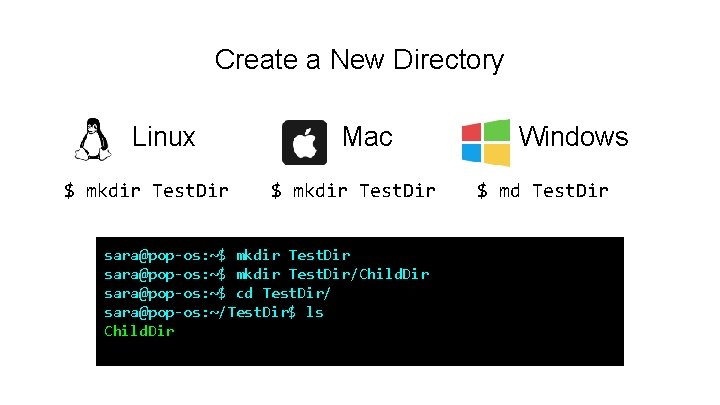
Create a New Directory Linux $ mkdir Test. Dir Mac $ mkdir Test. Dir sara@pop-os: ~$ mkdir Test. Dir/Child. Dir sara@pop-os: ~$ cd Test. Dir/ sara@pop-os: ~/Test. Dir$ ls Child. Dir Windows $ md Test. Dir
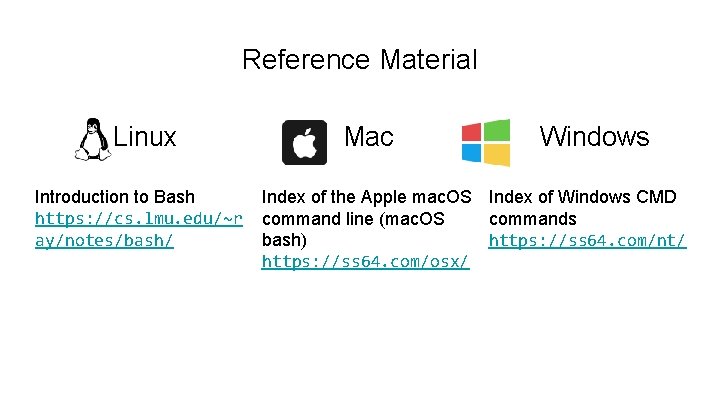
Reference Material Linux Introduction to Bash https: //cs. lmu. edu/~r ay/notes/bash/ Mac Windows Index of the Apple mac. OS Index of Windows CMD command line (mac. OS commands https: //ss 64. com/nt/ bash) https: //ss 64. com/osx/
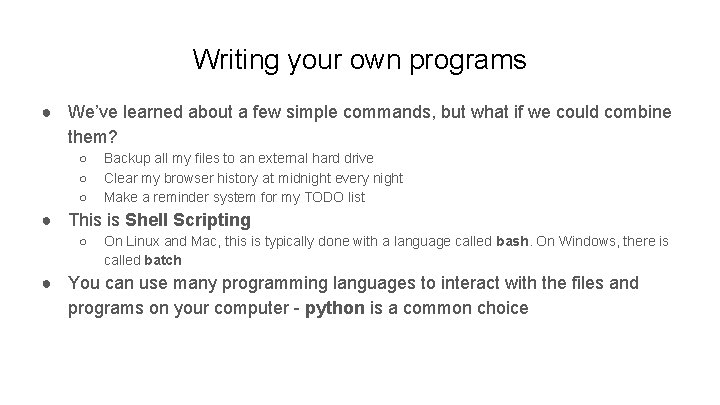
Writing your own programs ● We’ve learned about a few simple commands, but what if we could combine them? ○ ○ ○ Backup all my files to an external hard drive Clear my browser history at midnight every night Make a reminder system for my TODO list ● This is Shell Scripting ○ On Linux and Mac, this is typically done with a language called bash. On Windows, there is called batch ● You can use many programming languages to interact with the files and programs on your computer - python is a common choice
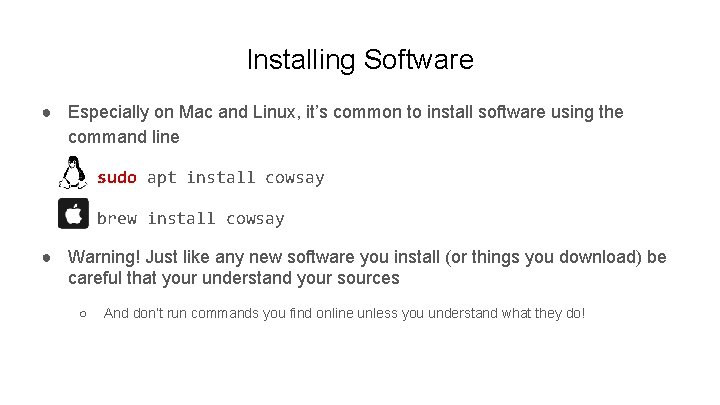
Installing Software ● Especially on Mac and Linux, it’s common to install software using the command line sudo apt install cowsay brew install cowsay ● Warning! Just like any new software you install (or things you download) be careful that your understand your sources ○ And don’t run commands you find online unless you understand what they do!
More to Explore! ● Dual booting Linux or installing the Windows Linux subsystem ● Collaboration and backups (version control) with git ○ Check out Windows specific resources here ● Finding your favorite text editor or IDE ○ Vim, Emacs, Nano, Sublime, Eclipse, Visual Studio, Pycharm and more! ● cron - schedule programs to run at certain times ● cmatrix ● Make weird ascii art ○ ○ See sl Or watch star wars! https: //asciinema. org/a/8