
Introduction to the Application Layer Computer Networks Spring
- Slides: 20
Introduction to the Application Layer Computer Networks Spring 2012
Intro to Application Layer Outline Current Application Layer Protocols § Creating an Application § Application Architectures § – Client-Server – P 2 P – Hybrid Processes, Addressing and Sockets § Transport Layer Services § Computer Networks Application Layer 2
Goals Conceptual and implementation aspects of application protocols § Popular application layer protocols: § – – – HTTP FTP SMTP / POP 3 / IMAP DNS RTP, SIP Computer Networks Application Layer 3
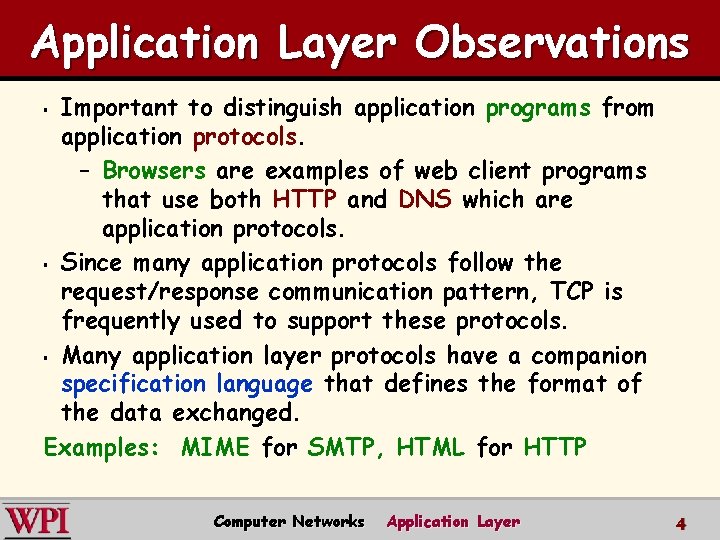
Application Layer Observations Important to distinguish application programs from application protocols. – Browsers are examples of web client programs that use both HTTP and DNS which are application protocols. § Since many application protocols follow the request/response communication pattern, TCP is frequently used to support these protocols. § Many application layer protocols have a companion specification language that defines the format of the data exchanged. Examples: MIME for SMTP, HTML for HTTP § Computer Networks Application Layer 4
Popular Network Applications e-mail § web § instant messaging § remote login § P 2 P file sharing § multi-user network games § streaming stored video clips § social networks § voice over IP § real-time video conferencing § grid computing § Computer Networks Application Layer 5
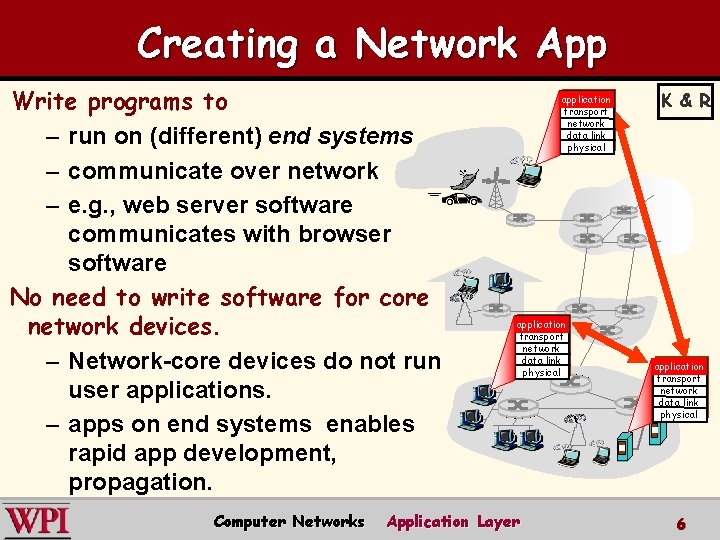
Creating a Network App Write programs to – run on (different) end systems – communicate over network – e. g. , web server software communicates with browser software No need to write software for core network devices. – Network-core devices do not run user applications. – apps on end systems enables rapid app development, propagation. Computer Networks application transport network data link physical Application Layer K & R application transport network data link physical 6
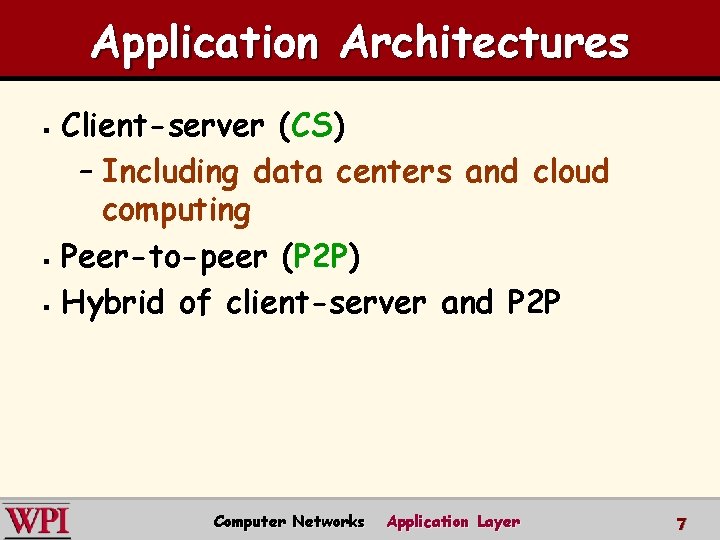
Application Architectures Client-server (CS) – Including data centers and cloud computing § Peer-to-peer (P 2 P) § Hybrid of client-server and P 2 P § Computer Networks Application Layer 7
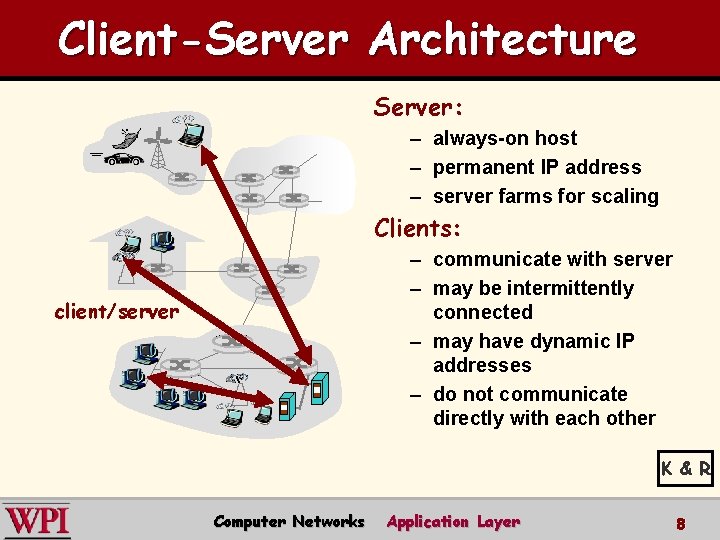
Client-Server Architecture Server: – always-on host – permanent IP address – server farms for scaling Clients: – communicate with server – may be intermittently connected – may have dynamic IP addresses – do not communicate directly with each other client/server K & R Computer Networks Application Layer 8
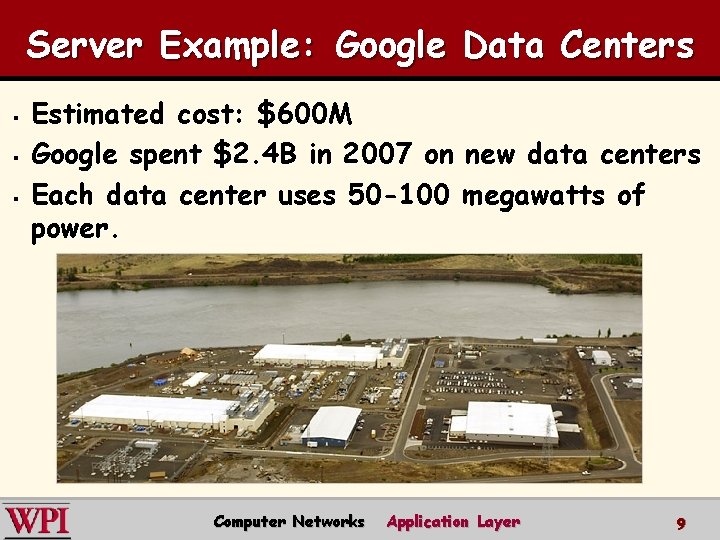
Server Example: Google Data Centers § § § Estimated cost: $600 M Google spent $2. 4 B in 2007 on new data centers Each data center uses 50 -100 megawatts of power. Computer Networks Application Layer 9
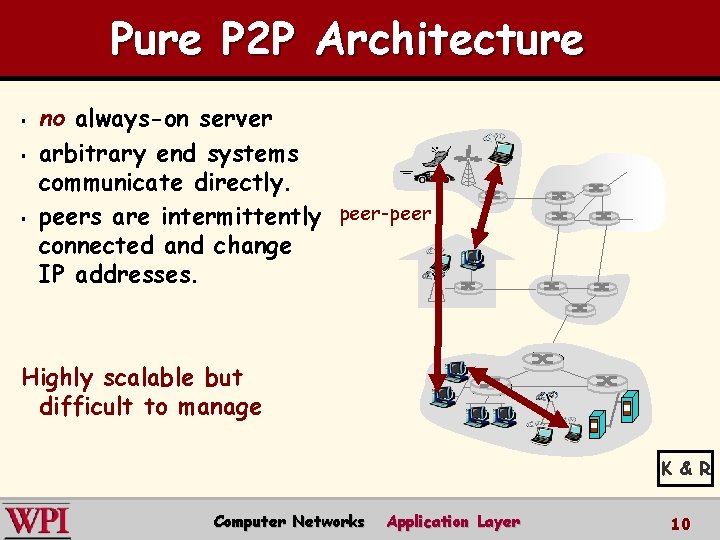
Pure P 2 P Architecture § § § no always-on server arbitrary end systems communicate directly. peers are intermittently peer-peer connected and change IP addresses. Highly scalable but difficult to manage K & R Computer Networks Application Layer 10
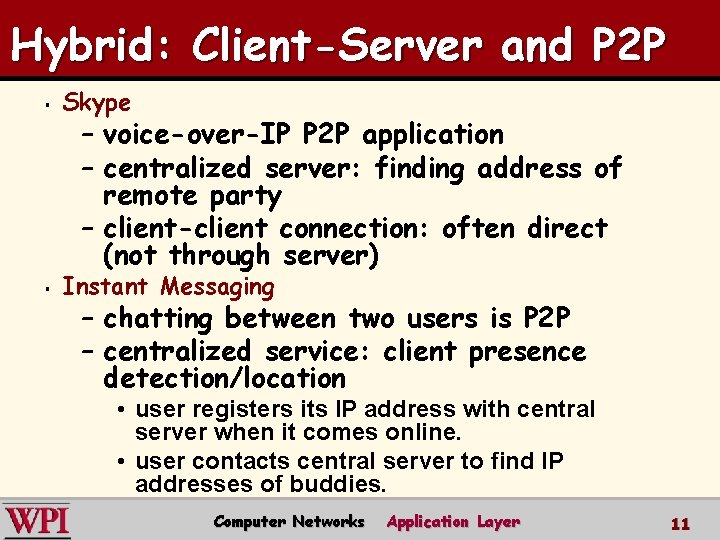
Hybrid: Client-Server and P 2 P § Skype § Instant Messaging – voice-over-IP P 2 P application – centralized server: finding address of remote party – client-client connection: often direct (not through server) – chatting between two users is P 2 P – centralized service: client presence detection/location • user registers its IP address with central server when it comes online. • user contacts central server to find IP addresses of buddies. Computer Networks Application Layer 11
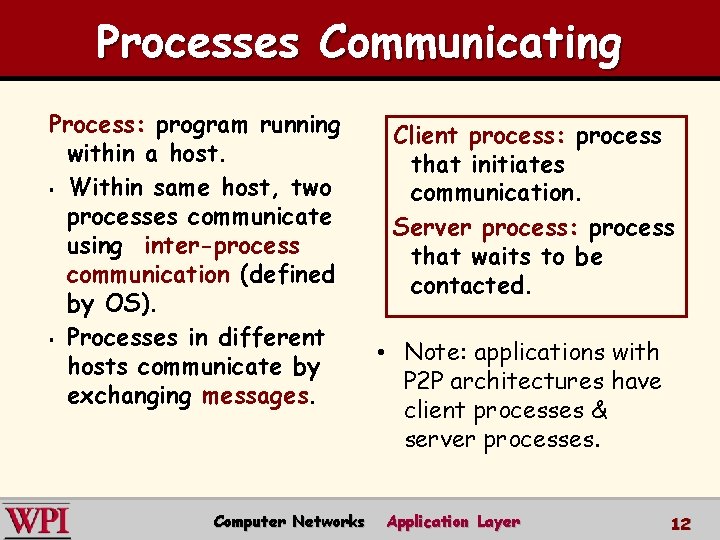
Processes Communicating Process: program running within a host. § Within same host, two processes communicate using inter-process communication (defined by OS). § Processes in different hosts communicate by exchanging messages. Computer Networks Client process: process that initiates communication. Server process: process that waits to be contacted. • Note: applications with P 2 P architectures have client processes & server processes. Application Layer 12
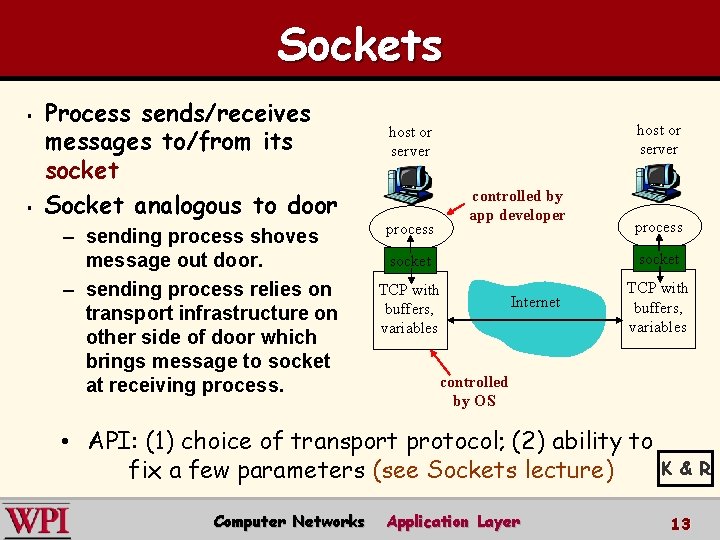
Sockets § § Process sends/receives messages to/from its socket Socket analogous to door – sending process shoves message out door. – sending process relies on transport infrastructure on other side of door which brings message to socket at receiving process. host or server controlled by app developer process socket TCP with buffers, variables Internet TCP with buffers, variables controlled by OS • API: (1) choice of transport protocol; (2) ability to fix a few parameters (see Sockets lecture) Computer Networks Application Layer K & R 13
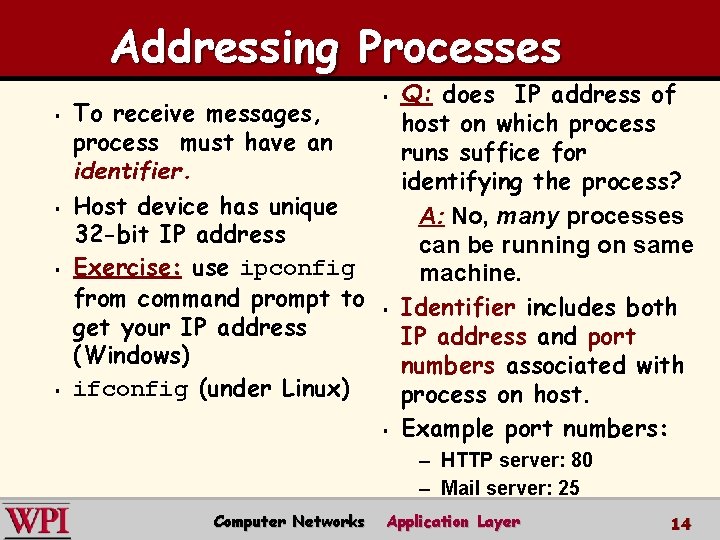
Addressing Processes § § To receive messages, process must have an identifier. Host device has unique 32 -bit IP address Exercise: use ipconfig from command prompt to get your IP address (Windows) ifconfig (under Linux) § § § Q: does IP address of host on which process runs suffice for identifying the process? A: No, many processes can be running on same machine. Identifier includes both IP address and port numbers associated with process on host. Example port numbers: – HTTP server: 80 – Mail server: 25 Computer Networks Application Layer 14
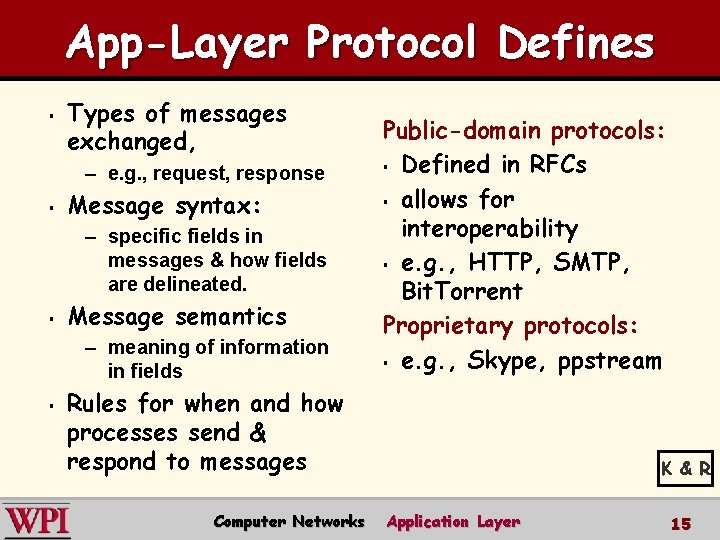
App-Layer Protocol Defines § Types of messages exchanged, – e. g. , request, response § Message syntax: – specific fields in messages & how fields are delineated. § Message semantics – meaning of information in fields § Public-domain protocols: § Defined in RFCs § allows for interoperability § e. g. , HTTP, SMTP, Bit. Torrent Proprietary protocols: § e. g. , Skype, ppstream Rules for when and how processes send & respond to messages Computer Networks K & R Application Layer 15
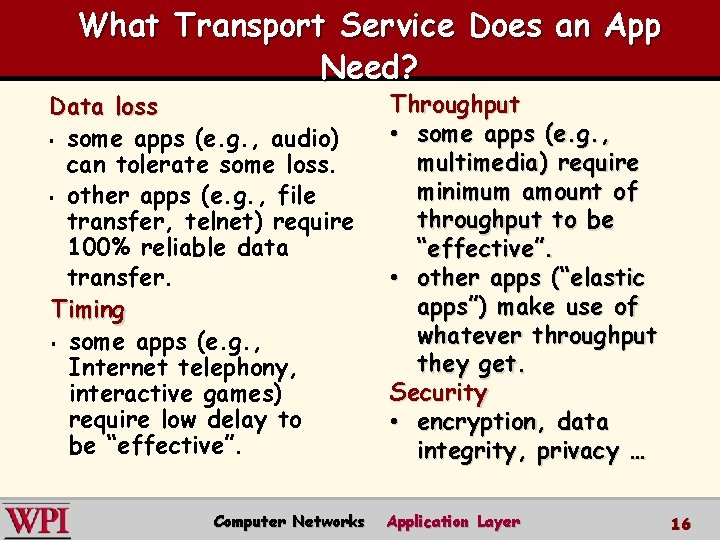
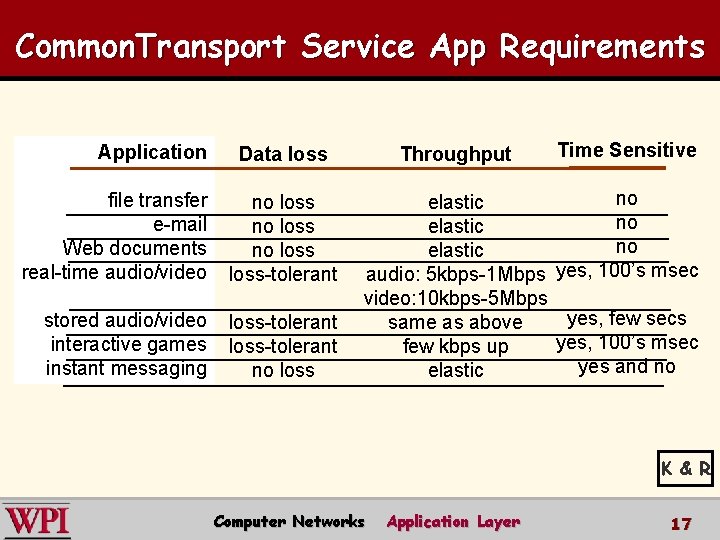
What Transport Service Does an App Need? Data loss § some apps (e. g. , audio) can tolerate some loss. § other apps (e. g. , file transfer, telnet) require 100% reliable data transfer. Timing § some apps (e. g. , Internet telephony, interactive games) require low delay to be “effective”. Computer Networks Throughput • some apps (e. g. , multimedia) require minimum amount of throughput to be “effective”. • other apps (“elastic apps”) make use of whatever throughput they get. Security • encryption, data integrity, privacy … Application Layer 16
Common. Transport Service App Requirements Application Throughput Data loss file transfer e-mail Web documents real-time audio/video no loss-tolerant stored audio/video interactive games instant messaging loss-tolerant no loss Time Sensitive no elastic audio: 5 kbps-1 Mbps yes, 100’s msec video: 10 kbps-5 Mbps yes, few secs same as above yes, 100’s msec few kbps up yes and no elastic K & R Computer Networks Application Layer 17
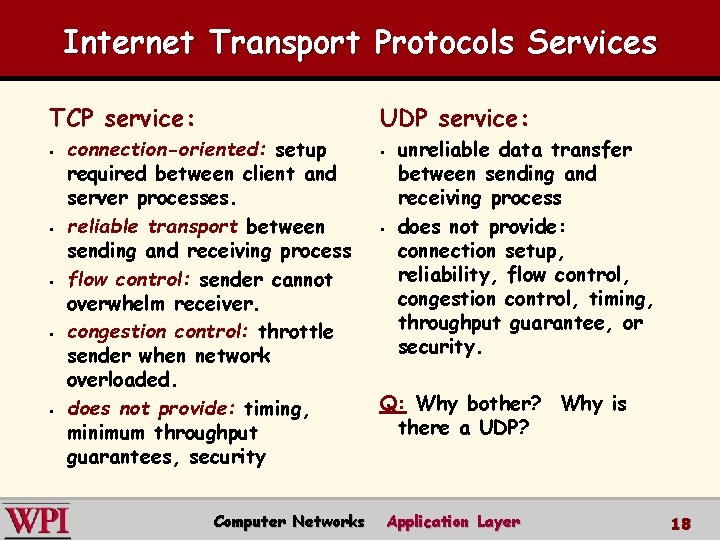
Internet Transport Protocols Services TCP service: UDP service: § § § connection-oriented: setup required between client and server processes. reliable transport between sending and receiving process flow control: sender cannot overwhelm receiver. congestion control: throttle sender when network overloaded. does not provide: timing, minimum throughput guarantees, security Computer Networks § unreliable data transfer between sending and receiving process does not provide: connection setup, reliability, flow control, congestion control, timing, throughput guarantee, or security. Q: Why bother? Why is there a UDP? Application Layer 18
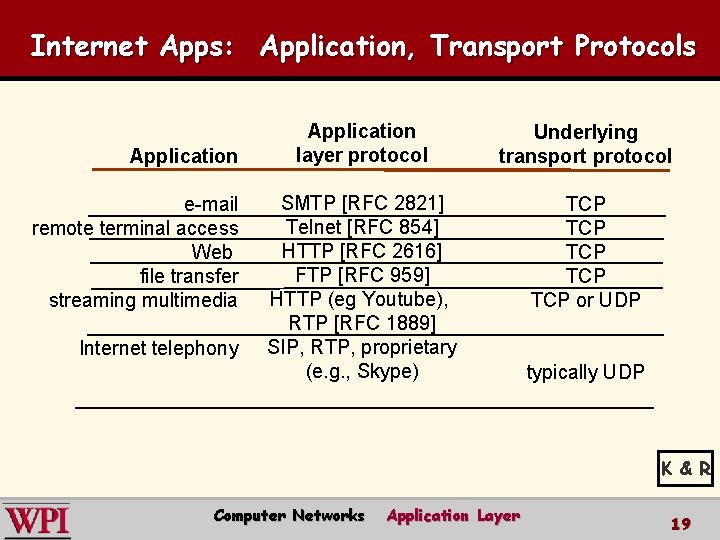
Internet Apps: Application, Transport Protocols Application e-mail remote terminal access Web file transfer streaming multimedia Internet telephony Application layer protocol Underlying transport protocol SMTP [RFC 2821] Telnet [RFC 854] HTTP [RFC 2616] FTP [RFC 959] HTTP (eg Youtube), RTP [RFC 1889] SIP, RTP, proprietary (e. g. , Skype) TCP TCP TCP or UDP typically UDP K & R Computer Networks Application Layer 19
Intro to Application Layer Summary Current Application Layer Protocols § Creating an Application § Application Architectures § – Client-Server – P 2 P – Hybrid Processes, Addressing and Sockets § Transport Layer Services § Computer Networks Introduction 20