
Introduction to Steganography Writing between the lines Steganography
Introduction to Steganography “Writing between the lines”
Steganography l l Literally “hidden writing” Useful for – – Secret messages Watermarking
Requirements l l Message Wrapper – – – l Image file Sound file Other files with unused bits Encoding/Decoding scheme
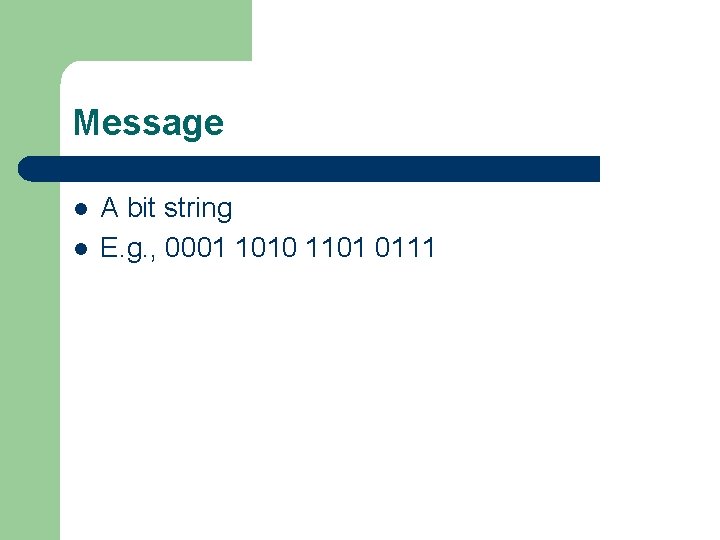
Message l l A bit string E. g. , 0001 1010 1101 0111
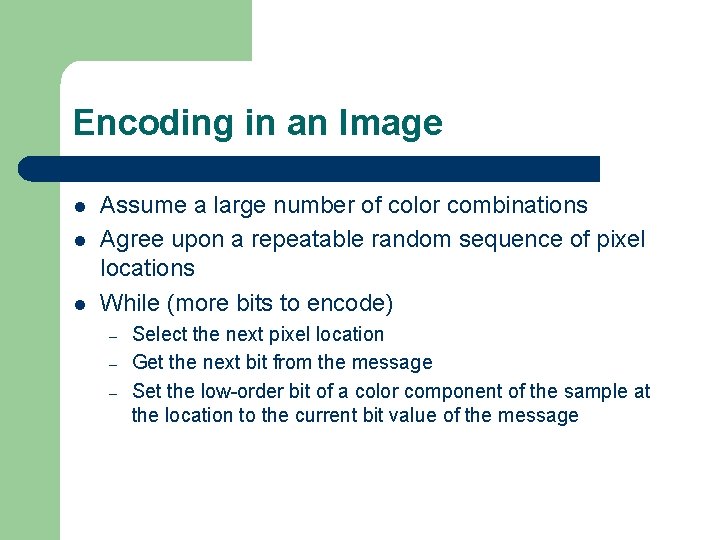
Encoding in an Image l l l Assume a large number of color combinations Agree upon a repeatable random sequence of pixel locations While (more bits to encode) – – – Select the next pixel location Get the next bit from the message Set the low-order bit of a color component of the sample at the location to the current bit value of the message
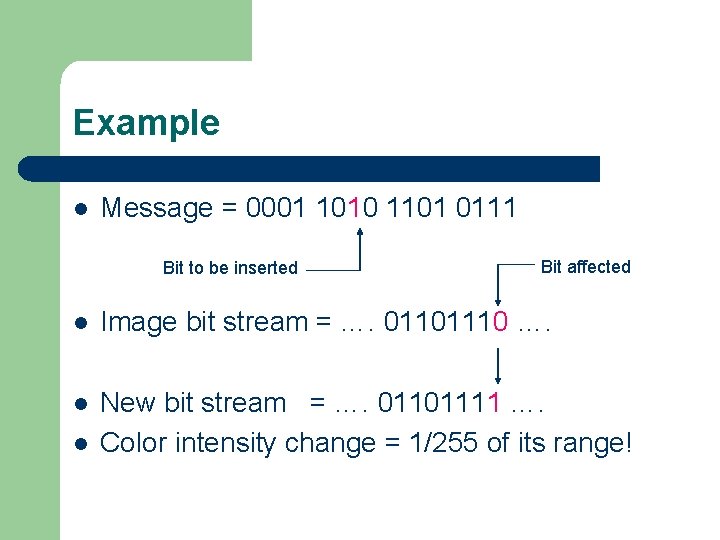
Example l Message = 0001 1010 1101 0111 Bit to be inserted Bit affected l Image bit stream = …. 01101110 …. l New bit stream = …. 01101111 …. Color intensity change = 1/255 of its range! l
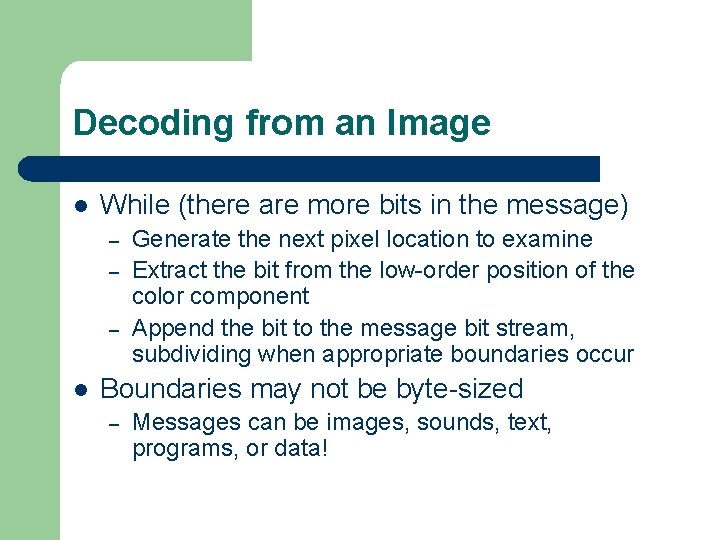
Decoding from an Image l While (there are more bits in the message) – – – l Generate the next pixel location to examine Extract the bit from the low-order position of the color component Append the bit to the message bit stream, subdividing when appropriate boundaries occur Boundaries may not be byte-sized – Messages can be images, sounds, text, programs, or data!
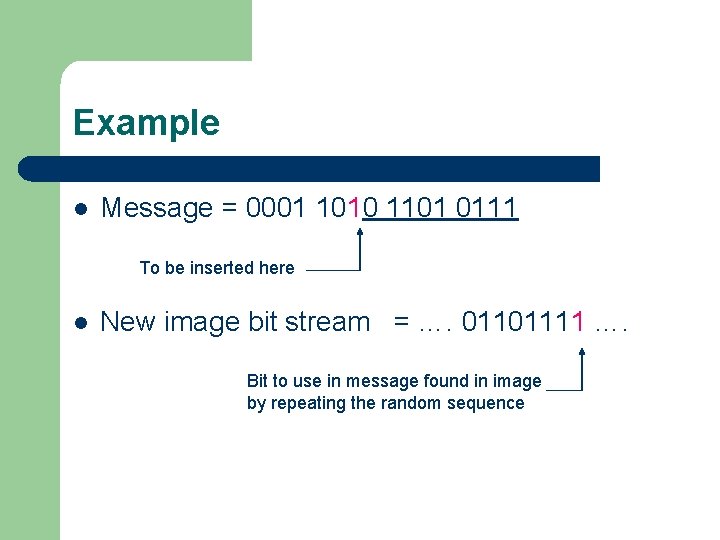
Example l Message = 0001 1010 1101 0111 To be inserted here l New image bit stream = …. 01101111 …. Bit to use in message found in image by repeating the random sequence
Notes l l The wrapper must be larger than the message There are various encoding schemes to abbreviate the message The message can (and probably will) be destroyed if a “lossy” compression technique (such as JPEG) is used To implement in Java the basic bit operations (e. g. , &, |, ^, >>, <<) may be useful as well as the Random class (for producing repeatable sequences)
- Slides: 9