
Introduction to Software Development Systems Life Cycle n

- Slides: 19
Introduction to Software Development
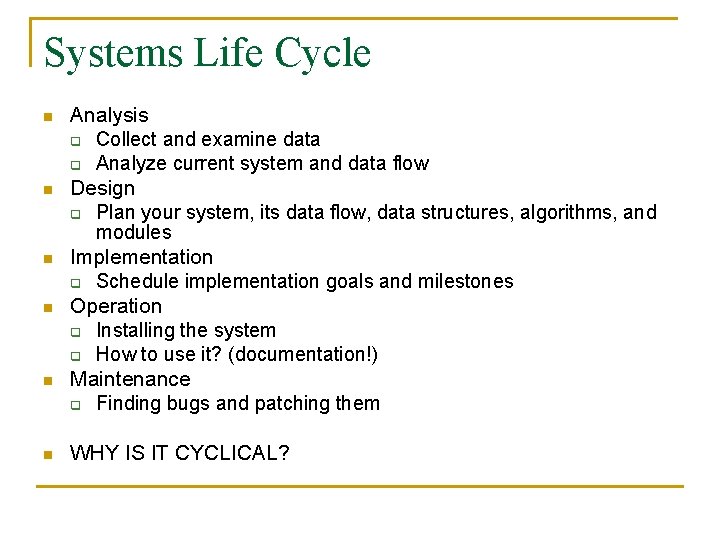
Systems Life Cycle n n n Analysis q Collect and examine data q Analyze current system and data flow Design q Plan your system, its data flow, data structures, algorithms, and modules Implementation q Schedule implementation goals and milestones Operation q Installing the system q How to use it? (documentation!) Maintenance q Finding bugs and patching them WHY IS IT CYCLICAL?
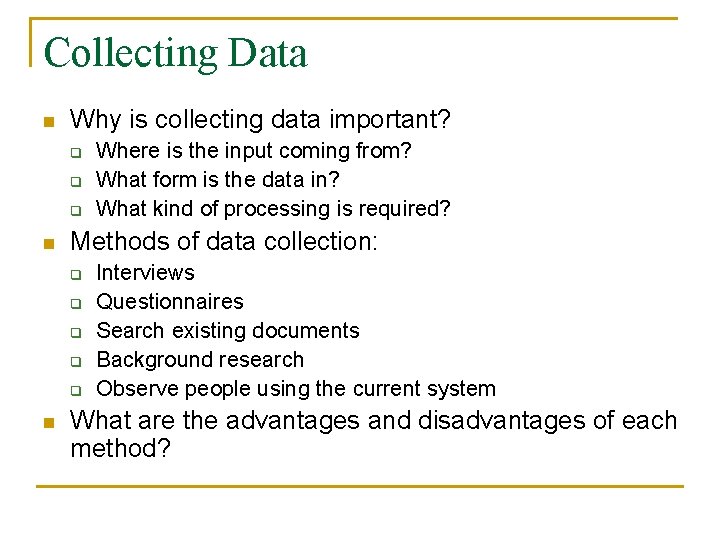
Collecting Data n Why is collecting data important? q q q n Methods of data collection: q q q n Where is the input coming from? What form is the data in? What kind of processing is required? Interviews Questionnaires Search existing documents Background research Observe people using the current system What are the advantages and disadvantages of each method?
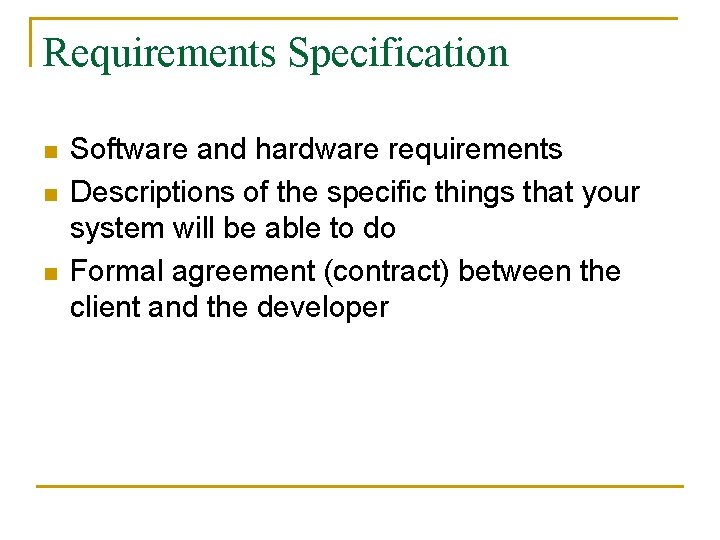
Requirements Specification n Software and hardware requirements Descriptions of the specific things that your system will be able to do Formal agreement (contract) between the client and the developer
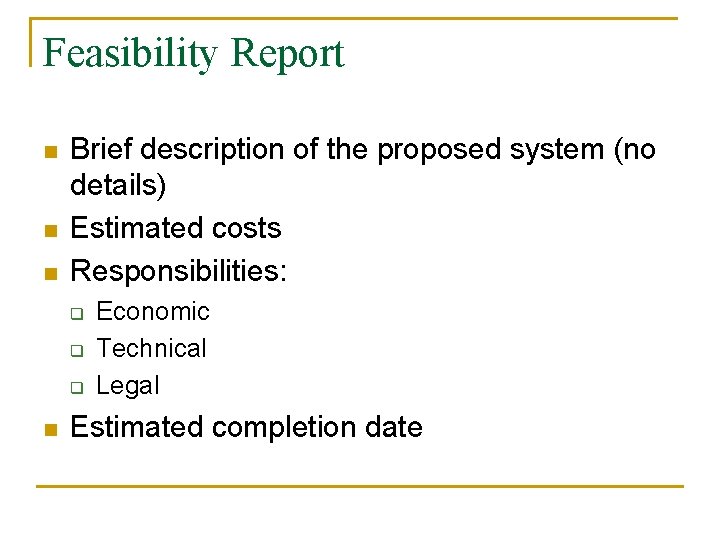
Feasibility Report n n n Brief description of the proposed system (no details) Estimated costs Responsibilities: q q q n Economic Technical Legal Estimated completion date
Alternative Solutions n n Cover advantages and disadvantages Examples: q q q Different forms of input and output Centralized or networked system? What kind of interface? (GUI vs. CLI)
Systems Design n Parts of a system: q Input n q Process n n q CPU Storage – hard drive Output n n Input devices – keyboard, mouse, etc. Output devices – monitor, printer, etc. Input, process, and output DATA
Data Capture and Presentation n Input methods: q q q n Manual data entry – keyboard, mouse, etc. Direct data entry – OCR, barcode scanner Automatic data entry – sensors (e. g. , temp) Output methods: q q q Temporary display – CRT, LCD monitor Permanent display – printer Electrical/mechanical output – actuators, switches, relays
Flowcharts n Data flow chart (e. g. voice recognition in case study) n User action flow chart
Suitable Data Structures n n Basically, choose suitable data types and structures to store relevant information Examples: q q q Name String Price double A bunch of numbers array or linked list
Modular Design n Take the problem and break it into smaller components (modules) “top-down design” What are the advantages of modular design? q q Modules do not need to worry about other modules (e. g. storage module does not worry about the user interface) Modules can be reused
User Interfaces n n Command-line interface vs. Graphical User Interface What are the advantages and disadvantages of each?
Prototyping n n A very simple version of the system Preliminary solution ~ a prototype! Prototype used to get feedback before you spend too much time building the actual system Example: q storyboarding a movie
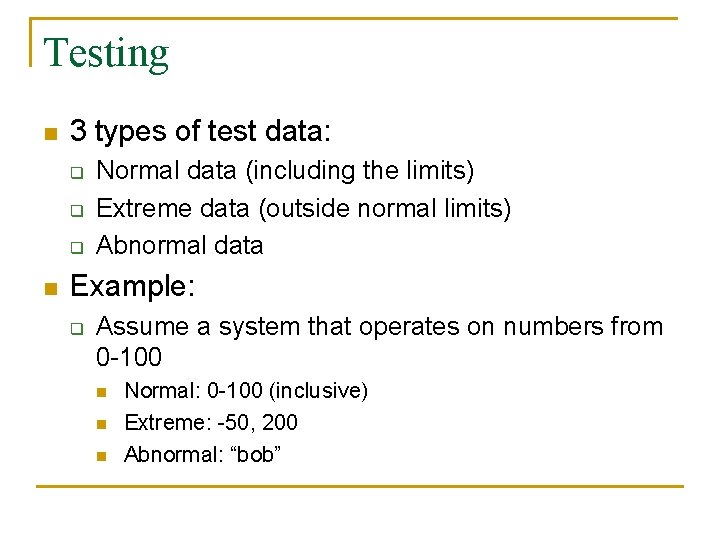
Testing n 3 types of test data: q q q n Normal data (including the limits) Extreme data (outside normal limits) Abnormal data Example: q Assume a system that operates on numbers from 0 -100 n n n Normal: 0 -100 (inclusive) Extreme: -50, 200 Abnormal: “bob”
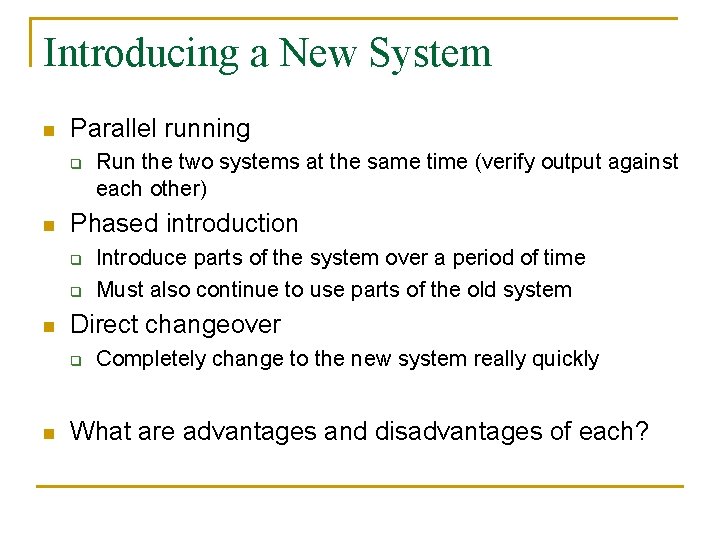
Introducing a New System n Parallel running q n Phased introduction q q n Introduce parts of the system over a period of time Must also continue to use parts of the old system Direct changeover q n Run the two systems at the same time (verify output against each other) Completely change to the new system really quickly What are advantages and disadvantages of each?
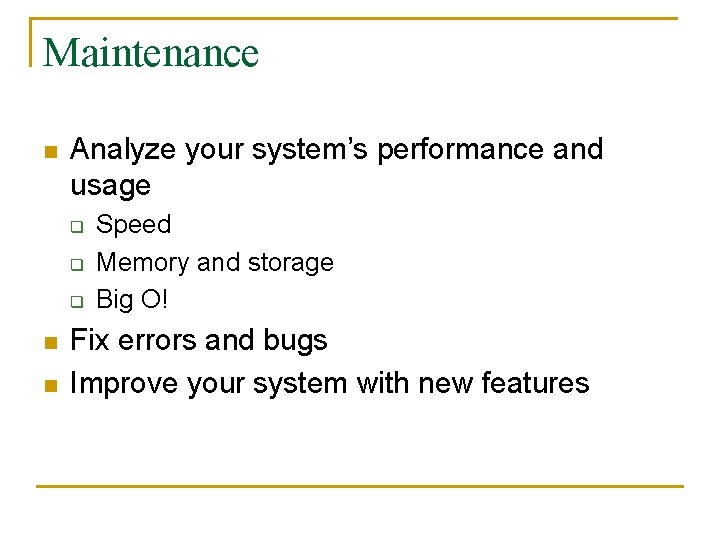
Maintenance n Analyze your system’s performance and usage q q q n n Speed Memory and storage Big O! Fix errors and bugs Improve your system with new features
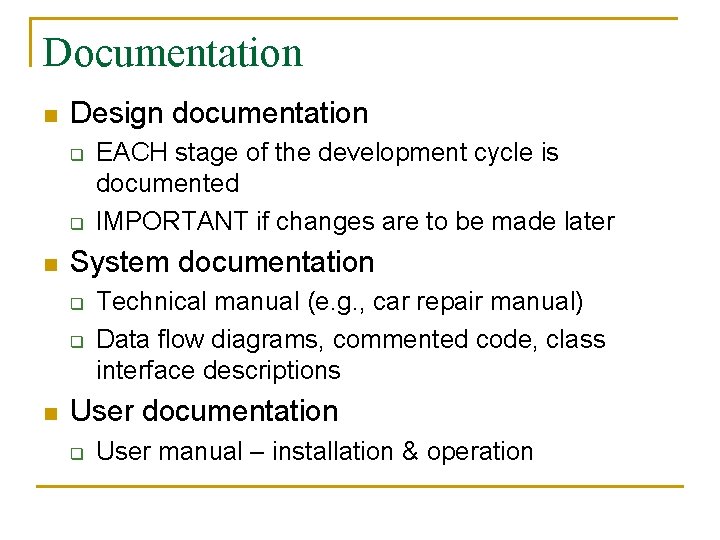
Documentation n Design documentation q q n System documentation q q n EACH stage of the development cycle is documented IMPORTANT if changes are to be made later Technical manual (e. g. , car repair manual) Data flow diagrams, commented code, class interface descriptions User documentation q User manual – installation & operation
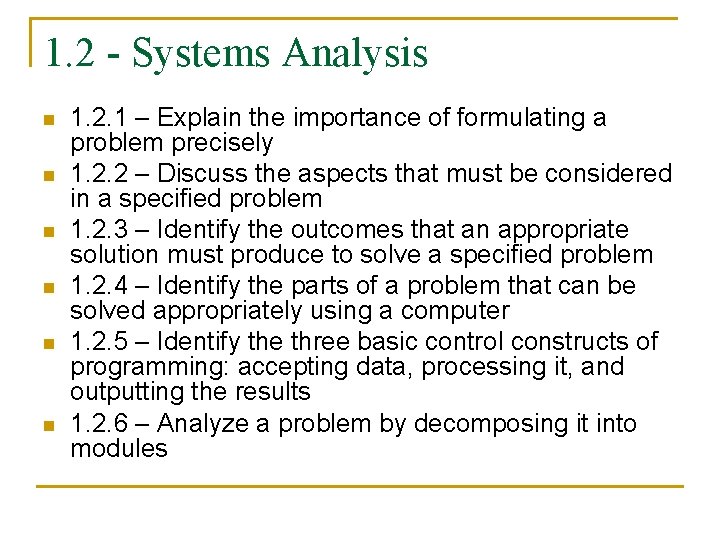
1. 2 - Systems Analysis n n n 1. 2. 1 – Explain the importance of formulating a problem precisely 1. 2. 2 – Discuss the aspects that must be considered in a specified problem 1. 2. 3 – Identify the outcomes that an appropriate solution must produce to solve a specified problem 1. 2. 4 – Identify the parts of a problem that can be solved appropriately using a computer 1. 2. 5 – Identify the three basic control constructs of programming: accepting data, processing it, and outputting the results 1. 2. 6 – Analyze a problem by decomposing it into modules
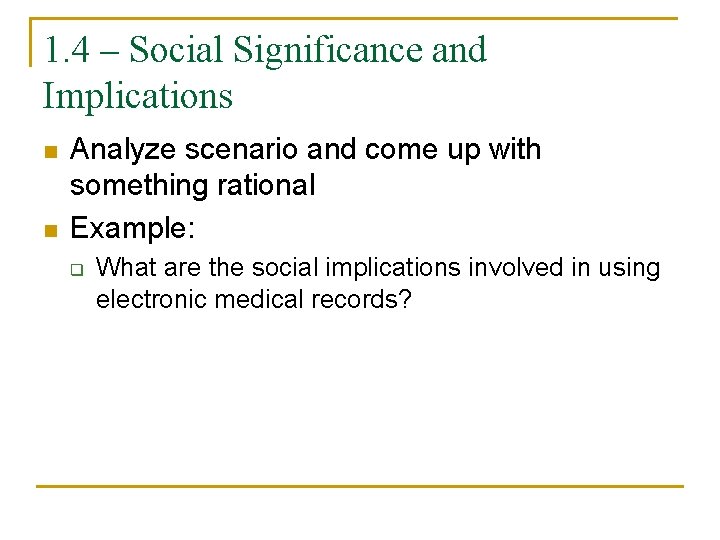
1. 4 – Social Significance and Implications n n Analyze scenario and come up with something rational Example: q What are the social implications involved in using electronic medical records?