
Introduction to Sim Tools Akiya Miyamoto KEK Feb
Introduction to Sim. Tools Akiya Miyamoto KEK Feb 2007 1
Plan of Tutorials n KEK ILC Computing n JSF Intorudction, Go through examples learn how to access JSF classes n Jupiter / Satellites Intorudction Go through examples n Kick-off studies 2
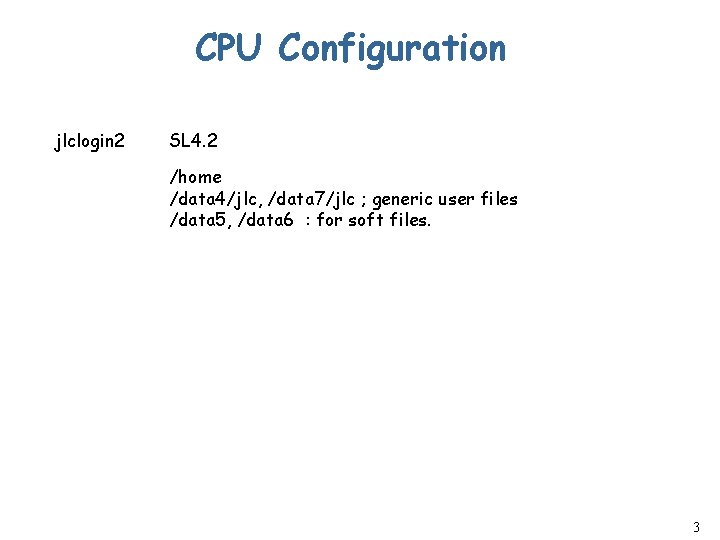
CPU Configuration jlclogin 2 SL 4. 2 /home /data 4/jlc, /data 7/jlc ; generic user files /data 5, /data 6 : for soft files. 3
![Local commands n Submit job w $ submit [-h host] command n Submit job](http://slidetodoc.com/presentation_image_h2/60d6378804ff47cab5916428550db9d0/image-4.jpg "Local commands n Submit job w $ submit [-h host] command n Submit job")
Local commands n Submit job w $ submit [-h host] command n Submit job as a batch job w $ submit command > log 2>&1 & ( in case of bash ) n Show job status in CPU server w $ showjob n Monitor CPU loads of each CPU server w $ cpui n To kill job running at CPU server w $ rsh jlccpu. XX “ps –ef | grep username” w $ rsh jlccpu. XX “kill – 15 XXXX” 4
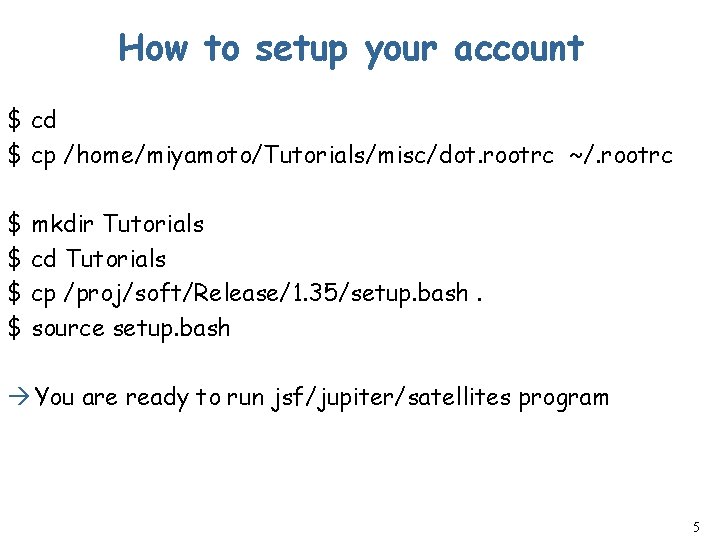
How to setup your account $ cd $ cp /home/miyamoto/Tutorials/misc/dot. rootrc ~/. rootrc $ mkdir Tutorials $ cd Tutorials $ cp /proj/soft/Release/1. 35/setup. bash. $ source setup. bash You are ready to run jsf/jupiter/satellites program 5
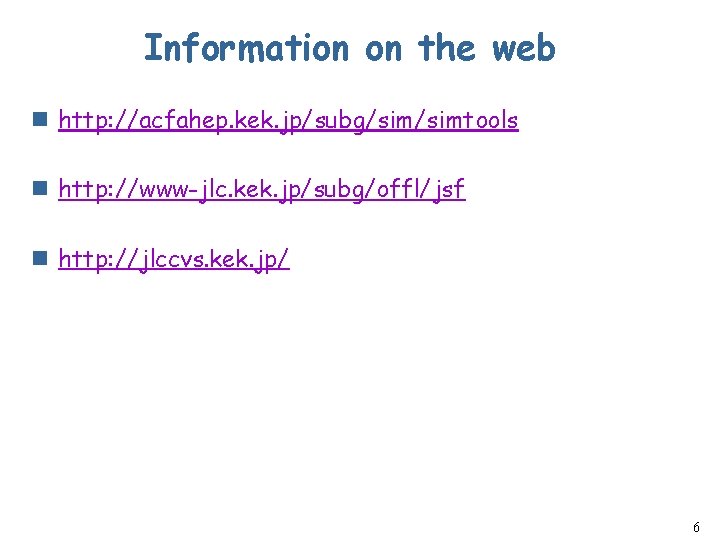
Information on the web n http: //acfahep. kek. jp/subg/simtools n http: //www-jlc. kek. jp/subg/offl/jsf n http: //jlccvs. kek. jp/ 6
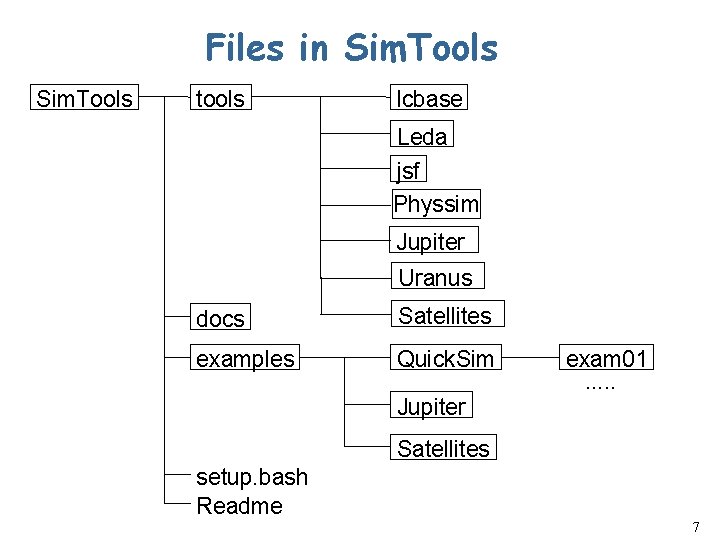
Files in Sim. Tools tools lcbase Leda jsf Physsim Jupiter Uranus docs Satellites examples Quick. Sim exam 01. . . Jupiter Satellites setup. bash Readme 7
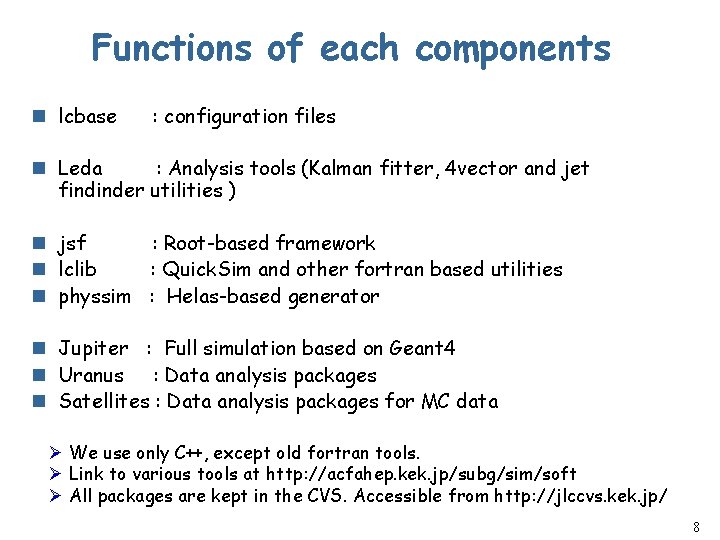
Functions of each components n lcbase : configuration files n Leda : Analysis tools (Kalman fitter, 4 vector and jet findinder utilities ) n jsf : Root-based framework n lclib : Quick. Sim and other fortran based utilities n physsim : Helas-based generator n Jupiter : Full simulation based on Geant 4 n Uranus : Data analysis packages n Satellites : Data analysis packages for MC data Ø We use only C++, except old fortran tools. Ø Link to various tools at http: //acfahep. kek. jp/subg/sim/soft Ø All packages are kept in the CVS. Accessible from http: //jlccvs. kek. jp/ 8
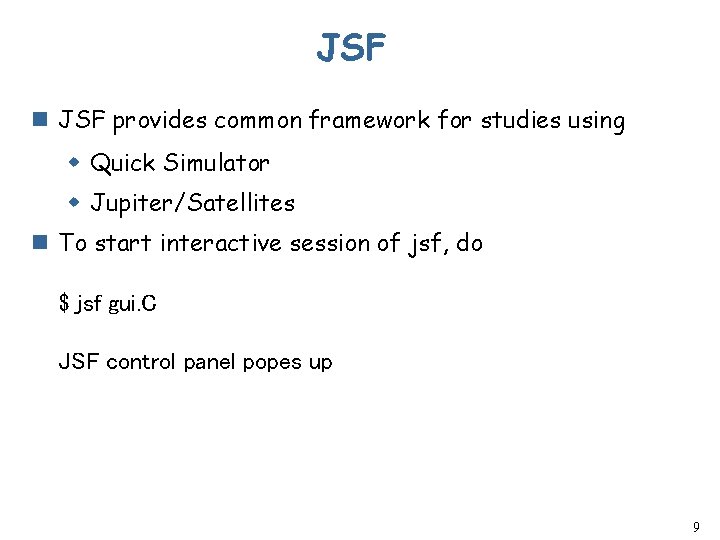
JSF n JSF provides common framework for studies using w Quick Simulator w Jupiter/Satellites n To start interactive session of jsf, do $ jsf gui. C JSF control panel popes up 9
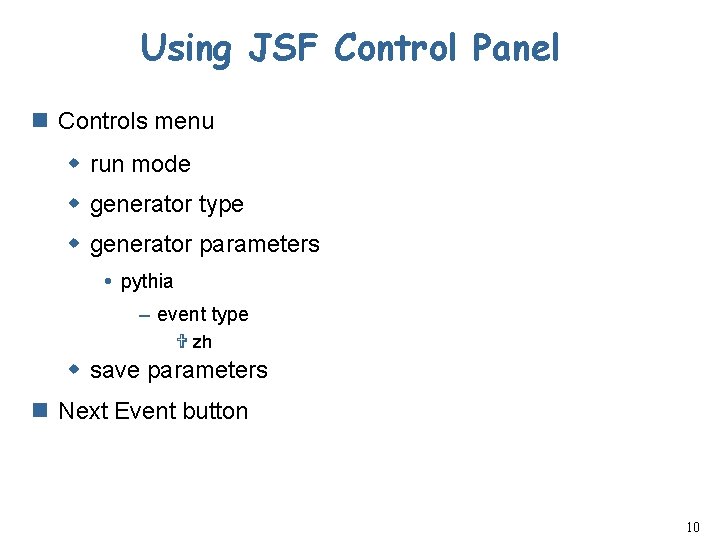
Using JSF Control Panel n Controls menu w run mode w generator type w generator parameters pythia – event type V zh w save parameters n Next Event button 10
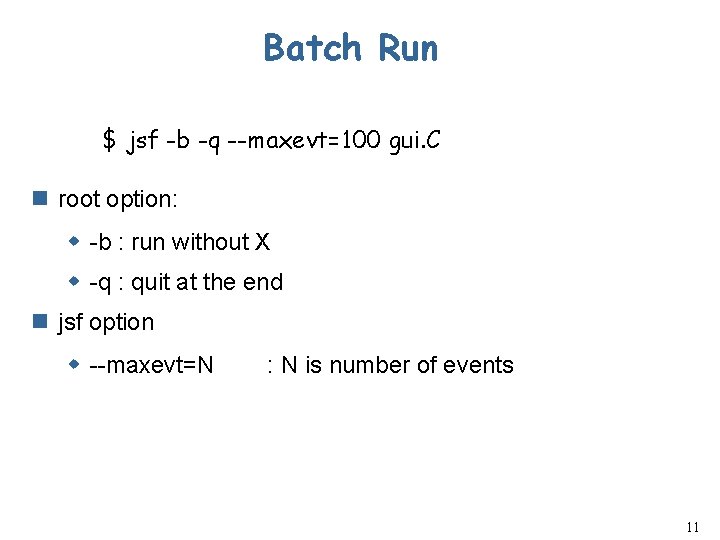
Batch Run $ jsf -b -q --maxevt=100 gui. C n root option: w -b : run without X w -q : quit at the end n jsf option w --maxevt=N : N is number of events 11
JSF Basics 12

JSF features - 1 n JSF is based on ROOT w User needs to lean just one language, C+ n JSF provides a framework for modular analyses w Common framework for event generation, detector simulation, and analyses. w Same framework for beam test data analysis n Unified framework for interactive and batch jobs w GUI for control of an interactive run Histogram and event display packages included w A file similar to. rootrc is used to set parameter. w Default values an be overidden by command line argument at run time. 13
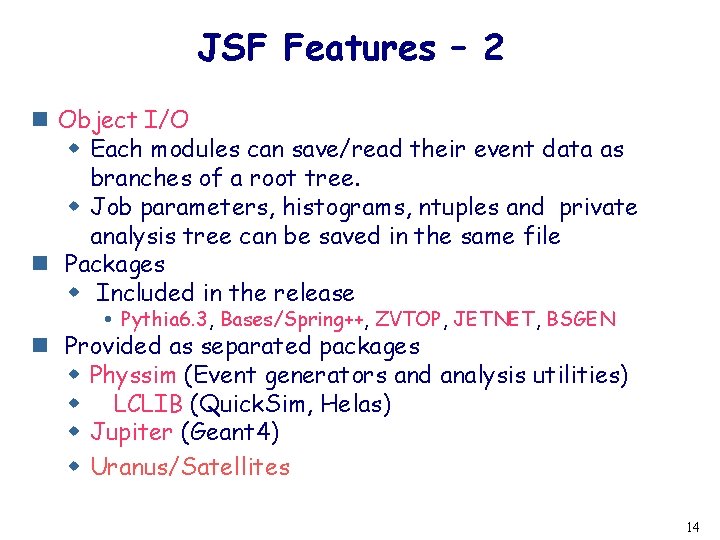
JSF Features – 2 n Object I/O w Each modules can save/read their event data as branches of a root tree. w Job parameters, histograms, ntuples and private analysis tree can be saved in the same file n Packages w Included in the release Pythia 6. 3, Bases/Spring++, ZVTOP, JETNET, BSGEN n Provided as separated packages w Physsim (Event generators and analysis utilities) w LCLIB (Quick. Sim, Helas) w Jupiter (Geant 4) w Uranus/Satellites 14
JSF Conponents n Libraries ( $JSFROOT/lib ) w Pre-compiled C++ classes to build JSF application such as lib. JSFGenerator. so, lib. JSFQuick. Sim. so, … n Executables (main program ) ($JSFROOT/bin) w “jsf” command : built with ROOT+lib. JSF. so n Macros ($JSFROOT/macro) w C++ program is used as Macro thanks to CINT (No need to compile and link) w In JSF, Macros are used to set run parameters and provide a simple analysis code. gui. C, GUIMain. Macro. C, User. Analysis. C 15
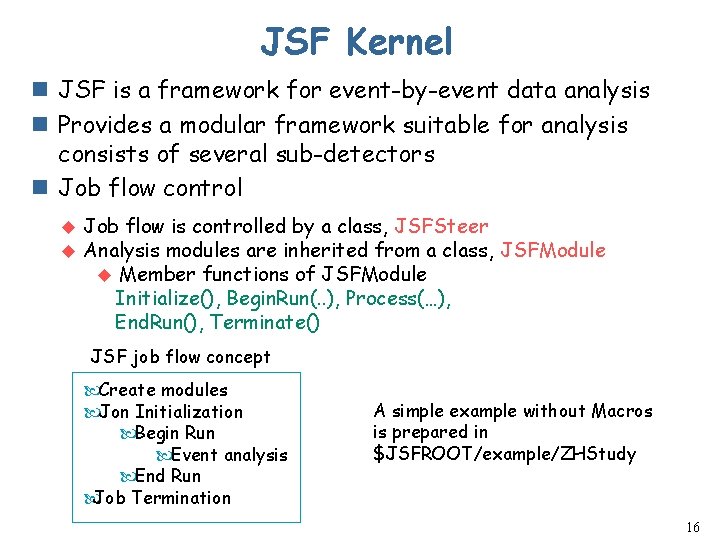
JSF Kernel n JSF is a framework for event-by-event data analysis n Provides a modular framework suitable for analysis consists of several sub-detectors n Job flow control u u Job flow is controlled by a class, JSFSteer Analysis modules are inherited from a class, JSFModule u Member functions of JSFModule Initialize(), Begin. Run(. . ), Process(…), End. Run(), Terminate() JSF job flow concept Create modules Jon Initialization Begin Run Event analysis End Run Job Termination A simple example without Macros is prepared in $JSFROOT/example/ZHStudy 16
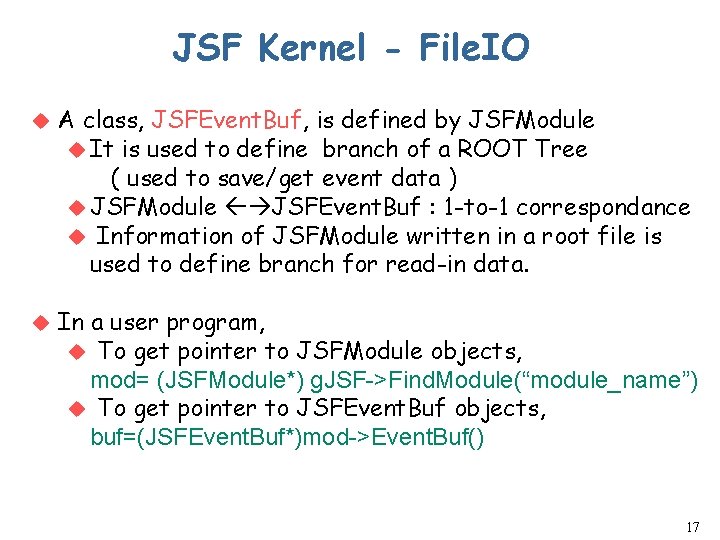
JSF Kernel - File. IO u A class, JSFEvent. Buf, is defined by JSFModule u It is used to define branch of a ROOT Tree ( used to save/get event data ) u JSFModule JSFEvent. Buf : 1 -to-1 correspondance u Information of JSFModule written in a root file is used to define branch for read-in data. u In a user program, u To get pointer to JSFModule objects, mod= (JSFModule*) g. JSF->Find. Module(“module_name”) u To get pointer to JSFEvent. Buf objects, buf=(JSFEvent. Buf*)mod->Event. Buf() 17
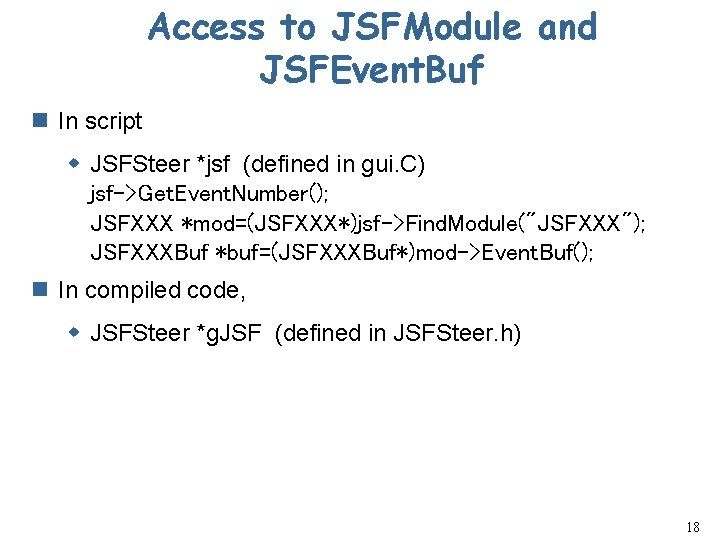
Access to JSFModule and JSFEvent. Buf n In script w JSFSteer *jsf (defined in gui. C) jsf->Get. Event. Number(); JSFXXX *mod=(JSFXXX*)jsf->Find. Module("JSFXXX"); JSFXXXBuf *buf=(JSFXXXBuf*)mod->Event. Buf(); n In compiled code, w JSFSteer *g. JSF (defined in JSFSteer. h) 18
Useful Web information n JSF Class Documents n CVS w http: //jlccvs. kek. jp/ 19
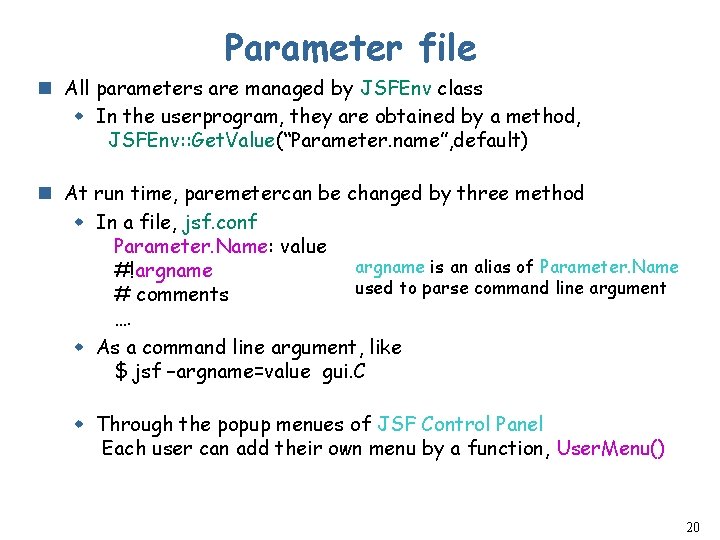
Parameter file n All parameters are managed by JSFEnv class w In the userprogram, they are obtained by a method, JSFEnv: : Get. Value(“Parameter. name”, default) n At run time, paremetercan be changed by three method w In a file, jsf. conf Parameter. Name: value argname is an alias of Parameter. Name #!argname used to parse command line argument # comments …. w As a command line argument, like $ jsf –argname=value gui. C w Through the popup menues of JSF Control Panel Each user can add their own menu by a function, User. Menu() 20
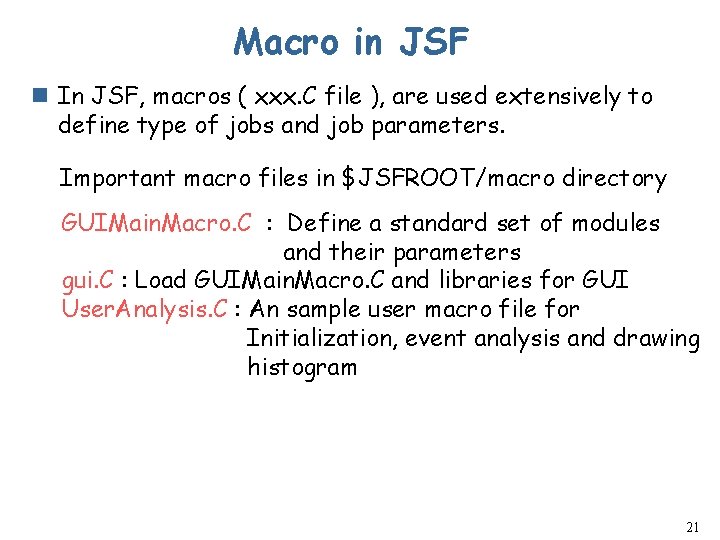
Macro in JSF n In JSF, macros ( xxx. C file ), are used extensively to define type of jobs and job parameters. Important macro files in $JSFROOT/macro directory GUIMain. Macro. C : Define a standard set of modules and their parameters gui. C : Load GUIMain. Macro. C and libraries for GUI User. Analysis. C : An sample user macro file for Initialization, event analysis and drawing histogram 21
JSF – First example in Sim. Tols n Examples in. Sim. Tools $ cd [Sim. Tools]/examples/JSF_Quick. Sim/exam 01 $ jsf gui. C JSF control panel popes up 22
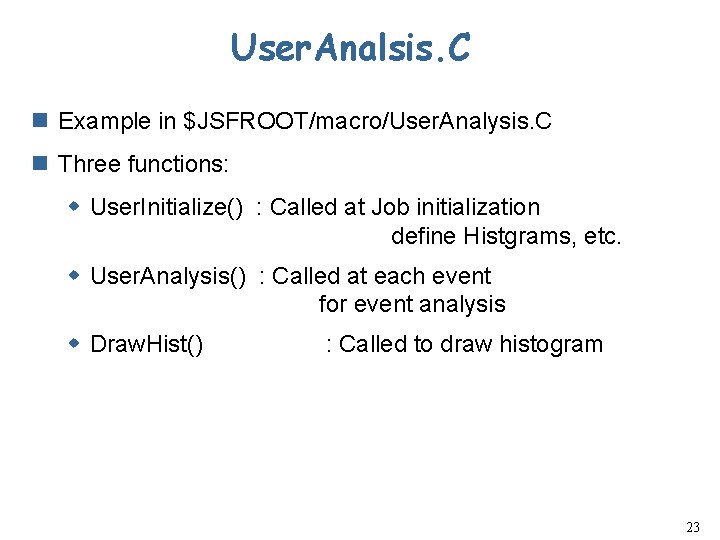
User. Analsis. C n Example in $JSFROOT/macro/User. Analysis. C n Three functions: w User. Initialize() : Called at Job initialization define Histgrams, etc. w User. Analysis() : Called at each event for event analysis w Draw. Hist() : Called to draw histogram 23
GUIMain. Macro 24
Build Compilied library n buildjsf command 25
Other examples n Exam 02 n Exam 03 n Exam 04 26
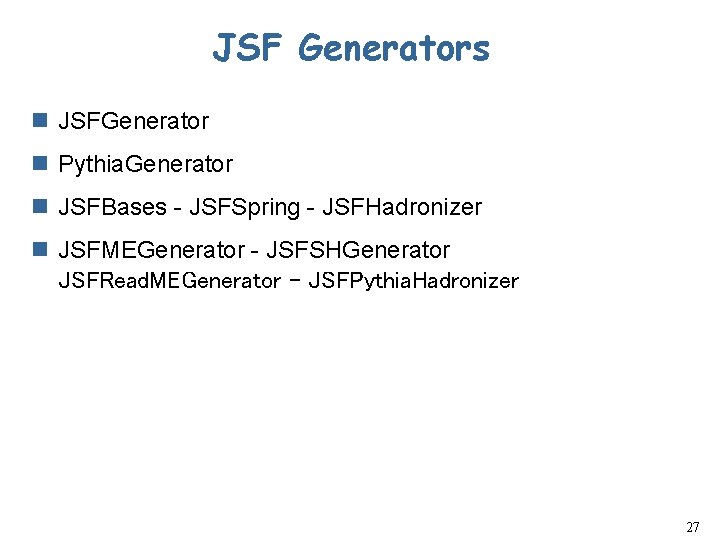
JSF Generators n JSFGenerator n Pythia. Generator n JSFBases - JSFSpring - JSFHadronizer n JSFMEGenerator - JSFSHGenerator JSFRead. MEGenerator - JSFPythia. Hadronizer 27
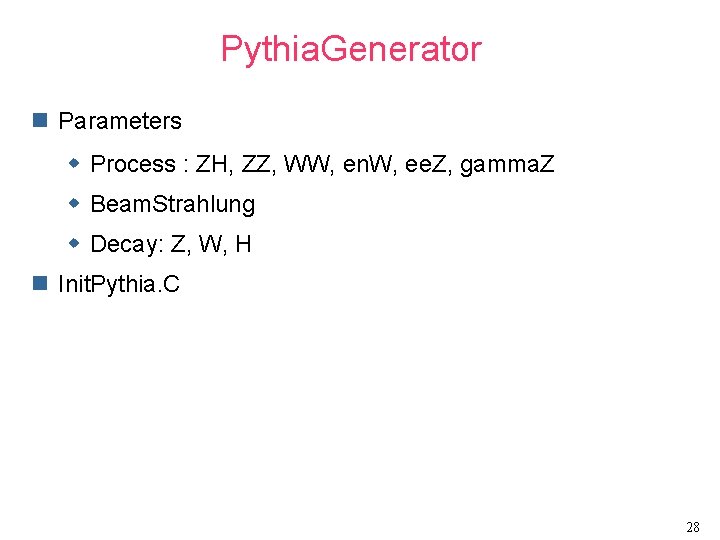
Pythia. Generator n Parameters w Process : ZH, ZZ, WW, en. W, ee. Z, gamma. Z w Beam. Strahlung w Decay: Z, W, H n Init. Pythia. C 28
29
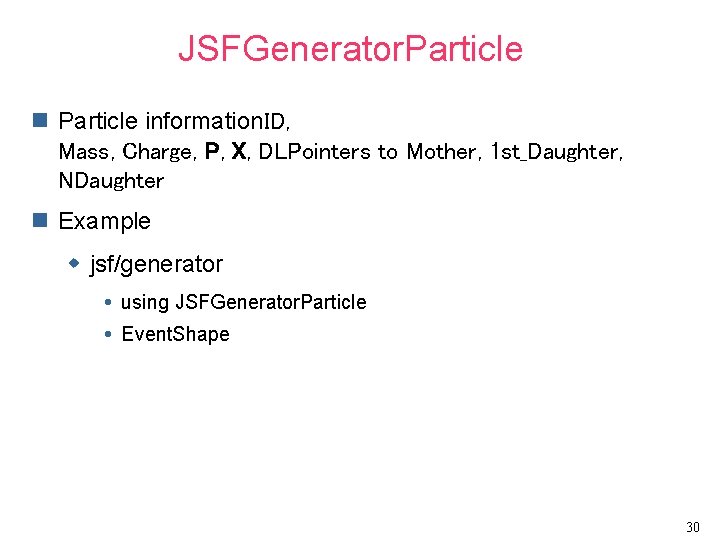
JSFGenerator. Particle n Particle information. ID, Mass, Charge, P, X, DLPointers to Mother, 1 st_Daughter, NDaughter n Example w jsf/generator using JSFGenerator. Particle Event. Shape 30
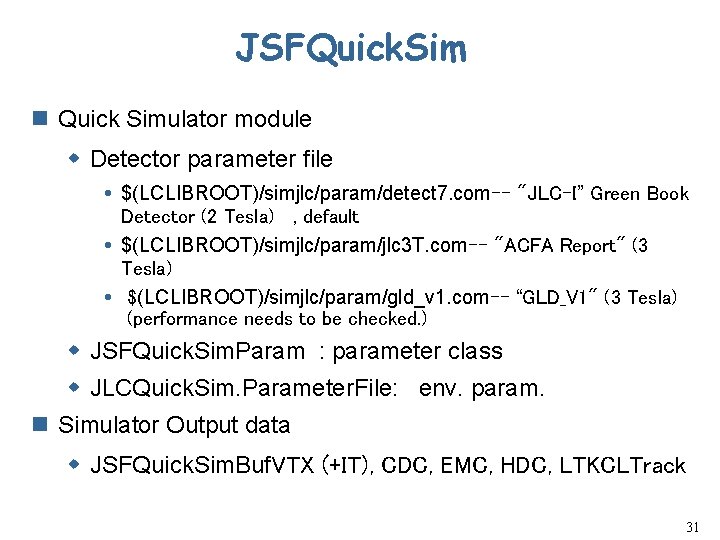
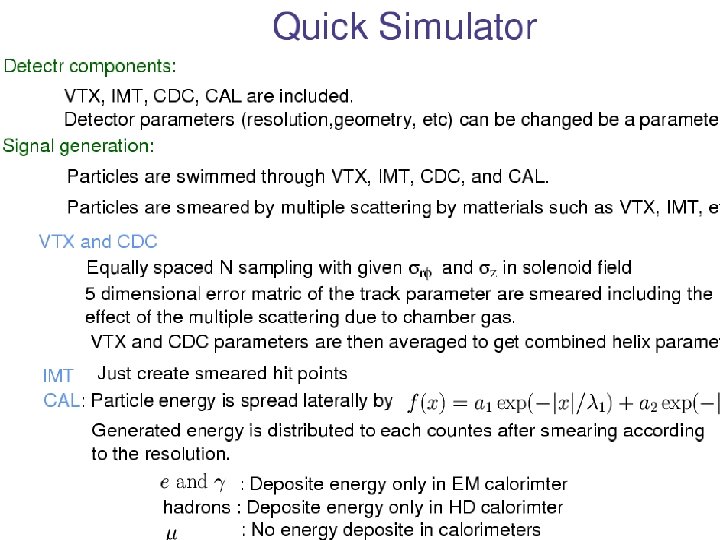
JSFQuick. Sim n Quick Simulator module w Detector parameter file $(LCLIBROOT)/simjlc/param/detect 7. com-- "JLC-I” Green Book Detector (2 Tesla) , default $(LCLIBROOT)/simjlc/param/jlc 3 T. com-- "ACFA Report" (3 Tesla) $(LCLIBROOT)/simjlc/param/gld_v 1. com-- “GLD_V 1" (3 Tesla) (performance needs to be checked. ) w JSFQuick. Sim. Param : parameter class w JLCQuick. Sim. Parameter. File: env. param. n Simulator Output data w JSFQuick. Sim. Buf. VTX (+IT), CDC, EMC, HDC, LTKCLTrack 31
SIMDSTBuf n The format agreed among ACFA group. n JSFQuick. SIM + JSFGenerator n Same information can be written to a file accesible by FORTRAN program. 32
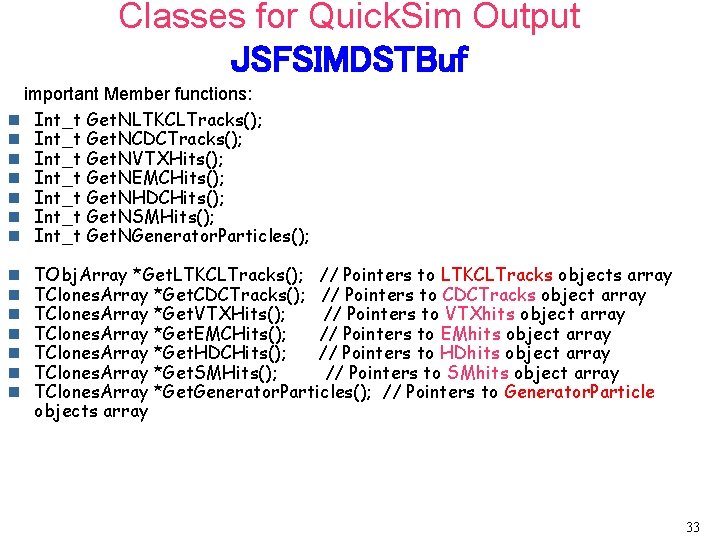
Classes for Quick. Sim Output JSFSIMDSTBuf important Member functions: n Int_t Get. NLTKCLTracks(); n Int_t Get. NCDCTracks(); n Int_t Get. NVTXHits(); n Int_t Get. NEMCHits(); n Int_t Get. NHDCHits(); n Int_t Get. NSMHits(); n Int_t Get. NGenerator. Particles(); n n n n TObj. Array *Get. LTKCLTracks(); // Pointers to LTKCLTracks objects array TClones. Array *Get. CDCTracks(); // Pointers to CDCTracks object array TClones. Array *Get. VTXHits(); // Pointers to VTXhits object array TClones. Array *Get. EMCHits(); // Pointers to EMhits object array TClones. Array *Get. HDCHits(); // Pointers to HDhits object array TClones. Array *Get. SMHits(); // Pointers to SMhits object array TClones. Array *Get. Generator. Particles(); // Pointers to Generator. Particle objects array 33
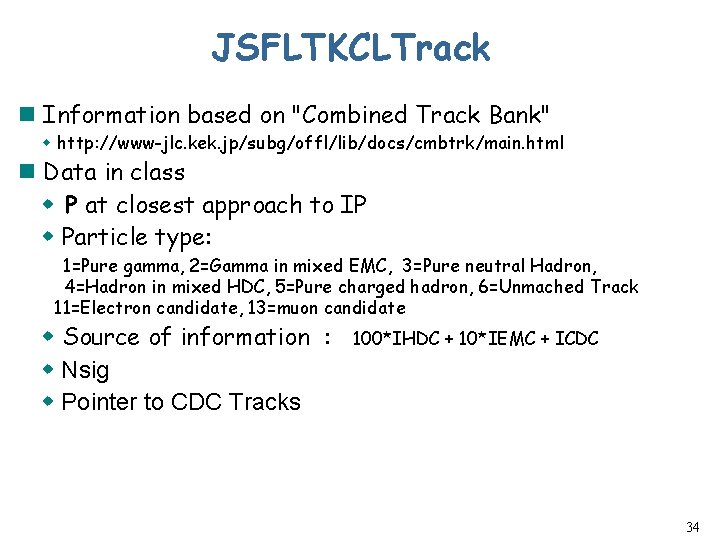
JSFLTKCLTrack n Information based on "Combined Track Bank" w http: //www-jlc. kek. jp/subg/offl/lib/docs/cmbtrk/main. html n Data in class w P at closest approach to IP w Particle type: 1=Pure gamma, 2=Gamma in mixed EMC, 3=Pure neutral Hadron, 4=Hadron in mixed HDC, 5=Pure charged hadron, 6=Unmached Track 11=Electron candidate, 13=muon candidate w Source of information : w Nsig w Pointer to CDC Tracks 100*IHDC + 10*IEMC + ICDC 34
Anlib n ANL 4 DVector: TLorentz , Lockable n ANLEvent. Sahpe w Using TObj. Array of ANL 4 DVector w Calculate Thrust, Oblateness, Major/Minor Axis n ANLJet. Finder w base class for Jade, Jade. E, Durham jet finder n ANLJet : ANL 4 DVector See examples in $(LEDAROOT)/Anlib/examples 35
JLCCVS n Latest packages are available at http: //jlccvs. kek. jp. n How to get: $ cvs -d : pserver: anonymous@jlccvs. kek. jp/home/cvs/soft login <RETURN> Password: <RETURN> $ cvs -d : pserver: anonymous@jlccvs. kek. jp: /home/cvs/soft co jsf <RETURN> n Update $ cvs update -P n See CVS log $ cvs log n Web interface to see a code history http: //jlccvs. kek. jp/cgi-bin/cvsweb. cgi/jsf/ 36
Information on Web n Home page of ACFA-Sim group http: //acfahep. kek. jp/subg/sim n Sim. Tools w http: //acfahep. kek. jp/subg/simtools 37
Backup slides 38
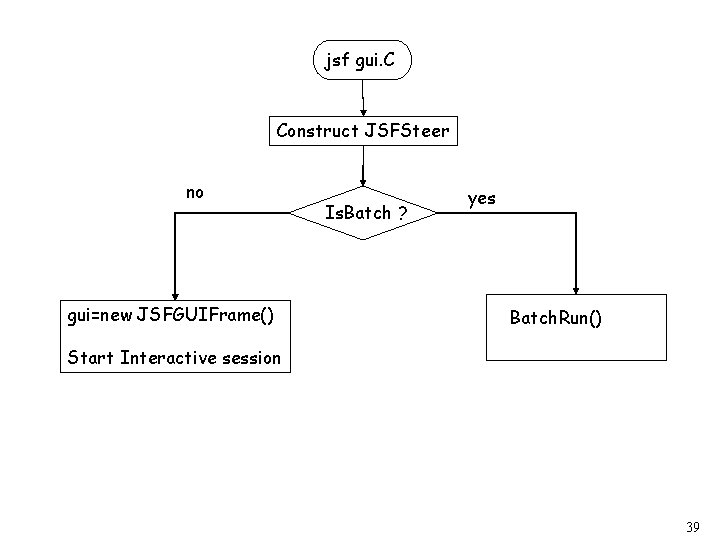
jsf gui. C Construct JSFSteer no gui=new JSFGUIFrame() Is. Batch ? yes Batch. Run() Start Interactive session 39
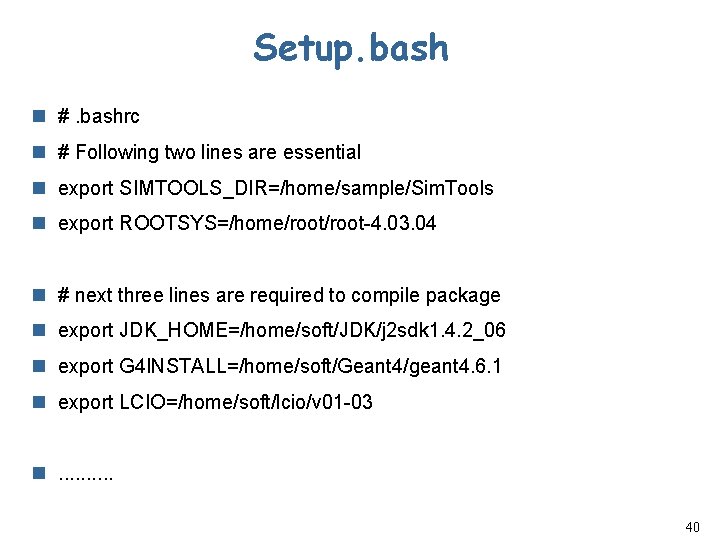
Setup. bash n #. bashrc n # Following two lines are essential n export SIMTOOLS_DIR=/home/sample/Sim. Tools n export ROOTSYS=/home/root-4. 03. 04 n # next three lines are required to compile package n export JDK_HOME=/home/soft/JDK/j 2 sdk 1. 4. 2_06 n export G 4 INSTALL=/home/soft/Geant 4/geant 4. 6. 1 n export LCIO=/home/soft/lcio/v 01 -03 n. . 40
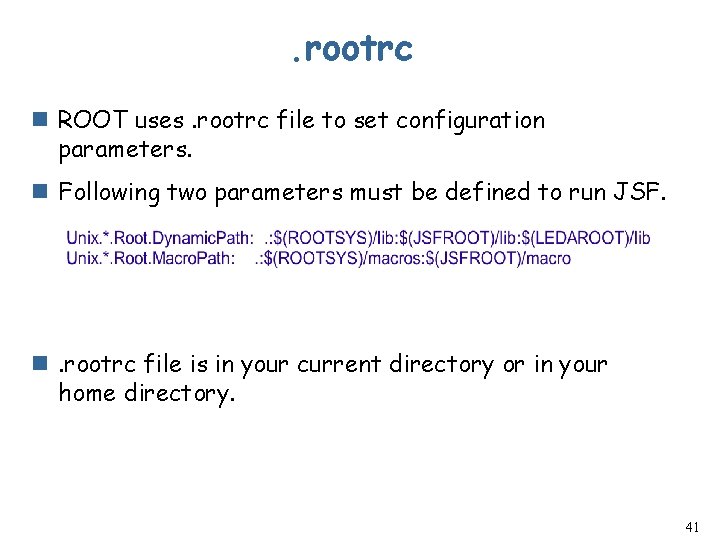
. rootrc n ROOT uses. rootrc file to set configuration parameters. n Following two parameters must be defined to run JSF. n. rootrc file is in your current directory or in your home directory. 41
- Slides: 41