
Introduction to SHELL Scripting ORAFACT Shell Scripting Standard
![Conditional Statements if – then if [ $X -eq 5 ]; then echo "Got](https://slidetodoc.com/presentation_image_h2/75e2d4107c44d70db4e72a1b5c9c8acb/image-11.jpg "Conditional Statements if – then if [ $X -eq 5 ]; then echo \"Got")
- Slides: 14
Introduction to SHELL Scripting ORAFACT
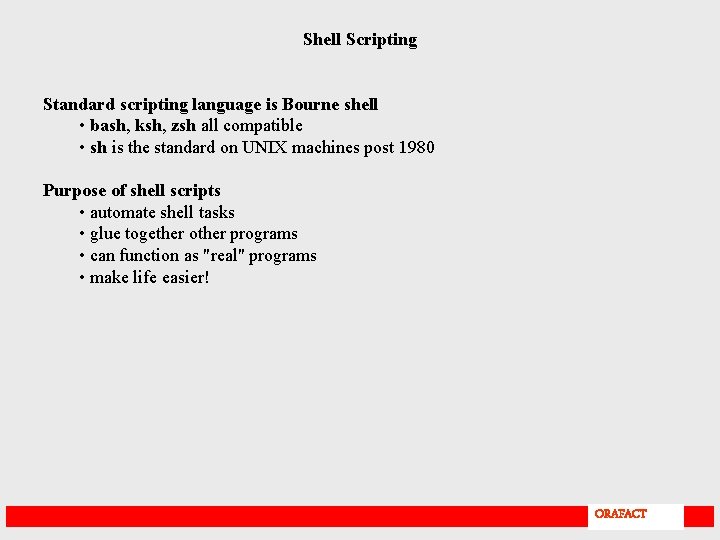
Shell Scripting Standard scripting language is Bourne shell • bash, ksh, zsh all compatible • sh is the standard on UNIX machines post 1980 Purpose of shell scripts • automate shell tasks • glue together other programs • can function as "real" programs • make life easier! ORAFACT
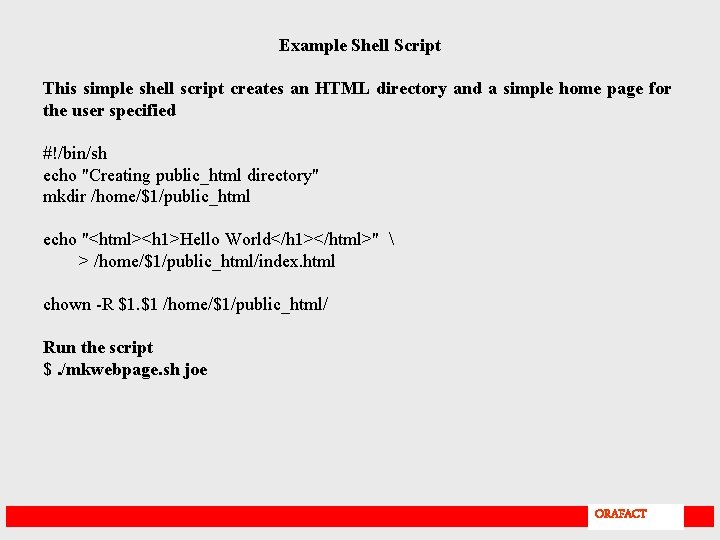
Example Shell Script This simple shell script creates an HTML directory and a simple home page for the user specified #!/bin/sh echo "Creating public_html directory" mkdir /home/$1/public_html echo "<html><h 1>Hello World</h 1></html>" > /home/$1/public_html/index. html chown -R $1. $1 /home/$1/public_html/ Run the script $. /mkwebpage. sh joe ORAFACT
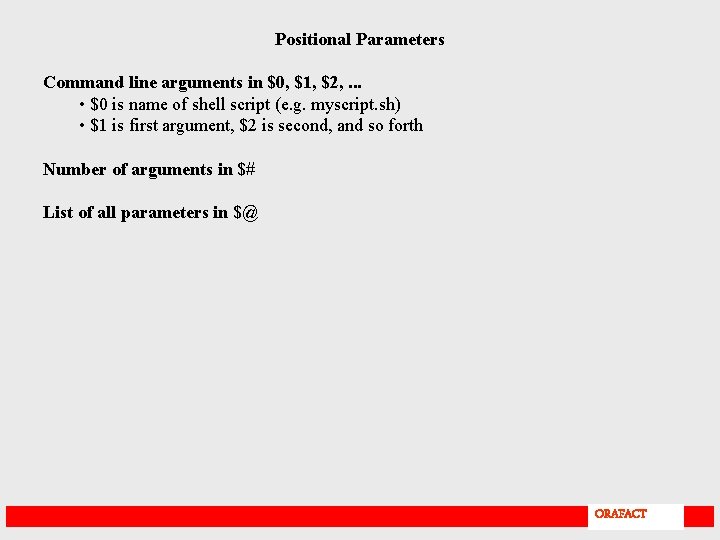
Positional Parameters Command line arguments in $0, $1, $2, . . . • $0 is name of shell script (e. g. myscript. sh) • $1 is first argument, $2 is second, and so forth Number of arguments in $# List of all parameters in $@ ORAFACT
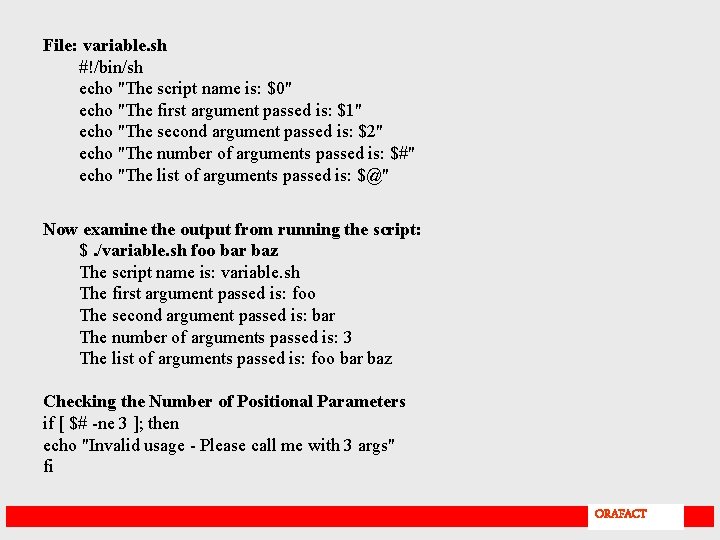
File: variable. sh #!/bin/sh echo "The script name is: $0" echo "The first argument passed is: $1" echo "The second argument passed is: $2" echo "The number of arguments passed is: $#" echo "The list of arguments passed is: $@" Now examine the output from running the script: $. /variable. sh foo bar baz The script name is: variable. sh The first argument passed is: foo The second argument passed is: bar The number of arguments passed is: 3 The list of arguments passed is: foo bar baz Checking the Number of Positional Parameters if [ $# -ne 3 ]; then echo "Invalid usage - Please call me with 3 args" fi ORAFACT
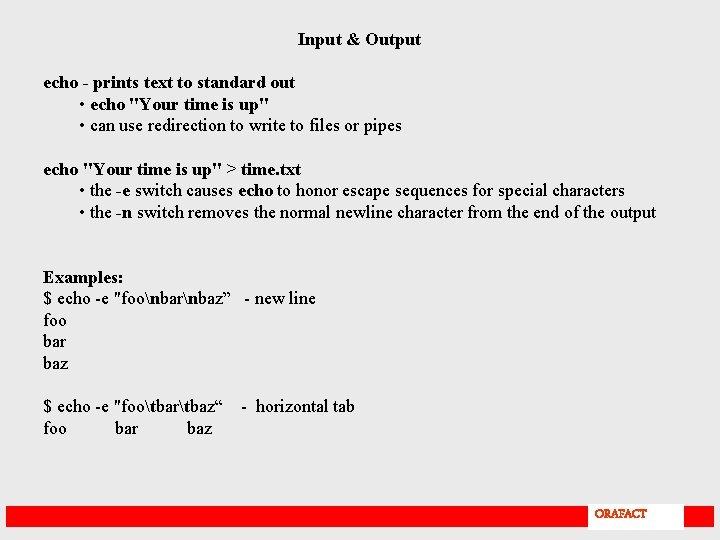
Input & Output echo - prints text to standard out • echo "Your time is up" • can use redirection to write to files or pipes echo "Your time is up" > time. txt • the -e switch causes echo to honor escape sequences for special characters • the -n switch removes the normal newline character from the end of the output Examples: $ echo -e "foonbarnbaz” - new line foo bar baz $ echo -e "footbartbaz“ foo bar baz - horizontal tab ORAFACT
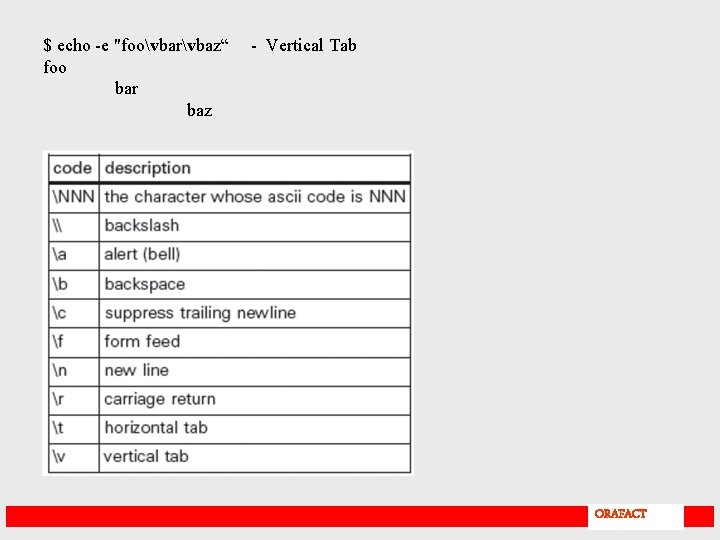
$ echo -e "foovbarvbaz“ foo bar baz - Vertical Tab ORAFACT
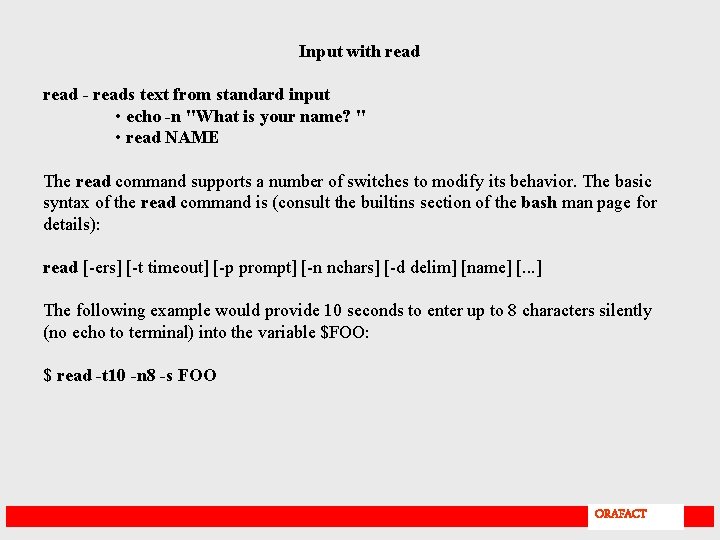
Input with read - reads text from standard input • echo -n "What is your name? " • read NAME The read command supports a number of switches to modify its behavior. The basic syntax of the read command is (consult the builtins section of the bash man page for details): read [-ers] [-t timeout] [-p prompt] [-n nchars] [-d delim] [name] [. . . ] The following example would provide 10 seconds to enter up to 8 characters silently (no echo to terminal) into the variable $FOO: $ read -t 10 -n 8 -s FOO ORAFACT
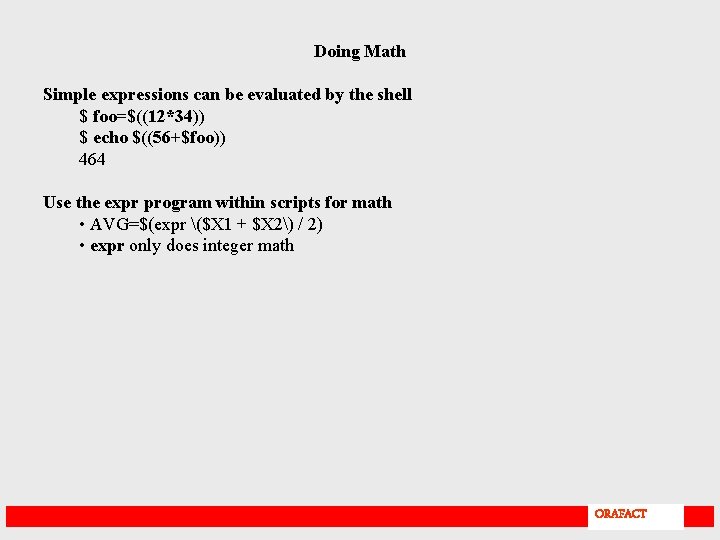
Doing Math Simple expressions can be evaluated by the shell $ foo=$((12*34)) $ echo $((56+$foo)) 464 Use the expr program within scripts for math • AVG=$(expr ($X 1 + $X 2) / 2) • expr only does integer math ORAFACT
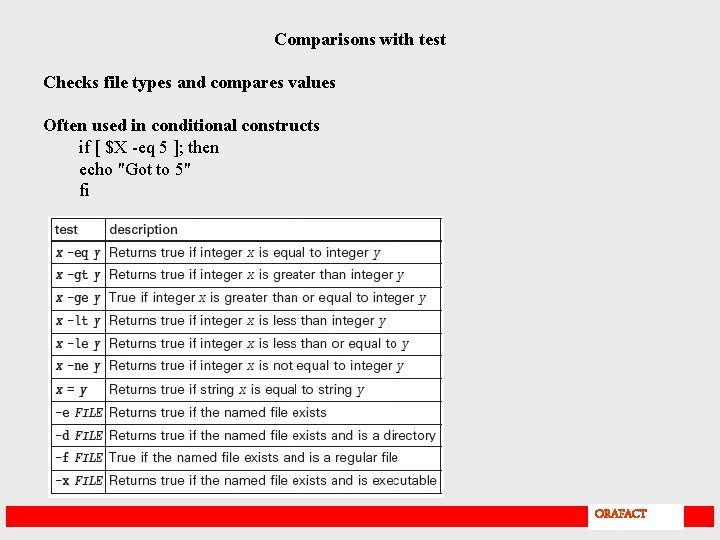
Comparisons with test Checks file types and compares values Often used in conditional constructs if [ $X -eq 5 ]; then echo "Got to 5" fi ORAFACT
Conditional Statements if – then if [ $X -eq 5 ]; then echo "Got to 5" fi if - then – else if [ $X -eq 5 ]; then echo "We got to 5" else echo "We are not at 5" fi if - then – elif - else – fi if [ $X -eq 1 ]; then echo "At 1" elif [ $X -eq 2 ]; then echo "At 2" else echo "Neither 1 or 2" fi ORAFACT
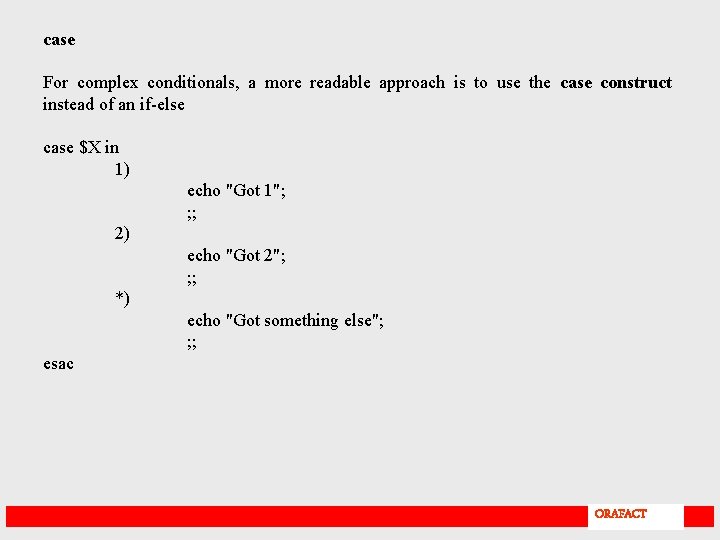
case For complex conditionals, a more readable approach is to use the case construct instead of an if-else case $X in 1) echo "Got 1"; ; ; 2) echo "Got 2"; ; ; *) echo "Got something else"; ; ; esac ORAFACT
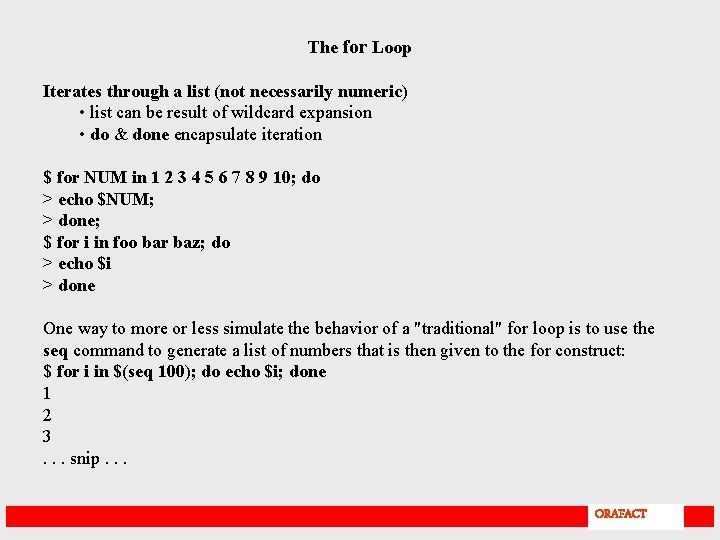
The for Loop Iterates through a list (not necessarily numeric) • list can be result of wildcard expansion • do & done encapsulate iteration $ for NUM in 1 2 3 4 5 6 7 8 9 10; do > echo $NUM; > done; $ for i in foo bar baz; do > echo $i > done One way to more or less simulate the behavior of a "traditional" for loop is to use the seq command to generate a list of numbers that is then given to the for construct: $ for i in $(seq 100); do echo $i; done 1 2 3. . . snip. . . ORAFACT
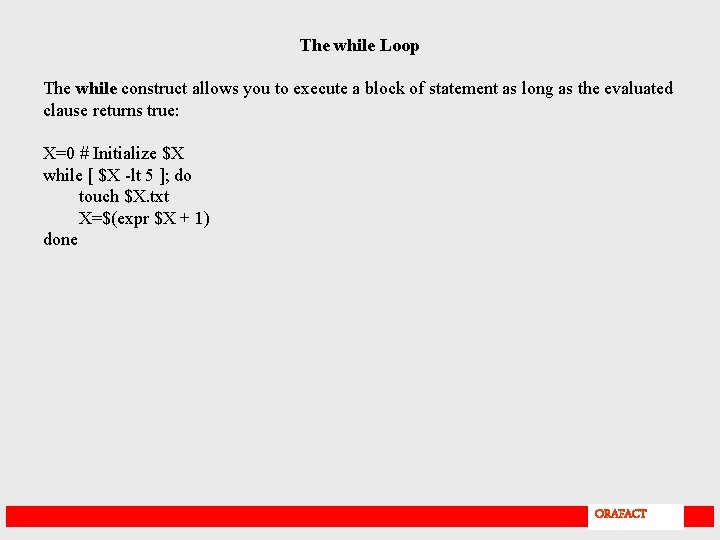
The while Loop The while construct allows you to execute a block of statement as long as the evaluated clause returns true: X=0 # Initialize $X while [ $X -lt 5 ]; do touch $X. txt X=$(expr $X + 1) done ORAFACT