
Introduction To Scientific Programming Chapter 4 Defining Classes
- Slides: 44
Introduction To Scientific Programming Chapter 4 – Defining Classes and Methods
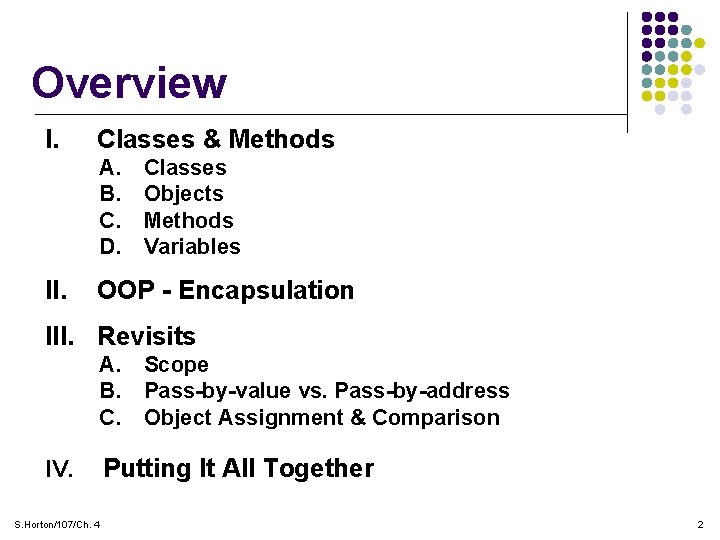
Overview I. Classes & Methods A. B. C. D. II. Classes Objects Methods Variables OOP - Encapsulation III. Revisits A. Scope B. Pass-by-value vs. Pass-by-address C. Object Assignment & Comparison IV. S. Horton/107/Ch. 4 Putting It All Together 2
Motivation l Wouldn’t it be very handy to have software already available that accomplish tasks that occur frequently? l In fact, it is one of the central goals of software engineering to make software development fast, efficient, and error-free. l This is accomplished by using or reusing software components that have already been developed, debugged, and tested. l This leads us to an organizing structure that has been developed over time for most modern programming languages. In Java, this is called “Classes”. S. Horton/107/Ch. 4 3
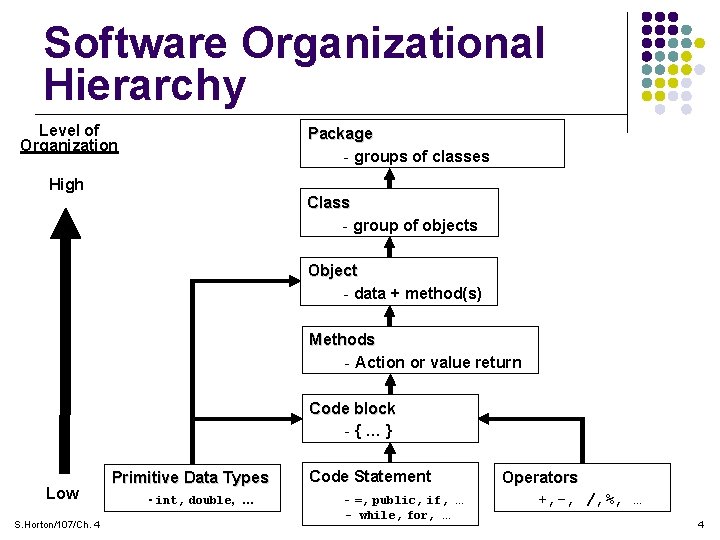
Software Organizational Hierarchy Level of Organization Package - groups of classes High Class - group of objects Object - data + method(s) Methods - Action or value return Code block -{…} Low S. Horton/107/Ch. 4 Primitive Data Types - int, double, … Code Statement - =, public, if, - while, for, … … Operators +, -, /, %, … 4
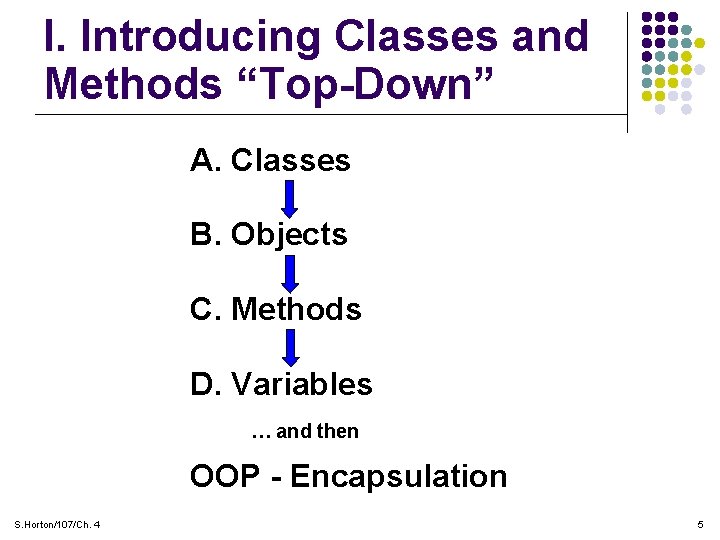
I. Introducing Classes and Methods “Top-Down” A. Classes B. Objects C. Methods D. Variables … and then OOP - Encapsulation S. Horton/107/Ch. 4 5
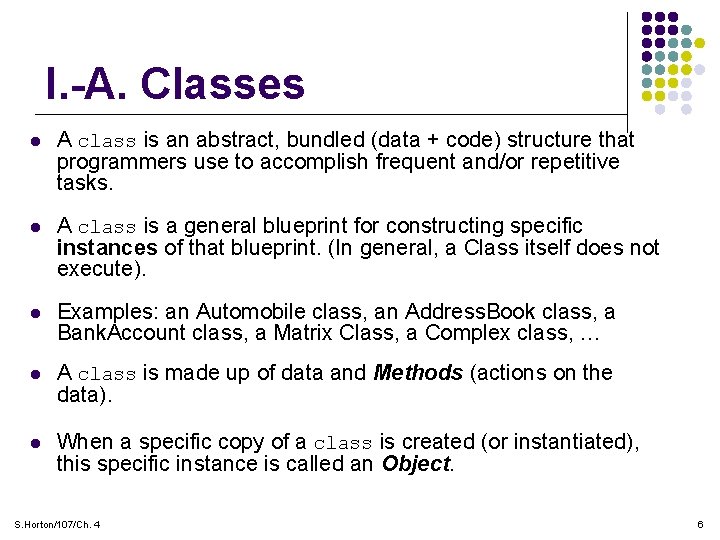
I. -A. Classes l A class is an abstract, bundled (data + code) structure that programmers use to accomplish frequent and/or repetitive tasks. l A class is a general blueprint for constructing specific instances of that blueprint. (In general, a Class itself does not execute). l Examples: an Automobile class, an Address. Book class, a Bank. Account class, a Matrix Class, a Complex class, … l A class is made up of data and Methods (actions on the data). l When a specific copy of a class is created (or instantiated), this specific instance is called an Object. S. Horton/107/Ch. 4 6
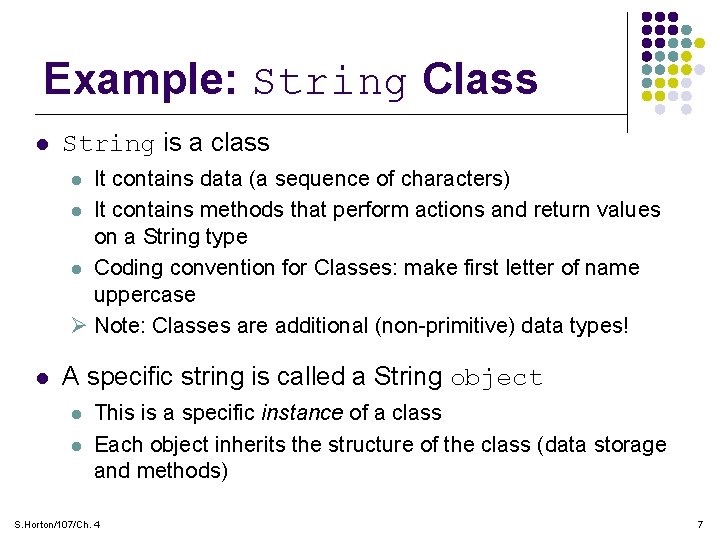
Example: String Class l String is a class It contains data (a sequence of characters) l It contains methods that perform actions and return values on a String type l Coding convention for Classes: make first letter of name uppercase Ø Note: Classes are additional (non-primitive) data types! l l A specific string is called a String object l l This is a specific instance of a class Each object inherits the structure of the class (data storage and methods) S. Horton/107/Ch. 4 7
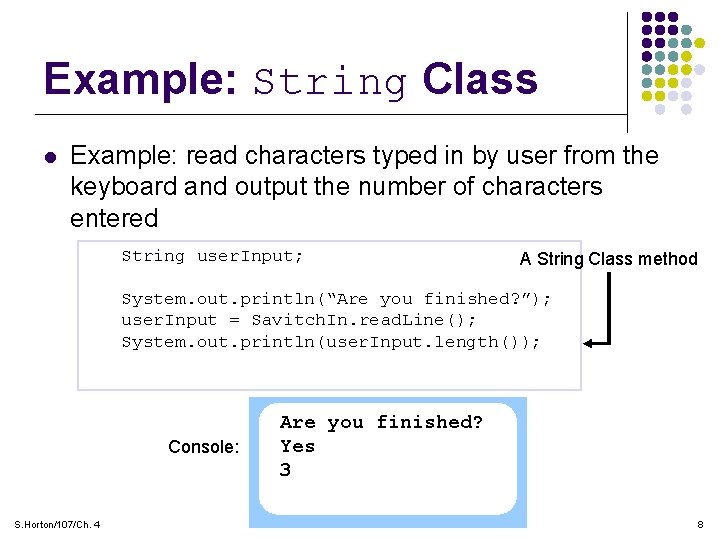
Example: String Class l Example: read characters typed in by user from the keyboard and output the number of characters entered String user. Input; A String Class method System. out. println(“Are you finished? ”); user. Input = Savitch. In. read. Line(); System. out. println(user. Input. length()); Console: S. Horton/107/Ch. 4 Are you finished? Yes 3 8
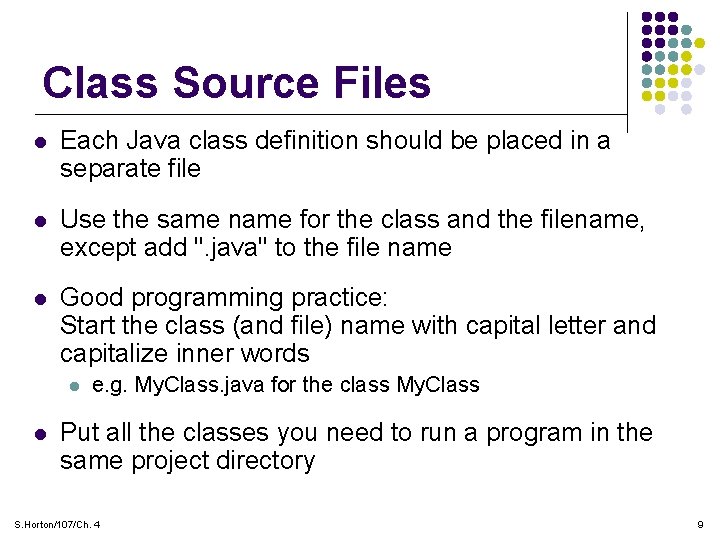
Class Source Files l Each Java class definition should be placed in a separate file l Use the same name for the class and the filename, except add ". java" to the file name l Good programming practice: Start the class (and file) name with capital letter and capitalize inner words l l e. g. My. Class. java for the class My. Class Put all the classes you need to run a program in the same project directory S. Horton/107/Ch. 4 9
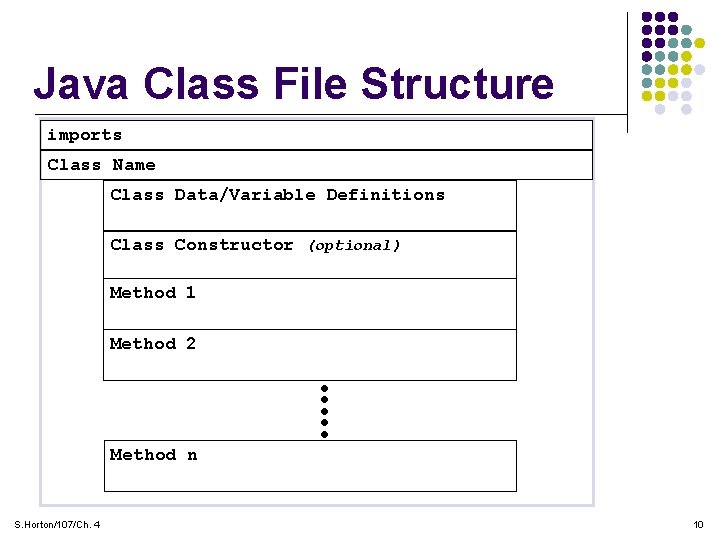
Java Class File Structure imports Class Name Class Data/Variable Definitions Class Constructor (optional) Method 1 Method 2 Method n S. Horton/107/Ch. 4 10
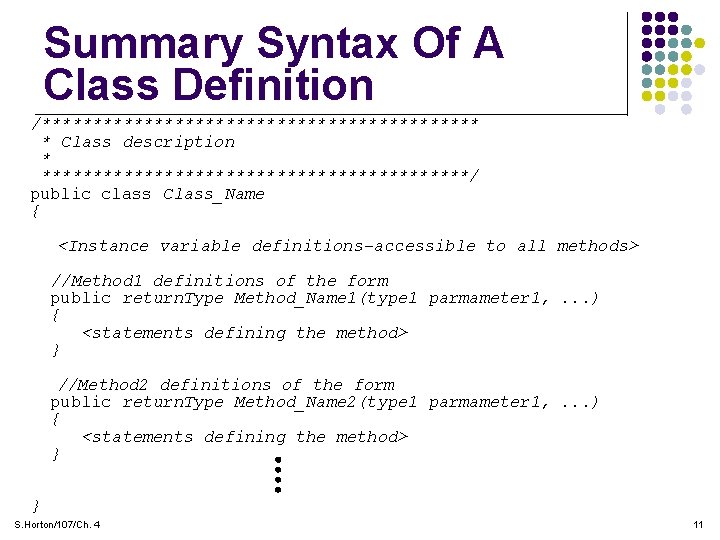
Summary Syntax Of A Class Definition /********************** * Class description * *********************/ public class Class_Name { <Instance variable definitions-accessible to all methods> //Method 1 definitions of the form public return. Type Method_Name 1(type 1 parmameter 1, . . . ) { <statements defining the method> } //Method 2 definitions of the form public return. Type Method_Name 2(type 1 parmameter 1, . . . ) { <statements defining the method> } } S. Horton/107/Ch. 4 11
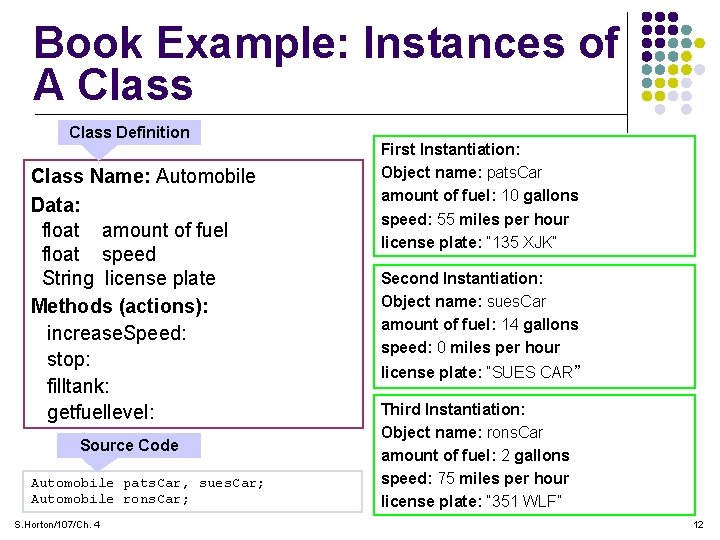
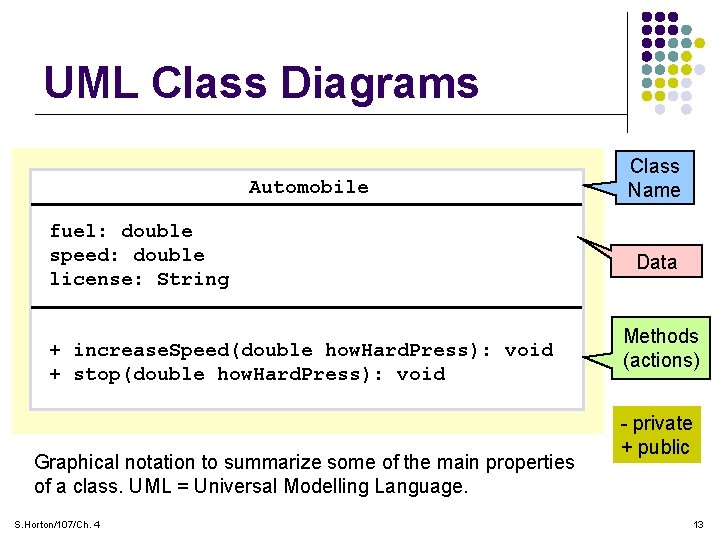
Book Example: Instances of A Class Definition Class Name: Automobile Data: float amount of fuel float speed String license plate Methods (actions): increase. Speed: stop: filltank: getfuellevel: Source Code Automobile pats. Car, sues. Car; Automobile rons. Car; S. Horton/107/Ch. 4 First Instantiation: Object name: pats. Car amount of fuel: 10 gallons speed: 55 miles per hour license plate: “ 135 XJK” Second Instantiation: Object name: sues. Car amount of fuel: 14 gallons speed: 0 miles per hour license plate: “SUES CAR” Third Instantiation: Object name: rons. Car amount of fuel: 2 gallons speed: 75 miles per hour license plate: “ 351 WLF” 12
UML Class Diagrams Automobile fuel: double speed: double license: String + increase. Speed(double how. Hard. Press): void + stop(double how. Hard. Press): void Graphical notation to summarize some of the main properties of a class. UML = Universal Modelling Language. S. Horton/107/Ch. 4 Class Name Data Methods (actions) - private + public 13
B. Objects l Objects are named variables that are instances of a class l Note: the class is their type! l Each object has both data and methods. l Object data items are also called instance variables. S. Horton/107/Ch. 4 14
Objects II l Invoking an object’s method means to call the method, i. e. execute the method l Invoke an object's method with the dot operator Ø object. Name. method() l Each object of a class has the same data items but can have different values l All objects of the same class have the exact same methods S. Horton/107/Ch. 4 15
Instantiating (Creating) Objects l Syntax: Class. Name instance_Name = new Class. Name(); l Note the keyword new l Examples that we have already used in our labs: Ø Random generator = new Random(); Ø Decimal. Format my. Format = new Decimal. Format("0. 0000"); l Public instance variables can be accessed using the dot operator: l My favorites l l S. Horton/107/Ch. 4 Math. PI – the most famous constant of them all Math. E – base of natural logarithms 16
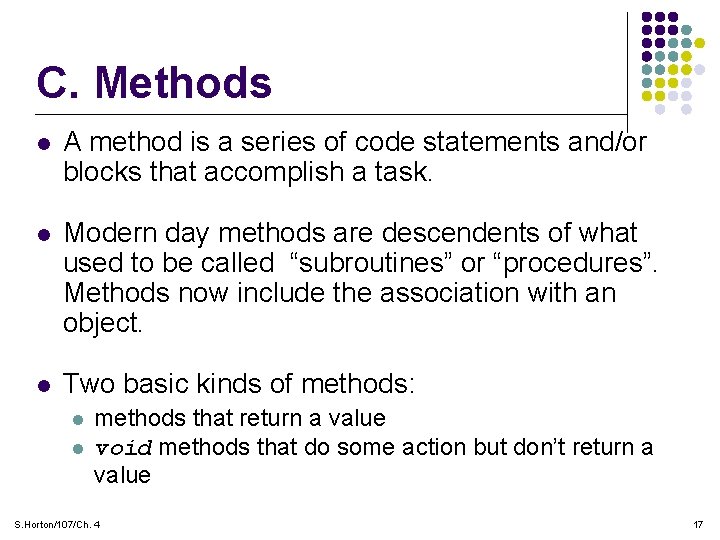
C. Methods l A method is a series of code statements and/or blocks that accomplish a task. l Modern day methods are descendents of what used to be called “subroutines” or “procedures”. Methods now include the association with an object. l Two basic kinds of methods: l l methods that return a value void methods that do some action but don’t return a value S. Horton/107/Ch. 4 17
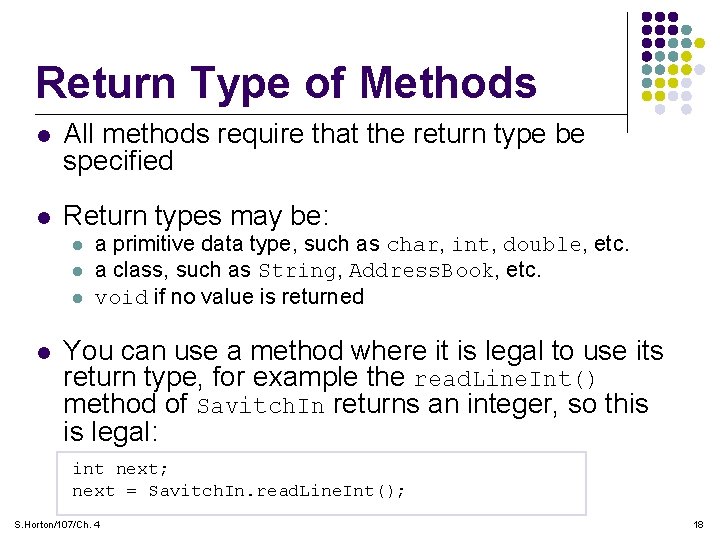
Return Type of Methods l All methods require that the return type be specified l Return types may be: l l a primitive data type, such as char, int, double, etc. a class, such as String, Address. Book, etc. void if no value is returned You can use a method where it is legal to use its return type, for example the read. Line. Int() method of Savitch. In returns an integer, so this is legal: int next; next = Savitch. In. read. Line. Int(); S. Horton/107/Ch. 4 18
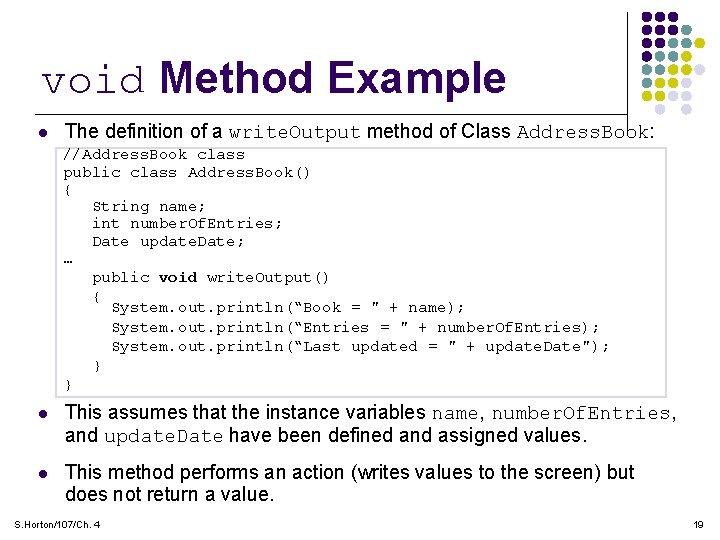
void Method Example l The definition of a write. Output method of Class Address. Book: //Address. Book class public class Address. Book() { String name; int number. Of. Entries; Date update. Date; … public void write. Output() { System. out. println(“Book = " + name); System. out. println(“Entries = " + number. Of. Entries); System. out. println(“Last updated = " + update. Date"); } } l This assumes that the instance variables name, number. Of. Entries, and update. Date have been defined and assigned values. l This method performs an action (writes values to the screen) but does not return a value. S. Horton/107/Ch. 4 19
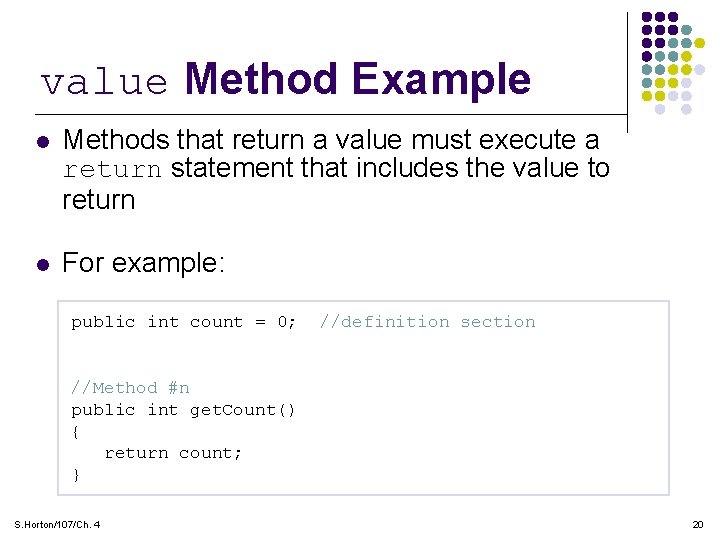
value Method Example l Methods that return a value must execute a return statement that includes the value to return l For example: public int count = 0; //definition section //Method #n public int get. Count() { return count; } S. Horton/107/Ch. 4 20
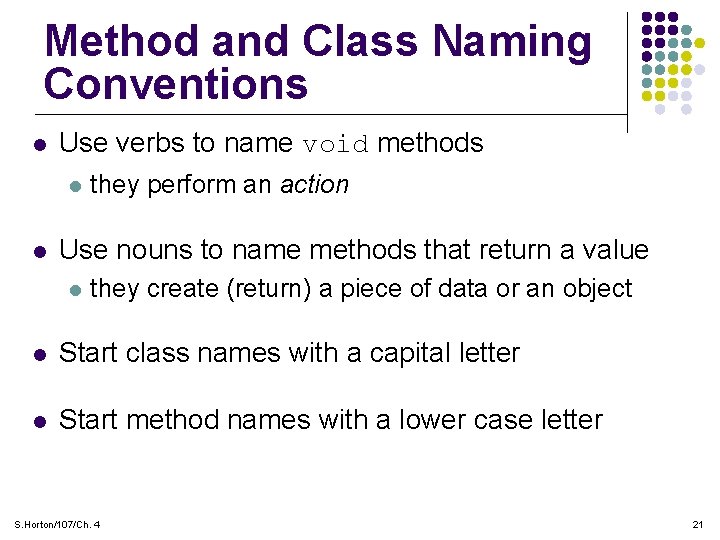
Method and Class Naming Conventions l Use verbs to name void methods l l they perform an action Use nouns to name methods that return a value l they create (return) a piece of data or an object l Start class names with a capital letter l Start method names with a lower case letter S. Horton/107/Ch. 4 21
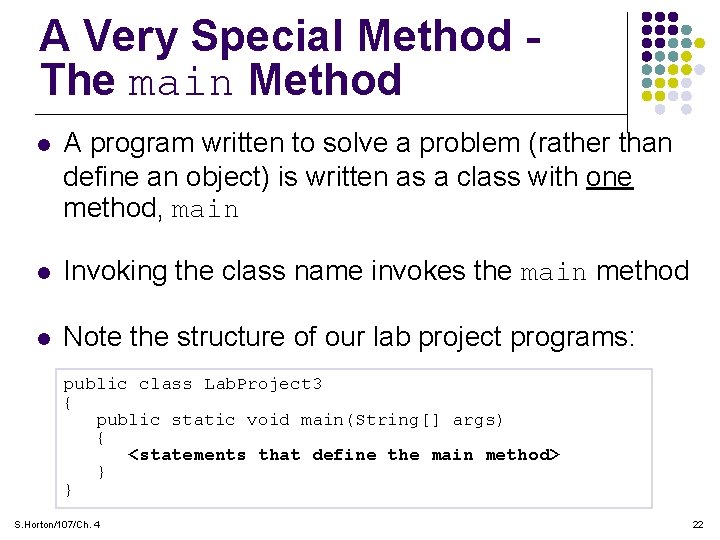
A Very Special Method The main Method l A program written to solve a problem (rather than define an object) is written as a class with one method, main l Invoking the class name invokes the main method l Note the structure of our lab project programs: public class Lab. Project 3 { public static void main(String[] args) { <statements that define the main method> } } S. Horton/107/Ch. 4 22
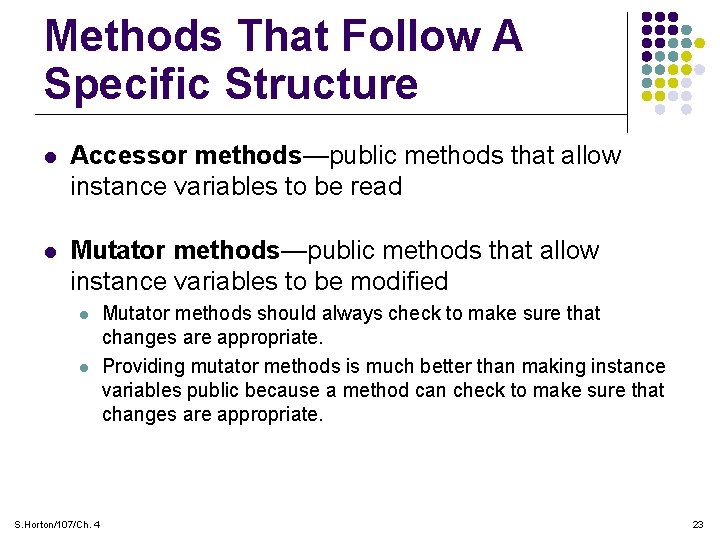
Methods That Follow A Specific Structure l Accessor methods—public methods that allow instance variables to be read l Mutator methods—public methods that allow instance variables to be modified l l S. Horton/107/Ch. 4 Mutator methods should always check to make sure that changes are appropriate. Providing mutator methods is much better than making instance variables public because a method can check to make sure that changes are appropriate. 23
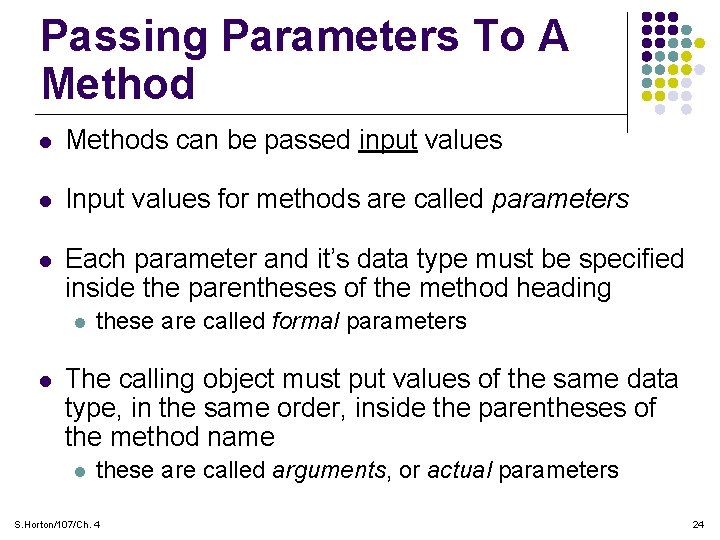
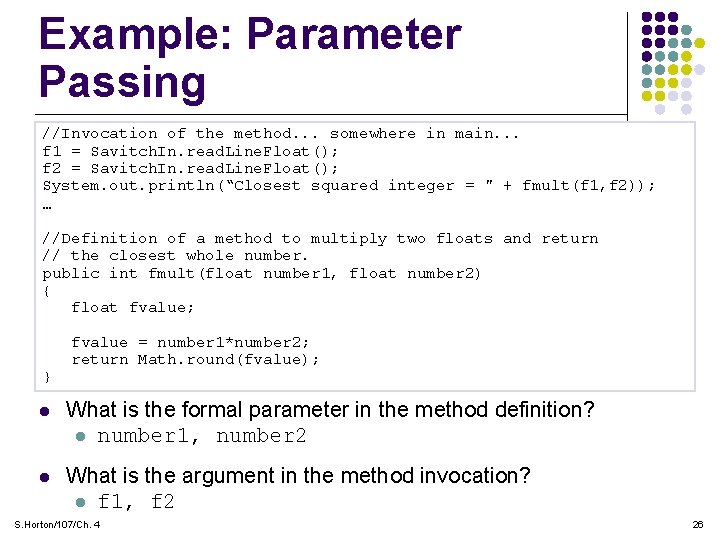
Passing Parameters To A Method l Methods can be passed input values l Input values for methods are called parameters l Each parameter and it’s data type must be specified inside the parentheses of the method heading l l these are called formal parameters The calling object must put values of the same data type, in the same order, inside the parentheses of the method name l these are called arguments, or actual parameters S. Horton/107/Ch. 4 24
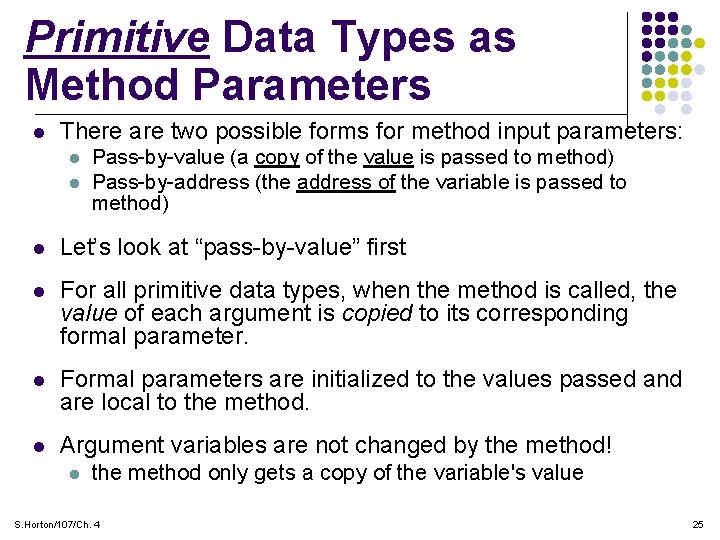
Primitive Data Types as Method Parameters l There are two possible forms for method input parameters: l l Pass-by-value (a copy of the value is passed to method) Pass-by-address (the address of the variable is passed to method) l Let’s look at “pass-by-value” first l For all primitive data types, when the method is called, the value of each argument is copied to its corresponding formal parameter. l Formal parameters are initialized to the values passed and are local to the method. l Argument variables are not changed by the method! l the method only gets a copy of the variable's value S. Horton/107/Ch. 4 25
Example: Parameter Passing //Invocation of the method. . . somewhere in main. . . f 1 = Savitch. In. read. Line. Float(); f 2 = Savitch. In. read. Line. Float(); System. out. println(“Closest squared integer = " + fmult(f 1, f 2)); … //Definition of a method to multiply two floats and return // the closest whole number. public int fmult(float number 1, float number 2) { float fvalue; } fvalue = number 1*number 2; return Math. round(fvalue); l What is the formal parameter in the method definition? l number 1, number 2 l What is the argument in the method invocation? l f 1, f 2 S. Horton/107/Ch. 4 26
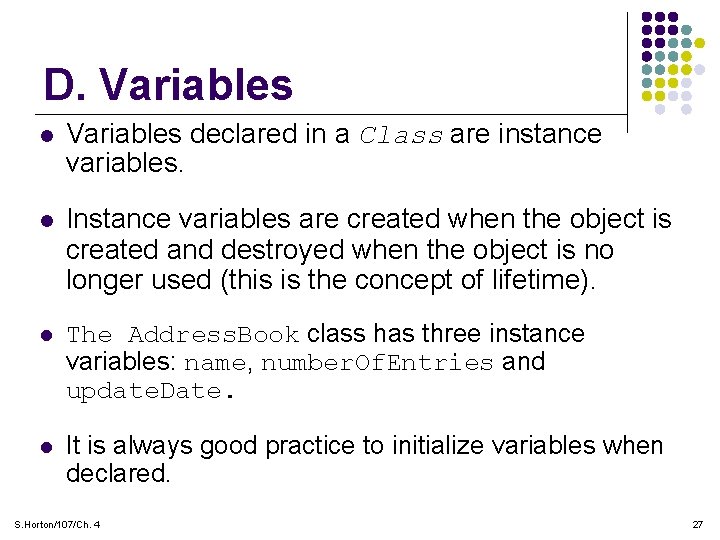
D. Variables l Variables declared in a Class are instance variables. l Instance variables are created when the object is created and destroyed when the object is no longer used (this is the concept of lifetime). l The Address. Book class has three instance variables: name, number. Of. Entries and update. Date. l It is always good practice to initialize variables when declared. S. Horton/107/Ch. 4 27
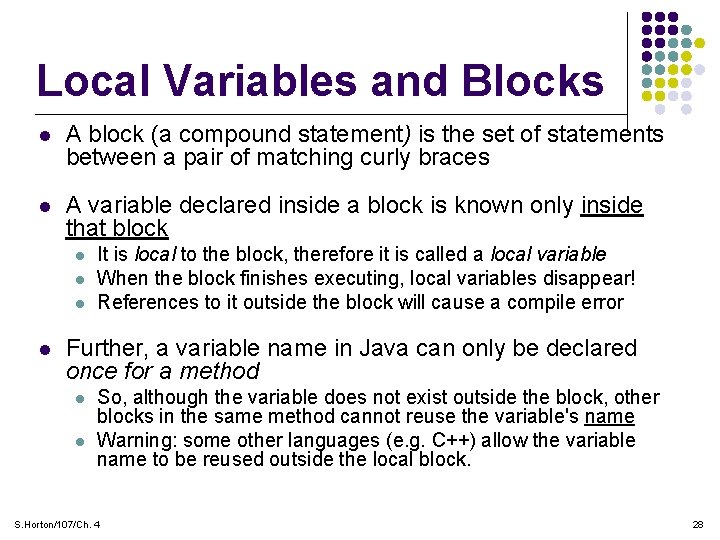
Local Variables and Blocks l A block (a compound statement) is the set of statements between a pair of matching curly braces l A variable declared inside a block is known only inside that block l l It is local to the block, therefore it is called a local variable When the block finishes executing, local variables disappear! References to it outside the block will cause a compile error Further, a variable name in Java can only be declared once for a method l l So, although the variable does not exist outside the block, other blocks in the same method cannot reuse the variable's name Warning: some other languages (e. g. C++) allow the variable name to be reused outside the local block. S. Horton/107/Ch. 4 28
More On Declaring Variables l Declaring variables at the method level (outside all blocks) makes them available within all the blocks l It is ok to declare loop counters in the Initialization field of for loops, e. g. for(int i=0; i <10; i++)… l l The Initialization field executes only once, when the for loop is first entered However, avoid declaring variables inside loops l It takes time during execution to create and destroy variables, so it is better to do it just once for loops. S. Horton/107/Ch. 4 29
II. OOP - Encapsulation • Object Oriented Programming (OOP) is the design of software using objects • More than just defining objects, OOP allows us to do certain things that reduce development time, reduce errors, and improve maintainability. • The first of these is the idea of “Encapsulation”. • Simply stated, encapsulation is the idea that you hide all of the details of your classes from the outside “user” (so they can’t mess it up). S. Horton/107/Ch. 4 30
Encapsulation II l In Encapsulation: l l Classes protect their data (all instance variables are private) Assess to data is only through methods (Accessor/Mutator) Ø (ex. public int get. Count() ) Most methods are private (public only when necessary) Provides a public user interface so the user knows how to use the class l l descriptions, parameters, and names of its public methods the user cannot see or change the implementation S. Horton/107/Ch. 4 31
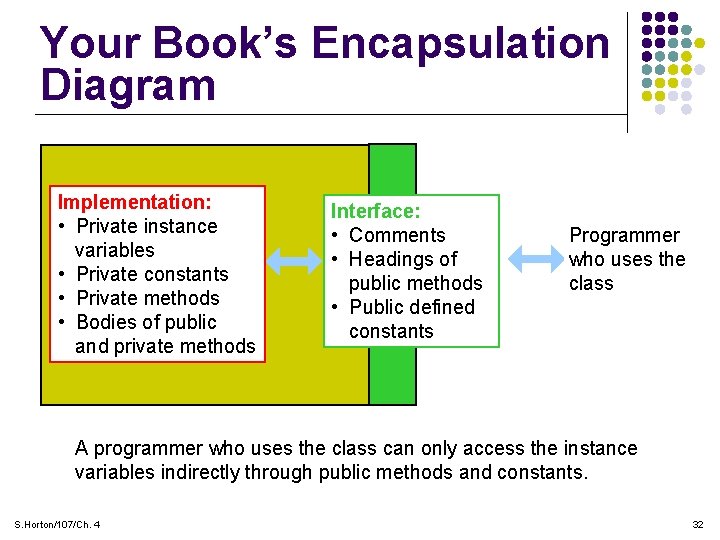
Your Book’s Encapsulation Diagram Implementation: • Private instance variables • Private constants • Private methods • Bodies of public and private methods Interface: • Comments • Headings of public methods • Public defined constants Programmer who uses the class A programmer who uses the class can only access the instance variables indirectly through public methods and constants. S. Horton/107/Ch. 4 32
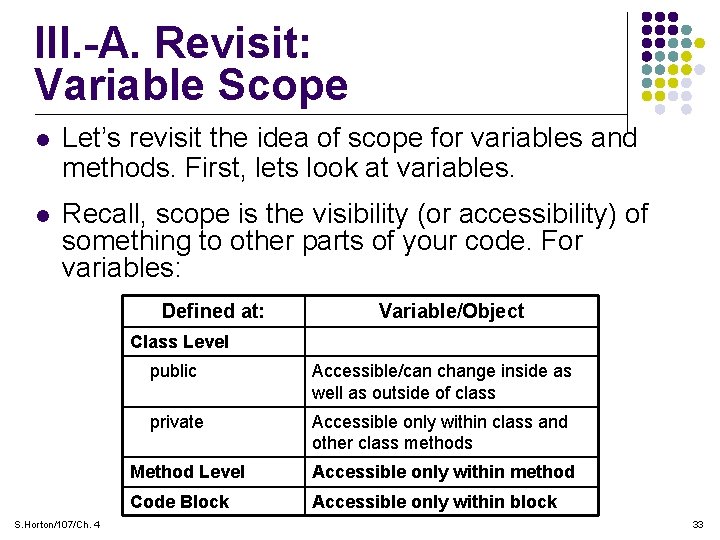
III. -A. Revisit: Variable Scope l Let’s revisit the idea of scope for variables and methods. First, lets look at variables. l Recall, scope is the visibility (or accessibility) of something to other parts of your code. For variables: Defined at: Variable/Object Class Level S. Horton/107/Ch. 4 public Accessible/can change inside as well as outside of class private Accessible only within class and other class methods Method Level Accessible only within method Code Block Accessible only within block 33
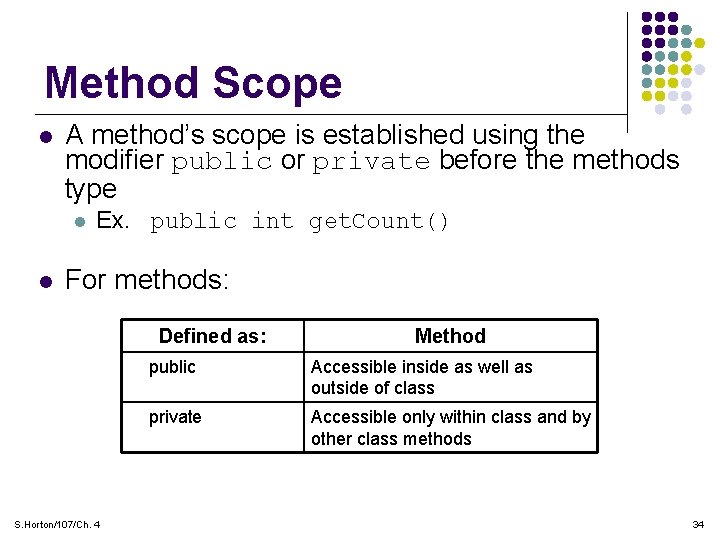
Method Scope l A method’s scope is established using the modifier public or private before the methods type l l Ex. public int get. Count() For methods: Defined as: S. Horton/107/Ch. 4 Method public Accessible inside as well as outside of class private Accessible only within class and by other class methods 34
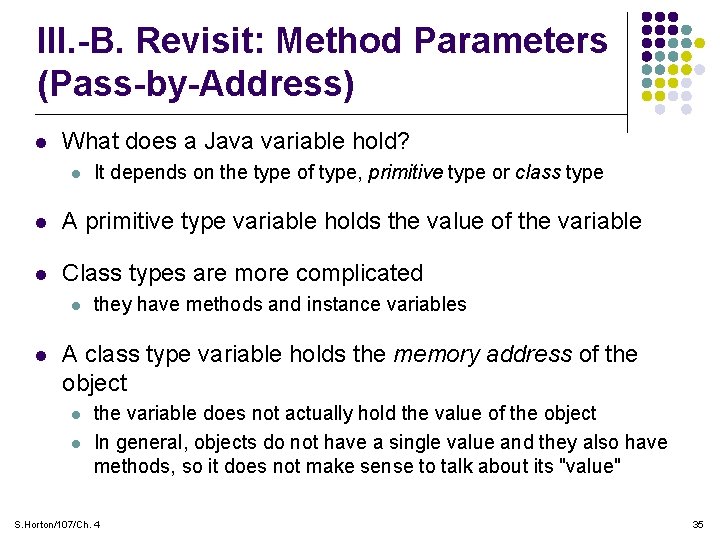
III. -B. Revisit: Method Parameters (Pass-by-Address) l What does a Java variable hold? l It depends on the type of type, primitive type or class type l A primitive type variable holds the value of the variable l Class types are more complicated l l they have methods and instance variables A class type variable holds the memory address of the object l l the variable does not actually hold the value of the object In general, objects do not have a single value and they also have methods, so it does not make sense to talk about its "value" S. Horton/107/Ch. 4 35
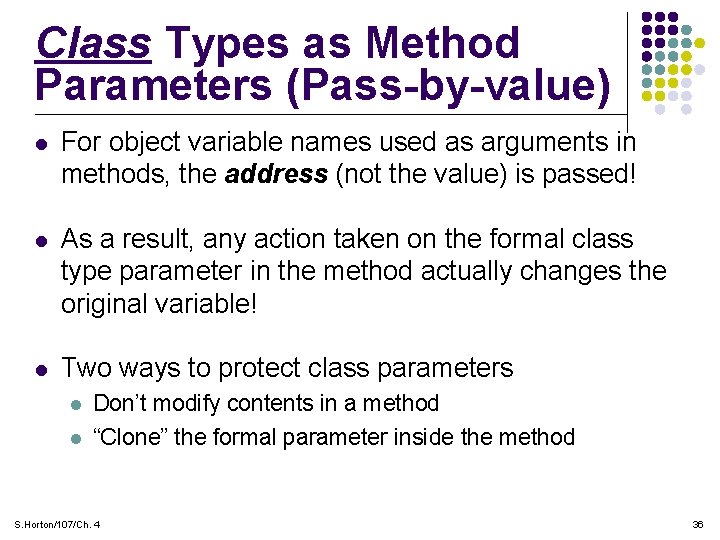
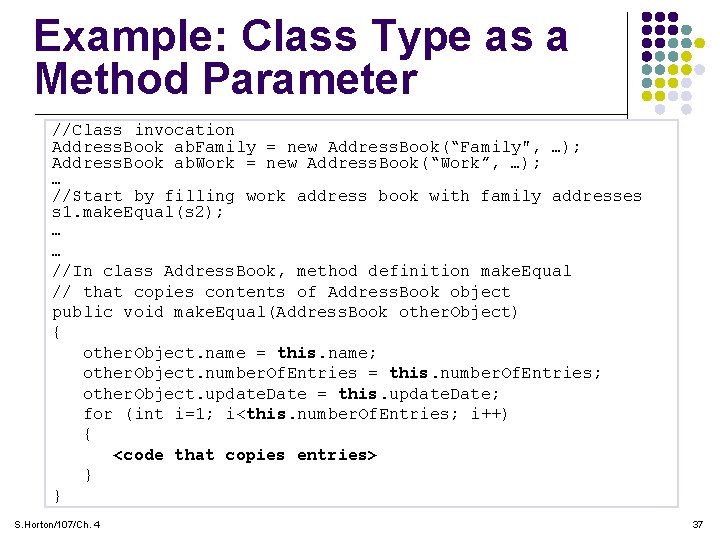
Class Types as Method Parameters (Pass-by-value) l For object variable names used as arguments in methods, the address (not the value) is passed! l As a result, any action taken on the formal class type parameter in the method actually changes the original variable! l Two ways to protect class parameters l l Don’t modify contents in a method “Clone” the formal parameter inside the method S. Horton/107/Ch. 4 36
Example: Class Type as a Method Parameter //Class invocation Address. Book ab. Family = new Address. Book(“Family", …); Address. Book ab. Work = new Address. Book(“Work”, …); … //Start by filling work address book with family addresses s 1. make. Equal(s 2); … … //In class Address. Book, method definition make. Equal // that copies contents of Address. Book object public void make. Equal(Address. Book other. Object) { l The method call makes other. Object an alias for s 2, other. Object. name = this. name; other. Object. number. Of. Entries this. number. Of. Entries; therefore the method acts on =s 2, the Demo. Species other. Object. update. Date = this. update. Date; object passed the method! for (int i=1; to i<this. number. Of. Entries; i++) { l This is unlike types, where the passed variable <code that primitive copies entries> } cannot be changed. } S. Horton/107/Ch. 4 37
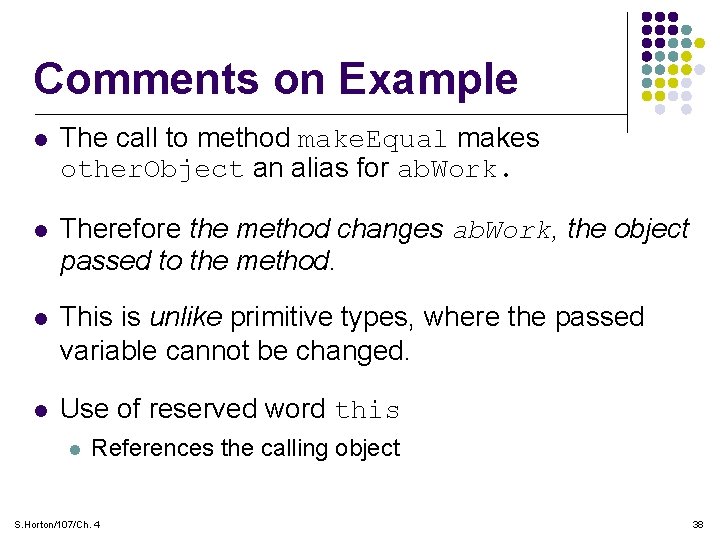
Comments on Example l The call to method make. Equal makes other. Object an alias for ab. Work. l Therefore the method changes ab. Work, the object passed to the method. l This is unlike primitive types, where the passed variable cannot be changed. l Use of reserved word this l References the calling object S. Horton/107/Ch. 4 38
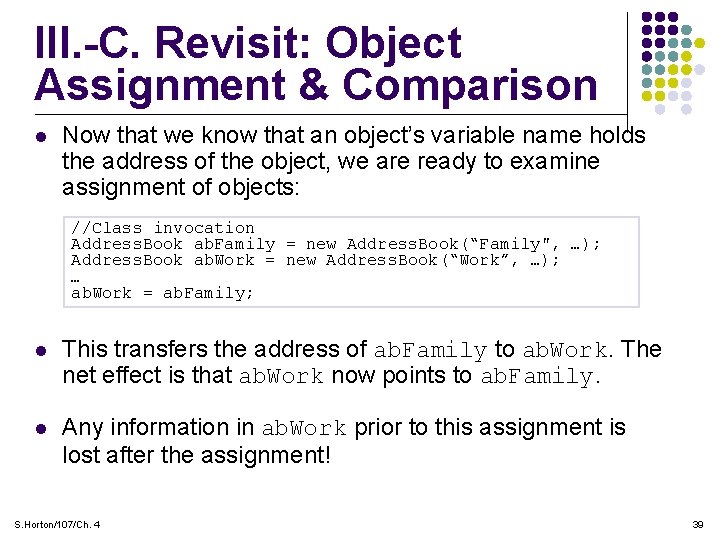
III. -C. Revisit: Object Assignment & Comparison l Now that we know that an object’s variable name holds the address of the object, we are ready to examine assignment of objects: //Class invocation Address. Book ab. Family = new Address. Book(“Family", …); Address. Book ab. Work = new Address. Book(“Work”, …); … ab. Work = ab. Family; l This transfers the address of ab. Family to ab. Work. The net effect is that ab. Work now points to ab. Family. l Any information in ab. Work prior to this assignment is lost after the assignment! S. Horton/107/Ch. 4 39
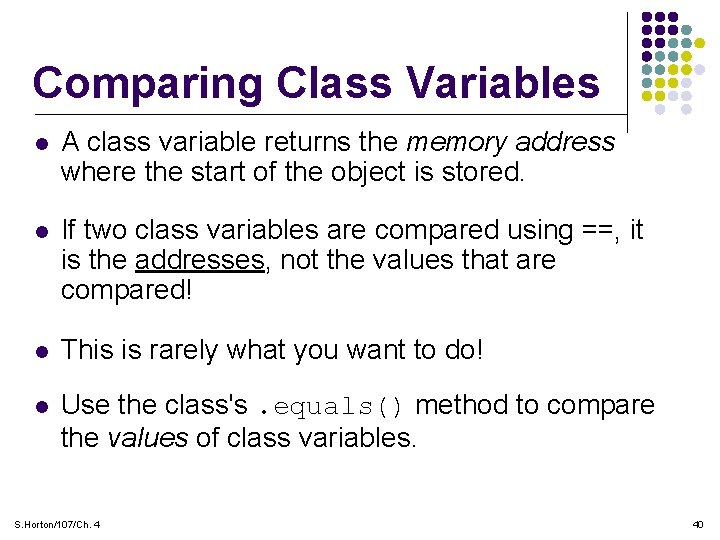
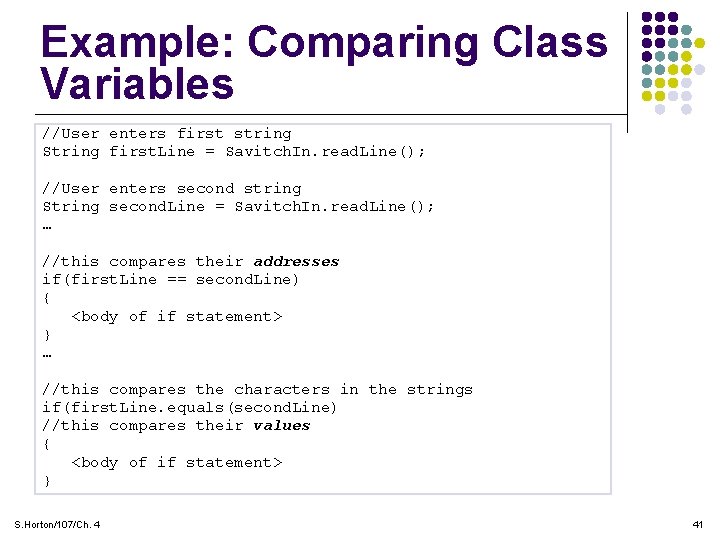
Comparing Class Variables l A class variable returns the memory address where the start of the object is stored. l If two class variables are compared using ==, it is the addresses, not the values that are compared! l This is rarely what you want to do! l Use the class's. equals() method to compare the values of class variables. S. Horton/107/Ch. 4 40
Example: Comparing Class Variables //User enters first string String first. Line = Savitch. In. read. Line(); //User enters second string String second. Line = Savitch. In. read. Line(); … //this compares their addresses if(first. Line == second. Line) { <body of if statement> } … //this compares the characters in the strings if(first. Line. equals(second. Line) //this compares their values { <body of if statement> } S. Horton/107/Ch. 4 41
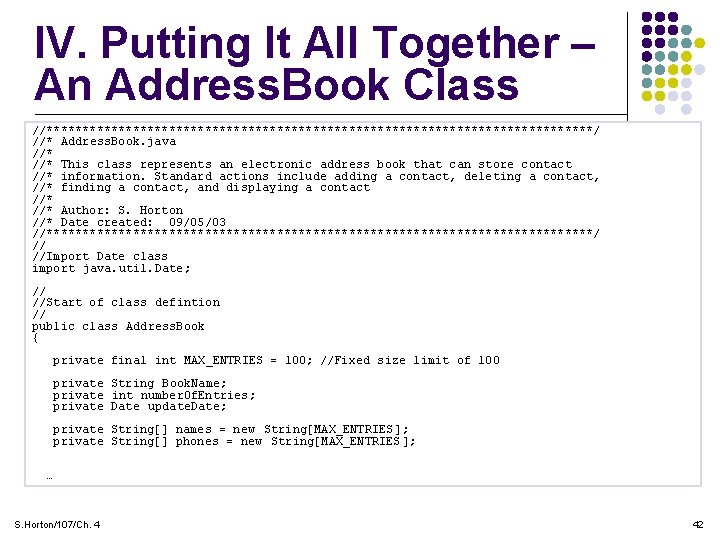
IV. Putting It All Together – An Address. Book Class //**************************************/ //* Address. Book. java //* This class represents an electronic address book that can store contact //* information. Standard actions include adding a contact, deleting a contact, //* finding a contact, and displaying a contact //* Author: S. Horton //* Date created: 09/05/03 //**************************************/ // //Import Date class import java. util. Date; // //Start of class defintion // public class Address. Book { private final int MAX_ENTRIES = 100; //Fixed size limit of 100 private String Book. Name; private int number. Of. Entries; private Date update. Date; private String[] names = new String[MAX_ENTRIES]; private String[] phones = new String[MAX_ENTRIES]; … S. Horton/107/Ch. 4 42
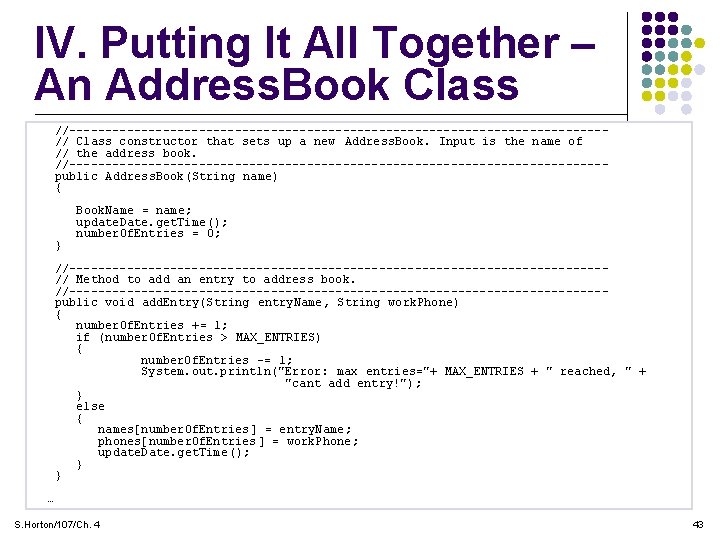
IV. Putting It All Together – An Address. Book Class //-------------------------------------// Class constructor that sets up a new Address. Book. Input is the name of // the address book. //-------------------------------------public Address. Book(String name) { } Book. Name = name; update. Date. get. Time(); number. Of. Entries = 0; //-------------------------------------// Method to add an entry to address book. //-------------------------------------public void add. Entry(String entry. Name, String work. Phone) { number. Of. Entries += 1; if (number. Of. Entries > MAX_ENTRIES) { number. Of. Entries -= 1; System. out. println("Error : max entries="+ MAX_ENTRIES + " reached, " + "cant add entry!"); } else { names[number. Of. Entries] = entry. Name; phones[number. Of. Entries] = work. Phone; update. Date. get. Time(); } } … S. Horton/107/Ch. 4 43
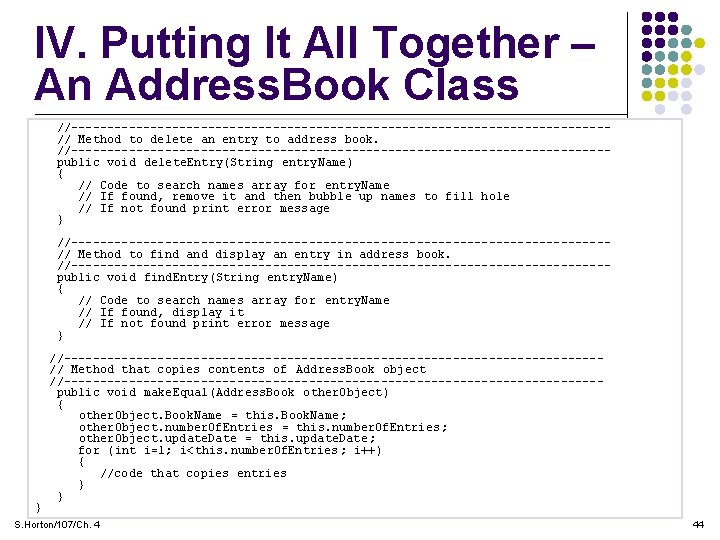
IV. Putting It All Together – An Address. Book Class //-------------------------------------// Method to delete an entry to address book. //-------------------------------------public void delete. Entry(String entry. Name) { // Code to search names array for entry. Name // If found, remove it and then bubble up names to fill hole // If not found print error message } //-------------------------------------// Method to find and display an entry in address book. //-------------------------------------public void find. Entry(String entry. Name) { // Code to search names array for entry. Name // If found, display it // If not found print error message } } //-------------------------------------// Method that copies contents of Address. Book object //-------------------------------------public void make. Equal(Address. Book other. Object) { other. Object. Book. Name = this. Book. Name; other. Object. number. Of. Entries = this. number. Of. Entries; other. Object. update. Date = this. update. Date; for (int i=1; i<this. number. Of. Entries; i++) { //code that copies entries } } S. Horton/107/Ch. 4 44