
Introduction to SAS What is a data set
- Slides: 36
Introduction to SAS
What is a data set? • A data set (or dataset) is a collection of data, usually presented in tabular form. Each column represents a particular variable. Each row corresponds to a given member of the data set in question.
There are three types of datasets • Cross-sectional • Time-Series • Panel (combination of cross-sectional timeseries data sets)
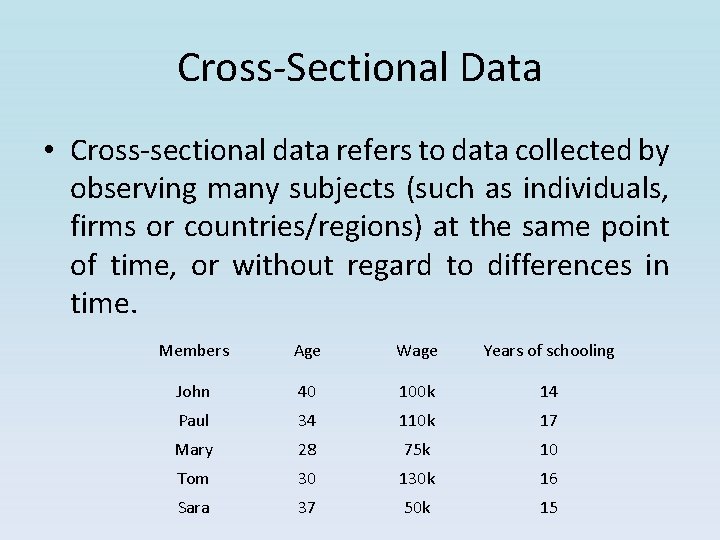
Cross-Sectional Data • Cross-sectional data refers to data collected by observing many subjects (such as individuals, firms or countries/regions) at the same point of time, or without regard to differences in time. Members Age Wage Years of schooling John 40 100 k 14 Paul 34 110 k 17 Mary 28 75 k 10 Tom 30 130 k 16 Sara 37 50 k 15
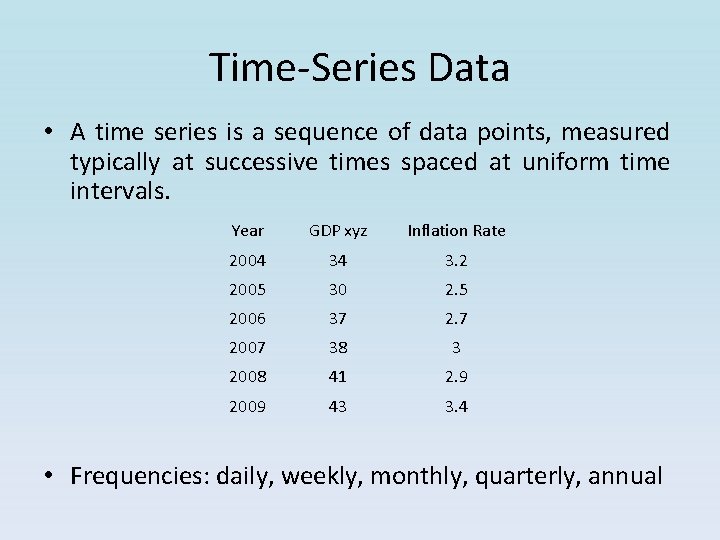
Time-Series Data • A time series is a sequence of data points, measured typically at successive times spaced at uniform time intervals. Year GDP xyz Inflation Rate 2004 34 3. 2 2005 30 2. 5 2006 37 2. 7 2007 38 3 2008 41 2. 9 2009 43 3. 4 • Frequencies: daily, weekly, monthly, quarterly, annual
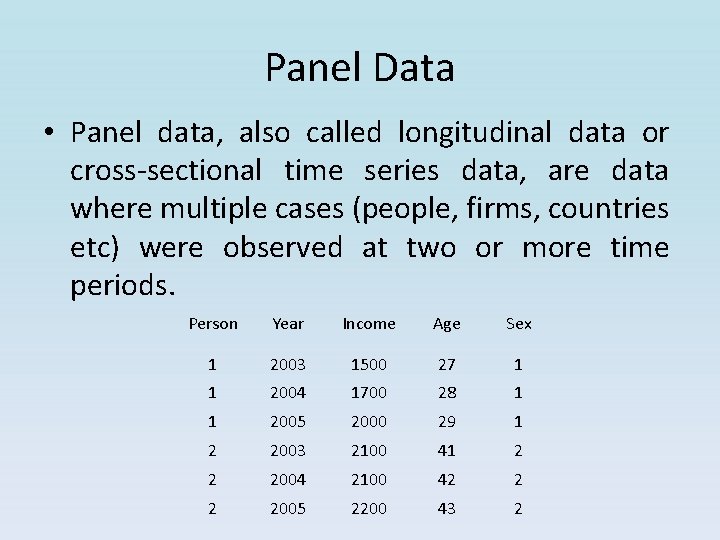
Panel Data • Panel data, also called longitudinal data or cross-sectional time series data, are data where multiple cases (people, firms, countries etc) were observed at two or more time periods. Person Year Income Age Sex 1 2003 1500 27 1 1 2004 1700 28 1 1 2005 2000 29 1 2 2003 2100 41 2 2 2004 2100 42 2 2 2005 2200 43 2
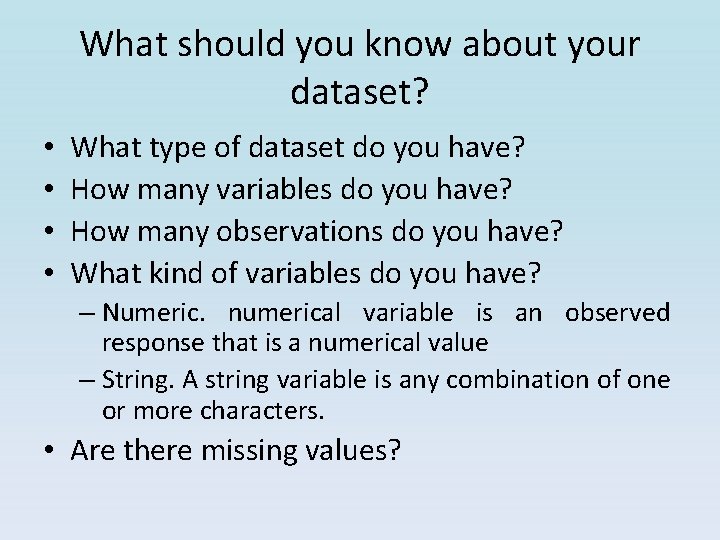
What should you know about your dataset? • • What type of dataset do you have? How many variables do you have? How many observations do you have? What kind of variables do you have? – Numeric. numerical variable is an observed response that is a numerical value – String. A string variable is any combination of one or more characters. • Are there missing values?
How to store your dataset? • Microsoft Excel Spreadsheets
Accessing SAS Version 9. 2 Click on ENGLISH 9. 2
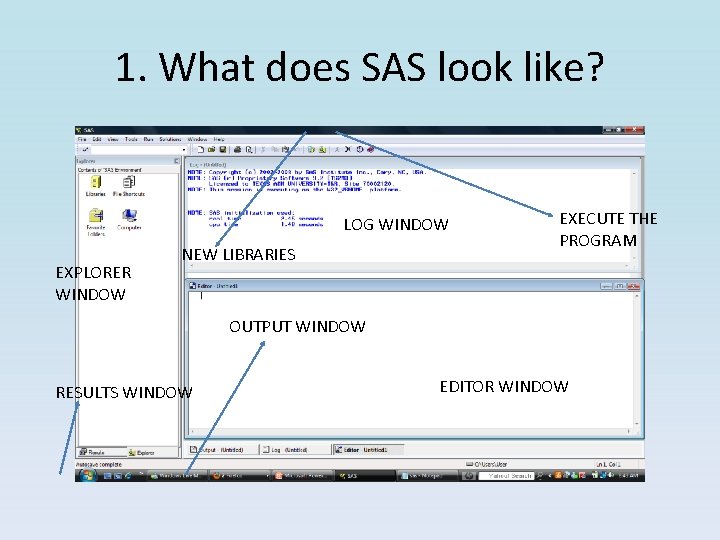
1. What does SAS look like? LOG WINDOW EXPLORER WINDOW NEW LIBRARIES EXECUTE THE PROGRAM OUTPUT WINDOW RESULTS WINDOW EDITOR WINDOW
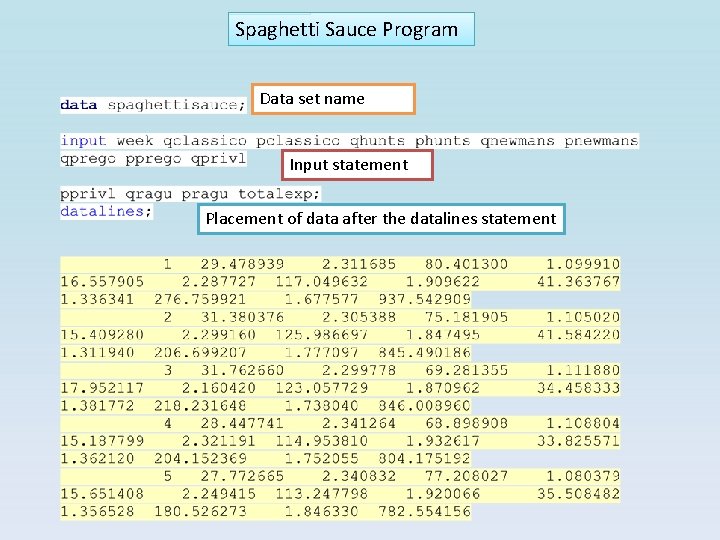
Anatomy of a SAS Program (1) Data name statement (2) Input statement (list of all variables to be read into the program) (3) Transformation statements (4) Datalines statement (copy & paste from Excel) (5) Placement of data (6) PROC statements – Means – Corr – Reg – Model – Autoreg (7) Run Statement
Examples
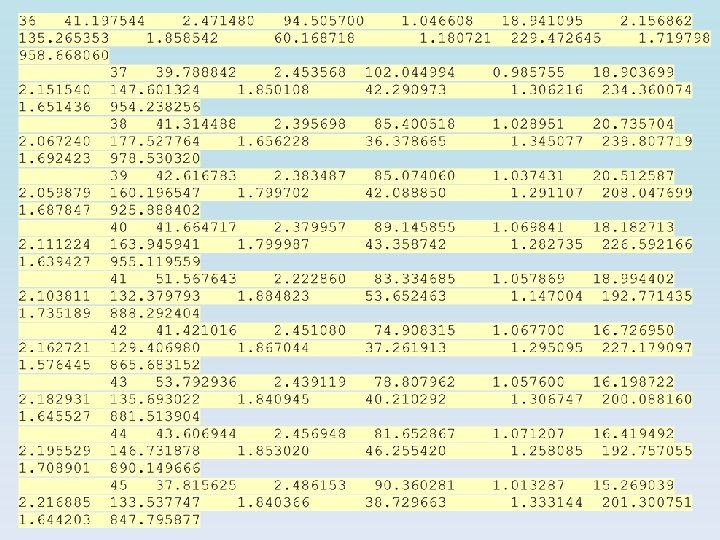
Spaghetti Sauce Program Data set name Input statement Placement of data after the datalines statement
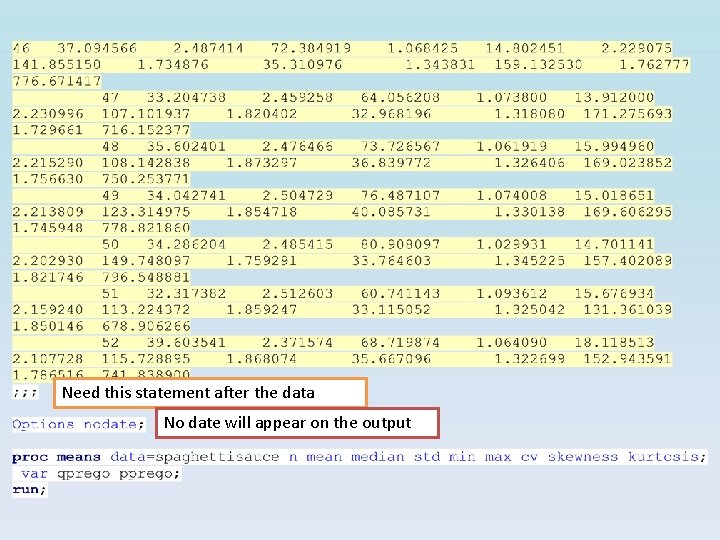
Need this statement after the data No date will appear on the output
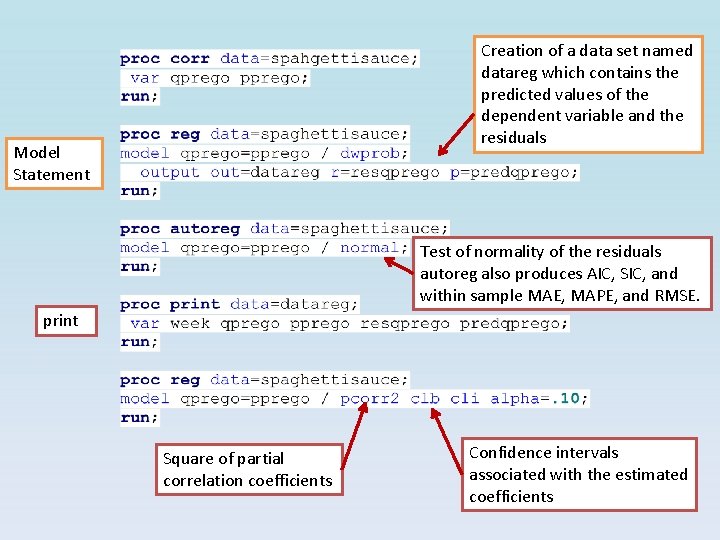
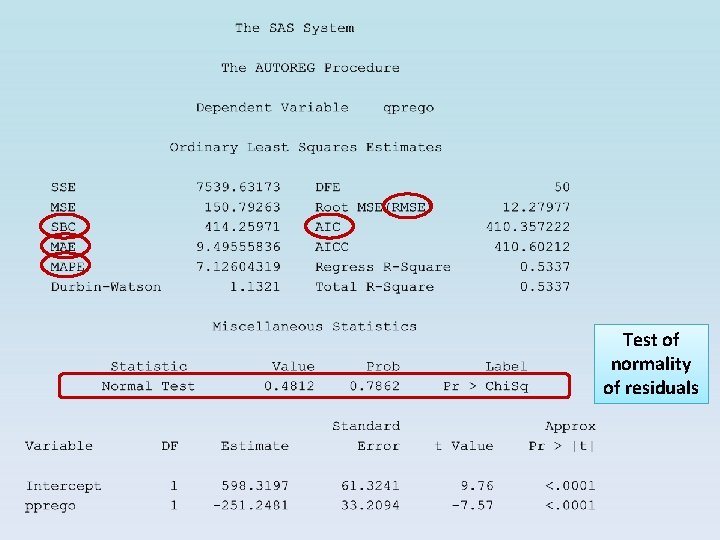
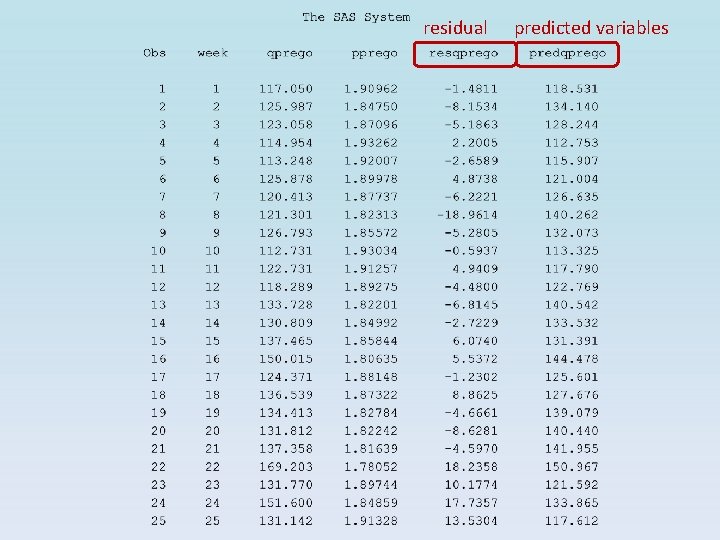
Creation of a data set named datareg which contains the predicted values of the dependent variable and the residuals Model Statement Test of normality of the residuals autoreg also produces AIC, SIC, and within sample MAE, MAPE, and RMSE. print Square of partial correlation coefficients Confidence intervals associated with the estimated coefficients
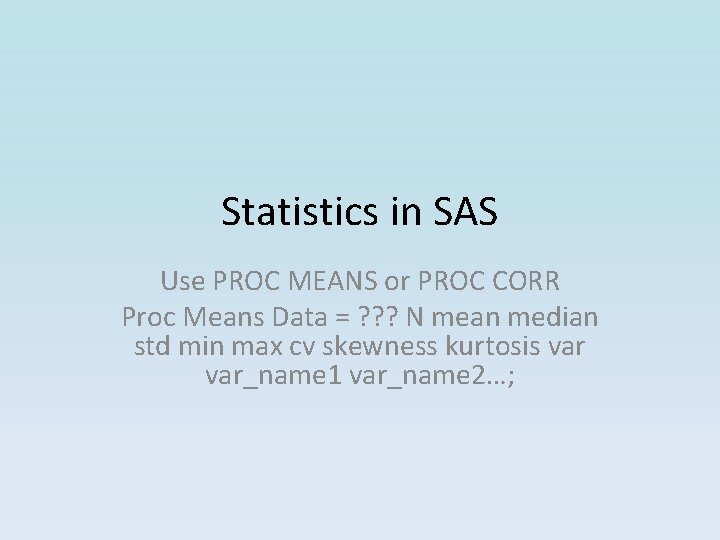
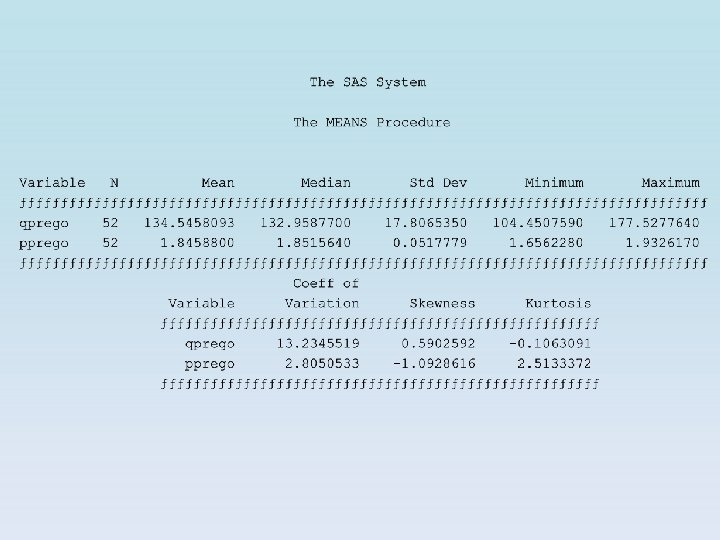
Statistics in SAS Use PROC MEANS or PROC CORR Proc Means Data = ? ? ? N mean median std min max cv skewness kurtosis var_name 1 var_name 2…;
Regression in SAS Use PROC REG or PROC MODEL Simple and Multiple Regression
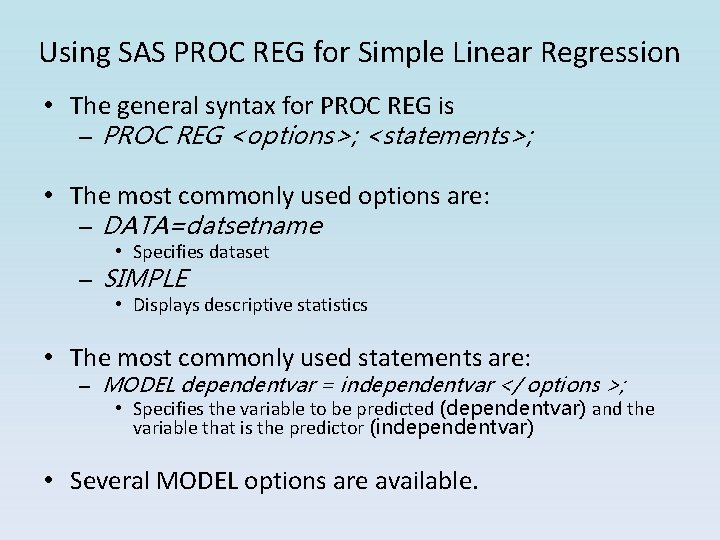
Using SAS PROC REG for Simple Linear Regression • The general syntax for PROC REG is – PROC REG <options>; <statements>; • The most commonly used options are: – DATA=datsetname • Specifies dataset – SIMPLE • Displays descriptive statistics • The most commonly used statements are: – MODEL dependentvar = independentvar </ options >; • Specifies the variable to be predicted (dependentvar) and the variable that is the predictor (independentvar) • Several MODEL options are available.
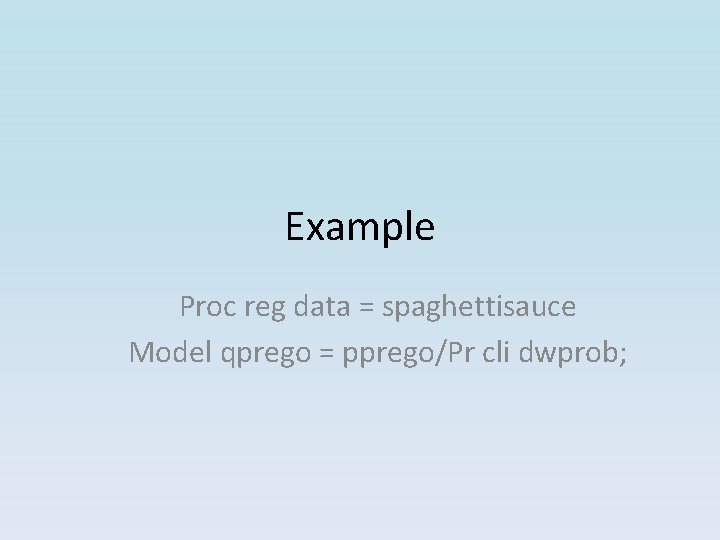
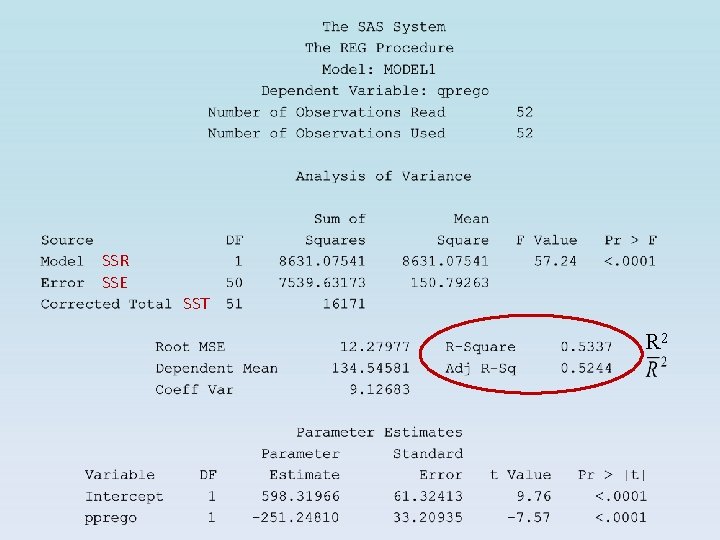
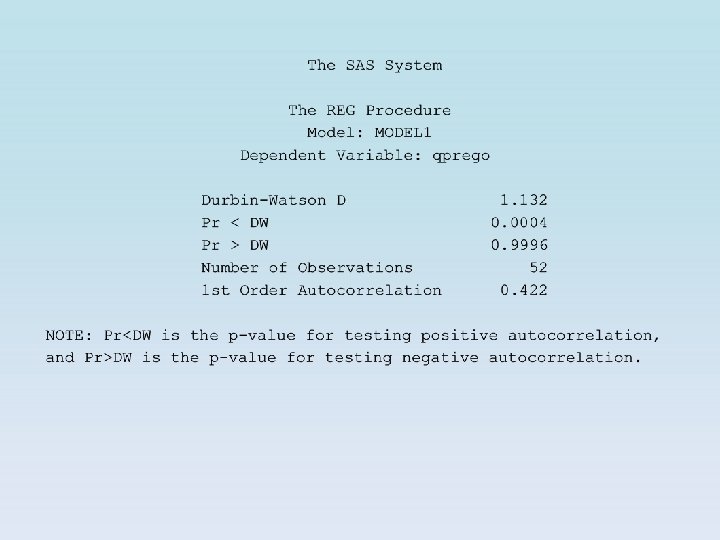
Example Proc reg data = spaghettisauce Model qprego = pprego/Pr cli dwprob;
SSR SSE SST R 2
Test of normality of residuals
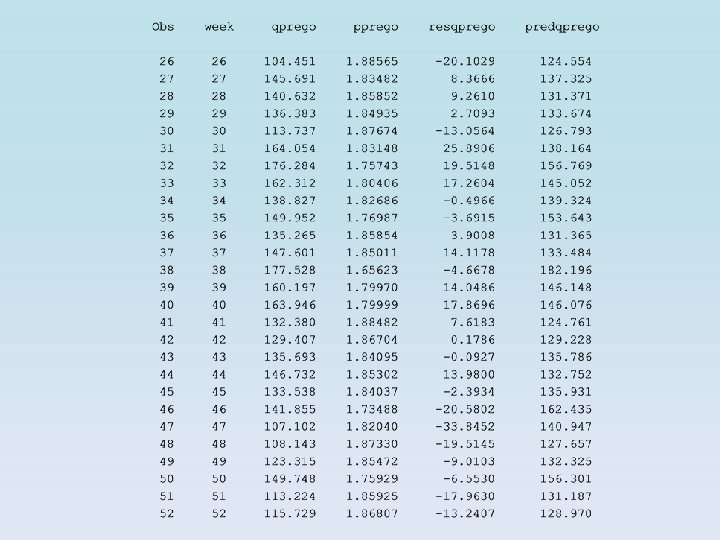
residual predicted variables
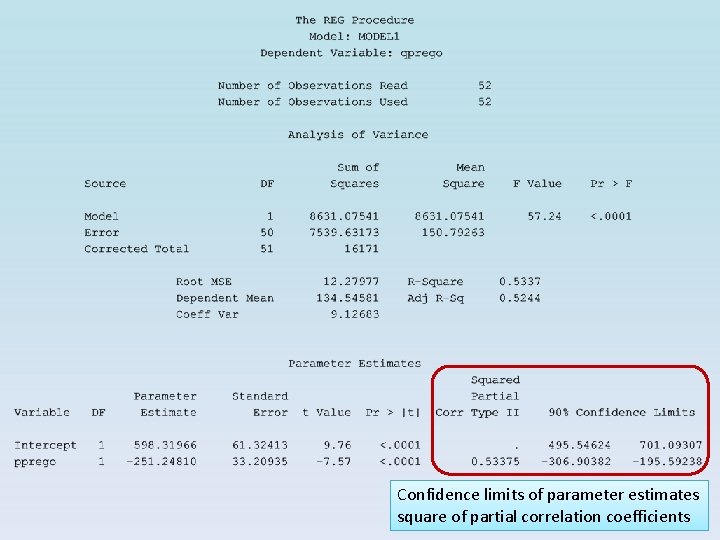
Confidence limits of parameter estimates square of partial correlation coefficients
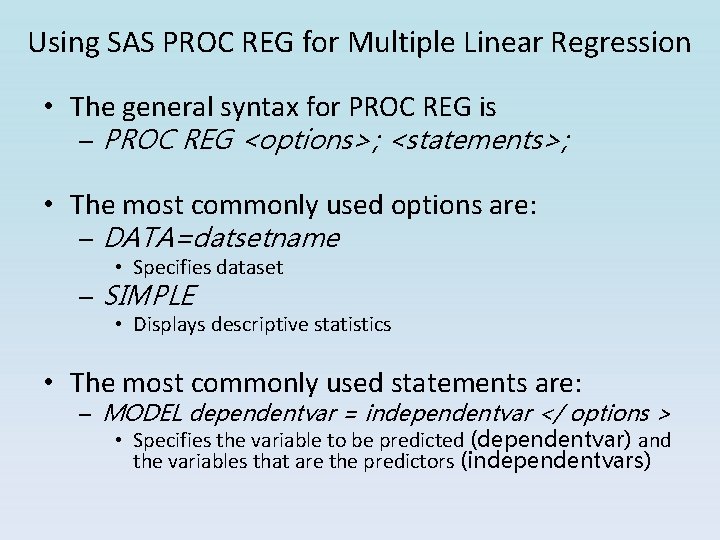
Using SAS PROC REG for Multiple Linear Regression • The general syntax for PROC REG is – PROC REG <options>; <statements>; • The most commonly used options are: – DATA=datsetname • Specifies dataset – SIMPLE • Displays descriptive statistics • The most commonly used statements are: – MODEL dependentvar = independentvar </ options > • Specifies the variable to be predicted (dependentvar) and the variables that are the predictors (independentvars)
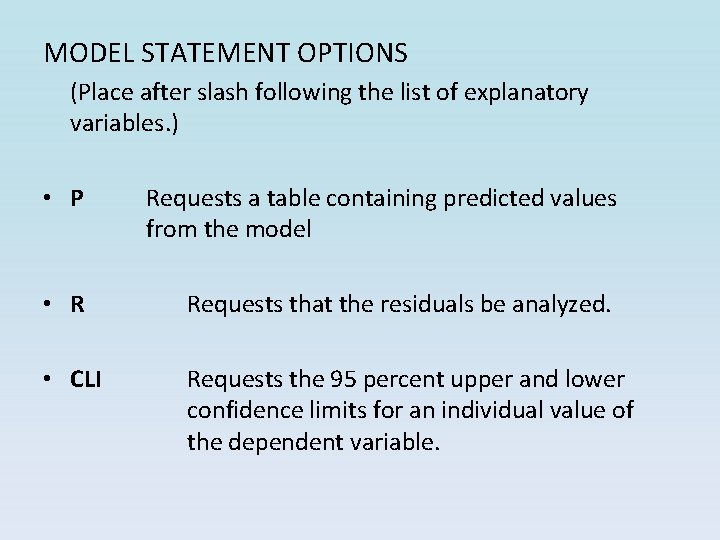
MODEL STATEMENT OPTIONS (Place after slash following the list of explanatory variables. ) • P Requests a table containing predicted values from the model • R Requests that the residuals be analyzed. • CLI Requests the 95 percent upper and lower confidence limits for an individual value of the dependent variable.
Example
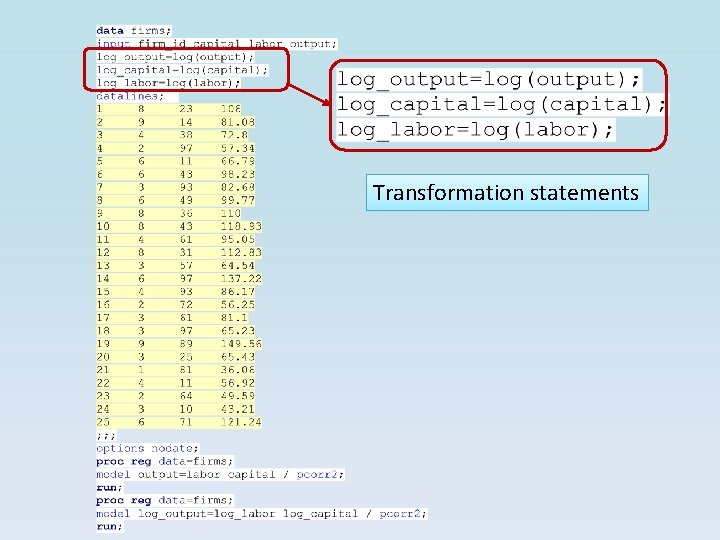
Transformation statements
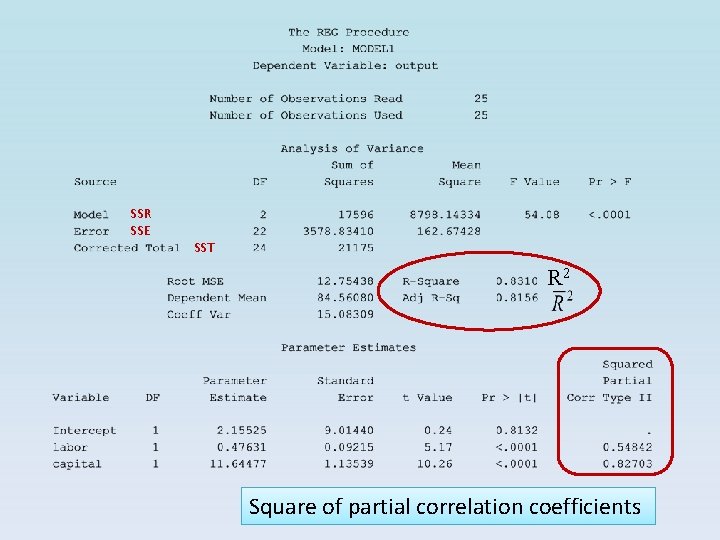
SSR SSE SST R 2 Square of partial correlation coefficients
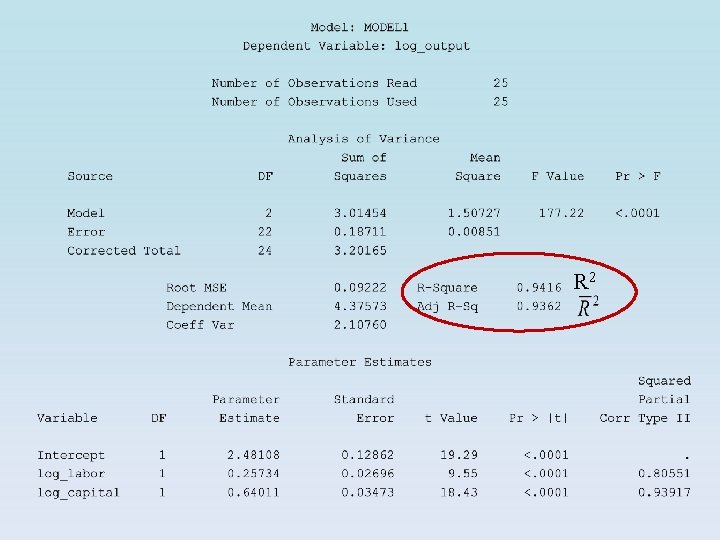
R 2