
Introduction to SAS Statistical Computing for Research Kyra
![Arrays-cont’d �Declaring arrays in the DATA step: DATA NEW; SET OLD; ARRAY x[5] x](https://slidetodoc.com/presentation_image_h/2dbc333249ab70f1438b44ba15310e43/image-21.jpg "Arrays-cont’d �Declaring arrays in the DATA step: DATA NEW; SET OLD; ARRAY x[5] x")
- Slides: 28
Introduction to SAS Statistical Computing for Research Kyra Robinson March 1, 2012
Rationale for SAS �“Quick” analysis for collaborative work �Output is generally preferable to that output by R �The corporate and regulatory world usually prefers or even requires SAS versus “non-validated” software such as R �Can often check results using R �Remember, R is object oriented; SAS is not. �Cons include SAS’ debatably inferior graphics, though they have recently improved drastically! 03/01/2012 Introduction to SAS 2
Collaborative Work �As biostatisticians (or epidemiologists), we usually prefer to be involved in collaborative efforts from the study design phase �However, many times, we do not get involved until the investigators have collected data and/or already attempted to analyze the data (unsuccessfully) �What do we do? 03/01/2012 Introduction to SAS 3
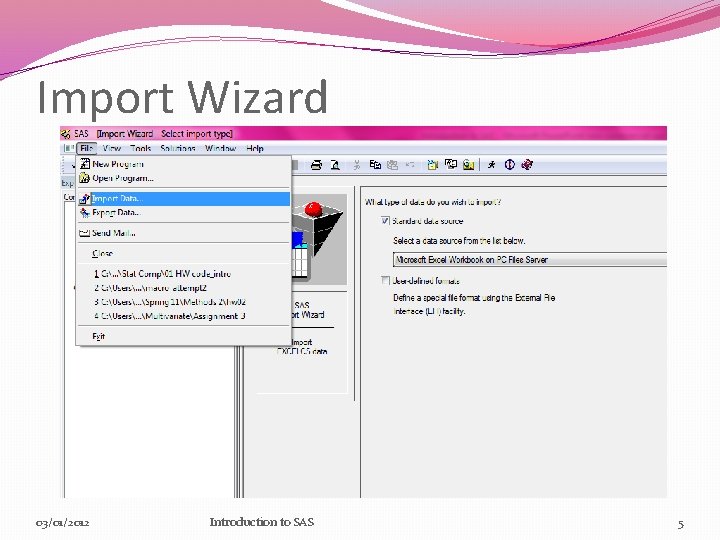
Getting Data into SAS �We first must get the data into a format we can work with in SAS! �Most common approach: SAS Import Wizard �Click-and-point method �Can request output of PROC IMPORT code into another destination file (to be used to import same data again later) �Can use INFILE statement in DATA step �Could also write your own PROC IMPORT code, if desired 03/01/2012 Introduction to SAS 4
Import Wizard 03/01/2012 Introduction to SAS 5
The Basics of SAS: Data Steps and PROCS �Data steps �Create new datasets, modify datasets, add/delete variables, merge/stack datasets, subset, generate random numbers from specified distribution �PROCs (Procedures) �SORT, MEANS, UNIVARIATE, GPLOT, REG, CORR, FREQ, TTEST, ANOVA, NPAR 1 WAY, MIXED, GLM, GENMOD, LOGISTIC, GLIMMIX 03/01/2012 Introduction to SAS 6
Libraries �Libraries give us a way to permanently store datasets �Must be assigned before we can call the library (“libname” statement) �Called by “library. ” before data name �Example: libname kyraslibrary "C: UsersKyraDocumentsMUSCTHESIS_research"; DATA kyraslibrary. simdata; . . . RUN; �If no library is specified, all data is stored in the default WORK library �This library is temporary and is cleared when SAS closes 03/01/2012 Introduction to SAS 7
Libraries-cont’d �Libraries can be really helpful, especially when we don’t want to re-import data each time we run a program. �Example: My simulations take about 3. 5 hours to construct a dataset for each scenario. I don’t want to have to make this dataset every time! �Be careful with permanent datasets that have predefined formats: �Use “OPTIONS FMTSEARCH=(mylib); ” outside of PROC and DATA steps �Creating permanent formats must be done with PROC FORMAT 03/01/2012 Introduction to SAS 8
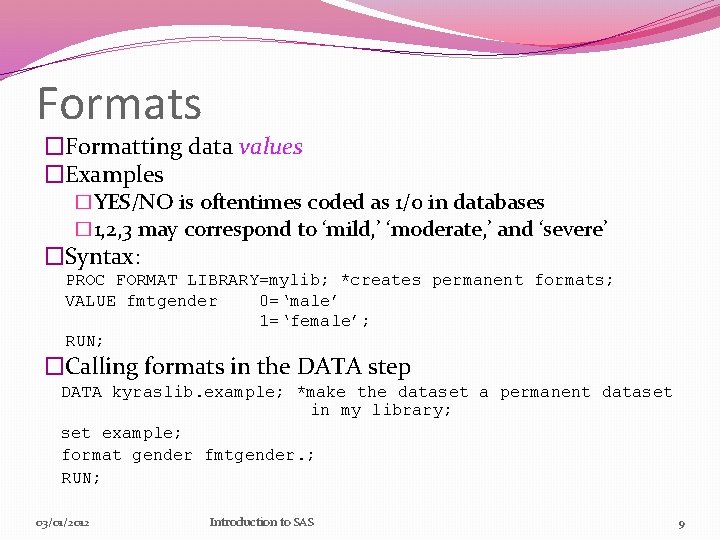
Formats �Formatting data values �Examples �YES/NO is oftentimes coded as 1/0 in databases � 1, 2, 3 may correspond to ‘mild, ’ ‘moderate, ’ and ‘severe’ �Syntax: PROC FORMAT LIBRARY=mylib; *creates permanent formats; VALUE fmtgender 0=‘male’ 1=‘female’; RUN; �Calling formats in the DATA step DATA kyraslib. example; *make the dataset a permanent dataset in my library; set example; format gender fmtgender. ; RUN; 03/01/2012 Introduction to SAS 9
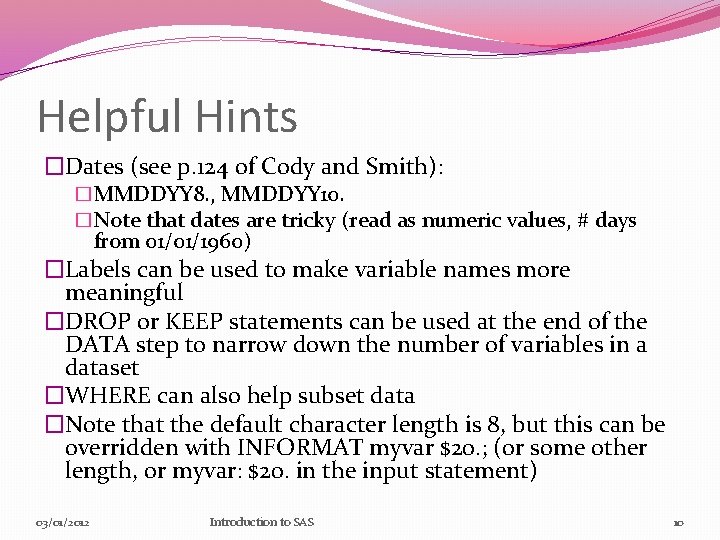
Helpful Hints �Dates (see p. 124 of Cody and Smith): �MMDDYY 8. , MMDDYY 10. �Note that dates are tricky (read as numeric values, # days from 01/01/1960) �Labels can be used to make variable names more meaningful �DROP or KEEP statements can be used at the end of the DATA step to narrow down the number of variables in a dataset �WHERE can also help subset data �Note that the default character length is 8, but this can be overridden with INFORMAT myvar $20. ; (or some other length, or myvar: $20. in the input statement) 03/01/2012 Introduction to SAS 10
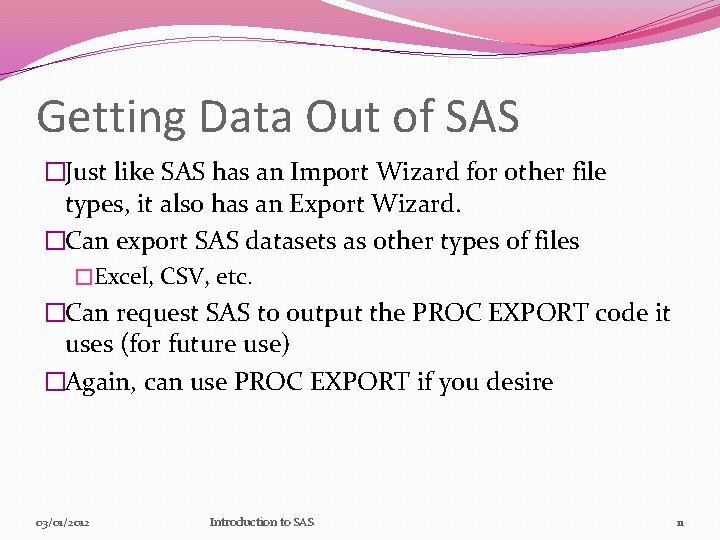
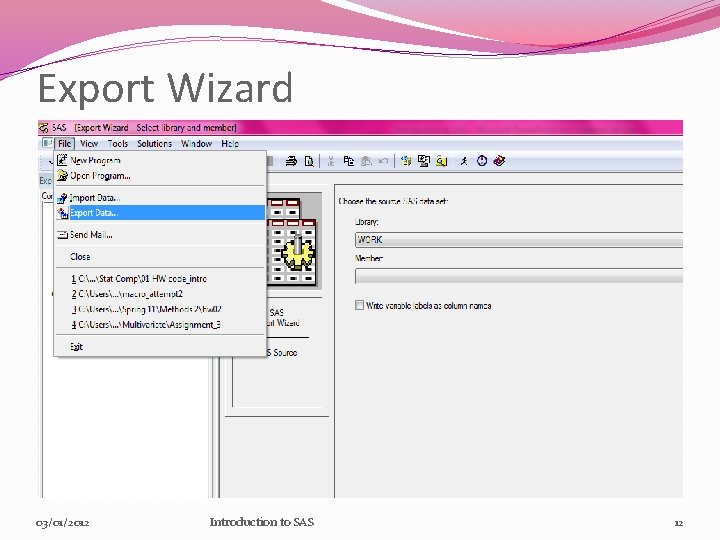
Getting Data Out of SAS �Just like SAS has an Import Wizard for other file types, it also has an Export Wizard. �Can export SAS datasets as other types of files �Excel, CSV, etc. �Can request SAS to output the PROC EXPORT code it uses (for future use) �Again, can use PROC EXPORT if you desire 03/01/2012 Introduction to SAS 11
Export Wizard 03/01/2012 Introduction to SAS 12
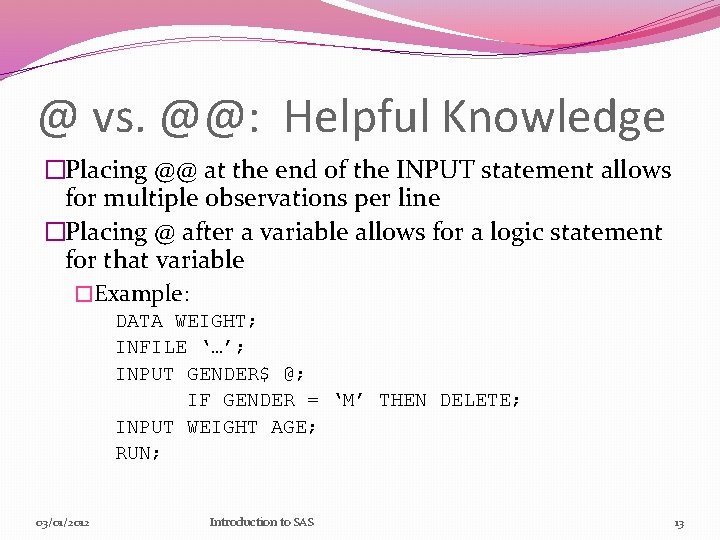
@ vs. @@: Helpful Knowledge �Placing @@ at the end of the INPUT statement allows for multiple observations per line �Placing @ after a variable allows for a logic statement for that variable �Example: DATA WEIGHT; INFILE ‘…’; INPUT GENDER$ @; IF GENDER = ‘M’ THEN DELETE; INPUT WEIGHT AGE; RUN; 03/01/2012 Introduction to SAS 13
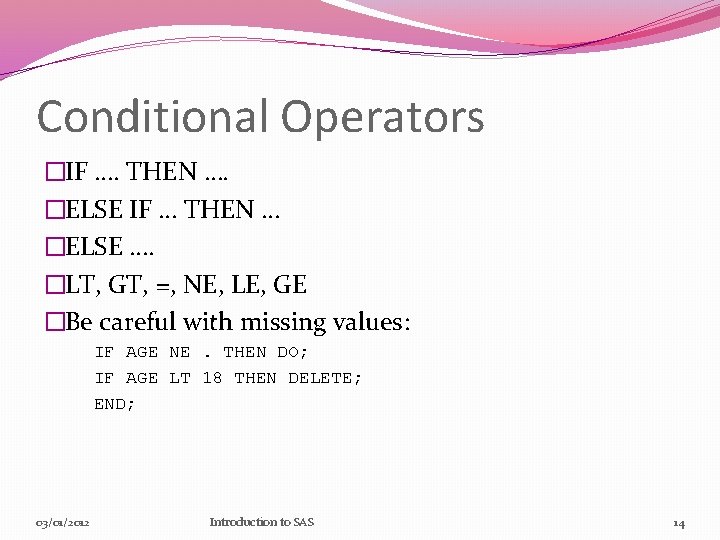
Conditional Operators �IF …. THEN …. �ELSE IF … THEN … �ELSE …. �LT, GT, =, NE, LE, GE �Be careful with missing values: IF AGE NE. THEN DO; IF AGE LT 18 THEN DELETE; END; 03/01/2012 Introduction to SAS 14
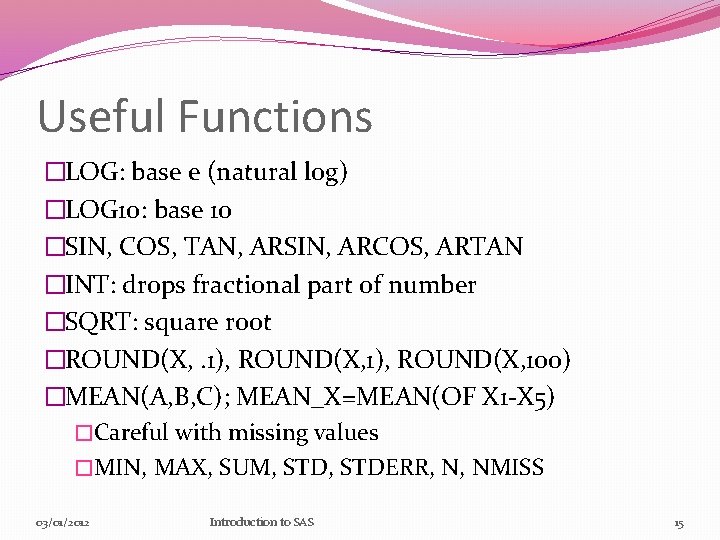
Useful Functions �LOG: base e (natural log) �LOG 10: base 10 �SIN, COS, TAN, ARSIN, ARCOS, ARTAN �INT: drops fractional part of number �SQRT: square root �ROUND(X, . 1), ROUND(X, 100) �MEAN(A, B, C); MEAN_X=MEAN(OF X 1 -X 5) �Careful with missing values �MIN, MAX, SUM, STDERR, N, NMISS 03/01/2012 Introduction to SAS 15
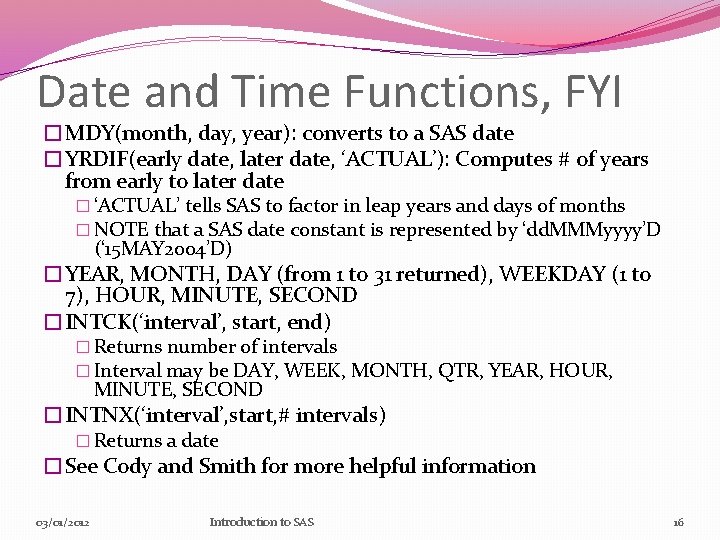
Date and Time Functions, FYI �MDY(month, day, year): converts to a SAS date �YRDIF(early date, later date, ‘ACTUAL’): Computes # of years from early to later date � ‘ACTUAL’ tells SAS to factor in leap years and days of months � NOTE that a SAS date constant is represented by ‘dd. MMMyyyy’D (‘ 15 MAY 2004’D) �YEAR, MONTH, DAY (from 1 to 31 returned), WEEKDAY (1 to 7), HOUR, MINUTE, SECOND �INTCK(‘interval’, start, end) � Returns number of intervals � Interval may be DAY, WEEK, MONTH, QTR, YEAR, HOUR, MINUTE, SECOND �INTNX(‘interval’, start, # intervals) � Returns a date �See Cody and Smith for more helpful information 03/01/2012 Introduction to SAS 16
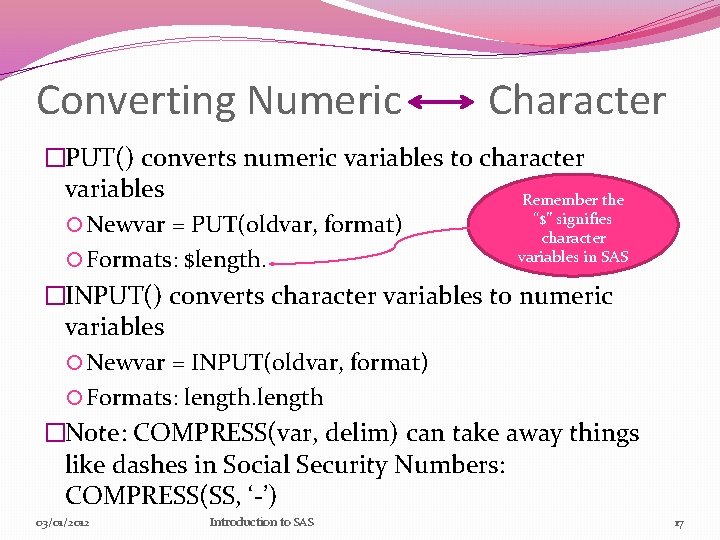
Converting Numeric Character �PUT() converts numeric variables to character variables Remember the “$” signifies Newvar = PUT(oldvar, format) character variables in SAS Formats: $length. �INPUT() converts character variables to numeric variables Newvar = INPUT(oldvar, format) Formats: length �Note: COMPRESS(var, delim) can take away things like dashes in Social Security Numbers: COMPRESS(SS, ‘-’) 03/01/2012 Introduction to SAS 17
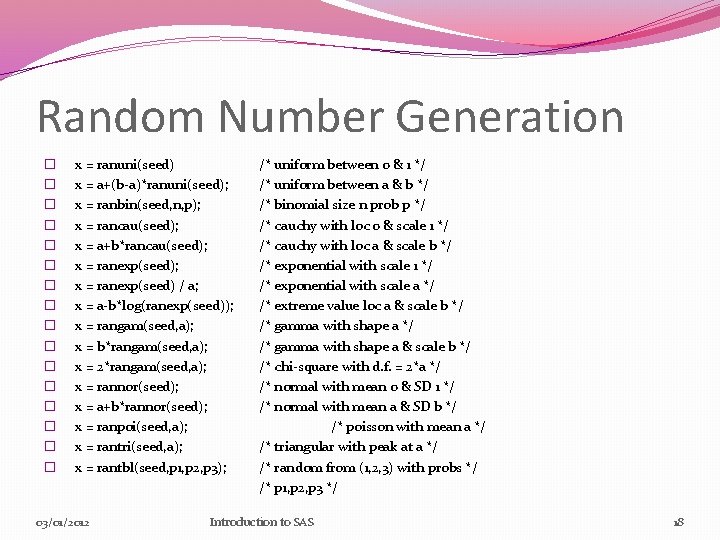
Random Number Generation � � � � x = ranuni(seed) x = a+(b-a)*ranuni(seed); x = ranbin(seed, n, p); x = rancau(seed); x = a+b*rancau(seed); x = ranexp(seed) / a; x = a-b*log(ranexp(seed)); x = rangam(seed, a); x = b*rangam(seed, a); x = 2*rangam(seed, a); x = rannor(seed); x = a+b*rannor(seed); x = ranpoi(seed, a); x = rantri(seed, a); x = rantbl(seed, p 1, p 2, p 3); 03/01/2012 /* uniform between 0 & 1 */ /* uniform between a & b */ /* binomial size n prob p */ /* cauchy with loc 0 & scale 1 */ /* cauchy with loc a & scale b */ /* exponential with scale 1 */ /* exponential with scale a */ /* extreme value loc a & scale b */ /* gamma with shape a & scale b */ /* chi-square with d. f. = 2*a */ /* normal with mean 0 & SD 1 */ /* normal with mean a & SD b */ /* poisson with mean a */ /* triangular with peak at a */ /* random from (1, 2, 3) with probs */ /* p 1, p 2, p 3 */ Introduction to SAS 18
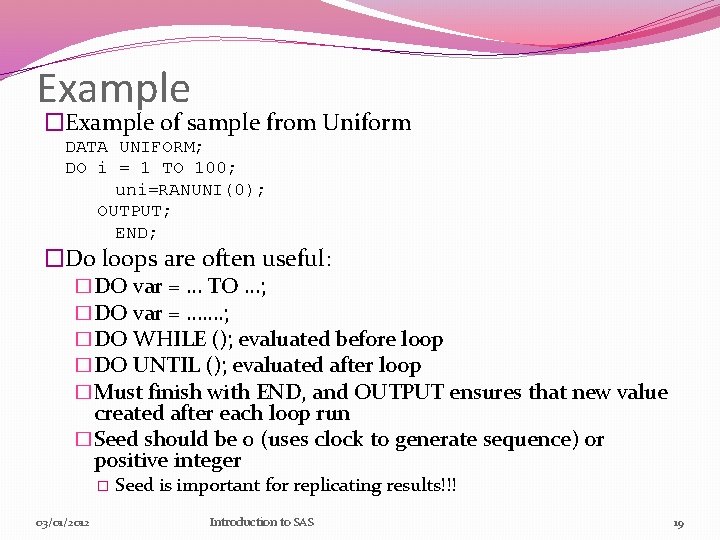
Example �Example of sample from Uniform DATA UNIFORM; DO i = 1 TO 100; uni=RANUNI(0); OUTPUT; END; �Do loops are often useful: �DO var = … TO …; �DO var = ……. ; �DO WHILE (); evaluated before loop �DO UNTIL (); evaluated after loop �Must finish with END, and OUTPUT ensures that new value created after each loop run �Seed should be 0 (uses clock to generate sequence) or positive integer � 03/01/2012 Seed is important for replicating results!!! Introduction to SAS 19
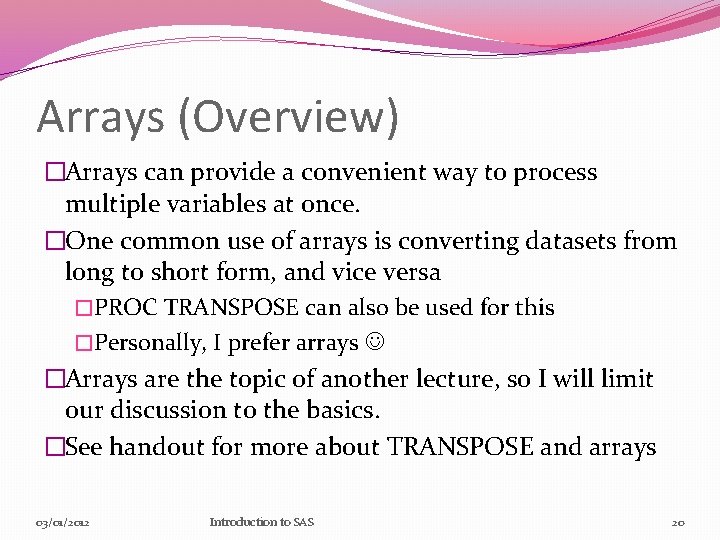
Arrays (Overview) �Arrays can provide a convenient way to process multiple variables at once. �One common use of arrays is converting datasets from long to short form, and vice versa �PROC TRANSPOSE can also be used for this �Personally, I prefer arrays �Arrays are the topic of another lecture, so I will limit our discussion to the basics. �See handout for more about TRANSPOSE and arrays 03/01/2012 Introduction to SAS 20
Arrays-cont’d �Declaring arrays in the DATA step: DATA NEW; SET OLD; ARRAY x[5] x 1 -x 5; * Can also be ARRAY x[5] A B C D E DO i = 1 to 5 IF x[i] = 999 THEN x[i] =. ; *convert 999 code to missing; End; DROP i; RUN: � If we use _NUMERIC_ (and x[*]) after array declaration, all numeric variables will have the new conversion � _CHARACTER_ can also be used, but $ must be placed after array name 03/01/2012 Introduction to SAS 21
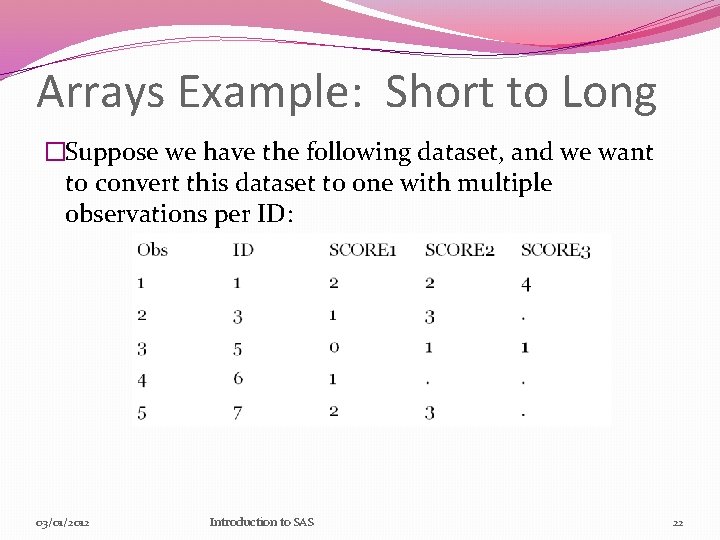
Arrays Example: Short to Long �Suppose we have the following dataset, and we want to convert this dataset to one with multiple observations per ID: 03/01/2012 Introduction to SAS 22
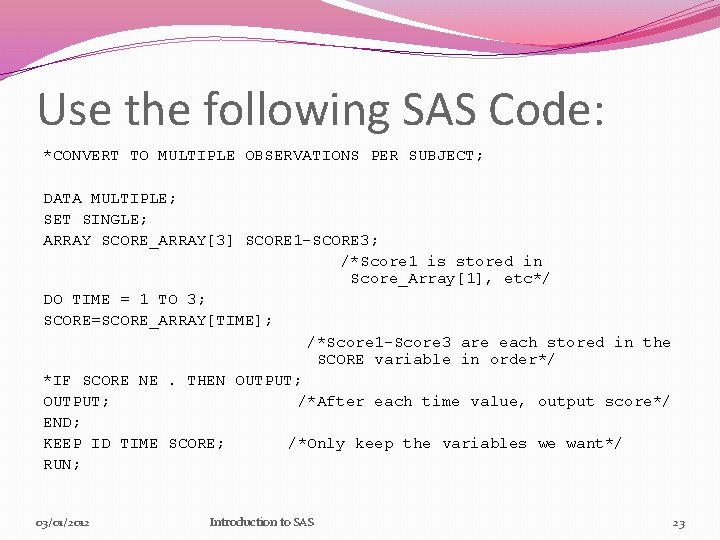
Use the following SAS Code: *CONVERT TO MULTIPLE OBSERVATIONS PER SUBJECT; DATA MULTIPLE; SET SINGLE; ARRAY SCORE_ARRAY[3] SCORE 1 -SCORE 3; /*Score 1 is stored in Score_Array[1], etc*/ DO TIME = 1 TO 3; SCORE=SCORE_ARRAY[TIME]; /*Score 1 -Score 3 are each stored in the SCORE variable in order*/ *IF SCORE NE. THEN OUTPUT; /*After each time value, output score*/ END; KEEP ID TIME SCORE; /*Only keep the variables we want*/ RUN; 03/01/2012 Introduction to SAS 23
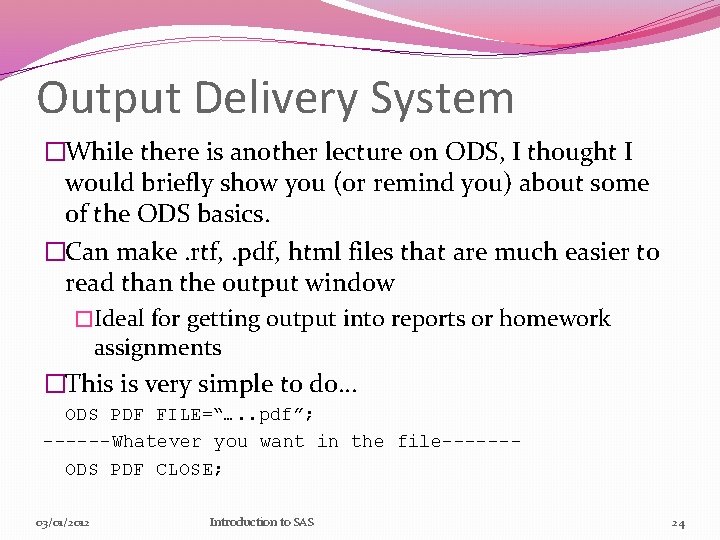
Output Delivery System �While there is another lecture on ODS, I thought I would briefly show you (or remind you) about some of the ODS basics. �Can make. rtf, . pdf, html files that are much easier to read than the output window �Ideal for getting output into reports or homework assignments �This is very simple to do… ODS PDF FILE=“…. . pdf”; ------Whatever you want in the file------ODS PDF CLOSE; 03/01/2012 Introduction to SAS 24
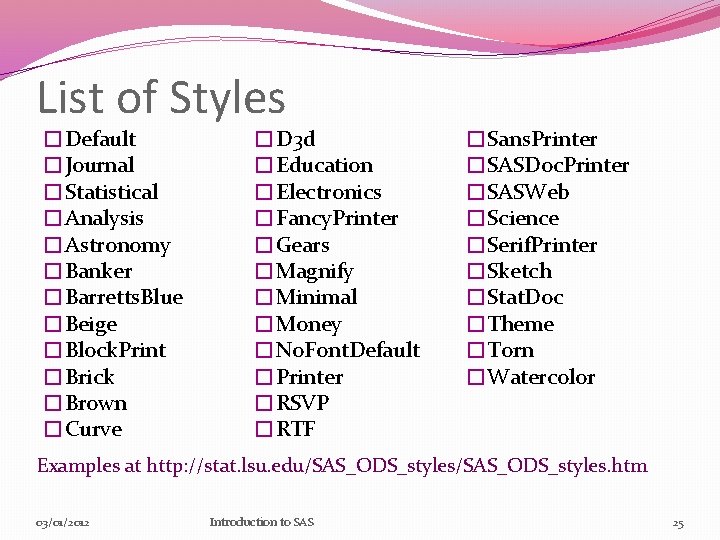
List of Styles �Default �Journal �Statistical �Analysis �Astronomy �Banker �Barretts. Blue �Beige �Block. Print �Brick �Brown �Curve �D 3 d �Education �Electronics �Fancy. Printer �Gears �Magnify �Minimal �Money �No. Font. Default �Printer �RSVP �RTF �Sans. Printer �SASDoc. Printer �SASWeb �Science �Serif. Printer �Sketch �Stat. Doc �Theme �Torn �Watercolor Examples at http: //stat. lsu. edu/SAS_ODS_styles. htm 03/01/2012 Introduction to SAS 25
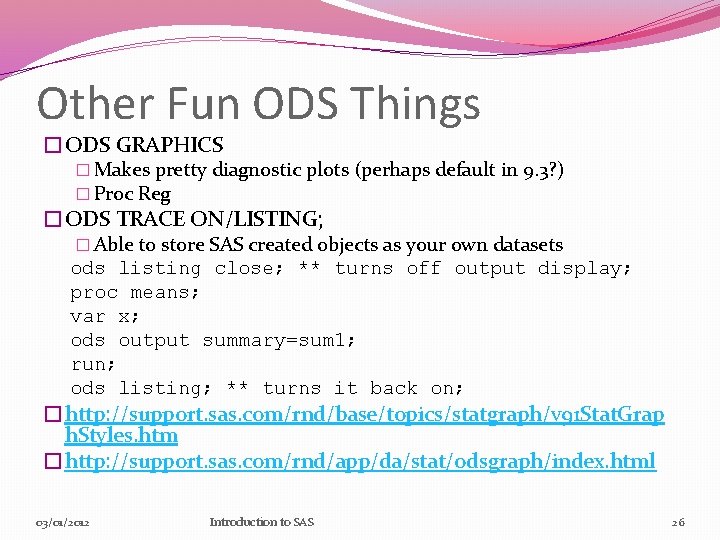
Other Fun ODS Things �ODS GRAPHICS � Makes pretty diagnostic plots (perhaps default in 9. 3? ) � Proc Reg �ODS TRACE ON/LISTING; � Able to store SAS created objects as your own datasets ods listing close; ** turns off output display; proc means; var x; ods output summary=sum 1; run; ods listing; ** turns it back on; �http: //support. sas. com/rnd/base/topics/statgraph/v 91 Stat. Grap h. Styles. htm �http: //support. sas. com/rnd/app/da/stat/odsgraph/index. html 03/01/2012 Introduction to SAS 26
Let’s work through some examples! 03/01/2012 Introduction to SAS 27
Questions? Thank you! If you have any questions later, stop by and see me or email me at robinskm@musc. edu 03/01/2012 Introduction to SAS 28