
Introduction to Python Developed by Dutch programmer Guido
Introduction to Python • • Developed by Dutch programmer Guido van Rossum Named after Monty Python Open source development project Simple, readable language that is ideal for beginners
Python Software �Software may be downloaded from: http: //www. python. org/download/ �Download the Python 3. x version �An IDE (IDLE IDE) is included in the standard implementation
Getting Started…. . �Basic Arithmetic Operators ◦ +, -, /, *, % ◦ // is used for integer division (Example: 9 // 4 will give you 2) ◦ ** is used for exponentiation ( 2**3 gives 8) �Some simple functions: �abs(), min(), max()
Boolean Expressions/Operators �Boolean values: True, False �and (&& in Java), or (|| in Java), not (! In Java) �Comparisons: >, >=, <, <=. ==, !=

Variable Names �A through Z, lowercase or uppercase, underscore, and digits 0 -9 (except for the first character) �Variable name cannot start with a digit �Examples: account, account 63, bank_account, bank. Account, … �Starting with Python 3, characters in other languages may be used (Unicode characters) �Variables in Python don’t have a type
Strings �Enclosed in quotes (single or double may be used) �s=‘Hello!’ is an example of a string assignment �s==‘Hello!’ evaluates to True �s==‘hello!’ evaluates to False �s=s + ‘ How are you? ’ (String concatenation)
More on strings…. �x=‘bonjour’ �len(x) gives 7, the length of the string �‘on’ in x evaluates to True (‘on’ is a substring of x) �x[0] gives ‘b’ (the character at index 0) �x * 2 will give ‘bonjour’ �x[-1] displays ‘r’, the last character �x[-2] displays ‘u’, the last but one character
Lists �Stores a sequence of objects �books = [‘The Jungle Book’, ‘The Idiot’, ‘The Razor’s Edge’] �[ ] is an empty list �books[0] displays ‘The Jungle Book’ �Books[-1] displays ‘The Razor’s Edge’ �Lists can contain lists ◦ Example: x = [ 1, [2, 3], 4] ◦ x[1] displays [2, 3]
![Some operators and functions �+ to concatenate lists �[1, 2] * n will repeat](http://slidetodoc.com/presentation_image_h2/adcd3da79652fb4f294694f966b898b7/image-9.jpg "Some operators and functions �+ to concatenate lists �[1, 2] * n will repeat")
Some operators and functions �+ to concatenate lists �[1, 2] * n will repeat 1, 2 n times �If x = [1, 2, 3, 4], then: � 3 in x will evaluate to True � 5 not in x will be True �sum(x) will be 10 (sum of items in list) �max(x) will be 4, min(x) will be 1
![More on lists �Lists are mutable, strings are not �colors = [‘red’, ‘blue’, ‘green’]](http://slidetodoc.com/presentation_image_h2/adcd3da79652fb4f294694f966b898b7/image-10.jpg "More on lists �Lists are mutable, strings are not �colors = [‘red’, ‘blue’, ‘green’]")
More on lists �Lists are mutable, strings are not �colors = [‘red’, ‘blue’, ‘green’] �colors. append(‘yellow’) appends ‘yellow’ to colors �colors. count(‘red’) returns 1, the number of occurrences of ‘red’ in the list �colors. remove(‘blue’) removes first occurrence of ‘blue’ �colors. reverse() reverses the list
Math Module �Module is similar to the notion of a package �import math to use math functions �Math functions/constants include sqrt(), ceil(), floor(), cos(), sin(), log(), pi, e
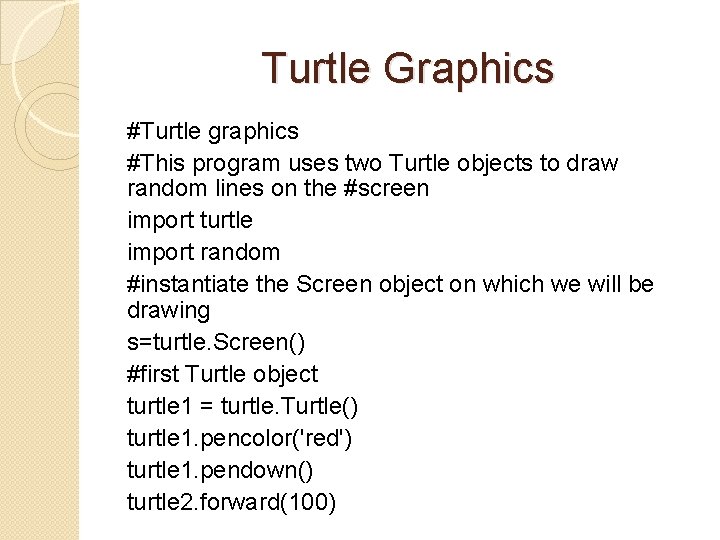
Turtle Graphics #Turtle graphics #This program uses two Turtle objects to draw random lines on the #screen import turtle import random #instantiate the Screen object on which we will be drawing s=turtle. Screen() #first Turtle object turtle 1 = turtle. Turtle() turtle 1. pencolor('red') turtle 1. pendown() turtle 2. forward(100)
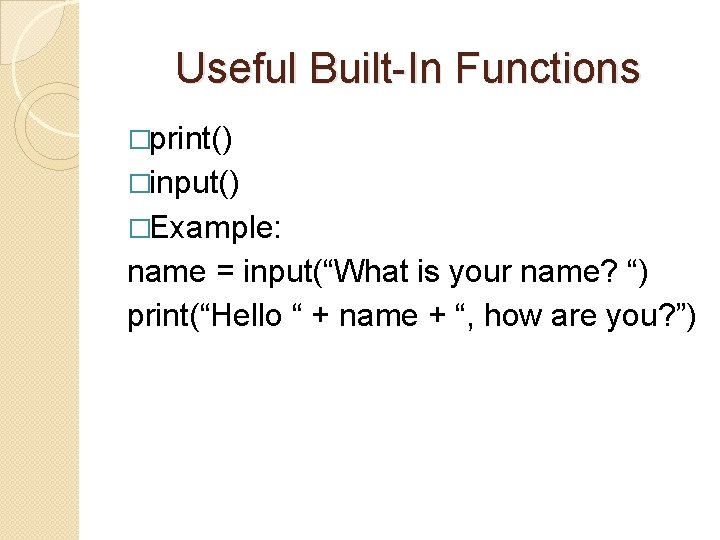
Useful Built-In Functions �print() �input() �Example: name = input(“What is your name? “) print(“Hello “ + name + “, how are you? ”)
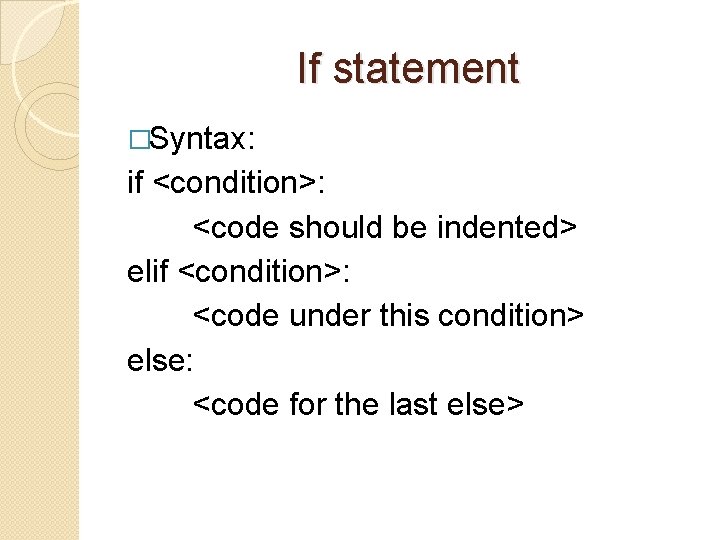
If statement �Syntax: if <condition>: <code should be indented> elif <condition>: <code under this condition> else: <code for the last else>
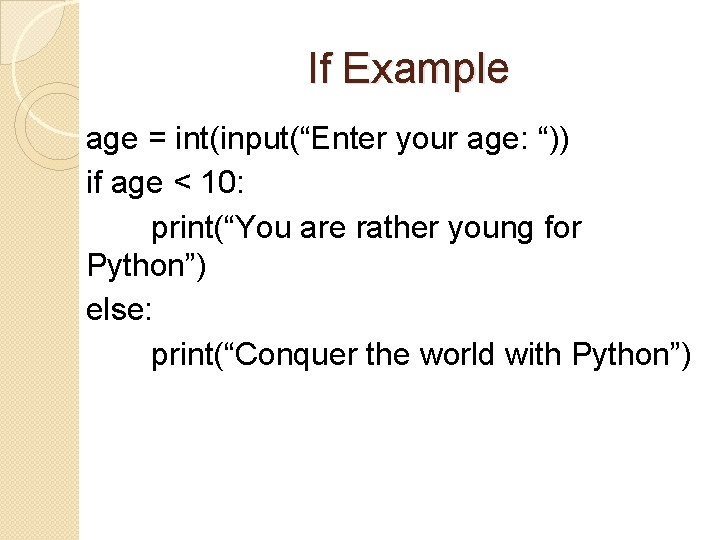
If Example age = int(input(“Enter your age: “)) if age < 10: print(“You are rather young for Python”) else: print(“Conquer the world with Python”)
![Iteration �For animals = [‘dogs’, ‘cats’, ‘lions’] #iterate through list and display animals for](http://slidetodoc.com/presentation_image_h2/adcd3da79652fb4f294694f966b898b7/image-16.jpg "Iteration �For animals = [‘dogs’, ‘cats’, ‘lions’] #iterate through list and display animals for")
Iteration �For animals = [‘dogs’, ‘cats’, ‘lions’] #iterate through list and display animals for x in animals: print(x) �While See example on next slide…
![Example of while valid. Names = [‘Don’, ‘Peter’, ‘Mary’] login. Name = input(“Enter login](http://slidetodoc.com/presentation_image_h2/adcd3da79652fb4f294694f966b898b7/image-17.jpg "Example of while valid. Names = [‘Don’, ‘Peter’, ‘Mary’] login. Name = input(“Enter login")
Example of while valid. Names = [‘Don’, ‘Peter’, ‘Mary’] login. Name = input(“Enter login name: “) #stay in loop until user enters the right #user name while login. Name not in valid. Names: login. Name = input(“Invalid name! Try again: “) print(“You are in!”)
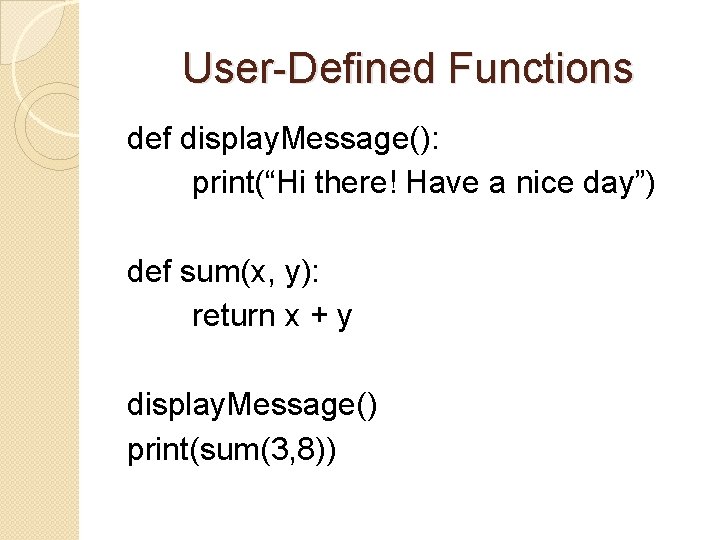
User-Defined Functions def display. Message(): print(“Hi there! Have a nice day”) def sum(x, y): return x + y display. Message() print(sum(3, 8))
![Strings, substrings s = “goodbye!” What is s[0]? (Ans: ‘g’) s[0: 4] would be](http://slidetodoc.com/presentation_image_h2/adcd3da79652fb4f294694f966b898b7/image-19.jpg "Strings, substrings s = “goodbye!” What is s[0]? (Ans: ‘g’) s[0: 4] would be")
Strings, substrings s = “goodbye!” What is s[0]? (Ans: ‘g’) s[0: 4] would be ‘good’ s[: 4] is also ‘good’ s[3: 7] would be ‘dbye’ s[4: ] would give you ‘bye!’ s[-1] is ? (Ans: ‘!’) s[-3: ] would be ‘ye!’
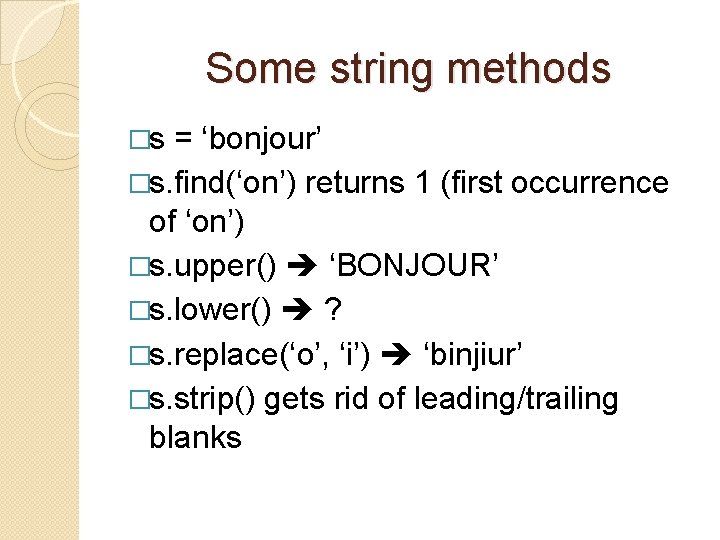
Some string methods �s = ‘bonjour’ �s. find(‘on’) returns 1 (first occurrence of ‘on’) �s. upper() ‘BONJOUR’ �s. lower() ? �s. replace(‘o’, ‘i’) ‘binjiur’ �s. strip() gets rid of leading/trailing blanks
- Slides: 20