
Introduction to Project Management Chapter 4 Managing Project
- Slides: 45
Introduction to Project Management Chapter 4 Managing Project Communication Information Systems Project Management: A Process and Team Approach, 1 e Fuller/Valacich/George © 2008 Prentice Hall 1
What is Communication? • The process by which information is exchanged between individuals through a common system of symbols, signs, or behavior © 2008 Prentice Hall 2
Communication Challenges • Lack of communication skills • Constant change in communication technologies © 2008 Prentice Hall 3
Communication Requirements • Sender who provides the intended message • Receiver who accepts and understands the message • Agreement between the sender and receiver on the interpretation of the message • Feedback by the receiver to the sender that the message was received and understood © 2008 Prentice Hall 4
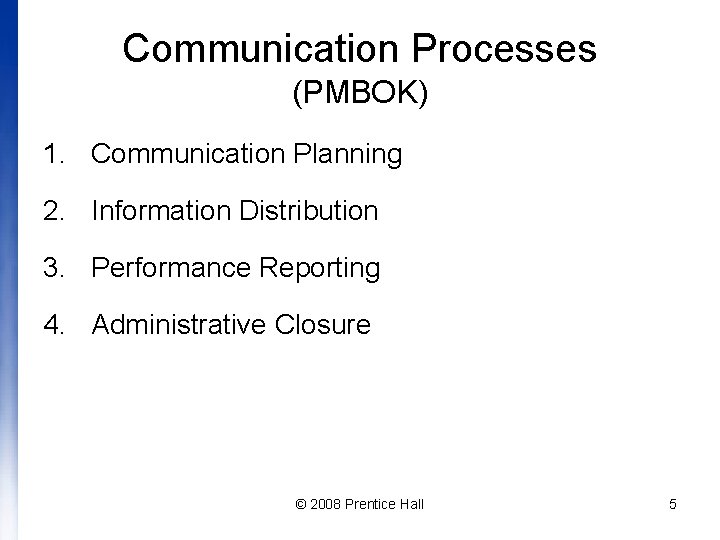
Communication Processes (PMBOK) 1. Communication Planning 2. Information Distribution 3. Performance Reporting 4. Administrative Closure © 2008 Prentice Hall 5
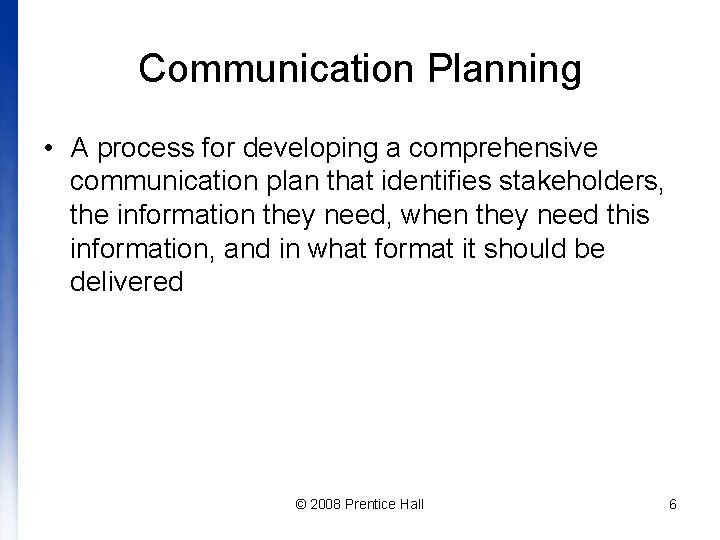
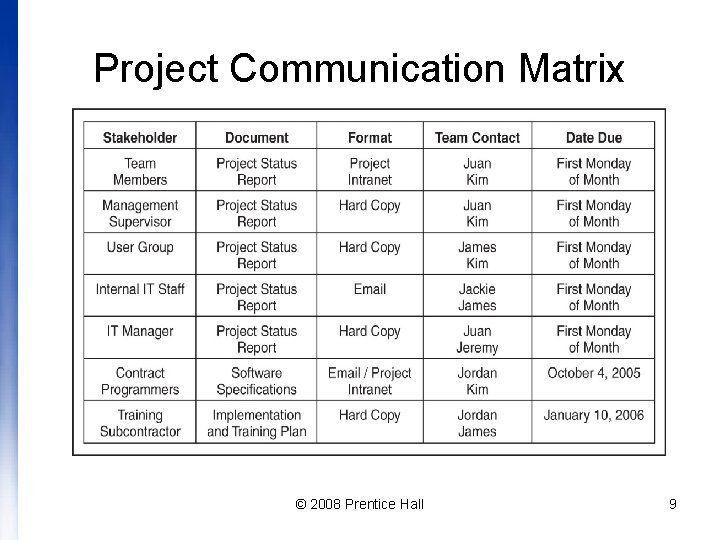
Communication Planning • A process for developing a comprehensive communication plan that identifies stakeholders, the information they need, when they need this information, and in what format it should be delivered © 2008 Prentice Hall 6
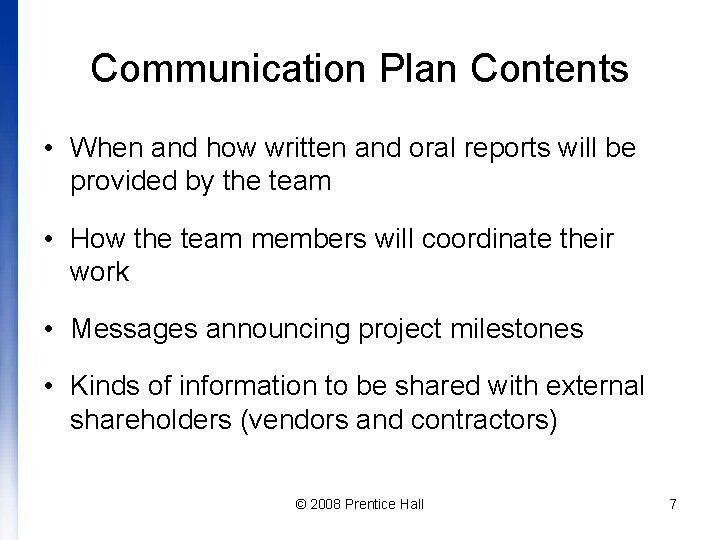
Communication Plan Contents • When and how written and oral reports will be provided by the team • How the team members will coordinate their work • Messages announcing project milestones • Kinds of information to be shared with external shareholders (vendors and contractors) © 2008 Prentice Hall 7
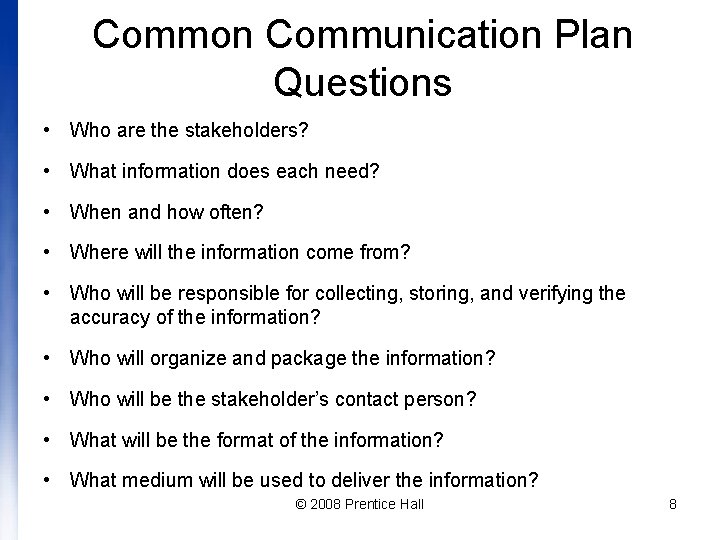
Common Communication Plan Questions • Who are the stakeholders? • What information does each need? • When and how often? • Where will the information come from? • Who will be responsible for collecting, storing, and verifying the accuracy of the information? • Who will organize and package the information? • Who will be the stakeholder’s contact person? • What will be the format of the information? • What medium will be used to deliver the information? © 2008 Prentice Hall 8
Project Communication Matrix © 2008 Prentice Hall 9
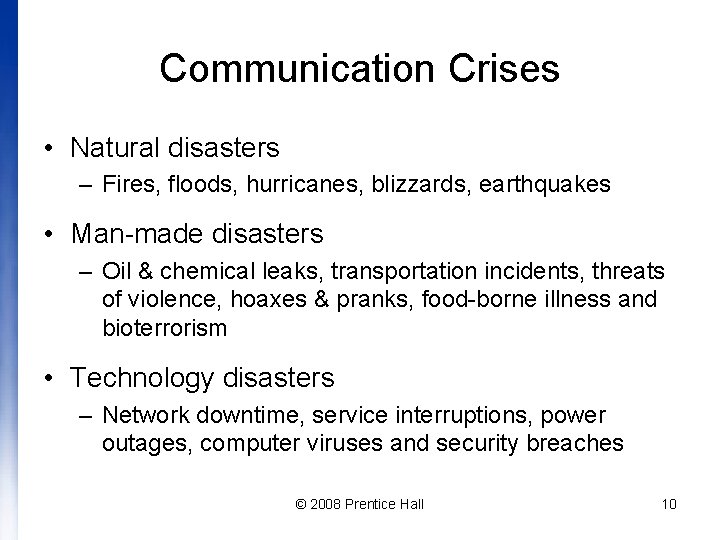
Communication Crises • Natural disasters – Fires, floods, hurricanes, blizzards, earthquakes • Man-made disasters – Oil & chemical leaks, transportation incidents, threats of violence, hoaxes & pranks, food-borne illness and bioterrorism • Technology disasters – Network downtime, service interruptions, power outages, computer viruses and security breaches © 2008 Prentice Hall 10
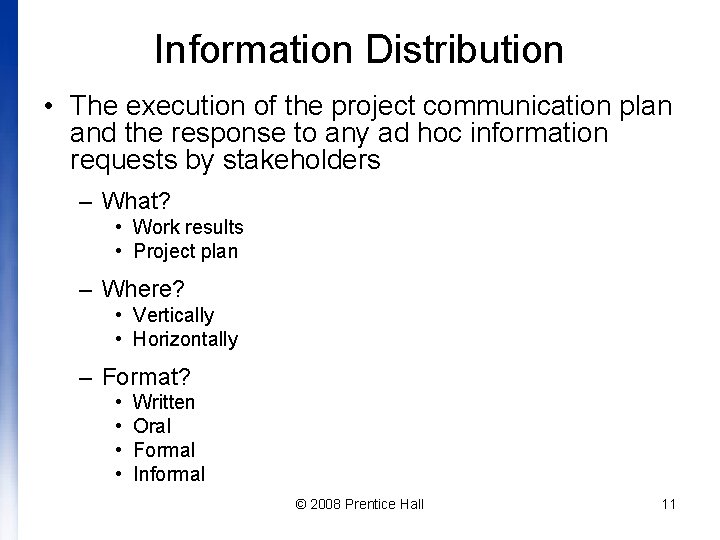
Information Distribution • The execution of the project communication plan and the response to any ad hoc information requests by stakeholders – What? • Work results • Project plan – Where? • Vertically • Horizontally – Format? • • Written Oral Formal Informal © 2008 Prentice Hall 11
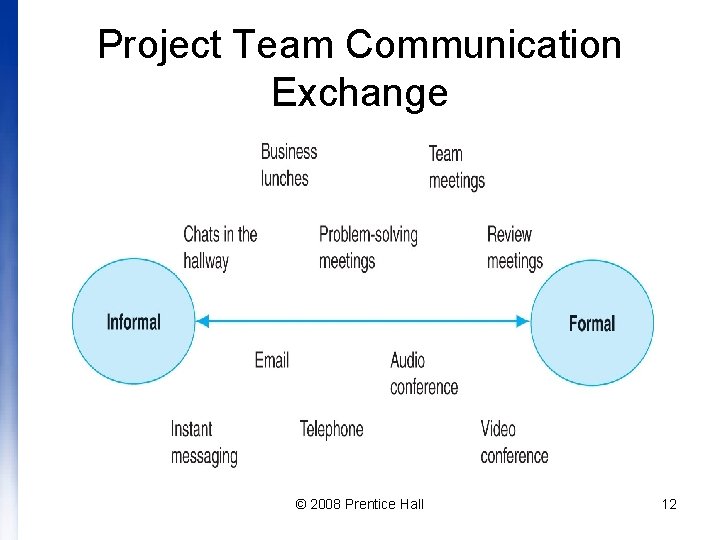
Project Team Communication Exchange © 2008 Prentice Hall 12
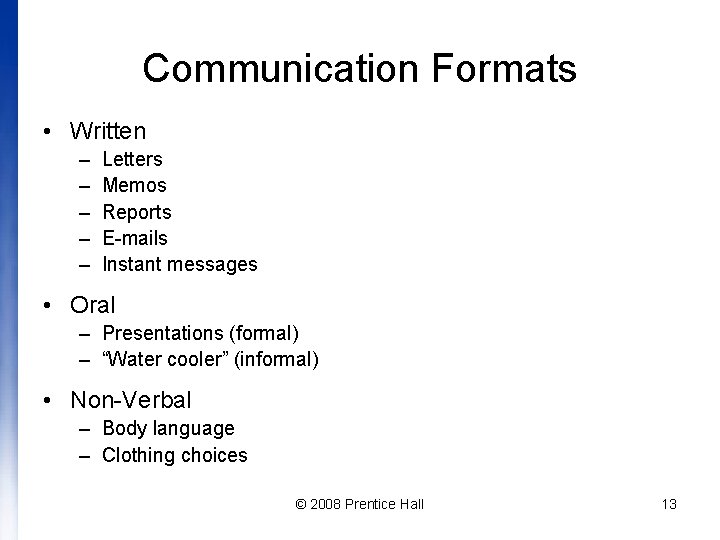
Communication Formats • Written – – – Letters Memos Reports E-mails Instant messages • Oral – Presentations (formal) – “Water cooler” (informal) • Non-Verbal – Body language – Clothing choices © 2008 Prentice Hall 13
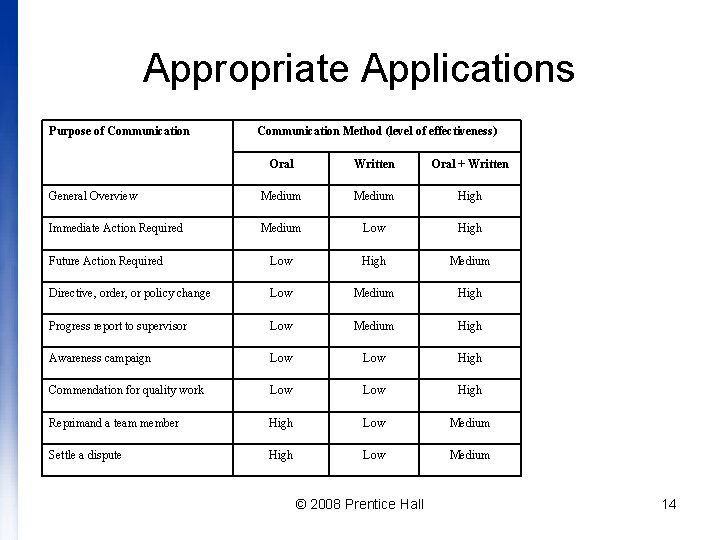
Appropriate Applications Purpose of Communication Method (level of effectiveness) Oral Written Oral + Written General Overview Medium High Immediate Action Required Medium Low High Future Action Required Low High Medium Directive, order, or policy change Low Medium High Progress report to supervisor Low Medium High Awareness campaign Low High Commendation for quality work Low High Reprimand a team member High Low Medium Settle a dispute High Low Medium © 2008 Prentice Hall 14
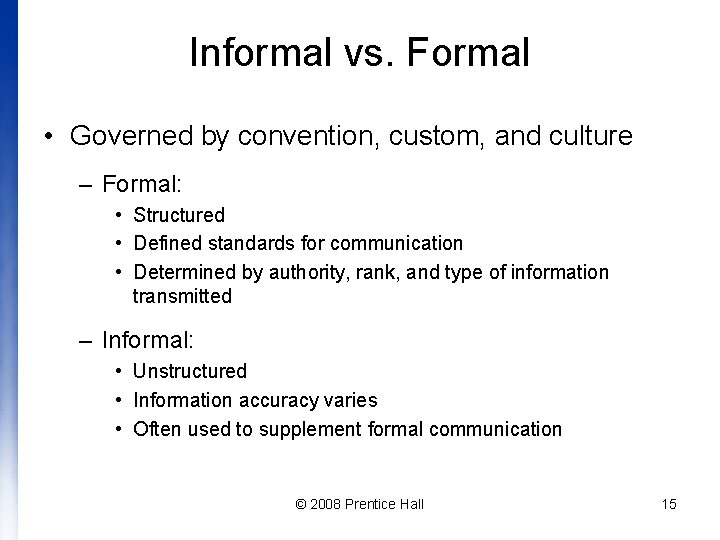
Informal vs. Formal • Governed by convention, custom, and culture – Formal: • Structured • Defined standards for communication • Determined by authority, rank, and type of information transmitted – Informal: • Unstructured • Information accuracy varies • Often used to supplement formal communication © 2008 Prentice Hall 15
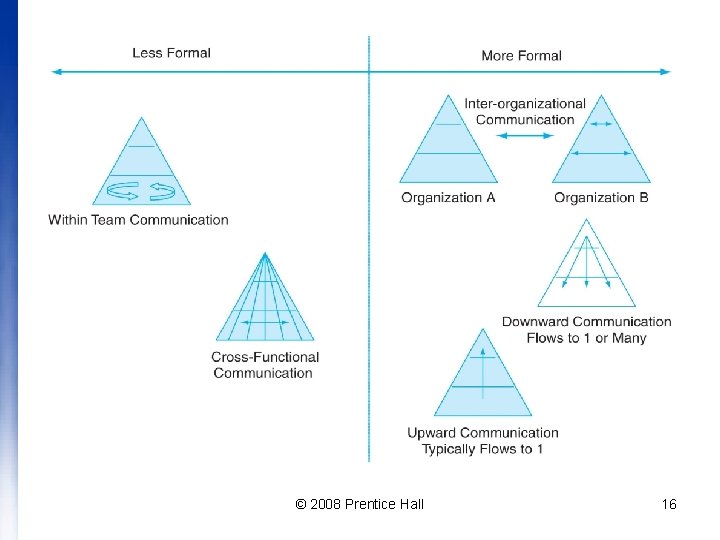
© 2008 Prentice Hall 16
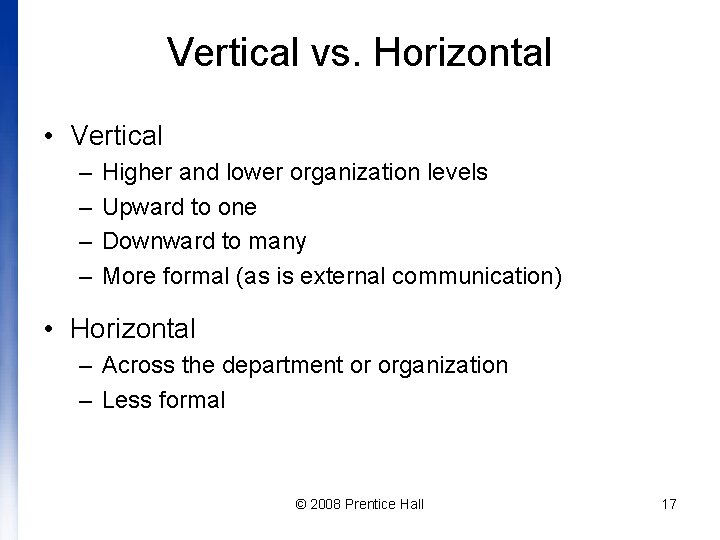
Vertical vs. Horizontal • Vertical – – Higher and lower organization levels Upward to one Downward to many More formal (as is external communication) • Horizontal – Across the department or organization – Less formal © 2008 Prentice Hall 17
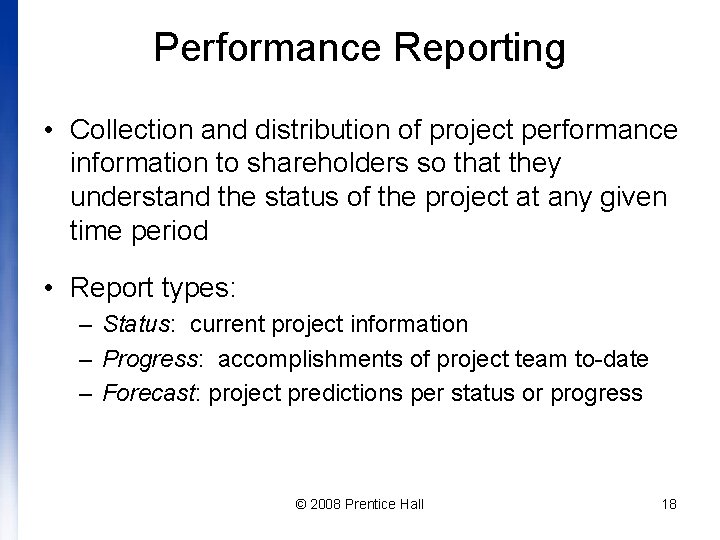
Performance Reporting • Collection and distribution of project performance information to shareholders so that they understand the status of the project at any given time period • Report types: – Status: current project information – Progress: accomplishments of project team to-date – Forecast: project predictions per status or progress © 2008 Prentice Hall 18
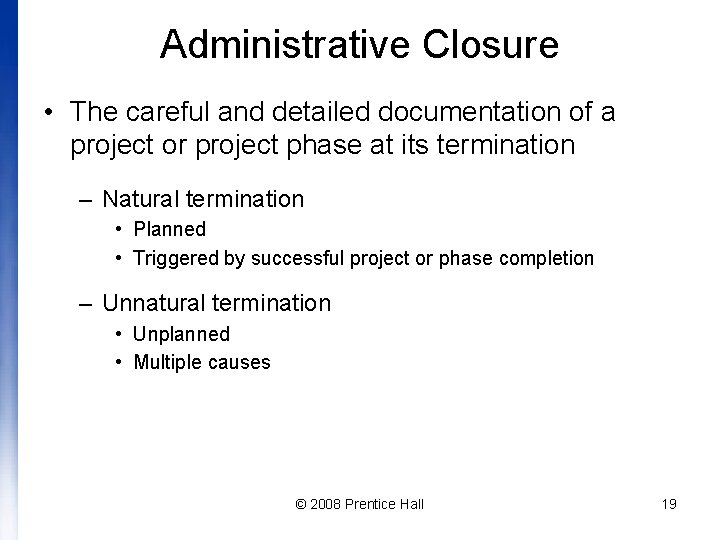
Administrative Closure • The careful and detailed documentation of a project or project phase at its termination – Natural termination • Planned • Triggered by successful project or phase completion – Unnatural termination • Unplanned • Multiple causes © 2008 Prentice Hall 19
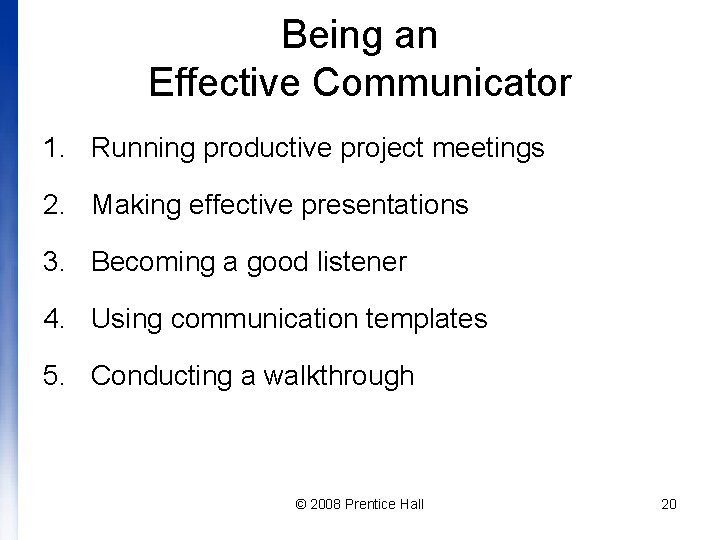
Being an Effective Communicator 1. Running productive project meetings 2. Making effective presentations 3. Becoming a good listener 4. Using communication templates 5. Conducting a walkthrough © 2008 Prentice Hall 20
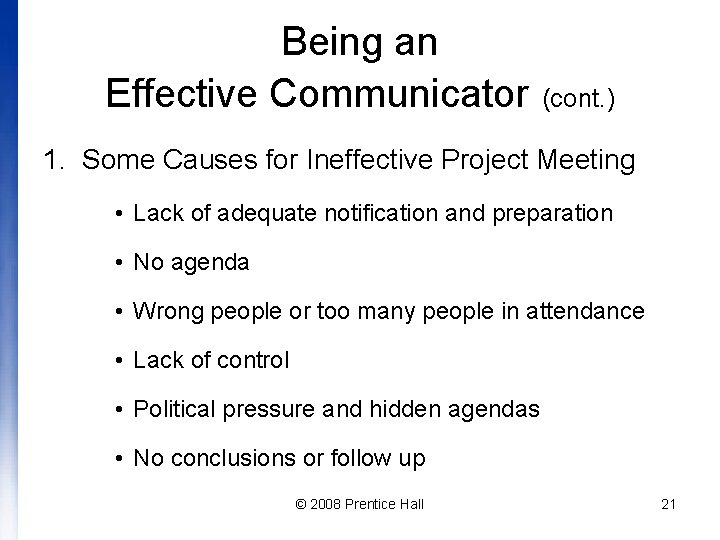
Being an Effective Communicator (cont. ) 1. Some Causes for Ineffective Project Meeting • Lack of adequate notification and preparation • No agenda • Wrong people or too many people in attendance • Lack of control • Political pressure and hidden agendas • No conclusions or follow up © 2008 Prentice Hall 21
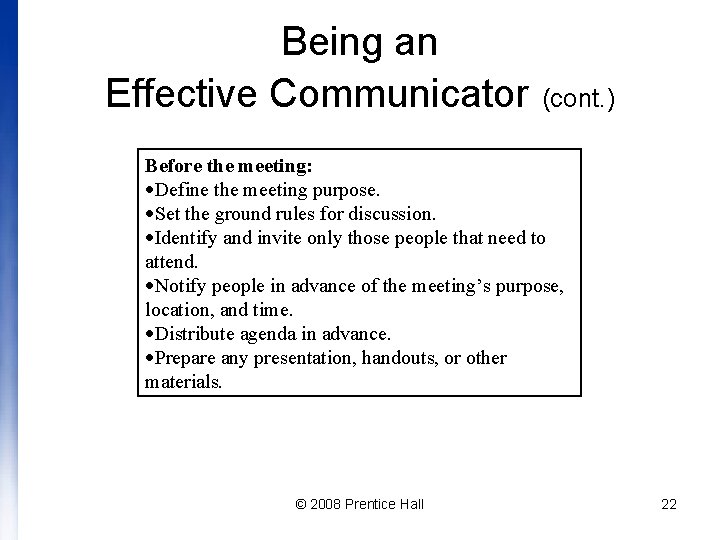
Being an Effective Communicator (cont. ) Before the meeting: Define the meeting purpose. Set the ground rules for discussion. Identify and invite only those people that need to attend. Notify people in advance of the meeting’s purpose, location, and time. Distribute agenda in advance. Prepare any presentation, handouts, or other materials. © 2008 Prentice Hall 22
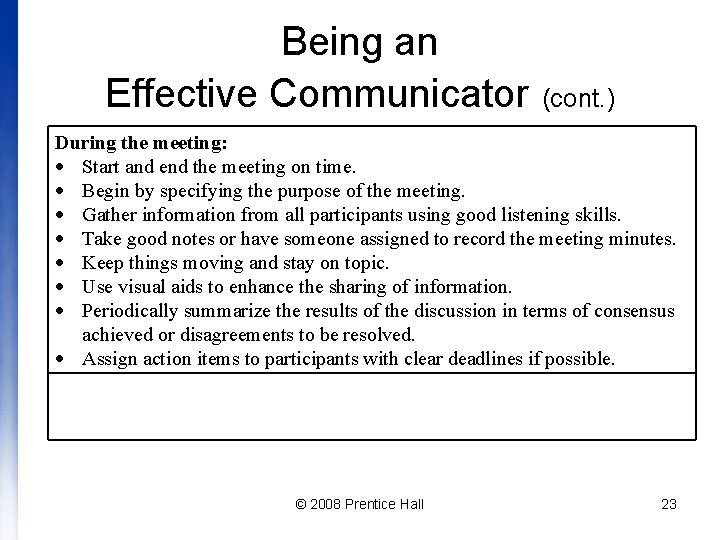
Being an Effective Communicator (cont. ) During the meeting: Start and end the meeting on time. Begin by specifying the purpose of the meeting. Gather information from all participants using good listening skills. Take good notes or have someone assigned to record the meeting minutes. Keep things moving and stay on topic. Use visual aids to enhance the sharing of information. Periodically summarize the results of the discussion in terms of consensus achieved or disagreements to be resolved. Assign action items to participants with clear deadlines if possible. © 2008 Prentice Hall 23
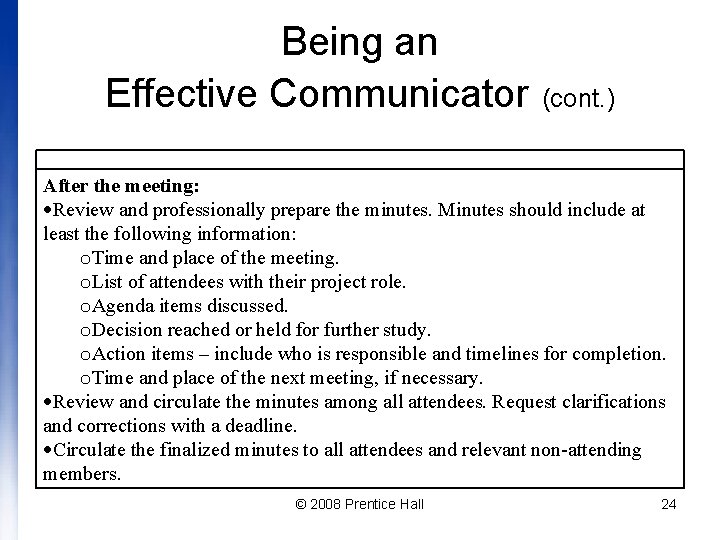
Being an Effective Communicator (cont. ) After the meeting: Review and professionally prepare the minutes. Minutes should include at least the following information: o. Time and place of the meeting. o. List of attendees with their project role. o. Agenda items discussed. o. Decision reached or held for further study. o. Action items – include who is responsible and timelines for completion. o. Time and place of the next meeting, if necessary. Review and circulate the minutes among all attendees. Request clarifications and corrections with a deadline. Circulate the finalized minutes to all attendees and relevant non-attending members. © 2008 Prentice Hall 24
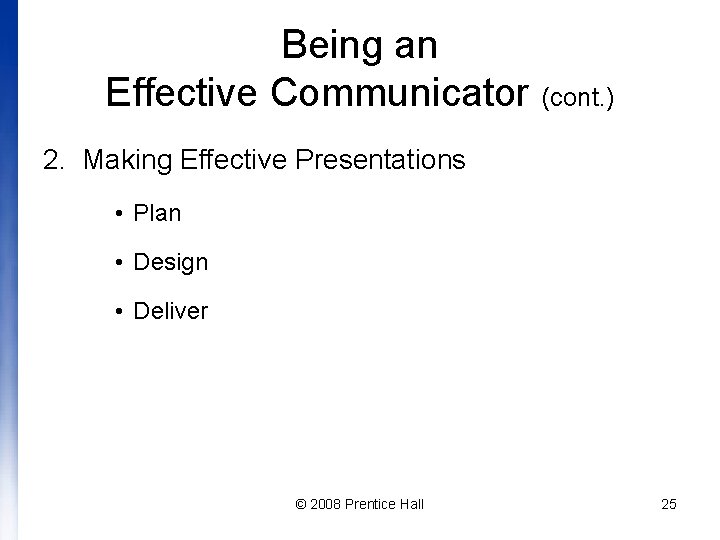
Being an Effective Communicator (cont. ) 2. Making Effective Presentations • Plan • Design • Deliver © 2008 Prentice Hall 25
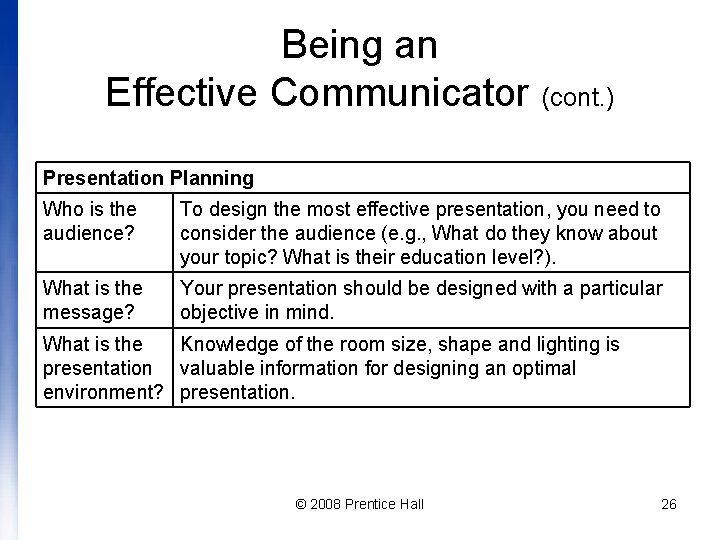
Being an Effective Communicator (cont. ) Presentation Planning Who is the audience? To design the most effective presentation, you need to consider the audience (e. g. , What do they know about your topic? What is their education level? ). What is the message? Your presentation should be designed with a particular objective in mind. What is the Knowledge of the room size, shape and lighting is presentation valuable information for designing an optimal environment? presentation. © 2008 Prentice Hall 26
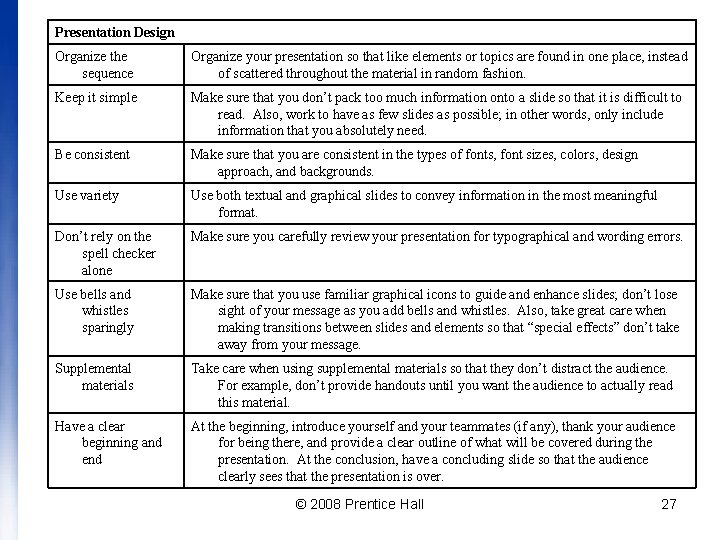
Presentation Design Organize the sequence Organize your presentation so that like elements or topics are found in one place, instead of scattered throughout the material in random fashion. Keep it simple Make sure that you don’t pack too much information onto a slide so that it is difficult to read. Also, work to have as few slides as possible; in other words, only include information that you absolutely need. Be consistent Make sure that you are consistent in the types of fonts, font sizes, colors, design approach, and backgrounds. Use variety Use both textual and graphical slides to convey information in the most meaningful format. Don’t rely on the spell checker alone Make sure you carefully review your presentation for typographical and wording errors. Use bells and whistles sparingly Make sure that you use familiar graphical icons to guide and enhance slides; don’t lose sight of your message as you add bells and whistles. Also, take great care when making transitions between slides and elements so that “special effects” don’t take away from your message. Supplemental materials Take care when using supplemental materials so that they don’t distract the audience. For example, don’t provide handouts until you want the audience to actually read this material. Have a clear beginning and end At the beginning, introduce yourself and your teammates (if any), thank your audience for being there, and provide a clear outline of what will be covered during the presentation. At the conclusion, have a concluding slide so that the audience clearly sees that the presentation is over. © 2008 Prentice Hall 27
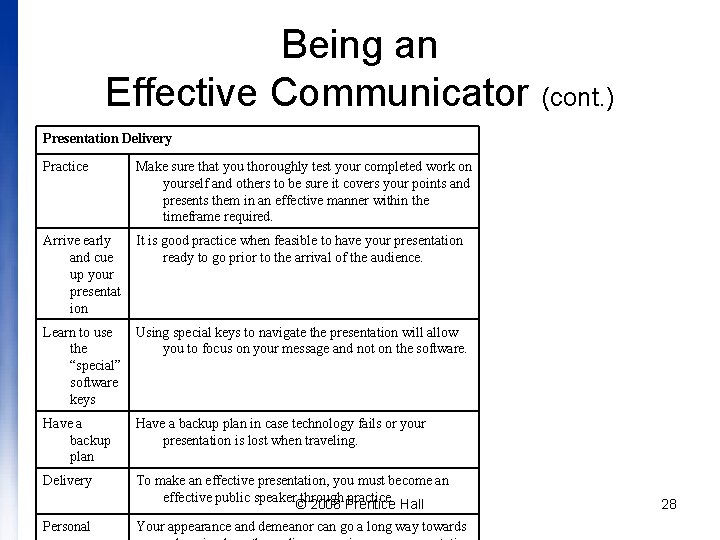
Being an Effective Communicator (cont. ) Presentation Delivery Practice Make sure that you thoroughly test your completed work on yourself and others to be sure it covers your points and presents them in an effective manner within the timeframe required. Arrive early and cue up your presentat ion It is good practice when feasible to have your presentation ready to go prior to the arrival of the audience. Learn to use Using special keys to navigate the presentation will allow the you to focus on your message and not on the software. “special” software keys Have a backup plan in case technology fails or your presentation is lost when traveling. Delivery To make an effective presentation, you must become an effective public speaker through practice. © 2008 Prentice Hall Personal Your appearance and demeanor can go a long way towards 28
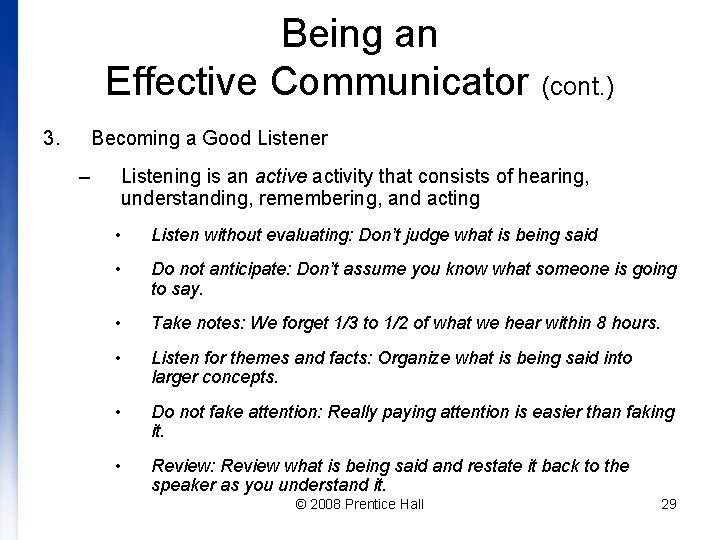
Being an Effective Communicator (cont. ) 3. Becoming a Good Listener – Listening is an active activity that consists of hearing, understanding, remembering, and acting • Listen without evaluating: Don’t judge what is being said • Do not anticipate: Don’t assume you know what someone is going to say. • Take notes: We forget 1/3 to 1/2 of what we hear within 8 hours. • Listen for themes and facts: Organize what is being said into larger concepts. • Do not fake attention: Really paying attention is easier than faking it. • Review: Review what is being said and restate it back to the speaker as you understand it. © 2008 Prentice Hall 29
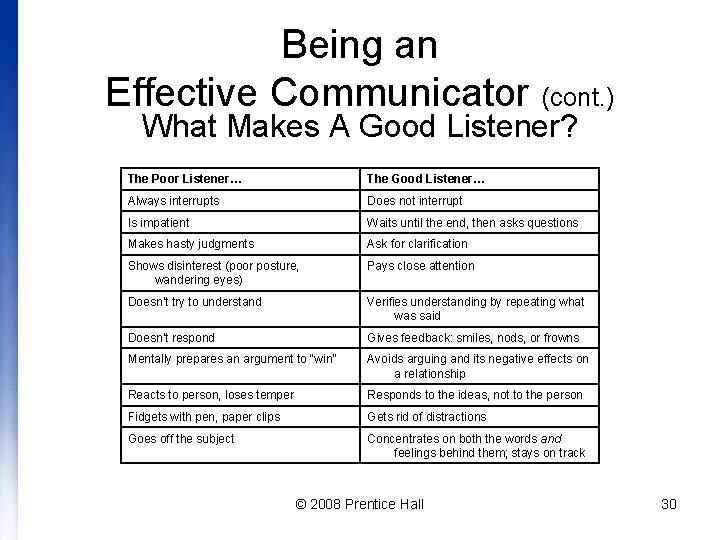
Being an Effective Communicator (cont. ) What Makes A Good Listener? The Poor Listener… The Good Listener… Always interrupts Does not interrupt Is impatient Waits until the end, then asks questions Makes hasty judgments Ask for clarification Shows disinterest (poor posture, wandering eyes) Pays close attention Doesn’t try to understand Verifies understanding by repeating what was said Doesn’t respond Gives feedback: smiles, nods, or frowns Mentally prepares an argument to “win” Avoids arguing and its negative effects on a relationship Reacts to person, loses temper Responds to the ideas, not to the person Fidgets with pen, paper clips Gets rid of distractions Goes off the subject Concentrates on both the words and feelings behind them; stays on track © 2008 Prentice Hall 30
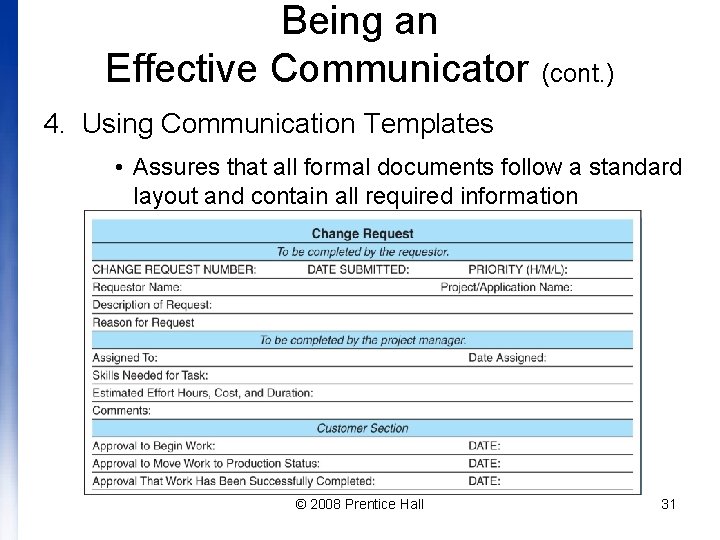
Being an Effective Communicator (cont. ) 4. Using Communication Templates • Assures that all formal documents follow a standard layout and contain all required information © 2008 Prentice Hall 31
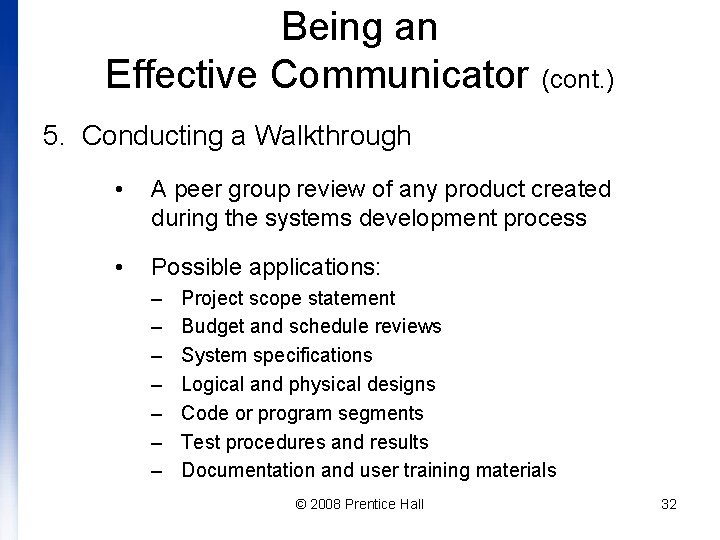
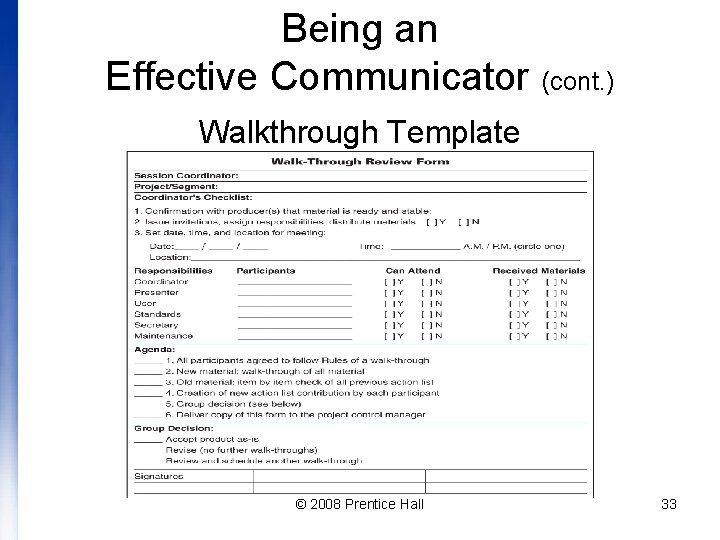
Being an Effective Communicator (cont. ) 5. Conducting a Walkthrough • A peer group review of any product created during the systems development process • Possible applications: – – – – Project scope statement Budget and schedule reviews System specifications Logical and physical designs Code or program segments Test procedures and results Documentation and user training materials © 2008 Prentice Hall 32
Being an Effective Communicator (cont. ) Walkthrough Template © 2008 Prentice Hall 33
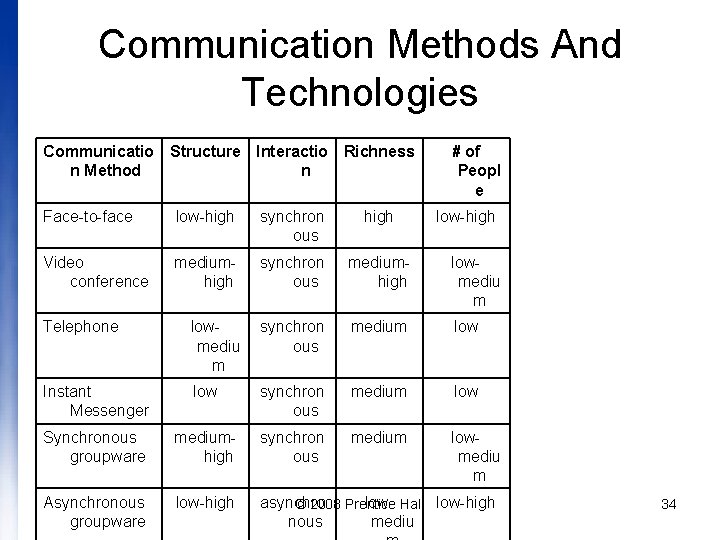
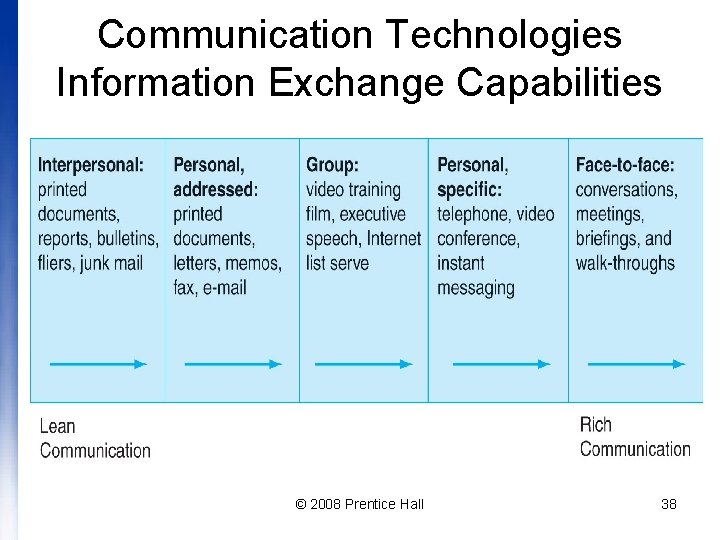
Communication Methods And Technologies Communicatio Structure Interactio Richness n Method n # of Peopl e Face-to-face low-high synchron ous high low-high Video conference mediumhigh synchron ous mediumhigh lowmediu m Telephone lowmediu m synchron ous medium low Instant Messenger low synchron ous medium low Synchronous groupware mediumhigh synchron ous medium lowmediu m Asynchronous groupware low-high asynchro lowlow-high © 2008 Prentice Hall nous mediu 34
Communication Variations • When all parties involved are present at the same time, but not necessarily in the same place, synchronous communication is required • When all parties involved need not be available or present at the same time or the same place, asynchronous communication is required © 2008 Prentice Hall 35
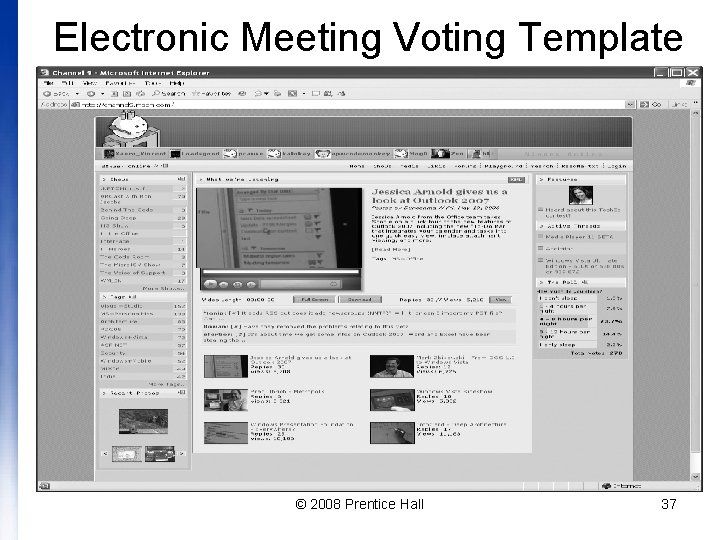
Electronic Meeting System • A collection of personal computers networked together with sophisticated software tools to help group members solve problems and make decisions through interactive, electronic generation, evaluation, and voting © 2008 Prentice Hall 36
Electronic Meeting Voting Template © 2008 Prentice Hall 37
Communication Technologies Information Exchange Capabilities © 2008 Prentice Hall 38
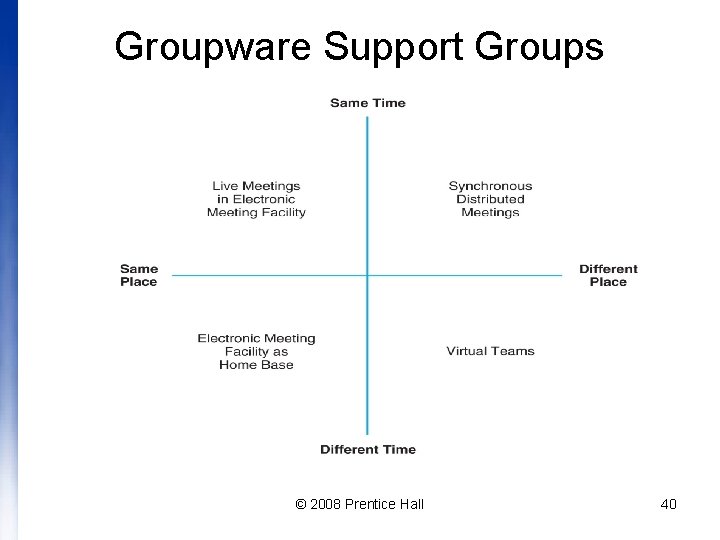
Groupware • A class of software that enables people to work together more effectively • Defined by two dimensions: – supports groups working together at the same time – synchronous groupware – or at different times – asynchronous groupware – supports groups working together face-to-face or at different locations – http: //en. wikipedia. org/wiki/Groupware © 2008 Prentice Hall 39
Groupware Support Groups © 2008 Prentice Hall 40
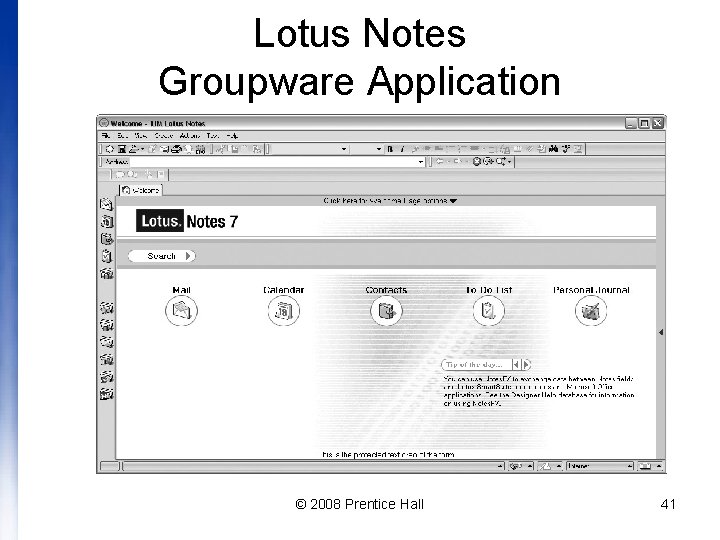
Lotus Notes Groupware Application © 2008 Prentice Hall 41
Enterprise Project Management Environments • Microsoft’s Enterprise Link • e. Project Link http: //en. wikipedia. org/wiki/Enterprise_Project_Management © 2008 Prentice Hall 42
Enterprise Project Management Abilities • Manage multiple projects as an overall portfolio for better decision making in regard to resource assignment, problem identification, as well as trend and risk analysis • More closely track resource usage and workload as well as enable better planning for short- and long-term resource assignments • Manage stakeholders’ expectations by effectively reporting project status in regard to time and resources © 2008 Prentice Hall 43
Enterprise Project Management Abilities (cont. ) • Enforce organizational best practices of project methodologies and processes • Support improved participation by enabling team members to easily manage, track, and report project updates • Better manage project-related deliverables through the use of a central document repository with versioning and editing control © 2008 Prentice Hall 44
Questions © 2008 Prentice Hall 45