
Introduction to Programming with Python ISYS 350 Use
- Slides: 56
Introduction to Programming with Python ISYS 350
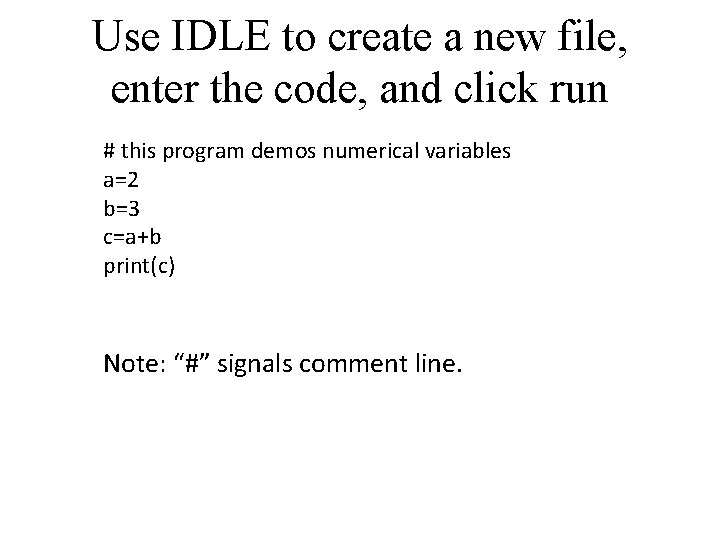
Use IDLE to create a new file, enter the code, and click run # this program demos numerical variables a=2 b=3 c=a+b print(c) Note: “#” signals comment line.
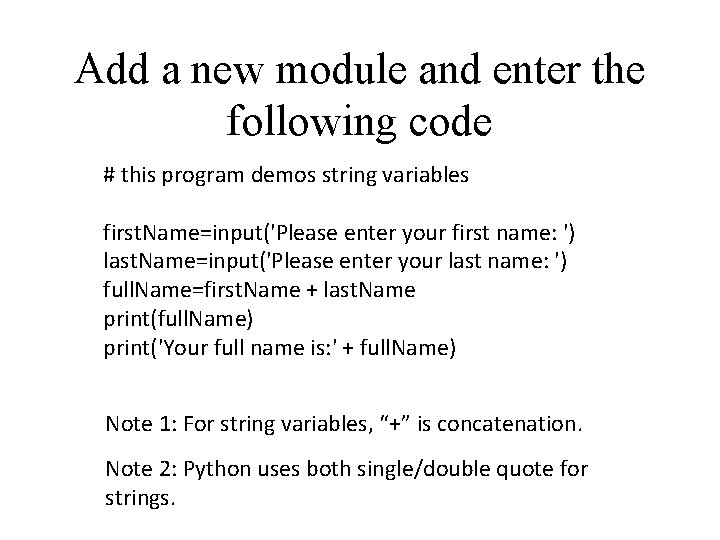
Add a new module and enter the following code # this program demos string variables first. Name=input('Please enter your first name: ') last. Name=input('Please enter your last name: ') full. Name=first. Name + last. Name print(full. Name) print('Your full name is: ' + full. Name) Note 1: For string variables, “+” is concatenation. Note 2: Python uses both single/double quote for strings.
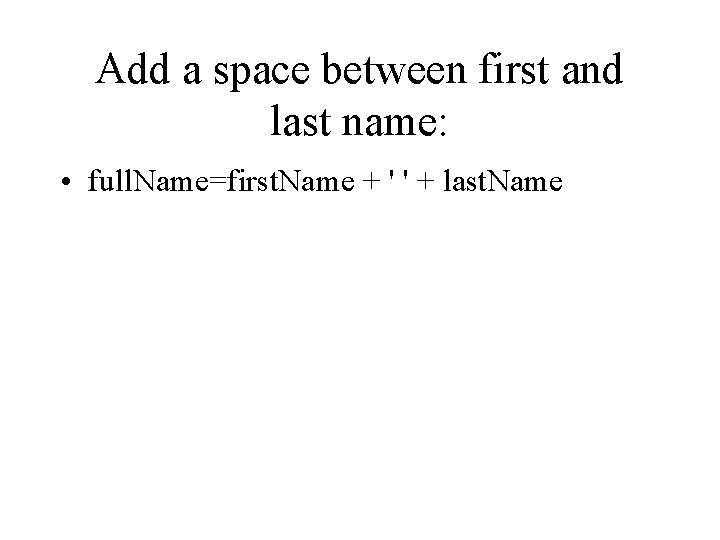
Add a space between first and last name: • full. Name=first. Name + ' ' + last. Name
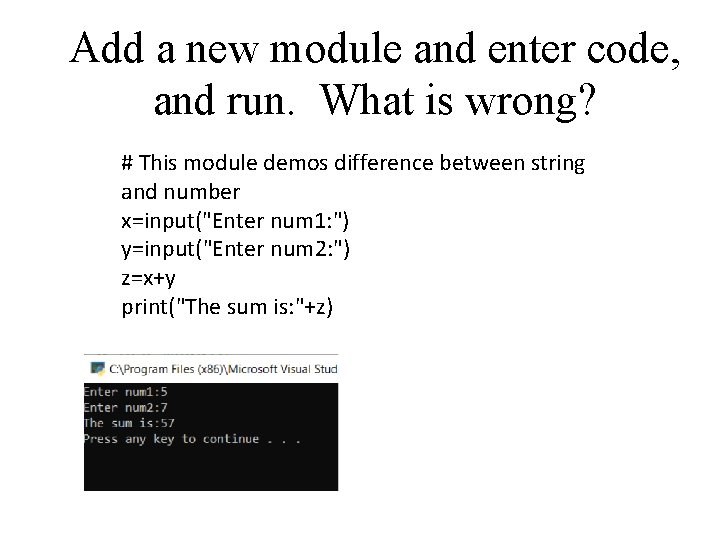
Add a new module and enter code, and run. What is wrong? # This module demos difference between string and number x=input("Enter num 1: ") y=input("Enter num 2: ") z=x+y print("The sum is: "+z)
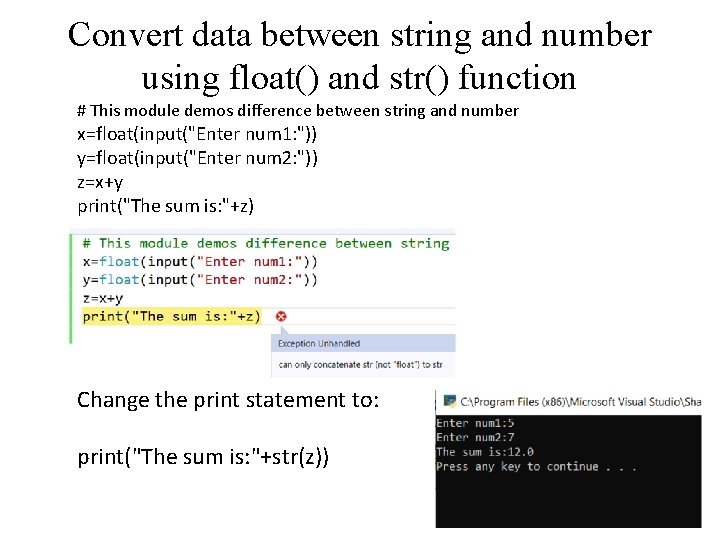
Convert data between string and number using float() and str() function # This module demos difference between string and number x=float(input("Enter num 1: ")) y=float(input("Enter num 2: ")) z=x+y print("The sum is: "+z) Change the print statement to: print("The sum is: "+str(z))
Introduction to Python • Python is a popular programming language. It was created by Guido van Rossum, and released in 1991. • It is used for: – Application development • Multiple platforms – web development (server-side) • Website, mobile application, Internet of Things(Io. T) – Data analytics, mathematics
Online Tutorials • Python documentation: – https: //docs. python. org/3/tutorial/index. html • W 3 Schools – https: //www. w 3 schools. com/python/ • Tutorialspoint – https: //www. tutorialspoint. com/python/index. htm
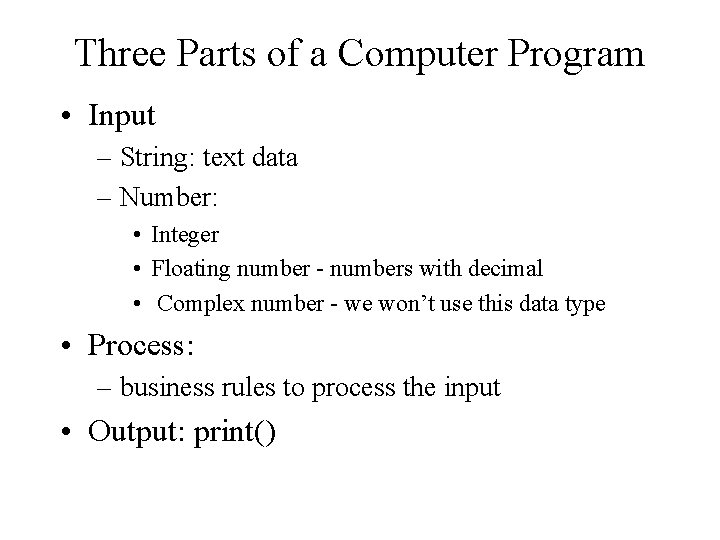
Three Parts of a Computer Program • Input – String: text data – Number: • Integer • Floating number - numbers with decimal • Complex number - we won’t use this data type • Process: – business rules to process the input • Output: print()
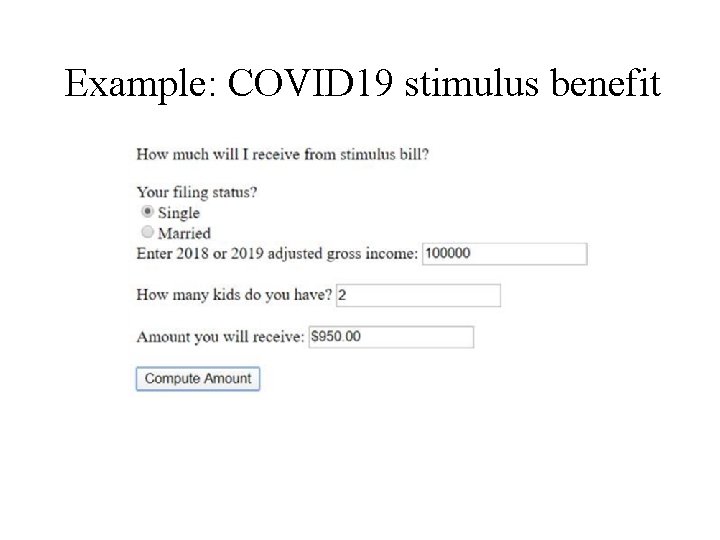
Example: COVID 19 stimulus benefit
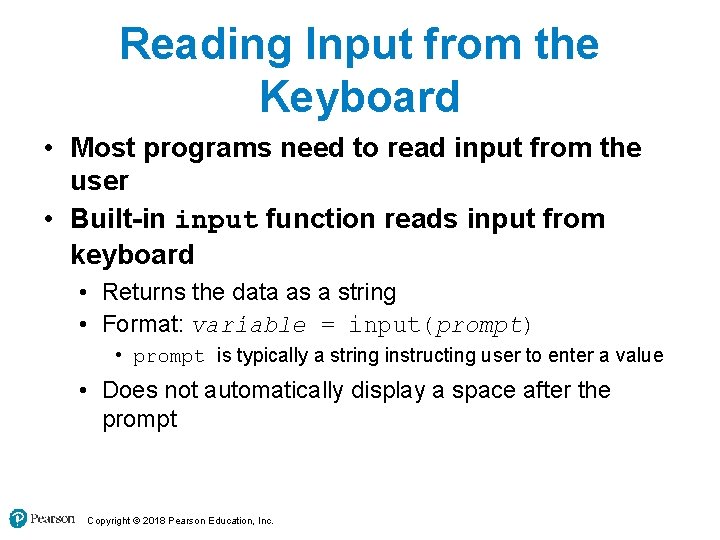
Reading Input from the Keyboard • Most programs need to read input from the user • Built-in input function reads input from keyboard • Returns the data as a string • Format: variable = input(prompt) • prompt is typically a string instructing user to enter a value • Does not automatically display a space after the prompt Copyright © 2018 Pearson Education, Inc.
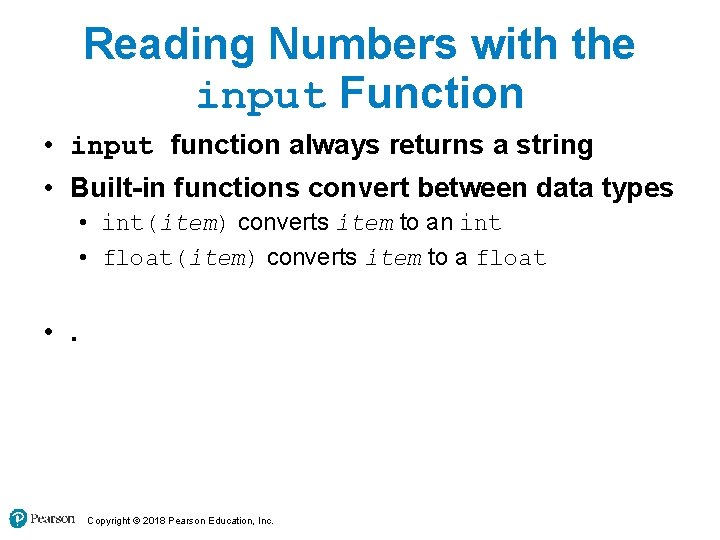
Reading Numbers with the input Function • input function always returns a string • Built-in functions convert between data types • int(item) converts item to an int • float(item) converts item to a float • . Copyright © 2018 Pearson Education, Inc.
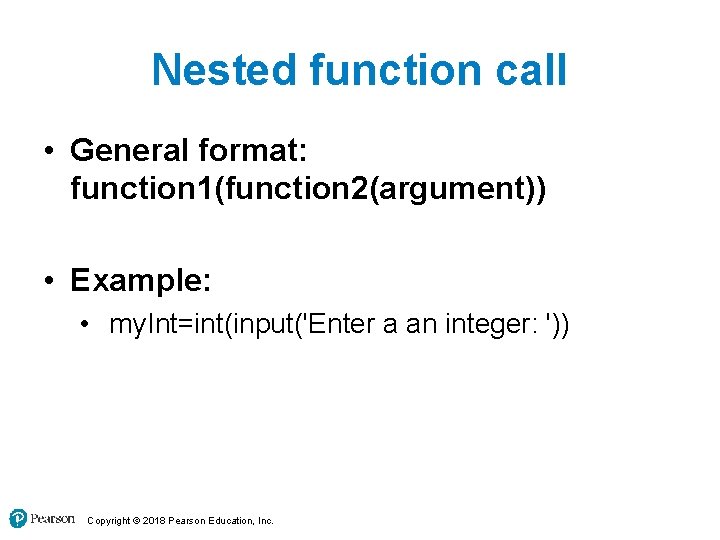
Nested function call • General format: function 1(function 2(argument)) • Example: • my. Int=int(input('Enter a an integer: ')) Copyright © 2018 Pearson Education, Inc.
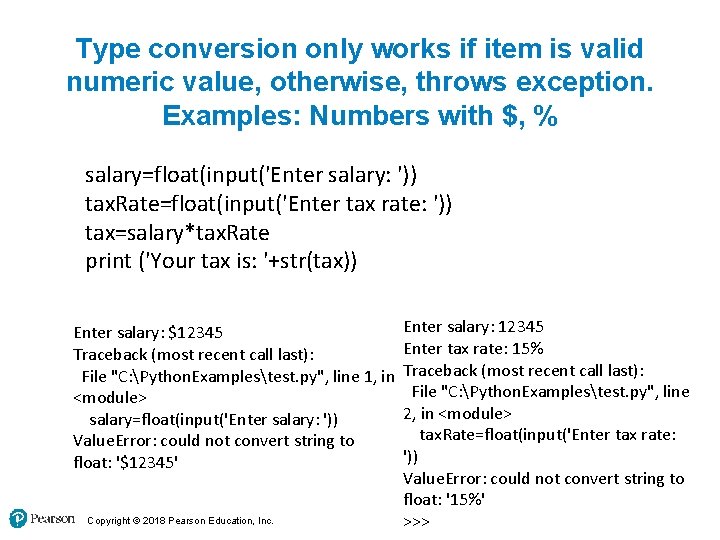
Type conversion only works if item is valid numeric value, otherwise, throws exception. Examples: Numbers with $, % salary=float(input('Enter salary: ')) tax. Rate=float(input('Enter tax rate: ')) tax=salary*tax. Rate print ('Your tax is: '+str(tax)) Enter salary: $12345 Traceback (most recent call last): File "C: Python. Examplestest. py", line 1, in <module> salary=float(input('Enter salary: ')) Value. Error: could not convert string to float: '$12345' Copyright © 2018 Pearson Education, Inc. Enter salary: 12345 Enter tax rate: 15% Traceback (most recent call last): File "C: Python. Examplestest. py", line 2, in <module> tax. Rate=float(input('Enter tax rate: ')) Value. Error: could not convert string to float: '15%' >>>
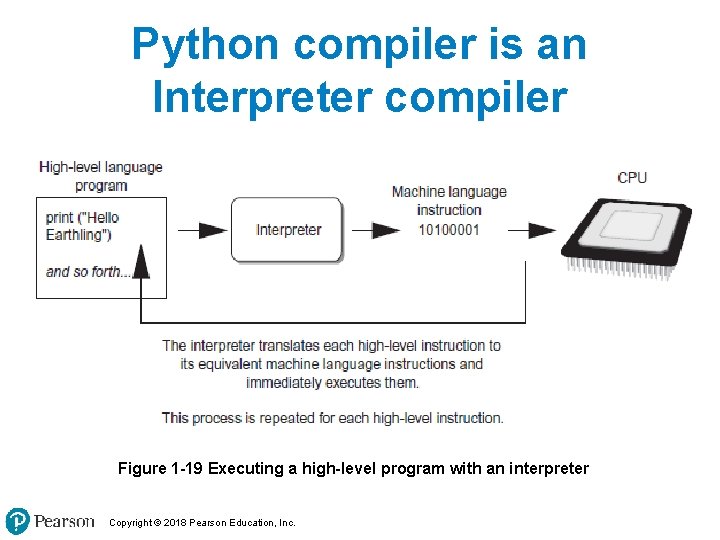
Python compiler is an Interpreter compiler Figure 1 -19 Executing a high-level program with an interpreter Copyright © 2018 Pearson Education, Inc.
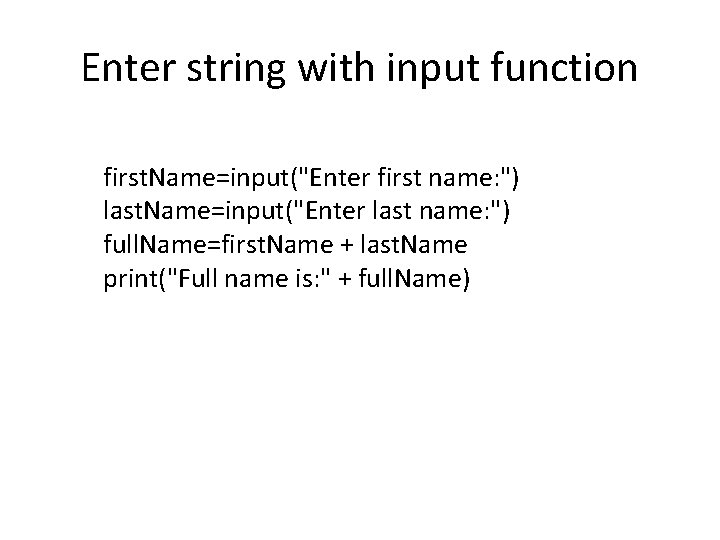
Enter string with input function first. Name=input("Enter first name: ") last. Name=input("Enter last name: ") full. Name=first. Name + last. Name print("Full name is: " + full. Name)
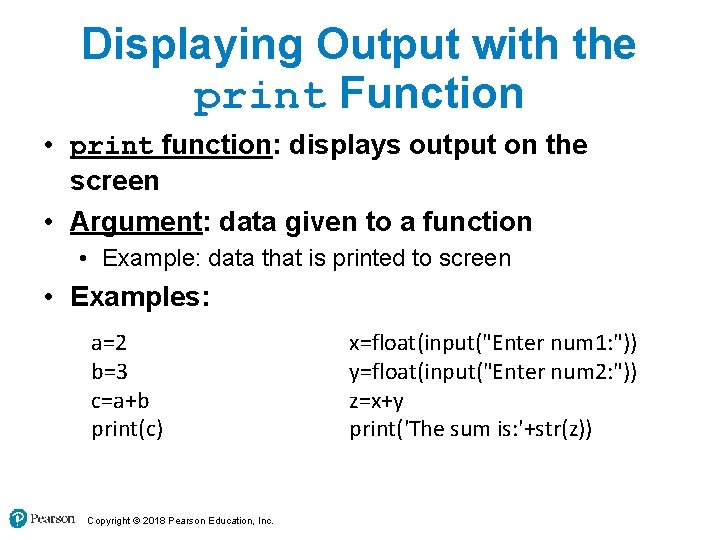
Displaying Output with the print Function • print function: displays output on the screen • Argument: data given to a function • Example: data that is printed to screen • Examples: a=2 b=3 c=a+b print(c) Copyright © 2018 Pearson Education, Inc. x=float(input("Enter num 1: ")) y=float(input("Enter num 2: ")) z=x+y print('The sum is: '+str(z))
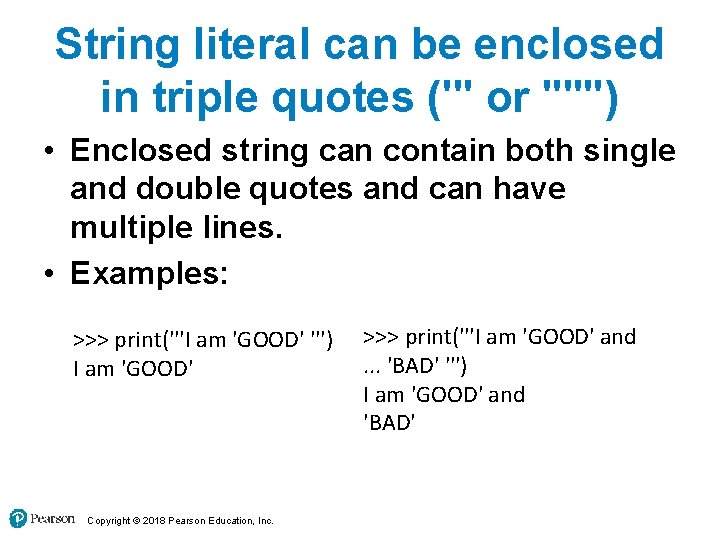
String literal can be enclosed in triple quotes (''' or """) • Enclosed string can contain both single and double quotes and can have multiple lines. • Examples: >>> print('''I am 'GOOD' ''') I am 'GOOD' Copyright © 2018 Pearson Education, Inc. >>> print('''I am 'GOOD' and. . . 'BAD' ''') I am 'GOOD' and 'BAD'
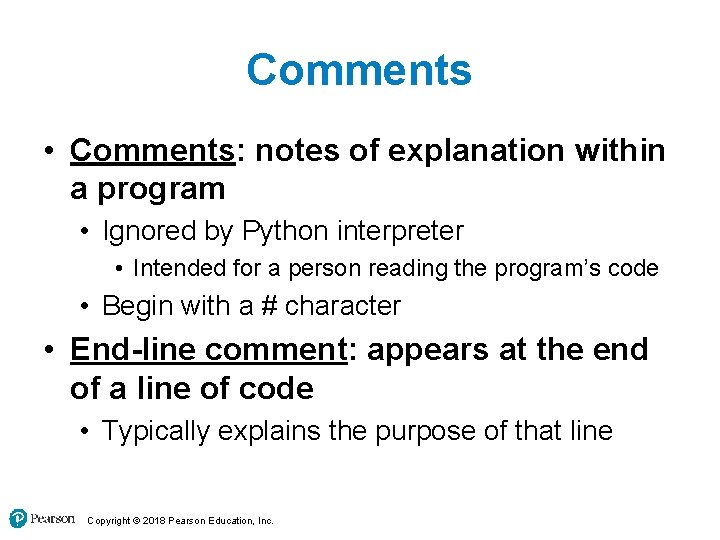
Comments • Comments: notes of explanation within a program • Ignored by Python interpreter • Intended for a person reading the program’s code • Begin with a # character • End-line comment: appears at the end of a line of code • Typically explains the purpose of that line Copyright © 2018 Pearson Education, Inc.
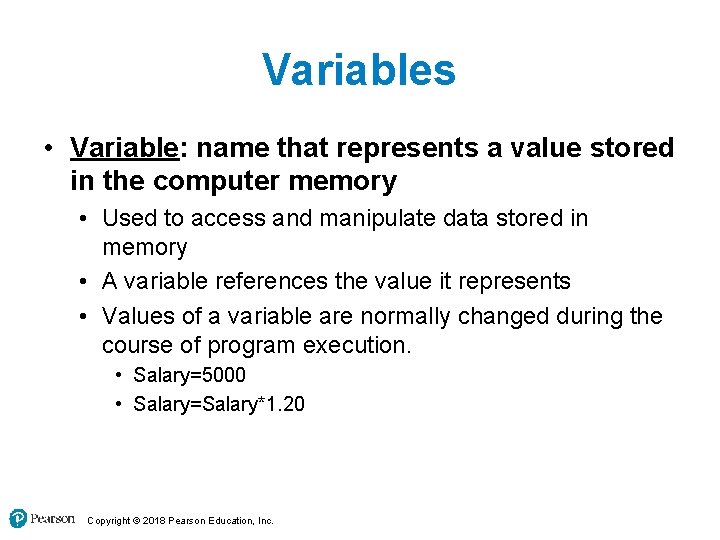
Variables • Variable: name that represents a value stored in the computer memory • Used to access and manipulate data stored in memory • A variable references the value it represents • Values of a variable are normally changed during the course of program execution. • Salary=5000 • Salary=Salary*1. 20 Copyright © 2018 Pearson Education, Inc.
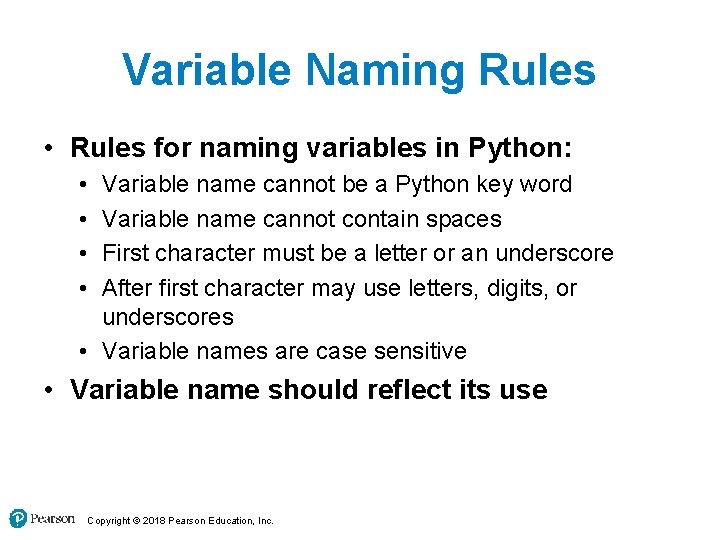
Variable Naming Rules • Rules for naming variables in Python: • • Variable name cannot be a Python key word Variable name cannot contain spaces First character must be a letter or an underscore After first character may use letters, digits, or underscores • Variable names are case sensitive • Variable name should reflect its use Copyright © 2018 Pearson Education, Inc.
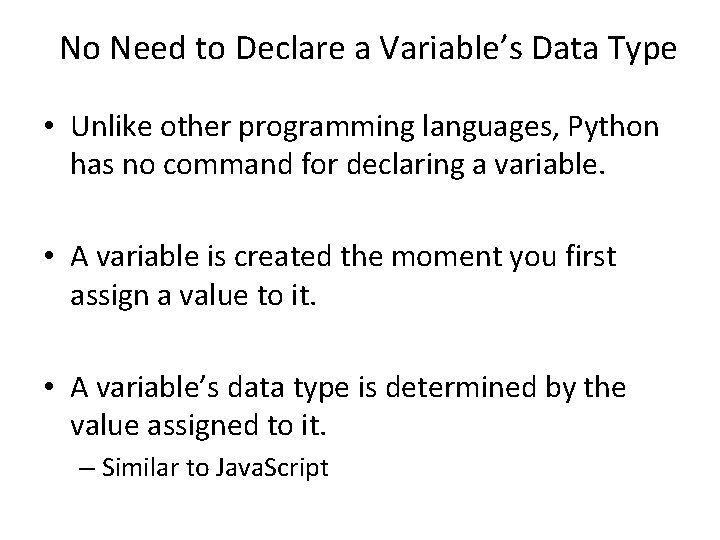
No Need to Declare a Variable’s Data Type • Unlike other programming languages, Python has no command for declaring a variable. • A variable is created the moment you first assign a value to it. • A variable’s data type is determined by the value assigned to it. – Similar to Java. Script
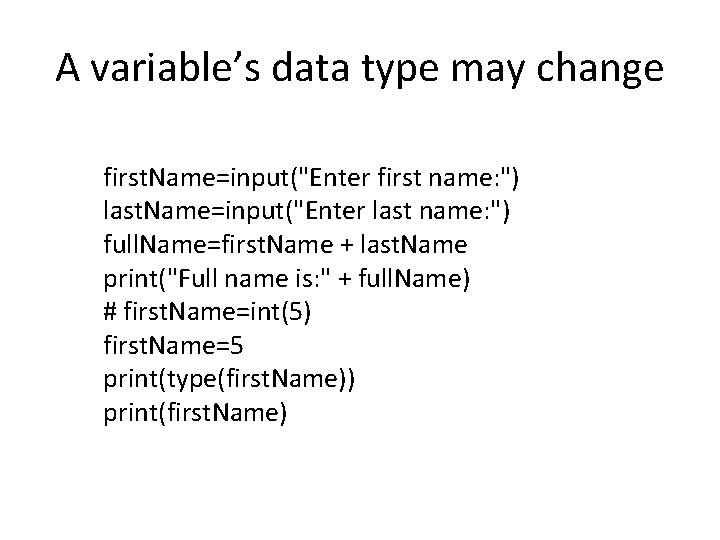
A variable’s data type may change first. Name=input("Enter first name: ") last. Name=input("Enter last name: ") full. Name=first. Name + last. Name print("Full name is: " + full. Name) # first. Name=int(5) first. Name=5 print(type(first. Name)) print(first. Name)
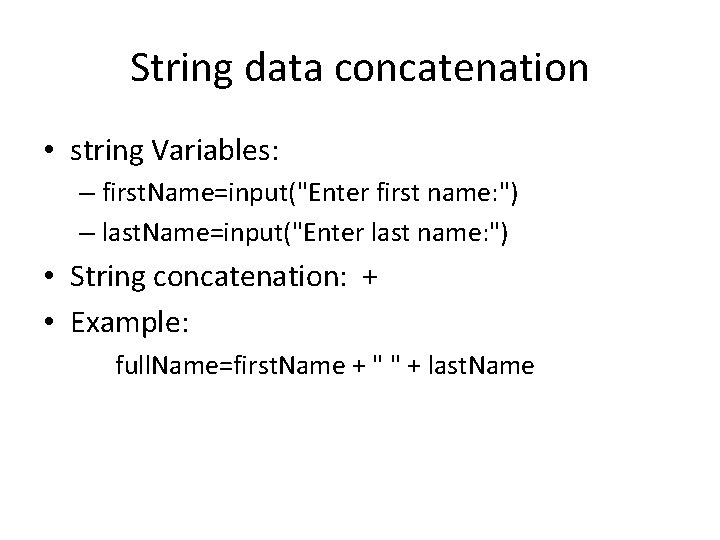
String data concatenation • string Variables: – first. Name=input("Enter first name: ") – last. Name=input("Enter last name: ") • String concatenation: + • Example: full. Name=first. Name + " " + last. Name
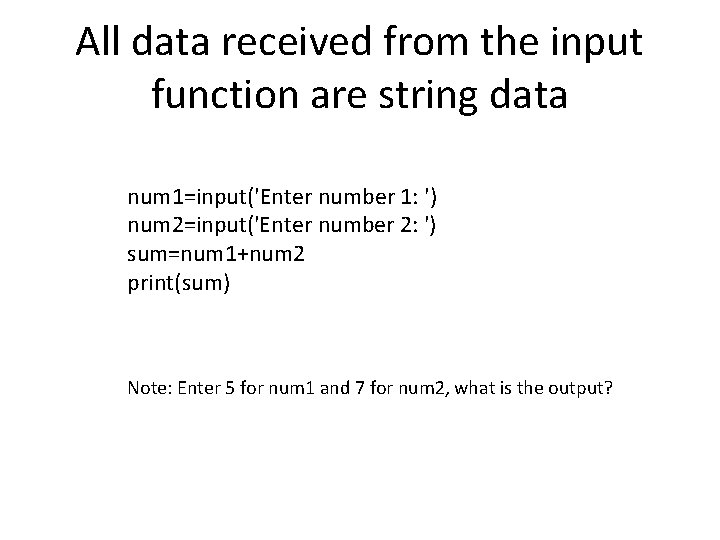
All data received from the input function are string data num 1=input('Enter number 1: ') num 2=input('Enter number 2: ') sum=num 1+num 2 print(sum) Note: Enter 5 for num 1 and 7 for num 2, what is the output?
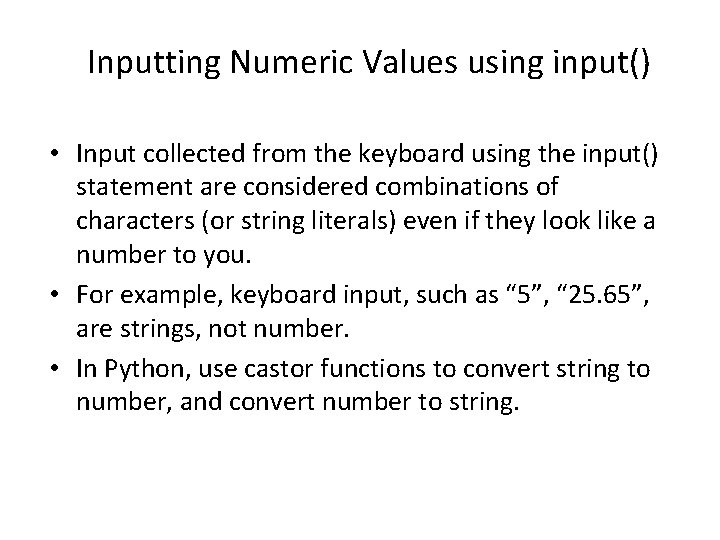
Inputting Numeric Values using input() • Input collected from the keyboard using the input() statement are considered combinations of characters (or string literals) even if they look like a number to you. • For example, keyboard input, such as “ 5”, “ 25. 65”, are strings, not number. • In Python, use castor functions to convert string to number, and convert number to string.
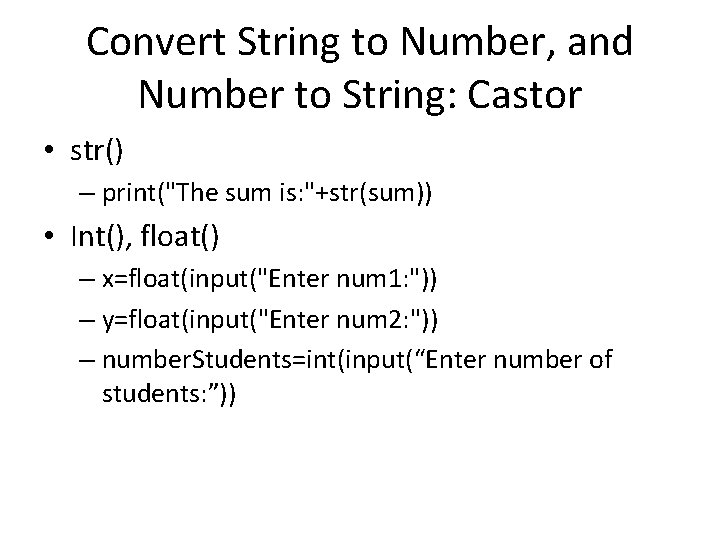
Convert String to Number, and Number to String: Castor • str() – print("The sum is: "+str(sum)) • Int(), float() – x=float(input("Enter num 1: ")) – y=float(input("Enter num 2: ")) – number. Students=int(input(“Enter number of students: ”))
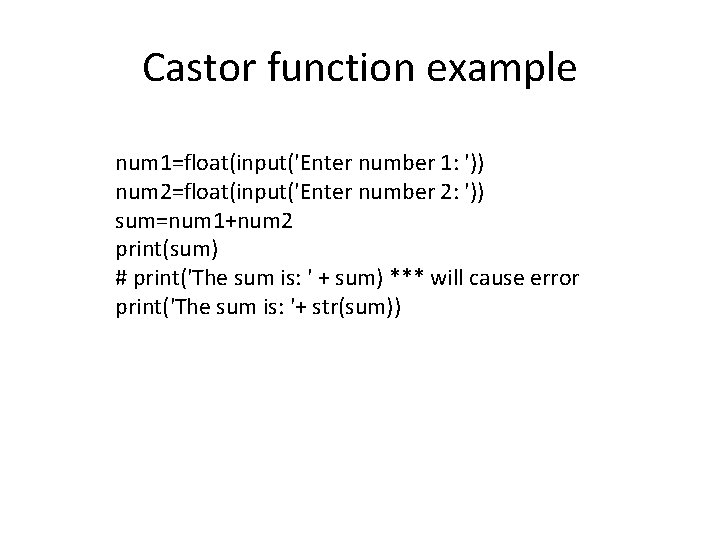
Castor function example num 1=float(input('Enter number 1: ')) num 2=float(input('Enter number 2: ')) sum=num 1+num 2 print(sum) # print('The sum is: ' + sum) *** will cause error print('The sum is: '+ str(sum))
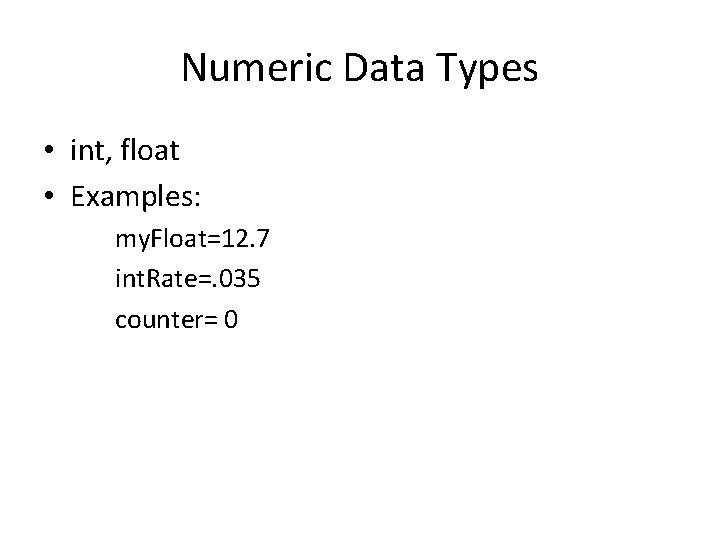
Numeric Data Types • int, float • Examples: my. Float=12. 7 int. Rate=. 035 counter= 0
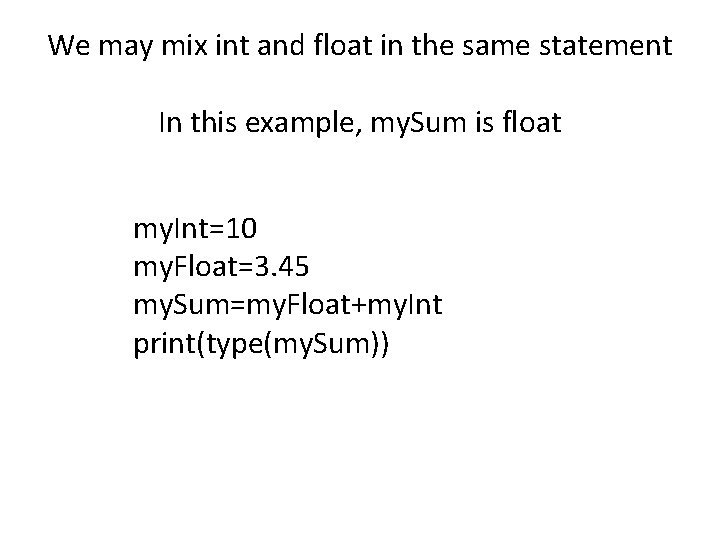
We may mix int and float in the same statement In this example, my. Sum is float my. Int=10 my. Float=3. 45 my. Sum=my. Float+my. Int print(type(my. Sum))
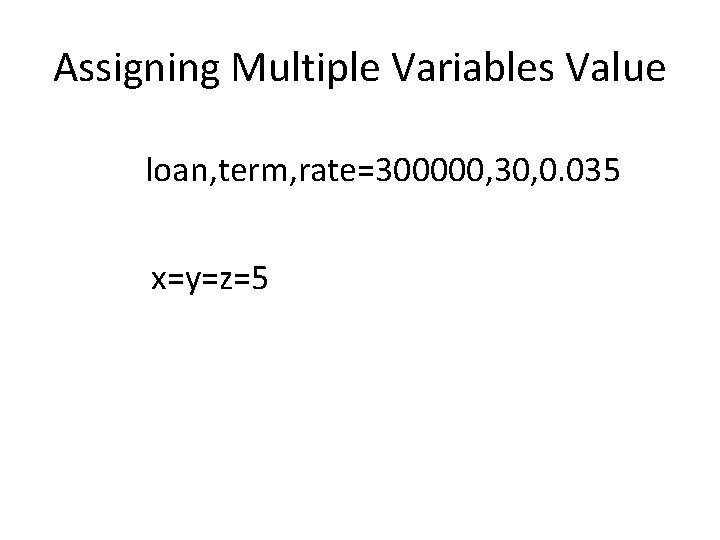
Assigning Multiple Variables Value loan, term, rate=300000, 30, 0. 035 x=y=z=5
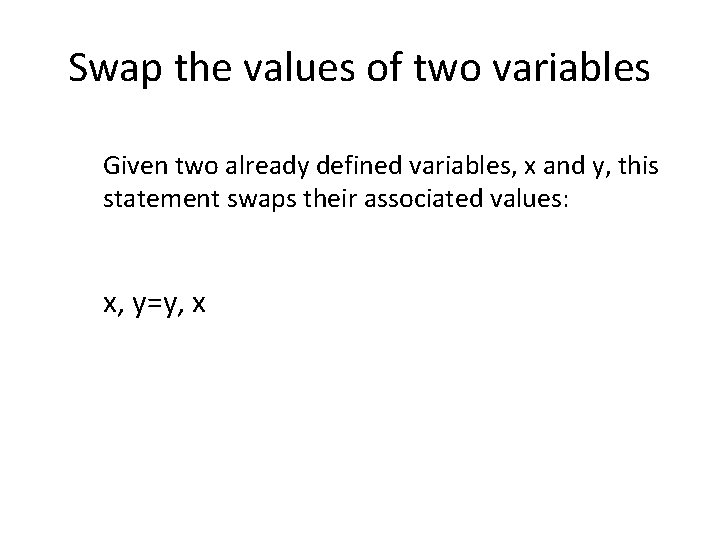
Swap the values of two variables Given two already defined variables, x and y, this statement swaps their associated values: x, y=y, x
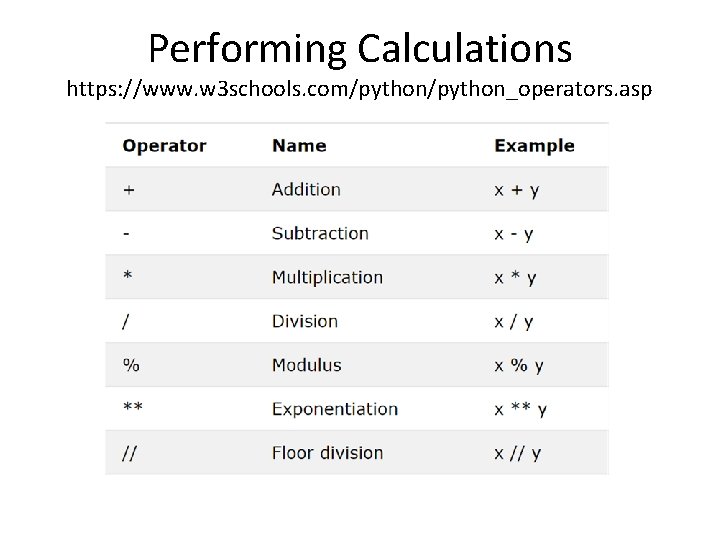
Performing Calculations https: //www. w 3 schools. com/python_operators. asp
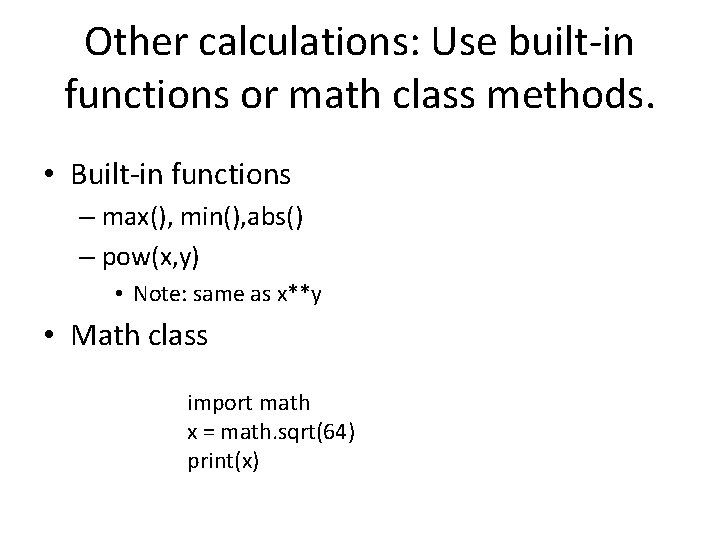
Other calculations: Use built-in functions or math class methods. • Built-in functions – max(), min(), abs() – pow(x, y) • Note: same as x**y • Math class import math x = math. sqrt(64) print(x)
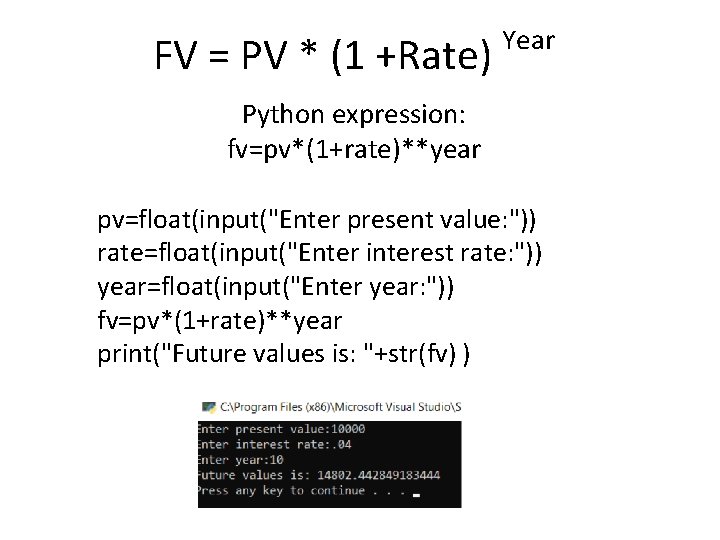
FV = PV * (1 +Rate) Year Python expression: fv=pv*(1+rate)**year pv=float(input("Enter present value: ")) rate=float(input("Enter interest rate: ")) year=float(input("Enter year: ")) fv=pv*(1+rate)**year print("Future values is: "+str(fv) )
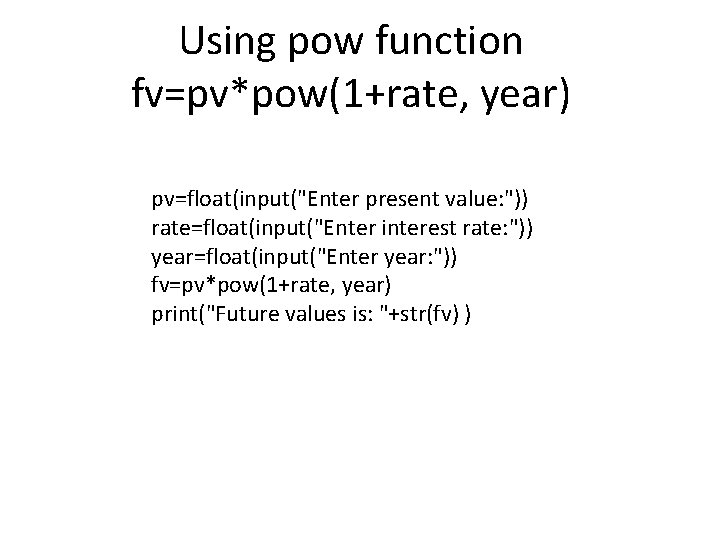
Using pow function fv=pv*pow(1+rate, year) pv=float(input("Enter present value: ")) rate=float(input("Enter interest rate: ")) year=float(input("Enter year: ")) fv=pv*pow(1+rate, year) print("Future values is: "+str(fv) )
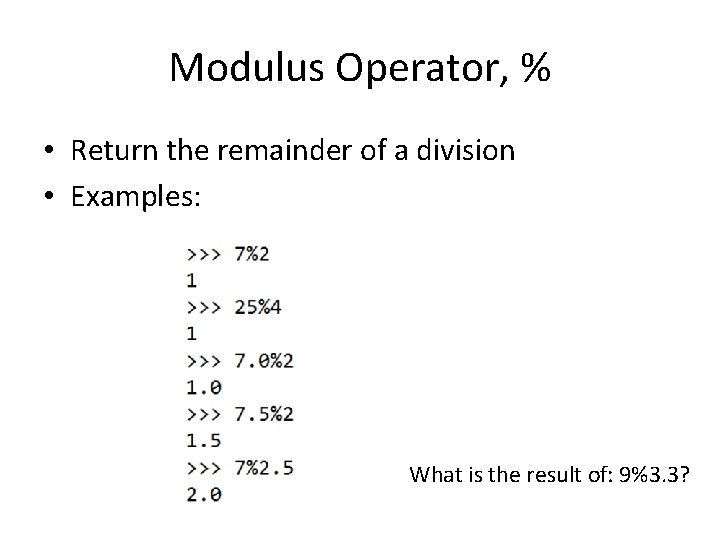
Modulus Operator, % • Return the remainder of a division • Examples: What is the result of: 9%3. 3?
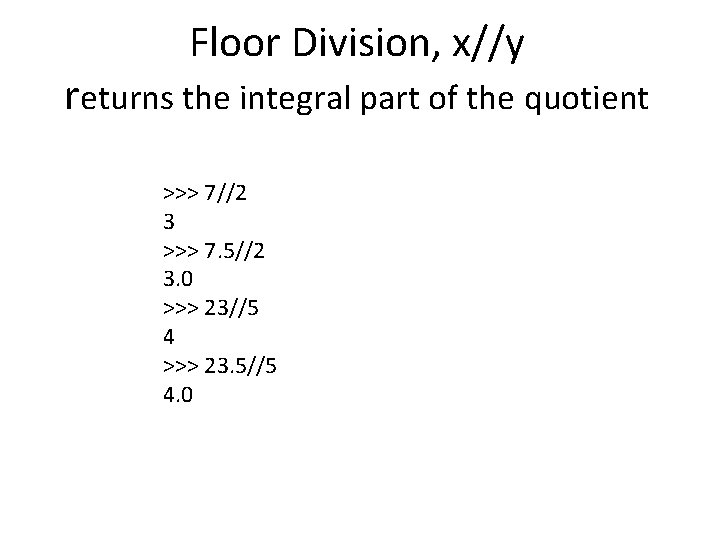
Floor Division, x//y returns the integral part of the quotient >>> 7//2 3 >>> 7. 5//2 3. 0 >>> 23//5 4 >>> 23. 5//5 4. 0
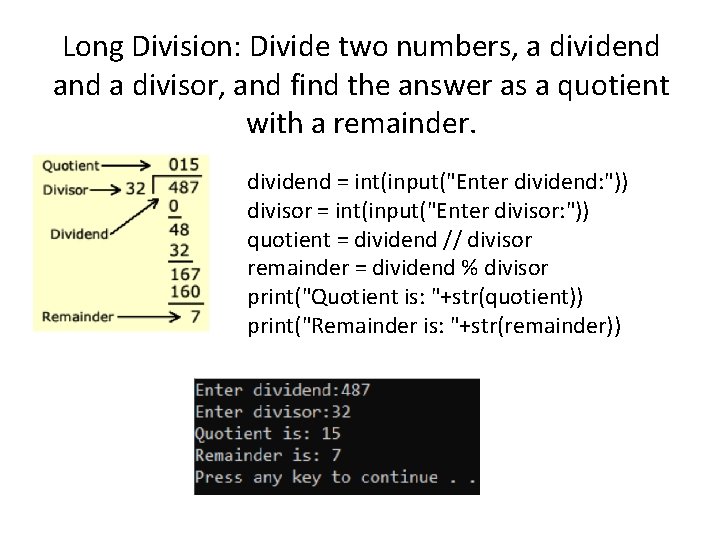
Long Division: Divide two numbers, a dividend a divisor, and find the answer as a quotient with a remainder. dividend = int(input("Enter dividend: ")) divisor = int(input("Enter divisor: ")) quotient = dividend // divisor remainder = dividend % divisor print("Quotient is: "+str(quotient)) print("Remainder is: "+str(remainder))
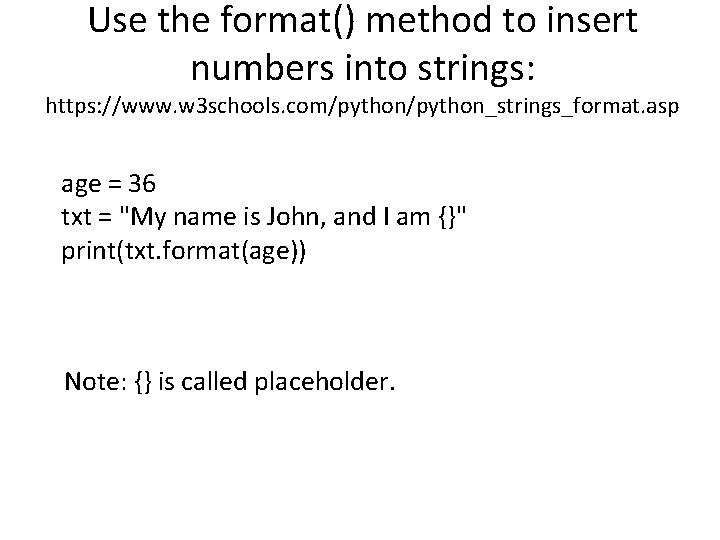
Use the format() method to insert numbers into strings: https: //www. w 3 schools. com/python_strings_format. asp age = 36 txt = "My name is John, and I am {}" print(txt. format(age)) Note: {} is called placeholder.
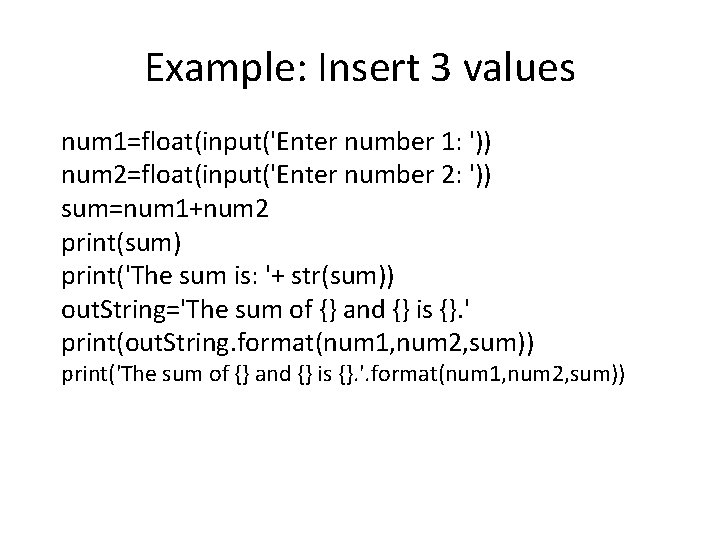
Example: Insert 3 values num 1=float(input('Enter number 1: ')) num 2=float(input('Enter number 2: ')) sum=num 1+num 2 print(sum) print('The sum is: '+ str(sum)) out. String='The sum of {} and {} is {}. ' print(out. String. format(num 1, num 2, sum)) print('The sum of {} and {} is {}. '. format(num 1, num 2, sum))
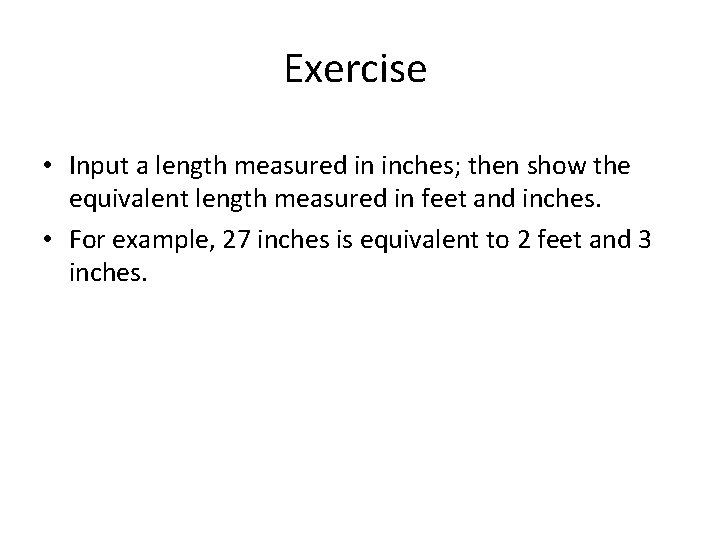
Exercise • Input a length measured in inches; then show the equivalent length measured in feet and inches. • For example, 27 inches is equivalent to 2 feet and 3 inches.
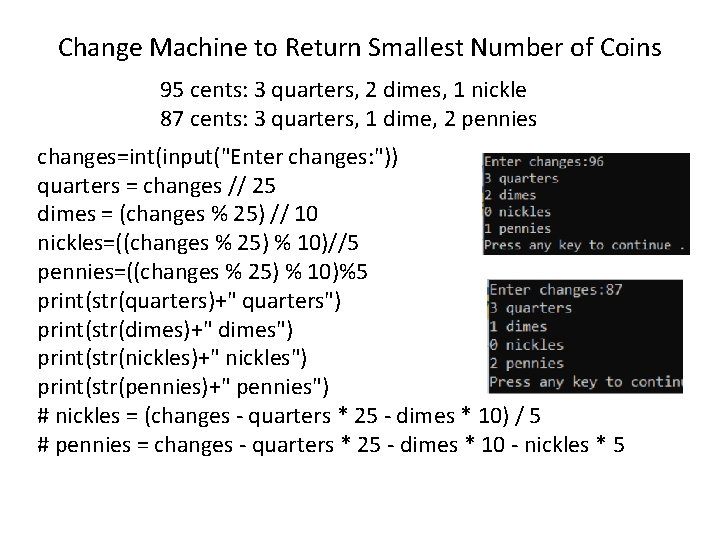
Change Machine to Return Smallest Number of Coins 95 cents: 3 quarters, 2 dimes, 1 nickle 87 cents: 3 quarters, 1 dime, 2 pennies changes=int(input("Enter changes: ")) quarters = changes // 25 dimes = (changes % 25) // 10 nickles=((changes % 25) % 10)//5 pennies=((changes % 25) % 10)%5 print(str(quarters)+" quarters") print(str(dimes)+" dimes") print(str(nickles)+" nickles") print(str(pennies)+" pennies") # nickles = (changes - quarters * 25 - dimes * 10) / 5 # pennies = changes - quarters * 25 - dimes * 10 - nickles * 5
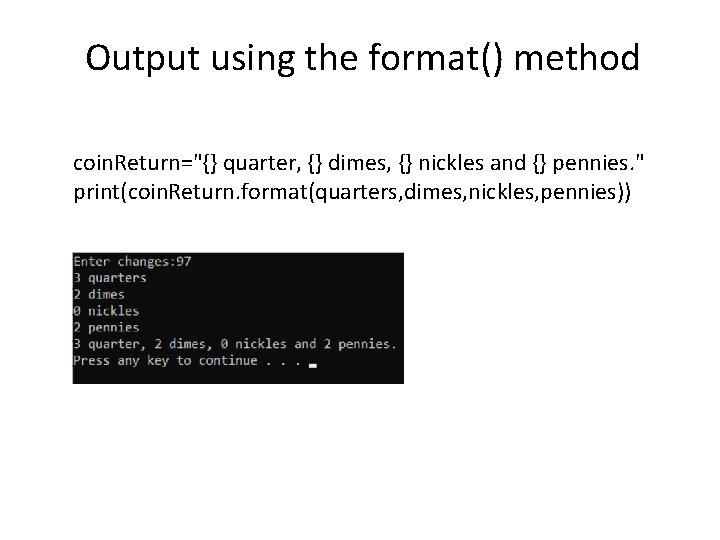
Output using the format() method coin. Return="{} quarter, {} dimes, {} nickles and {} pennies. " print(coin. Return. format(quarters, dimes, nickles, pennies))
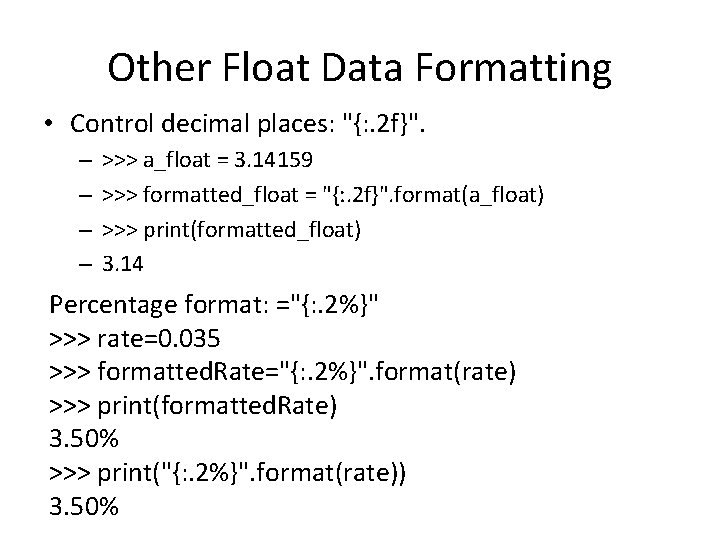
Other Float Data Formatting • Control decimal places: "{: . 2 f}". – – >>> a_float = 3. 14159 >>> formatted_float = "{: . 2 f}". format(a_float) >>> print(formatted_float) 3. 14 Percentage format: ="{: . 2%}" >>> rate=0. 035 >>> formatted. Rate="{: . 2%}". format(rate) >>> print(formatted. Rate) 3. 50% >>> print("{: . 2%}". format(rate)) 3. 50%
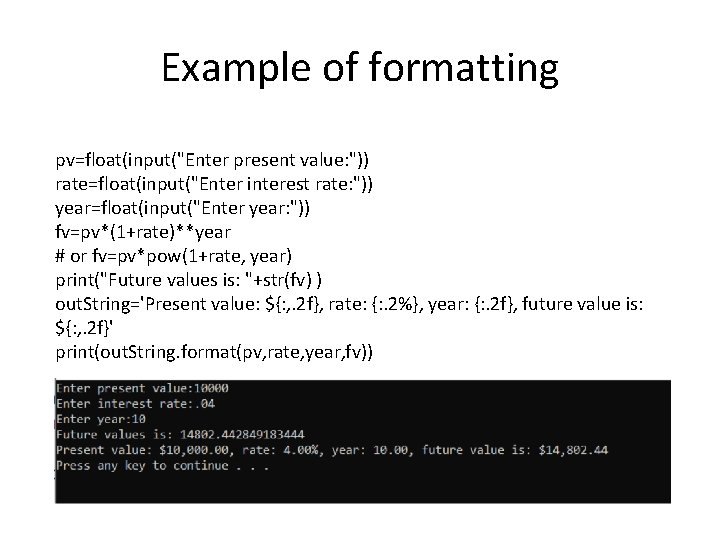
Example of formatting pv=float(input("Enter present value: ")) rate=float(input("Enter interest rate: ")) year=float(input("Enter year: ")) fv=pv*(1+rate)**year # or fv=pv*pow(1+rate, year) print("Future values is: "+str(fv) ) out. String='Present value: ${: , . 2 f}, rate: {: . 2%}, year: {: . 2 f}, future value is: ${: , . 2 f}' print(out. String. format(pv, rate, year, fv))
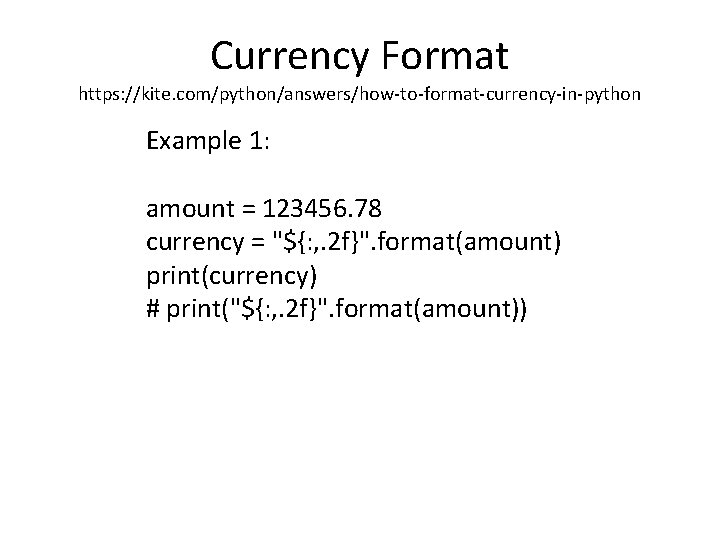
Currency Format https: //kite. com/python/answers/how-to-format-currency-in-python Example 1: amount = 123456. 78 currency = "${: , . 2 f}". format(amount) print(currency) # print("${: , . 2 f}". format(amount))
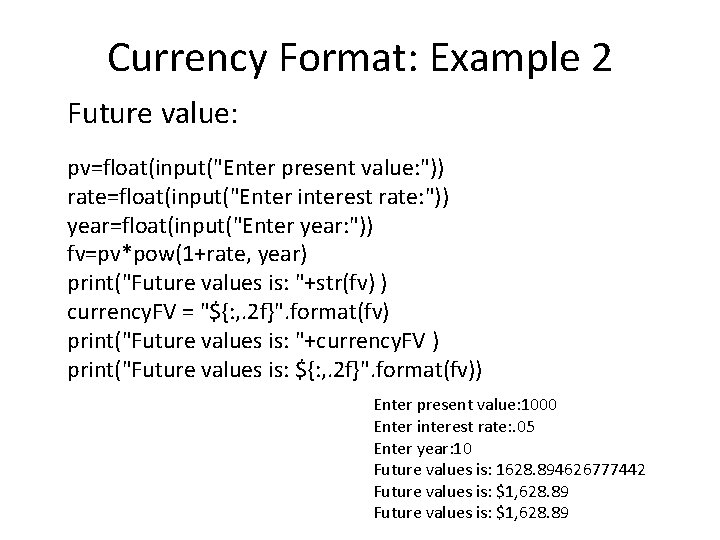
Currency Format: Example 2 Future value: pv=float(input("Enter present value: ")) rate=float(input("Enter interest rate: ")) year=float(input("Enter year: ")) fv=pv*pow(1+rate, year) print("Future values is: "+str(fv) ) currency. FV = "${: , . 2 f}". format(fv) print("Future values is: "+currency. FV ) print("Future values is: ${: , . 2 f}". format(fv)) Enter present value: 1000 Enter interest rate: . 05 Enter year: 10 Future values is: 1628. 894626777442 Future values is: $1, 628. 89
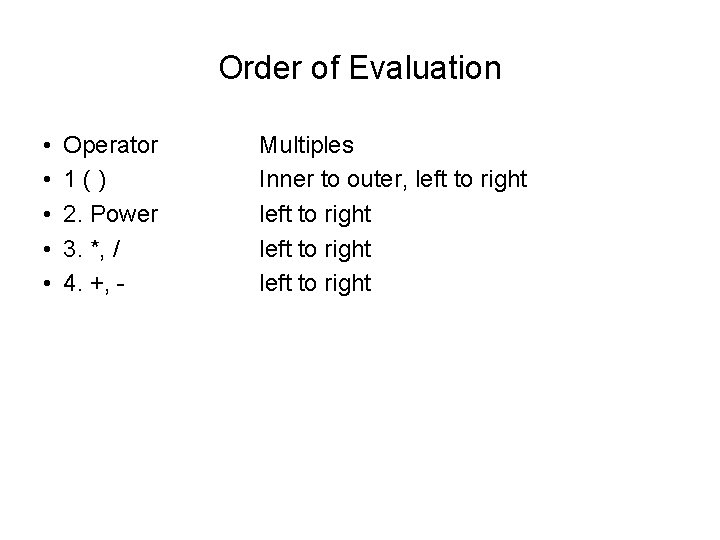
Order of Evaluation • • • Operator 1() 2. Power 3. *, / 4. +, - Multiples Inner to outer, left to right
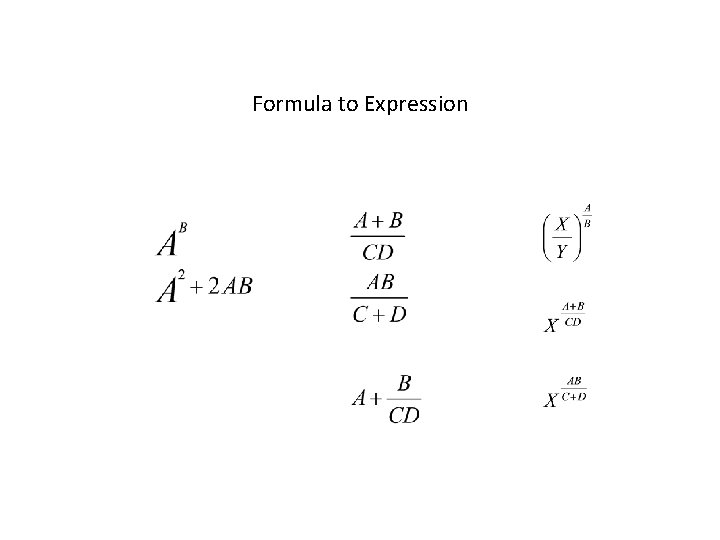
Formula to Expression
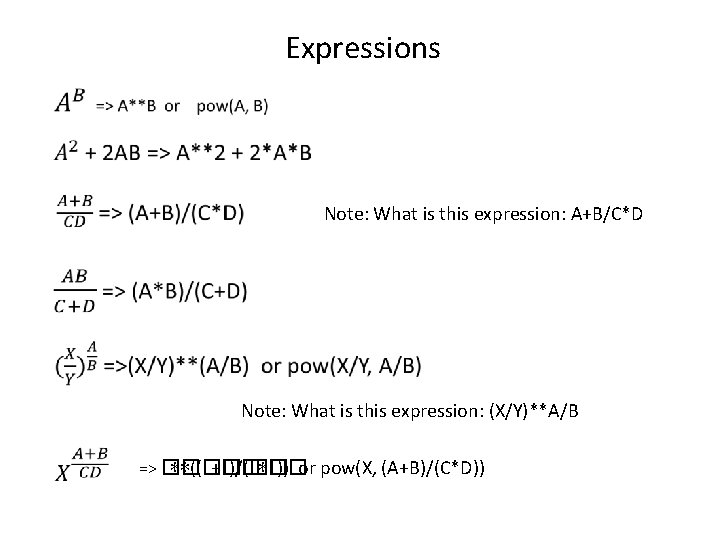
Expressions Note: What is this expression: A+B/C*D Note: What is this expression: (X/Y)**A/B => �� ∗∗((�� +�� )/(�� ∗�� )) or pow(X, (A+B)/(C*D))
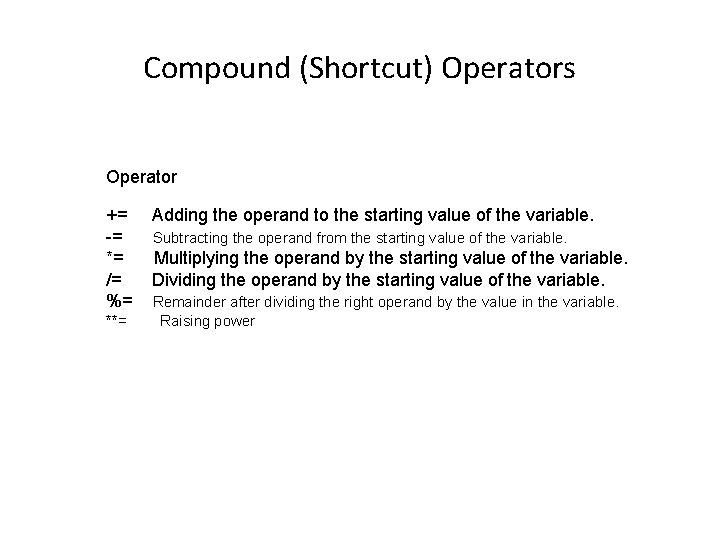
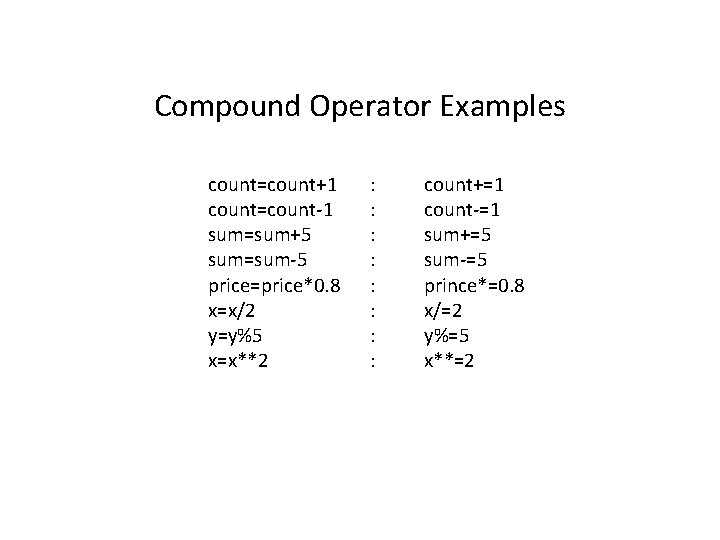
Compound (Shortcut) Operators Operator += -= *= /= %= **= Adding the operand to the starting value of the variable. Subtracting the operand from the starting value of the variable. Multiplying the operand by the starting value of the variable. Dividing the operand by the starting value of the variable. Remainder after dividing the right operand by the value in the variable. Raising power
Compound Operator Examples count=count+1 count=count-1 sum=sum+5 sum=sum-5 price=price*0. 8 x=x/2 y=y%5 x=x**2 : : : : count+=1 count-=1 sum+=5 sum-=5 prince*=0. 8 x/=2 y%=5 x**=2
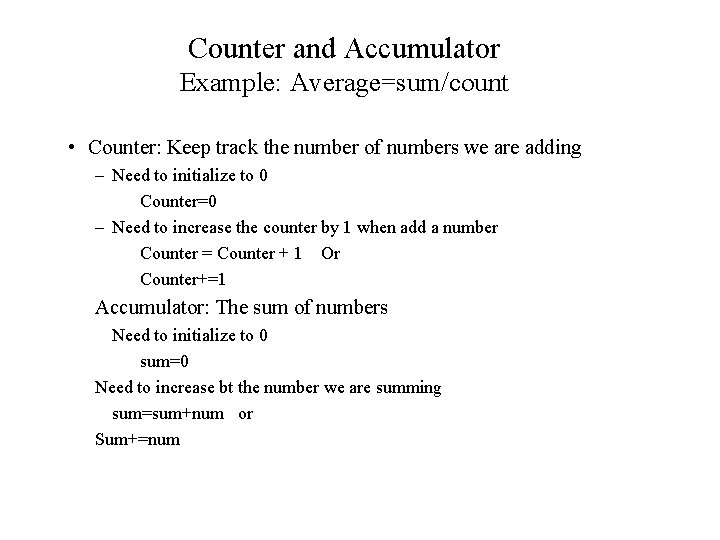
Counter and Accumulator Example: Average=sum/count • Counter: Keep track the number of numbers we are adding – Need to initialize to 0 Counter=0 – Need to increase the counter by 1 when add a number Counter = Counter + 1 Or Counter+=1 Accumulator: The sum of numbers Need to initialize to 0 sum=0 Need to increase bt the number we are summing sum=sum+num or Sum+=num
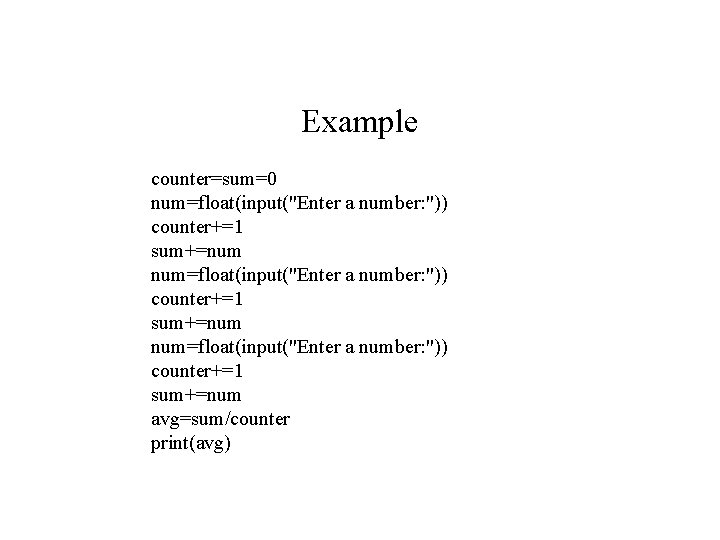
Example counter=sum=0 num=float(input("Enter a number: ")) counter+=1 sum+=num avg=sum/counter print(avg)
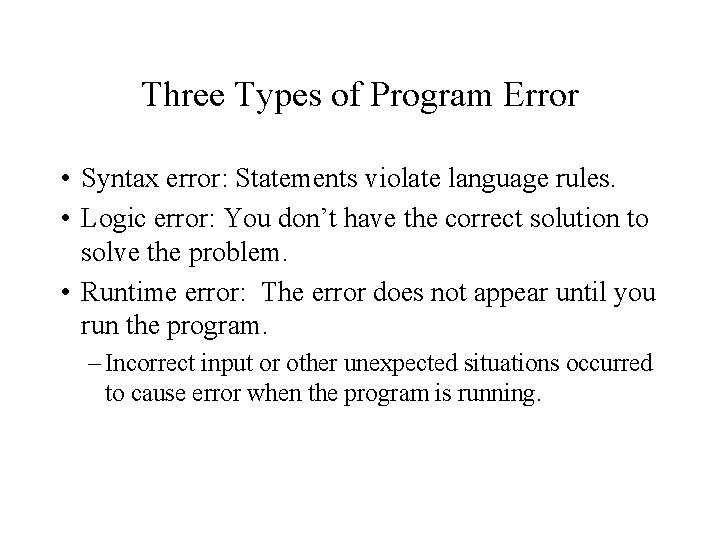
Three Types of Program Error • Syntax error: Statements violate language rules. • Logic error: You don’t have the correct solution to solve the problem. • Runtime error: The error does not appear until you run the program. – Incorrect input or other unexpected situations occurred to cause error when the program is running.