
Introduction to Programming Using Python PART 2 MIS
- Slides: 12
Introduction to Programming Using Python PART 2 MIS 201 Management Information Systems Lab Session 2
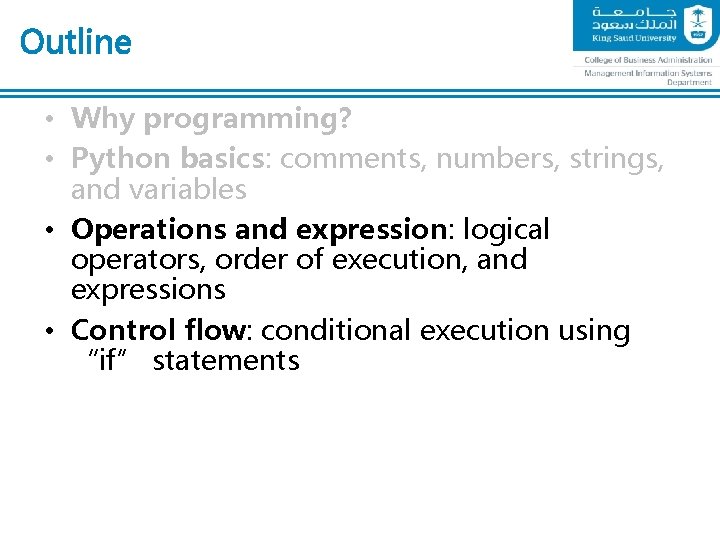
Outline • Why programming? • Python basics: comments, numbers, strings, and variables • Operations and expression: logical operators, order of execution, and expressions • Control flow: conditional execution using “if” statements
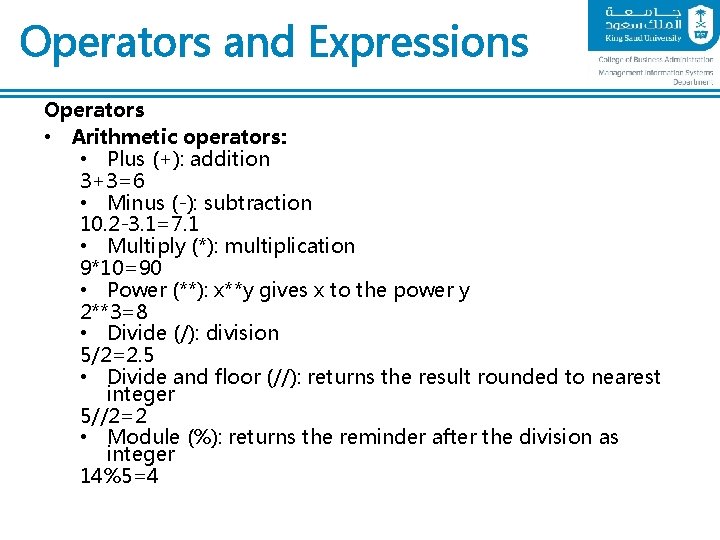
Operators and Expressions Operators • Arithmetic operators: • Plus (+): addition 3+3=6 • Minus (-): subtraction 10. 2 -3. 1=7. 1 • Multiply (*): multiplication 9*10=90 • Power (**): x**y gives x to the power y 2**3=8 • Divide (/): division 5/2=2. 5 • Divide and floor (//): returns the result rounded to nearest integer 5//2=2 • Module (%): returns the reminder after the division as integer 14%5=4
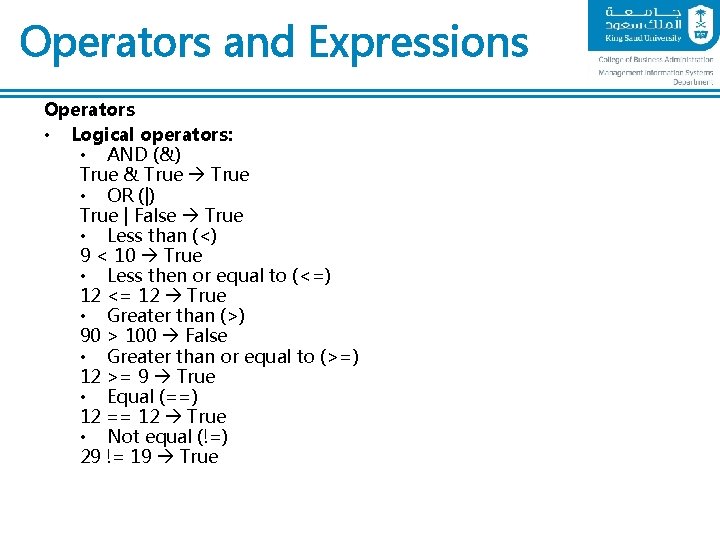
Operators and Expressions Operators • Logical operators: • AND (&) True & True • OR (|) True | False True • Less than (<) 9 < 10 True • Less then or equal to (<=) 12 <= 12 True • Greater than (>) 90 > 100 False • Greater than or equal to (>=) 12 >= 9 True • Equal (==) 12 == 12 True • Not equal (!=) 29 != 19 True
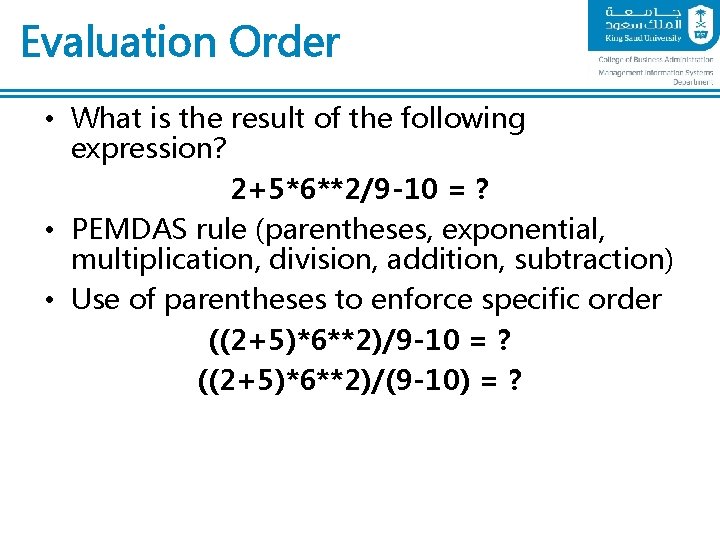
Evaluation Order • What is the result of the following expression? 2+5*6**2/9 -10 = ? • PEMDAS rule (parentheses, exponential, multiplication, division, addition, subtraction) • Use of parentheses to enforce specific order ((2+5)*6**2)/9 -10 = ? ((2+5)*6**2)/(9 -10) = ?
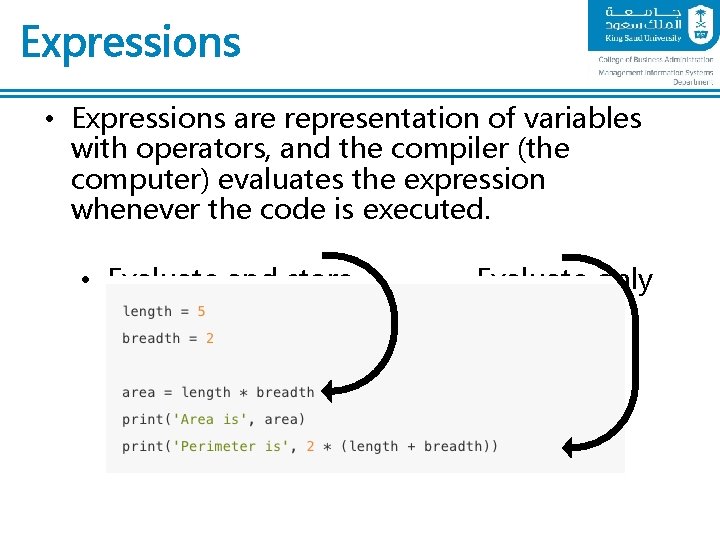
Expressions • Expressions are representation of variables with operators, and the compiler (the computer) evaluates the expression whenever the code is executed. • Evaluate and store Evaluate only
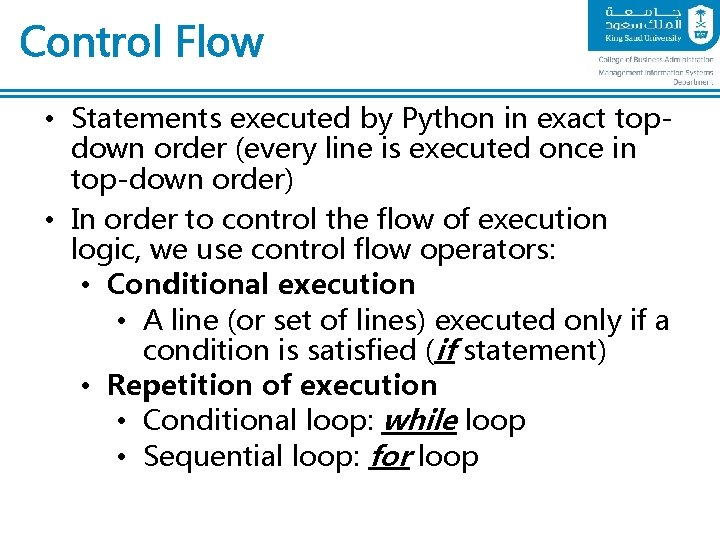
Control Flow • Statements executed by Python in exact topdown order (every line is executed once in top-down order) • In order to control the flow of execution logic, we use control flow operators: • Conditional execution • A line (or set of lines) executed only if a condition is satisfied (if statement) • Repetition of execution • Conditional loop: while loop • Sequential loop: for loop
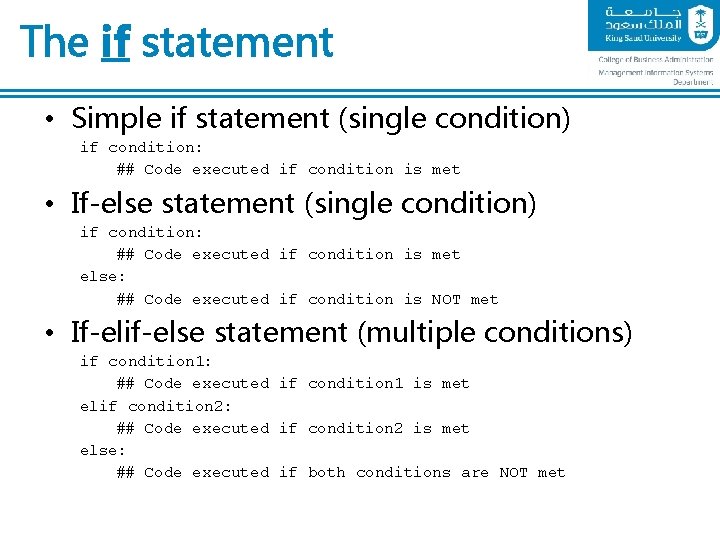
The if statement • Simple if statement (single condition) if condition: ## Code executed if condition is met • If-else statement (single condition) if condition: ## Code executed if condition is met else: ## Code executed if condition is NOT met • If-elif-else statement (multiple conditions) if condition 1: ## Code executed if condition 1 is met elif condition 2: ## Code executed if condition 2 is met else: ## Code executed if both conditions are NOT met
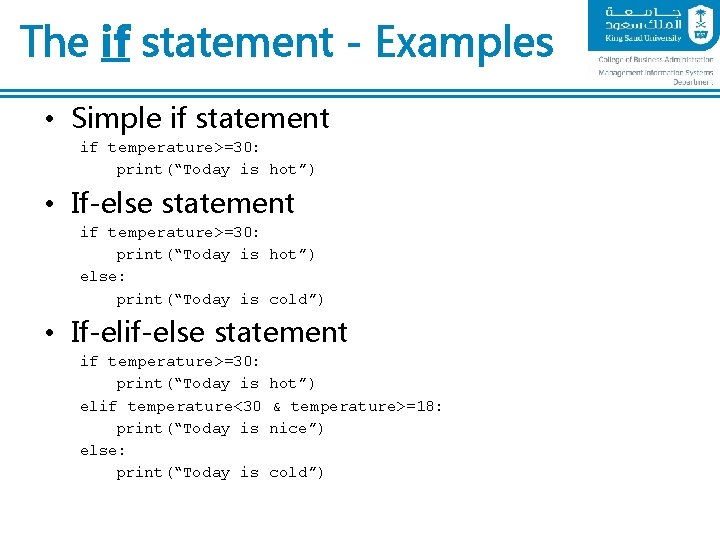
The if statement - Examples • Simple if statement if temperature>=30: print(“Today is hot”) • If-else statement if temperature>=30: print(“Today is hot”) else: print(“Today is cold”) • If-elif-else statement if temperature>=30: print(“Today is elif temperature<30 print(“Today is else: print(“Today is hot”) & temperature>=18: nice”) cold”)
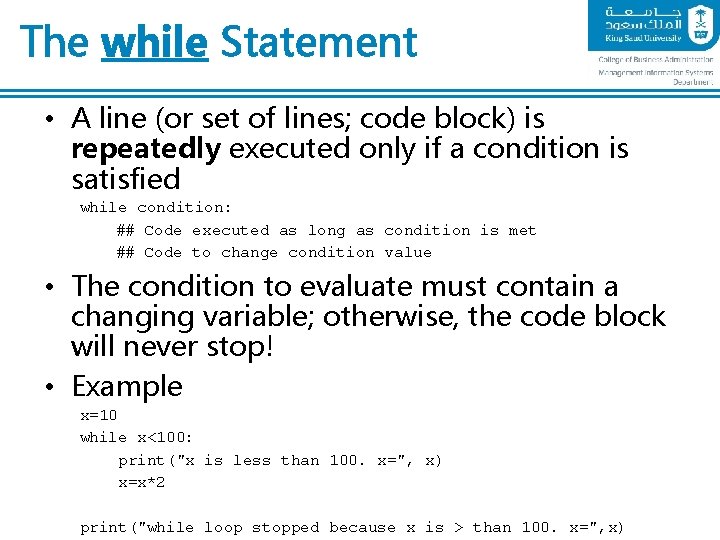
The while Statement • A line (or set of lines; code block) is repeatedly executed only if a condition is satisfied while condition: ## Code executed as long as condition is met ## Code to change condition value • The condition to evaluate must contain a changing variable; otherwise, the code block will never stop! • Example x=10 while x<100: print("x is less than 100. x=", x) x=x*2 print("while loop stopped because x is > than 100. x=", x)
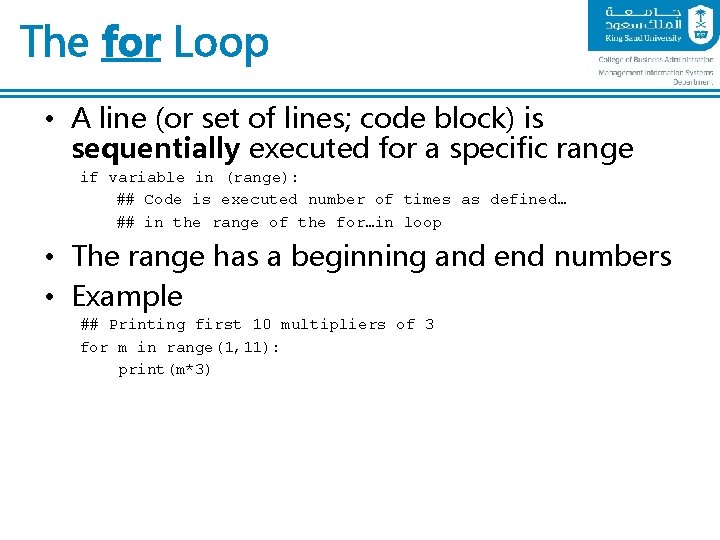
The for Loop • A line (or set of lines; code block) is sequentially executed for a specific range if variable in (range): ## Code is executed number of times as defined… ## in the range of the for…in loop • The range has a beginning and end numbers • Example ## Printing first 10 multipliers of 3 for m in range(1, 11): print(m*3)
End of Python Introduction