
Introduction to programming in the Java programming language
- Slides: 66
Introduction to programming in the Java programming language
Similarity between a computer program and a book • The structure of a computer program resembles the structure of a text document, like a book You all know what a book like and I will use the structure of a book to illustrate the structure of a (Java) program
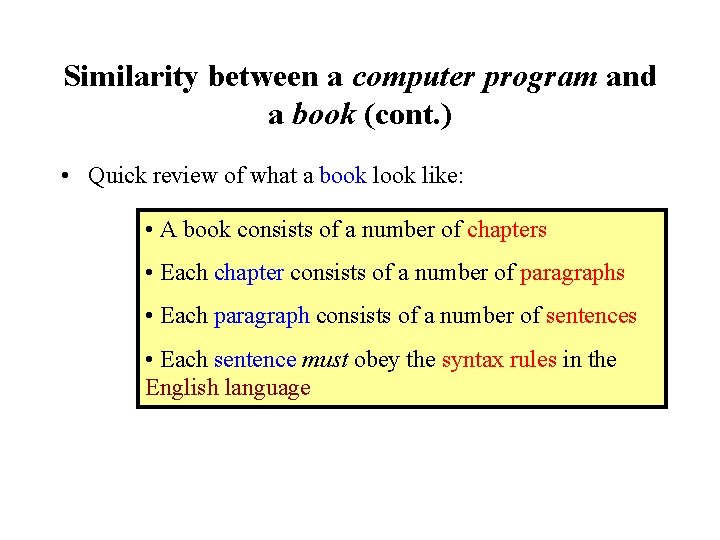
Similarity between a computer program and a book (cont. ) • Quick review of what a book like: • A book consists of a number of chapters • Each chapter consists of a number of paragraphs • Each paragraph consists of a number of sentences • Each sentence must obey the syntax rules in the English language
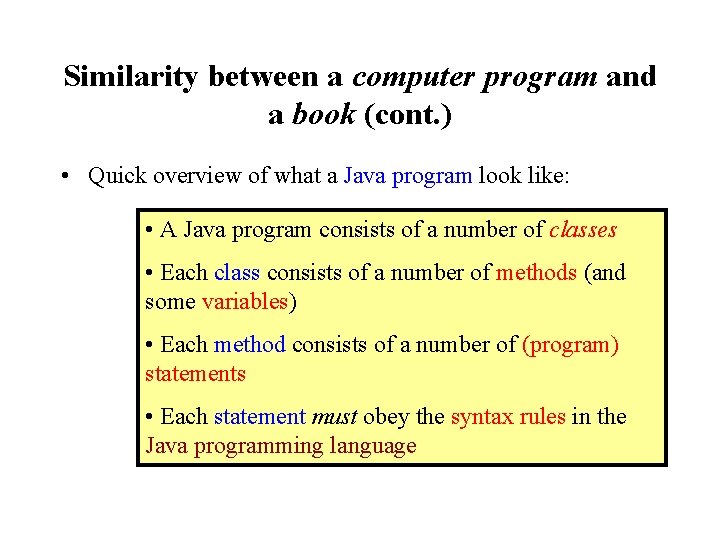
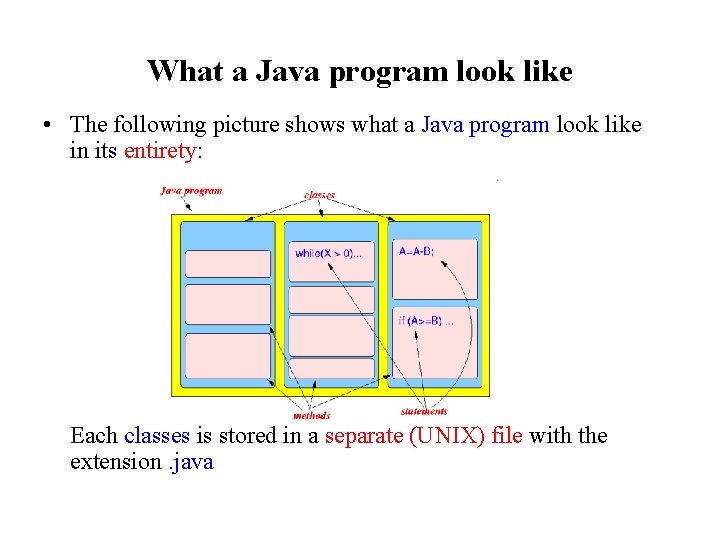
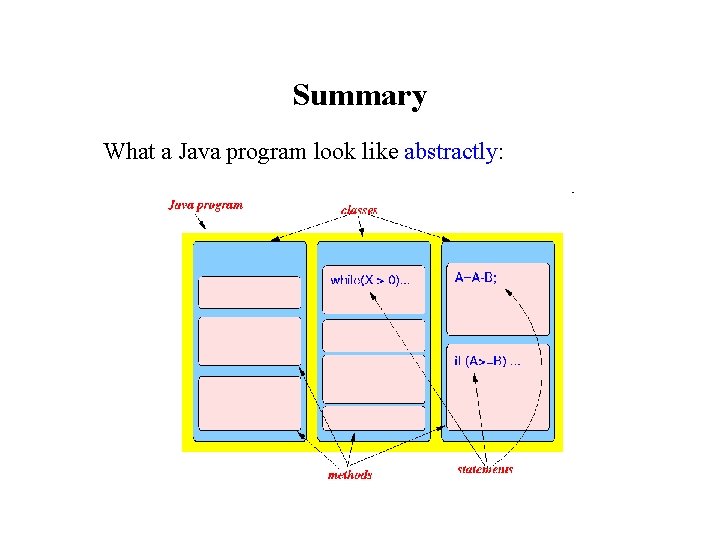
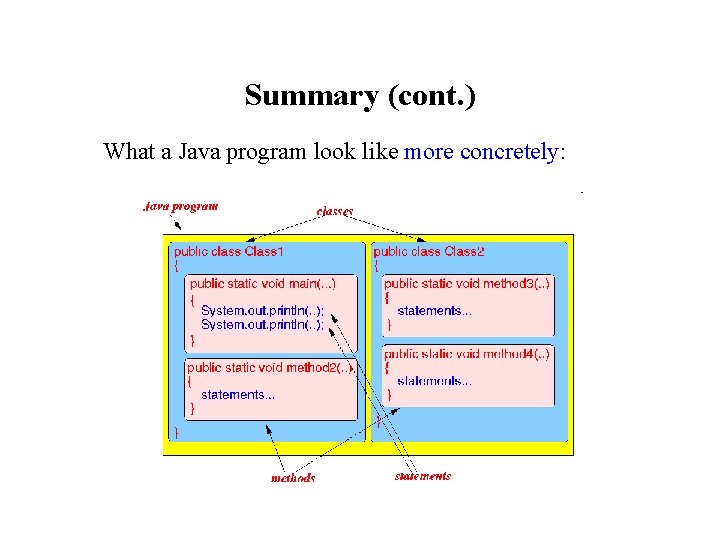
Similarity between a computer program and a book (cont. ) • Quick overview of what a Java program look like: • A Java program consists of a number of classes • Each class consists of a number of methods (and some variables) • Each method consists of a number of (program) statements • Each statement must obey the syntax rules in the Java programming language
What a Java program look like • The following picture shows what a Java program look like in its entirety: Each classes is stored in a separate (UNIX) file with the extension. java
What a Java program look like (cont. ) • The execution of a Java program begins with the method with the name main() (So: one of the methods in the Java program must be named main(). . . )
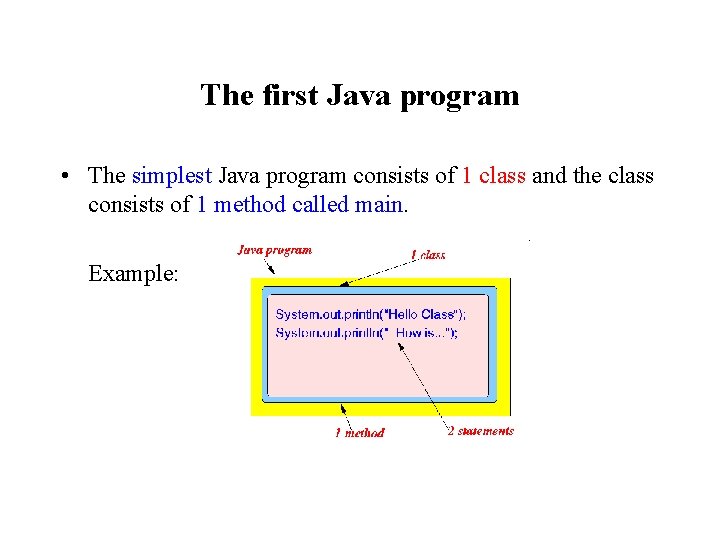
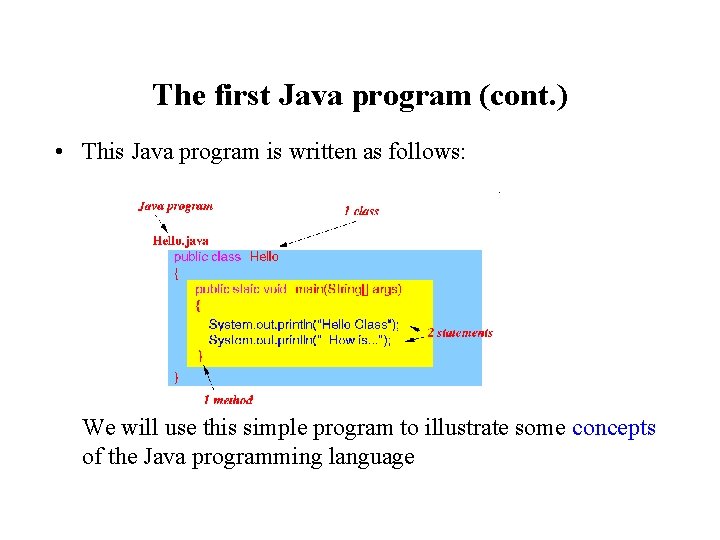
The first Java program • The simplest Java program consists of 1 class and the class consists of 1 method called main. Example:
The first Java program (cont. ) • Remember that: • You must have the method main in every Java program Because you only have 1 method. . . so the method must be named main --- (in this case, you have no choice. . . )
The first Java program (cont. ) • This Java program is written as follows: We will use this simple program to illustrate some concepts of the Java programming language
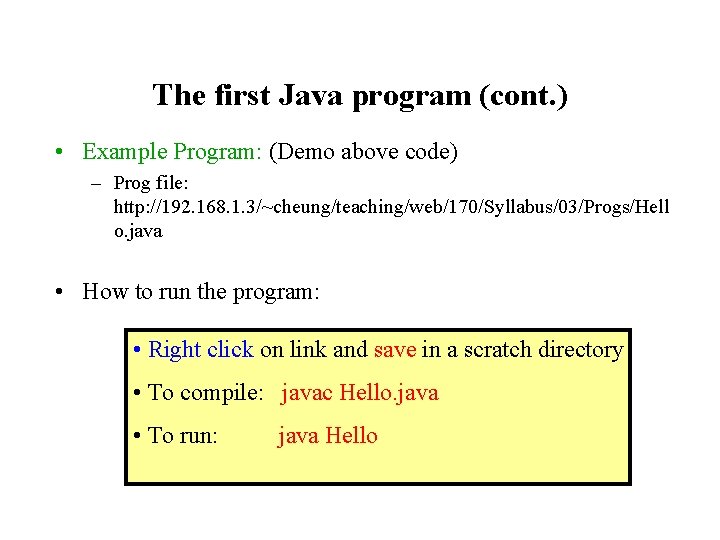
The first Java program (cont. ) • Example Program: (Demo above code) – Prog file: http: //192. 168. 1. 3/~cheung/teaching/web/170/Syllabus/03/Progs/Hell o. java • How to run the program: • Right click on link and save in a scratch directory • To compile: javac Hello. java • To run: java Hello
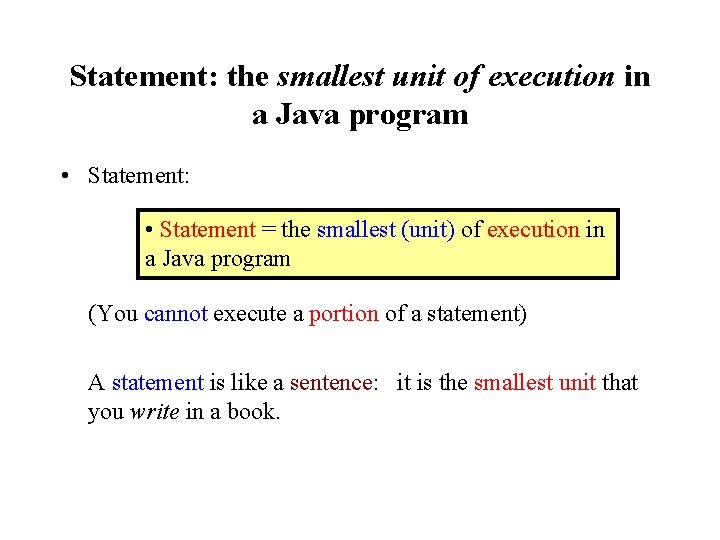
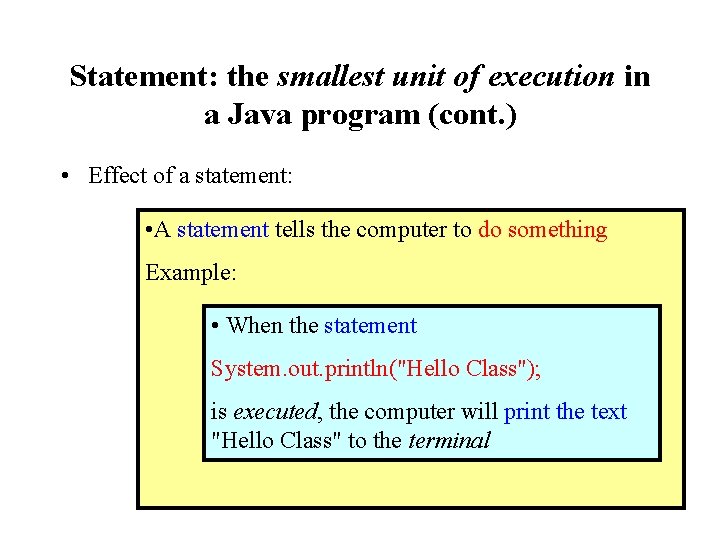
Statement: the smallest unit of execution in a Java program • Statement: • Statement = the smallest (unit) of execution in a Java program (You cannot execute a portion of a statement) A statement is like a sentence: it is the smallest unit that you write in a book.
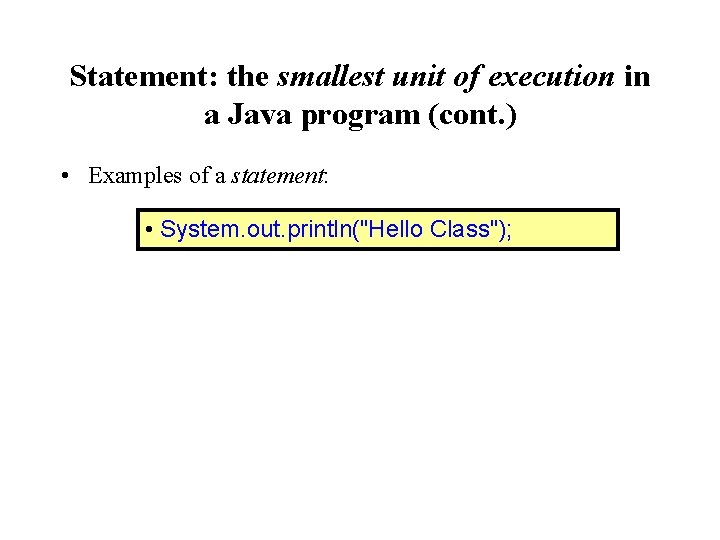
Statement: the smallest unit of execution in a Java program (cont. ) • Examples of a statement: • System. out. println("Hello Class");
Statement: the smallest unit of execution in a Java program (cont. ) • Effect of a statement: • A statement tells the computer to do something Example: • When the statement System. out. println("Hello Class"); is executed, the computer will print the text "Hello Class" to the terminal
Types of statements • There are different kinds (types) of statements in Java • We will discuss the details of each statement in Java later in the course
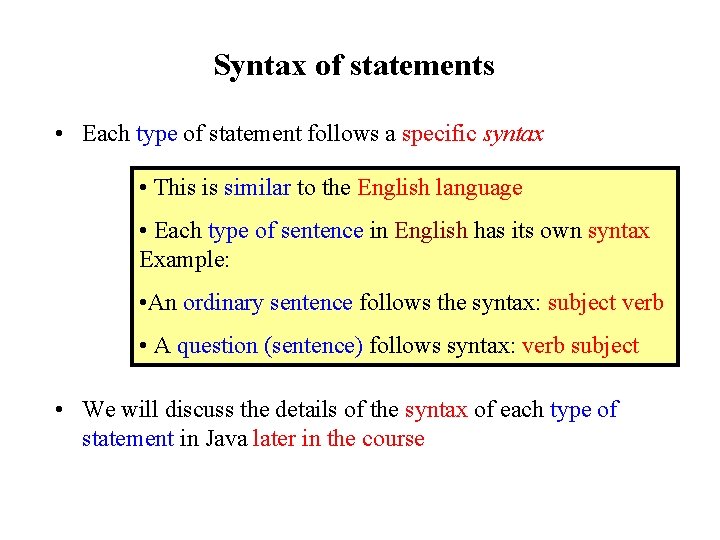
Syntax of statements • Each type of statement follows a specific syntax • This is similar to the English language • Each type of sentence in English has its own syntax Example: • An ordinary sentence follows the syntax: subject verb • A question (sentence) follows syntax: verb subject • We will discuss the details of the syntax of each type of statement in Java later in the course
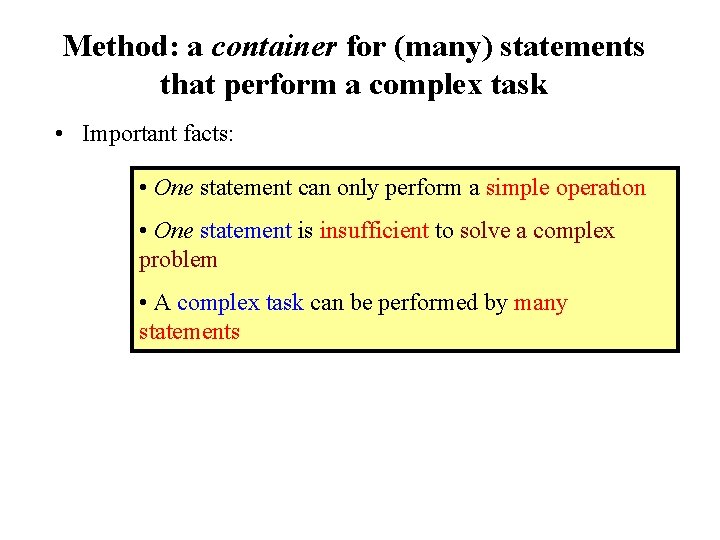
Method: a container for (many) statements that perform a complex task • Important facts: • One statement can only perform a simple operation • One statement is insufficient to solve a complex problem • A complex task can be performed by many statements
Method: a container for (many) statements that perform a complex task (cont. ) • Method: • For convenience, you can put a number of statement into a unit called a method • The method is given a unique name to identify the group of statements.
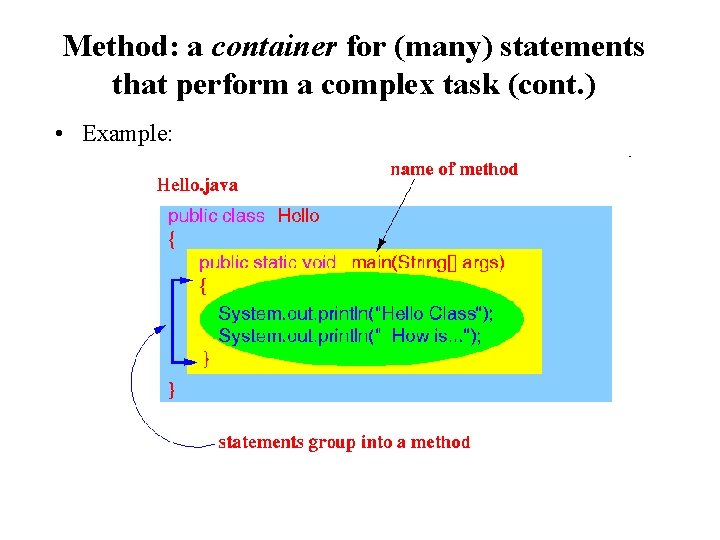
Method: a container for (many) statements that perform a complex task (cont. ) • Example:
Defining a method • Terminology: • Define a method = constructing a method • You must use a specify syntax to define a new method We will discuss a simplified syntax on how to define a method here and discuss the details on how to define methods later
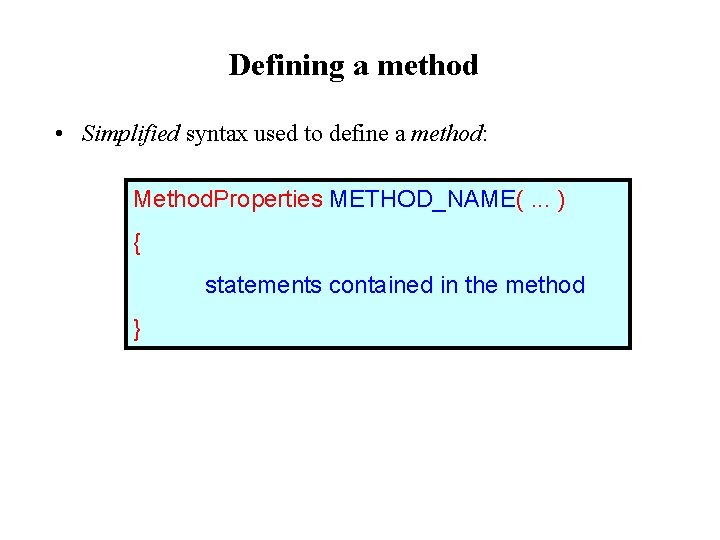
Defining a method • Simplified syntax used to define a method: Method. Properties METHOD_NAME(. . . ) { statements contained in the method }
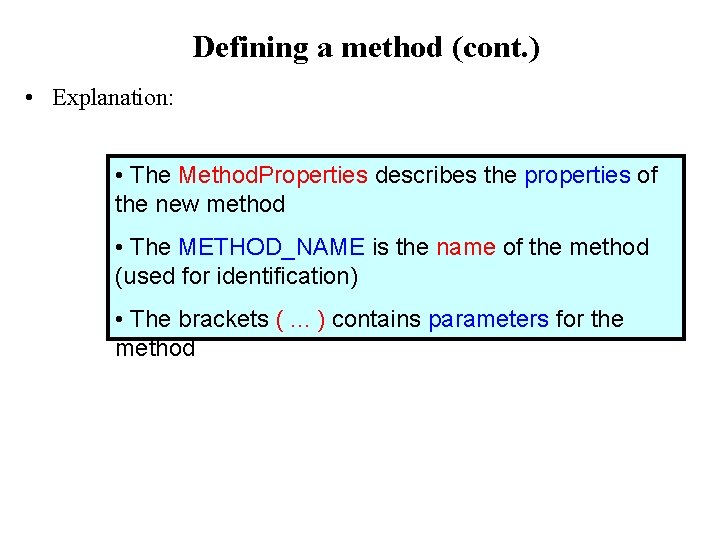
Defining a method (cont. ) • Explanation: • The Method. Properties describes the properties of the new method • The METHOD_NAME is the name of the method (used for identification) • The brackets (. . . ) contains parameters for the method
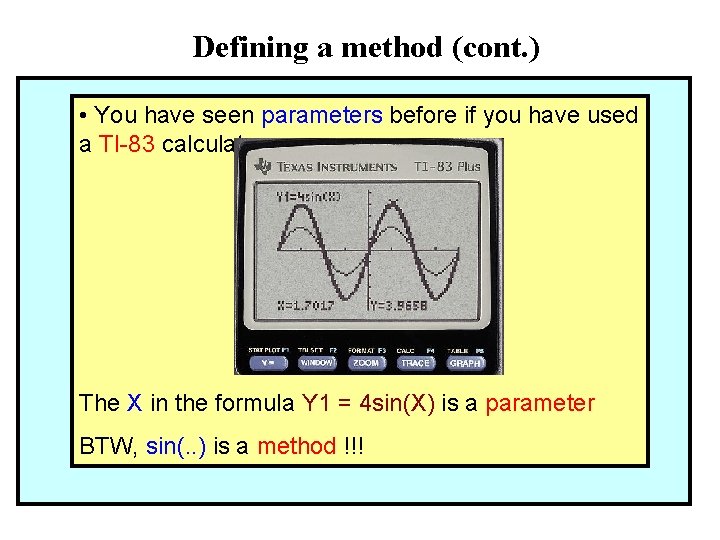
Defining a method (cont. ) • You have seen parameters before if you have used a TI-83 calculator: The X in the formula Y 1 = 4 sin(X) is a parameter BTW, sin(. . ) is a method !!!
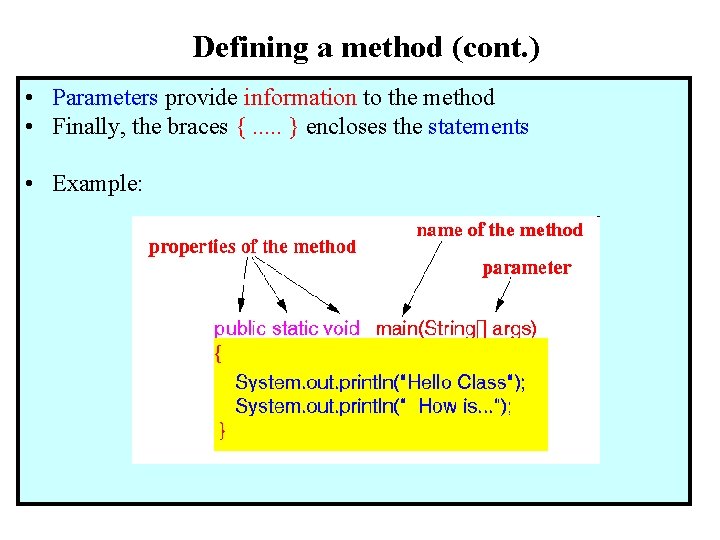
Defining a method (cont. ) • Parameters provide information to the method • Finally, the braces {. . . } encloses the statements • Example:
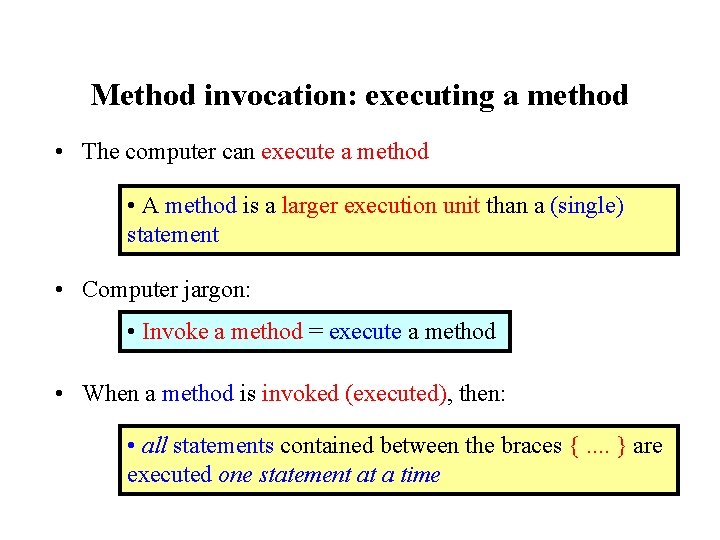
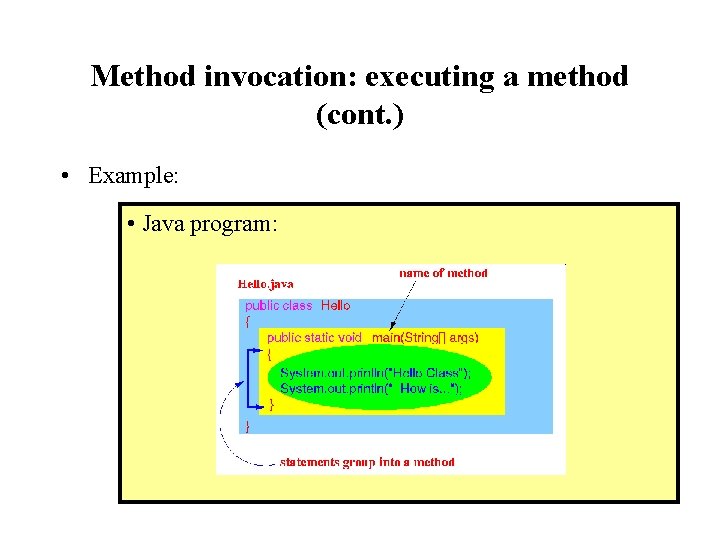
Method invocation: executing a method • The computer can execute a method • A method is a larger execution unit than a (single) statement • Computer jargon: • Invoke a method = execute a method • When a method is invoked (executed), then: • all statements contained between the braces {. . } are executed one statement at a time
Method invocation: executing a method (cont. ) • Example: • Java program:
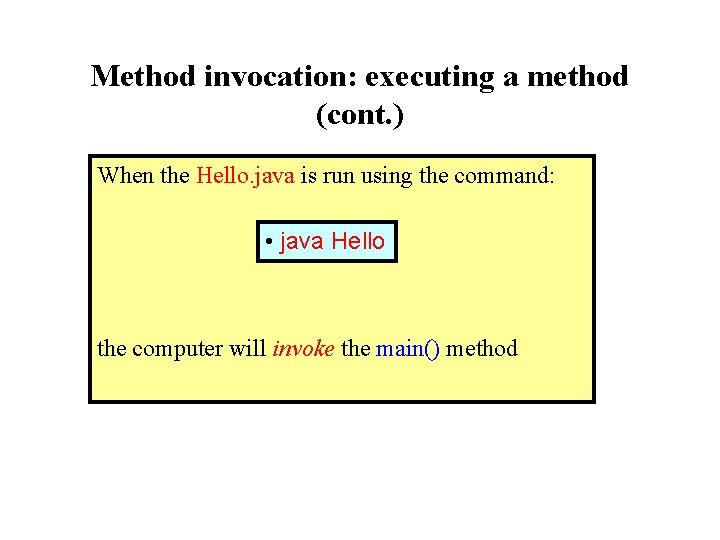
Method invocation: executing a method (cont. ) When the Hello. java is run using the command: • java Hello the computer will invoke the main() method
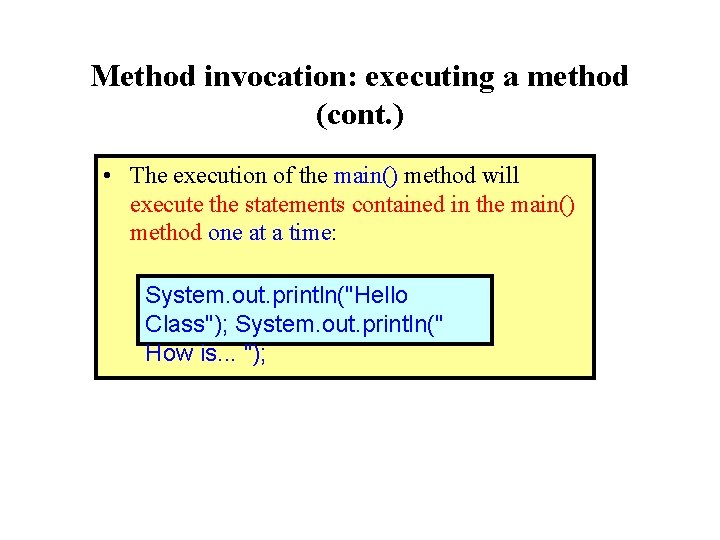
Method invocation: executing a method (cont. ) • The execution of the main() method will execute the statements contained in the main() method one at a time: System. out. println("Hello Class"); System. out. println(" How is. . . ");
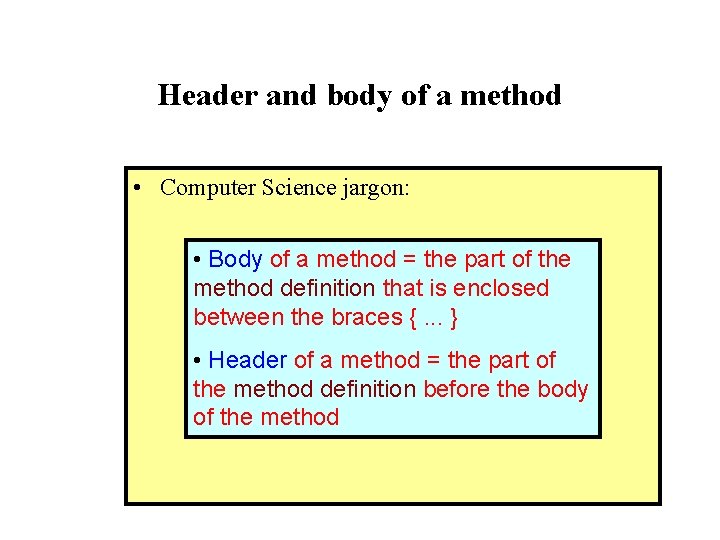
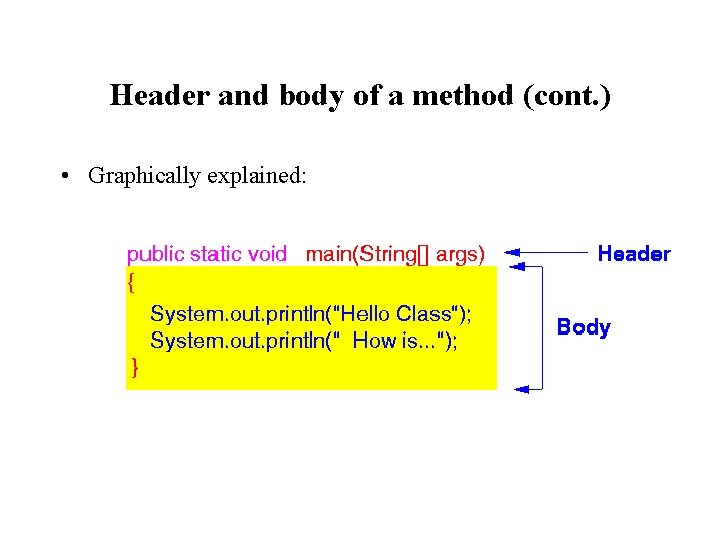
Header and body of a method • Computer Science jargon: • Body of a method = the part of the method definition that is enclosed between the braces {. . . } • Header of a method = the part of the method definition before the body of the method
Header and body of a method (cont. ) • Graphically explained:
Header and body of a method (cont. ) • Note • When a method is executed, the statements in its body are executed
Keywords (or reserved words) • Each programming language has reserved a number of words for some specific purpose • Keyword: • Keyword = a reserved word in a programming language
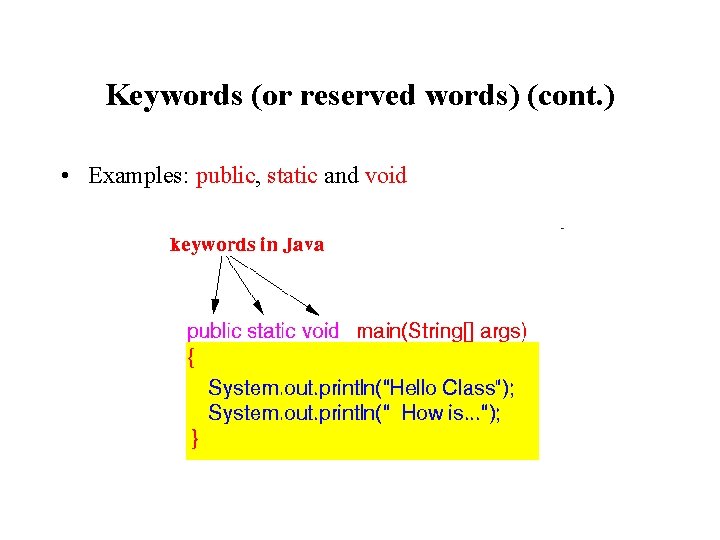
Keywords (or reserved words) (cont. ) • Examples: public, static and void
Keywords (or reserved words) (cont. ) • Keywords have special meaning in a programming language: • A keyword must be used for that specified purpose
Keywords (or reserved words) (cont. ) • Example: • A public method is a method that has the highest level of accessibility (Java allows you to define methods with more limited accessibility with the keyword private. • You will learn about this topic much later - in another course)
Identifiers • Rules to form the name of an identifier in Java: • Identifier = a name chosen by the programmer to identify something defined inside a program There are some rules in Java that you must follow to form the identifier name
Identifiers (cont. ) • Identifier: • An identifier consists of a number of characters • There is no limit on the number of characters in the identifier (but do not try using identifiers that are too long because you will have to type it yourself. . . ) • The first character of an identifier must be one of the following: • A letter (a, b, . . . , z, A, B, . . . , Z), or • The underscore character
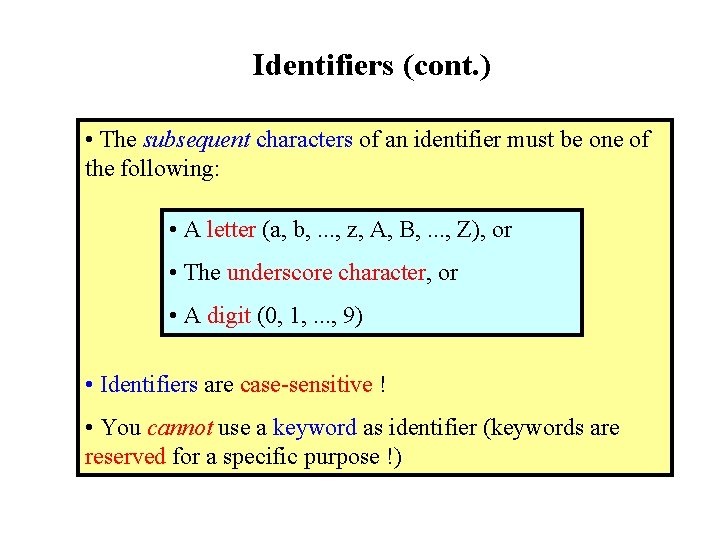
Identifiers (cont. ) • The subsequent characters of an identifier must be one of the following: • A letter (a, b, . . . , z, A, B, . . . , Z), or • The underscore character, or • A digit (0, 1, . . . , 9) • Identifiers are case-sensitive ! • You cannot use a keyword as identifier (keywords are reserved for a specific purpose !)
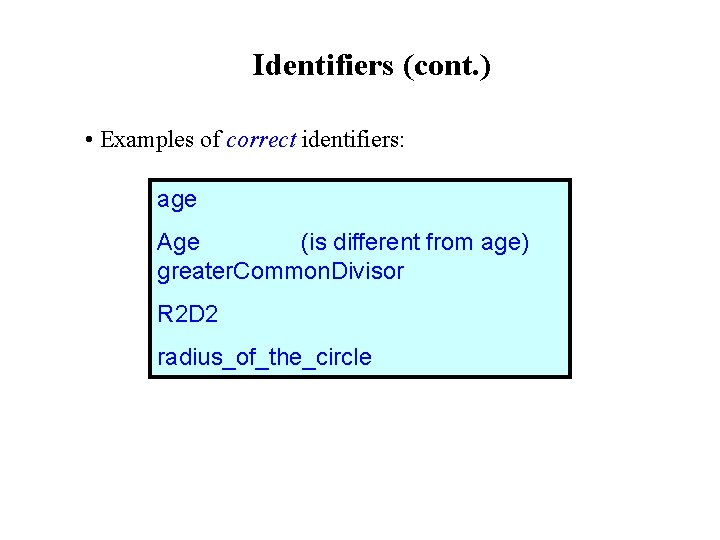
Identifiers (cont. ) • Examples of correct identifiers: age Age (is different from age) greater. Common. Divisor R 2 D 2 radius_of_the_circle
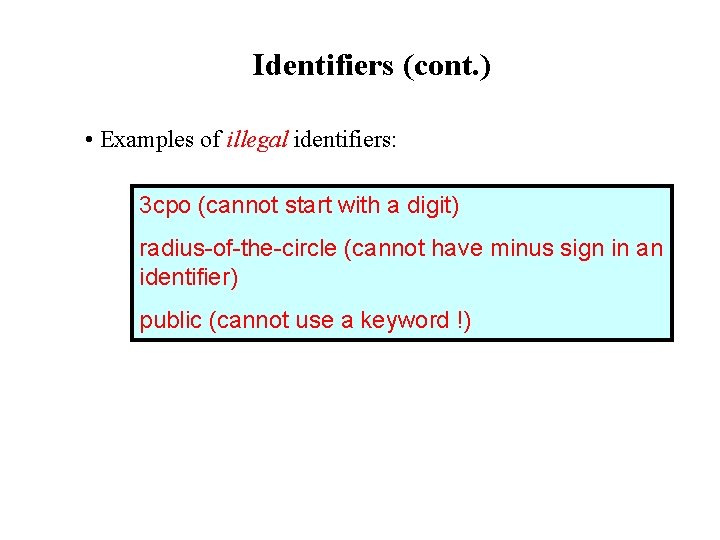
Identifiers (cont. ) • Examples of illegal identifiers: 3 cpo (cannot start with a digit) radius-of-the-circle (cannot have minus sign in an identifier) public (cannot use a keyword !)
Class: container for methods • Important facts: • One method is used to perform one complex task • In order to solve one problem, you may need to perform multiple complex tasks For each complex task, you will have to write one method to perform the task. • The different methods have a common purpose • It makes sense to collect methods that serve similar purpose together.
Class: container for methods (cont. ) • Class: • For organizational purpose, you can put a number of methods into a unit called a class • The class is given a unique name
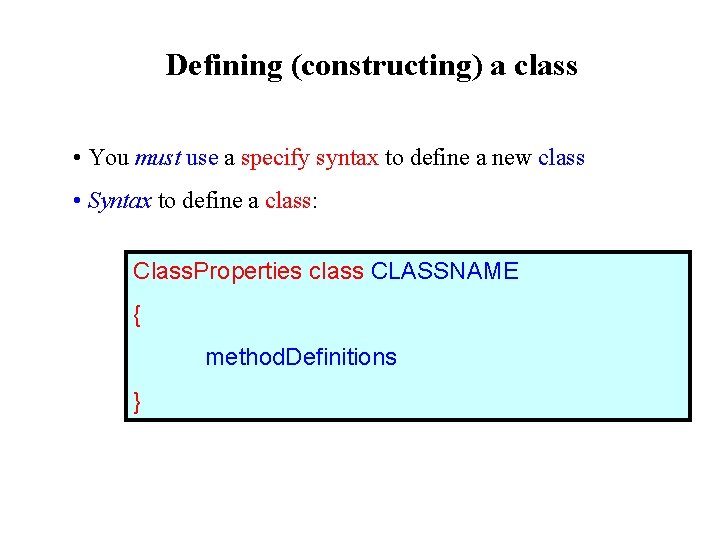
Defining (constructing) a class • You must use a specify syntax to define a new class • Syntax to define a class: Class. Properties class CLASSNAME { method. Definitions }
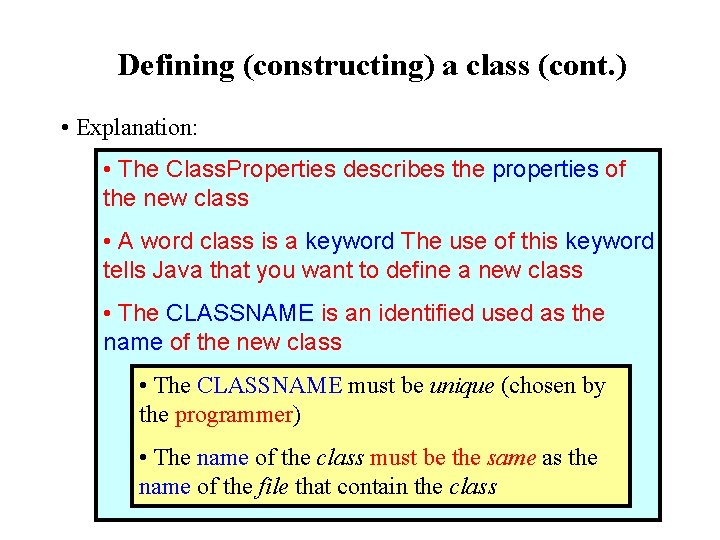
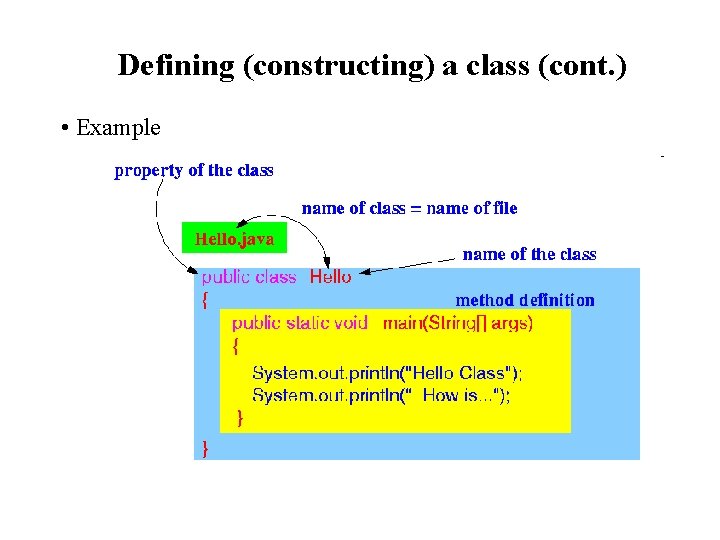
Defining (constructing) a class (cont. ) • Explanation: • The Class. Properties describes the properties of the new class • A word class is a keyword The use of this keyword tells Java that you want to define a new class • The CLASSNAME is an identified used as the name of the new class • The CLASSNAME must be unique (chosen by the programmer) • The name of the class must be the same as the name of the file that contain the class
Defining (constructing) a class (cont. ) • Example
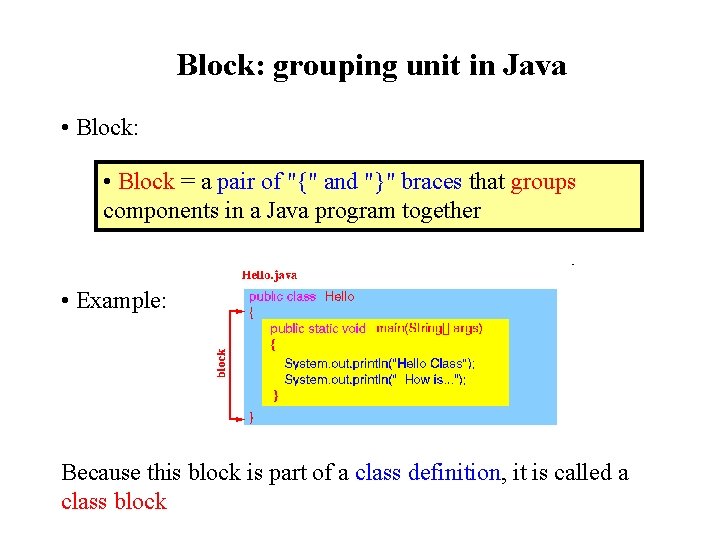
Block: grouping unit in Java • Block: • Block = a pair of "{" and "}" braces that groups components in a Java program together • Example: Because this block is part of a class definition, it is called a class block
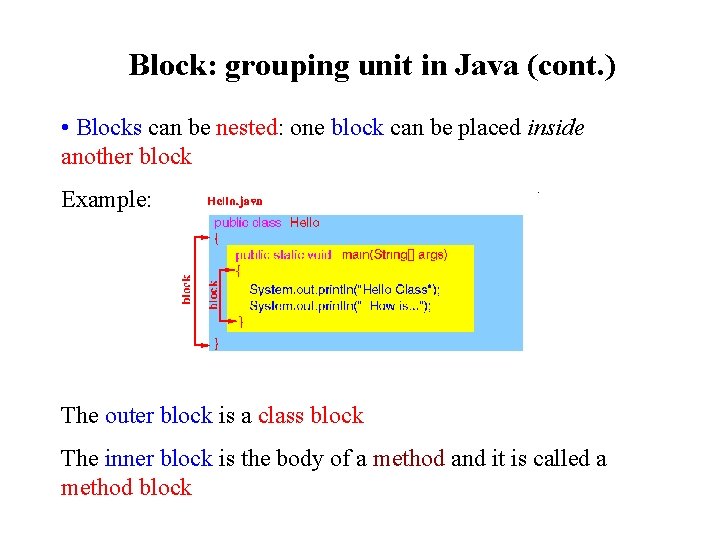
Block: grouping unit in Java (cont. ) • Blocks can be nested: one block can be placed inside another block Example: The outer block is a class block The inner block is the body of a method and it is called a method block
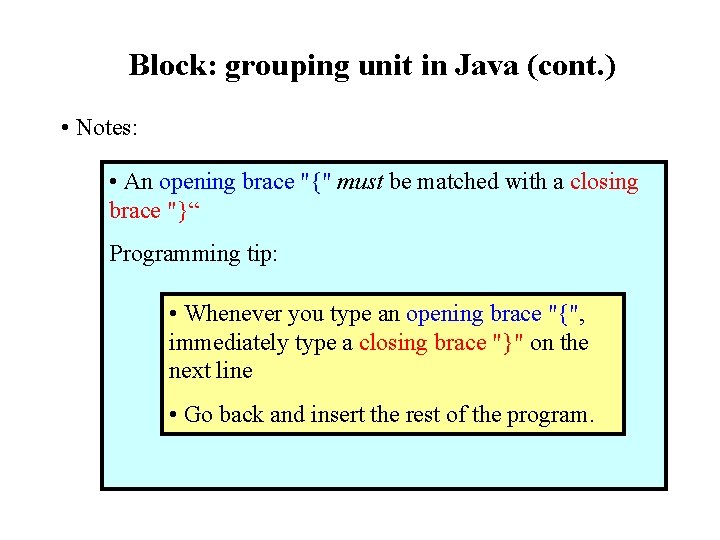
Block: grouping unit in Java (cont. ) • Notes: • An opening brace "{" must be matched with a closing brace "}“ Programming tip: • Whenever you type an opening brace "{", immediately type a closing brace "}" on the next line • Go back and insert the rest of the program.
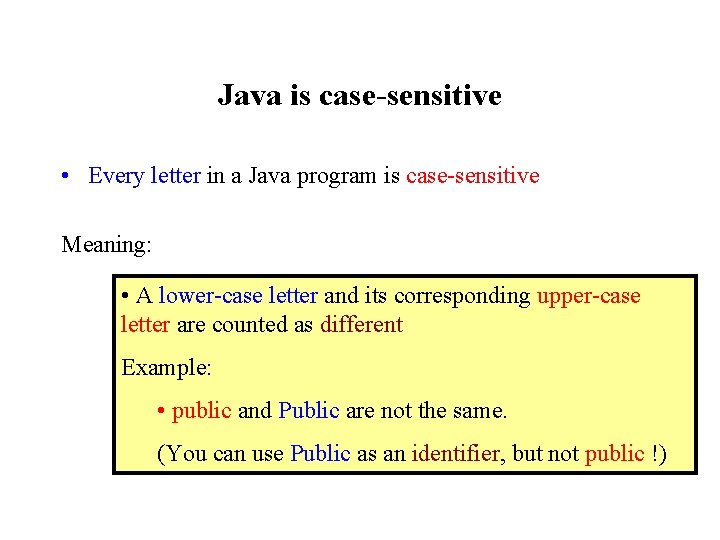
Java is case-sensitive • Every letter in a Java program is case-sensitive Meaning: • A lower-case letter and its corresponding upper-case letter are counted as different Example: • public and Public are not the same. (You can use Public as an identifier, but not public !)
Comments • Comment: • Comment = text inside a Java program that is ignored by the Java compiler • Comments are used to annotate the program to help humans understand the operation of the Java program
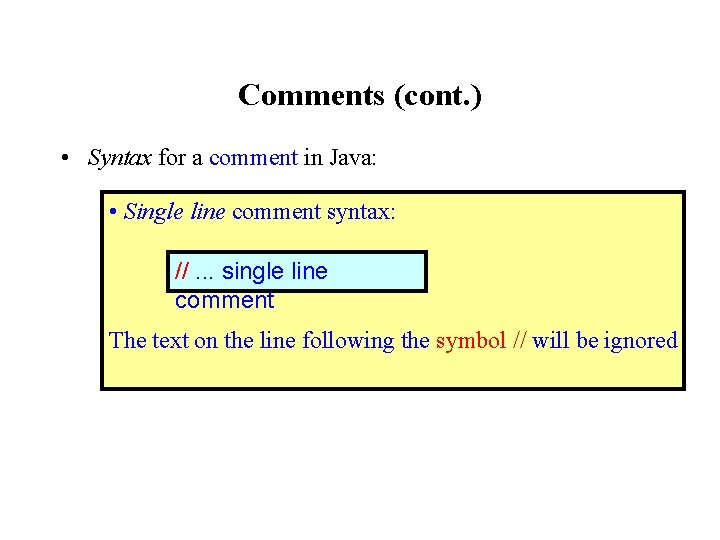
Comments (cont. ) • Syntax for a comment in Java: • Single line comment syntax: //. . . single line comment The text on the line following the symbol // will be ignored
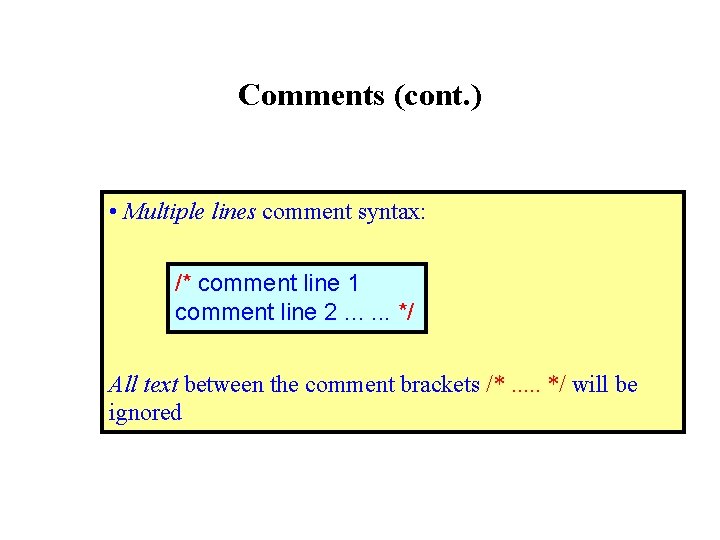
Comments (cont. ) • Multiple lines comment syntax: /* comment line 1 comment line 2. . . */ All text between the comment brackets /*. . . */ will be ignored
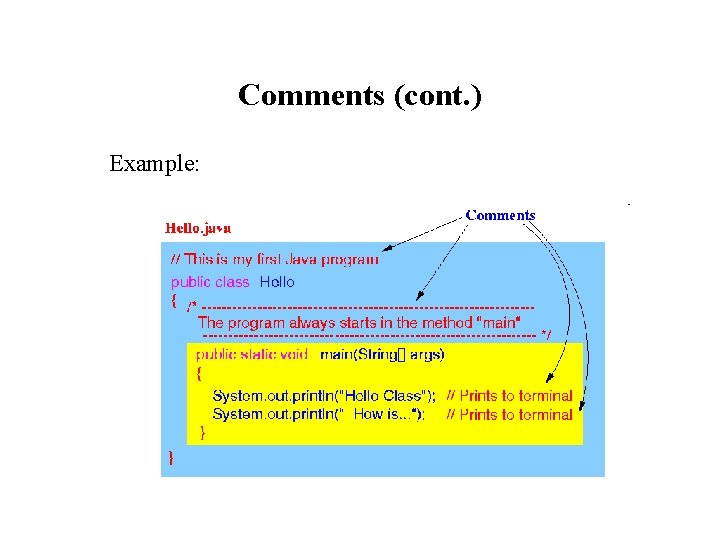
Comments (cont. ) Example:
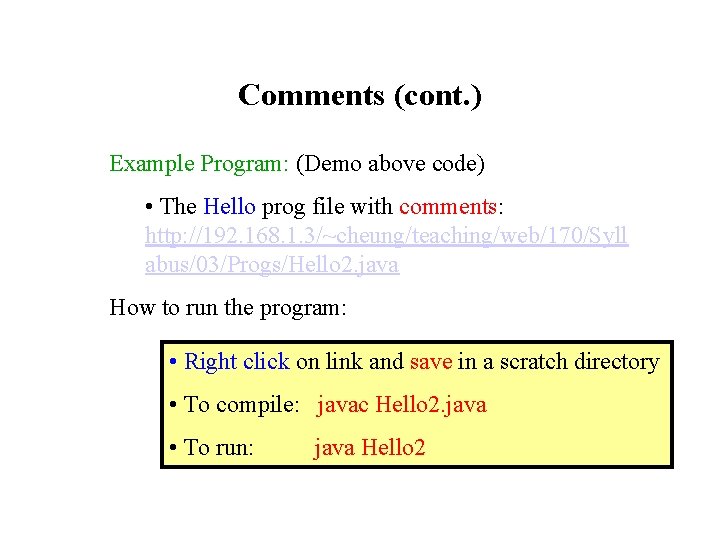
Comments (cont. ) Example Program: (Demo above code) • The Hello prog file with comments: http: //192. 168. 1. 3/~cheung/teaching/web/170/Syll abus/03/Progs/Hello 2. java How to run the program: • Right click on link and save in a scratch directory • To compile: javac Hello 2. java • To run: java Hello 2
Java programs are format-free • The Java compiler (translator) consider white space characters (i. e. , SPACE, TAB and New line) as insignificant • All that the Java compiler cares about is syntactical correctness
Java programs are format-free (cont. ) • Consequence: • You can make a Java program look very ugly and it may still be syntactically correct to the Java compiler
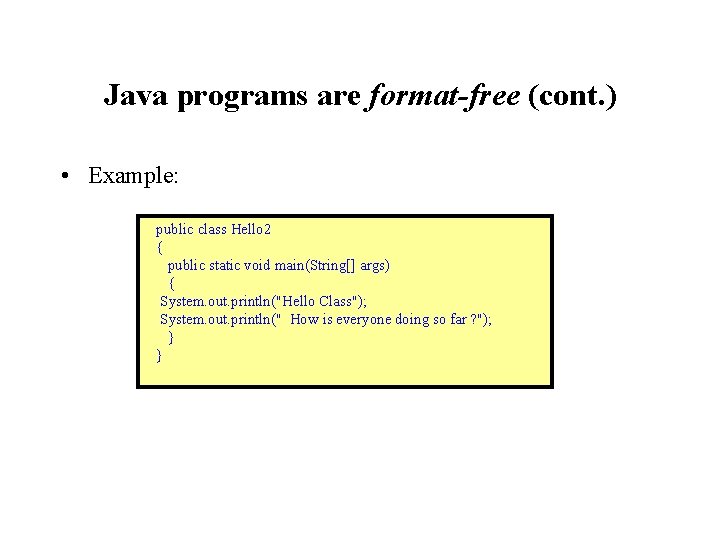
Java programs are format-free (cont. ) • Example: public class Hello 2 { public static void main(String[] args) { System. out. println("Hello Class"); System. out. println(" How is everyone doing so far ? "); } }
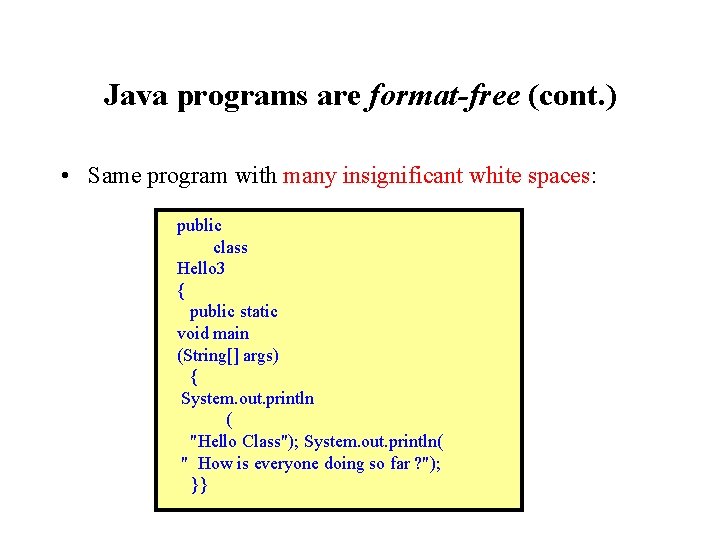
Java programs are format-free (cont. ) • Same program with many insignificant white spaces: public class Hello 3 { public static void main (String[] args) { System. out. println ( "Hello Class"); System. out. println( " How is everyone doing so far ? "); }}
Java programs are format-free (cont. ) • (But. . . I had to call it Hello 3 because the name Hello 2 is already used)
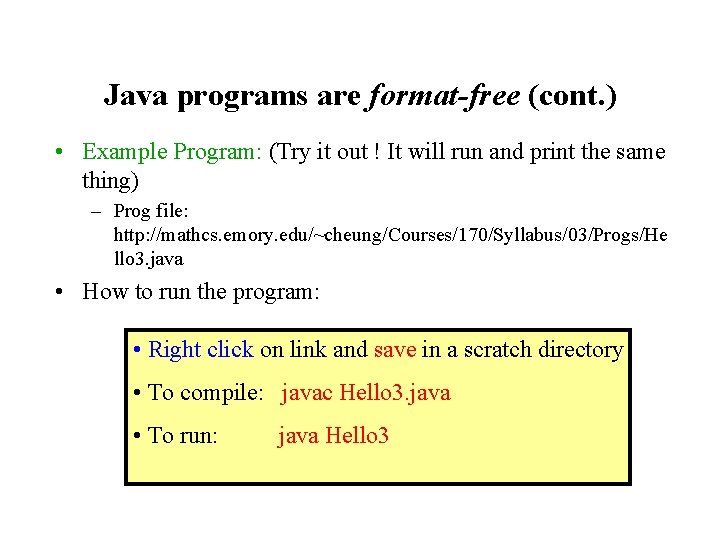
Java programs are format-free (cont. ) • Example Program: (Try it out ! It will run and print the same thing) – Prog file: http: //mathcs. emory. edu/~cheung/Courses/170/Syllabus/03/Progs/He llo 3. java • How to run the program: • Right click on link and save in a scratch directory • To compile: javac Hello 3. java • To run: java Hello 3
Java programs are format-free (cont. ) • Moral of this lesson: • Do yourself a favor • Don't abuse the format-free feature of Java • Indent your programs properly so the structure of the algorithm is easily visible It will help you understand what the program is doing and find errors
Summary What a Java program look like abstractly:
Summary (cont. ) What a Java program look like more concretely:
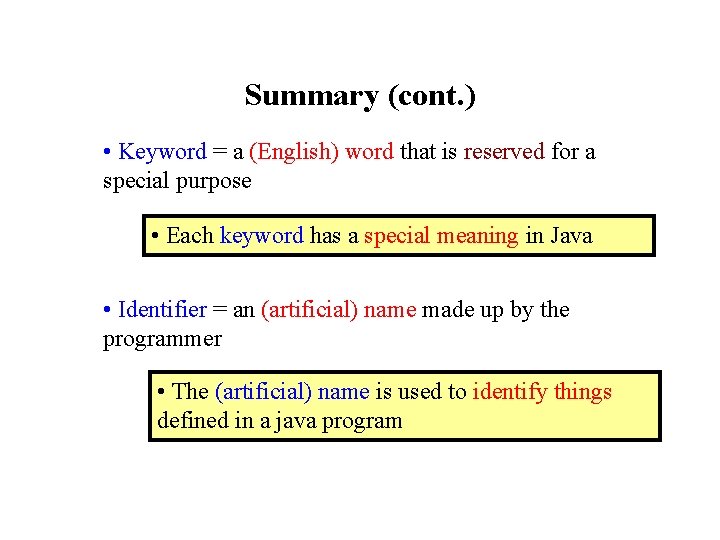
Summary (cont. ) • Keyword = a (English) word that is reserved for a special purpose • Each keyword has a special meaning in Java • Identifier = an (artificial) name made up by the programmer • The (artificial) name is used to identify things defined in a java program
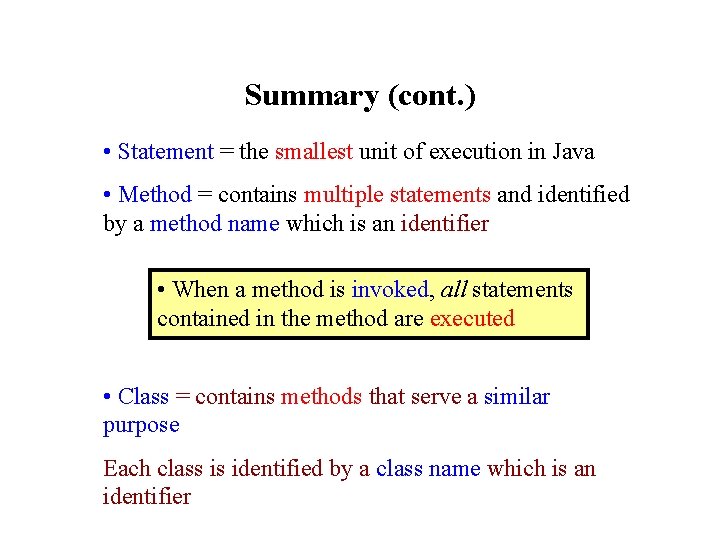
Summary (cont. ) • Statement = the smallest unit of execution in Java • Method = contains multiple statements and identified by a method name which is an identifier • When a method is invoked, all statements contained in the method are executed • Class = contains methods that serve a similar purpose Each class is identified by a class name which is an identifier
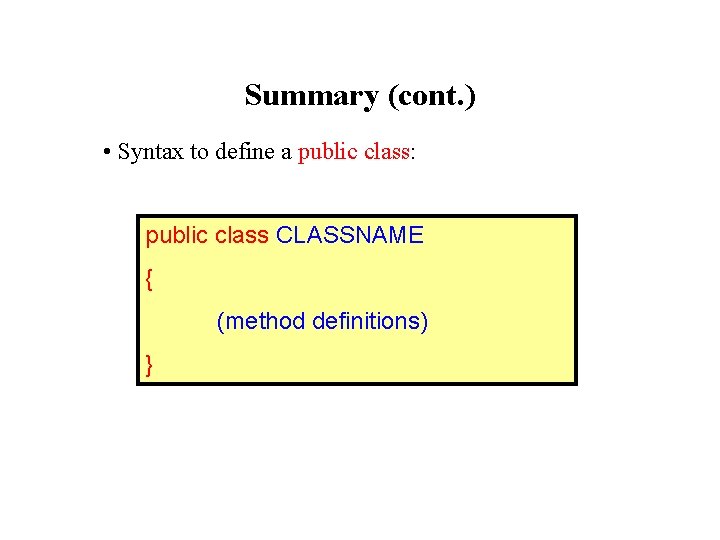
Summary (cont. ) • Syntax to define a public class: public class CLASSNAME { (method definitions) }
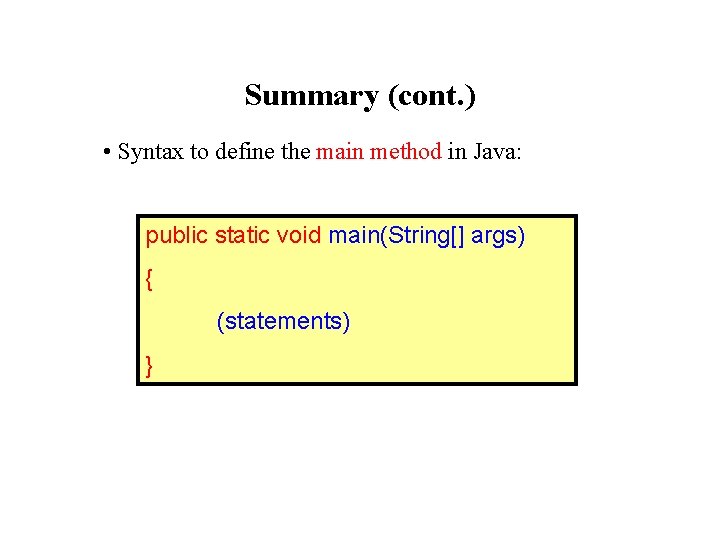
Summary (cont. ) • Syntax to define the main method in Java: public static void main(String[] args) { (statements) }