
Introduction to Programming in Python I will be
Introduction to Programming in Python I will be able to. . . 1. Know what syntax errors are 2. Understand how to use the input() function 3. Demonstrate how variables work. Syntax Function Variables Images by Krista Wallden
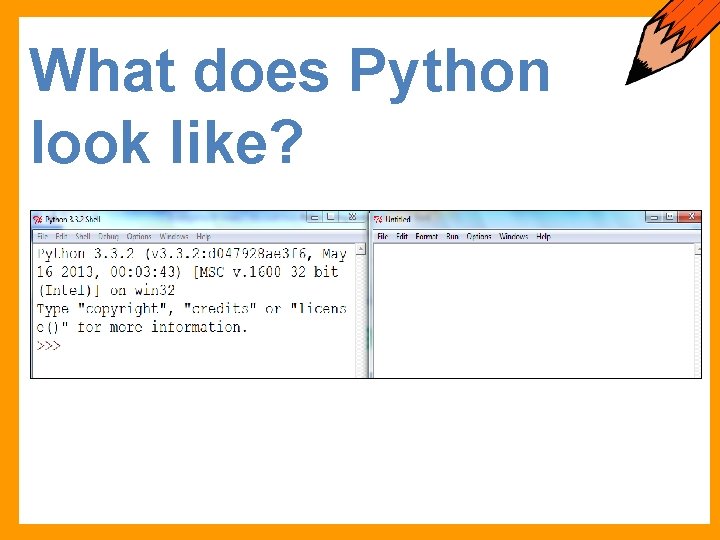
What does Python look like?

Starter Enter the code shown here to execute your first Student Activity code
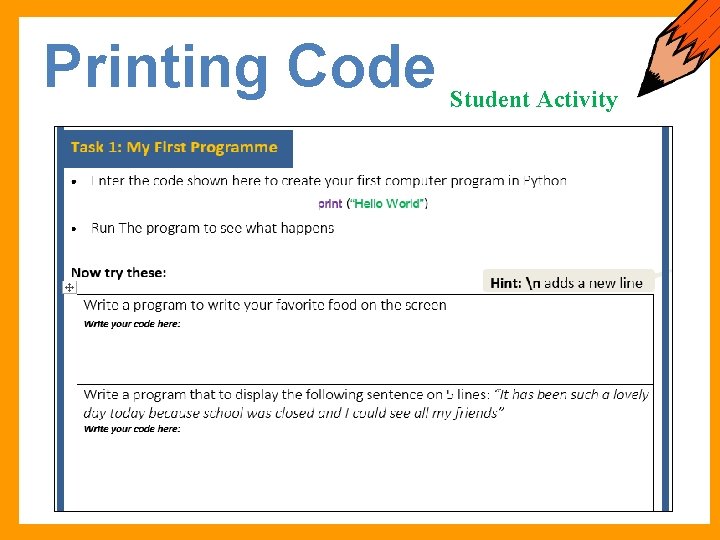
Printing Code Student Activity
Syntax Errors Listening Task Syntax errors are very common in coding. If there is even a small mistake in your code such as a missing colon, missing bracket or you have not spelt any word correctly, a syntax error can happen.
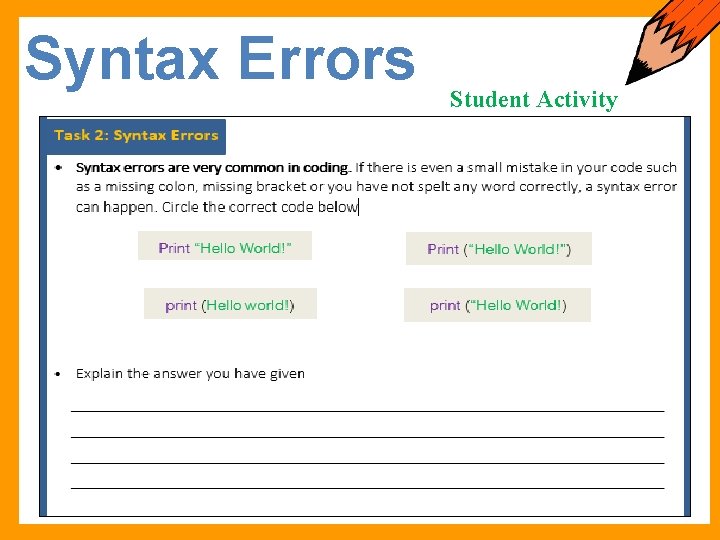
Syntax Errors Student Activity
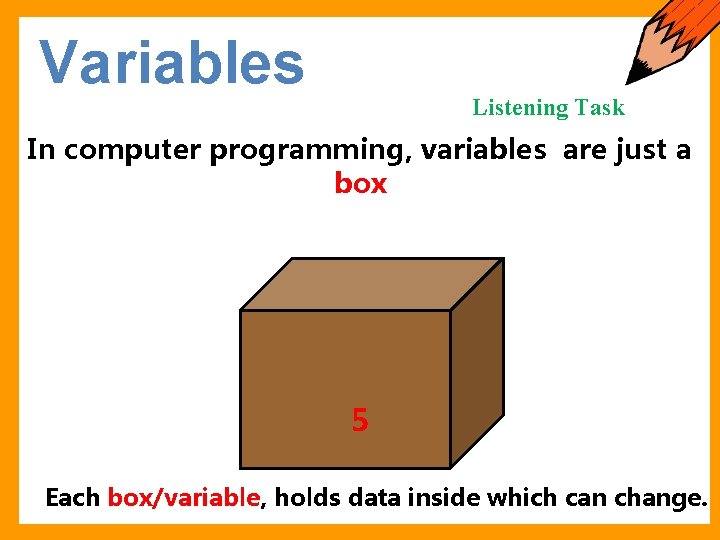
Variables Listening Task In computer programming, variables are just a box +2 3 5 Each box/variable, holds data inside which can change.
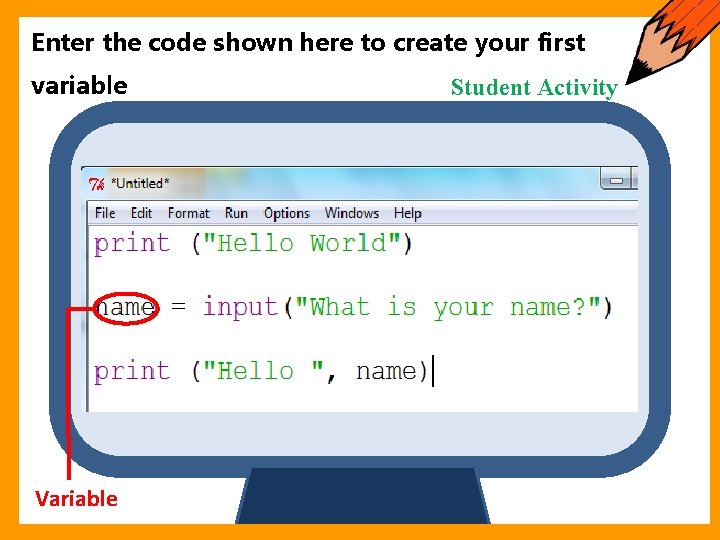
Starter Enter the code shown here to create your first variable Variable Student Activity
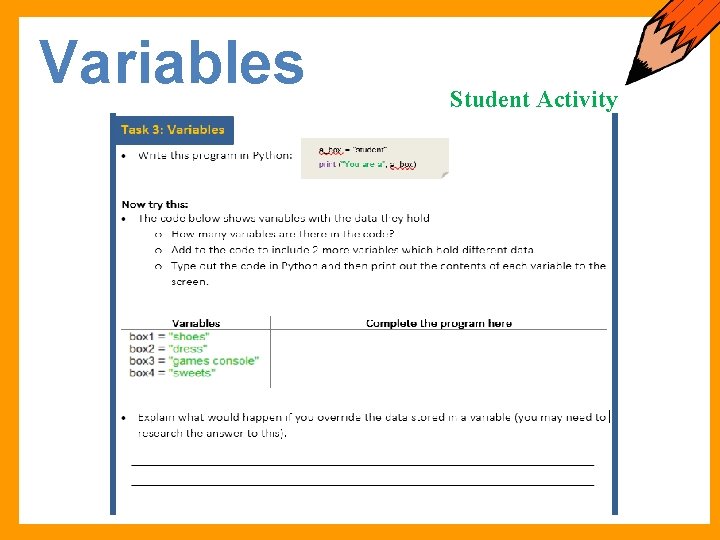
Variables Student Activity
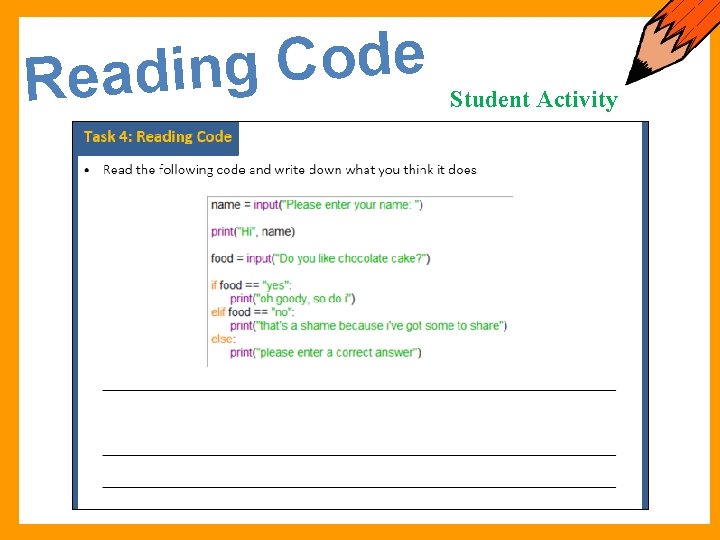
e d o C g Readin Student Activity
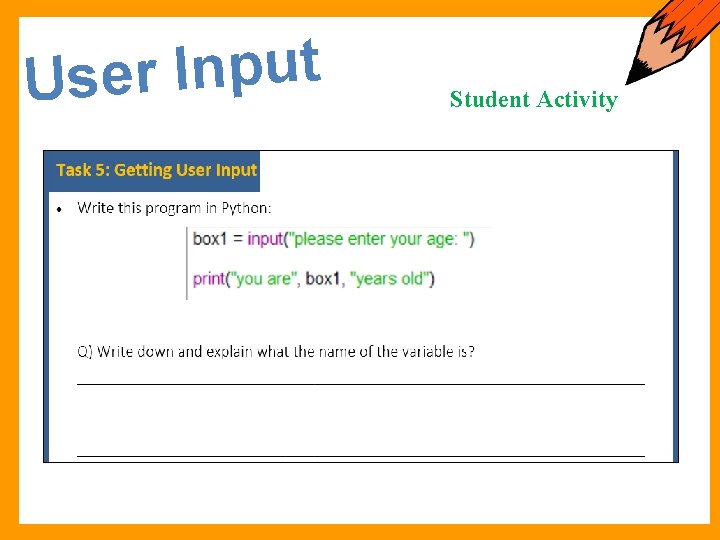
t u p n I r e Us Student Activity
Calculations in Python I will be able to. . . • Use maths operators in python • Understand loops Maths Operators Loops Images by Krista Wallden
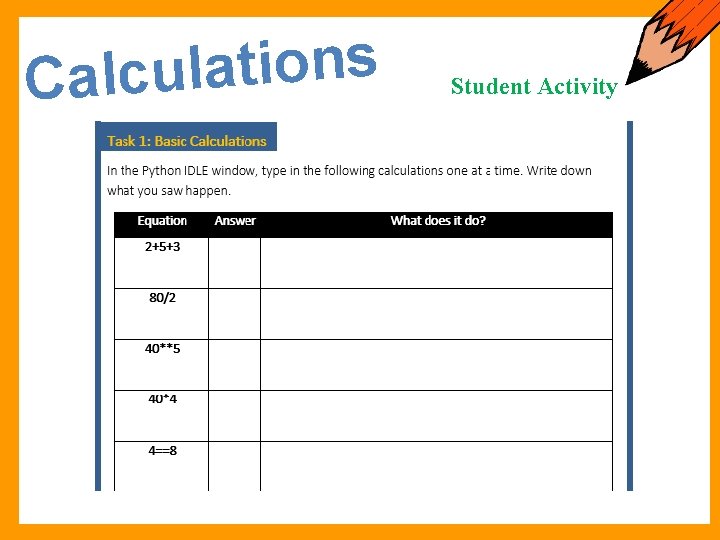
s n o i t a l u Calc Student Activity
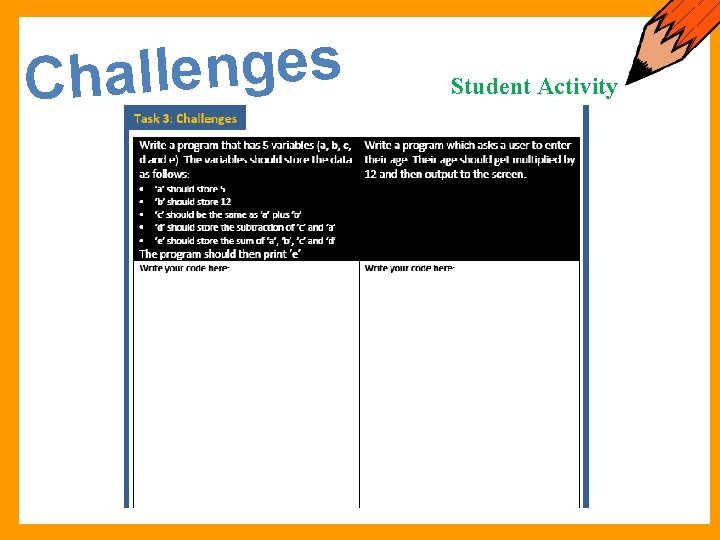
s e g n e l Chal Student Activity
Data Types & IF Statements I will be able to. . . • • Data Types Logical Operators Know 4 different data types Import code into Python Explain different logical operators Use IF Statements Images by Krista Wallden
s e p y T Data Student Activity There are 4 different types of data in Python
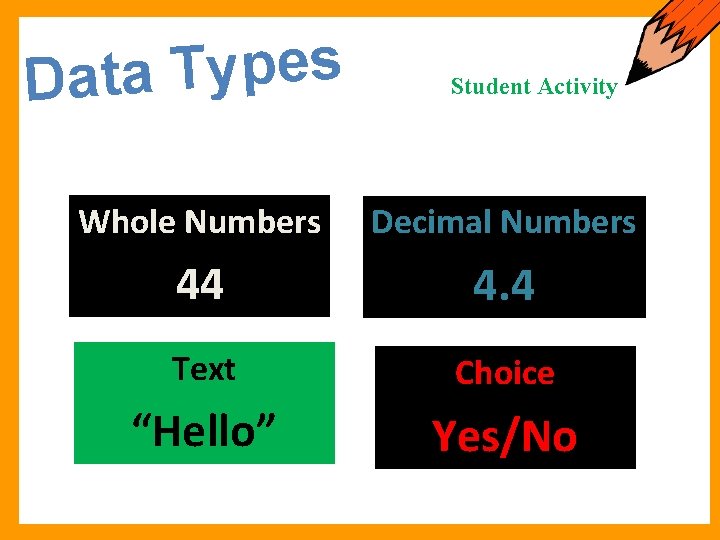
s e p y T Data Student Activity Whole Numbers Integer 44 Decimal Numbers Text Choice String “Hello” Float 4. 4 Boolean Yes/No
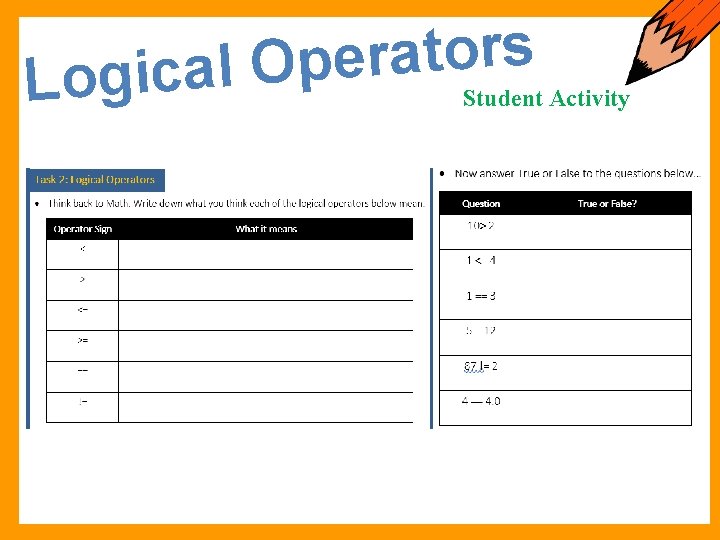
s r o t a r e p O l a c i g Lo Student Activity
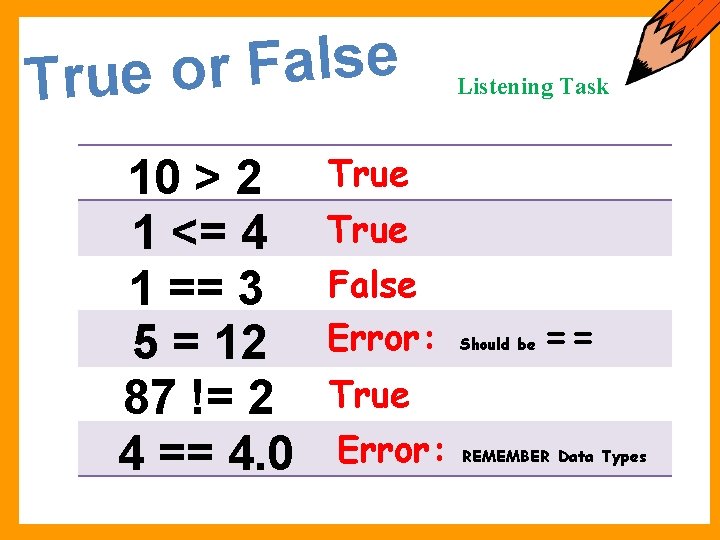
e s l a F r True o 10 > 2 1 <= 4 1 == 3 5 = 12 87 != 2 4 == 4. 0 Listening Task True False Error: Should be == True Error: REMEMBER Data Types
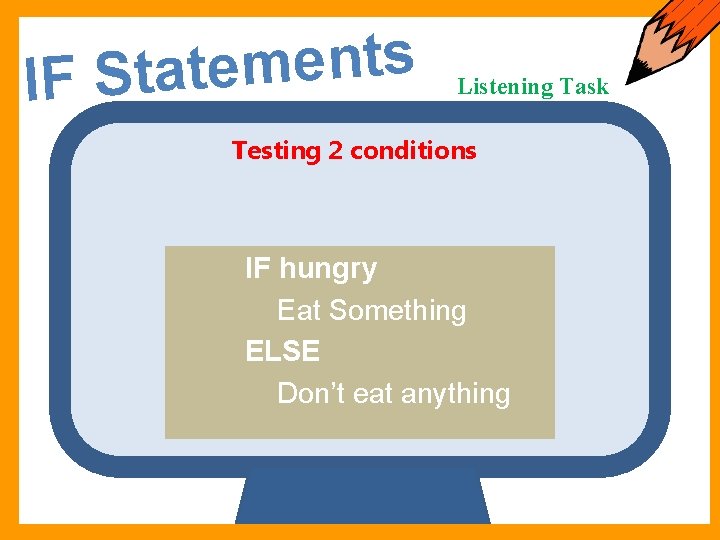
s t n e m e IF Stat Listening Task Testing 2 conditions IF hungry Eat Something ELSE Don’t eat anything
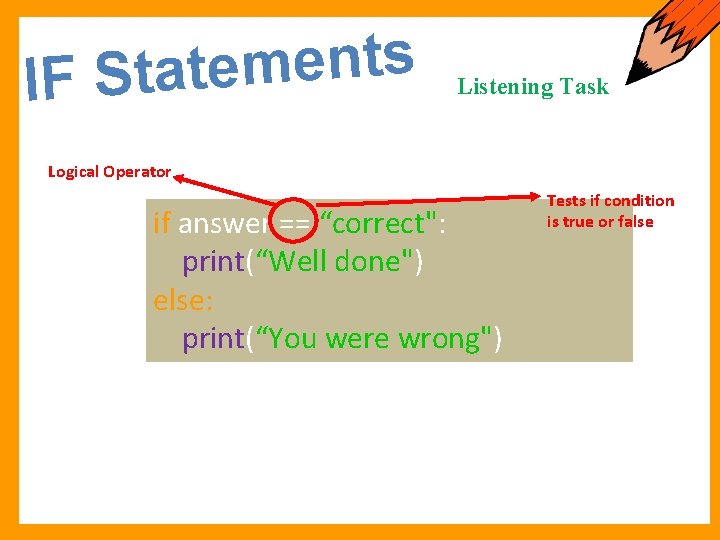
s t n e m e IF Stat Listening Task Logical Operator if answer == “correct": print(“Well done") else: print(“You were wrong") Tests if condition is true or false
Putting Code into Scripts If you quit from the Python interpreter and Student Activity enter it again, the definitions you have made (functions and variables) are lost. Therefore, if you want to write a somewhat longer program, you are better off using a text editor to prepare the input for the interpreter and running it with that file as input instead. This is known as creating a script. In Python, scripts are also known as
How to use Modules Listening Task A Module is a FILE, written in a text editor and must be stored in the RIGHT PLACE. Python will look for your module in the Current Working Directory (CWD).
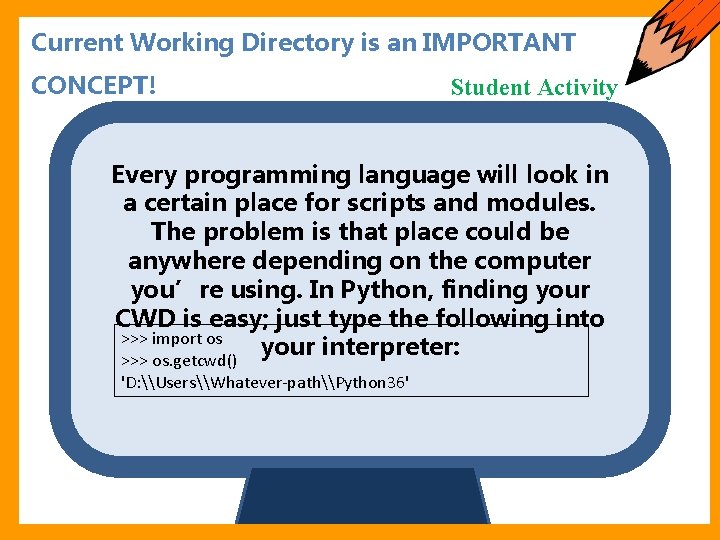
Starter Current Working Directory is an IMPORTANT CONCEPT! Student Activity Every programming language will look in a certain place for scripts and modules. The problem is that place could be anywhere depending on the computer you’re using. In Python, finding your CWD is easy; just type the following into >>> import os your interpreter: >>> os. getcwd() 'D: \Users\Whatever-path\Python 36'
Starter Current Working Directory is an IMPORTANT CONCEPT! Student Activity If you’ve reached this point and have not been shown how to set your CWD, STOP HERE and raise your hand… Once your CWD is set, you can look at, edit, load and run your first module!
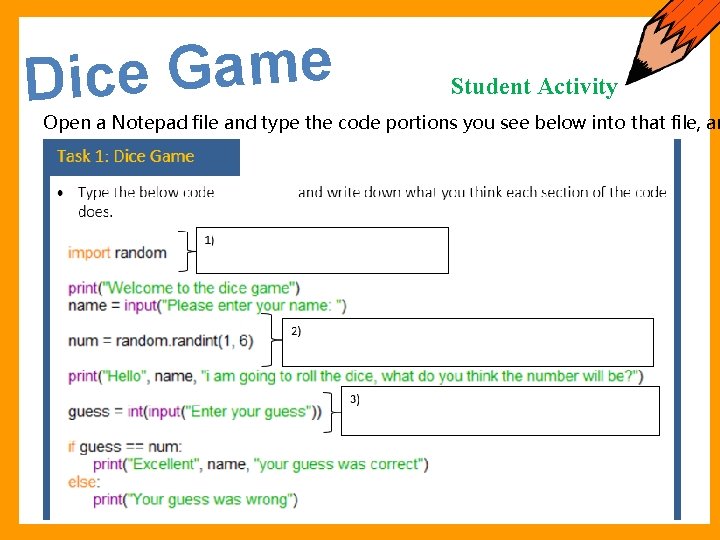
e m a G e Dic Student Activity Open a Notepad file and type the code portions you see below into that file, an
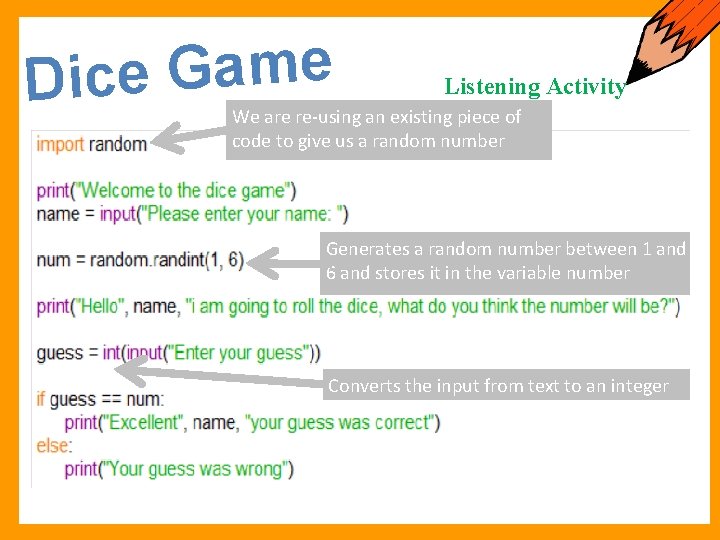
e m a G e Dic Listening Activity We are re-using an existing piece of code to give us a random number Generates a random number between 1 and 6 and stores it in the variable number Converts the input from text to an integer
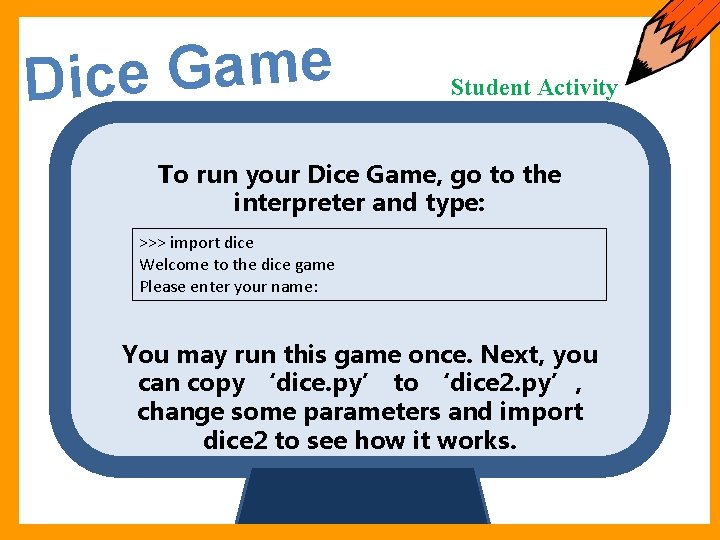
e m a G e Dic Starter Student Activity To run your Dice Game, go to the interpreter and type: >>> import dice Welcome to the dice game Please enter your name: You may run this game once. Next, you can copy ‘dice. py’ to ‘dice 2. py’, change some parameters and import dice 2 to see how it works.
- Slides: 28