
Introduction to programming in java Syllabus Input and
Introduction to programming in java
Syllabus • Input and output to screen with Java program • Structure of Java programs • Statements • Conditional statements • Loop constructs • Arrays, character and string handling • Functions nlp-ai@cse. iitb
Lecture Outcomes • Structure of Java programs • Input and output to screen with Java program • Statements (what is a statement) nlp-ai@cse. iitb
Books & References Introduction to Java and Object Oriented Programming (Volume 1) 1. Chapter 2. After todays Lecture you should be able to complete all exercises In Section 2. 10, page 14. 2. Chapter 3 If you are confident with all the material in Chapter 2, then start Reading Chapter 3. 3. Extra More practise exercises are on page: http: //introcs. princeton. edu/java/11 hello/
Contents for Today’s Lecture • Structure of Java programs • Compiling and running the program • Printing messages to the screen nlp-ai@cse. iitb
Some Basics Definition of a program? A sequence of instructions that a computer can interpret and execute. Why don’t we just use natural languages such as English? A computer is not intelligent enough to understand natural languages. nlp-ai@cse. iitb
![Structure of Java Programs “class-name. java” class-name { public static void main(String args[]) {](http://slidetodoc.com/presentation_image_h2/cf52091856da323f3e5ff742ca36d058/image-7.jpg "Structure of Java Programs “class-name. java” class-name { public static void main(String args[]) {")
Structure of Java Programs “class-name. java” class-name { public static void main(String args[]) { statement 1; statement 2; … … } } nlp-ai@cse. iitb
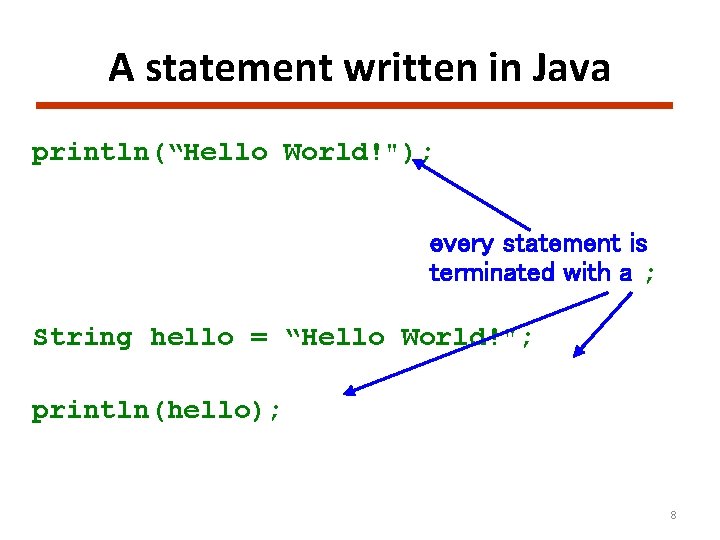
A statement written in Java println(“Hello World!"); every statement is terminated with a ; String hello = “Hello World!"; println(hello); 8
![Example Program “First. java” Public class First { public static void main(String args[]) {](http://slidetodoc.com/presentation_image_h2/cf52091856da323f3e5ff742ca36d058/image-9.jpg "Example Program “First. java” Public class First { public static void main(String args[]) {")
Example Program “First. java” Public class First { public static void main(String args[]) { System. out. println(“Hello World”); } statement } nlp-ai@cse. iitb
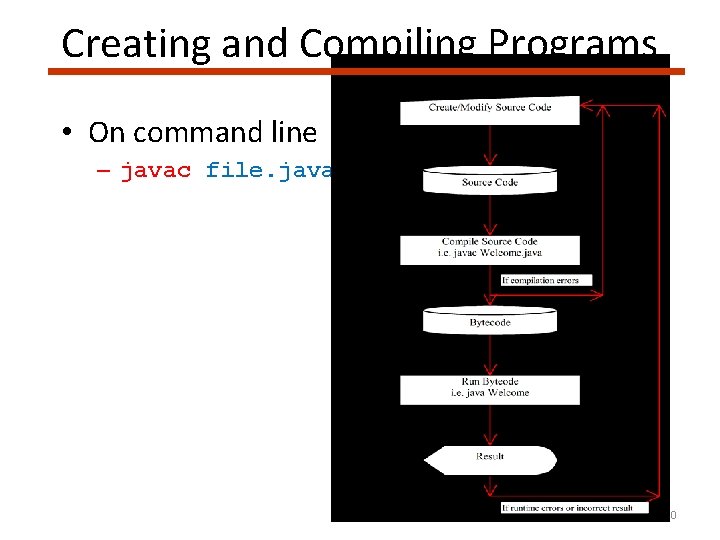
Creating and Compiling Programs • On command line – javac file. java 10
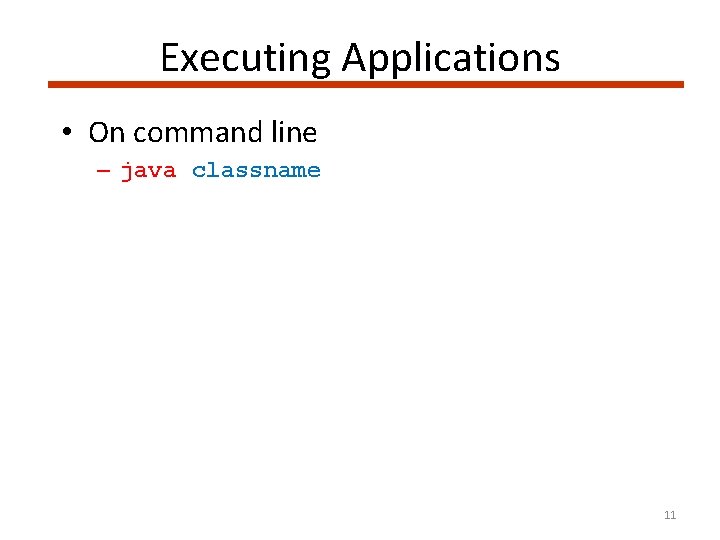
Executing Applications • On command line – java classname 11
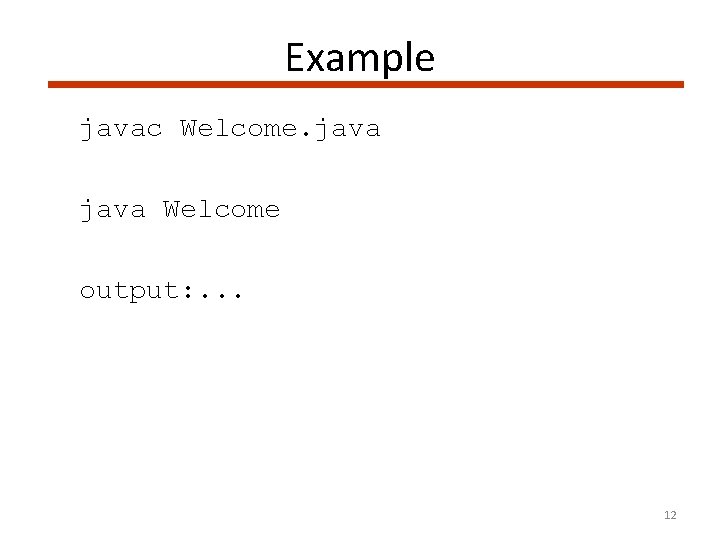
Example javac Welcome. java Welcome output: . . . 12
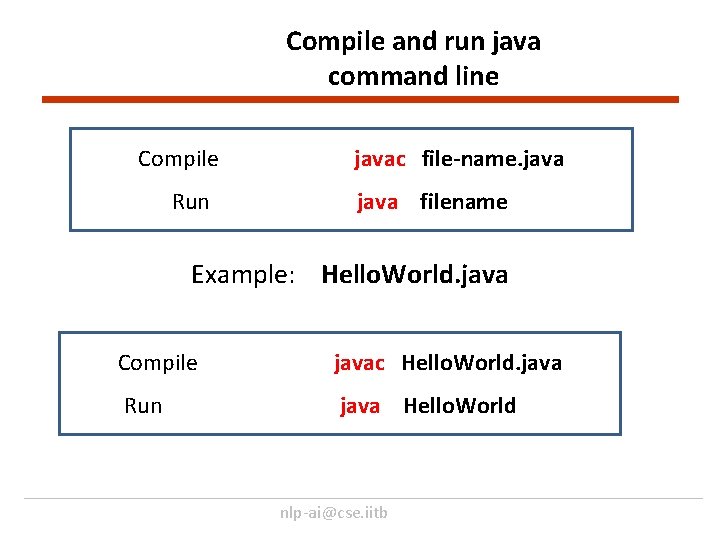
Compile and run java command line Compile Run javac file-name. java filename Example: Hello. World. java Compile javac Hello. World. java Run java Hello. World nlp-ai@cse. iitb
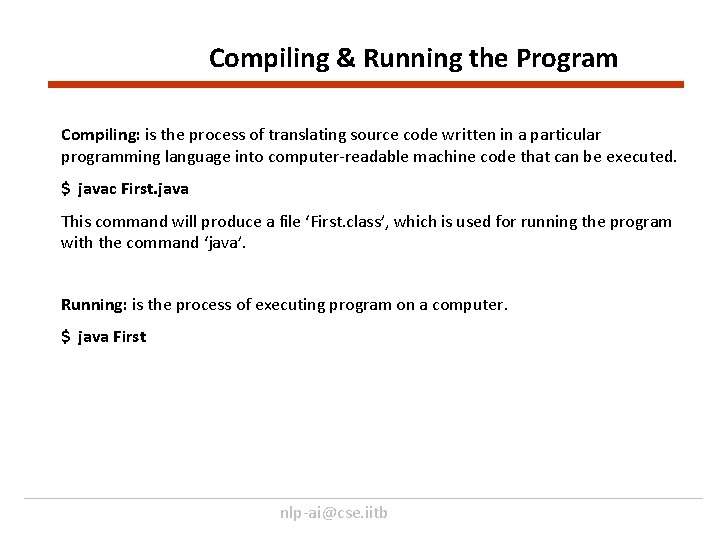
Compiling & Running the Program Compiling: is the process of translating source code written in a particular programming language into computer-readable machine code that can be executed. $ javac First. java This command will produce a file ‘First. class’, which is used for running the program with the command ‘java’. Running: is the process of executing program on a computer. $ java First nlp-ai@cse. iitb
![Example Program “second. java” class second { public static void main(String args[]) { System.](http://slidetodoc.com/presentation_image_h2/cf52091856da323f3e5ff742ca36d058/image-15.jpg "Example Program “second. java” class second { public static void main(String args[]) { System.")
Example Program “second. java” class second { public static void main(String args[]) { System. out. println(“Hello World”); } } Compile Run javac second. java second nlp-ai@cse. iitb
![Example Program “Hello. World. java” class Hello. World{ public static void main(String args[]) {](http://slidetodoc.com/presentation_image_h2/cf52091856da323f3e5ff742ca36d058/image-16.jpg "Example Program “Hello. World. java” class Hello. World{ public static void main(String args[]) {")
Example Program “Hello. World. java” class Hello. World{ public static void main(String args[]) { System. out. println(“Hello World”); } } Compile javac Hello. World. java Run java Hello. World nlp-ai@cse. iitb
Compile Run a few example using Command line 1. Hello. World java 2. Welcome. java 3. Myname. java 4. My. Date of. Birth. java nlp-ai@cse. iitb
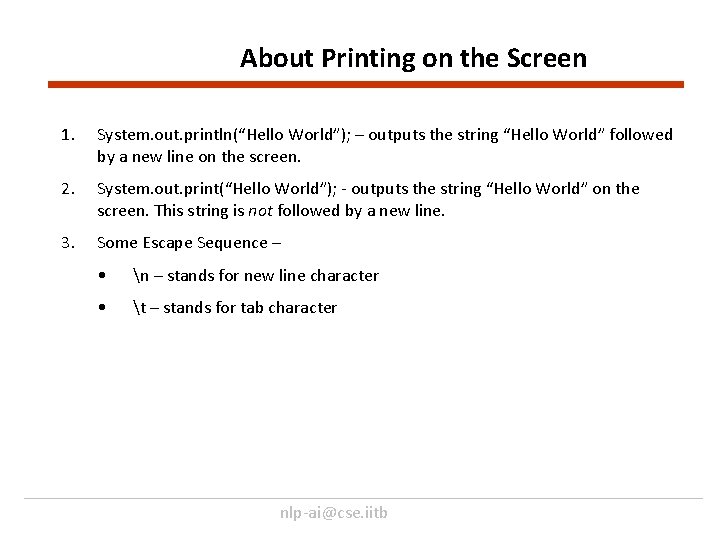
About Printing on the Screen 1. System. out. println(“Hello World”); – outputs the string “Hello World” followed by a new line on the screen. 2. System. out. print(“Hello World”); - outputs the string “Hello World” on the screen. This string is not followed by a new line. 3. Some Escape Sequence – • n – stands for new line character • t – stands for tab character nlp-ai@cse. iitb
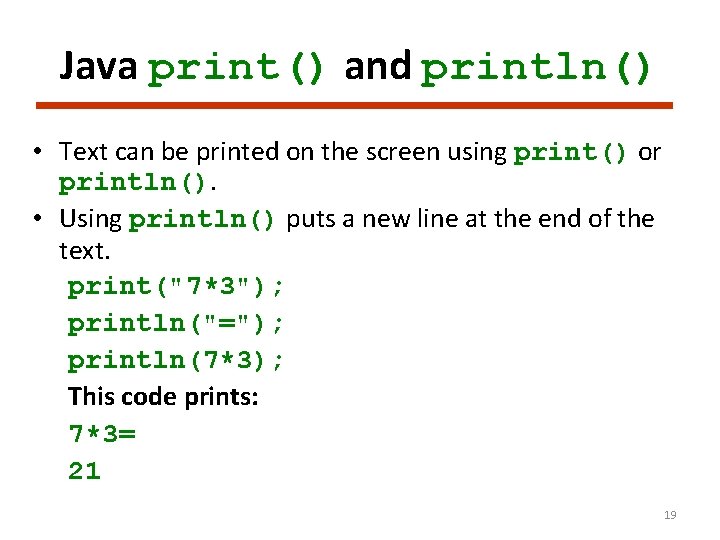
Java print() and println() • Text can be printed on the screen using print() or println(). • Using println() puts a new line at the end of the text. print("7*3"); println("="); println(7*3); This code prints: 7*3= 21 19
![Example Welcome. java public class Welcome { public static void main(String args[]) { System.](http://slidetodoc.com/presentation_image_h2/cf52091856da323f3e5ff742ca36d058/image-20.jpg "Example Welcome. java public class Welcome { public static void main(String args[]) { System.")
Example Welcome. java public class Welcome { public static void main(String args[]) { System. out. print("Welcome "); System. out. println("to"); System. out. println(“java!"); } } Output Welcome to java!
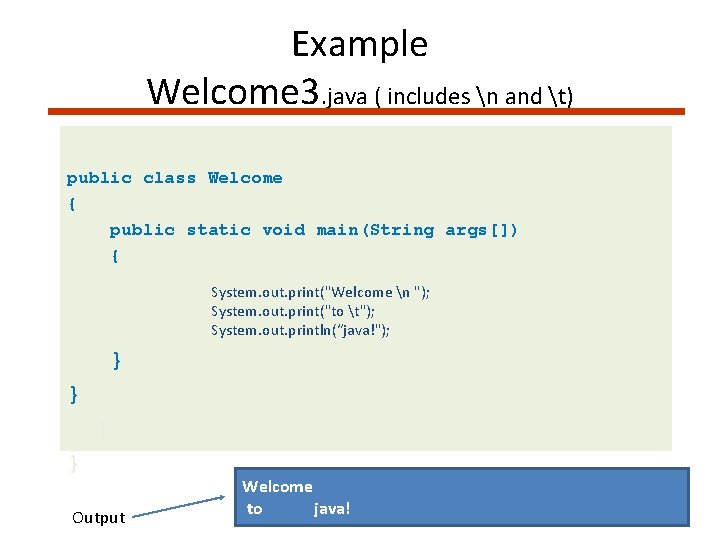
Example Welcome 3. java ( includes n and t) public class Welcome { public static void main(String args[]) { System. out. print("Welcome n "); System. out. print("to t"); System. out. println(“java!"); } } Output Welcome to java!
Some Tips About Programming • Some common errors in the initial phase of learning programming: - Mismatch of parentheses - Missing ‘; ’ at the end of statement - Case sensitivity • Writing programs on your own is the best way to learn how to program.
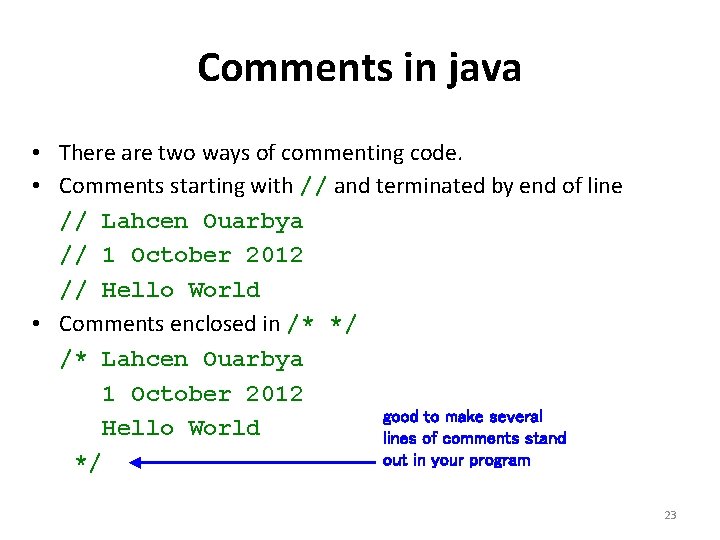
Comments in java • There are two ways of commenting code. • Comments starting with // and terminated by end of line // Lahcen Ouarbya // 1 October 2012 // Hello World • Comments enclosed in /* */ /* Lahcen Ouarbya 1 October 2012 good to make several Hello World lines of comments stand out in your program */ 23
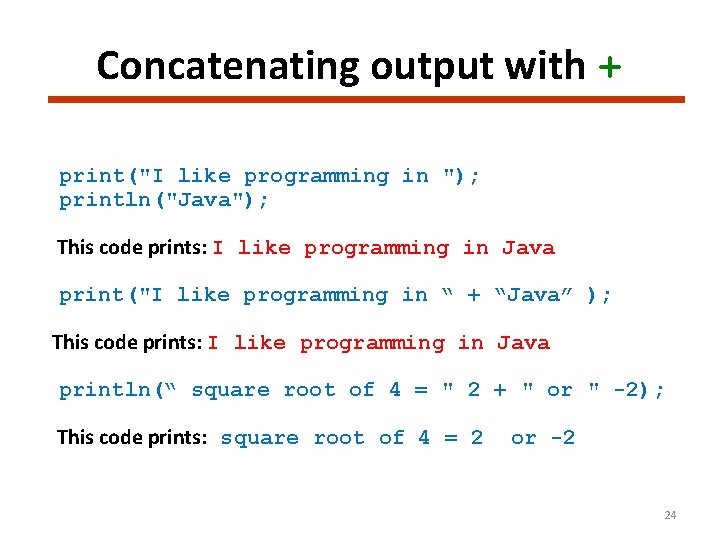
Concatenating output with + print("I like programming in "); println("Java"); This code prints: I like programming in Java print("I like programming in “ + “Java” ); This code prints: I like programming in Java println(“ square root of 4 = " 2 + " or " -2); This code prints: square root of 4 = 2 or -2 24
![Example Concatenate. java public class Concatenate { public static void main(String args[]) { System.](http://slidetodoc.com/presentation_image_h2/cf52091856da323f3e5ff742ca36d058/image-25.jpg "Example Concatenate. java public class Concatenate { public static void main(String args[]) { System.")
Example Concatenate. java public class Concatenate { public static void main(String args[]) { System. out. print("I like programming in "); System. out. println(“java"); System. out. println("I like programming in “ + “java”); System. out. println(“ square root of 4 = “+ 2 + " or “ + } { } } Output I like programming in java square root of 4 = 2 or -2 -2);
![Example Welcome. java public class Welcome { public static void main(String args[]) { System.](http://slidetodoc.com/presentation_image_h2/cf52091856da323f3e5ff742ca36d058/image-26.jpg "Example Welcome. java public class Welcome { public static void main(String args[]) { System.")
Example Welcome. java public class Welcome { public static void main(String args[]) { System. out. print("Welcome "); System. out. print("to "); System. out. println("Java!"); System. out. println(“Welcome “ + "to “+ " Java!"); } }Output Welcome to java!
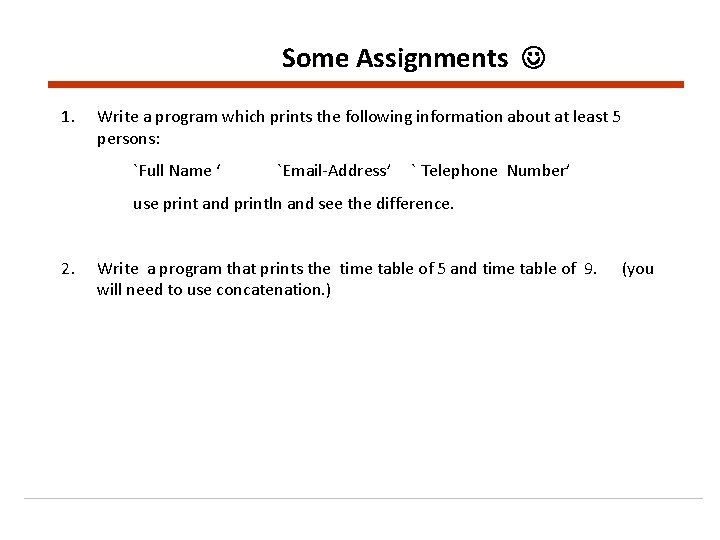
Some Assignments 1. Write a program which prints the following information about at least 5 persons: `Full Name ‘ `Email-Address’ ` Telephone Number’ use print and println and see the difference. 2. Write a program that prints the time table of 5 and time table of 9. will need to use concatenation. ) (you
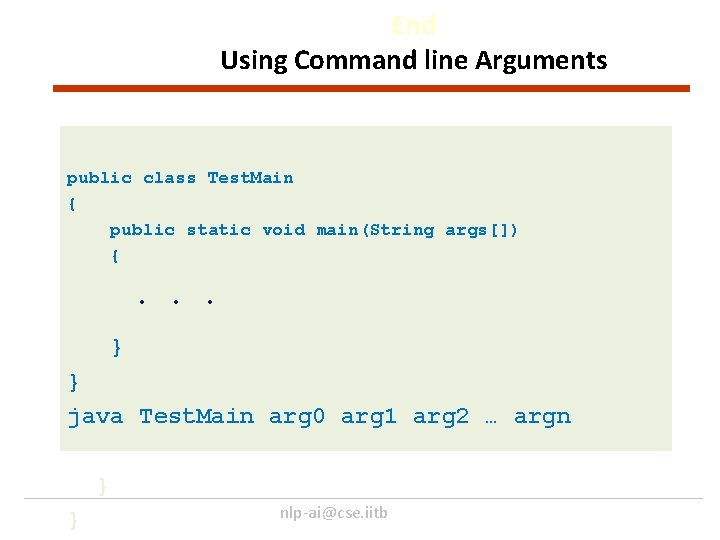
End Using Command line Arguments public class Test. Main { public static void main(String args[]) { . . . } } java Test. Main arg 0 arg 1 arg 2 … argn } } nlp-ai@cse. iitb
![Processing Command-Line Parameters The main method, get the arguments from args[0], args[1], . .](http://slidetodoc.com/presentation_image_h2/cf52091856da323f3e5ff742ca36d058/image-29.jpg "Processing Command-Line Parameters The main method, get the arguments from args[0], args[1], . .")
Processing Command-Line Parameters The main method, get the arguments from args[0], args[1], . . . , args[n] arg 0, arg 1, . . . , argn } } nlp-ai@cse. iitb
![Example Argument. java public class Welcome { public static void main(String args[]) { System.](http://slidetodoc.com/presentation_image_h2/cf52091856da323f3e5ff742ca36d058/image-30.jpg "Example Argument. java public class Welcome { public static void main(String args[]) { System.")
Example Argument. java public class Welcome { public static void main(String args[]) { System. out. print("Hi, "); System. out. print(args[0] + " " ); System. out. println(". How are you? "); Java Argument Lahcen } } Hi, Lahcen. How are you?
![Example Argument 1. java public class Argument 1 { public static void main(String args[])](http://slidetodoc.com/presentation_image_h2/cf52091856da323f3e5ff742ca36d058/image-31.jpg "Example Argument 1. java public class Argument 1 { public static void main(String args[])")
Example Argument 1. java public class Argument 1 { public static void main(String args[]) { System. out. print("Hi, "); System. out. print(args[0] + " " ); System. out. print(args[1] + " " ); System. out. println(". How are you? "); Java Argument java programs } } Hi, java programs. How are you?
![Example Argument 2. java public class Argument 2 { public static void main(String args[])](http://slidetodoc.com/presentation_image_h2/cf52091856da323f3e5ff742ca36d058/image-32.jpg "Example Argument 2. java public class Argument 2 { public static void main(String args[])")
Example Argument 2. java public class Argument 2 { public static void main(String args[]) { System. out. print("Hi, “+ args[0] + “ ”args[1] + (". How are you? "); } } } Java Argument java programs } Hi, java programs. How are you?
summary • • Hello. World. java Compile and run java programms. print/println “n” new line “t” tab Concatenation Use of Arguments.
More practice exercises. Introduction to Java and Object Oriented Programming (Volume 1) 1. Chapter 2. After todays Lecture you should be able to complete all exercises In Section 2. 10, page 14. 2. Chapter 3 If you are confident with all the material in Chapter 2, then start Reading Chapter 3. 3. Extra More practise exercises are on page: http: //introcs. princeton. edu/java/11 hello/
- Slides: 34