
Introduction to Powershell Calvin P Schrotenboer What is
Introduction to Powershell Calvin P. Schrotenboer
What is Powershell? n n Powershell is a new command line scripting environment designed specifically for the Windows Operating System Its goal is to provide Windows Systems Administrators with world class scripting capabilities to automate all important system administration tasks
What is a Shell? n n The term Shell is a highly overloaded term which has been used for many different purposes Most commonly a shell refers to an overlay on the Operating System which allows a user functional access to the OS n Eg. Windows Explorer
What is a Shell? n n This term also has frequently been used to refer to a command line interface which allows the execution of commands and a textual response Command Line Shells also have a (rudimentary) user interface including the following: n n n support for command aliases wildcard matching command histories
Reasons for Powershell n n Historically Microsoft focused more on the consumer and GUI aspects of the Windows Operating System and gave only minimal consideration to command line capabilities However, with the expansion of the Windows Operating System into the Server area it became apparent that additional command line management tools would be necessary

Powershell Design Goals n Optimized for the Windows Operating System n n n Based on the. NET Framework Object based instead of based solely on the string data type Consistent syntax throughout
Installing Powershell n n Download the correct Operating System specific version of Powershell from the Microsoft website Run the installer
Command Editing and Command History n n n Powershell works almost identically to the Windows command shell (cmd. exe) with respect to Command Editing and Command History Use the navigation keys (Up. Arrow, Home, etc) for Editing and History F 7 brings up a Command History listing
Command Completion n Powershell uses the Tab key to autocomplete n n n Powershell Cmdlets Cmdlet aliases The file system Variable names Object members (properties and methods) By default Powershell is case insensitive

Basic Expression Evaluation n Powershell can evaluate mathematical expressions n n n PS> 7 * 9 63 The result of an expression can be stored in a variable n n n PS> $length = 7 * 9 PS> $length 63
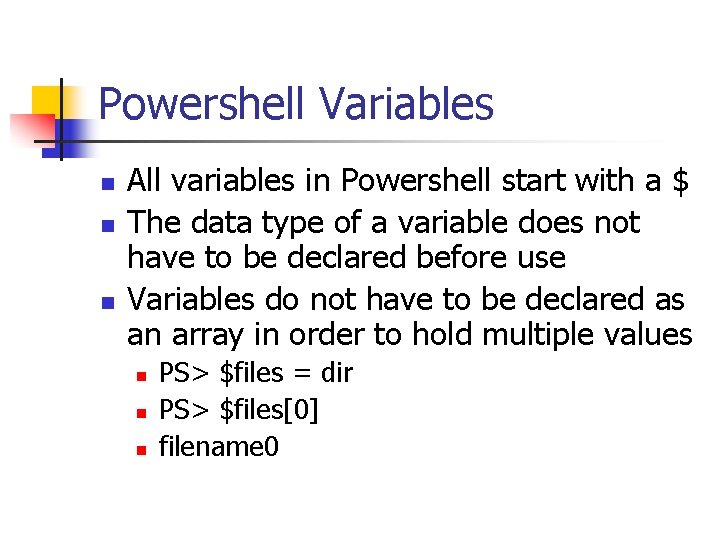
Powershell Variables n n n All variables in Powershell start with a $ The data type of a variable does not have to be declared before use Variables do not have to be declared as an array in order to hold multiple values n n n PS> $files = dir PS> $files[0] filename 0
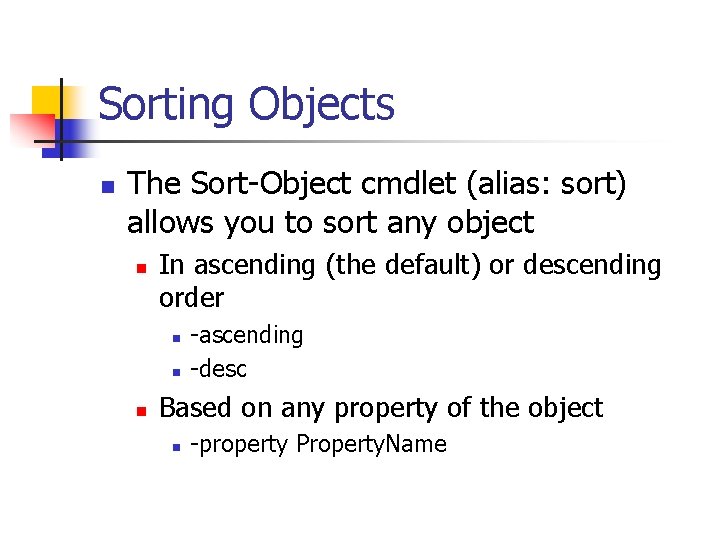
Sorting Objects n The Sort-Object cmdlet (alias: sort) allows you to sort any object n In ascending (the default) or descending order n n n -ascending -desc Based on any property of the object n -property Property. Name
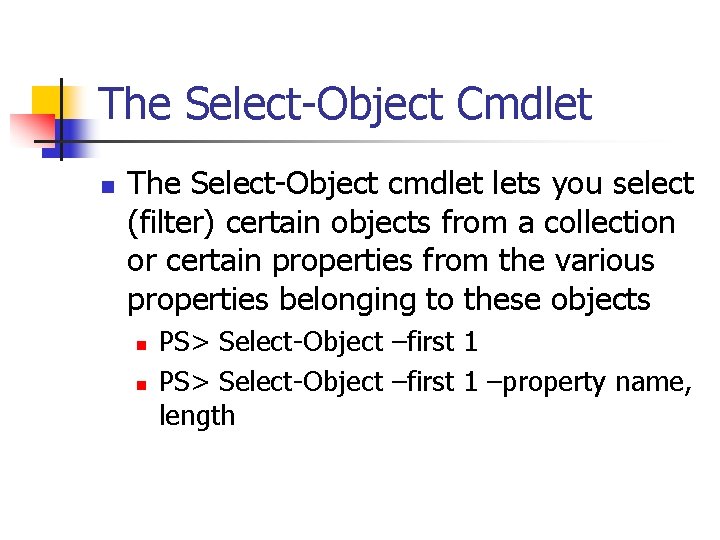
The Select-Object Cmdlet n The Select-Object cmdlet lets you select (filter) certain objects from a collection or certain properties from the various properties belonging to these objects n n PS> Select-Object –first 1 –property name, length
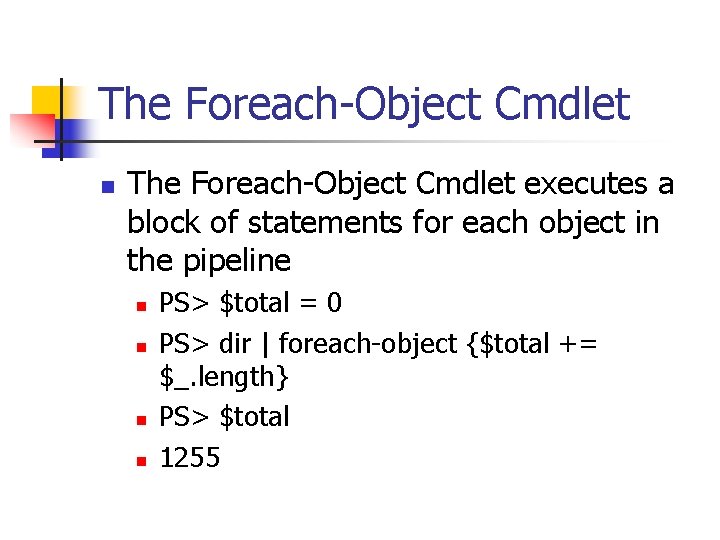
The Foreach-Object Cmdlet n The Foreach-Object Cmdlet executes a block of statements for each object in the pipeline n n PS> $total = 0 PS> dir | foreach-object {$total += $_. length} PS> $total 1255
Powershell Processing n The processing capabilities of Powershell apply to any objects it works with n All objects can be sorted n n ascending or descending based on any property All objects can be filtered (Select-Object) All output can be formatted
Flow Control n Powershell supports While Loops n PS> while(condition) n n {statement(s)} Powershell supports conditional execution with If structures n PS> if(condition) n {statement(s)}
- Slides: 16