
Introduction to Powerpoint Brad Jordan Bucknell Geology What
Introduction to Powerpoint Brad Jordan Bucknell Geology
What am I here to tell you? • Nothing Fancy • Let your science make the impression Introduction to Power. Point
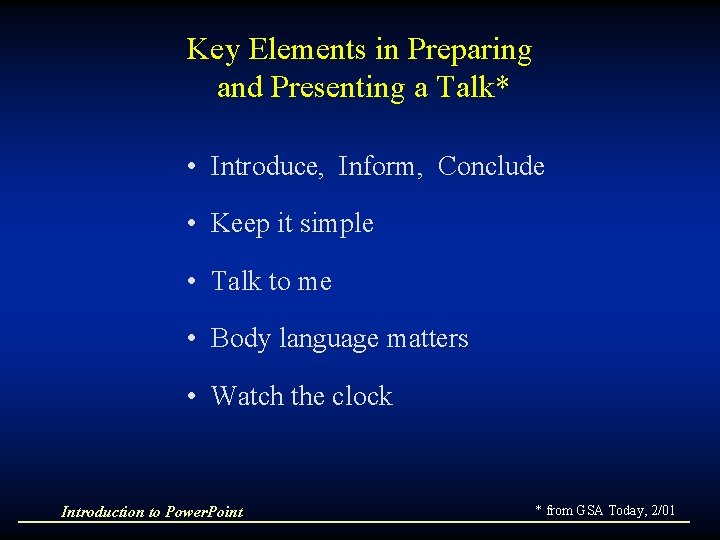
Key Elements in Preparing and Presenting a Talk* • Introduce, Inform, Conclude • Keep it simple • Talk to me • Body language matters • Watch the clock Introduction to Power. Point * from GSA Today, 2/01
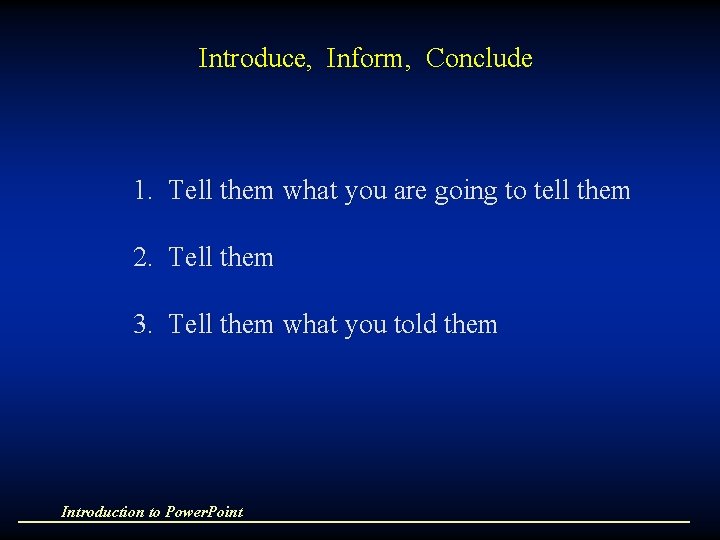
Introduce, Inform, Conclude 1. Tell them what you are going to tell them 2. Tell them 3. Tell them what you told them Introduction to Power. Point
Keep it simple • Two to four key points • People cannot mentally organize more than that Introduction to Power. Point
Talk to Me • Use appropriate language • Use short words • Avoid jargon, even when talking to peers Introduction to Power. Point
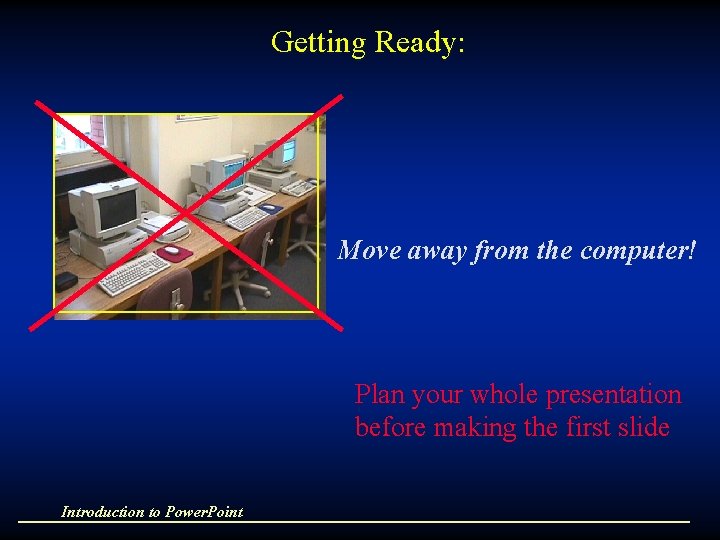
Getting Ready: Move away from the computer! Plan your whole presentation before making the first slide Introduction to Power. Point
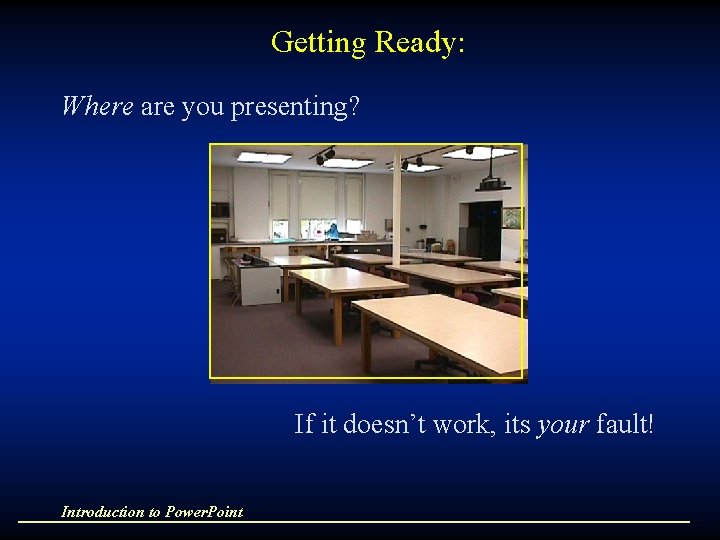
Getting Ready: Where are you presenting? If it doesn’t work, its your fault! Introduction to Power. Point
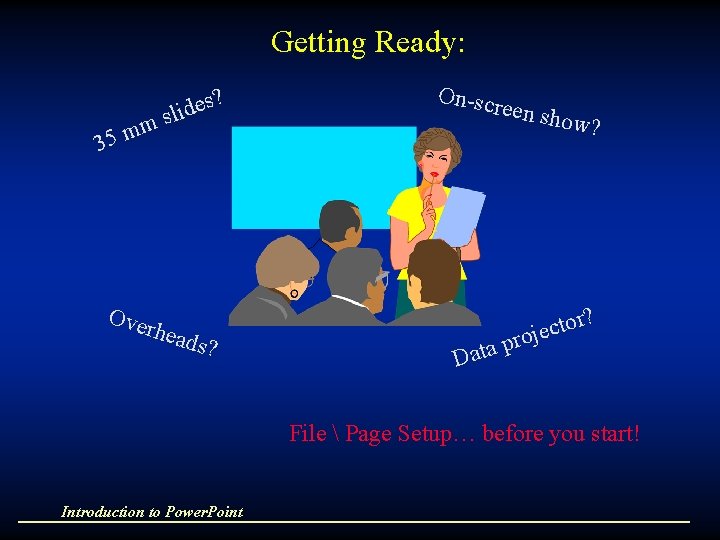
Getting Ready: m m 5 3 s? e d i sl Ove rhea ds? On-scr een sh ow? r? o t c e j o r p Data File Page Setup… before you start! Introduction to Power. Point
Plan Ahead • Plan your whole presentation before making the first slide • Use a consistent style (colors, font, graph type, etc. )
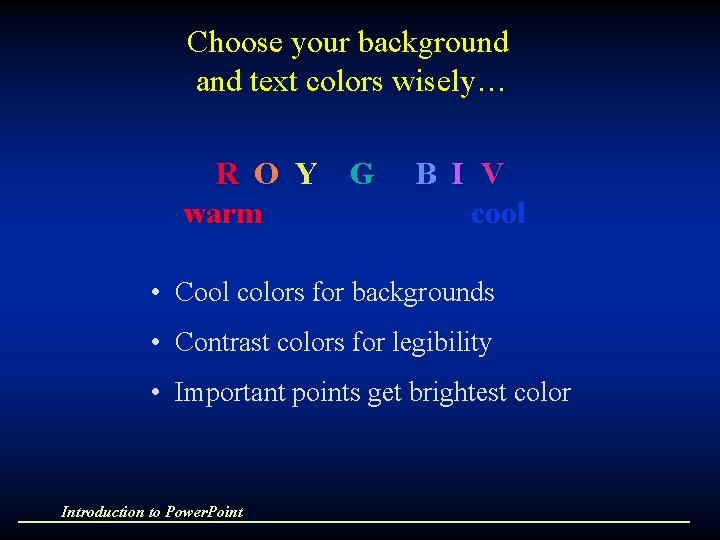
Choose your background and text colors wisely… R O Y G warm B I V cool • Cool colors for backgrounds • Contrast colors for legibility • Important points get brightest color Introduction to Power. Point
Other background options include… • Design templates • Auto layout • Textures Whatever your choice, be consistent Introduction to Power. Point
Using Text Use only two colors exception: third color may highlight an important term Introduction to Power. Point
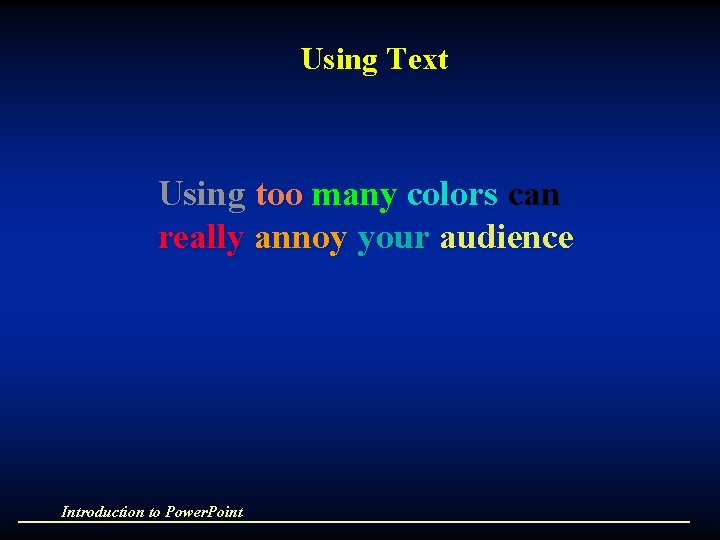
Using Text Using too many colors can really annoy your audience Introduction to Power. Point
Text The main rule about text slides is to keep them short. Too much text can bore the audience. Images are motivating and persuasive. When you project a text slide during a presentation, the audience will not hear what you say while they read the text.
Text Limit each slide to one topic: - Maximum 6 lines - 3 - 6 words each line - Think "highway billboards"
Text • Keep it short • Use images keep the audience focused on you
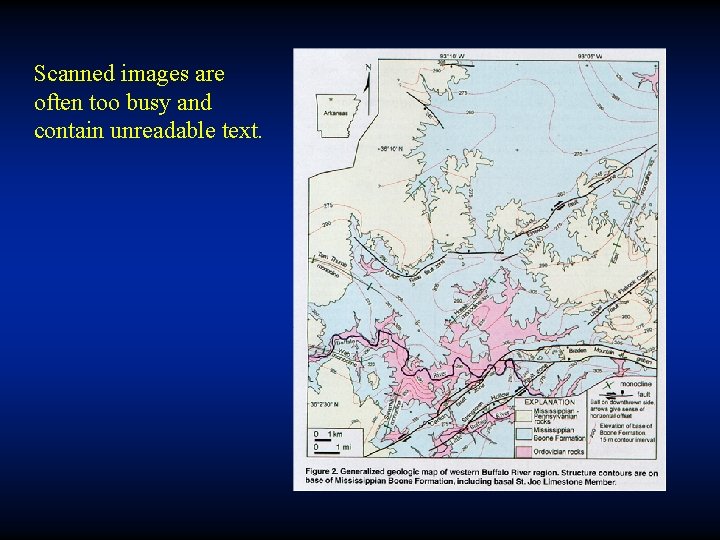
Scanned images are often too busy and contain unreadable text.
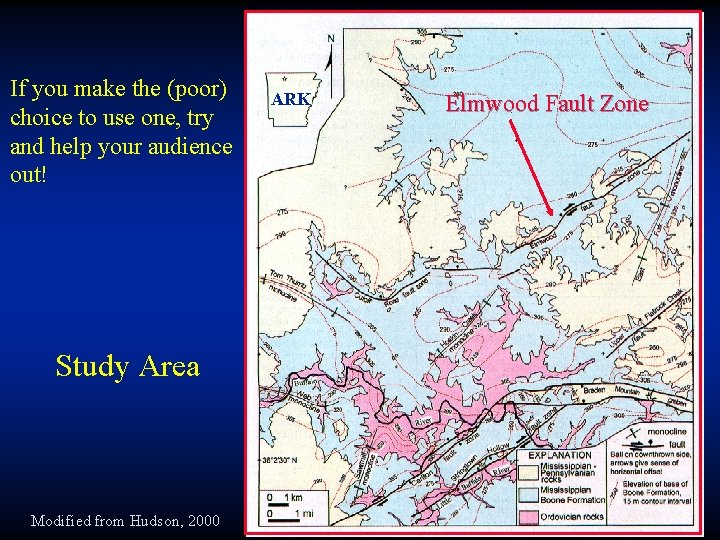
If you make the (poor) choice to use one, try and help your audience out! Study Area Modified from Hudson, 2000 ARK Elmwood Fault Zone
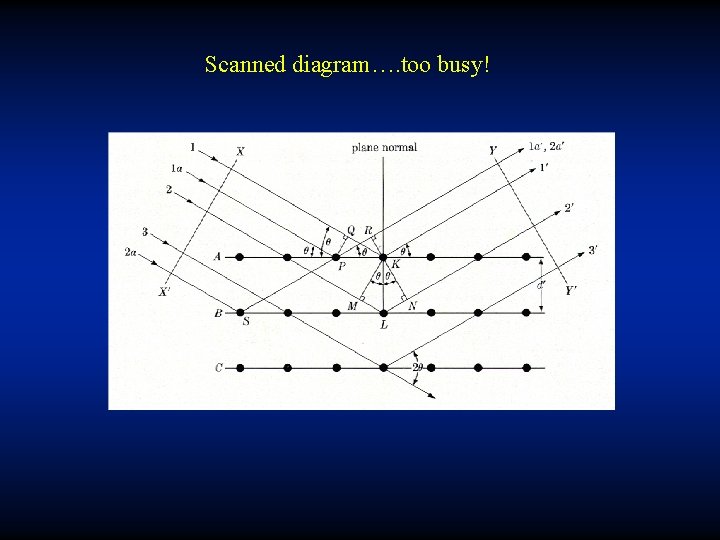
Scanned diagram…. too busy!
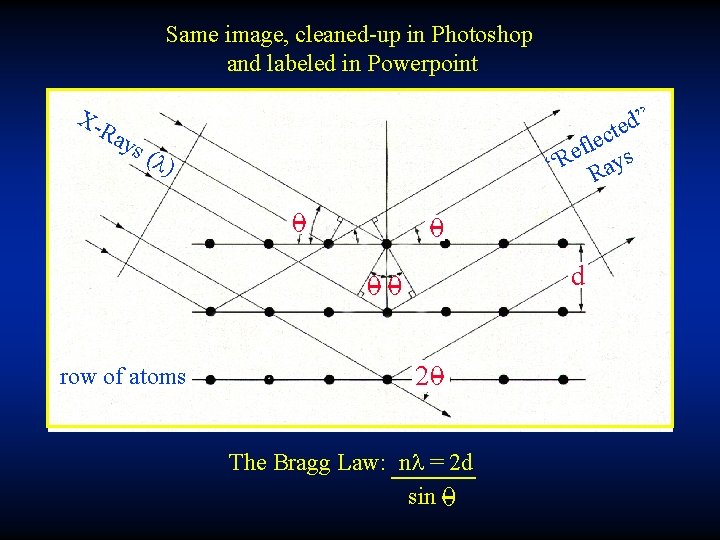
Same image, cleaned-up in Photoshop and labeled in Powerpoint X- Ra ys ” ed t c fle s e “R Ray ( l) 0 0 d 00 row of atoms 20 The Bragg Law: nl = 2 d sin 0
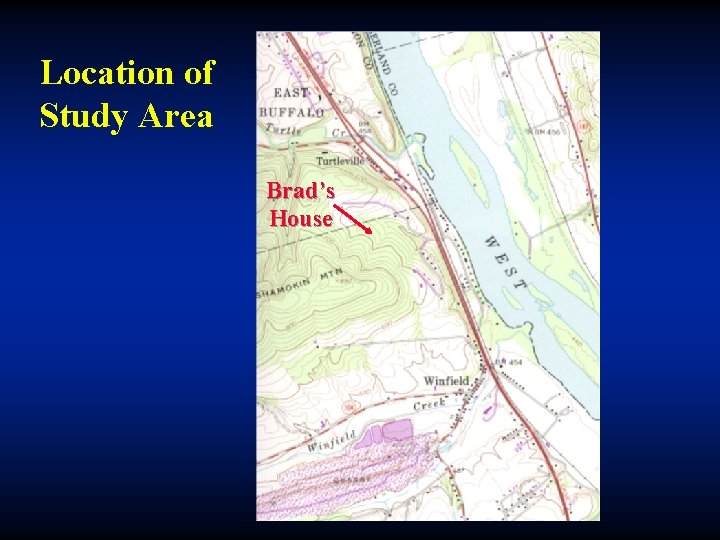
Location of Study Area Brad’s House
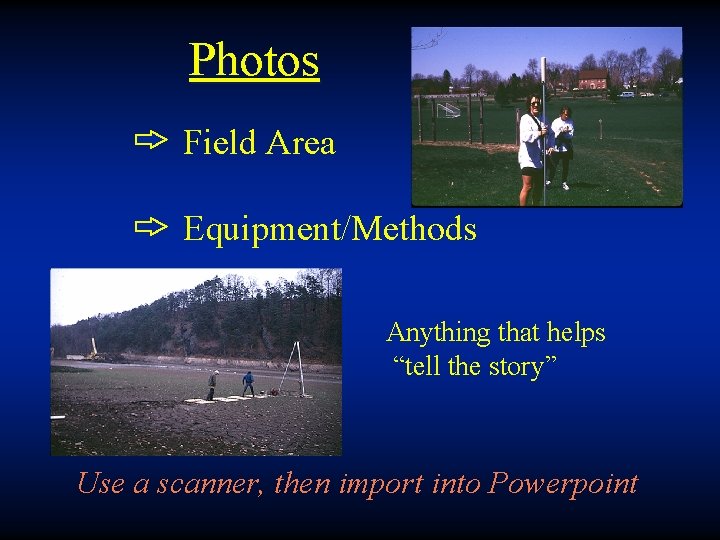
Photos Field Area Equipment/Methods Anything that helps “tell the story” Use a scanner, then import into Powerpoint
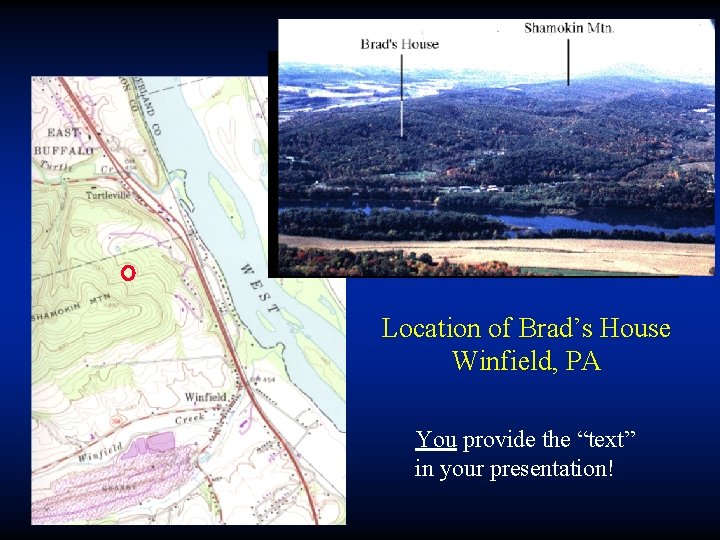
Location of Brad’s House Winfield, PA You provide the “text” in your presentation!
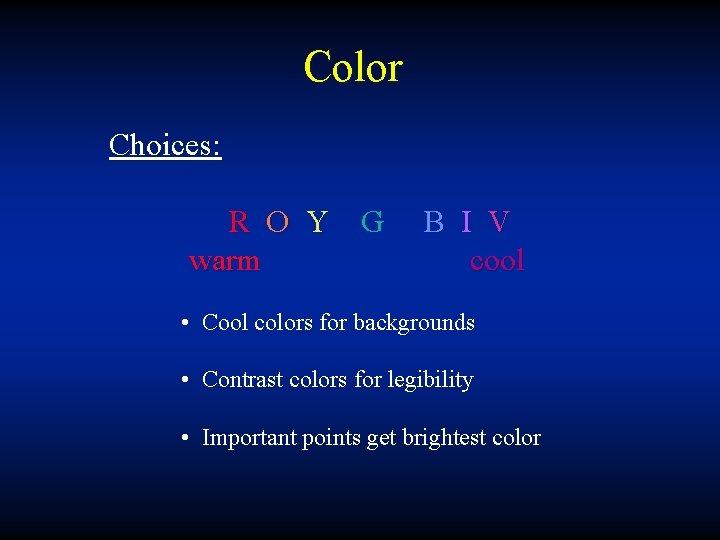
Color Choices: R O Y G warm B I V cool • Cool colors for backgrounds • Contrast colors for legibility • Important points get brightest color
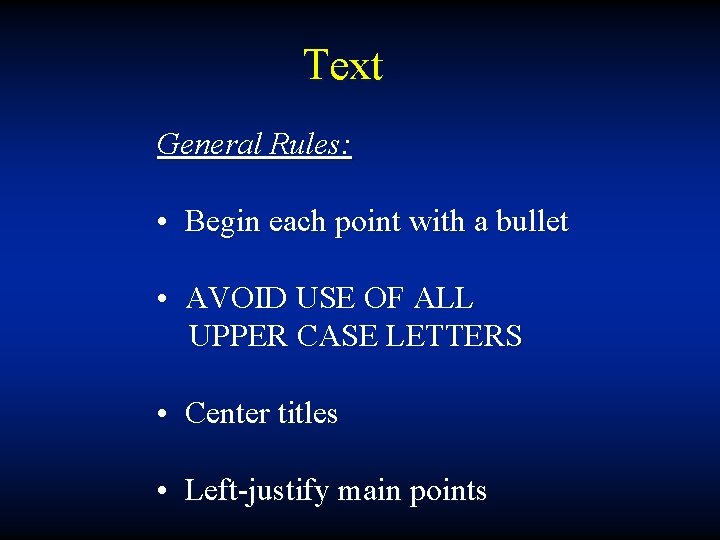
Text General Rules: • Begin each point with a bullet • AVOID USE OF ALL UPPER CASE LETTERS • Center titles • Left-justify main points
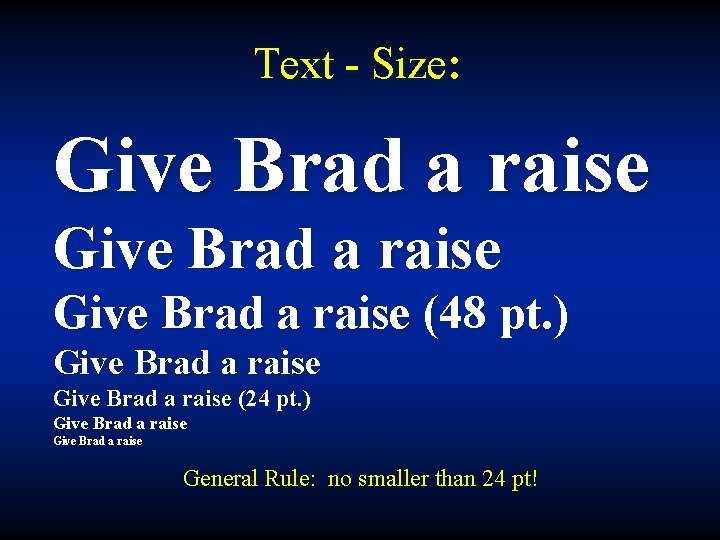
Text - Size: Give Brad a raise (48 pt. ) Give Brad a raise (24 pt. ) Give Brad a raise General Rule: no smaller than 24 pt!
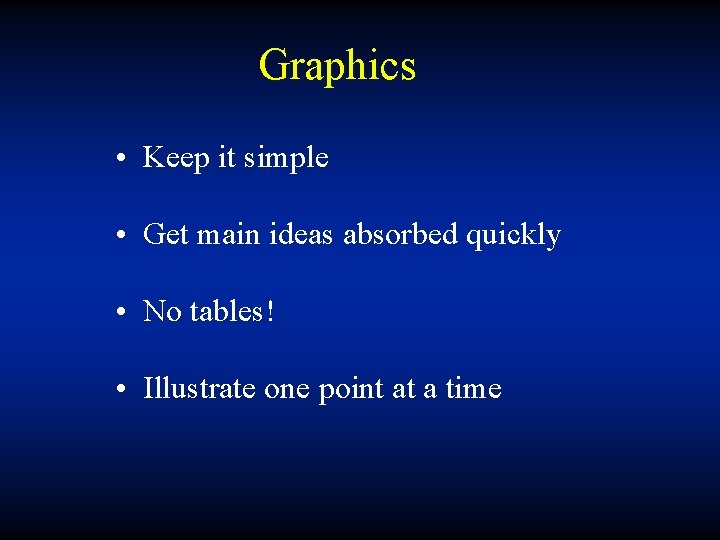
Graphics • Keep it simple • Get main ideas absorbed quickly • No tables! • Illustrate one point at a time
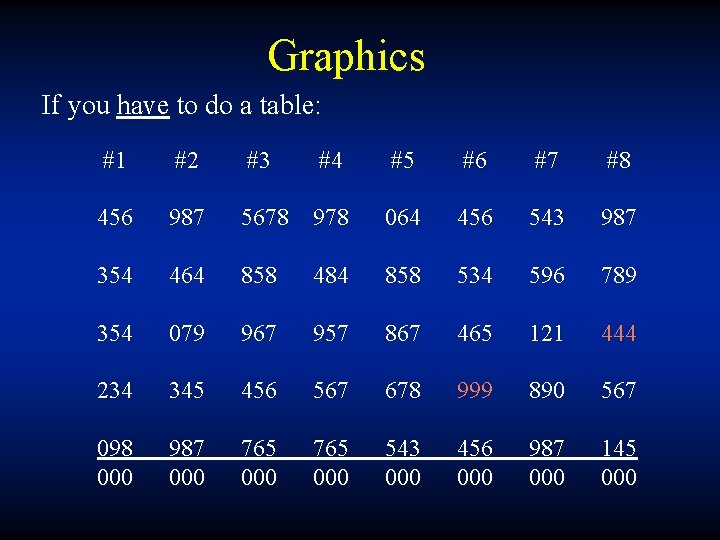
Graphics If you have to do a table: #1 #2 #3 #4 #5 #6 #7 #8 456 987 5678 978 064 456 543 987 354 464 858 484 858 534 596 789 354 079 967 957 867 465 121 444 234 345 456 567 678 999 890 567 098 000 987 000 765 000 543 000 456 000 987 000 145 000
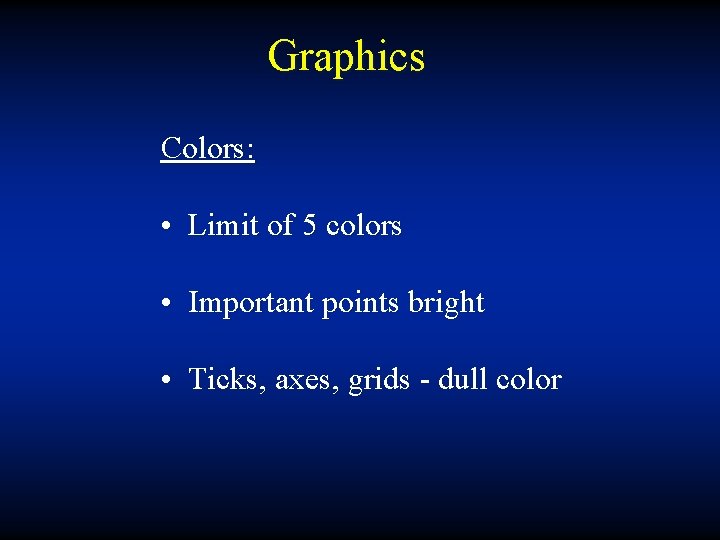
Graphics Colors: • Limit of 5 colors • Important points bright • Ticks, axes, grids - dull color
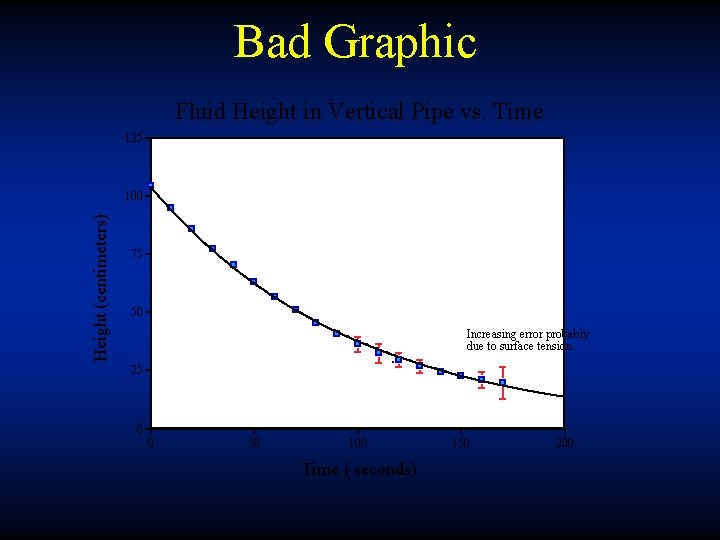
Bad Graphic Fluid Height in Vertical Pipe vs. Time 125 Height (centimeters) 100 75 50 Increasing error probably due to surface tension. 25 0 0 50 100 Time ( seconds) 150 200
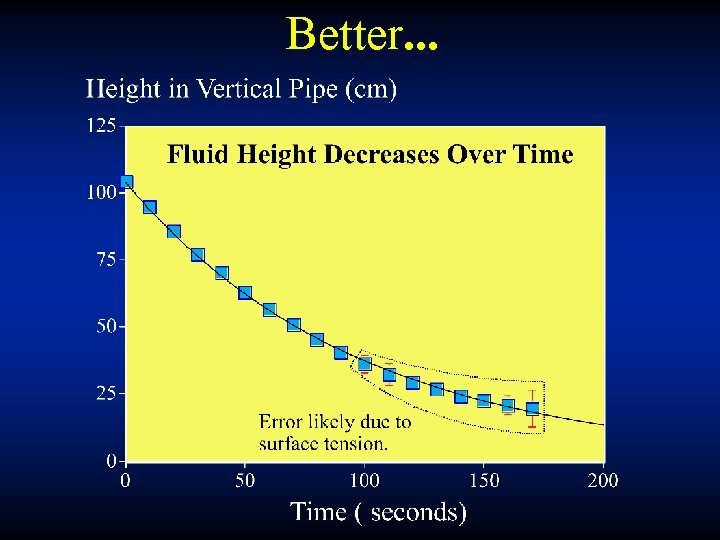
Better. . .
Maps and Illustrations • Simple, simple • Text and Labels to a minimum You explain it
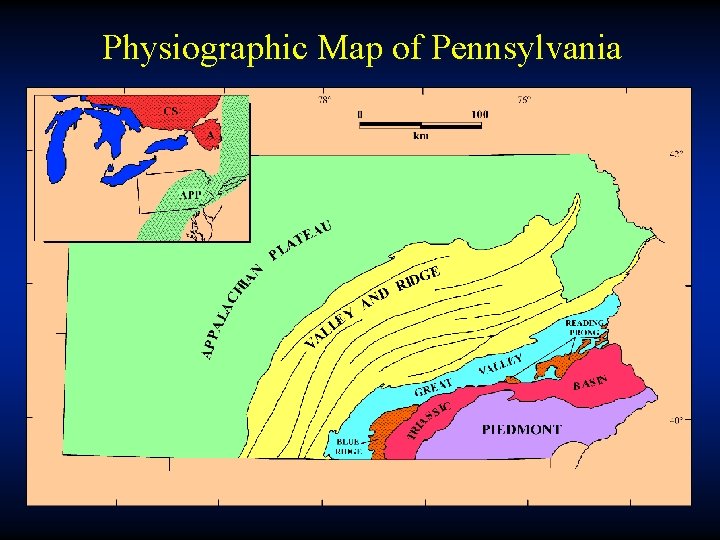
Physiographic Map of Pennsylvania
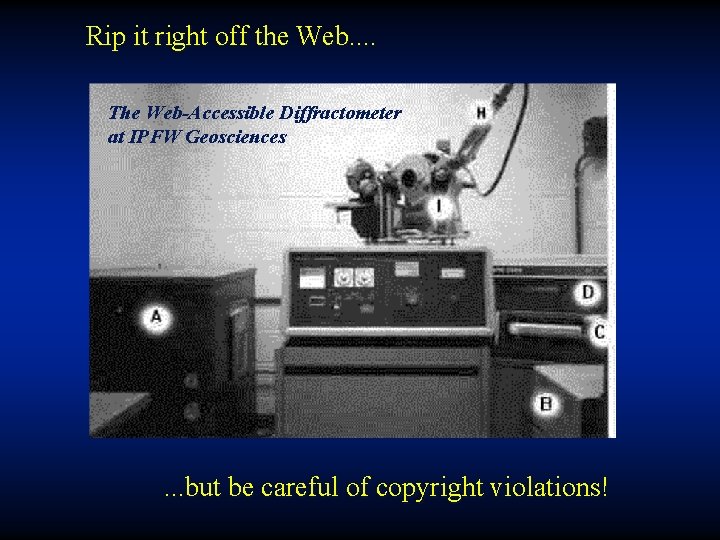
Rip it right off the Web. . The Web-Accessible Diffractometer at IPFW Geosciences . . . but be careful of copyright violations!
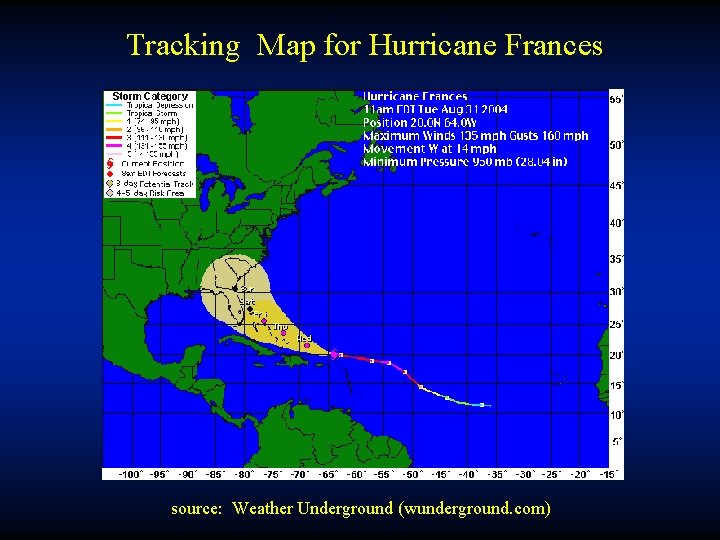
Tracking Map for Hurricane Frances source: Weather Underground (wunderground. com)

- Slides: 37