
Introduction to PHP Part 1 1 What is
![Array Example • $arr = array("foo" => "bar", 12 => true); echo $arr["foo"]; //](https://slidetodoc.com/presentation_image_h2/5742512d213335de435822be6ef9e1e3/image-41.jpg "Array Example • $arr = array(\"foo\" => \"bar\", 12 => true); echo $arr[\"foo\"]; //")
![More Array Examples • $arr = array(5 => 1); $arr[5]++; echo $arr[5]; // 2](https://slidetodoc.com/presentation_image_h2/5742512d213335de435822be6ef9e1e3/image-42.jpg "More Array Examples • $arr = array(5 => 1); $arr[5]++; echo $arr[5]; // 2")
![More Auto-Numbering $array = array(0, 1, 2, 3, 4); $array[] = 5; Now [0]](https://slidetodoc.com/presentation_image_h2/5742512d213335de435822be6ef9e1e3/image-45.jpg "More Auto-Numbering $array = array(0, 1, 2, 3, 4); $array[] = 5; Now [0]")
- Slides: 48
Introduction to PHP Part 1 1
What is this “PHP” thing? • Official description: “PHP, which stands for "PHP: Hypertext Preprocessor" is a widely-used Open Source general-purpose scripting language that is especially suited for Web development and can be embedded into HTML. Its syntax draws upon C, Java, and Perl, and is easy to learn. 2
What does PHP do? • Most commonly: used inside a web server to parse pages and dynamically generate content. • Differs from a language like Javascript in that it is Server Side (processed on the server) 3
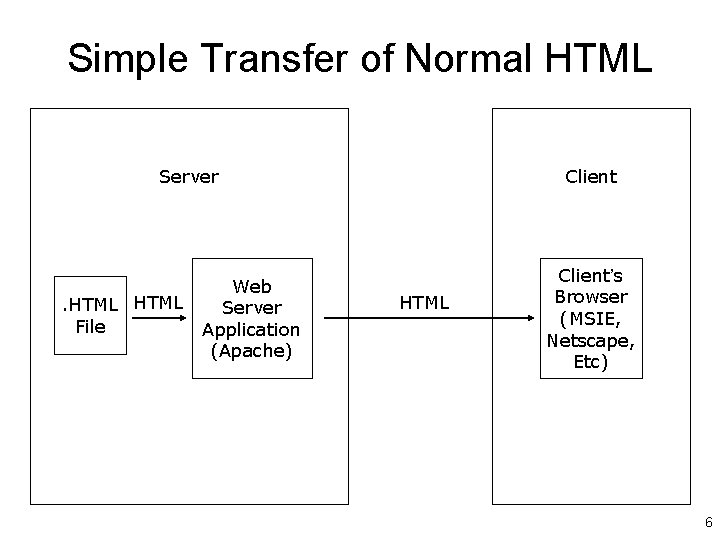
Normal HTML Document • Requires only a web browser to read • Can be read off local disk, or transferred from server via HTTP 4
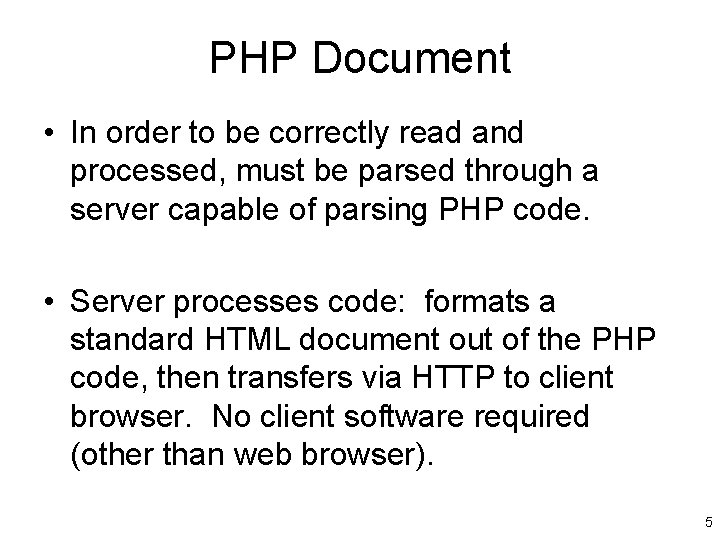
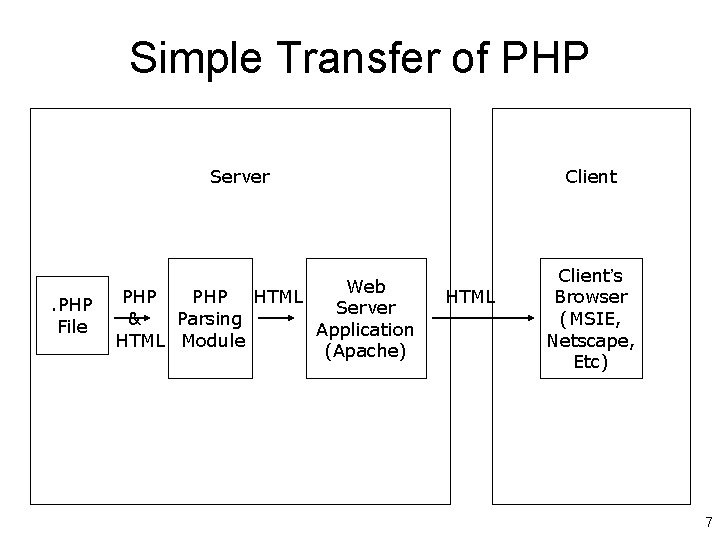
PHP Document • In order to be correctly read and processed, must be parsed through a server capable of parsing PHP code. • Server processes code: formats a standard HTML document out of the PHP code, then transfers via HTTP to client browser. No client software required (other than web browser). 5
Simple Transfer of Normal HTML Server . HTML File Web Server Application (Apache) Client HTML Client’s Browser (MSIE, Netscape, Etc) 6
Simple Transfer of PHP Server . PHP File Web PHP HTML Server & Parsing Application HTML Module (Apache) Client HTML Client’s Browser (MSIE, Netscape, Etc) 7
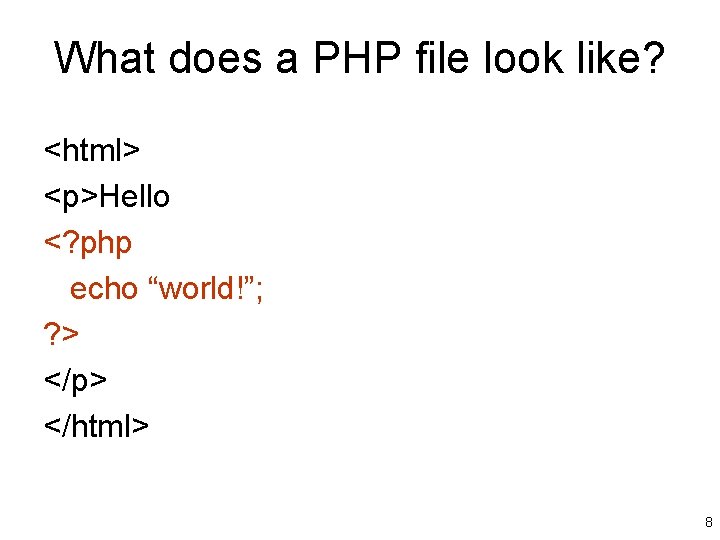
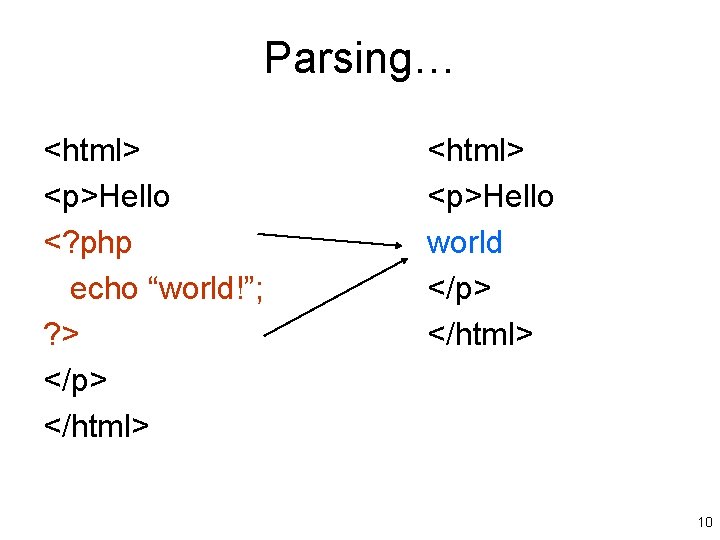
What does a PHP file look like? <html> <p>Hello <? php echo “world!”; ? > </p> </html> 8
More… • A PHP file is just a HTML file with PHP code inserted where needed! • To designate PHP code, we use the <? php and ? > tags to indicate the start and end of code to be parsed. 9
Parsing… <html> <p>Hello <? php echo “world!”; ? > </p> </html> <p>Hello world </p> </html> 10
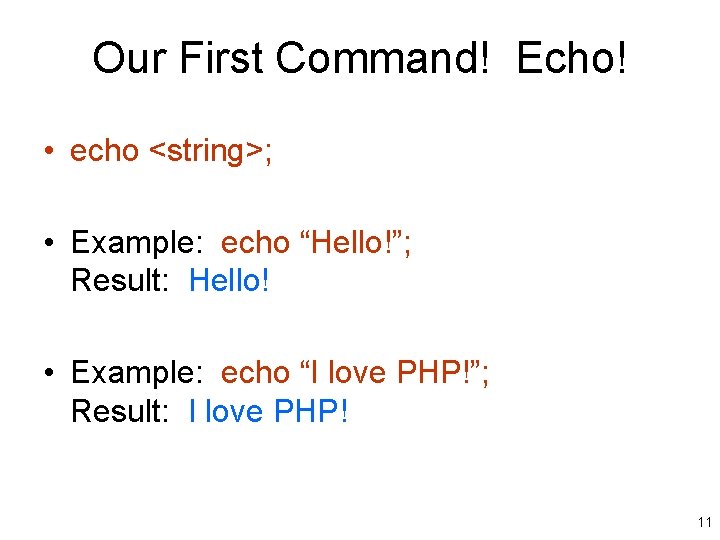
Our First Command! Echo! • echo <string>; • Example: echo “Hello!”; Result: Hello! • Example: echo “I love PHP!”; Result: I love PHP! 11
What is this String? • echo <string>; • But what is a string? • A string is any sequence of characters. This also includes a sequence of no characters. 12
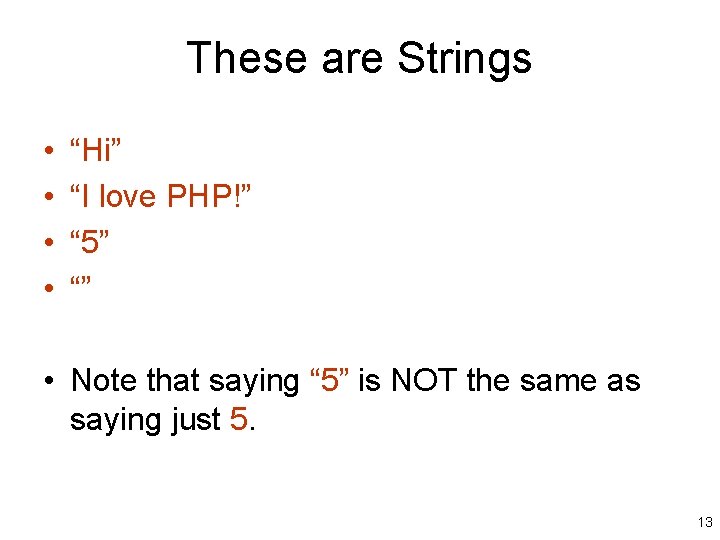
These are Strings • • “Hi” “I love PHP!” “ 5” “” • Note that saying “ 5” is NOT the same as saying just 5. 13
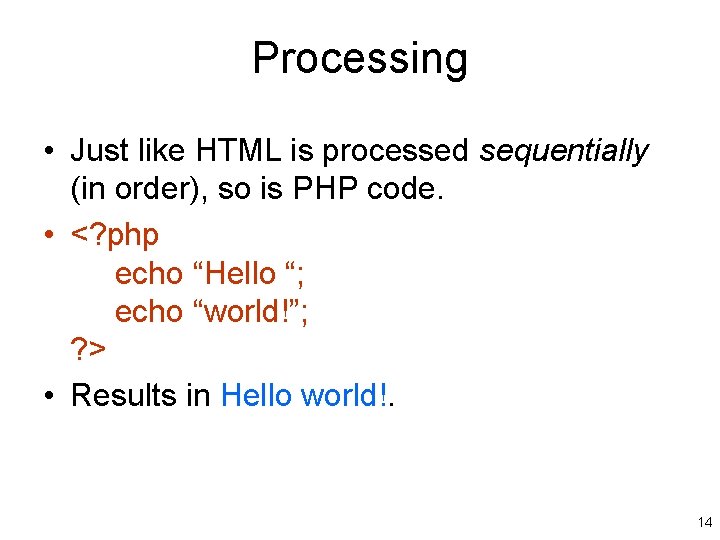
Processing • Just like HTML is processed sequentially (in order), so is PHP code. • <? php echo “Hello “; echo “world!”; ? > • Results in Hello world!. 14
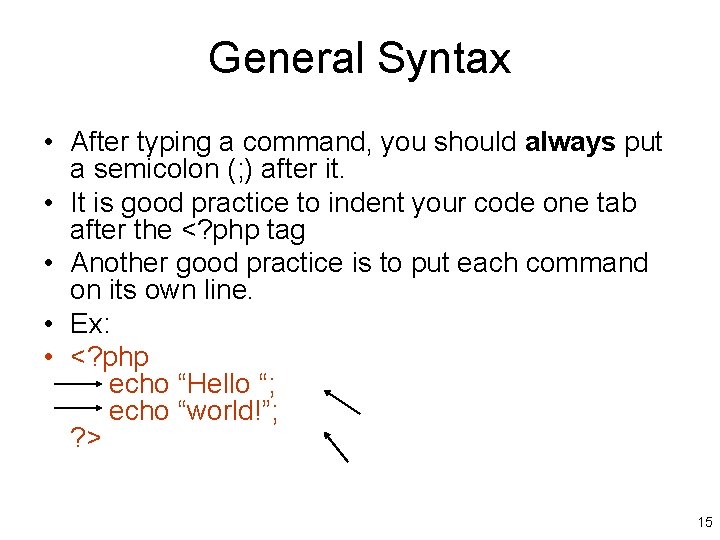
General Syntax • After typing a command, you should always put a semicolon (; ) after it. • It is good practice to indent your code one tab after the <? php tag • Another good practice is to put each command on its own line. • Ex: • <? php echo “Hello “; echo “world!”; ? > 15
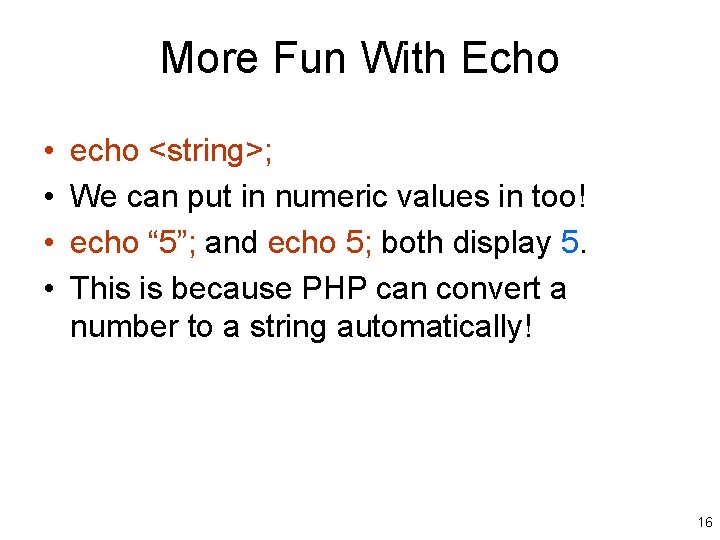
More Fun With Echo • • echo <string>; We can put in numeric values in too! echo “ 5”; and echo 5; both display 5. This is because PHP can convert a number to a string automatically! 16
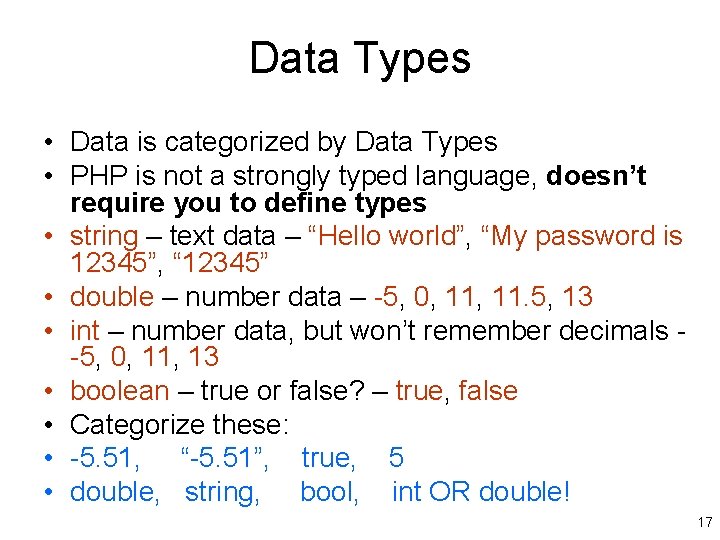
Data Types • Data is categorized by Data Types • PHP is not a strongly typed language, doesn’t require you to define types • string – text data – “Hello world”, “My password is 12345”, “ 12345” • double – number data – -5, 0, 11. 5, 13 • int – number data, but won’t remember decimals -5, 0, 11, 13 • boolean – true or false? – true, false • Categorize these: • -5. 51, “-5. 51”, true, 5 • double, string, bool, int OR double! 17
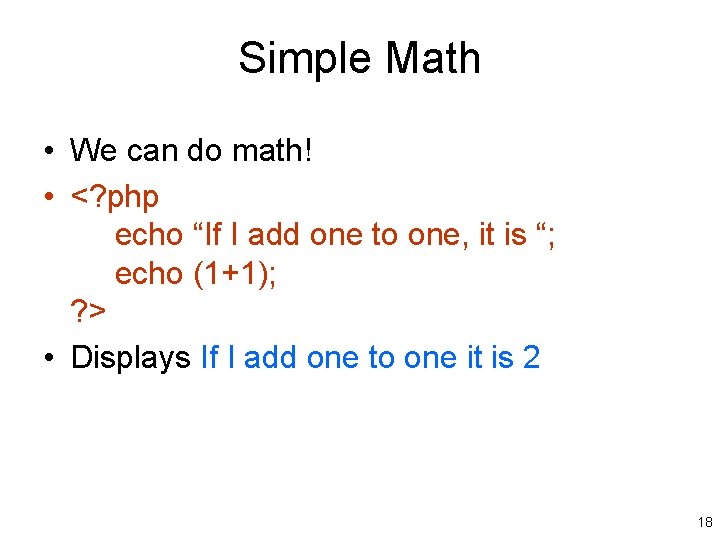
Simple Math • We can do math! • <? php echo “If I add one to one, it is “; echo (1+1); ? > • Displays If I add one to one it is 2 18
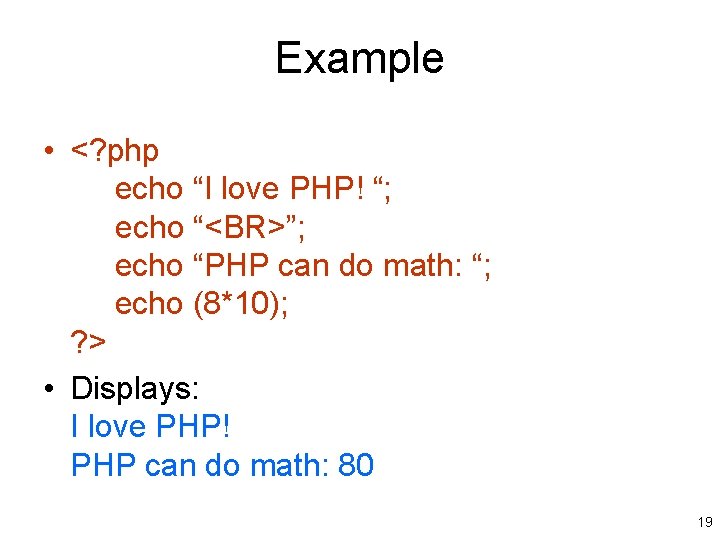
Example • <? php echo “I love PHP! “; echo “<BR>”; echo “PHP can do math: “; echo (8*10); ? > • Displays: I love PHP! PHP can do math: 80 19
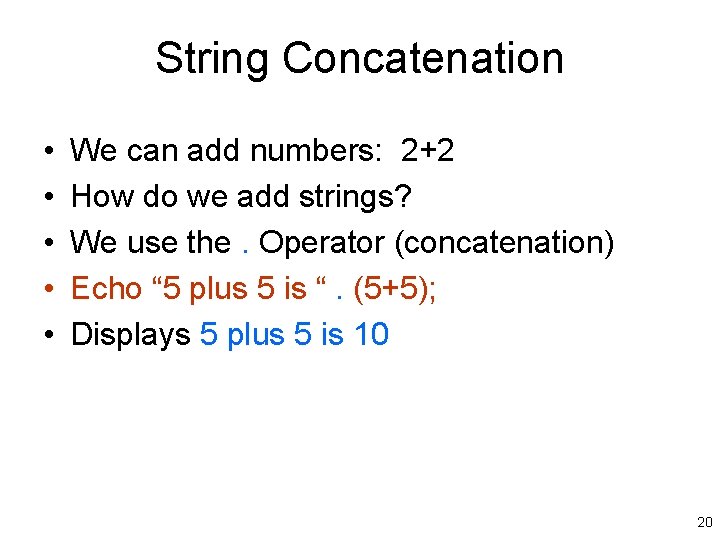
String Concatenation • • • We can add numbers: 2+2 How do we add strings? We use the. Operator (concatenation) Echo “ 5 plus 5 is “. (5+5); Displays 5 plus 5 is 10 20
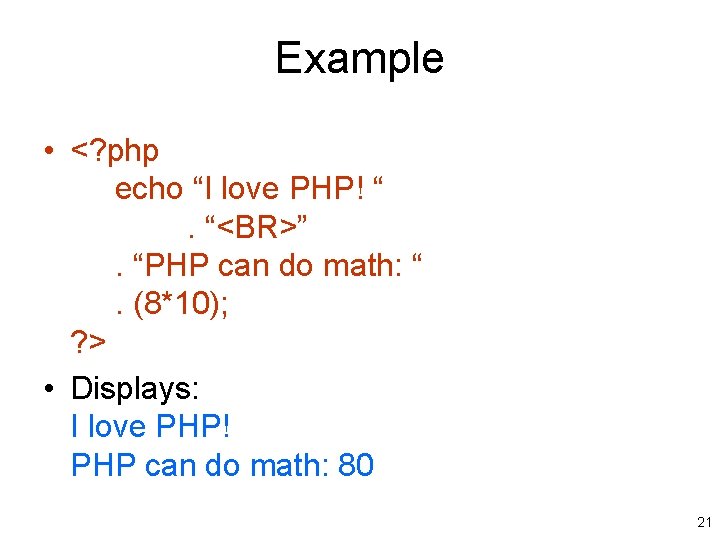
Example • <? php echo “I love PHP! “. “<BR>”. “PHP can do math: “. (8*10); ? > • Displays: I love PHP! PHP can do math: 80 21
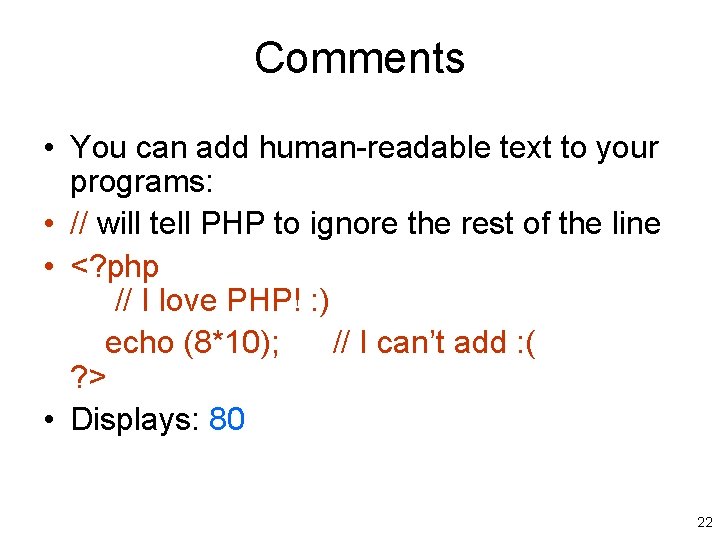
Comments • You can add human-readable text to your programs: • // will tell PHP to ignore the rest of the line • <? php // I love PHP! : ) echo (8*10); // I can’t add : ( ? > • Displays: 80 22
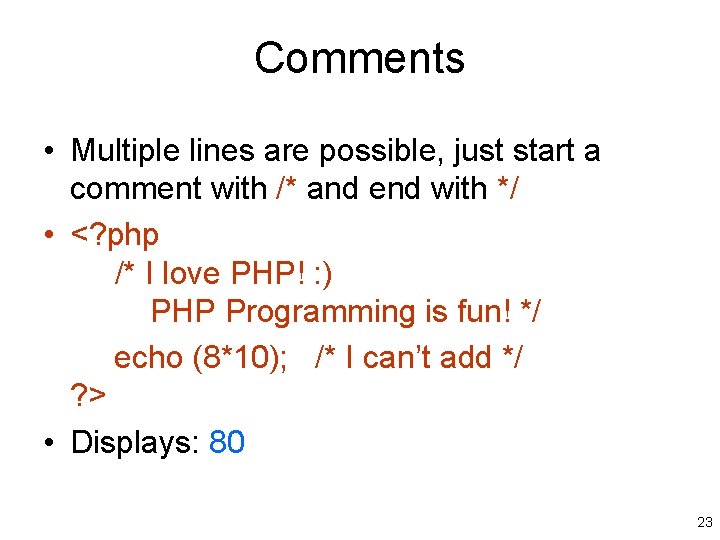
Comments • Multiple lines are possible, just start a comment with /* and end with */ • <? php /* I love PHP! : ) PHP Programming is fun! */ echo (8*10); /* I can’t add */ ? > • Displays: 80 23
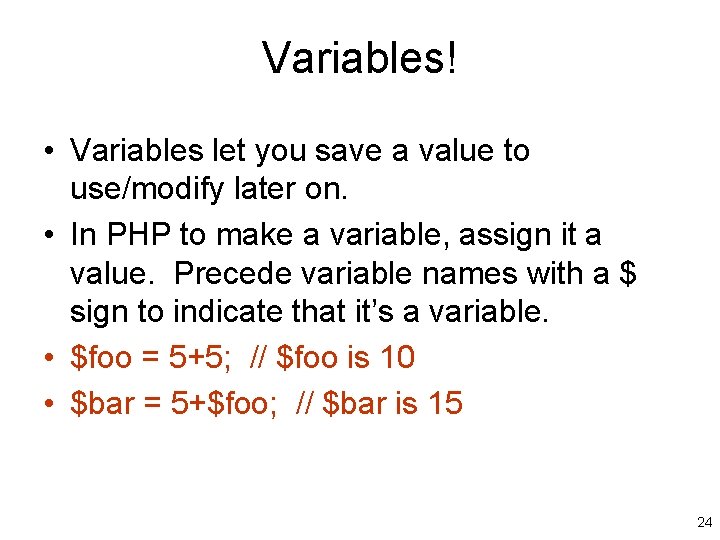
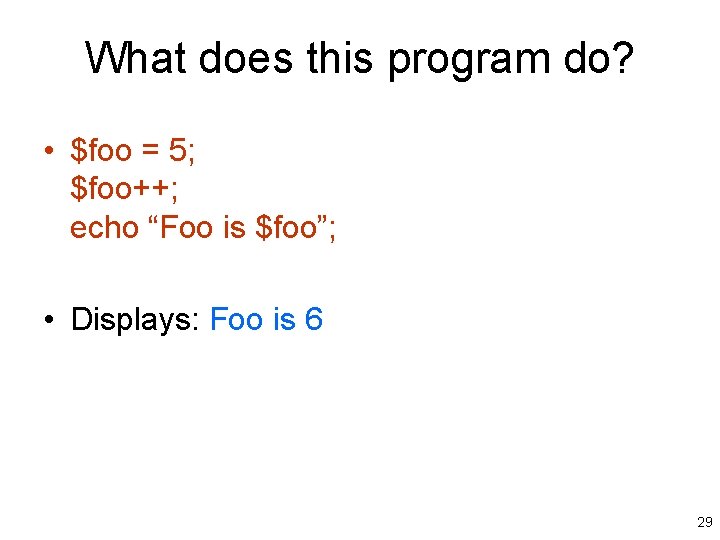
Variables! • Variables let you save a value to use/modify later on. • In PHP to make a variable, assign it a value. Precede variable names with a $ sign to indicate that it’s a variable. • $foo = 5+5; // $foo is 10 • $bar = 5+$foo; // $bar is 15 24
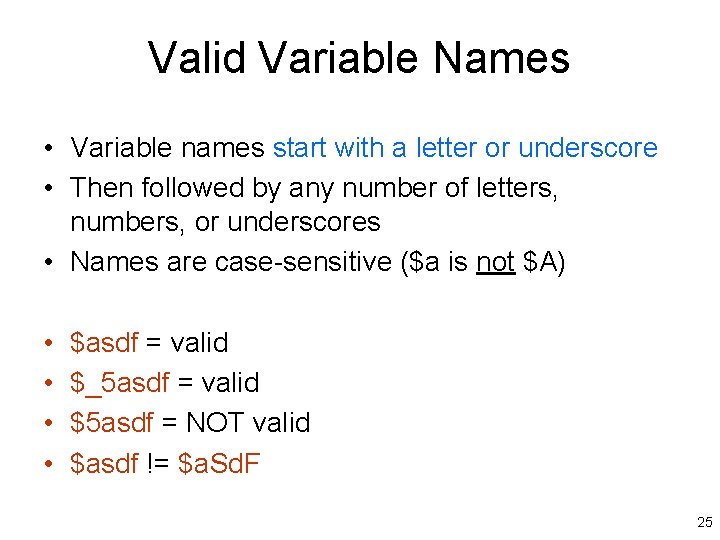
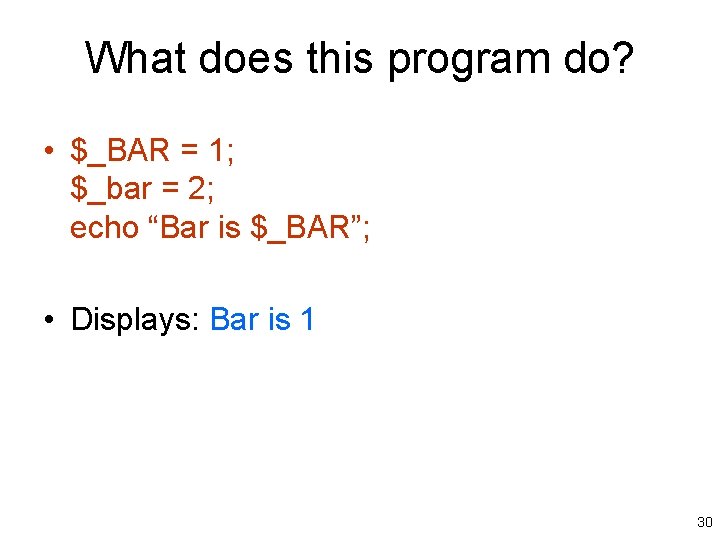
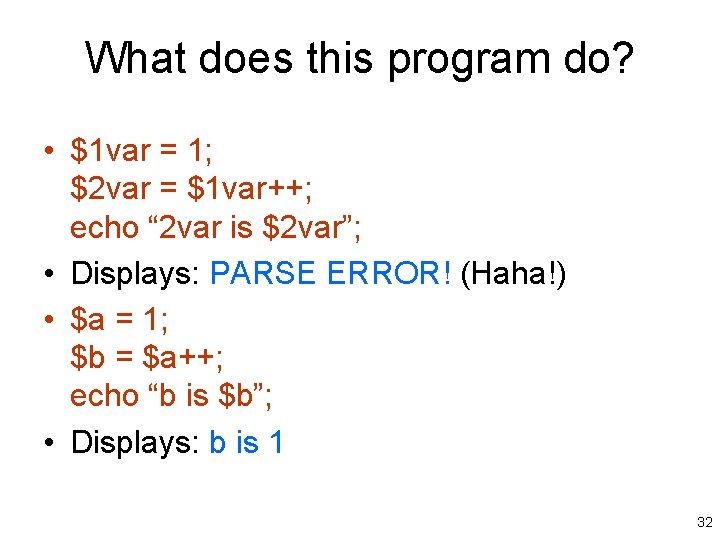
Valid Variable Names • Variable names start with a letter or underscore • Then followed by any number of letters, numbers, or underscores • Names are case-sensitive ($a is not $A) • • $asdf = valid $_5 asdf = valid $5 asdf = NOT valid $asdf != $a. Sd. F 25
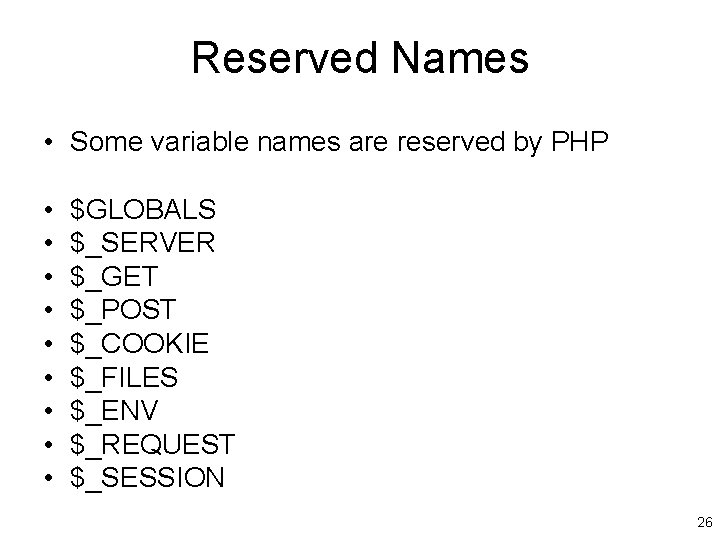
Reserved Names • Some variable names are reserved by PHP • • • $GLOBALS $_SERVER $_GET $_POST $_COOKIE $_FILES $_ENV $_REQUEST $_SESSION 26
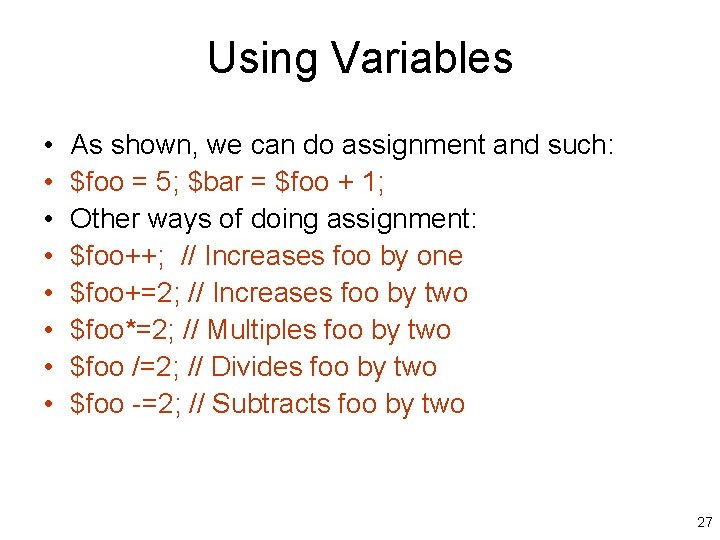
Using Variables • • As shown, we can do assignment and such: $foo = 5; $bar = $foo + 1; Other ways of doing assignment: $foo++; // Increases foo by one $foo+=2; // Increases foo by two $foo*=2; // Multiples foo by two $foo /=2; // Divides foo by two $foo -=2; // Subtracts foo by two 27
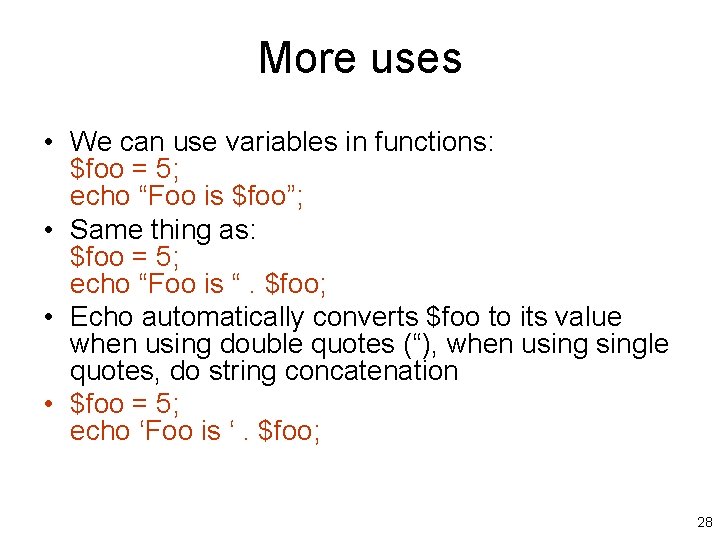
More uses • We can use variables in functions: $foo = 5; echo “Foo is $foo”; • Same thing as: $foo = 5; echo “Foo is “. $foo; • Echo automatically converts $foo to its value when using double quotes (“), when usingle quotes, do string concatenation • $foo = 5; echo ‘Foo is ‘. $foo; 28
What does this program do? • $foo = 5; $foo++; echo “Foo is $foo”; • Displays: Foo is 6 29
What does this program do? • $_BAR = 1; $_bar = 2; echo “Bar is $_BAR”; • Displays: Bar is 1 30
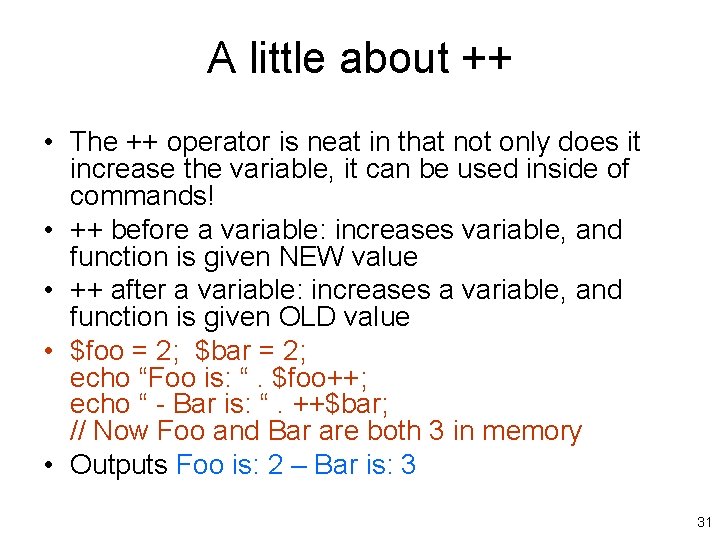
A little about ++ • The ++ operator is neat in that not only does it increase the variable, it can be used inside of commands! • ++ before a variable: increases variable, and function is given NEW value • ++ after a variable: increases a variable, and function is given OLD value • $foo = 2; $bar = 2; echo “Foo is: “. $foo++; echo “ - Bar is: “. ++$bar; // Now Foo and Bar are both 3 in memory • Outputs Foo is: 2 – Bar is: 3 31
What does this program do? • $1 var = 1; $2 var = $1 var++; echo “ 2 var is $2 var”; • Displays: PARSE ERROR! (Haha!) • $a = 1; $b = $a++; echo “b is $b”; • Displays: b is 1 32
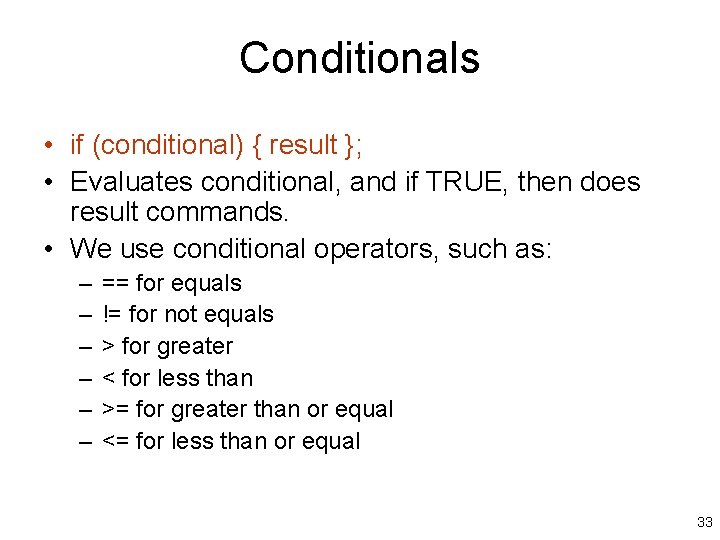
Conditionals • if (conditional) { result }; • Evaluates conditional, and if TRUE, then does result commands. • We use conditional operators, such as: – – – == for equals != for not equals > for greater < for less than >= for greater than or equal <= for less than or equal 33
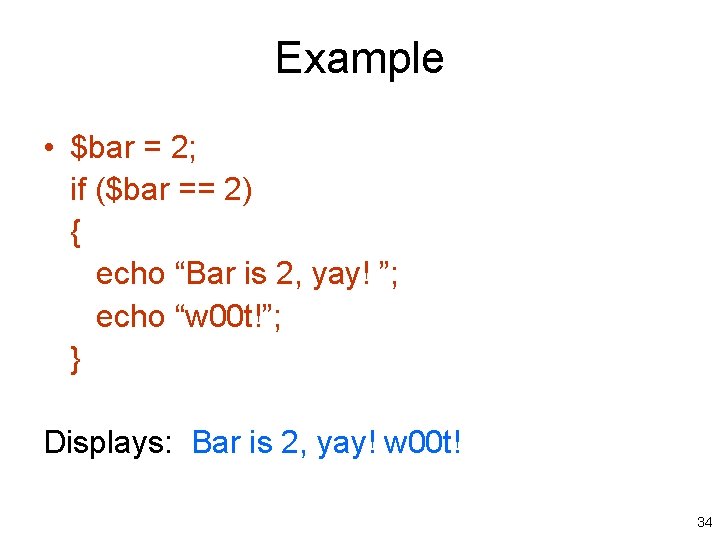
Example • $bar = 2; if ($bar == 2) { echo “Bar is 2, yay! ”; echo “w 00 t!”; } Displays: Bar is 2, yay! w 00 t! 34
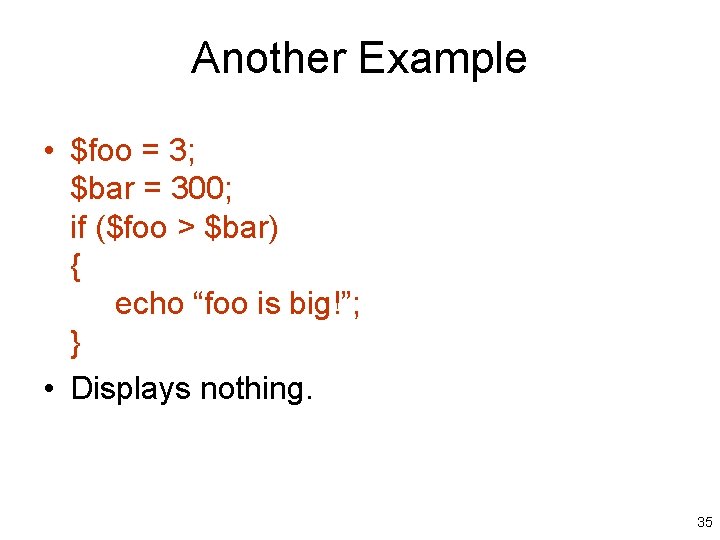
Another Example • $foo = 3; $bar = 300; if ($foo > $bar) { echo “foo is big!”; } • Displays nothing. 35
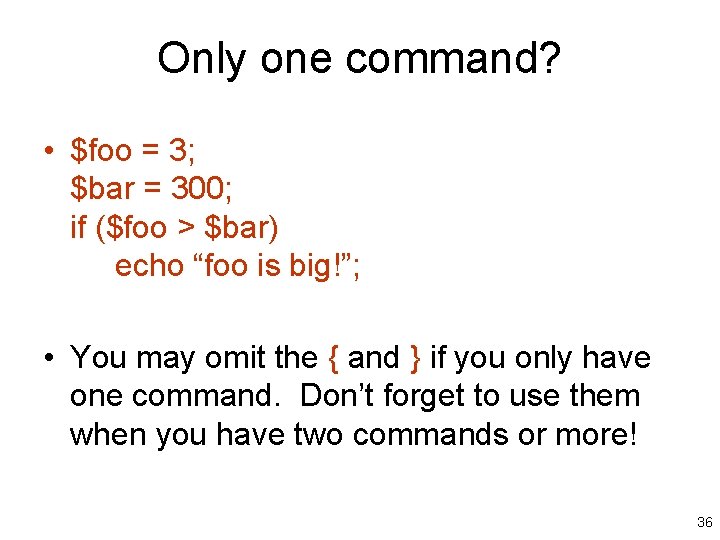
Only one command? • $foo = 3; $bar = 300; if ($foo > $bar) echo “foo is big!”; • You may omit the { and } if you only have one command. Don’t forget to use them when you have two commands or more! 36
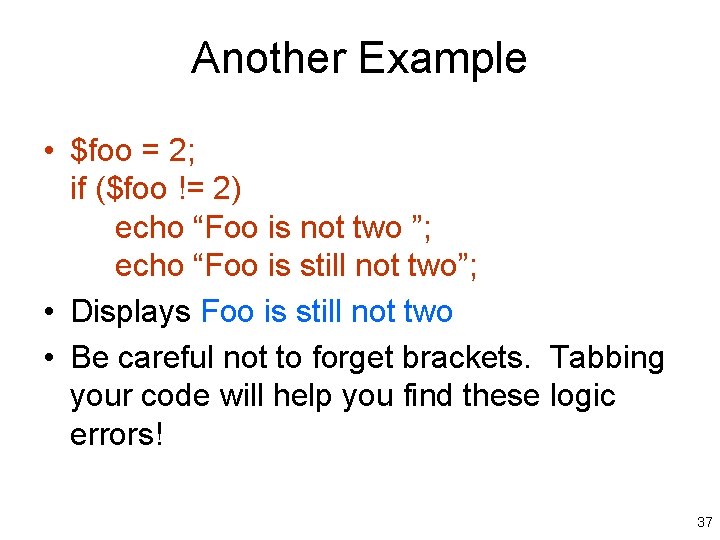
Another Example • $foo = 2; if ($foo != 2) echo “Foo is not two ”; echo “Foo is still not two”; • Displays Foo is still not two • Be careful not to forget brackets. Tabbing your code will help you find these logic errors! 37
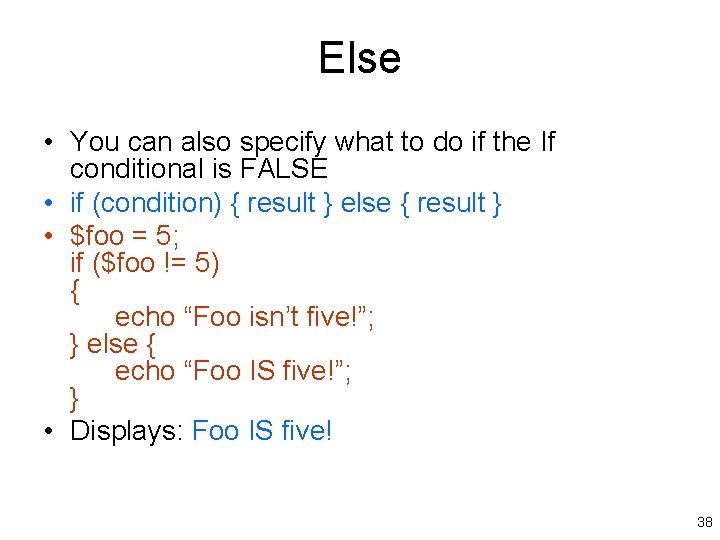
Else • You can also specify what to do if the If conditional is FALSE • if (condition) { result } else { result } • $foo = 5; if ($foo != 5) { echo “Foo isn’t five!”; } else { echo “Foo IS five!”; } • Displays: Foo IS five! 38
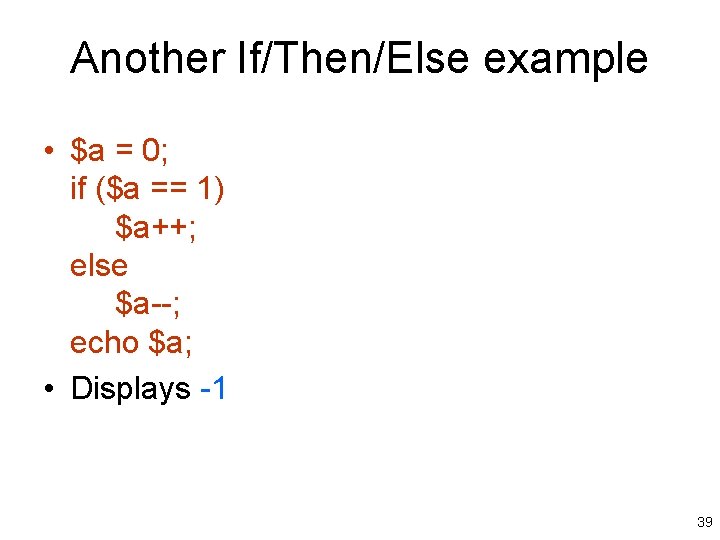
Another If/Then/Else example • $a = 0; if ($a == 1) $a++; else $a--; echo $a; • Displays -1 39
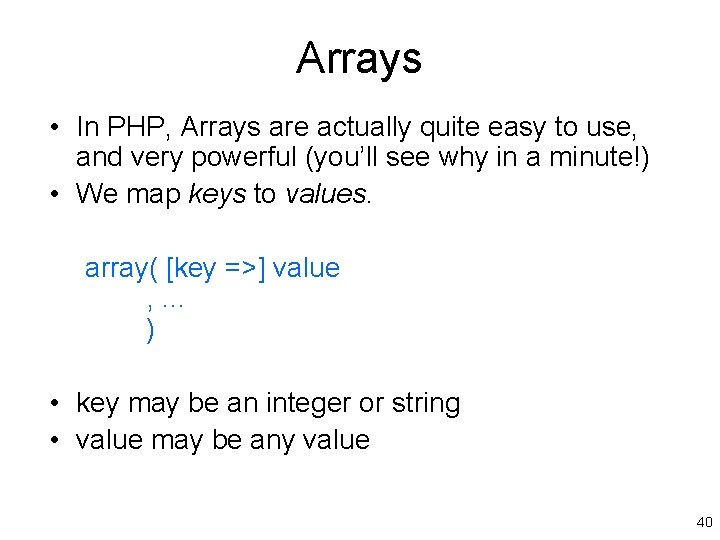
Arrays • In PHP, Arrays are actually quite easy to use, and very powerful (you’ll see why in a minute!) • We map keys to values. array( [key =>] value , . . . ) • key may be an integer or string • value may be any value 40
Array Example • $arr = array("foo" => "bar", 12 => true); echo $arr["foo"]; // bar echo $arr[12]; // true • So we see that arrays are just like variables, except that they also contain a collection of variables themselves. (Arrays can even have arrays in them!) 41
More Array Examples • $arr = array(5 => 1); $arr[5]++; echo $arr[5]; // 2 $arr[5] = 10; echo $arr[5]; // 10 $arr[“foo”] = 5; // New entry! echo $arr[“foo”]; // 5 42
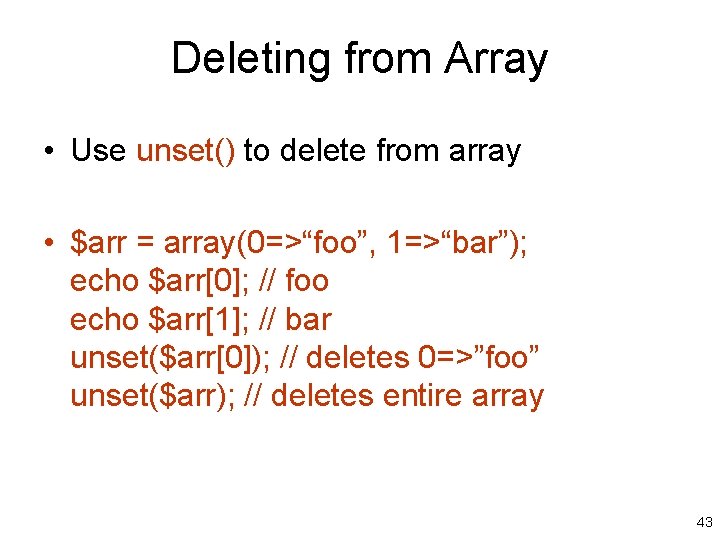
Deleting from Array • Use unset() to delete from array • $arr = array(0=>“foo”, 1=>“bar”); echo $arr[0]; // foo echo $arr[1]; // bar unset($arr[0]); // deletes 0=>”foo” unset($arr); // deletes entire array 43
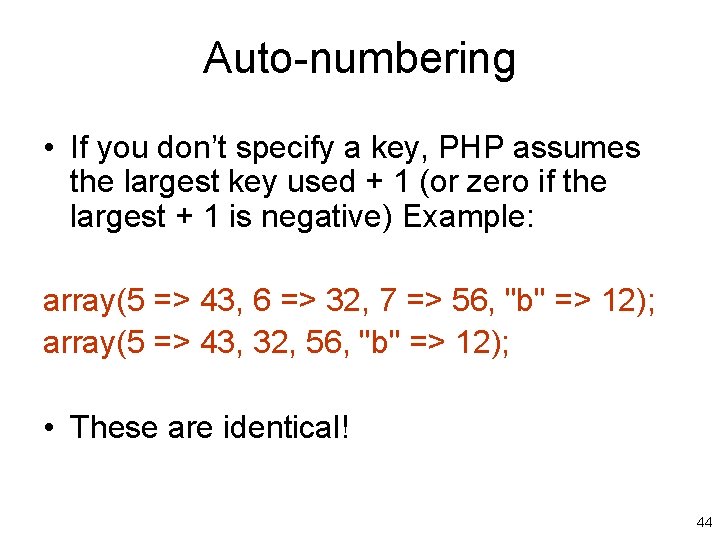
Auto-numbering • If you don’t specify a key, PHP assumes the largest key used + 1 (or zero if the largest + 1 is negative) Example: array(5 => 43, 6 => 32, 7 => 56, "b" => 12); array(5 => 43, 32, 56, "b" => 12); • These are identical! 44
More Auto-Numbering $array = array(0, 1, 2, 3, 4); $array[] = 5; Now [0] => 0, [1] => 1, etc (including 5) • Tip: Use print_r($array); command to display an array in human-readable form. • Note: Even if you were to delete 0 -5, the next key automatically assigned would still be 6. To fix this, use array_values($array) 45
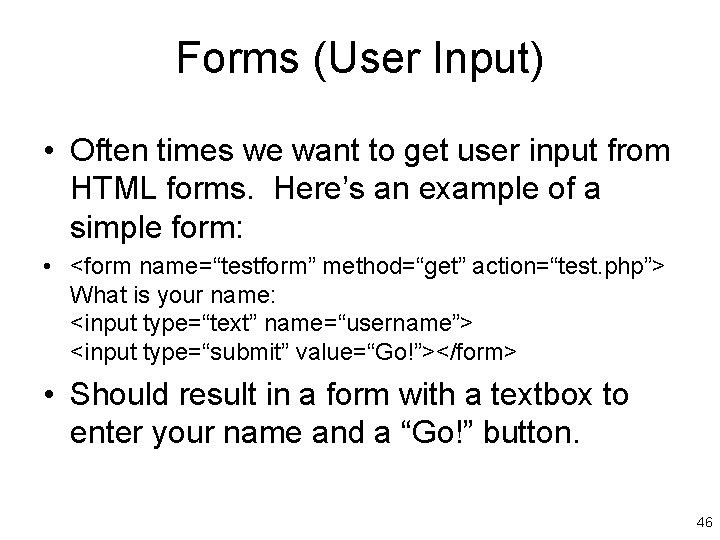
Forms (User Input) • Often times we want to get user input from HTML forms. Here’s an example of a simple form: • <form name=“testform” method=“get” action=“test. php”> What is your name: <input type=“text” name=“username”> <input type=“submit” value=“Go!”></form> • Should result in a form with a textbox to enter your name and a “Go!” button. 46
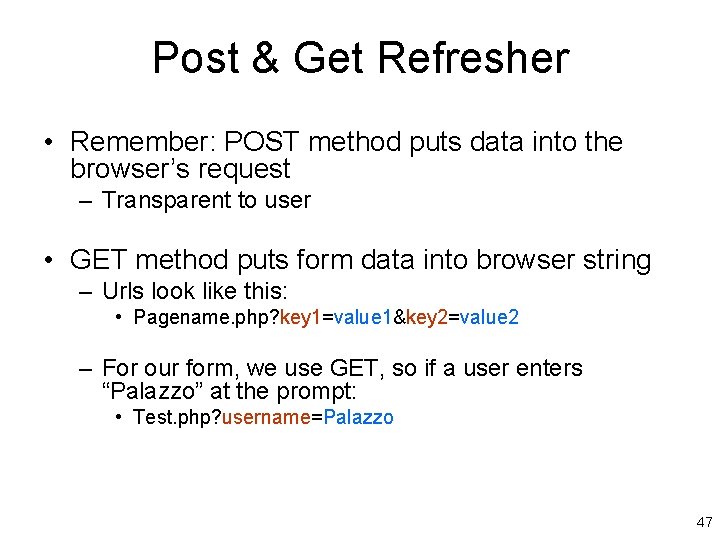
Post & Get Refresher • Remember: POST method puts data into the browser’s request – Transparent to user • GET method puts form data into browser string – Urls look like this: • Pagename. php? key 1=value 1&key 2=value 2 – For our form, we use GET, so if a user enters “Palazzo” at the prompt: • Test. php? username=Palazzo 47
End of Part 1 More PHP in Part 2 48