
Introduction to Photoshop What is Photoshop Photoshop is
- Slides: 16
Introduction to Photoshop
What is Photoshop? • Photoshop is software that enables you to create, modify, combine and optimize digital images.
Working with Digital Images • Computerized images are made up of pixels, which are small squares of digital information with a colour value. • A pixel has no inherent size because its size will depend on the resolution of the image. With two files of the same dimensions, a file with a resolution of 150 pixels per inch will have larger pixels than a file of 300 pixels per inch.
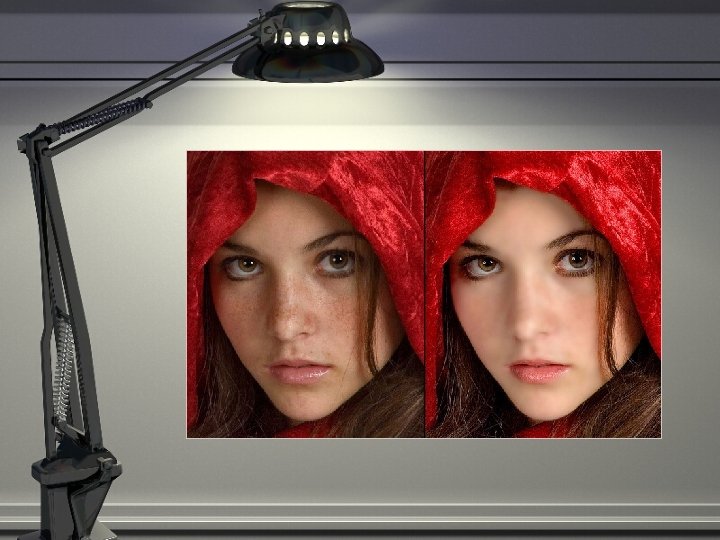
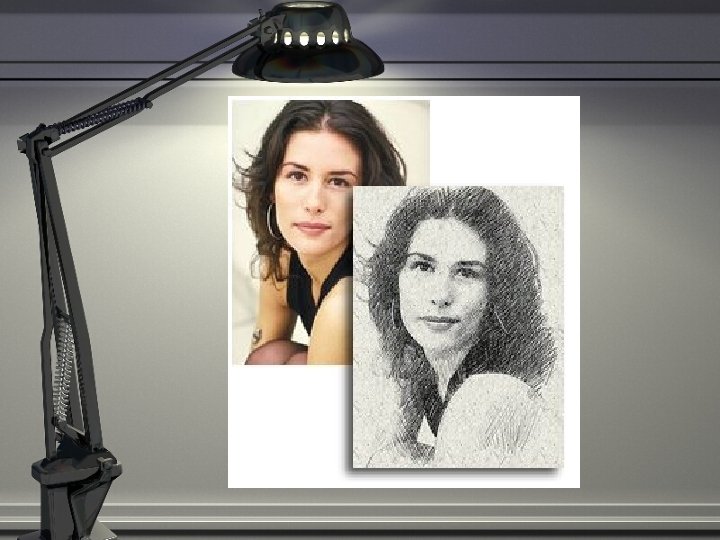
Manipulate Photos • As its name suggests, Photoshop excels at editing digital photographs. You can use the program to make subtle changes, such as adjusting the colour in a digital or scanned print, or you can use elaborate filters to make your snapshots look like fantastic art.
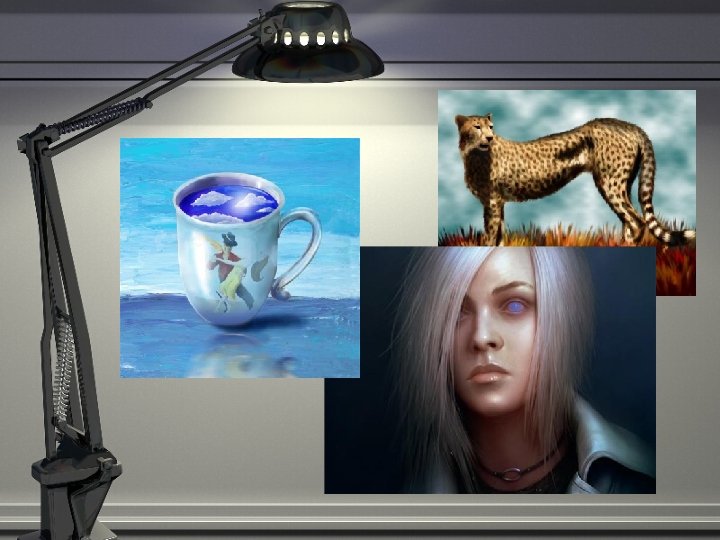
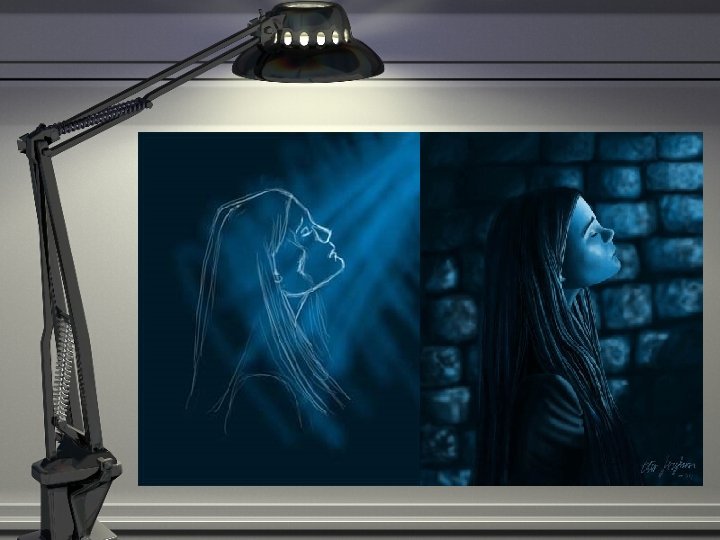
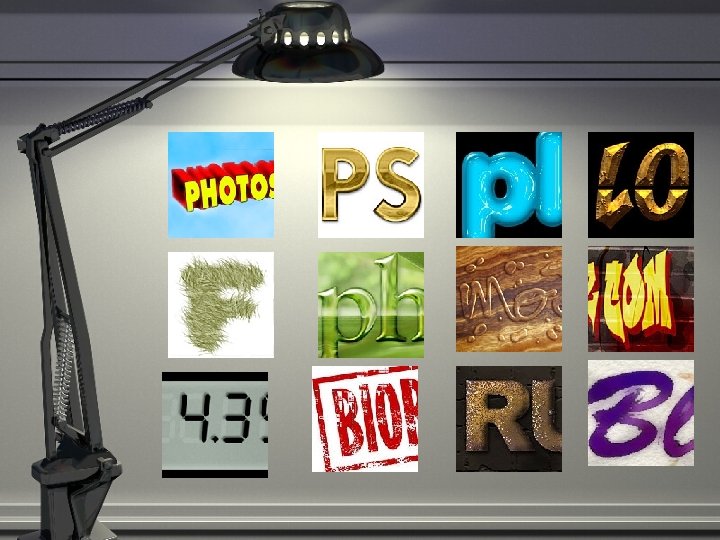
Paint Pictures • Photoshop’s painting features make it a useful illustration tool as well as photo editor. You can apply colour or patterns to your images with a number of brush styles. You can use the program’s typographic tools to integrate stylized letters and words into your images. You can also create geometric shapes.
The Power of Photoshop… Perfect? Evolution? The Photoshop Effect Controversy Over The Photoshop Effect
The Photoshop Workspace
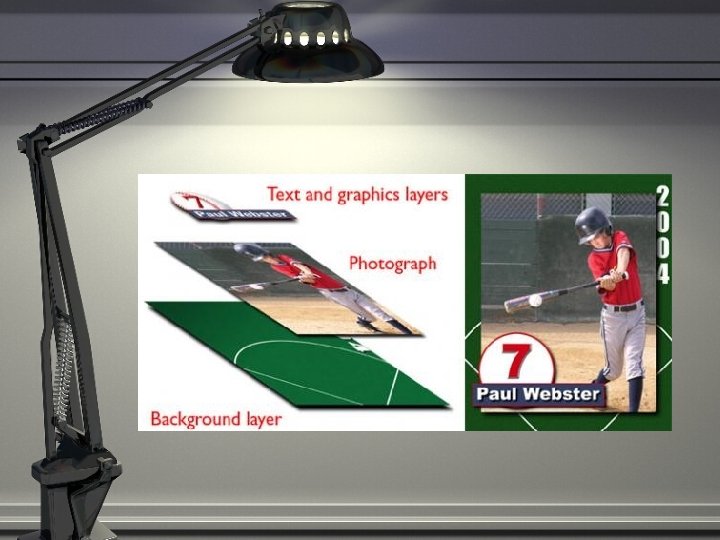
Layers • The Layers Concept • Layers in Photoshop act like separate layers of acetate sheets over an image, each sheet holding its own image. Images on each layer will block any images that sit directly below. The combination of all sheets in a register is used to make the final image (figure 1).
Tools
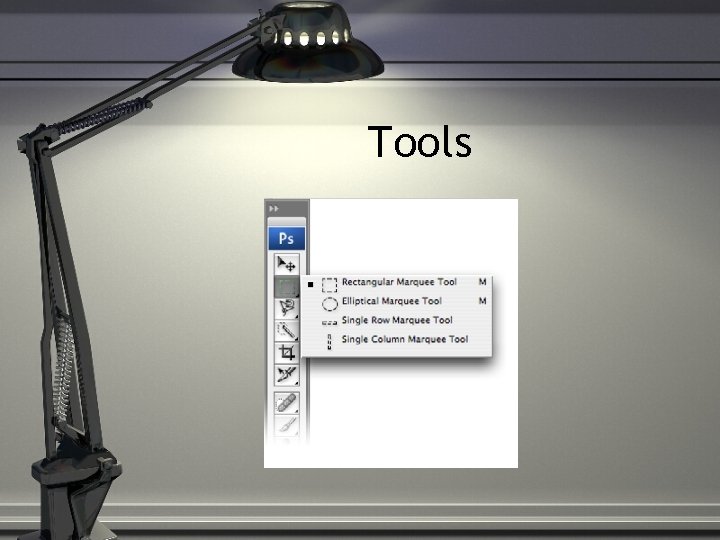
Tools • Today’s assignment: Create yourselves a reference chart of the tools in Photoshop using the Photoshop Tool Palette Assignment sheet.