
Introduction to Perl Part II By Bridget Thomson

Introduction to Perl Part II By: Bridget Thomson Mc. Innes 22 January 2004
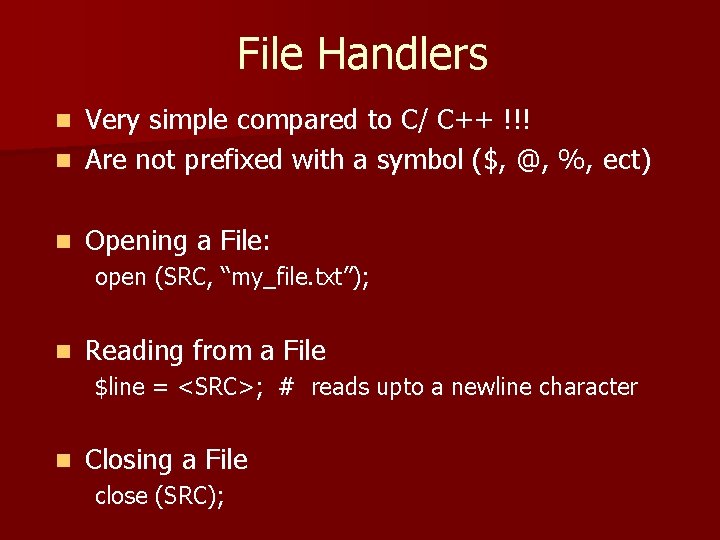
File Handlers Very simple compared to C/ C++ !!! n Are not prefixed with a symbol ($, @, %, ect) n n Opening a File: open (SRC, “my_file. txt”); n Reading from a File $line = <SRC>; # reads upto a newline character n Closing a File close (SRC);
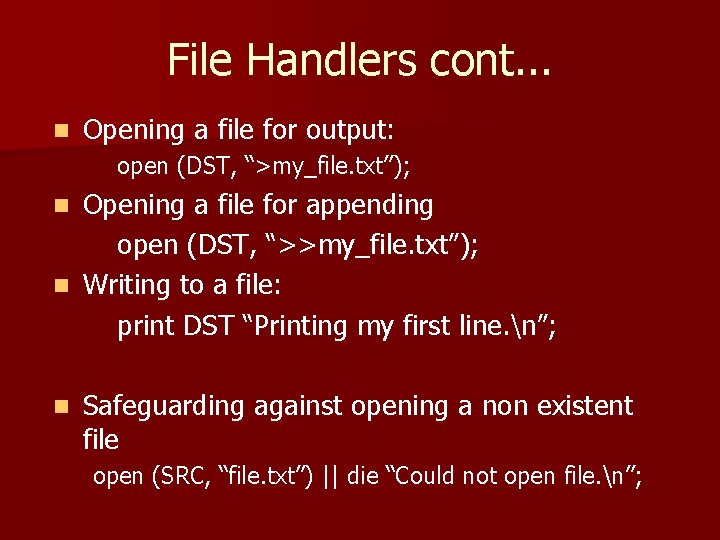
File Handlers cont. . . n Opening a file for output: open (DST, “>my_file. txt”); Opening a file for appending open (DST, “>>my_file. txt”); n Writing to a file: print DST “Printing my first line. n”; n n Safeguarding against opening a non existent file open (SRC, “file. txt”) || die “Could not open file. n”;
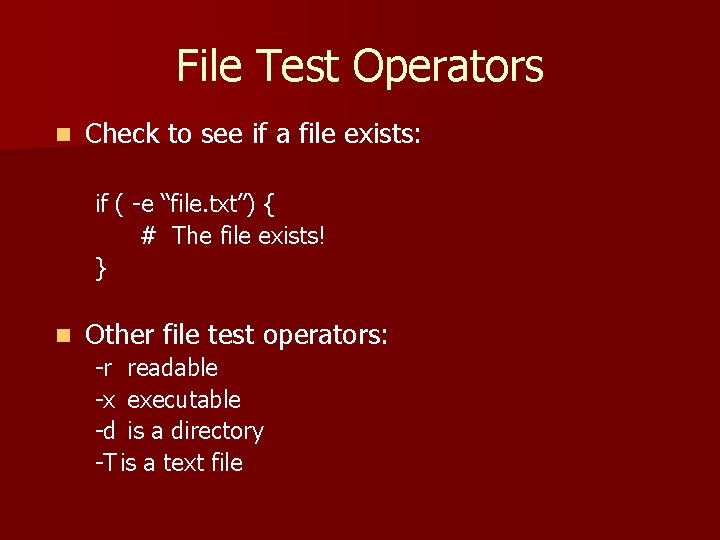
File Test Operators n Check to see if a file exists: if ( -e “file. txt”) { # The file exists! } n Other file test operators: -r readable -x executable -d is a directory -T is a text file
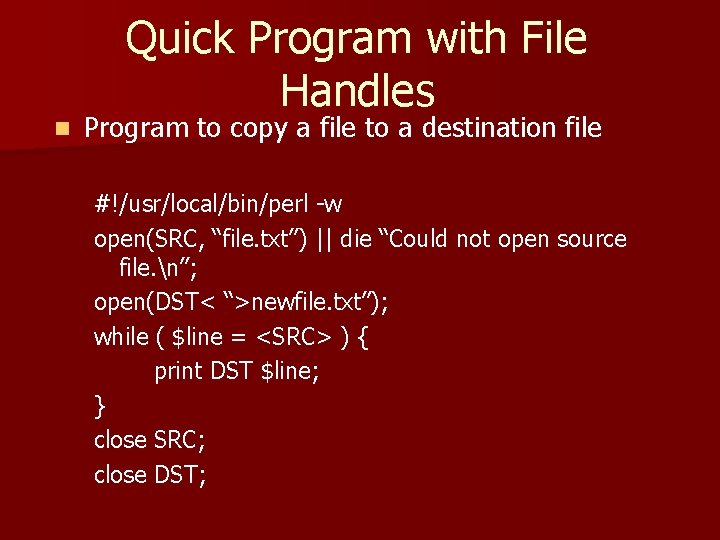
n Quick Program with File Handles Program to copy a file to a destination file #!/usr/local/bin/perl -w open(SRC, “file. txt”) || die “Could not open source file. n”; open(DST< “>newfile. txt”); while ( $line = <SRC> ) { print DST $line; } close SRC; close DST;
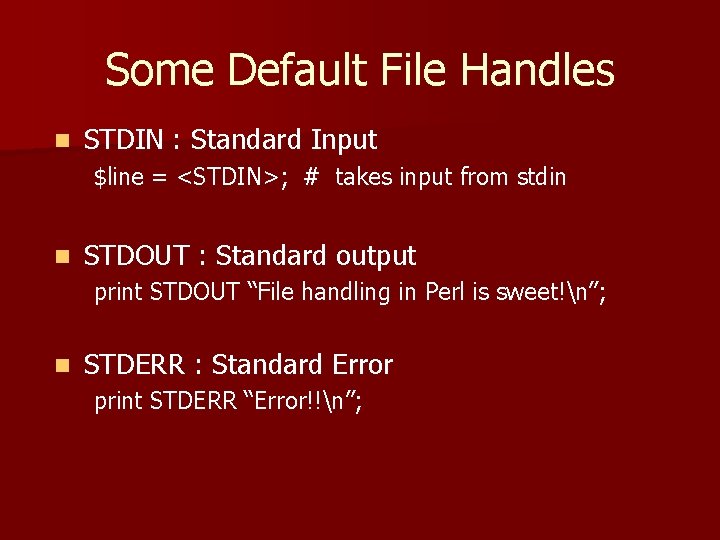
Some Default File Handles n STDIN : Standard Input $line = <STDIN>; # takes input from stdin n STDOUT : Standard output print STDOUT “File handling in Perl is sweet!n”; n STDERR : Standard Error print STDERR “Error!!n”;
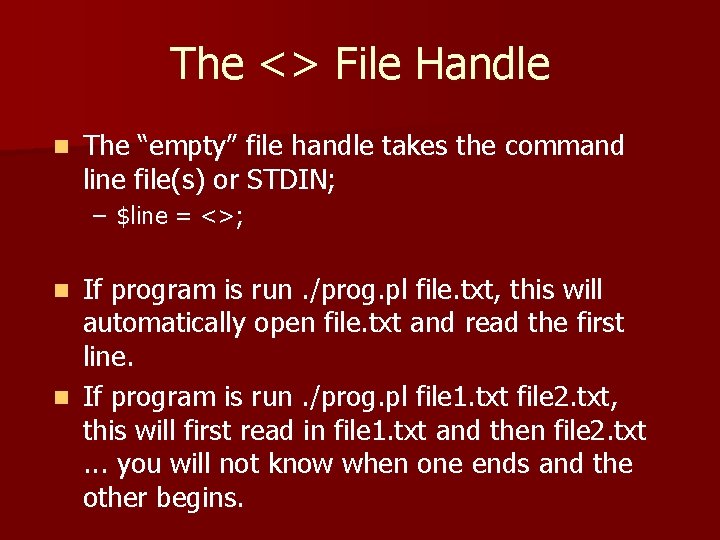
The <> File Handle n The “empty” file handle takes the command line file(s) or STDIN; – $line = <>; If program is run. /prog. pl file. txt, this will automatically open file. txt and read the first line. n If program is run. /prog. pl file 1. txt file 2. txt, this will first read in file 1. txt and then file 2. txt. . . you will not know when one ends and the other begins. n
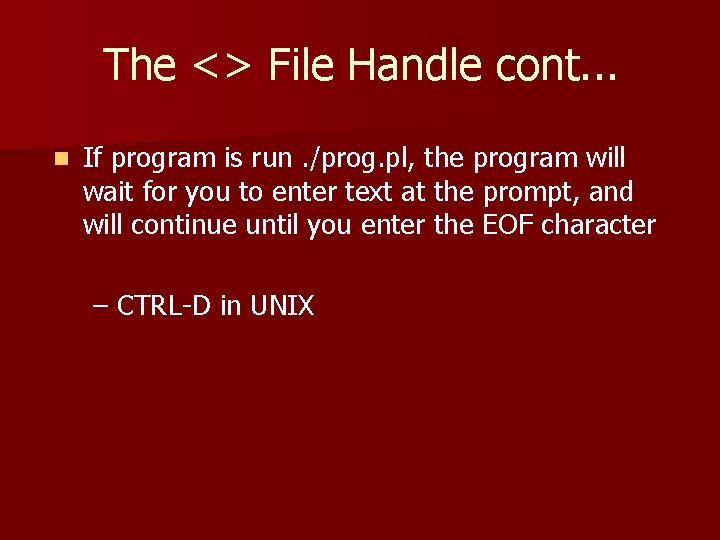
The <> File Handle cont. . . n If program is run. /prog. pl, the program will wait for you to enter text at the prompt, and will continue until you enter the EOF character – CTRL-D in UNIX
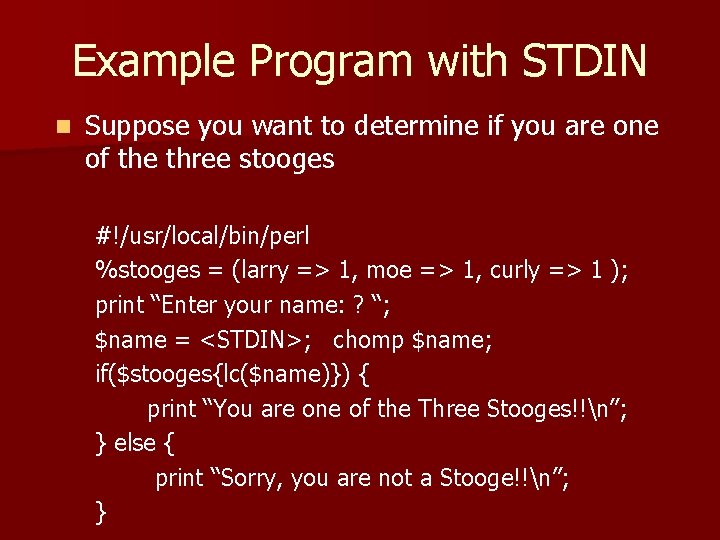
Example Program with STDIN n Suppose you want to determine if you are one of the three stooges #!/usr/local/bin/perl %stooges = (larry => 1, moe => 1, curly => 1 ); print “Enter your name: ? “; $name = <STDIN>; chomp $name; if($stooges{lc($name)}) { print “You are one of the Three Stooges!!n”; } else { print “Sorry, you are not a Stooge!!n”; }
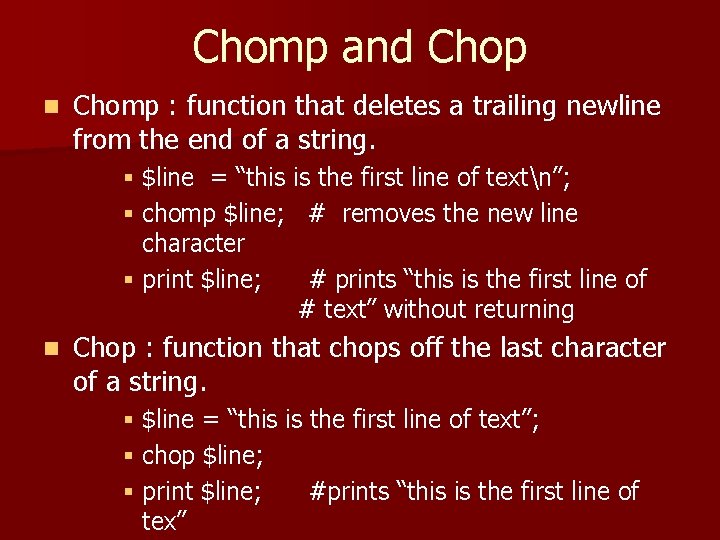
Chomp and Chop n Chomp : function that deletes a trailing newline from the end of a string. § $line = “this is the first line of textn”; § chomp $line; # removes the new line character § print $line; # prints “this is the first line of # text” without returning n Chop : function that chops off the last character of a string. § $line = “this is the first line of text”; § chop $line; § print $line; #prints “this is the first line of tex”
Regular Expressions n What are Regular Expressions. . a few definitions. – Specifies a class of strings that belong to the formal / regular languages defined by regular expressions – In other words, a formula for matching strings that follow a specified pattern. n Some things you can do with regular expressions – – – Parse the text Add and/or replace subsections of text Remove pieces of the text

Regular Expressions cont. . n A regular expression characterizes a regular language n Examples in UNIX: – ls *. c § Lists all the files in the current directory that are postfixed '. c' – ls *. txt § Lists all the files in the current directory that are postfixed '. txt'
Simple Example for. . . ? Clarity n In the simplest form, a regular expression is a string of characters that you are looking for n We want to find all the words that contain the string 'ing' in our text. n The regular expression we would use : /ing/
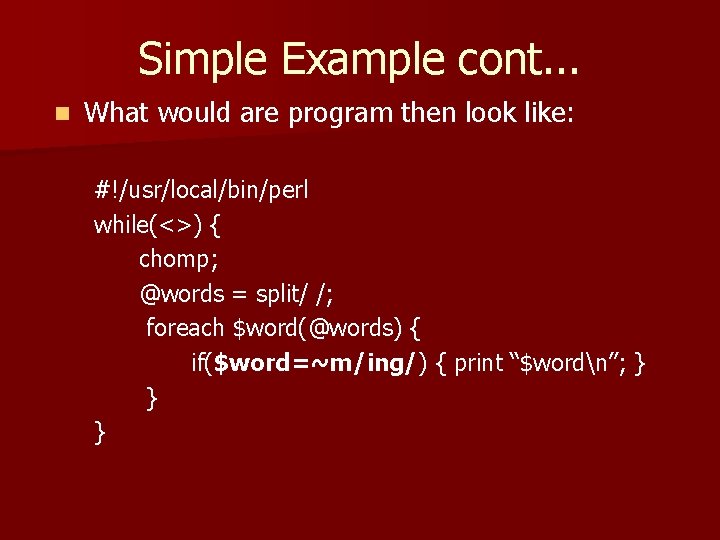
Simple Example cont. . . n What would are program then look like: #!/usr/local/bin/perl while(<>) { chomp; @words = split/ /; foreach $word(@words) { if($word=~m/ing/) { print “$wordn”; } } }
Regular Expressions Types n Regular expressions are composed of two types of characters: – Literals § Normal text characters § Like what we saw in the previous program ( /ing/ ) – Metacharacters § special characters § Add a great deal of flexibility to your search
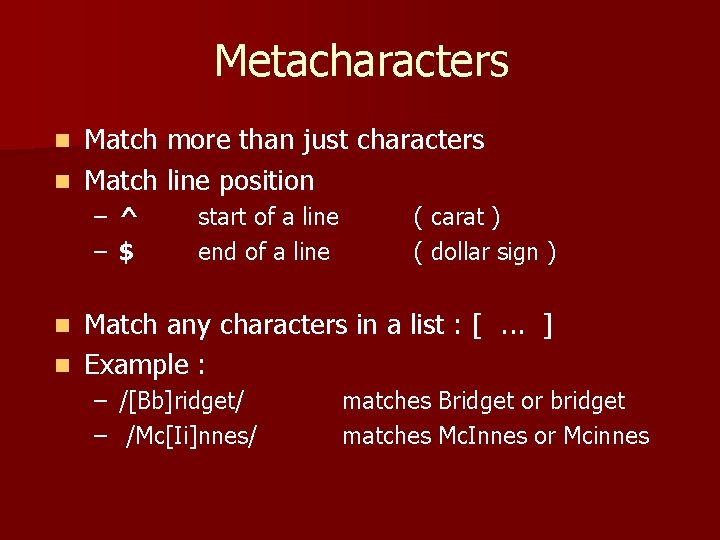
Metacharacters Match more than just characters n Match line position n – ^ – $ start of a line end of a line ( carat ) ( dollar sign ) Match any characters in a list : [. . . ] n Example : n – /[Bb]ridget/ – /Mc[Ii]nnes/ matches Bridget or bridget matches Mc. Innes or Mcinnes
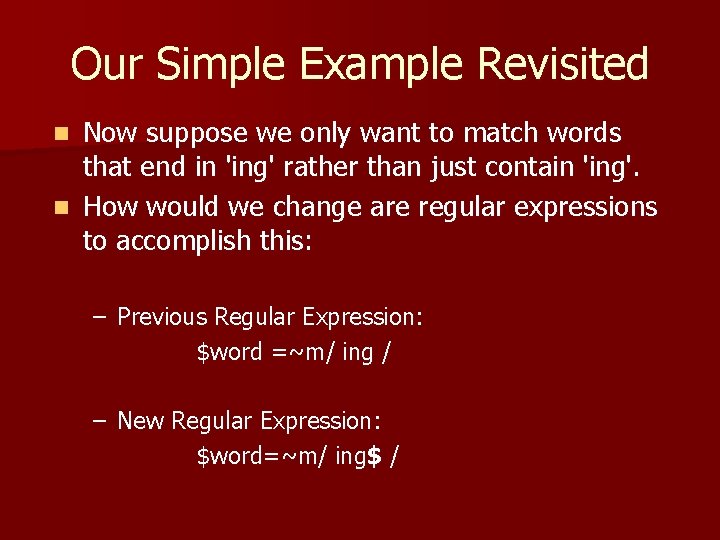
Our Simple Example Revisited Now suppose we only want to match words that end in 'ing' rather than just contain 'ing'. n How would we change are regular expressions to accomplish this: n – Previous Regular Expression: $word =~m/ ing / – New Regular Expression: $word=~m/ ing$ /
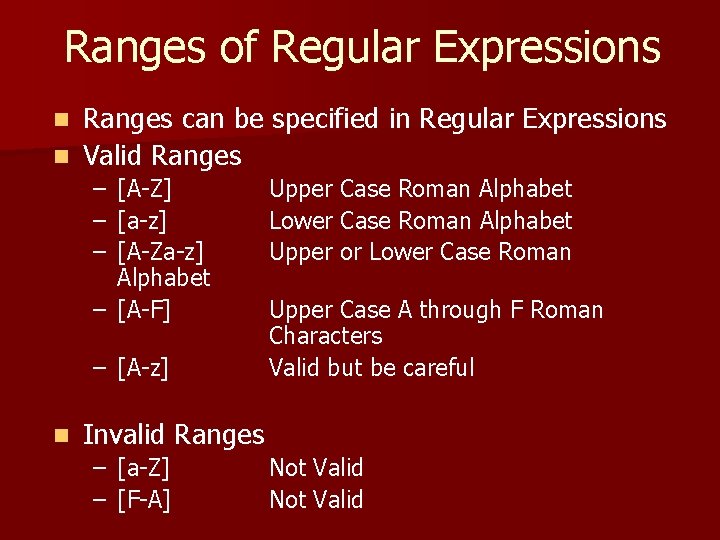
Ranges of Regular Expressions Ranges can be specified in Regular Expressions n Valid Ranges n – [A-Z] – [a-z] – [A-Za-z] Alphabet – [A-F] – [A-z] n Upper Case Roman Alphabet Lower Case Roman Alphabet Upper or Lower Case Roman Upper Case A through F Roman Characters Valid but be careful Invalid Ranges – – [a-Z] [F-A] Not Valid
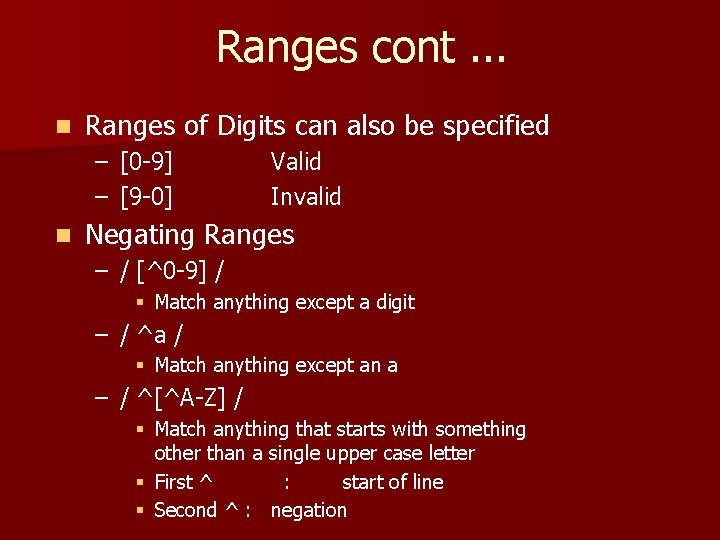
Ranges cont. . . n Ranges of Digits can also be specified – [0 -9] – [9 -0] n Valid Invalid Negating Ranges – / [^0 -9] / § Match anything except a digit – / ^a / § Match anything except an a – / ^[^A-Z] / § Match anything that starts with something other than a single upper case letter § First ^ : start of line § Second ^ : negation
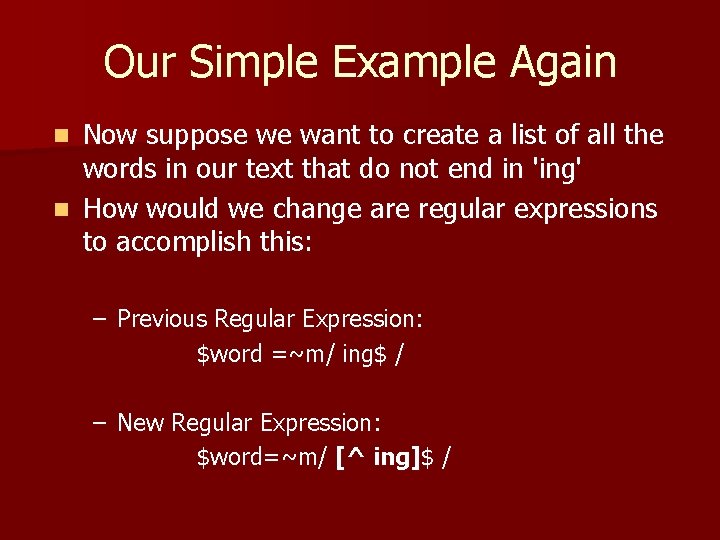
Our Simple Example Again Now suppose we want to create a list of all the words in our text that do not end in 'ing' n How would we change are regular expressions to accomplish this: n – Previous Regular Expression: $word =~m/ ing$ / – New Regular Expression: $word=~m/ [^ ing]$ /
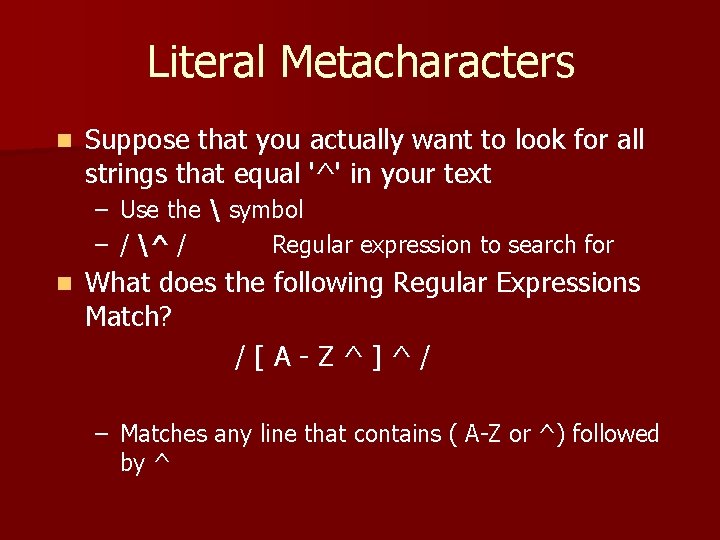
Literal Metacharacters n Suppose that you actually want to look for all strings that equal '^' in your text – Use the symbol – / ^ / Regular expression to search for n What does the following Regular Expressions Match? /[A-Z^]^/ – Matches any line that contains ( A-Z or ^) followed by ^
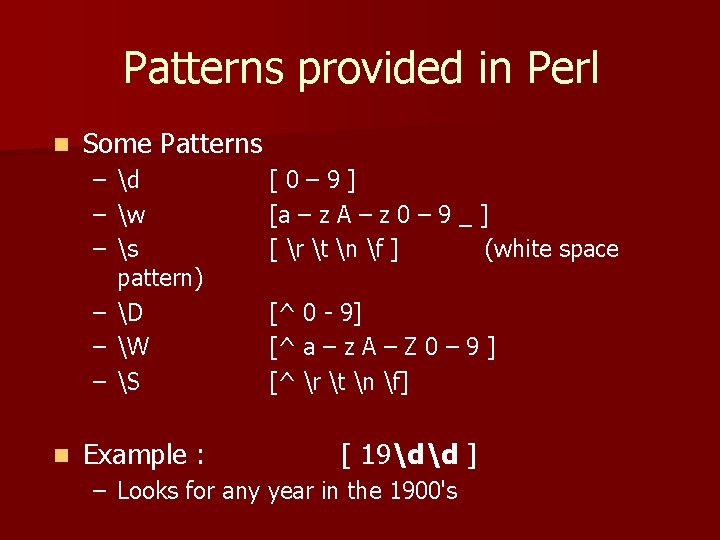
Patterns provided in Perl n Some Patterns – d – w – s pattern) – D – W – S n Example : [0– 9] [a – z A – z 0 – 9 _ ] [ r t n f ] (white space [^ 0 - 9] [^ a – z A – Z 0 – 9 ] [^ r t n f] [ 19dd ] – Looks for any year in the 1900's
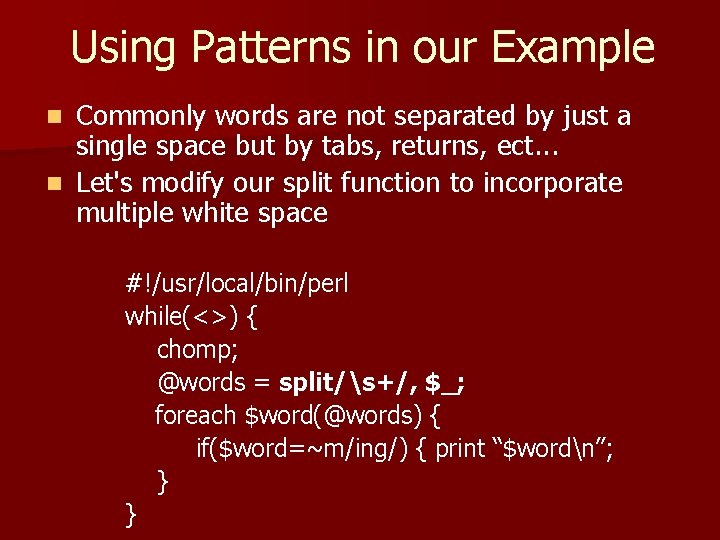
Using Patterns in our Example Commonly words are not separated by just a single space but by tabs, returns, ect. . . n Let's modify our split function to incorporate multiple white space n #!/usr/local/bin/perl while(<>) { chomp; @words = split/s+/, $_; foreach $word(@words) { if($word=~m/ing/) { print “$wordn”; } }
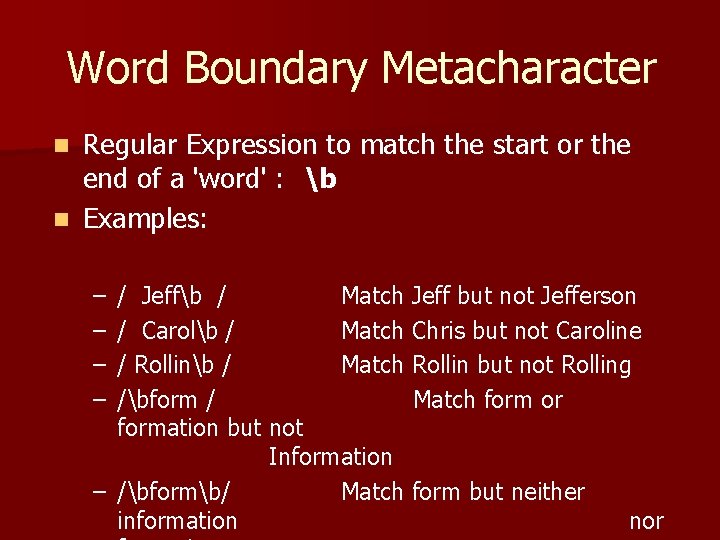
Word Boundary Metacharacter Regular Expression to match the start or the end of a 'word' : b n Examples: n – – / Jeffb / Match Jeff but not Jefferson / Carolb / Match Chris but not Caroline / Rollinb / Match Rollin but not Rolling /bform / Match form or formation but not Information – /bformb/ Match form but neither information nor

DOT Metacharacter The DOT Metacharacter, '. ' symbolizes any character except a new line n / b. bble/ n – Would possibly return : bobble, babble, bubble n /. oat/ – Would possibly return : boat, coat, goat n Note: remember '. *' usually means a bunch of anything, this can be handy but also can have hidden ramifications.
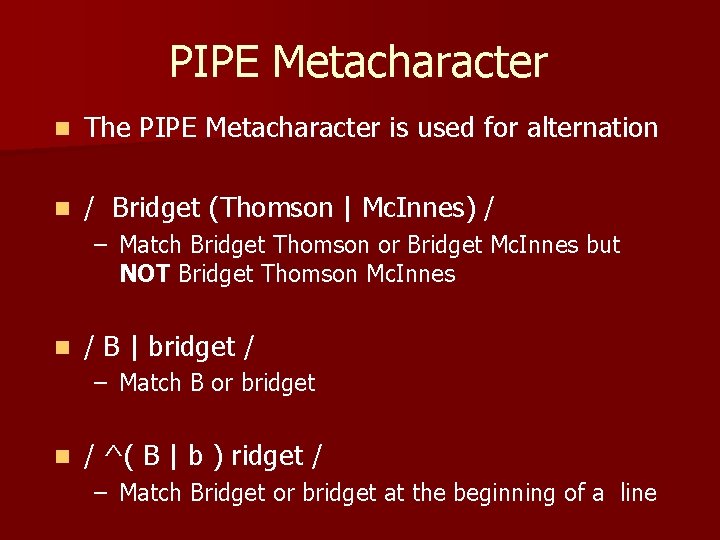
PIPE Metacharacter n The PIPE Metacharacter is used for alternation n / Bridget (Thomson | Mc. Innes) / – Match Bridget Thomson or Bridget Mc. Innes but NOT Bridget Thomson Mc. Innes n / B | bridget / – Match B or bridget n / ^( B | b ) ridget / – Match Bridget or bridget at the beginning of a line
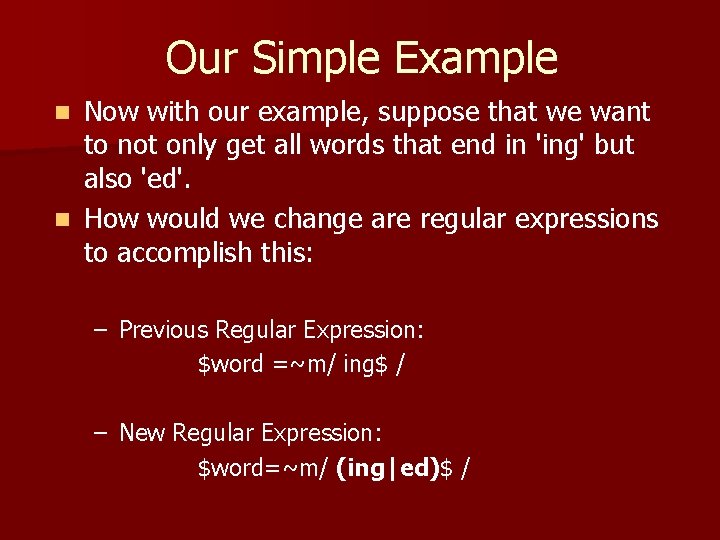
Our Simple Example Now with our example, suppose that we want to not only get all words that end in 'ing' but also 'ed'. n How would we change are regular expressions to accomplish this: n – Previous Regular Expression: $word =~m/ ing$ / – New Regular Expression: $word=~m/ (ing|ed)$ /
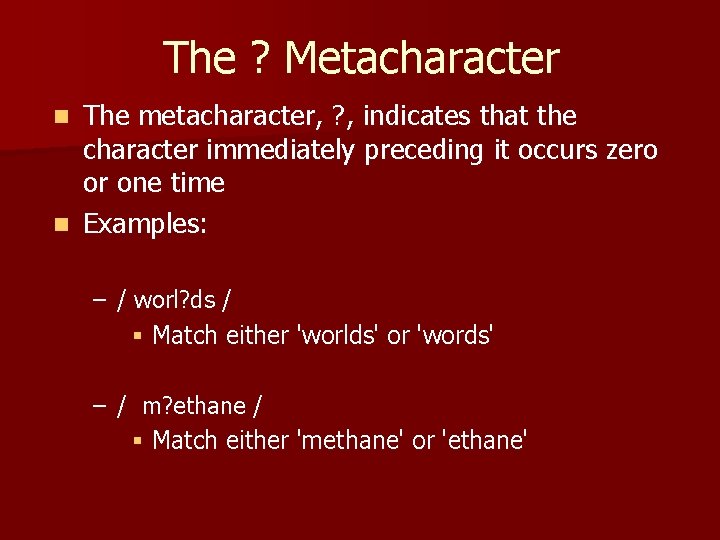
The ? Metacharacter The metacharacter, ? , indicates that the character immediately preceding it occurs zero or one time n Examples: n – / worl? ds / § Match either 'worlds' or 'words' – / m? ethane / § Match either 'methane' or 'ethane'
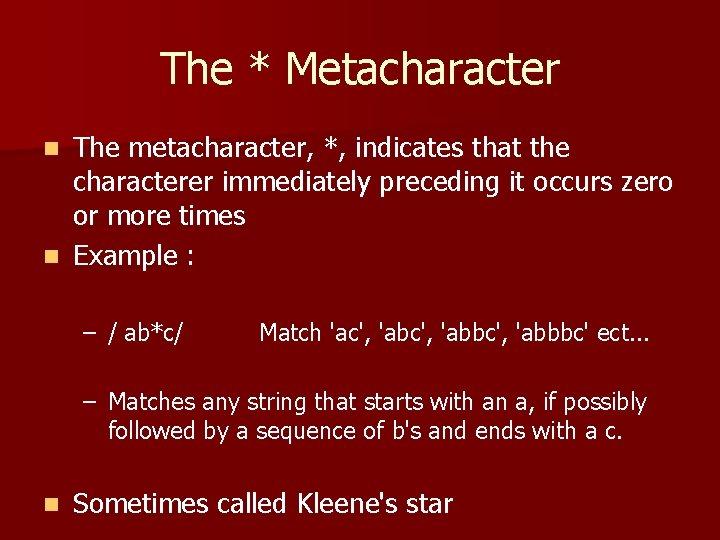
The * Metacharacter The metacharacter, *, indicates that the characterer immediately preceding it occurs zero or more times n Example : n – / ab*c/ Match 'ac', 'abbc', 'abbbc' ect. . . – Matches any string that starts with an a, if possibly followed by a sequence of b's and ends with a c. n Sometimes called Kleene's star
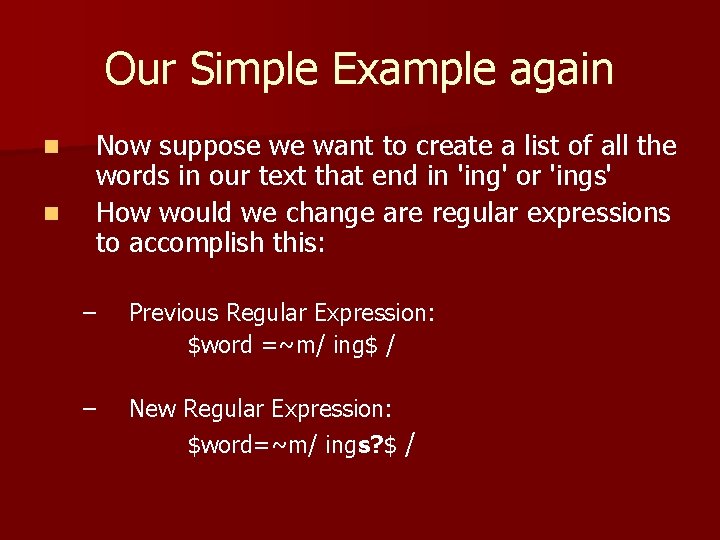
Our Simple Example again n n Now suppose we want to create a list of all the words in our text that end in 'ing' or 'ings' How would we change are regular expressions to accomplish this: – Previous Regular Expression: $word =~m/ ing$ / – New Regular Expression: $word=~m/ ings? $ /
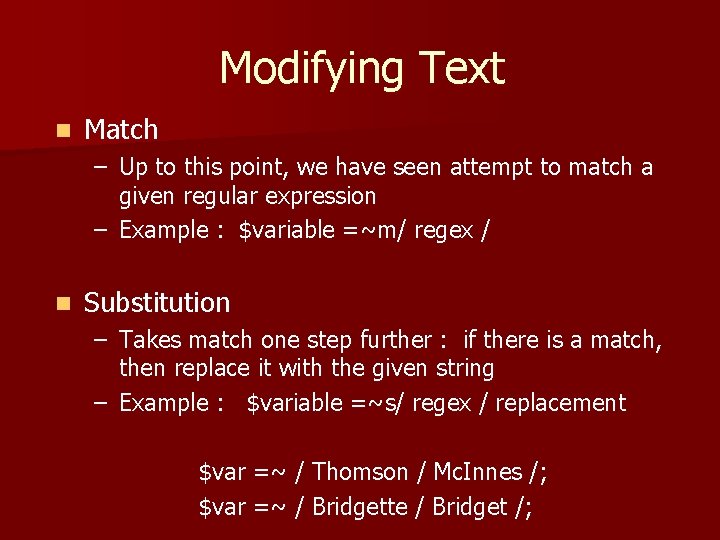
Modifying Text n Match – Up to this point, we have seen attempt to match a given regular expression – Example : $variable =~m/ regex / n Substitution – Takes match one step further : if there is a match, then replace it with the given string – Example : $variable =~s/ regex / replacement $var =~ / Thomson / Mc. Innes /; $var =~ / Bridgette / Bridget /;
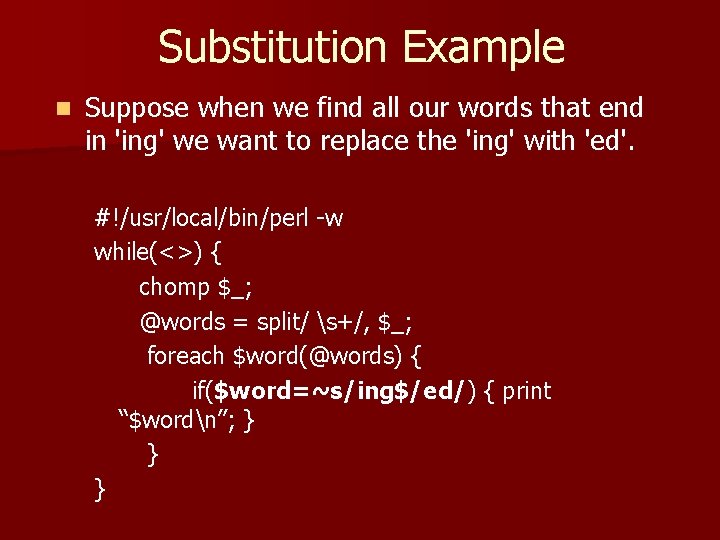
Substitution Example n Suppose when we find all our words that end in 'ing' we want to replace the 'ing' with 'ed'. #!/usr/local/bin/perl -w while(<>) { chomp $_; @words = split/ s+/, $_; foreach $word(@words) { if($word=~s/ing$/ed/) { print “$wordn”; } } }
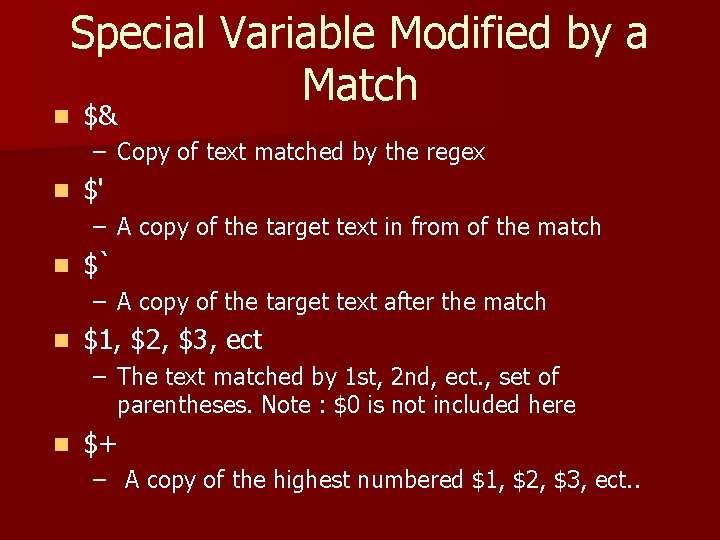
Special Variable Modified by a Match n $& – Copy of text matched by the regex n $' – A copy of the target text in from of the match n $` – A copy of the target text after the match n $1, $2, $3, ect – The text matched by 1 st, 2 nd, ect. , set of parentheses. Note : $0 is not included here n $+ – A copy of the highest numbered $1, $2, $3, ect. .
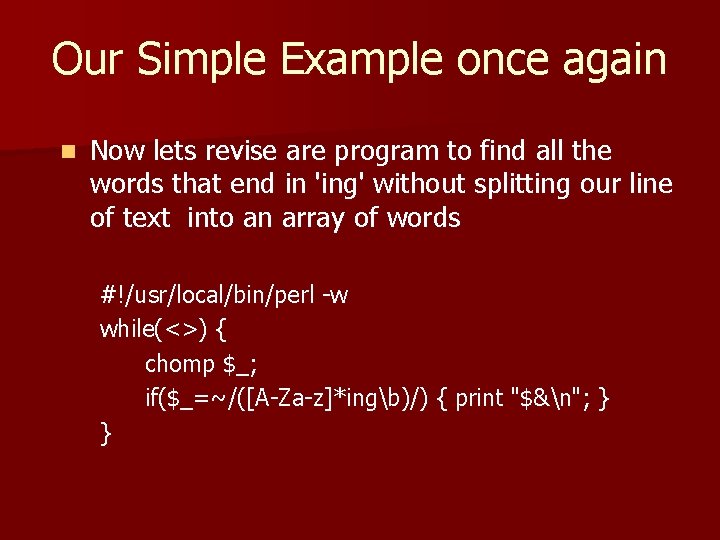
Our Simple Example once again n Now lets revise are program to find all the words that end in 'ing' without splitting our line of text into an array of words #!/usr/local/bin/perl -w while(<>) { chomp $_; if($_=~/([A-Za-z]*ingb)/) { print "$&n"; } }
![Example #!/usr/local/bin $exp = <STDIN>; chomp $exp; if($exp=~/^([A-Za-z+s)*bcraveb(s[A-Za-z]+)*/) { print “$1n”; print “$2n”; }](http://slidetodoc.com/presentation_image/2ebce889397b0f511192437bae523588/image-35.jpg "Example #!/usr/local/bin $exp = <STDIN>; chomp $exp; if($exp=~/^([A-Za-z+s)*bcraveb(s[A-Za-z]+)*/) { print “$1n”; print “$2n”; }")
Example #!/usr/local/bin $exp = <STDIN>; chomp $exp; if($exp=~/^([A-Za-z+s)*bcraveb(s[A-Za-z]+)*/) { print “$1n”; print “$2n”; } – Run Program with string : I crave to rule the world! – Results: §I § to rule the world!
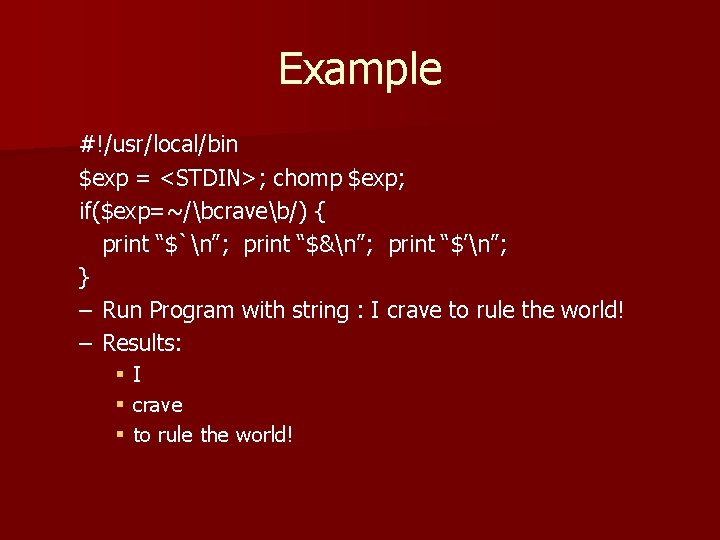
Example #!/usr/local/bin $exp = <STDIN>; chomp $exp; if($exp=~/bcraveb/) { print “$`n”; print “$&n”; print “$’n”; } – Run Program with string : I crave to rule the world! – Results: §I § crave § to rule the world!

Thank you
- Slides: 37